Configuring calendars for production and delivery restrictions
As administrators, you are able to configure calendars allowing you to assign days where you are not able to perform either production or delivery activities. This could be, for example, public holidays or when your equipment is offline for maintenance.
Calendars can be assigned to production restriction or delivery restriction configurations, ensuring they take the configured calendar days into account when calculating necessary dates.
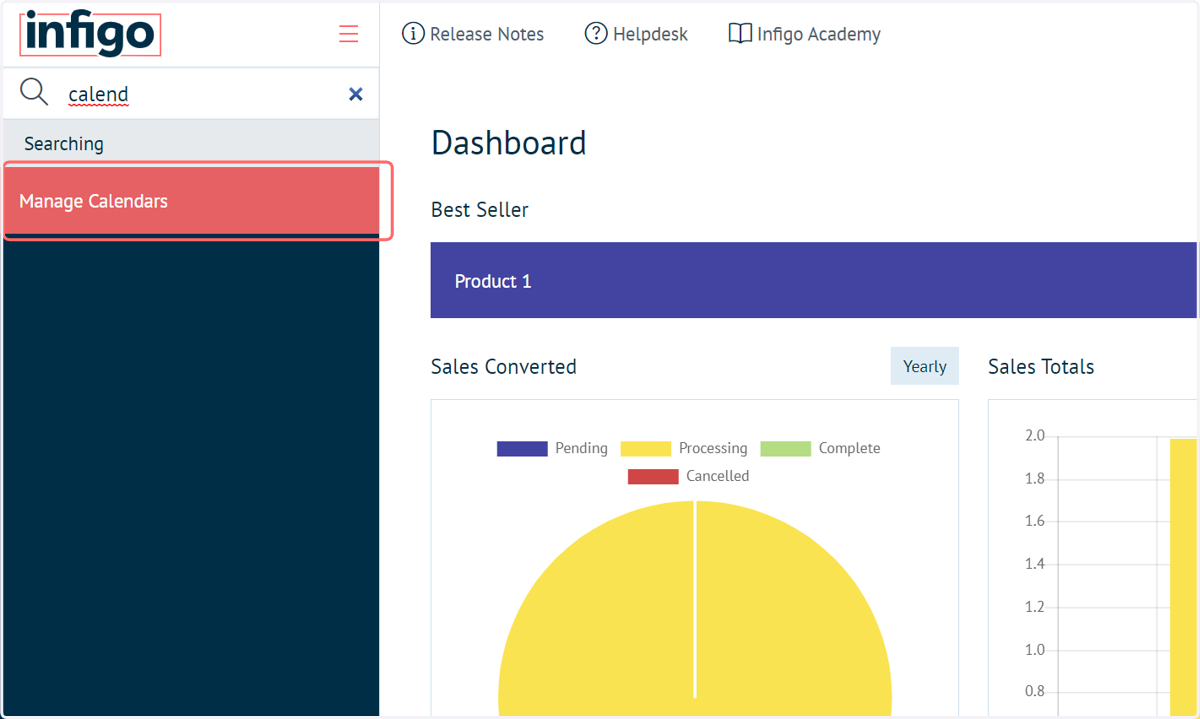
1. Navigate to Manage Calendars
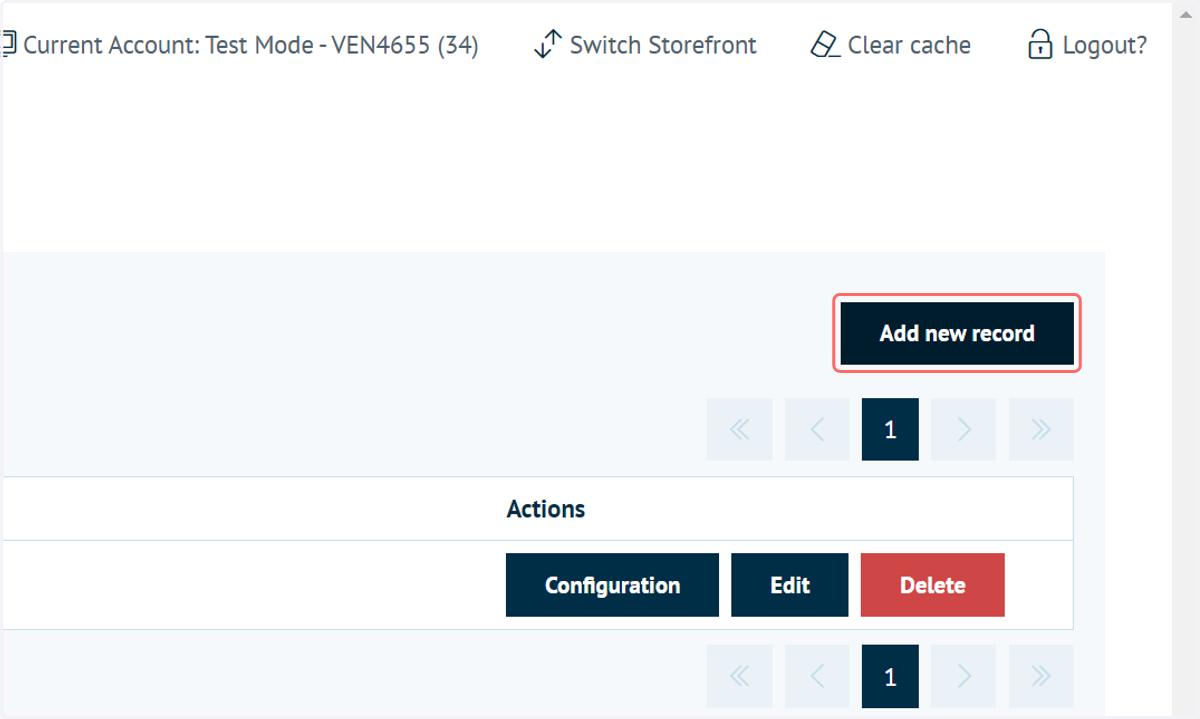
2. Click on Add new record
3. Enter a name for your calendar
Multiple calendars can be specified.
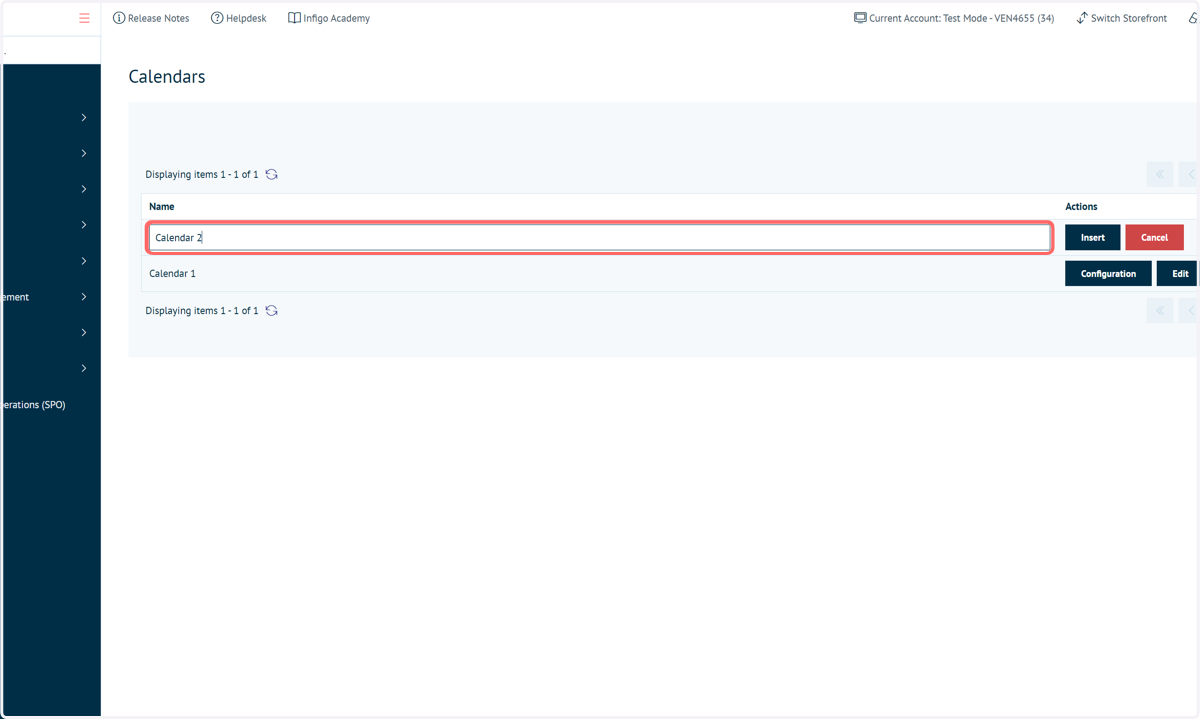
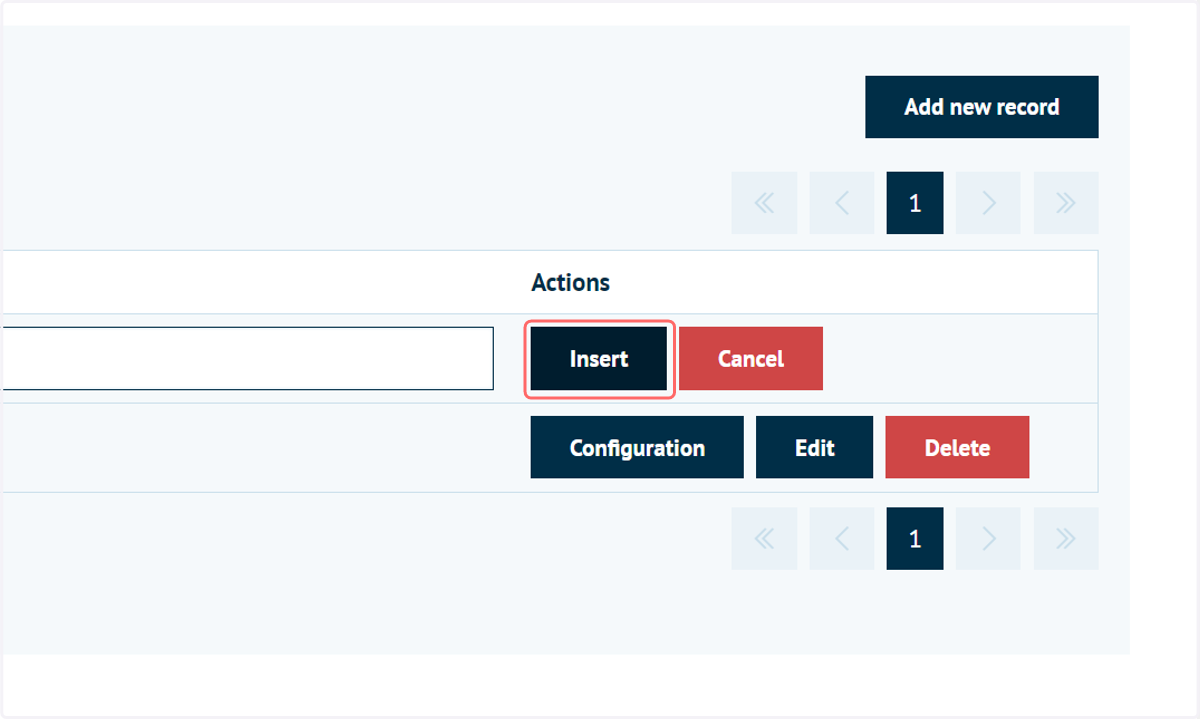
4. Click on Insert
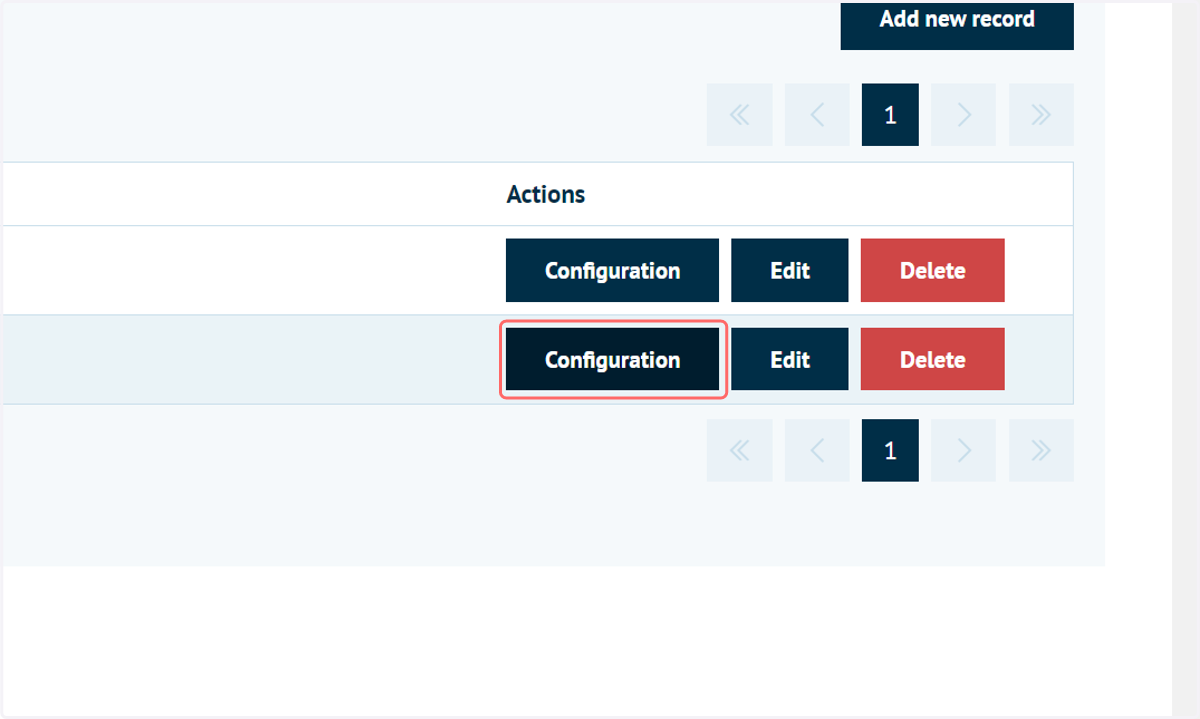
5. Click on Configuration
6. Calendar screen
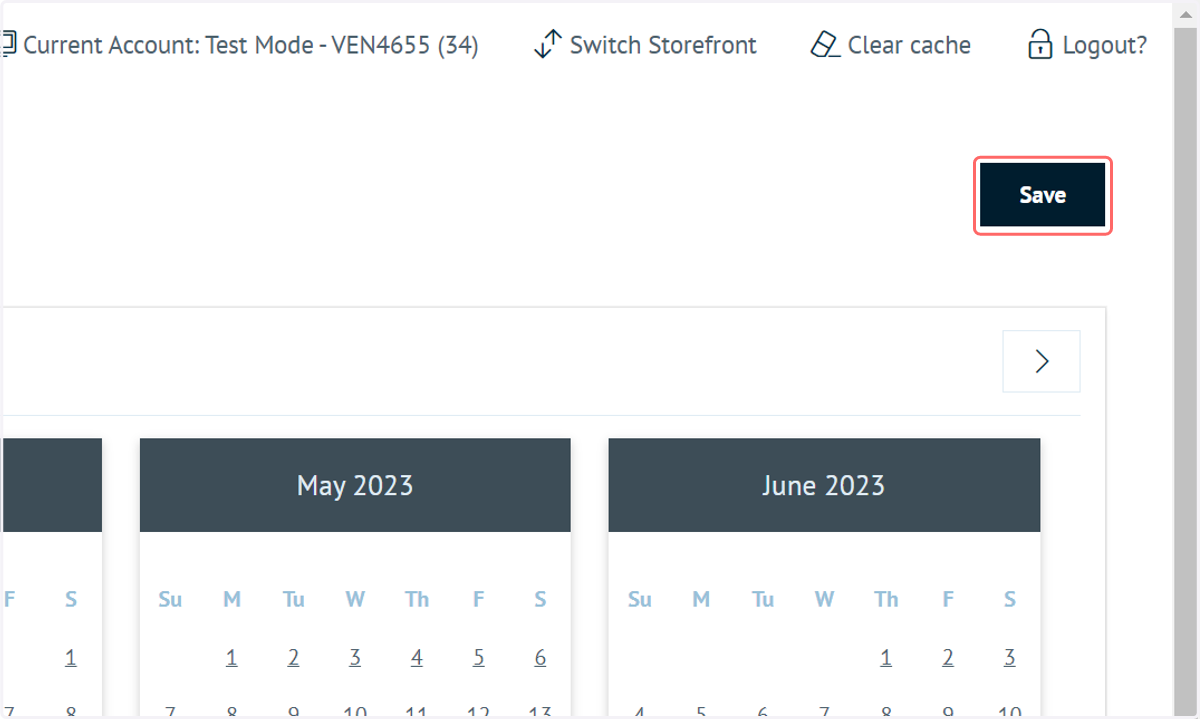
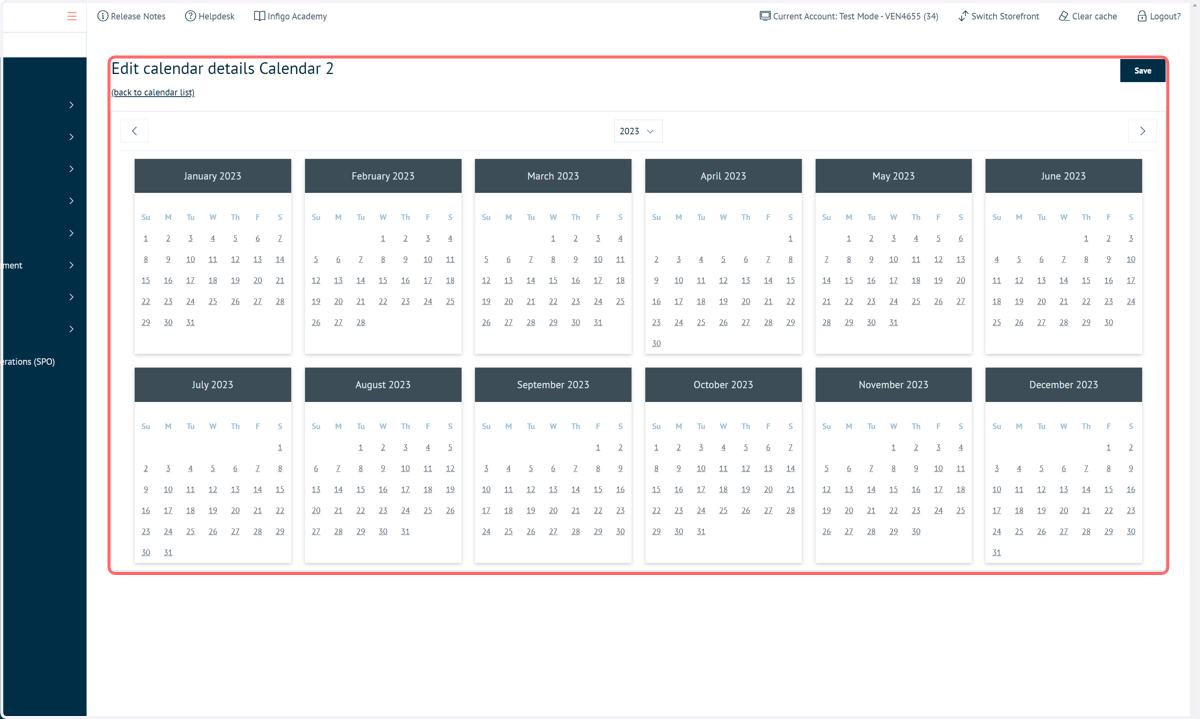
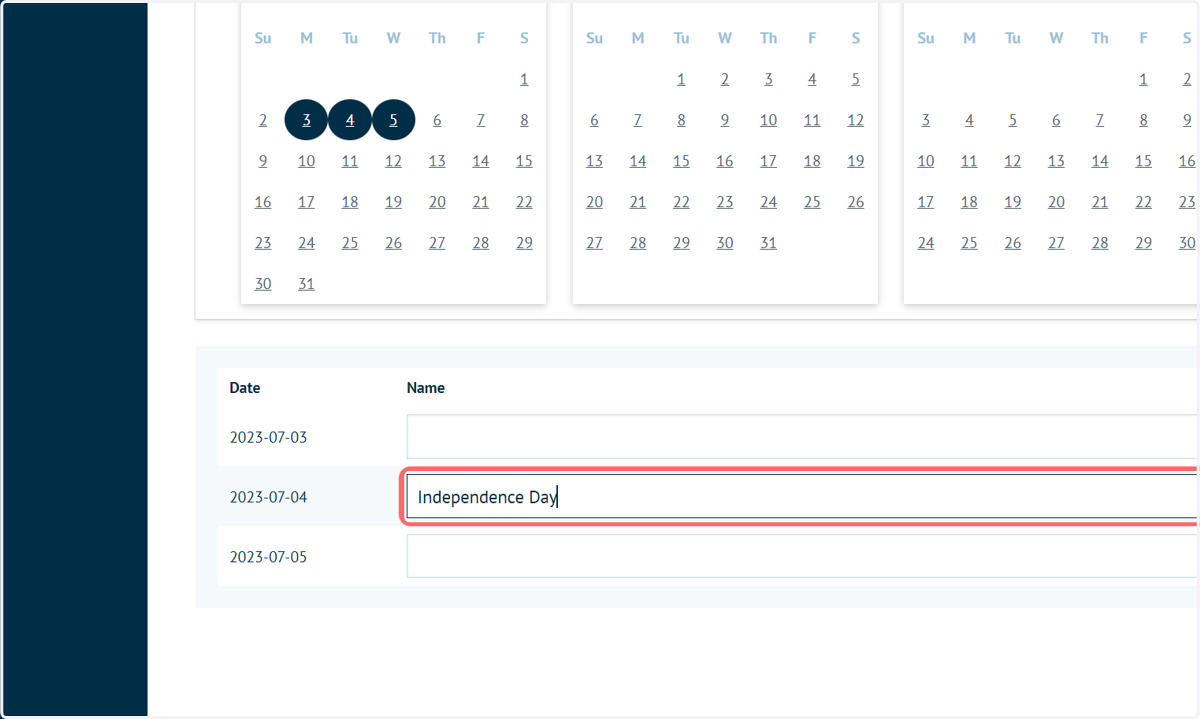
You are presented with a calendar screen, showing months and days.
From here, you are able to mark the days you would like to designate as non-execution days on the calendar screen which appears by simply clicking on the days.
7. Click on the days to mark as non-execution days
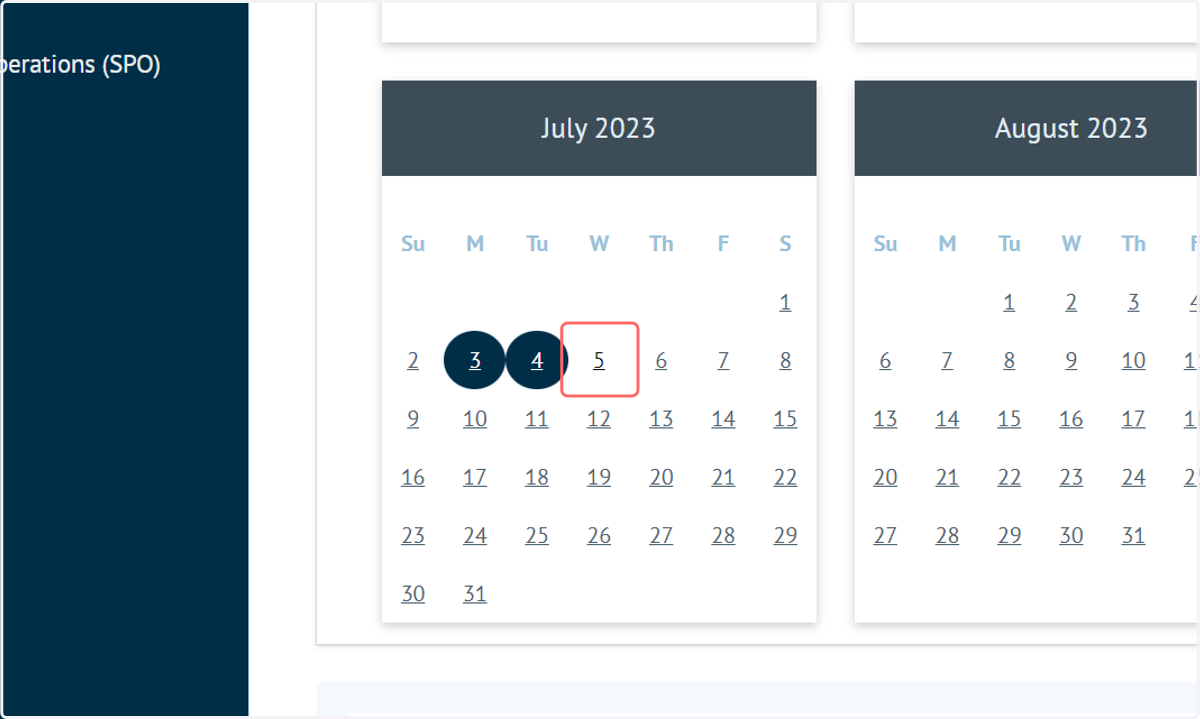
8. You can identify designated days by the blue circles, and you can name the days and mark them as recurring, meaning that they will be taken into account each year.
9. Click on Save