Step 1: 2026 FIRST Championship - Begin the Team Room Block Process!
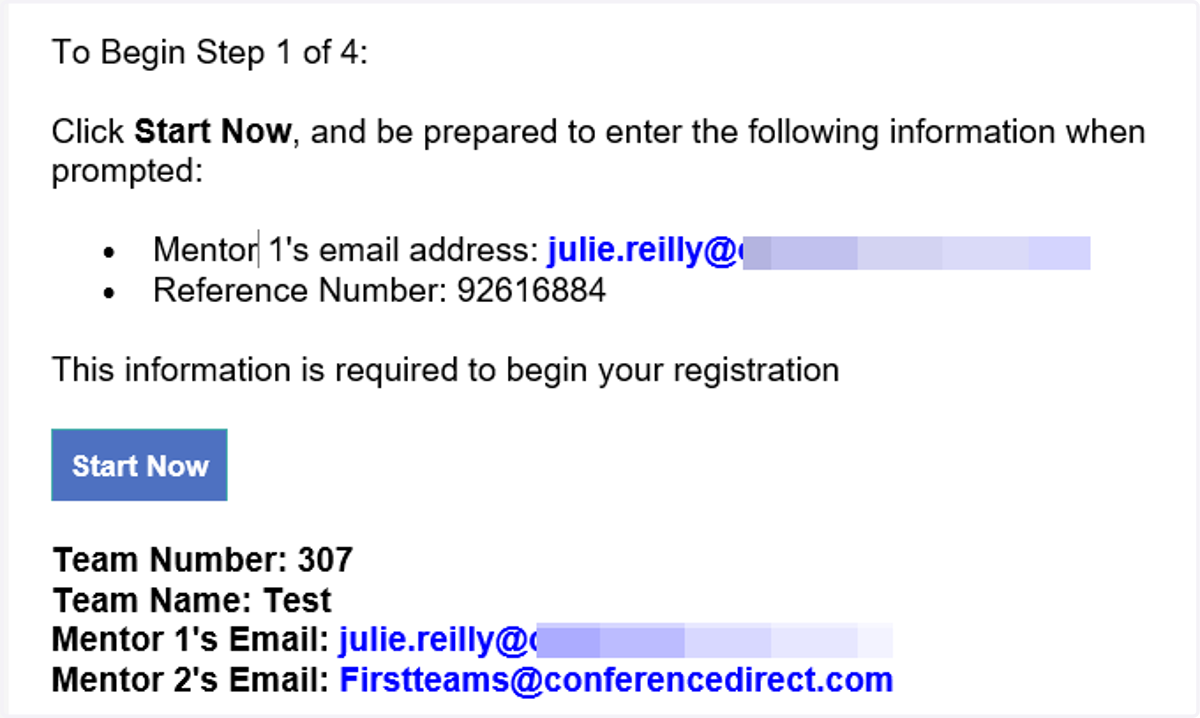
1. Click on the START NOW button in your invitation. START NOW will take you to the site for Step 1.
This is where you will find your email address & reference number in body of invitation. (The emails and reference number below are for example only!)
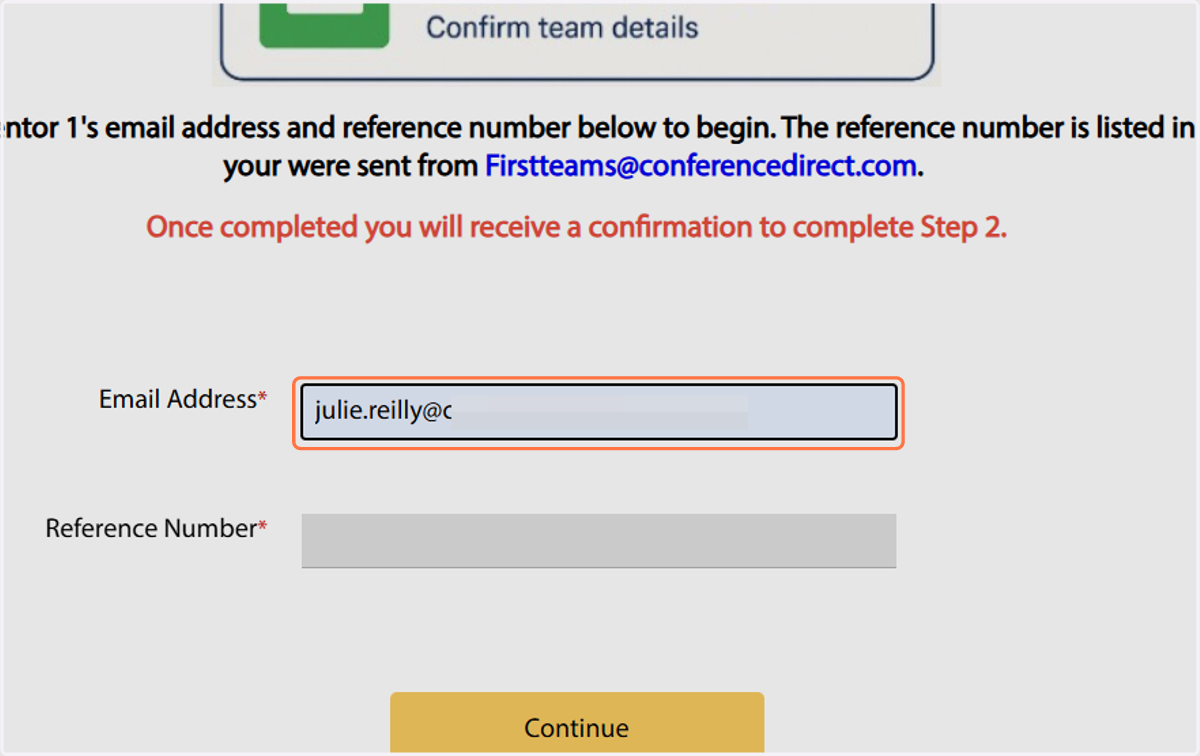
2. When you get to the Step 1 site, begin by typing the email address the invitation was sent to. You can find it in the body of your invitation.
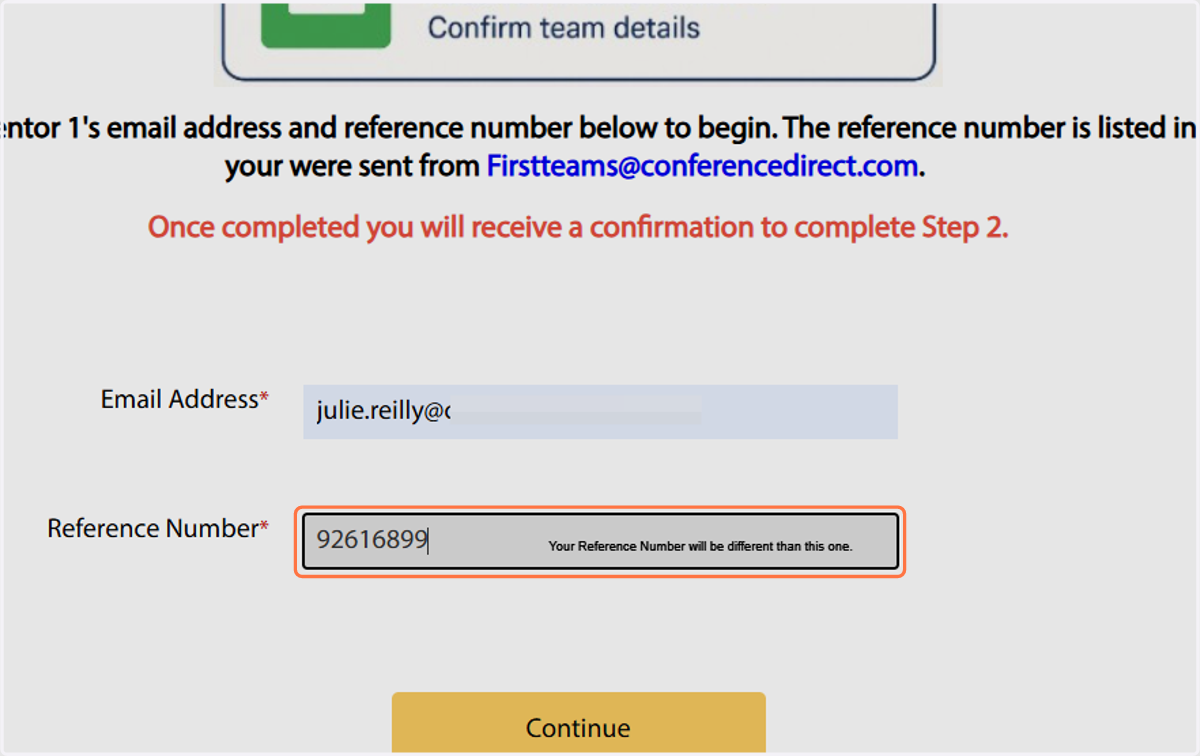
3. Type in your Reference Number. This is also found in the body of your invitation. Then Click on CONTINUE.
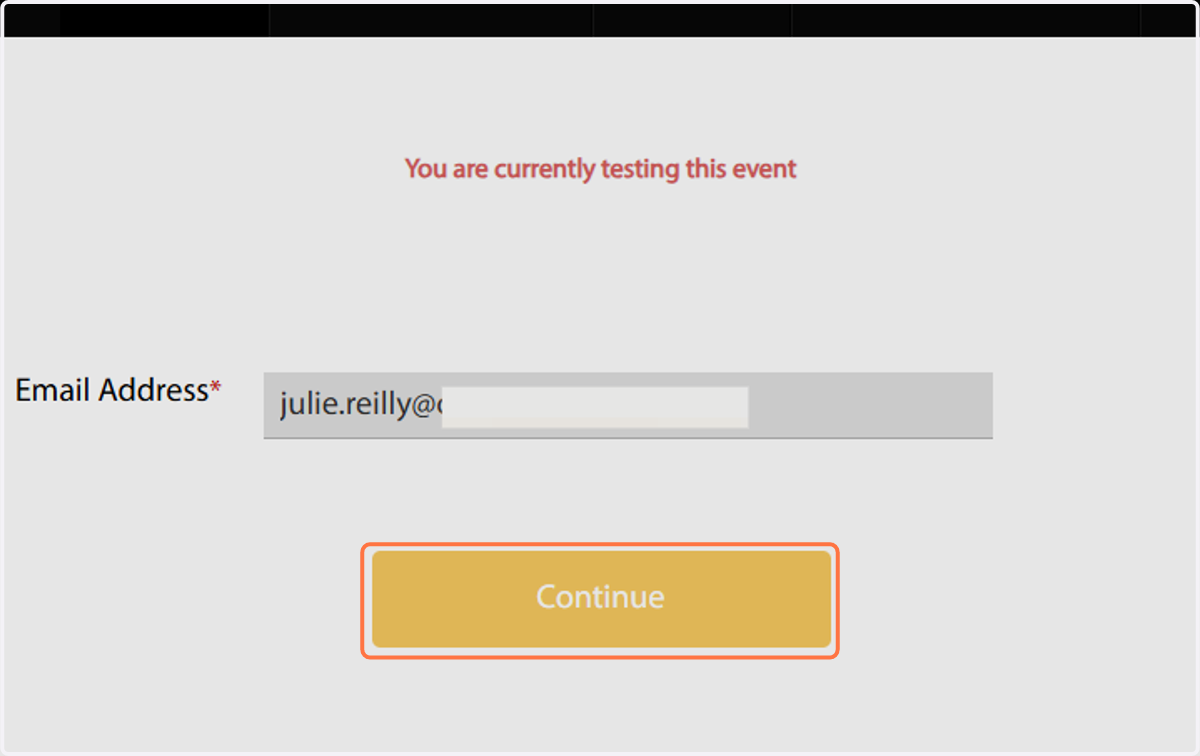
4. You will be asked to reverify your email address then Click on CONTINUE.
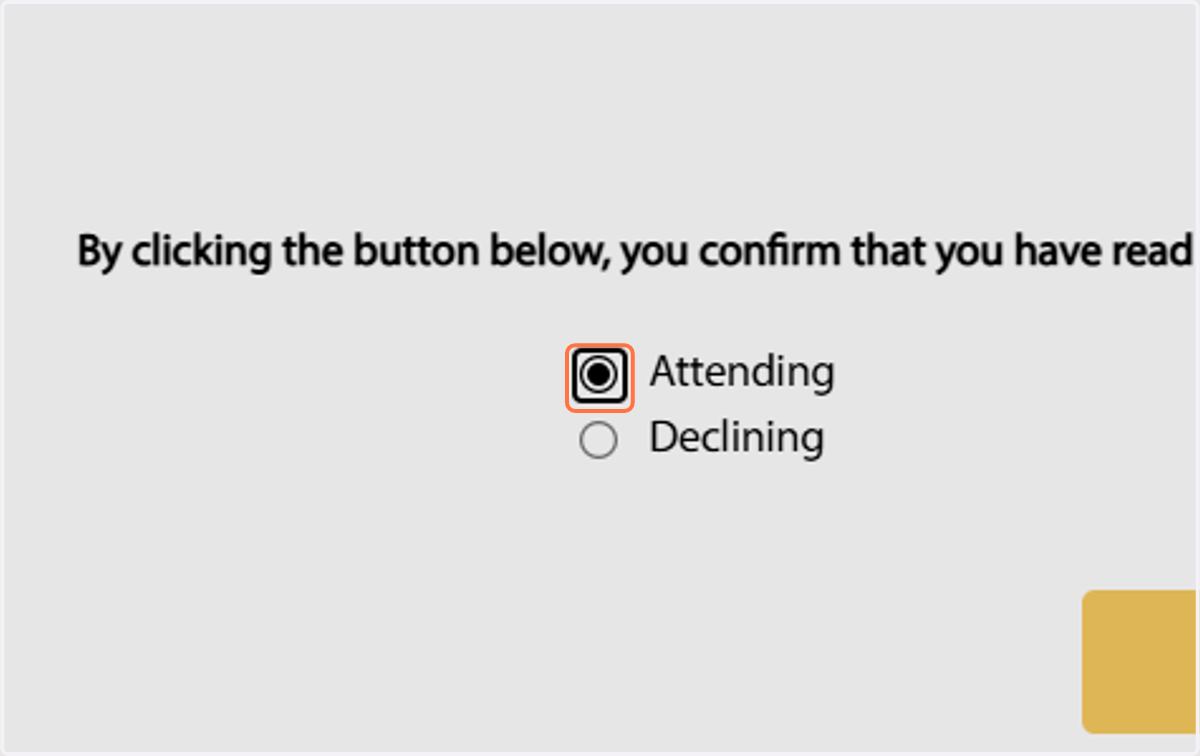
5. Select if you are "Attending" Championship or "Declining".
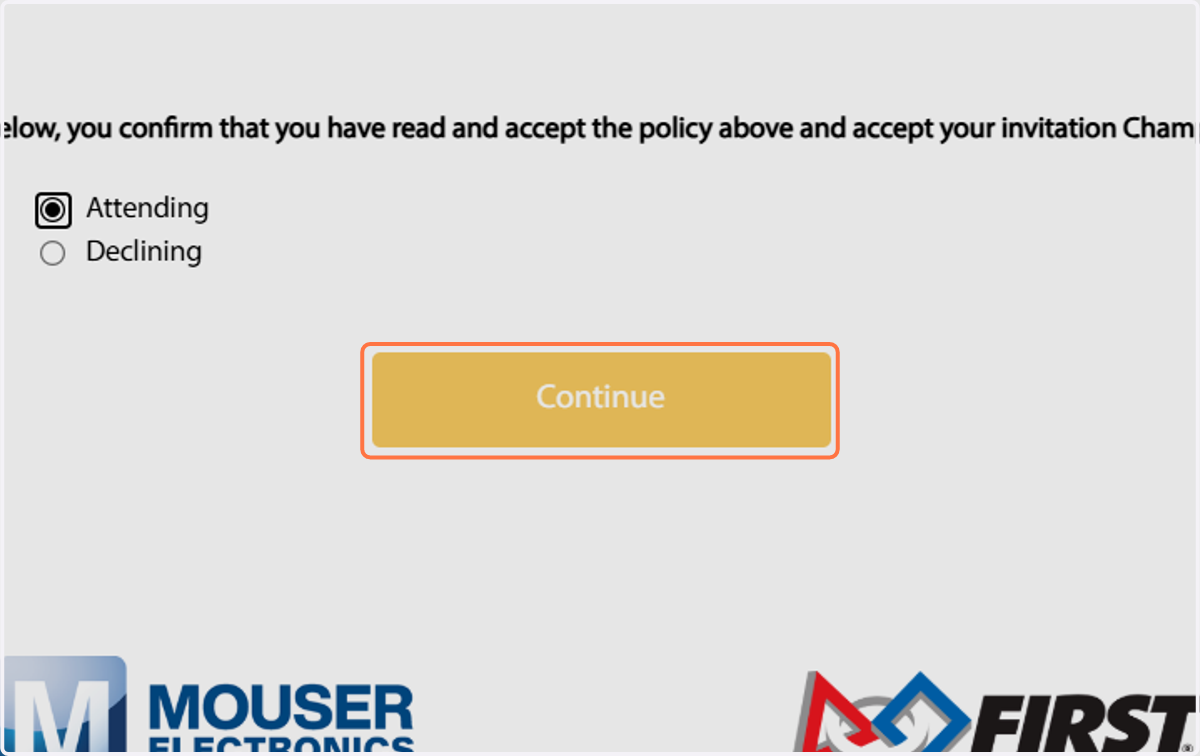
6. Click on CONTINUE.
7. Some data will be prefilled. Proceed with entering any missing information. Red asterisks = required information.
Required information includes: phone number, address, city/state/postal code, country
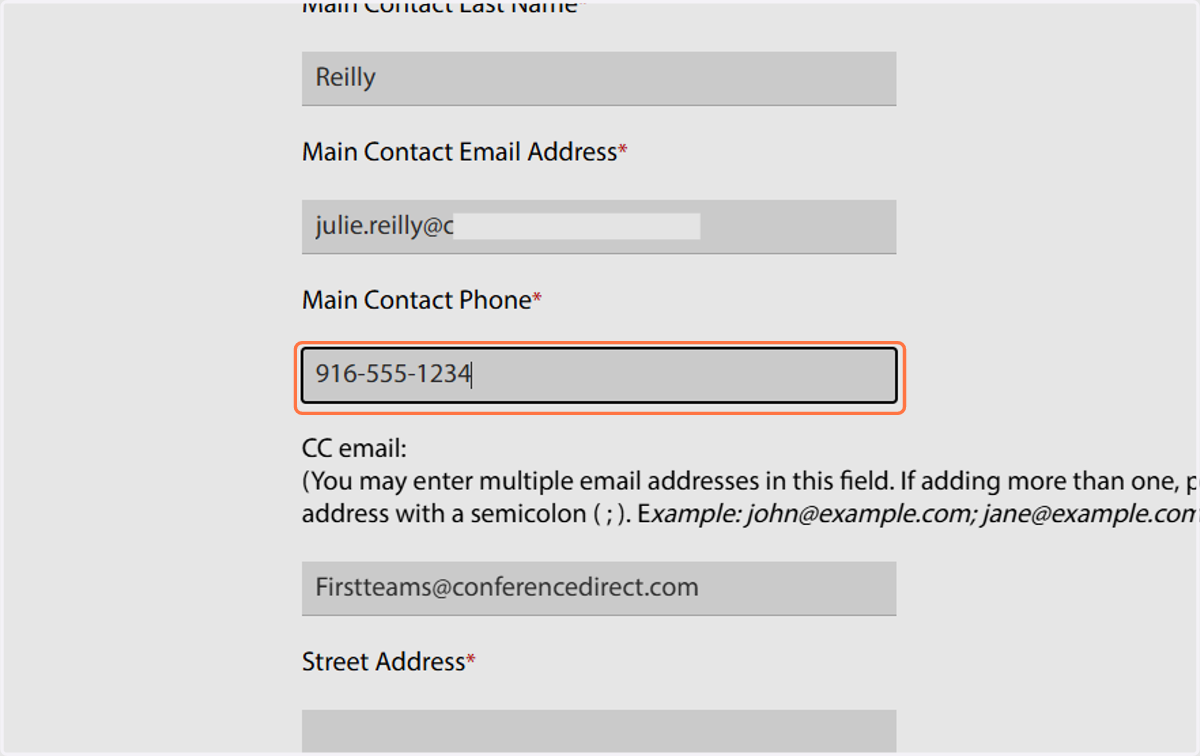
8. If the person from your team who will handle all housing is NOT you, or if you have a second person who will assist with housing, enter that person's name, email and phone number. If it is just you, fill in your information again.
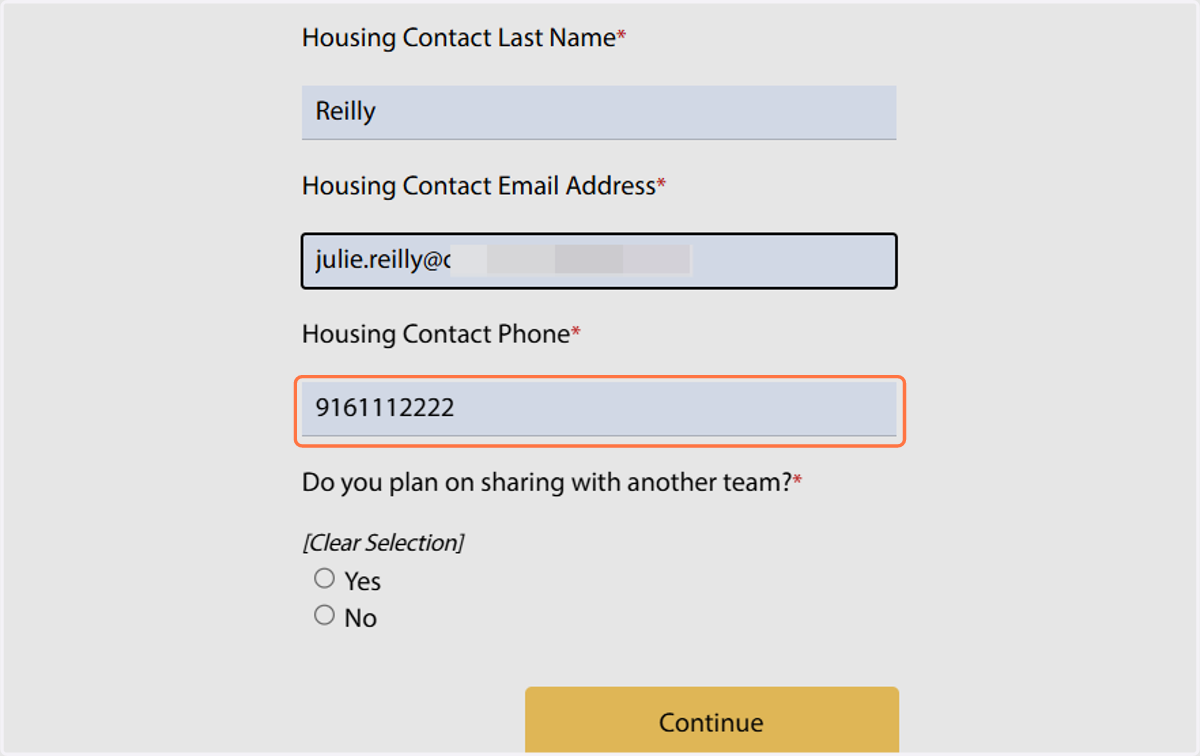
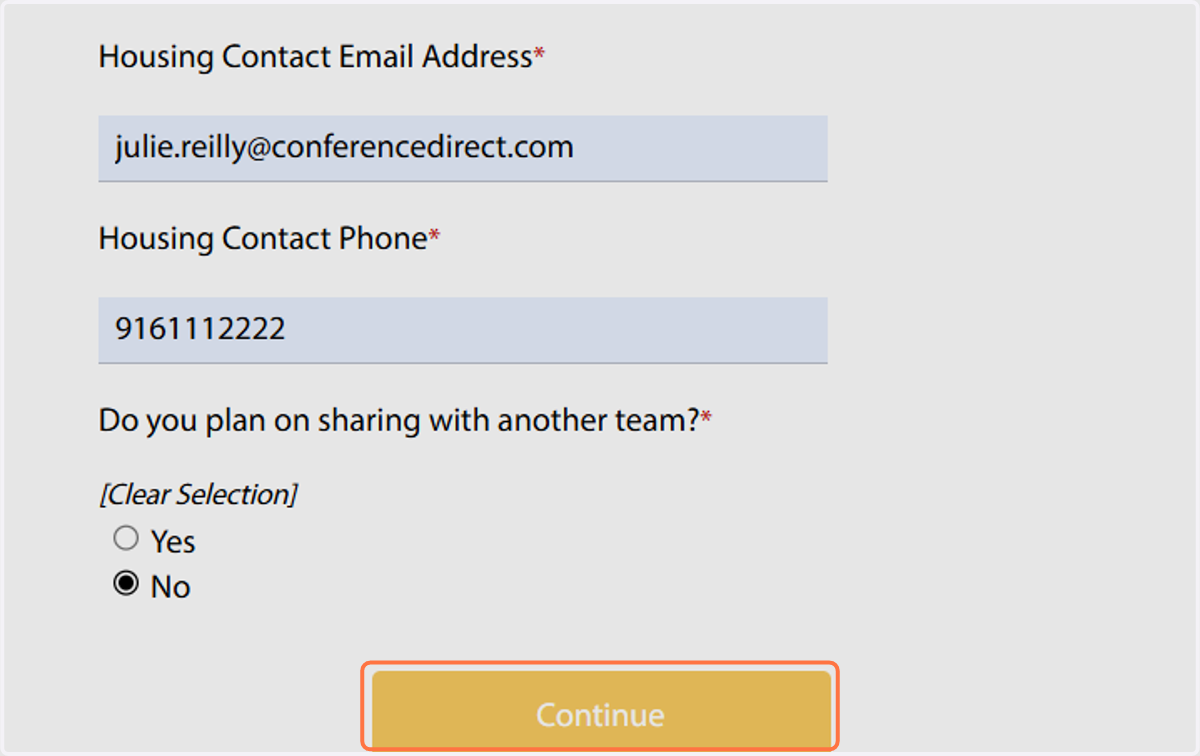
9. If you are handling room blocks for more than one team OR if you are traveling with another team (and want to stay in the same hotel), select YES. If not, select NO. Then click CONTINUE.
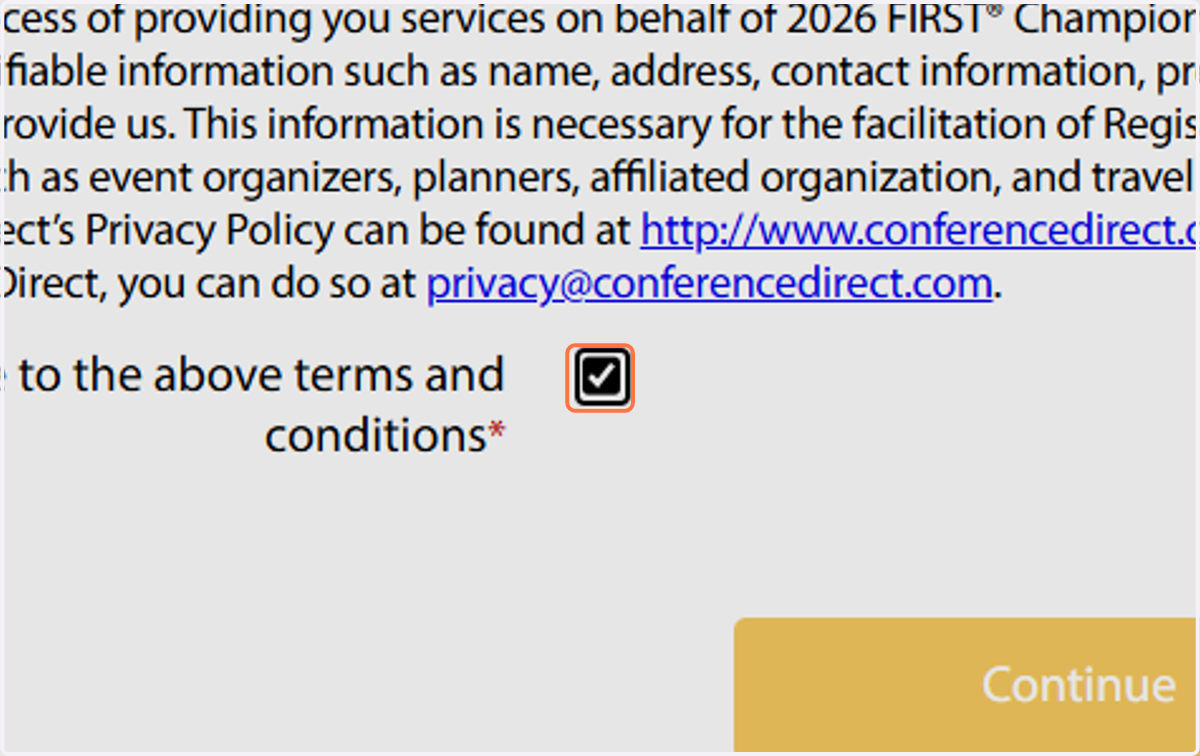
10. Check I agree to the above terms and conditions then click CONTINUE.
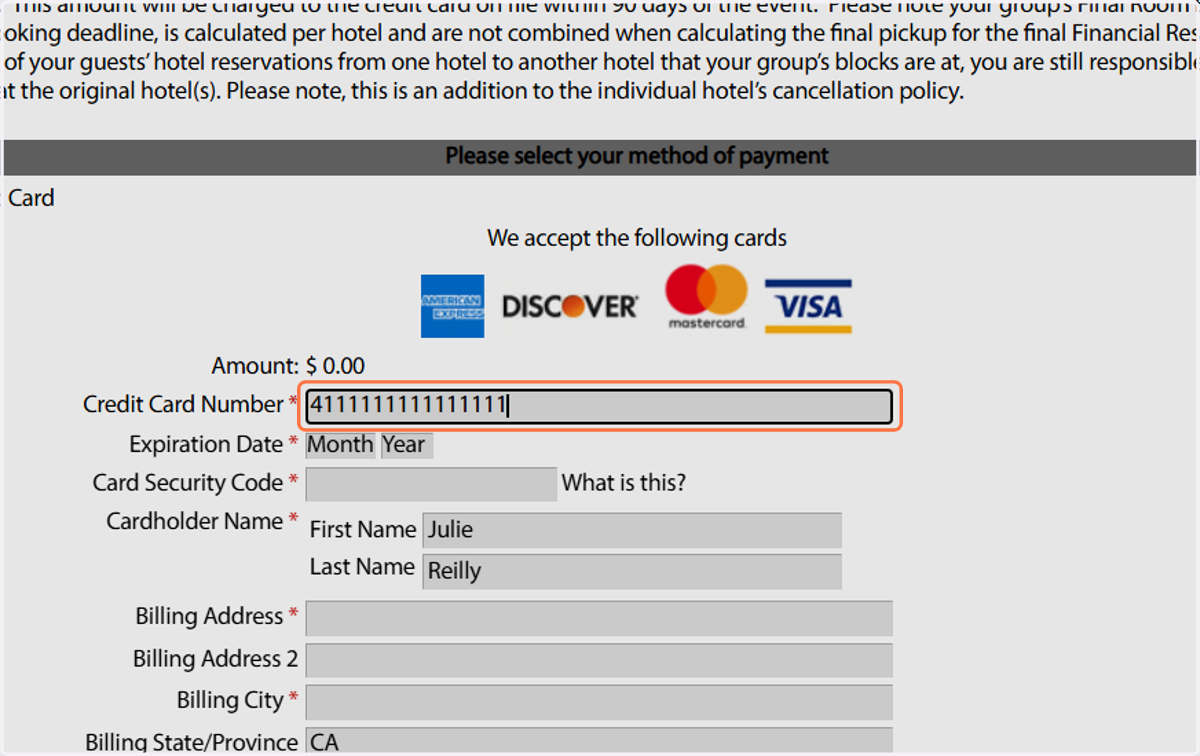
11. You are required to provide a valid credit card to process your room list and guarantee your reservations. This card can be changed later if needed. The card you provide MUST be valid through April 2026.
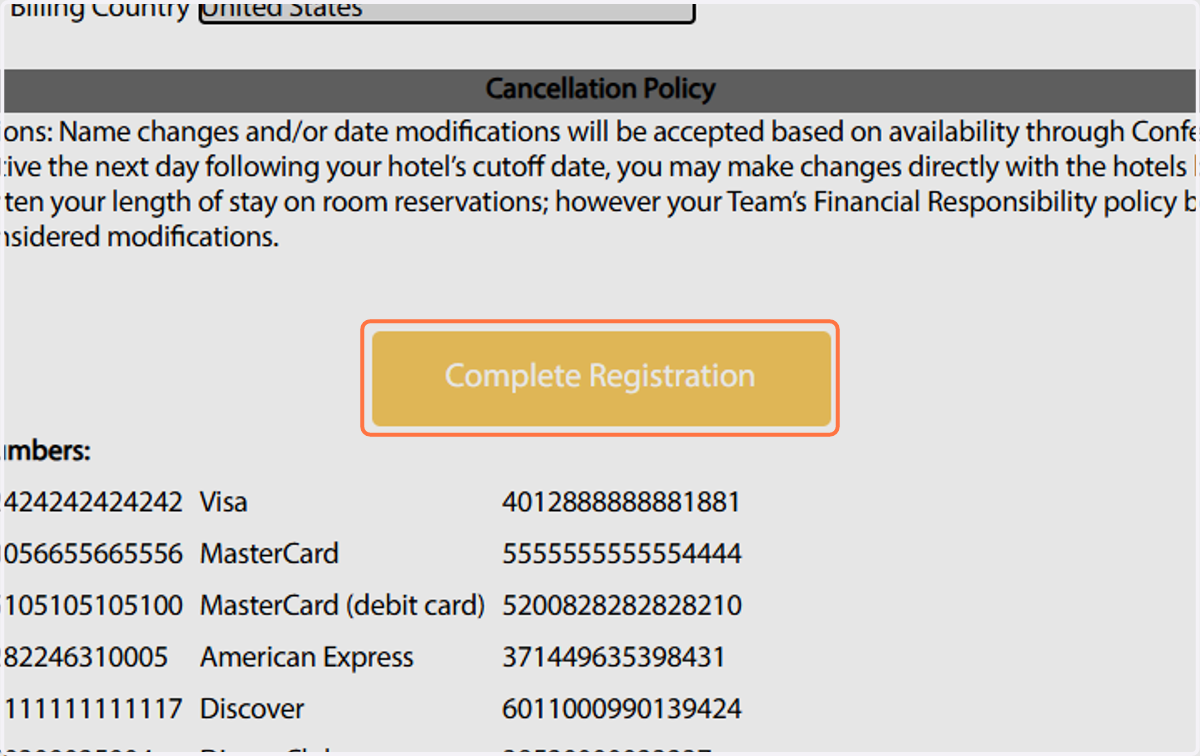
12. Click on Complete Registration. You will get a "receipt" for your submission and an email with your next steps.