Creating a Page
Brumfieldlabs
1. Navigate to your projects page in AudiAnnotate
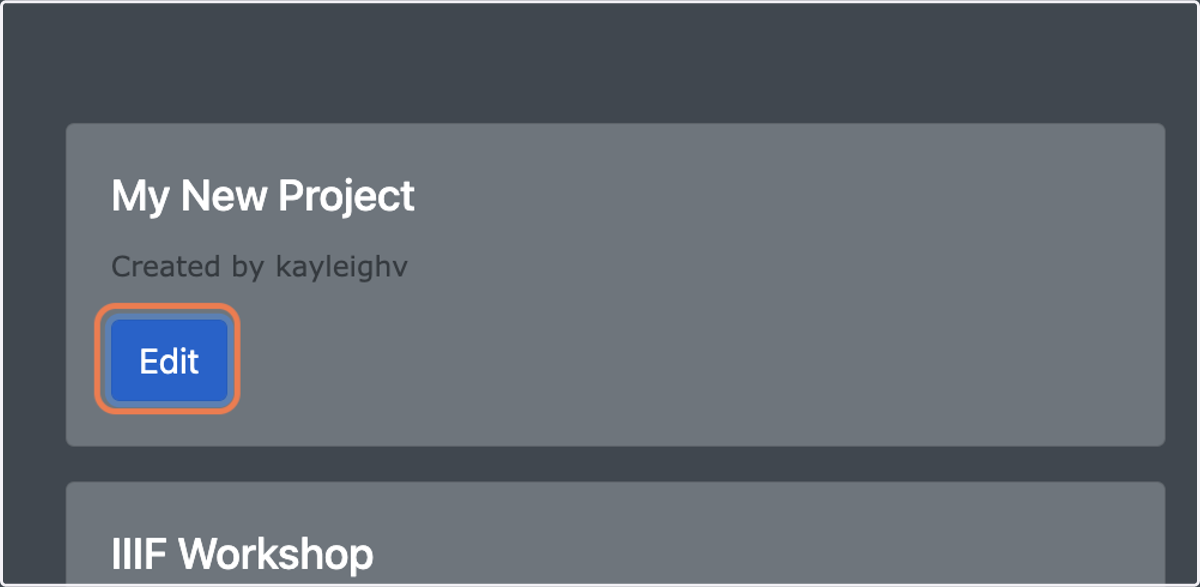
2. Select “Edit” for the appropriate project
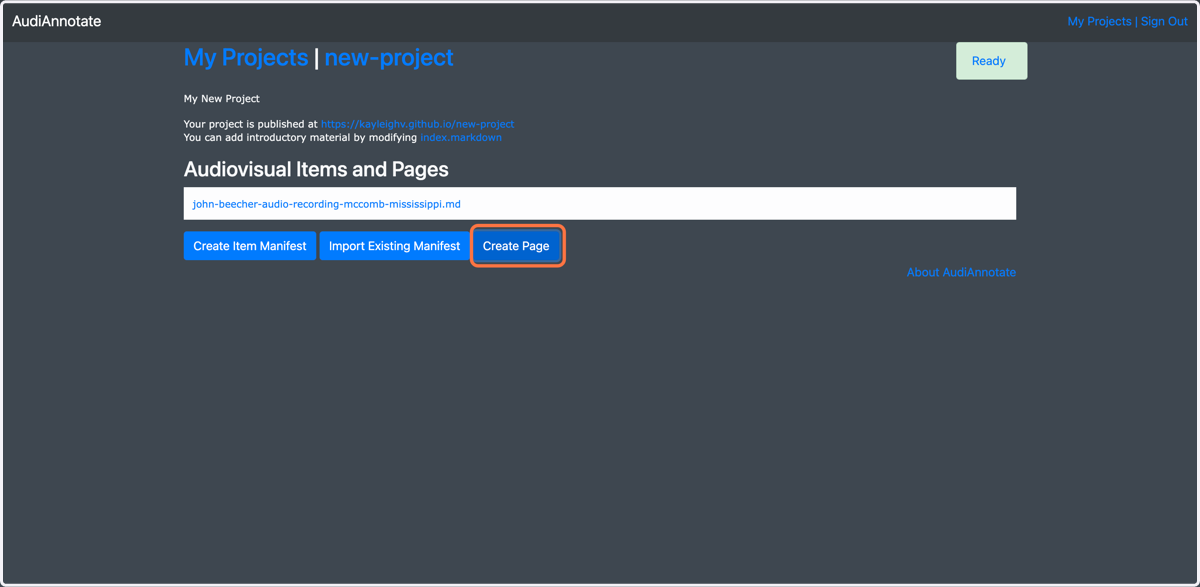
3. Select "Create Page"
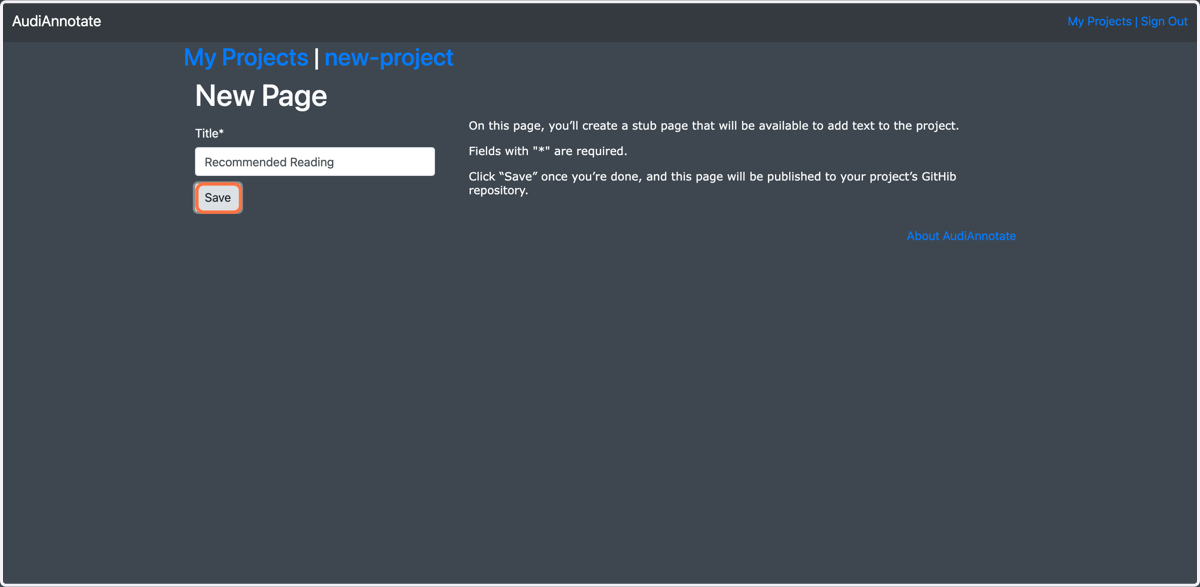
4. Give your page a title
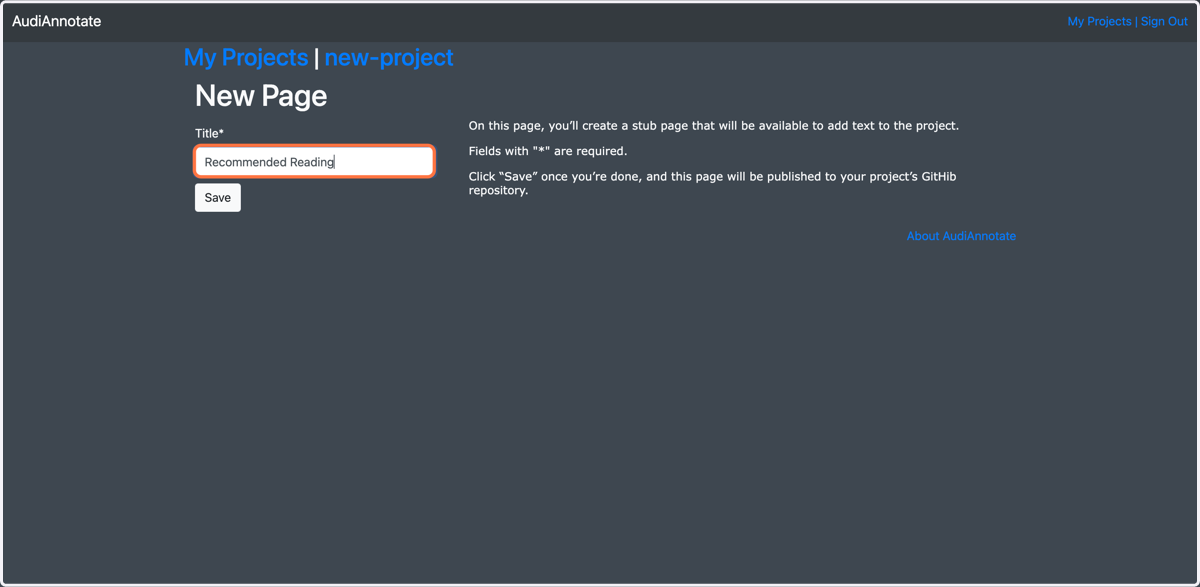
5. Select "Save"
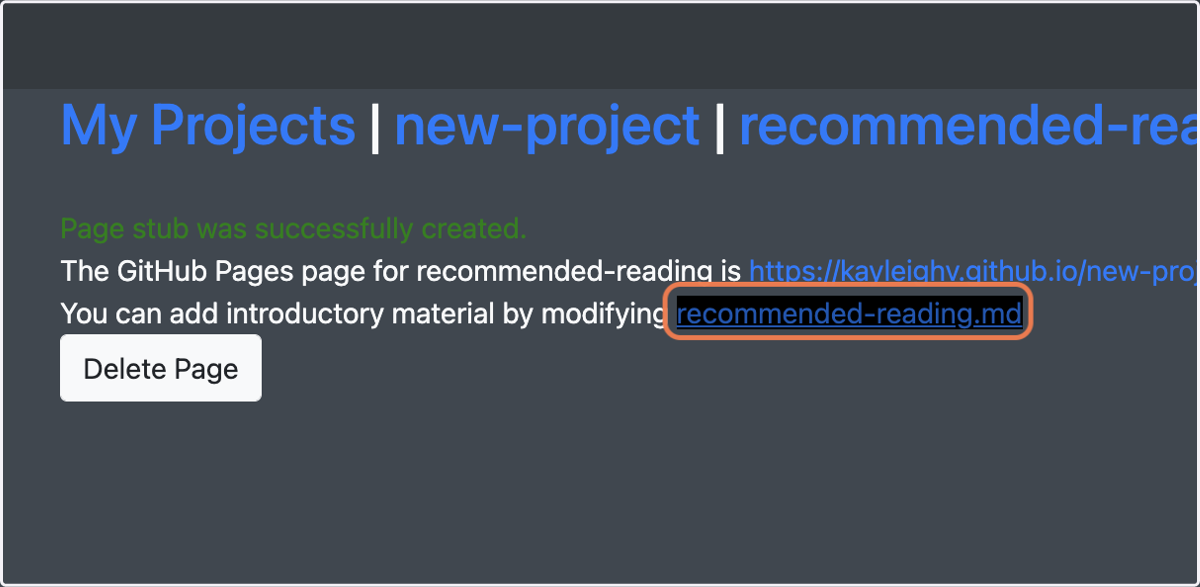
6. Open the index.markdown file by clicking the linked text
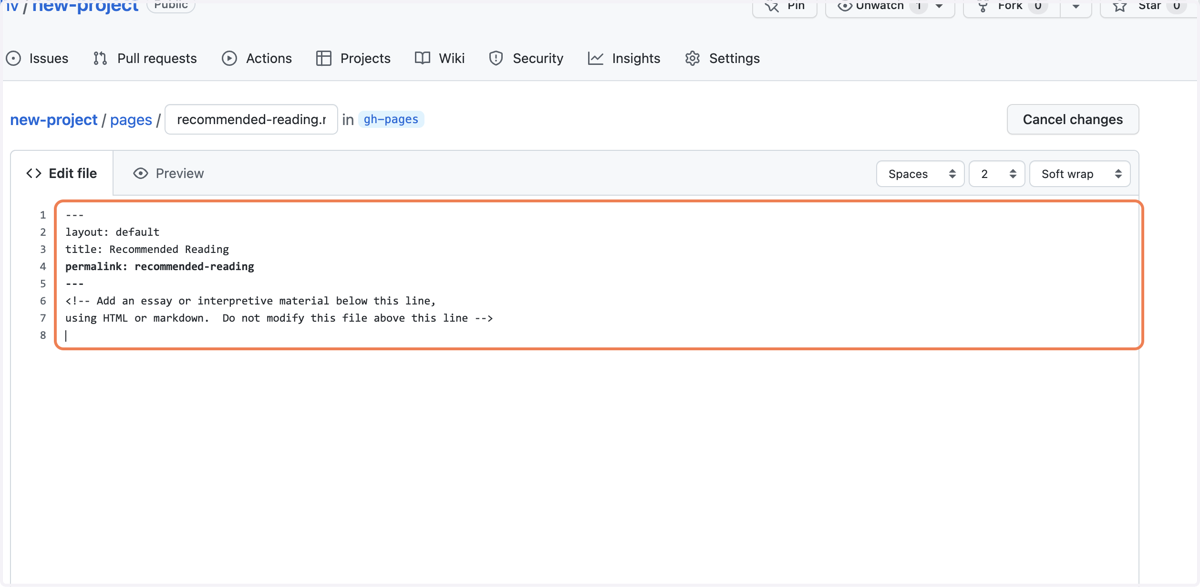
7. Enter your content below the dashed line in either HTML or markdown language
You can enter text, tables, images, links, etc.
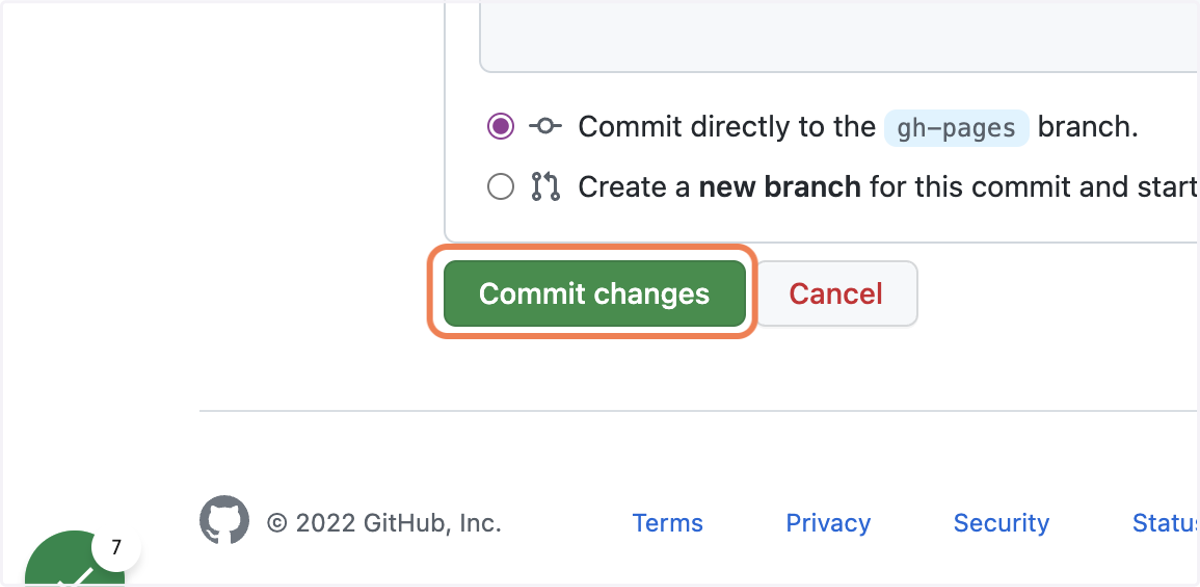
8. Select "Commit changes"