I can generate vendor payables from "To be reported" page
Haroldwaste
1. Go to Jules AI
2. In the "Invoices & Payables" menu, access the "Vendor payables" page. You can filter by status to see only the "Ongoing" and "Pending" reports
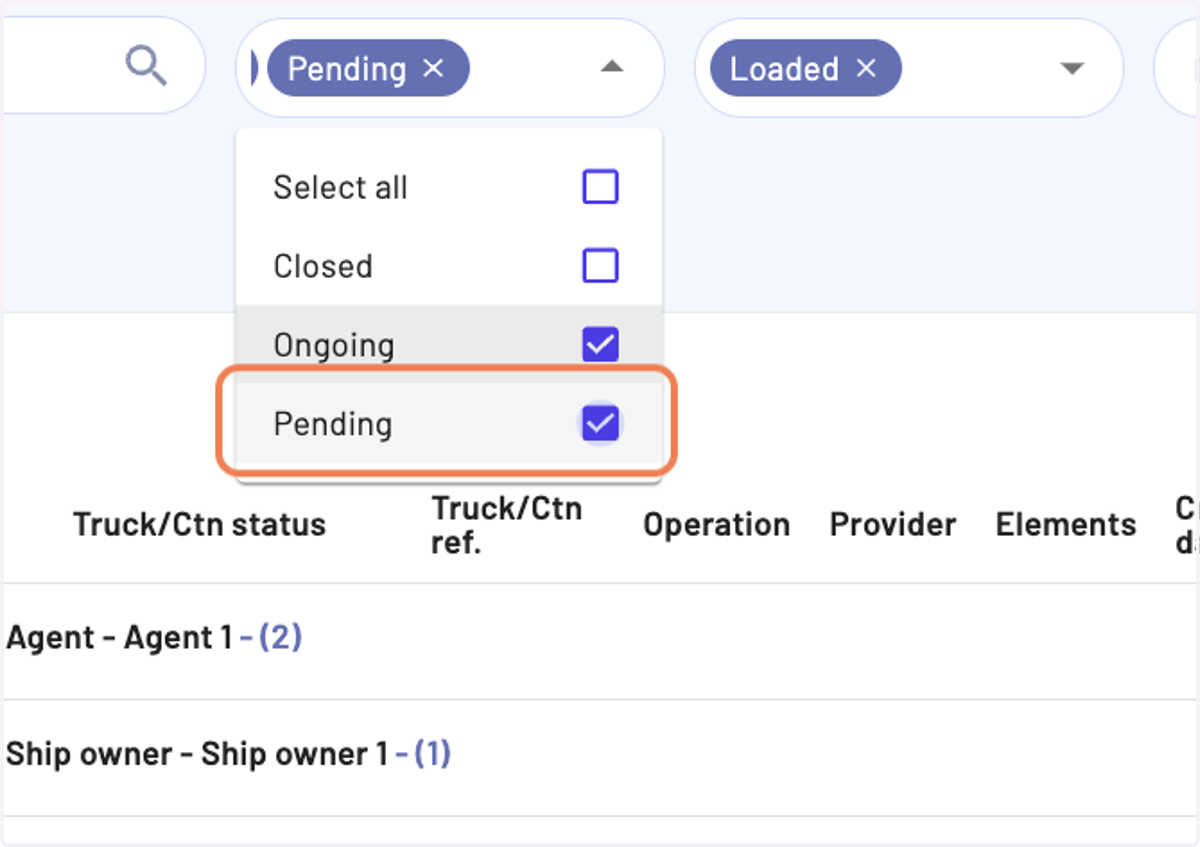
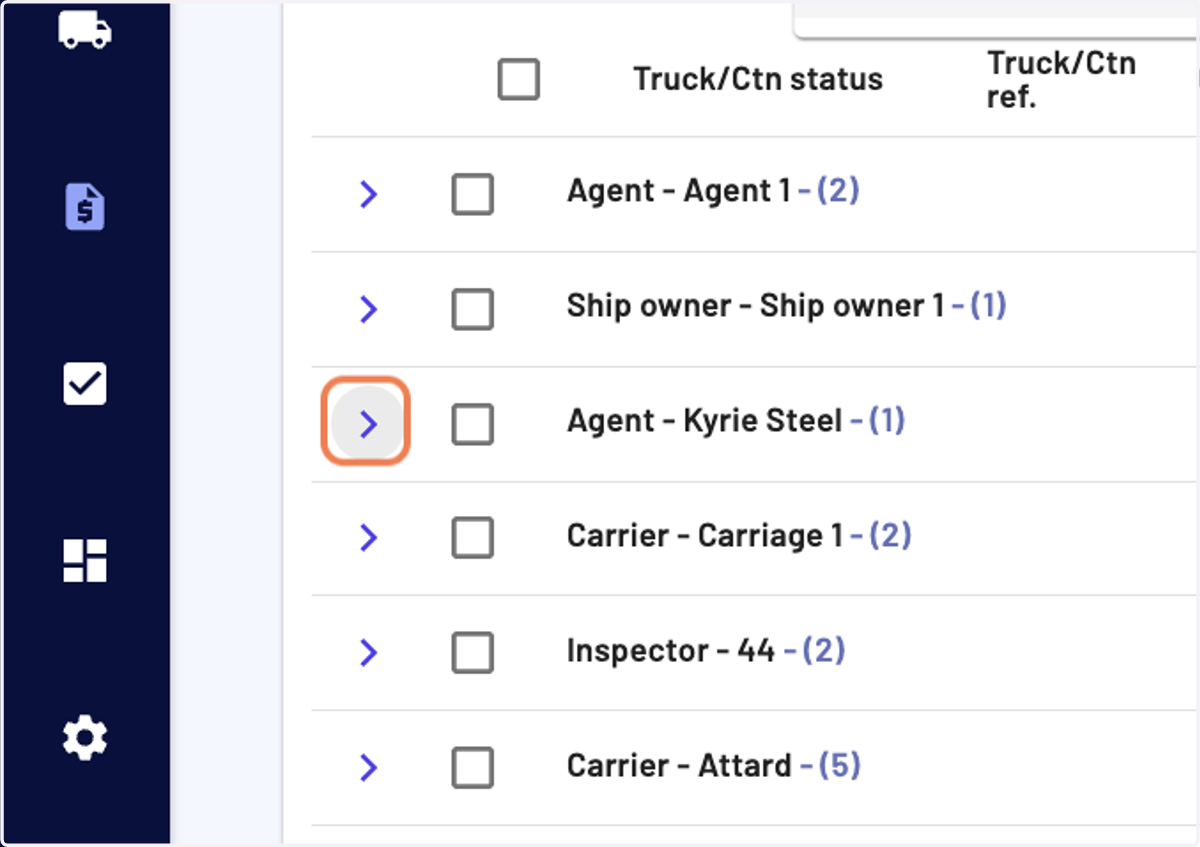
3. You can apply other data manipulation tools, such as searching, grouping, sorting and filtering
Here we have grouped by "Provider"
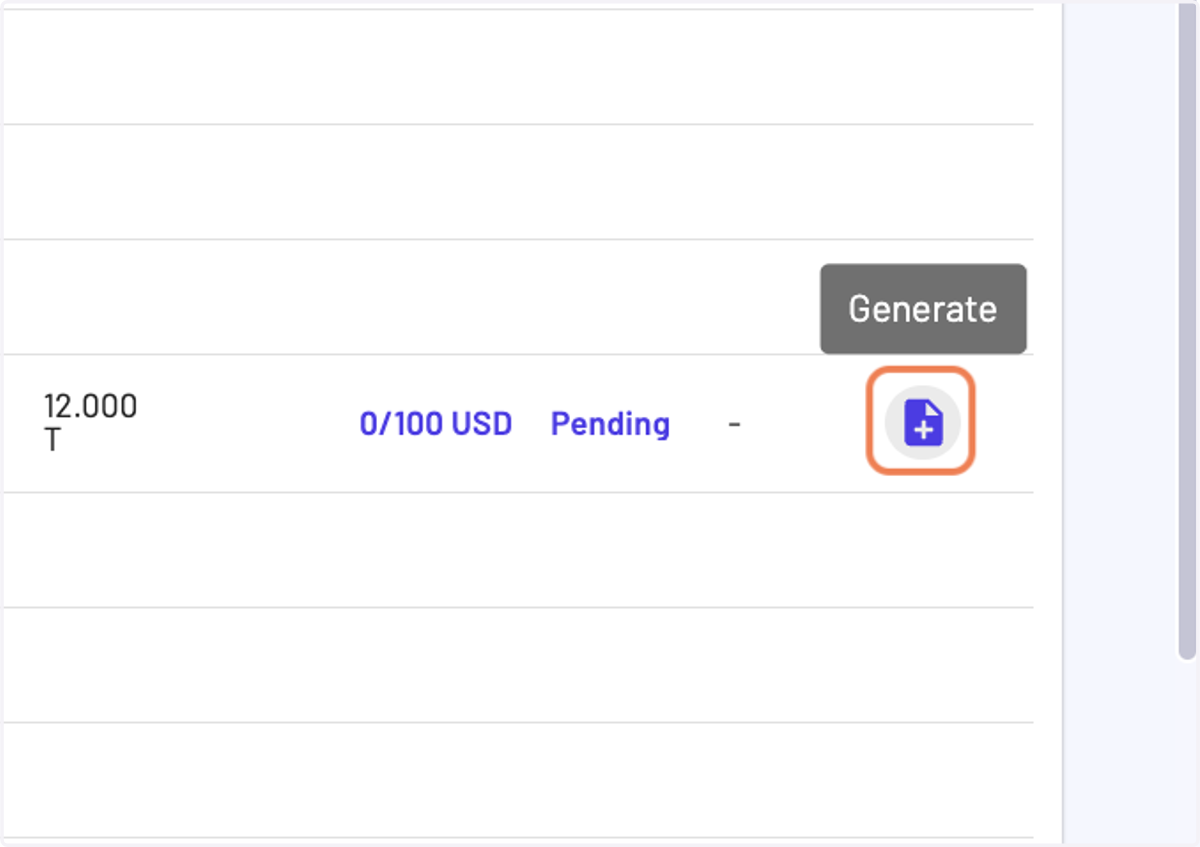
4. Once you have made your selection, you can either click at the end of a line on the "Generate" button or in the bulk action icons on the "Generate" button
Bulk action buttons are on the top right of the table
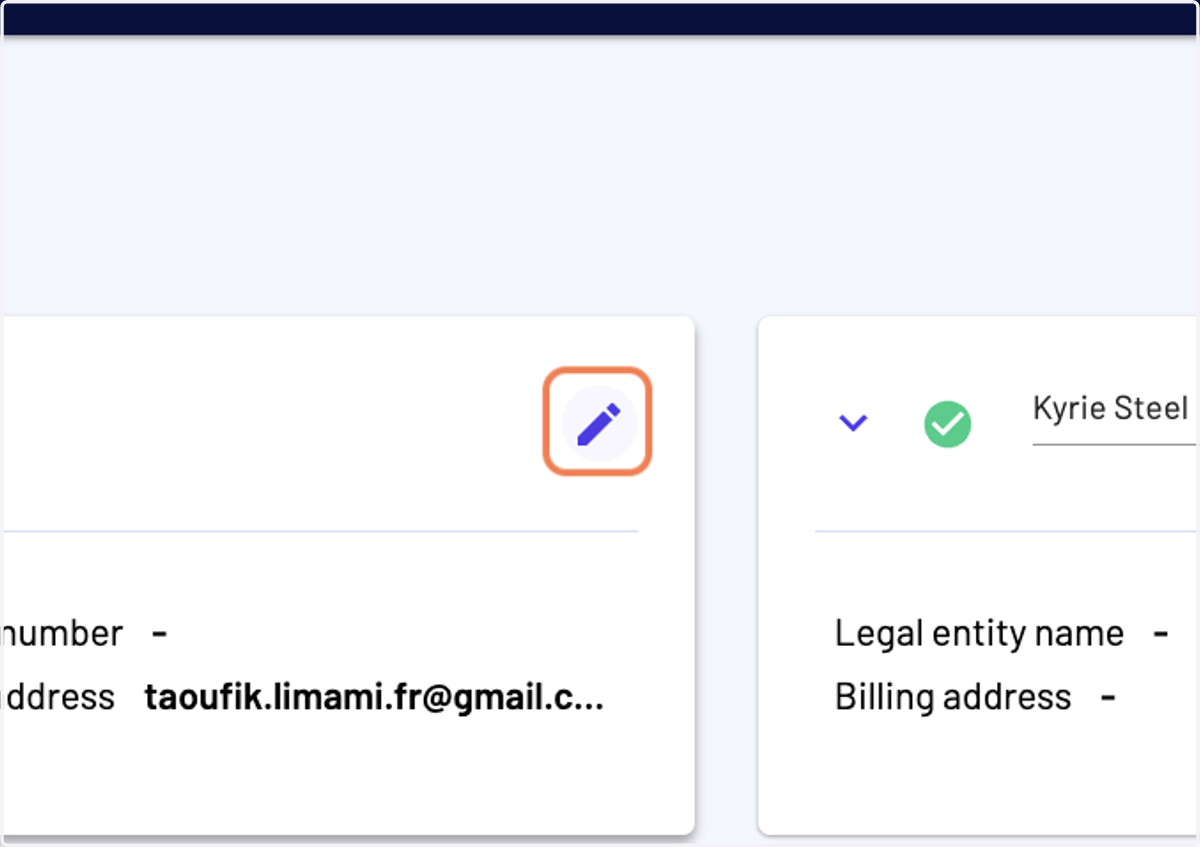
5. In the vendor payable generator, you can edit the billing entity details
Any change made here, will be saved for future actions
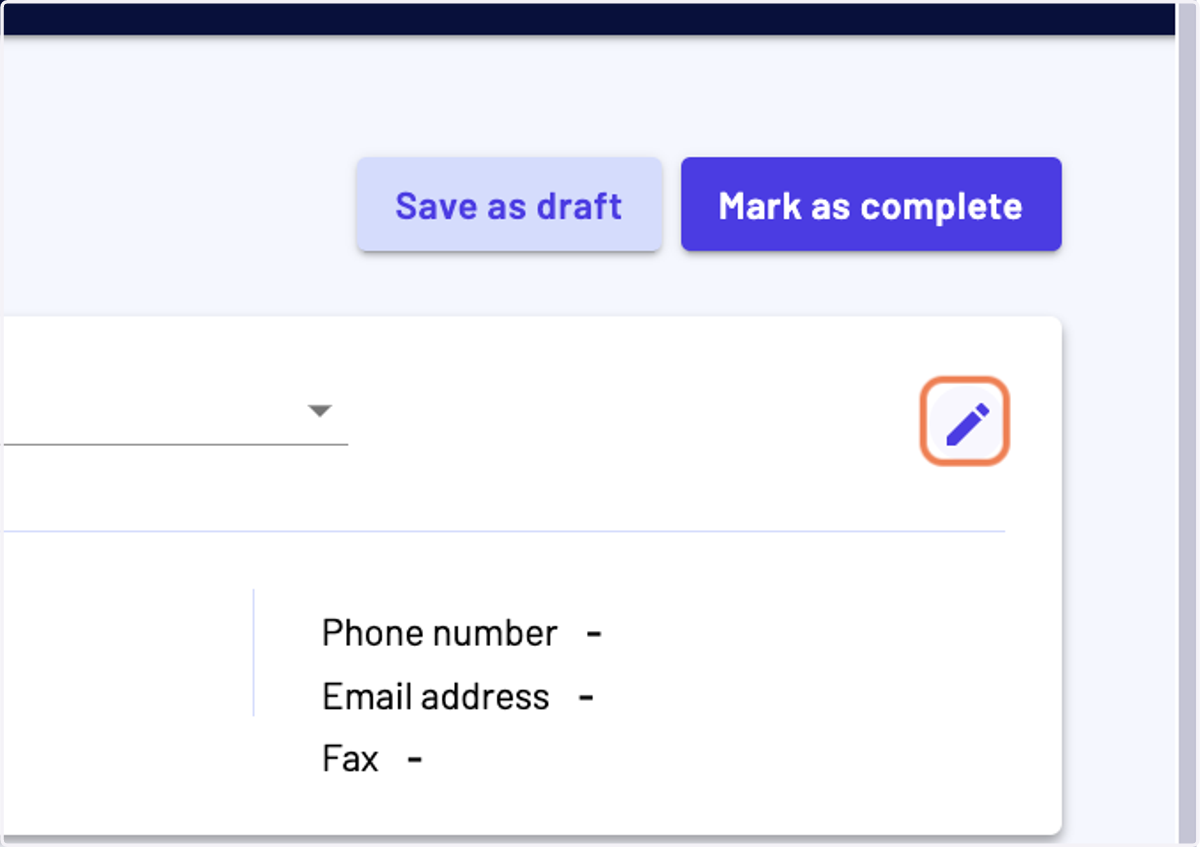
6. You can also edit the provider details
Any change made here, will be saved for future actions
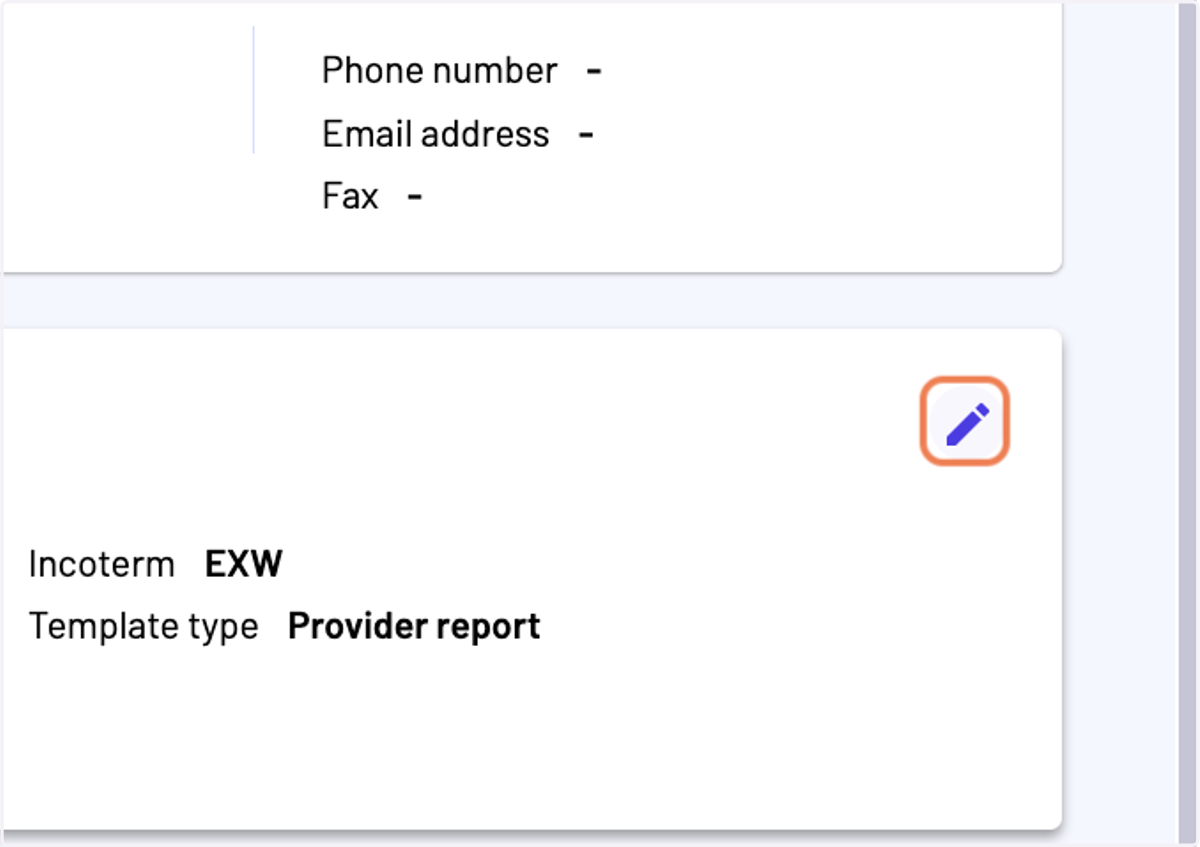
7. You can check the report details and make changes
8. For instance, you should enter a "Due date"
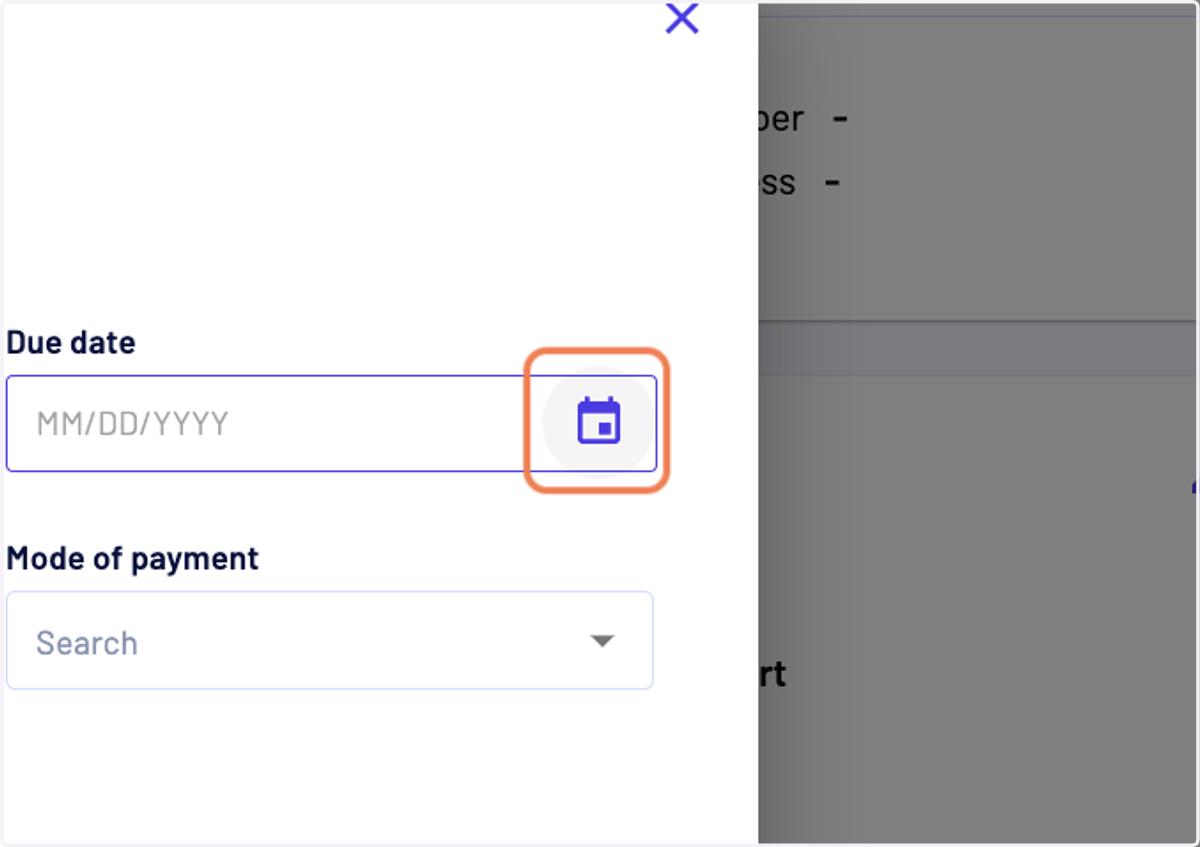
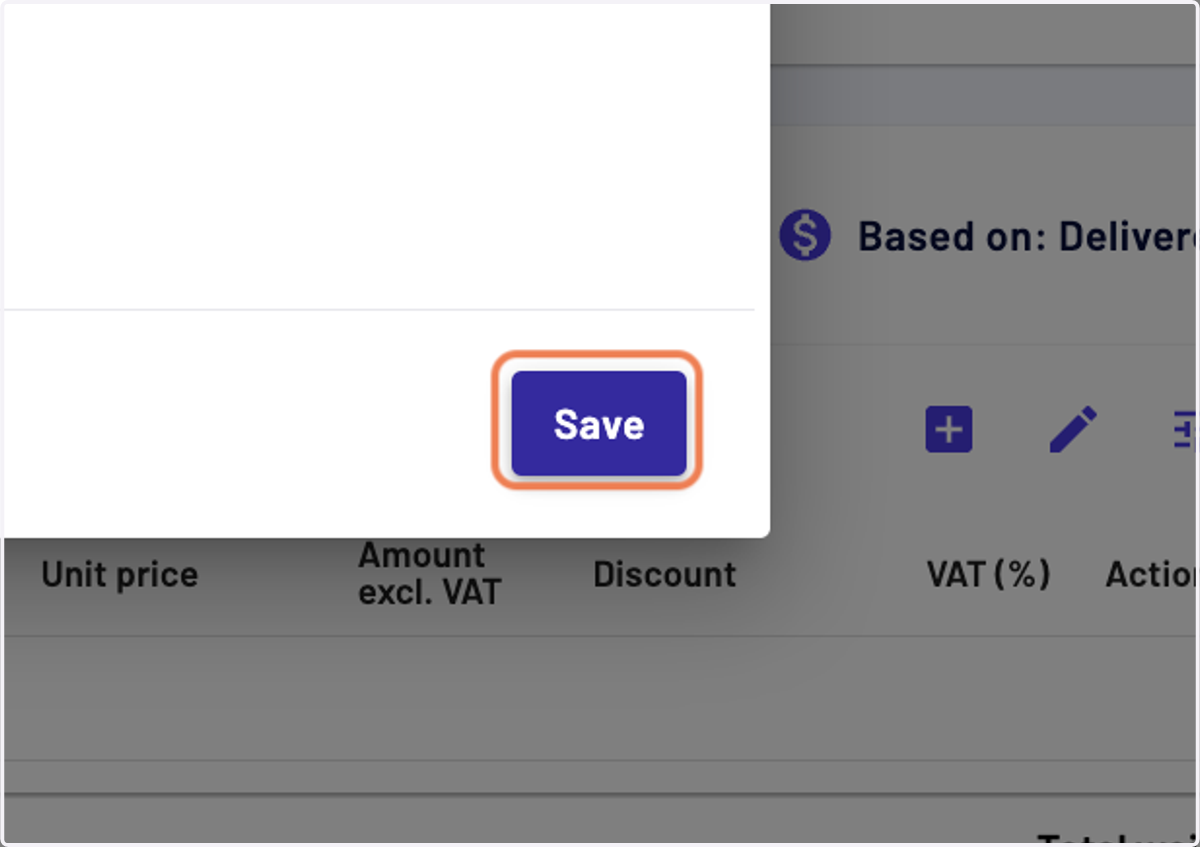
9. Then click on "Save"
10. Then you make the relevant changes in the report lines (edit of elements, description, weight, price) or add the relevant new rows
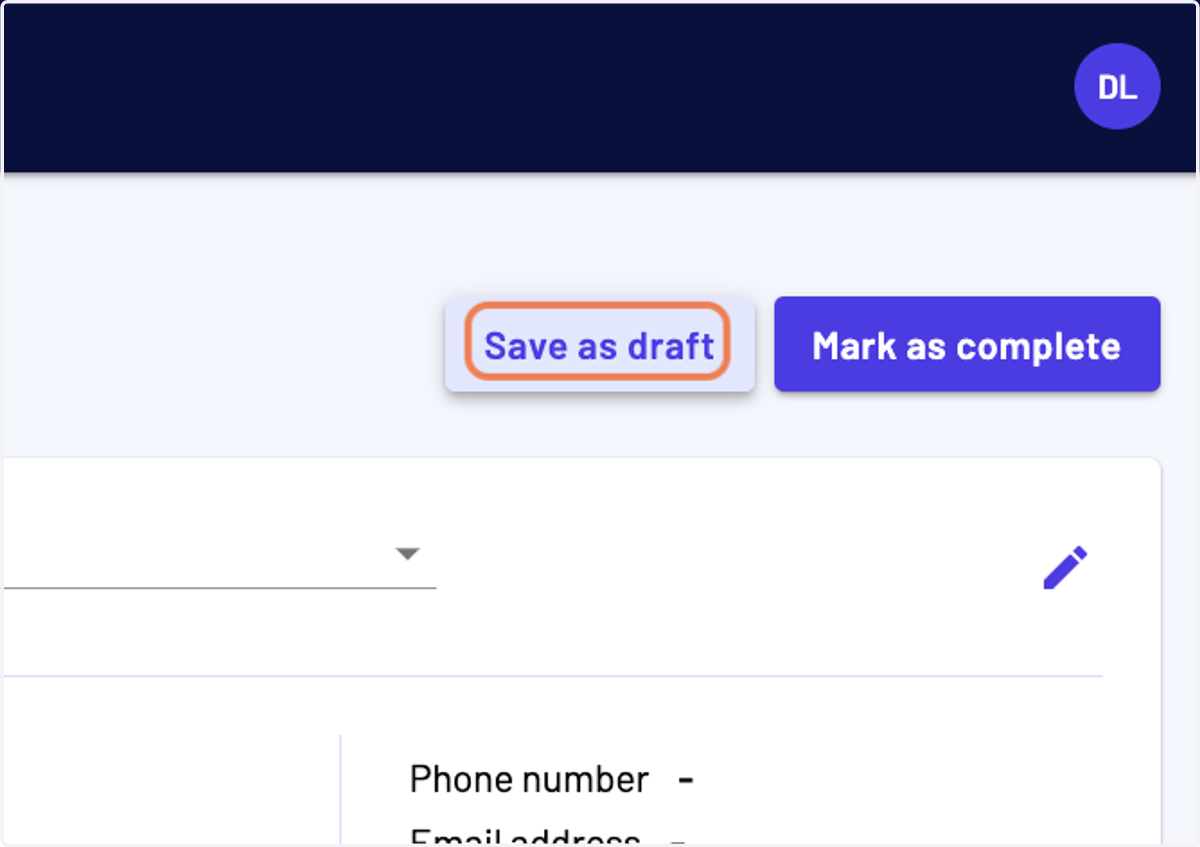
11. Then you can click on "Save as draft" or "Mark as complete"
If you "Save as draft" you will be able to edit the report later on, whereas if you "Mark as complete" you won't be able to do any further change