New Workflow
Contract template is a document that contains information and used as a contract. They are often used in situations where the same agreement will be made over and over again, with very minimal information being changed.
Elitecontractke
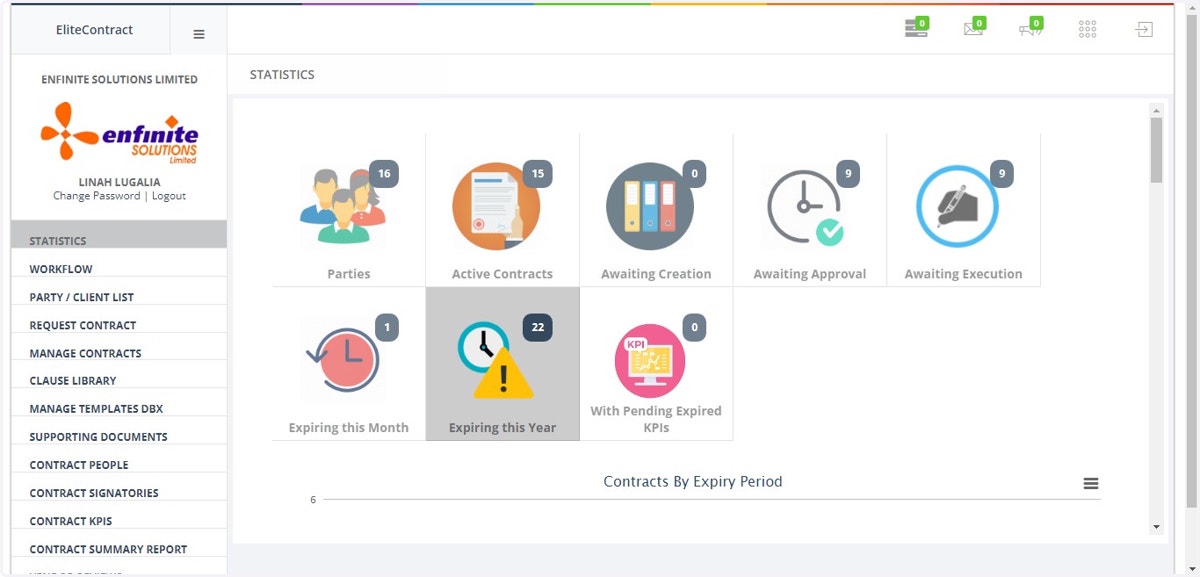
1. Log into the system
2. Click on MANAGE TEMPLATES DBX module
3. Click on Add Template button at the top page
4. Fill in all the details in the pop out form as shown below i.e. select the contract type, template title and template to upload
Once done click on Save button to submit the details
5. The added template is saved under contract Templates list