5. Admin Center - Operations - Creating Payment Types
Silverware Admin Center | SilverWare Demo
1. Click on Operations
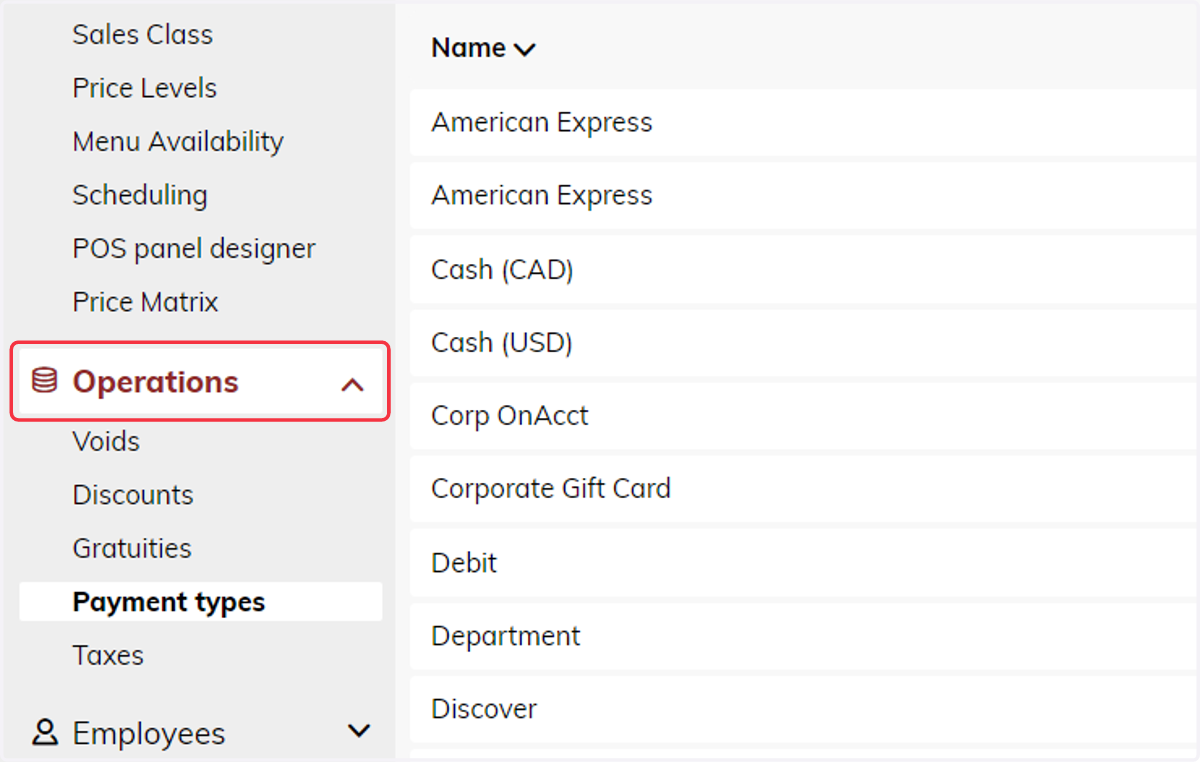
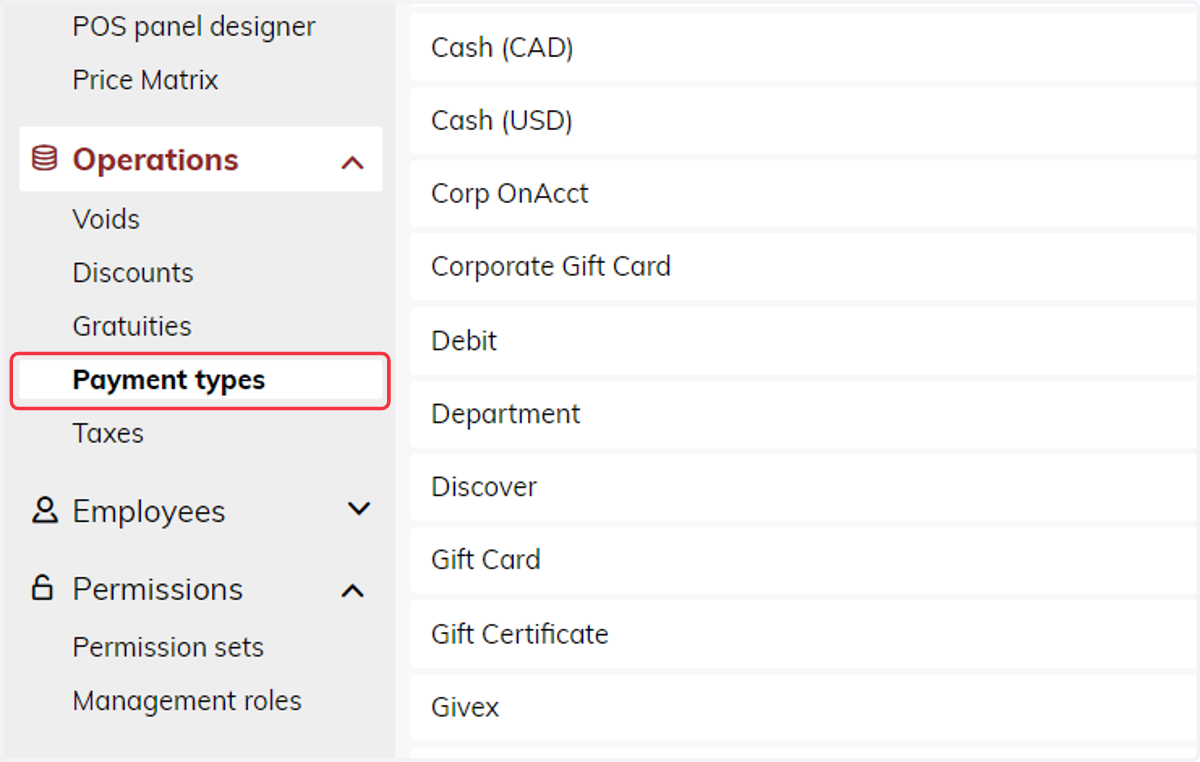
2. Click on Payment types
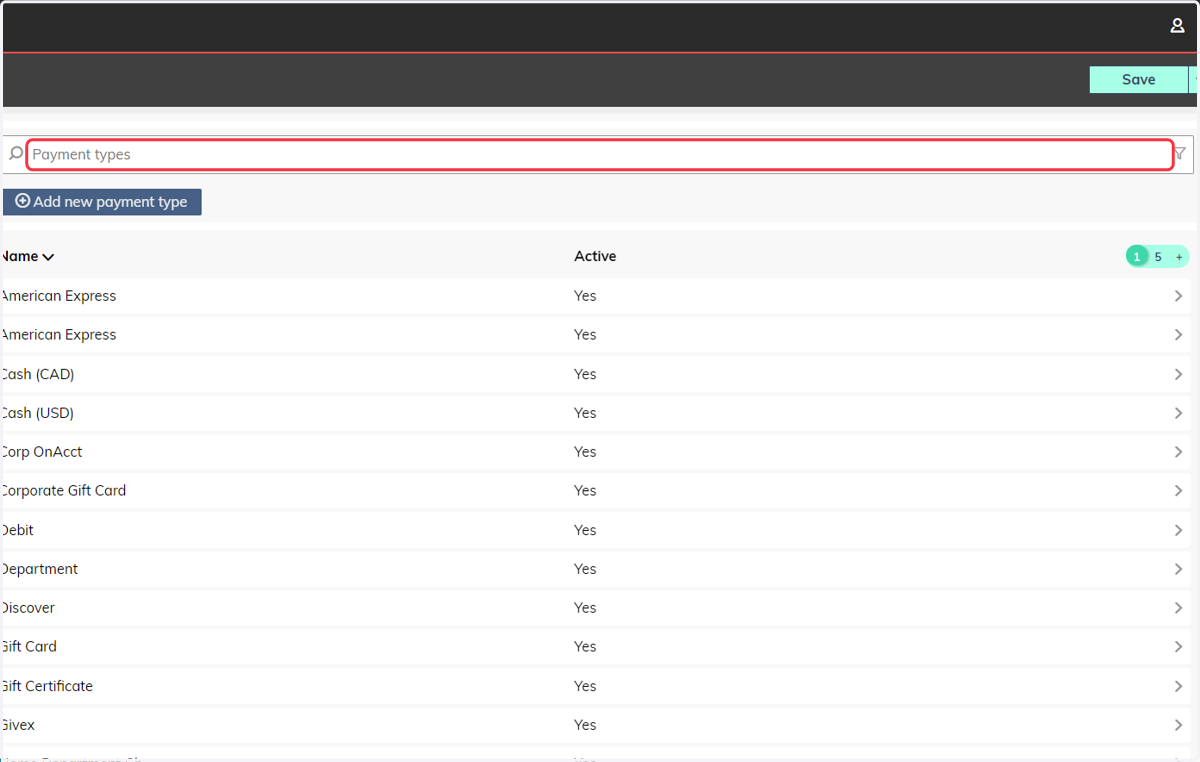
3. Search Bar
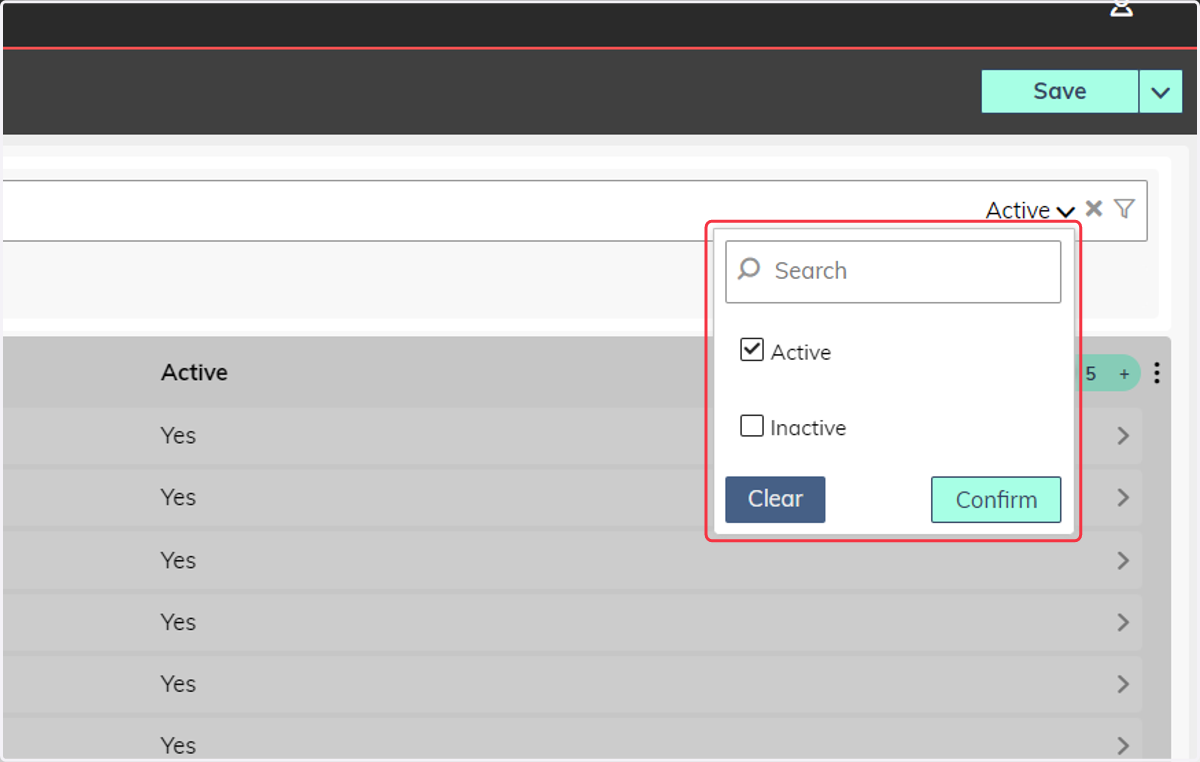
4. Filter Tab
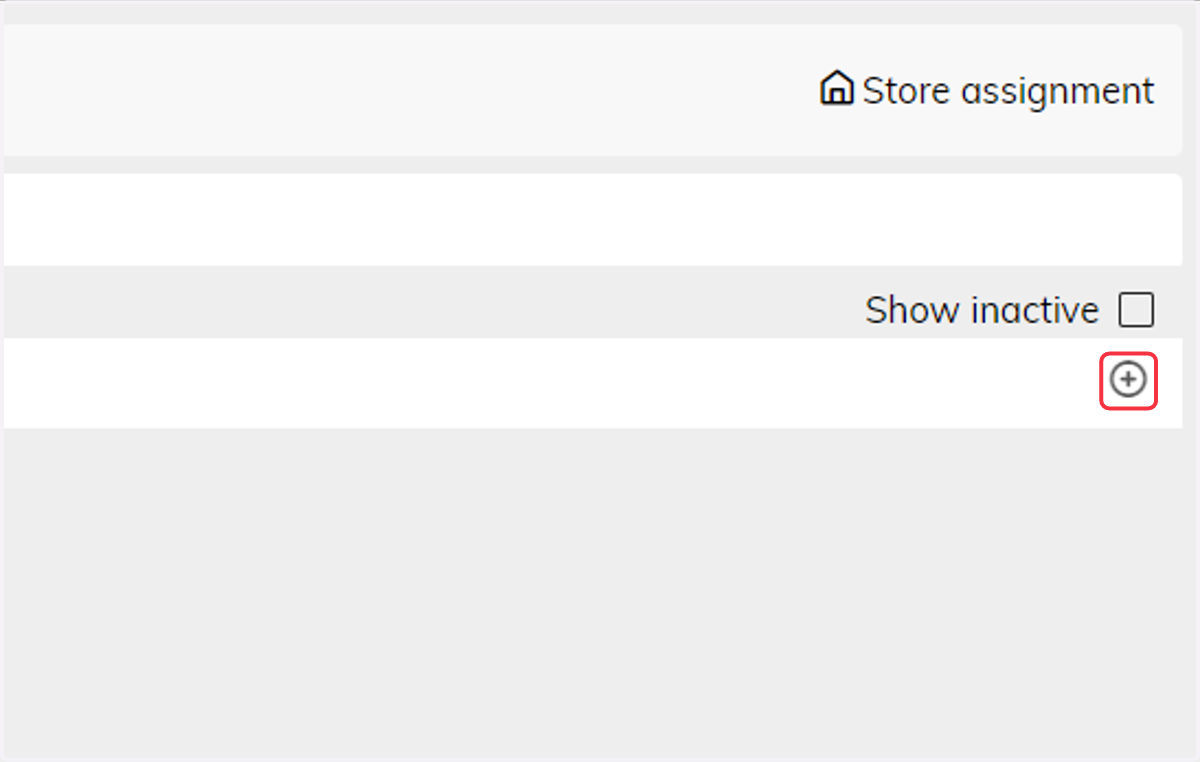
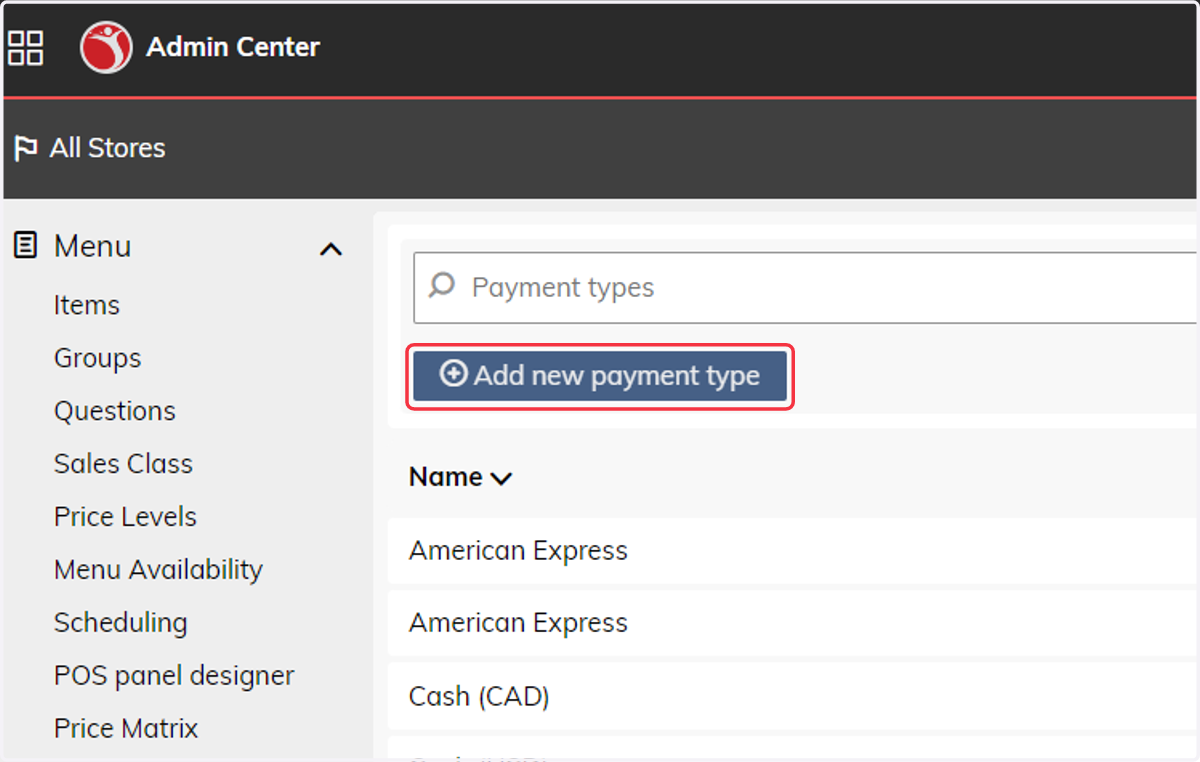
5. How to add new payment type
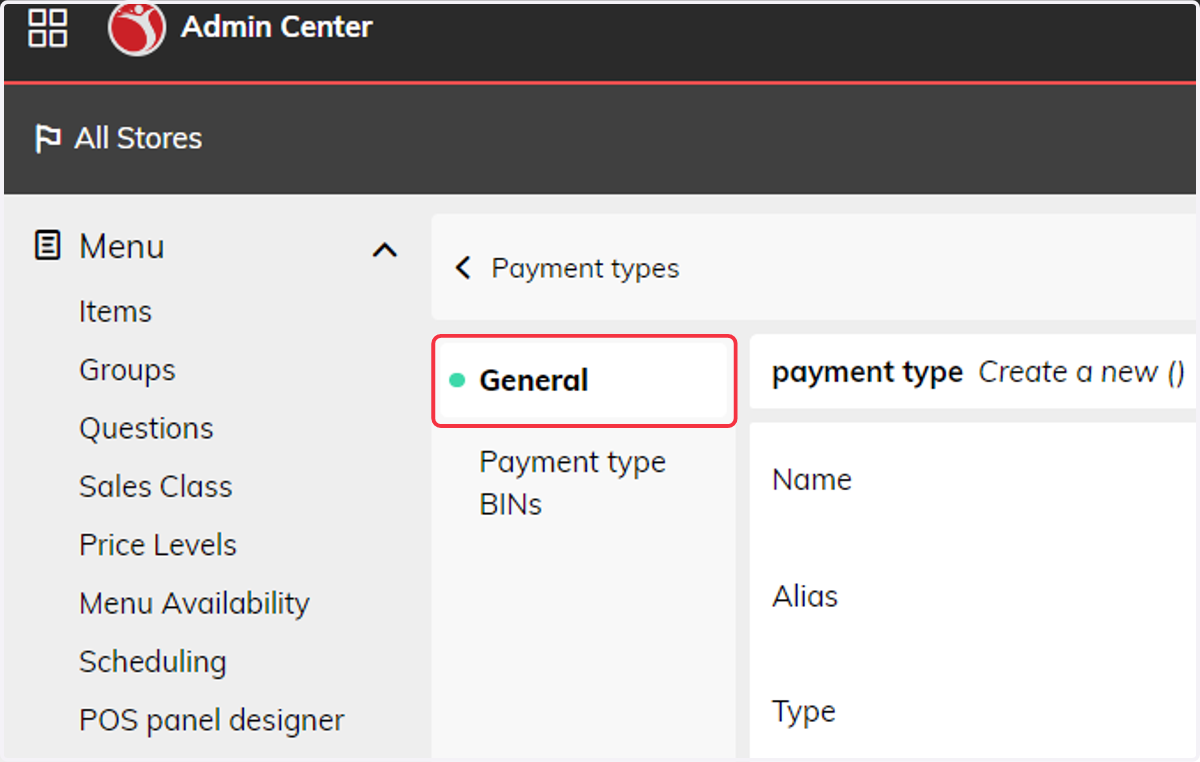
6. General Tab
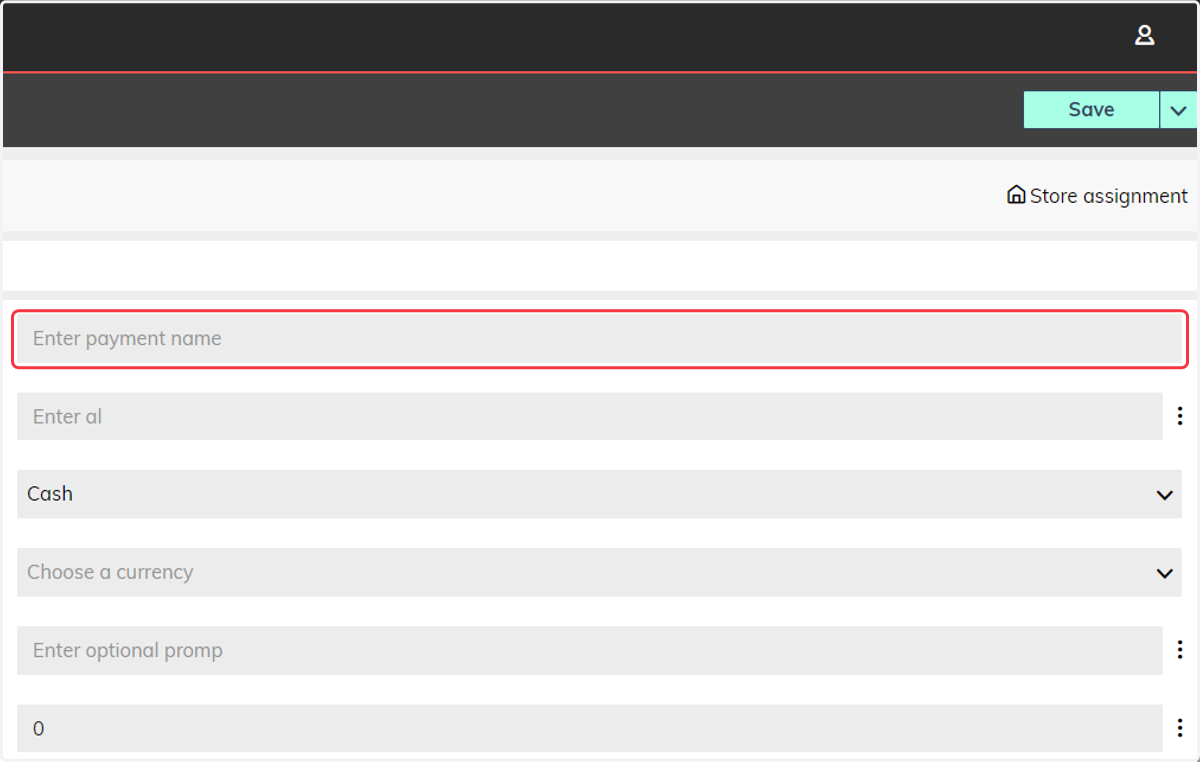
7. Name of Payment Method
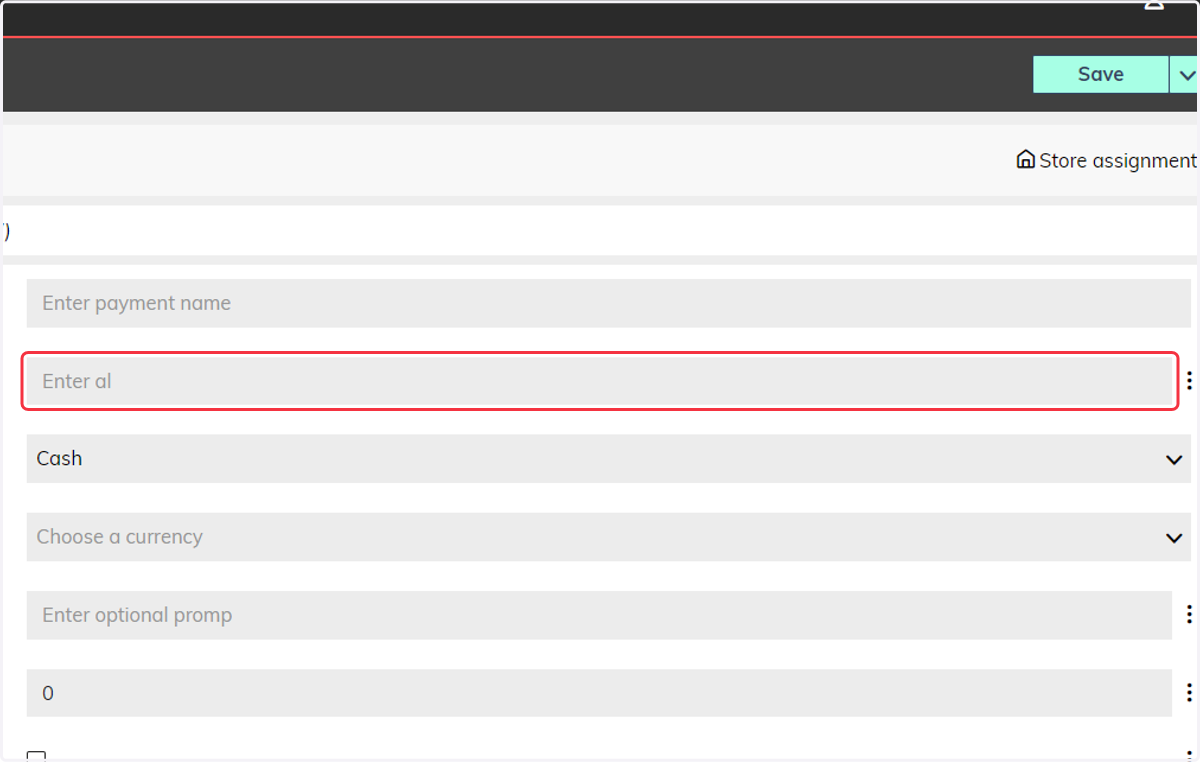
8. Alias of Payment Method (will be displayed on guest check)
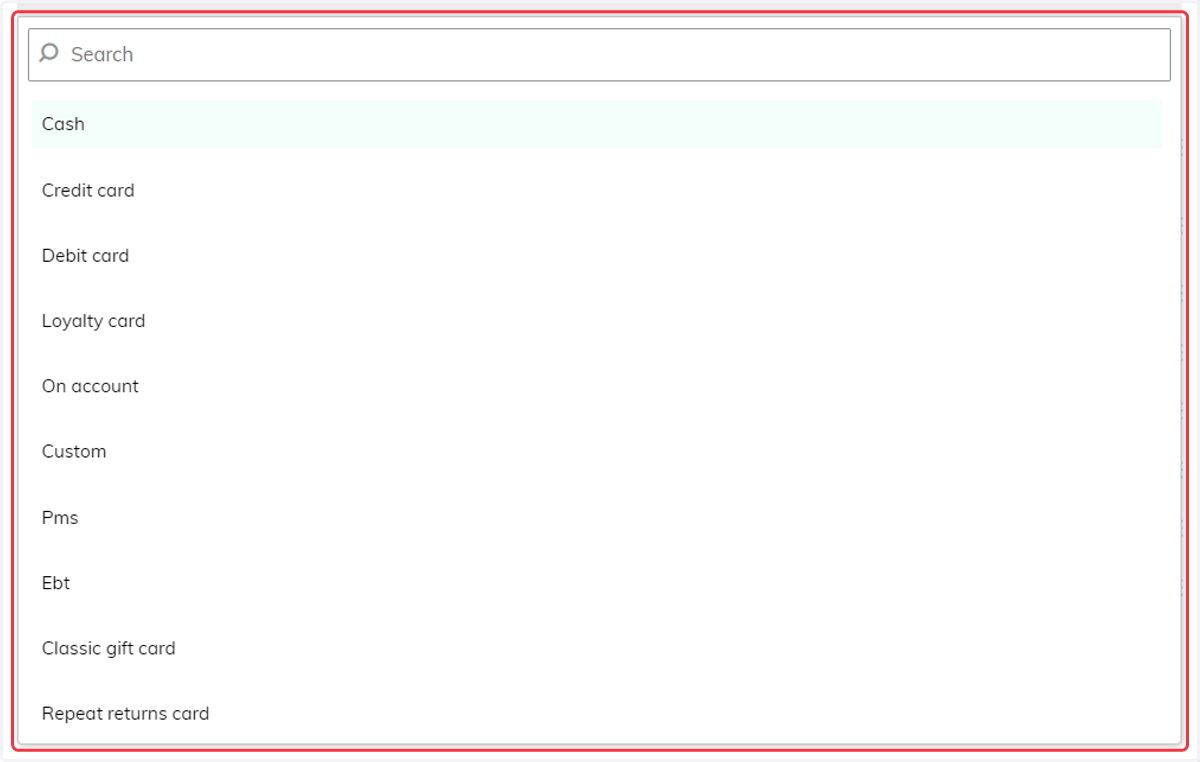
9. Type
The classification of this tender (is it a cash, credit card, debit card, etc.)
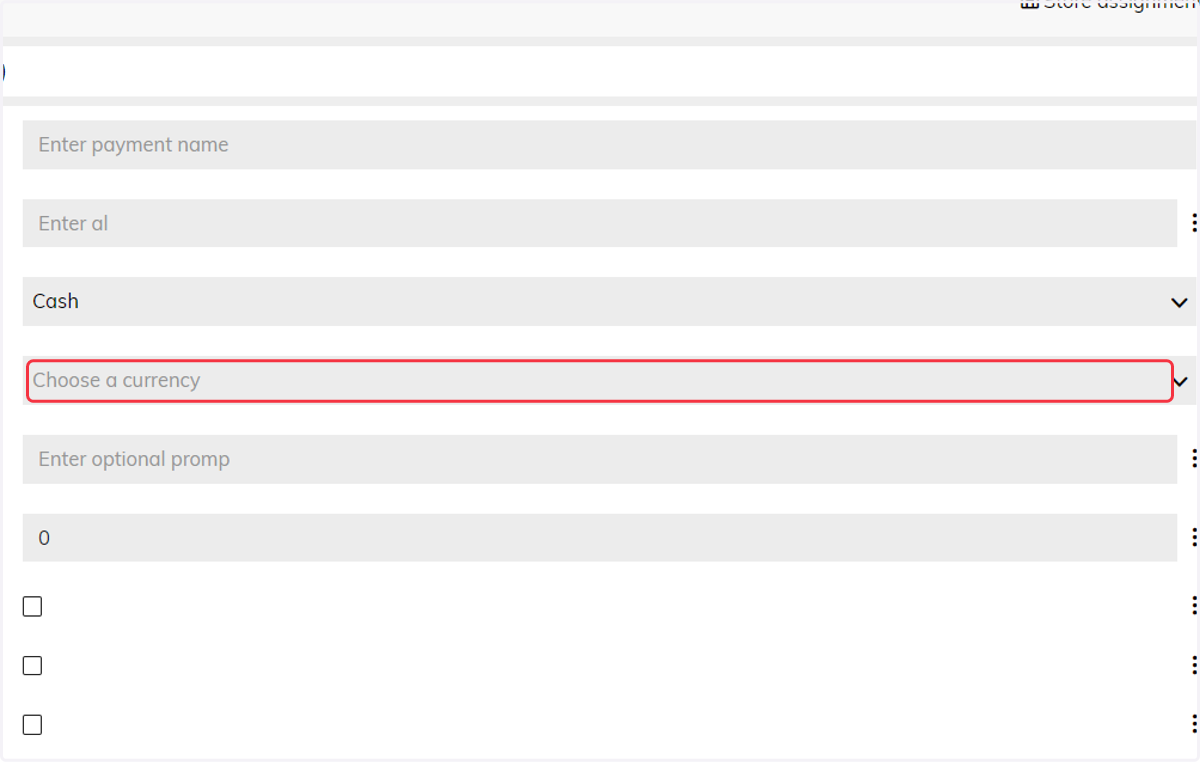
10. Currency of this payment method
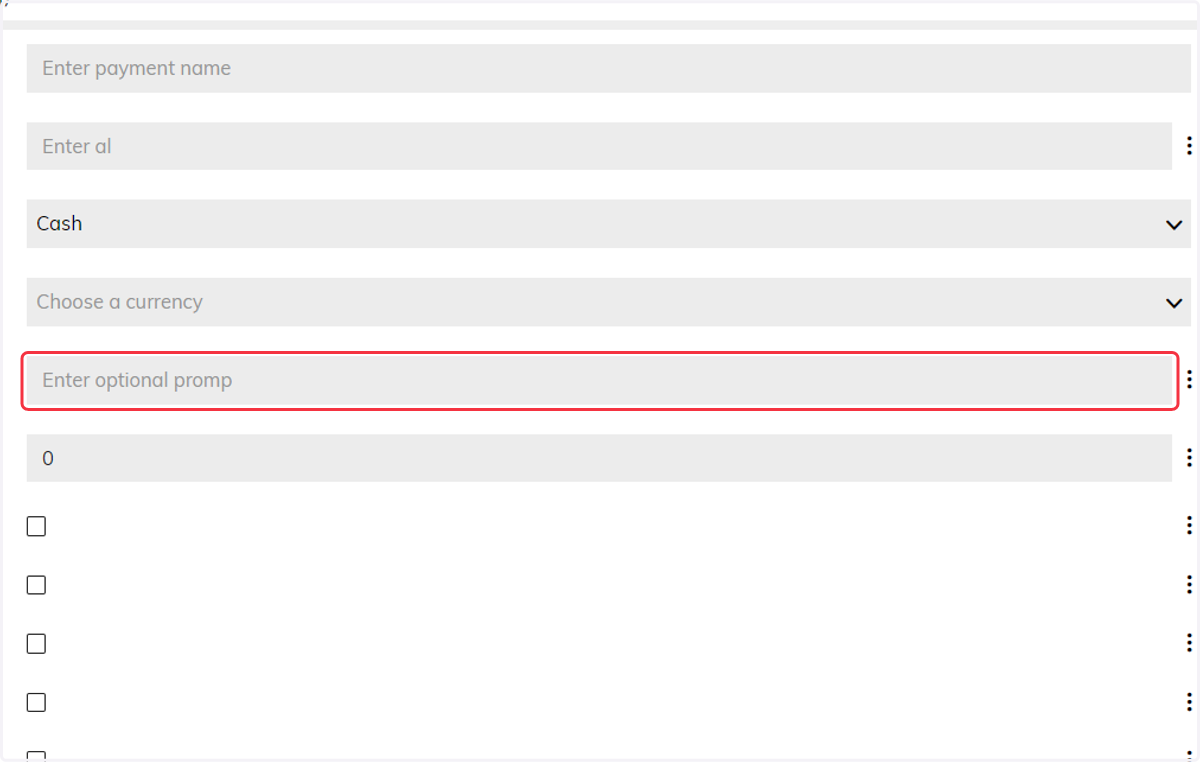
11. Optional Prompt
12. Charge Tip Rate
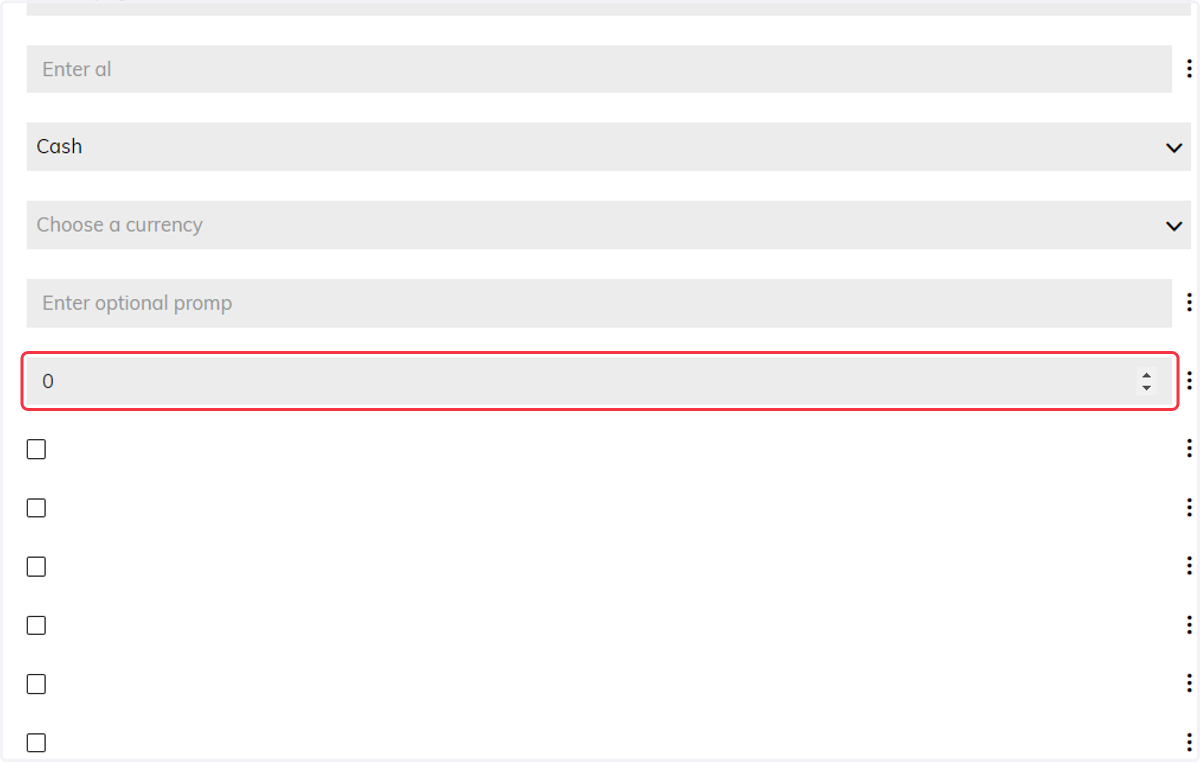
13. Click on Over is tip (if applicable)
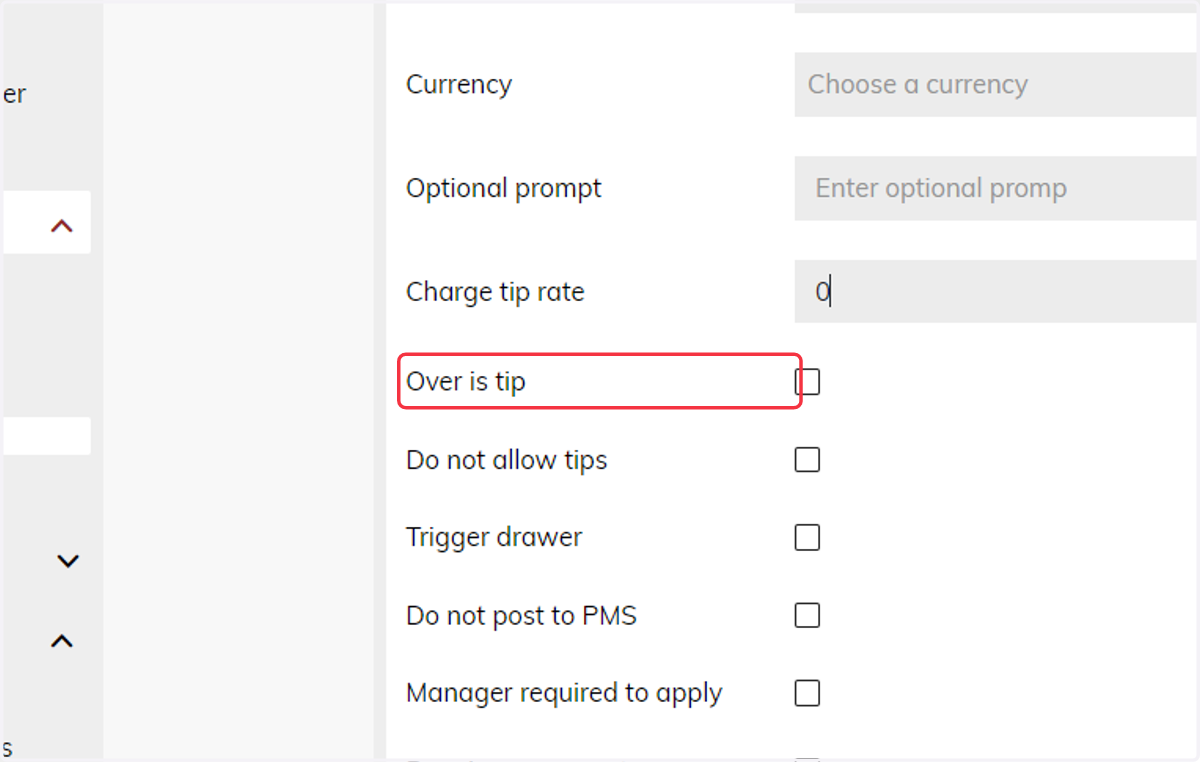
14. Do not allow tips (if applicable)
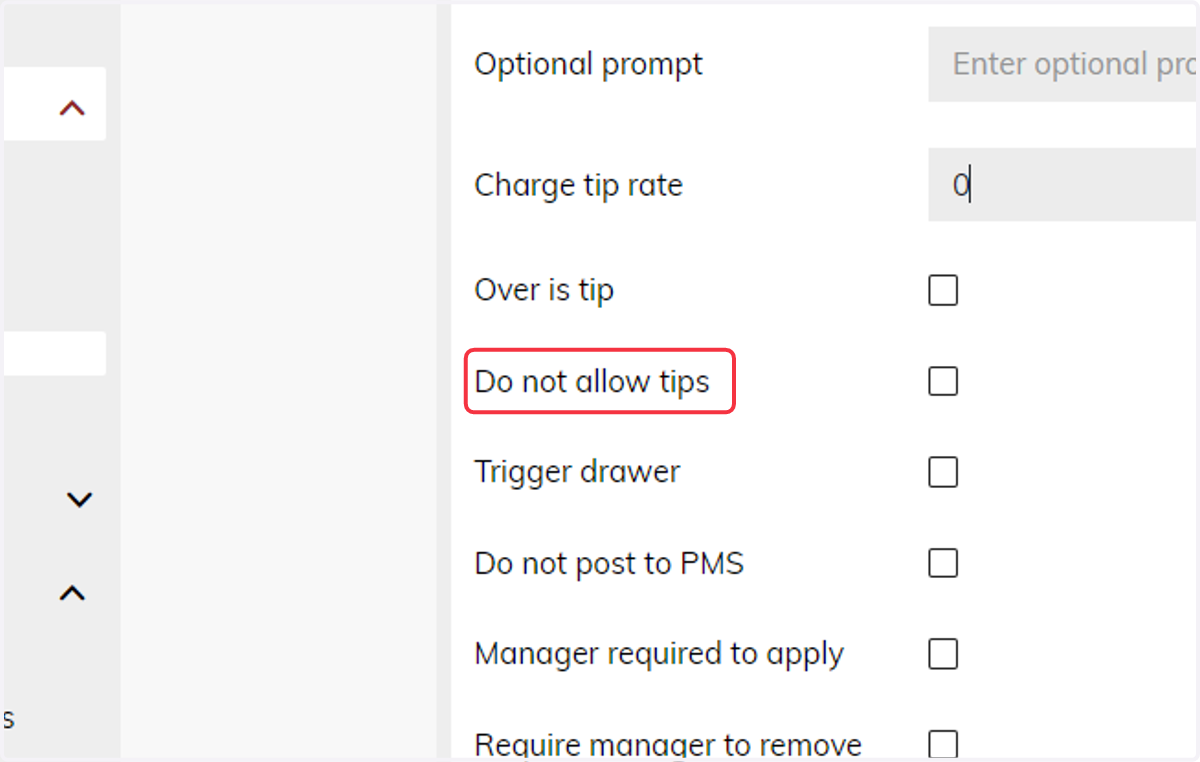
15. Do not Allow Tips (if applicable)
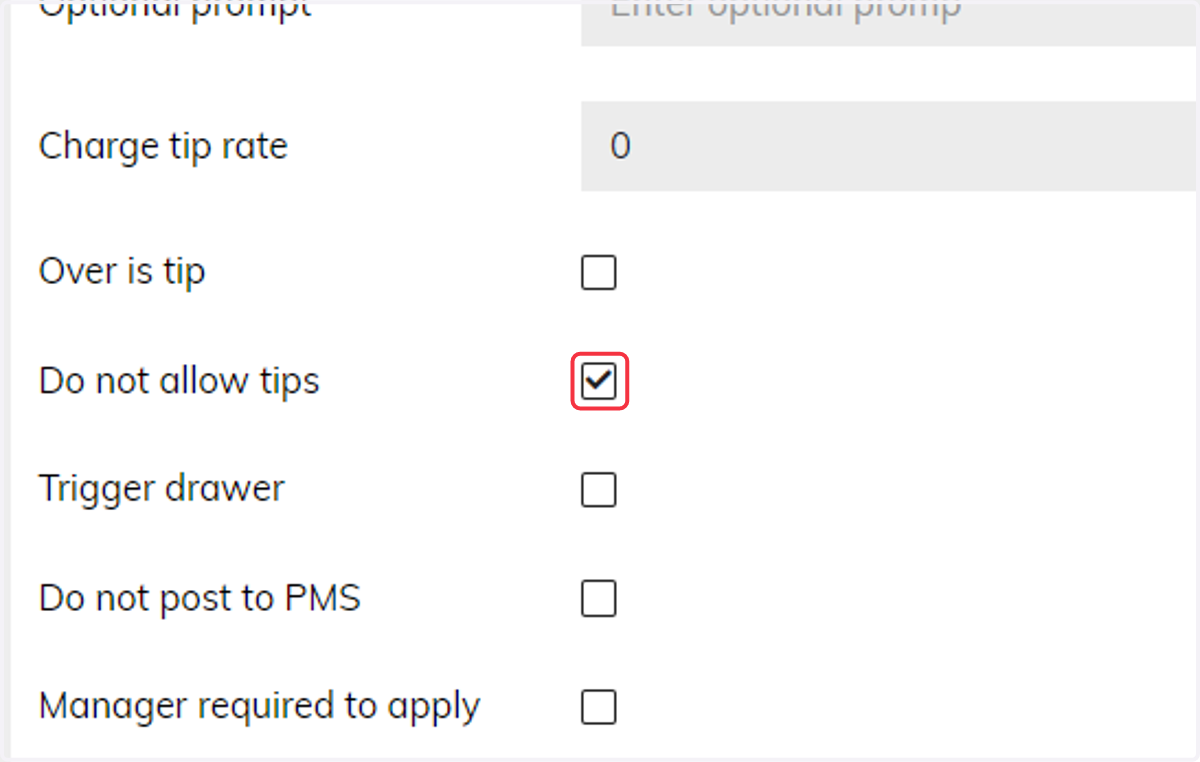
16. Trigger drawer (if applicable)
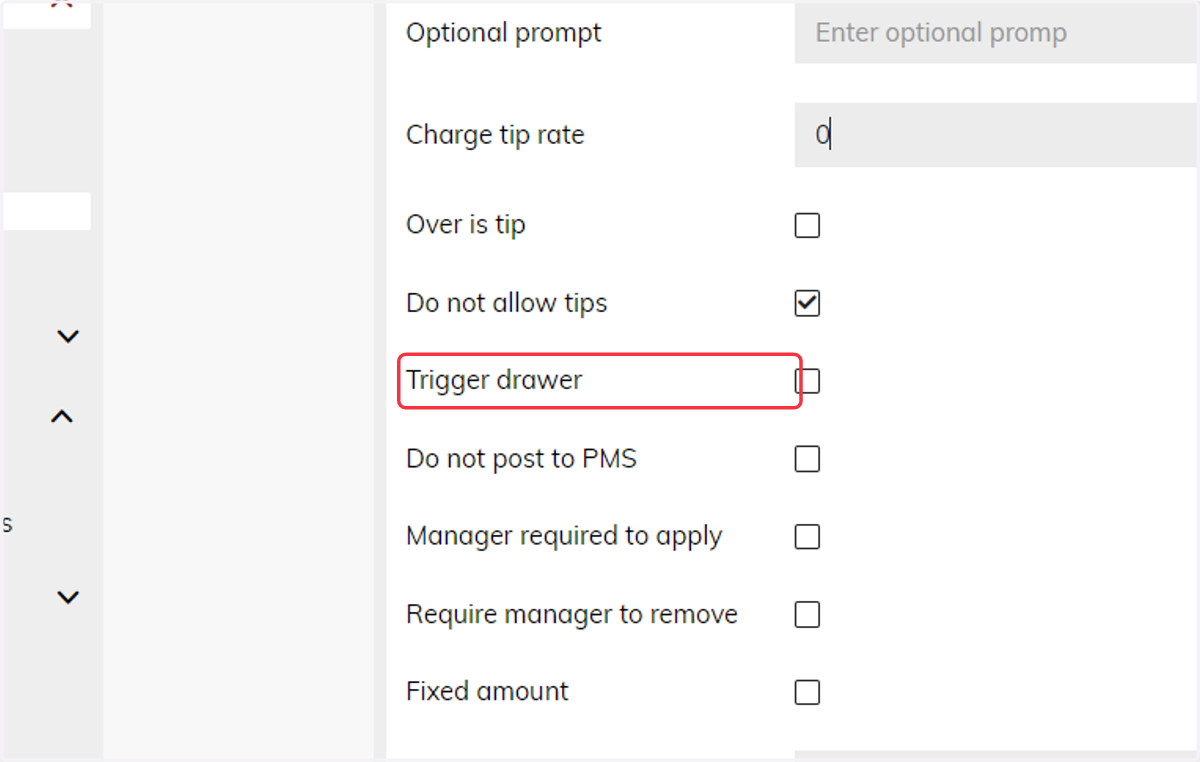
17. Do not post to PMS (if applicable)
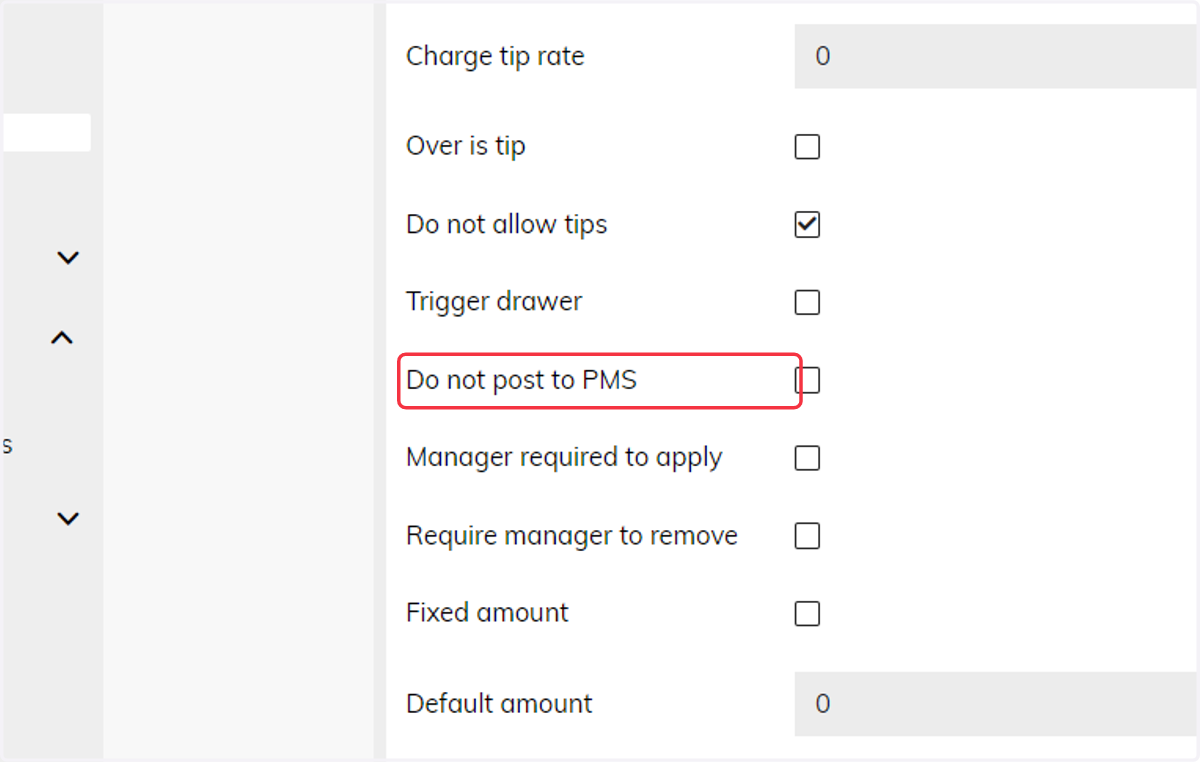
18. Manager required to apply (if applicable)
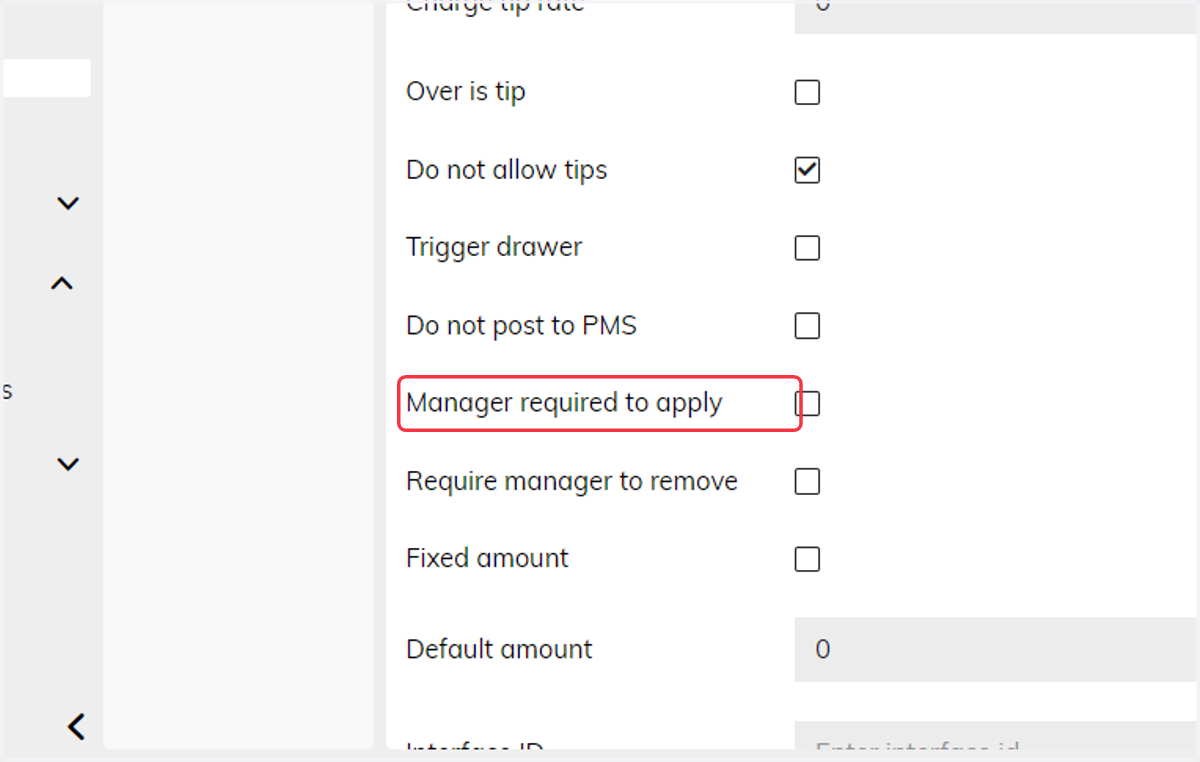
19. Require manager to remove (if applicable)
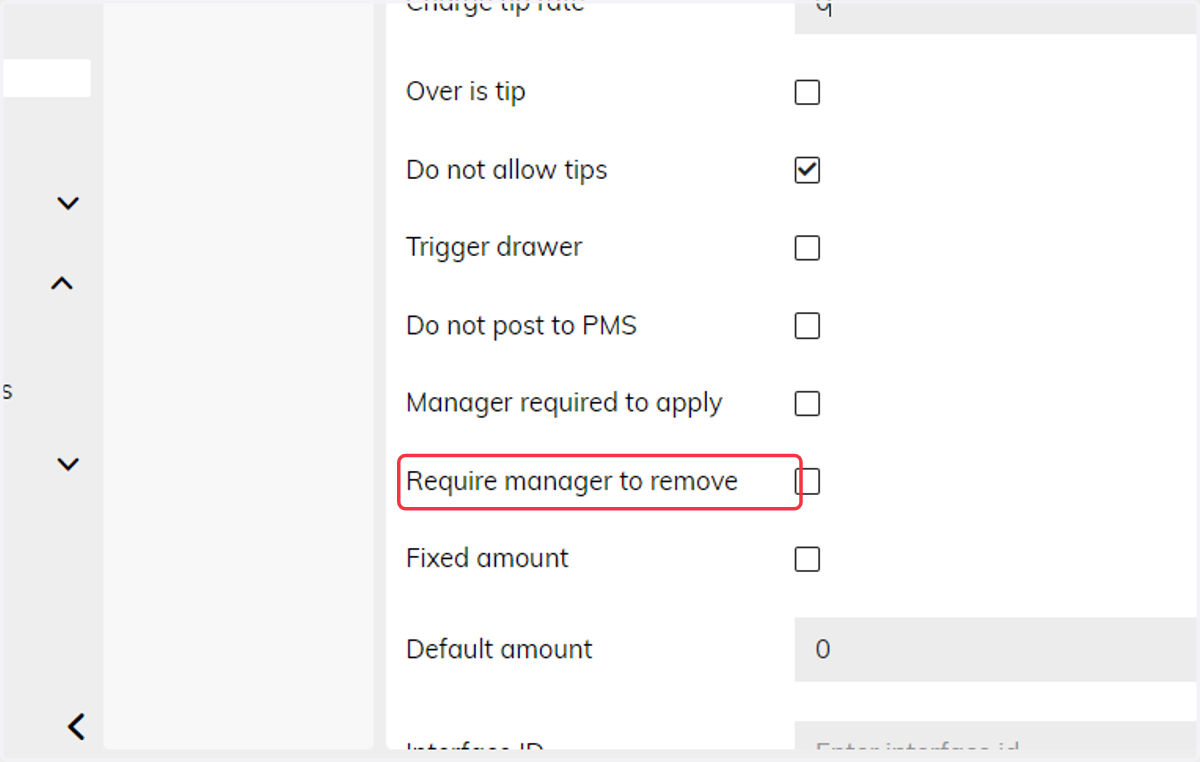
20. Fixed amount (if applicable)
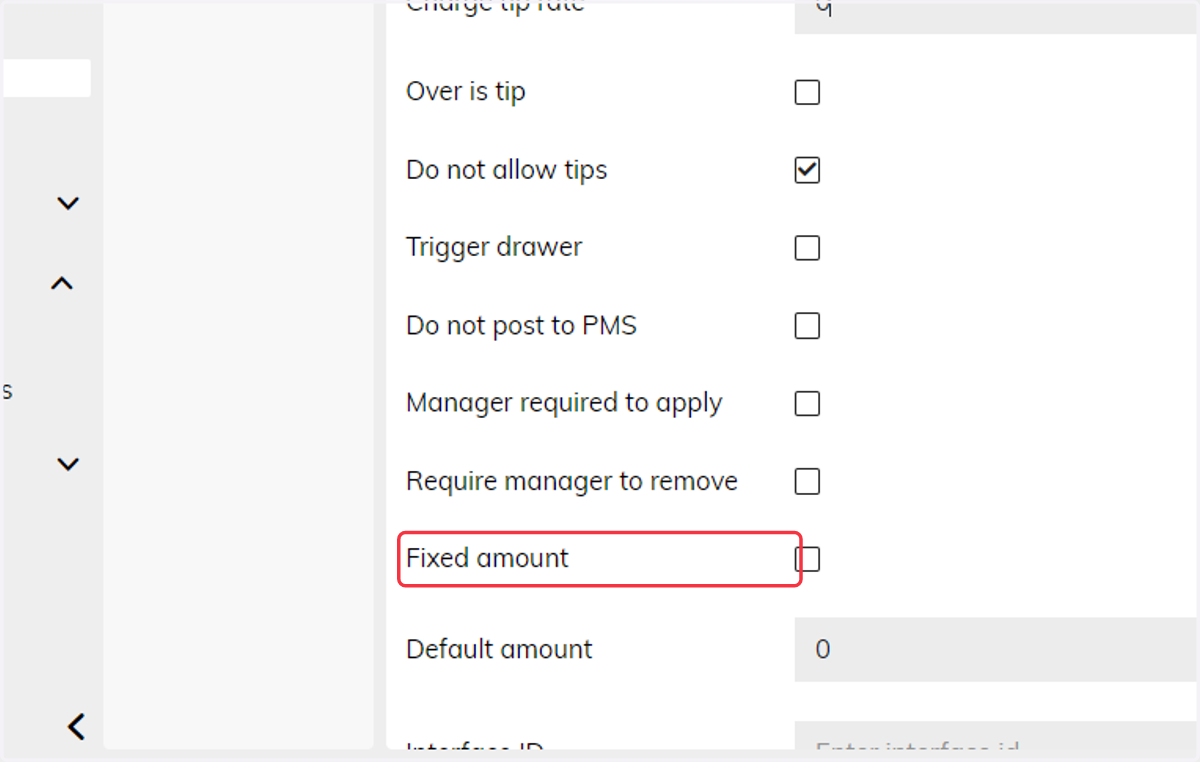
21. Default amount (if applicable)
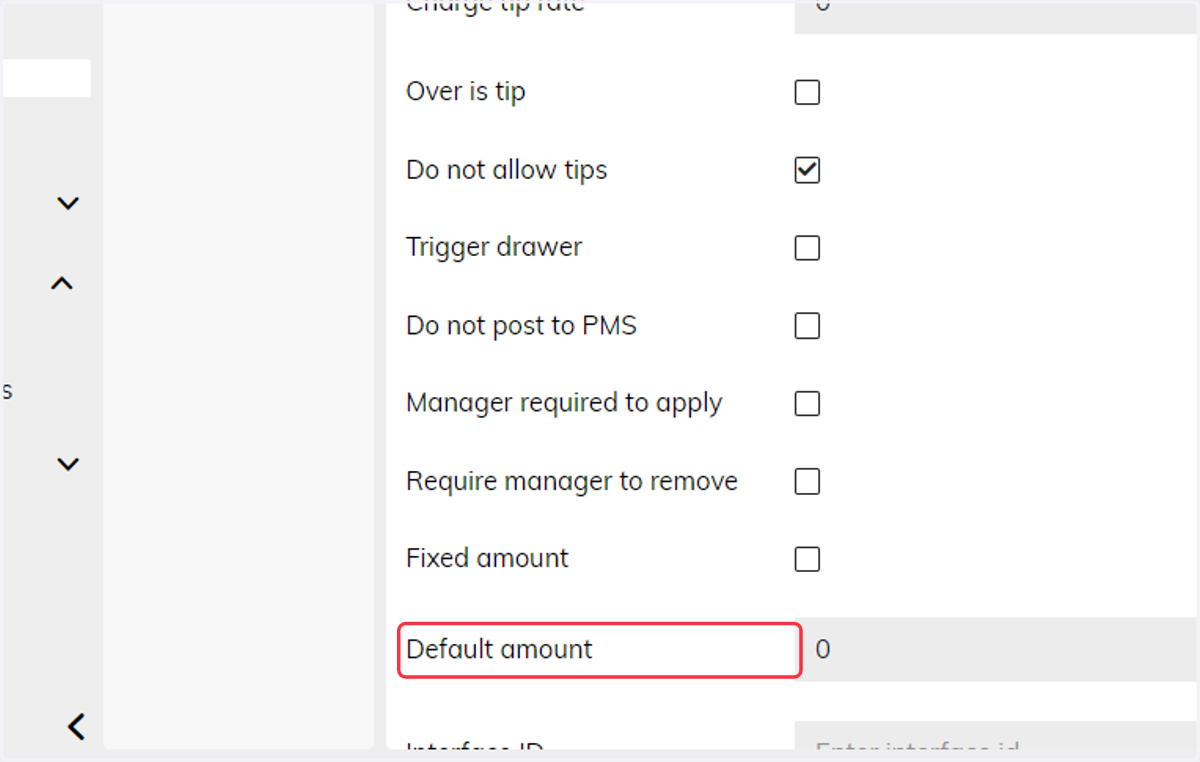
22. Interface ID (if applicable)
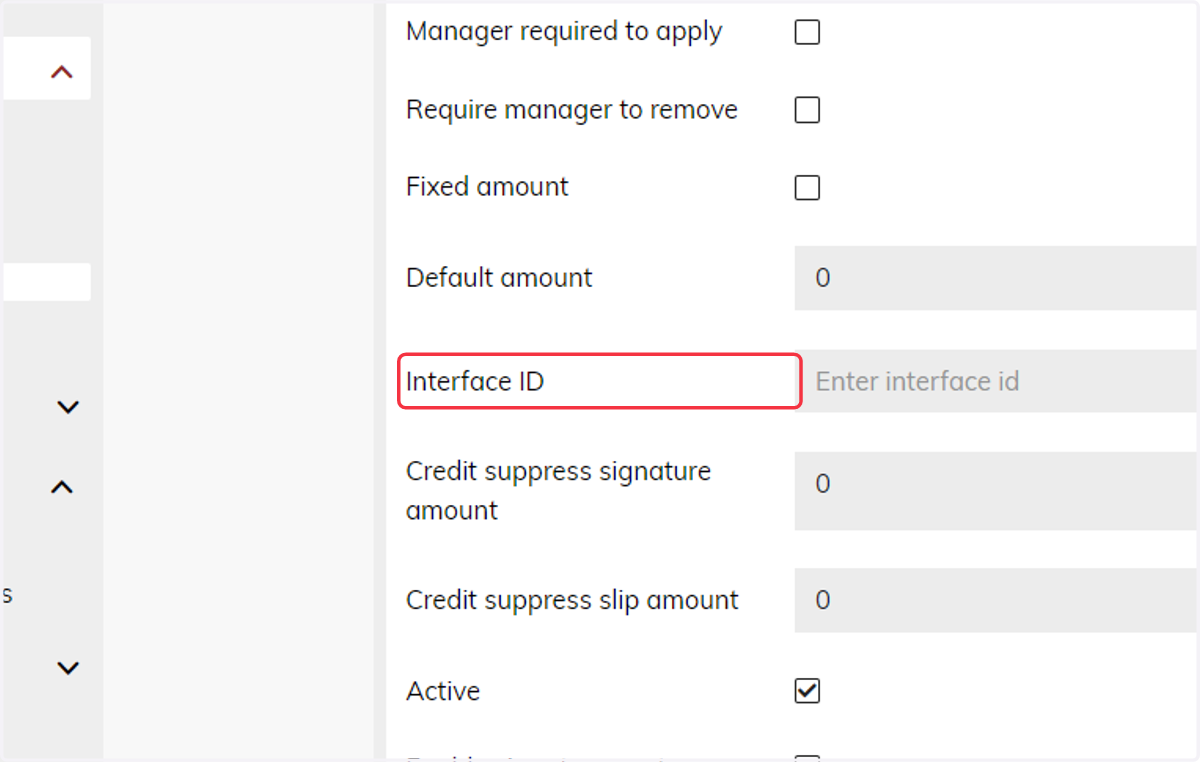
23. Credit suppress signature amount (if applicable)
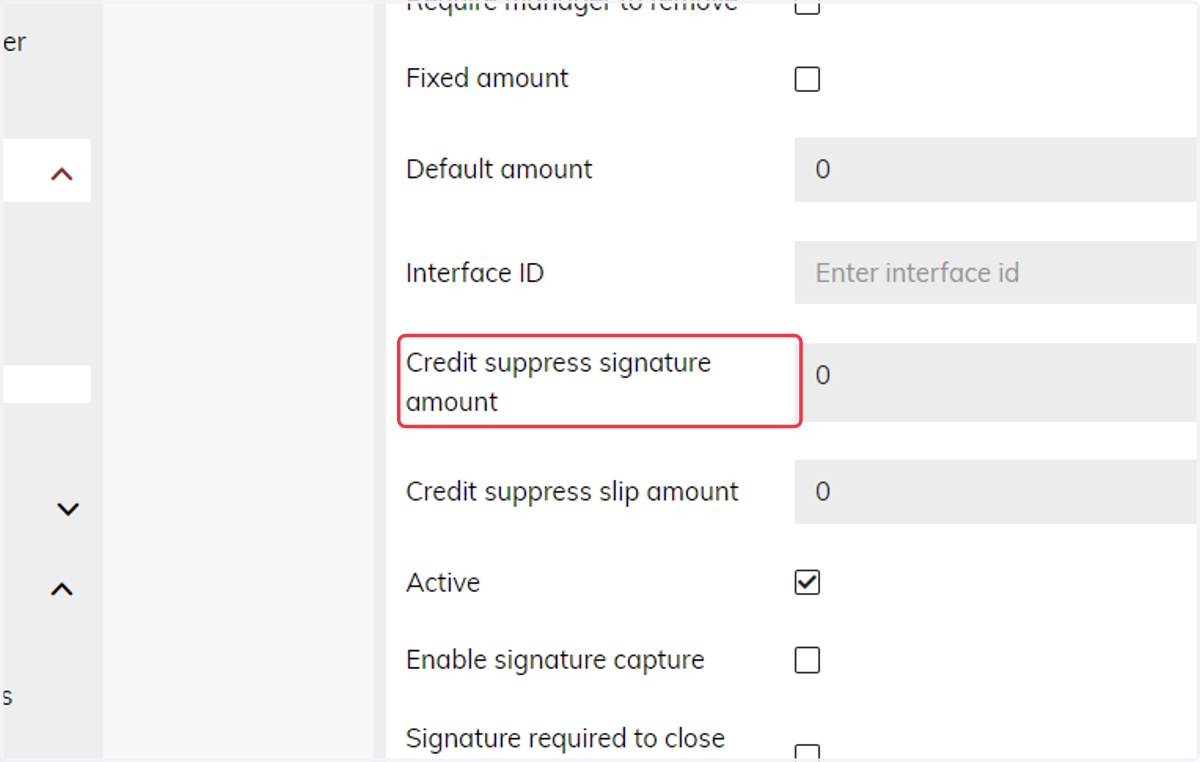
24. Credit suppress slip amount (if applicable)
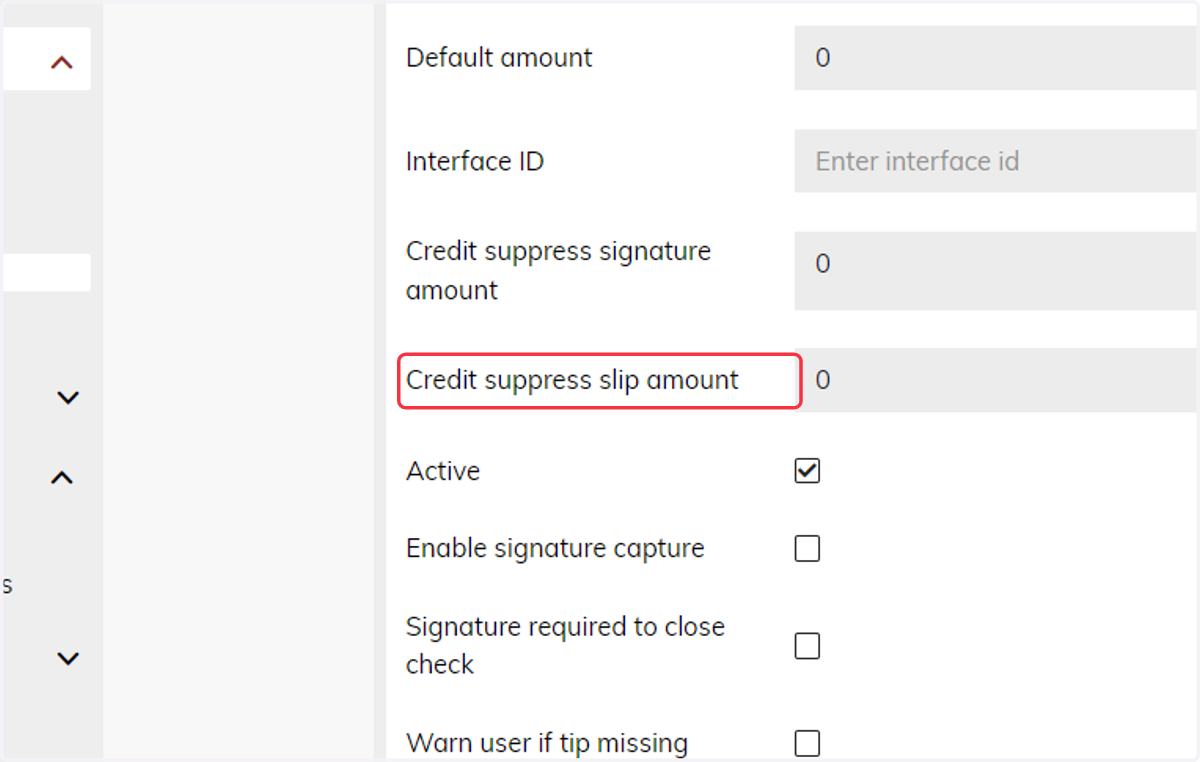
25. Active/Inactive
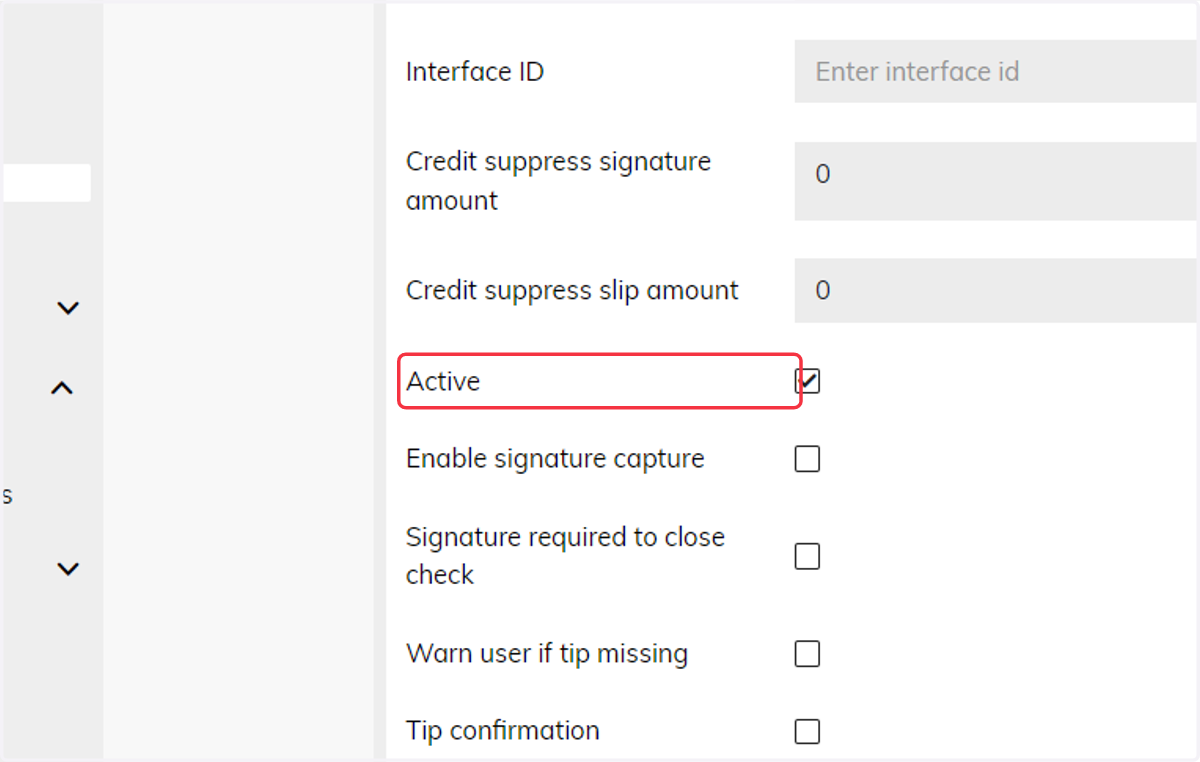
26. Enable signature capture (if applicable)
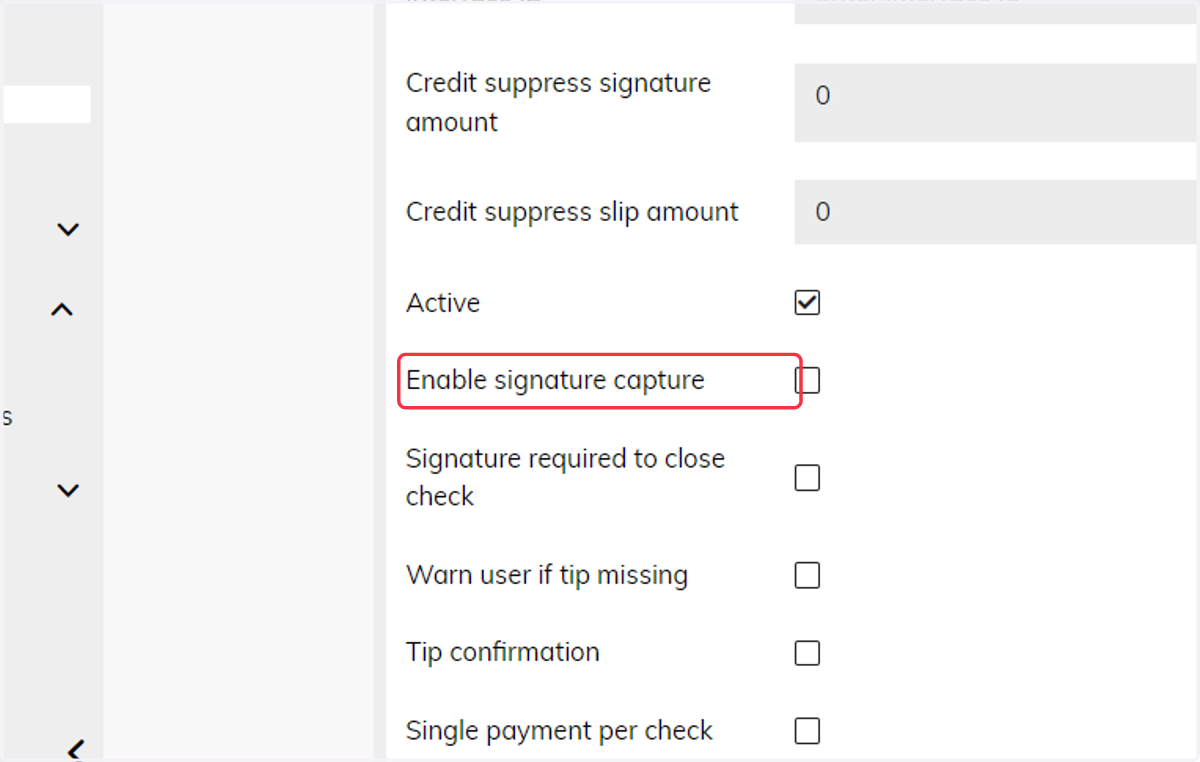
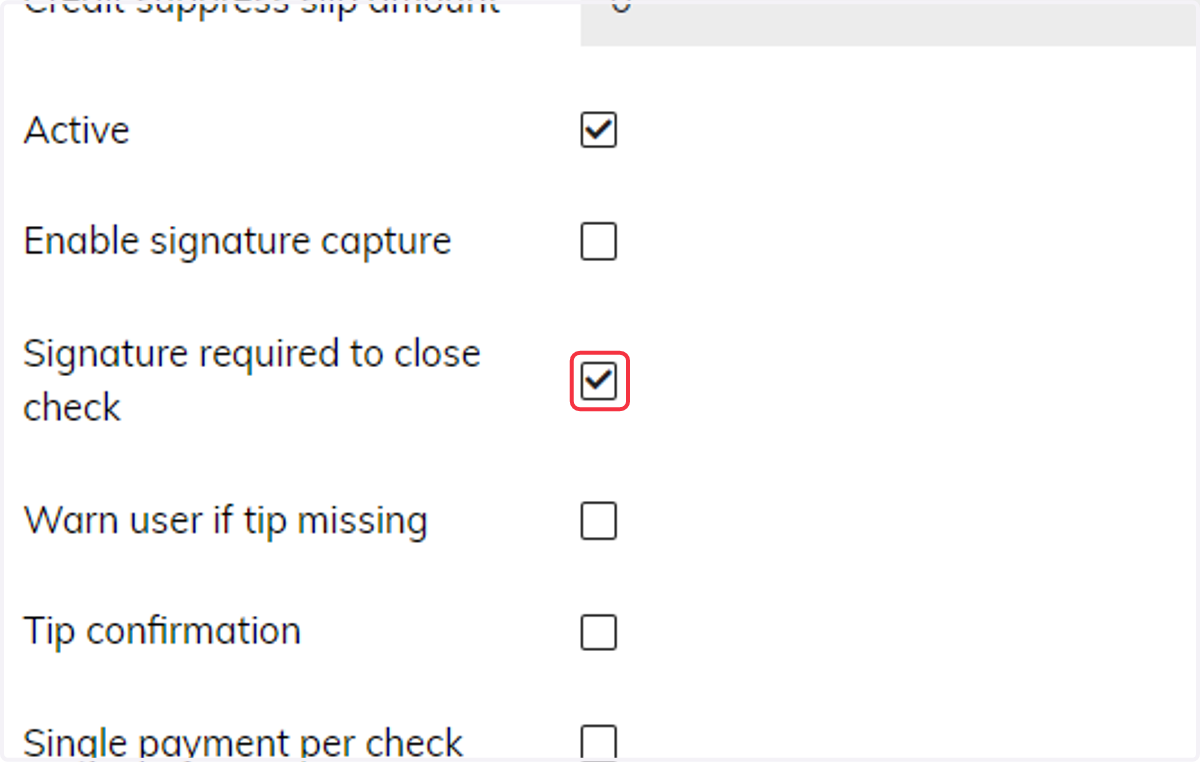
27. Signature required to close check (if applicable)
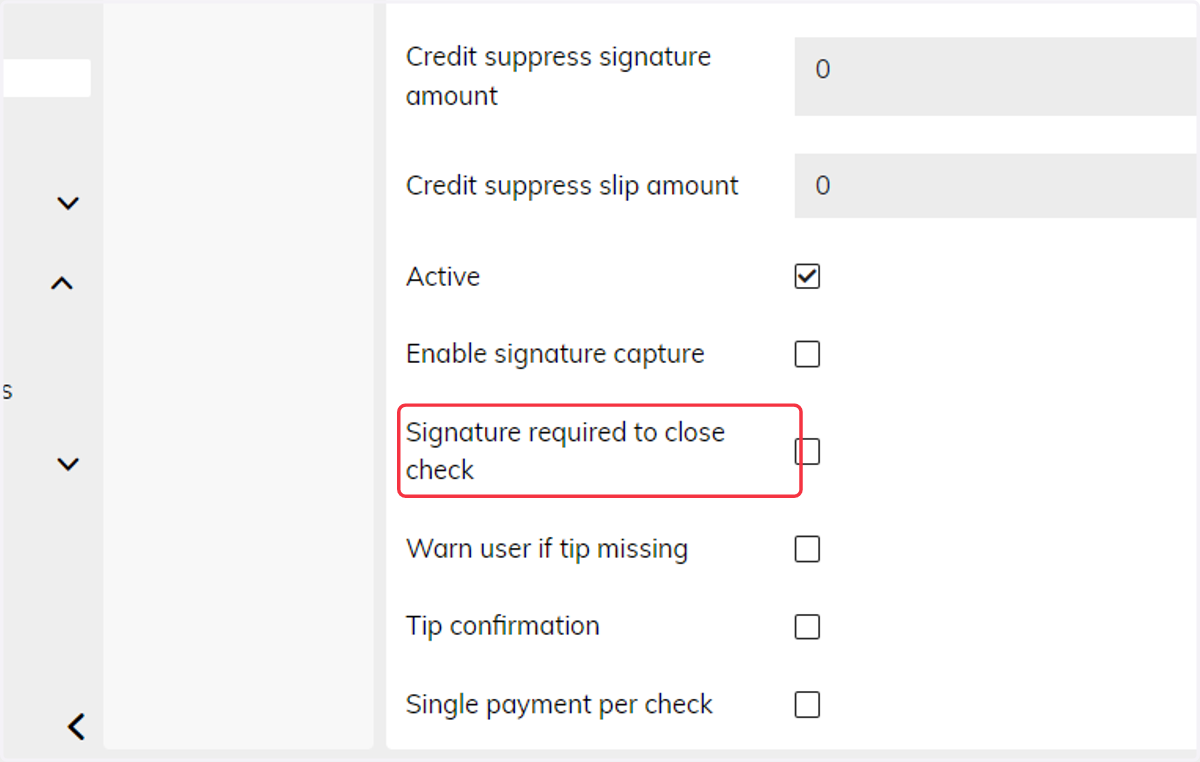
28. Signature Required to Close Check (if applicable)
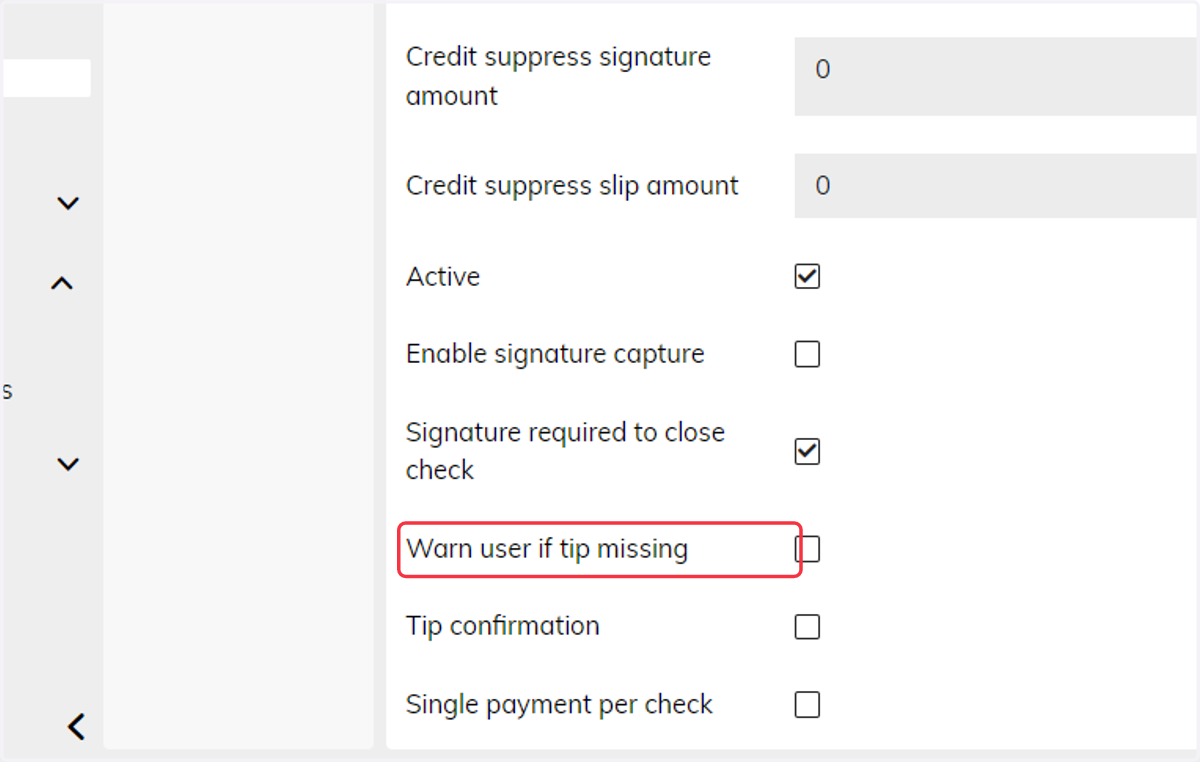
29. Warn user if tip missing (if applicable)
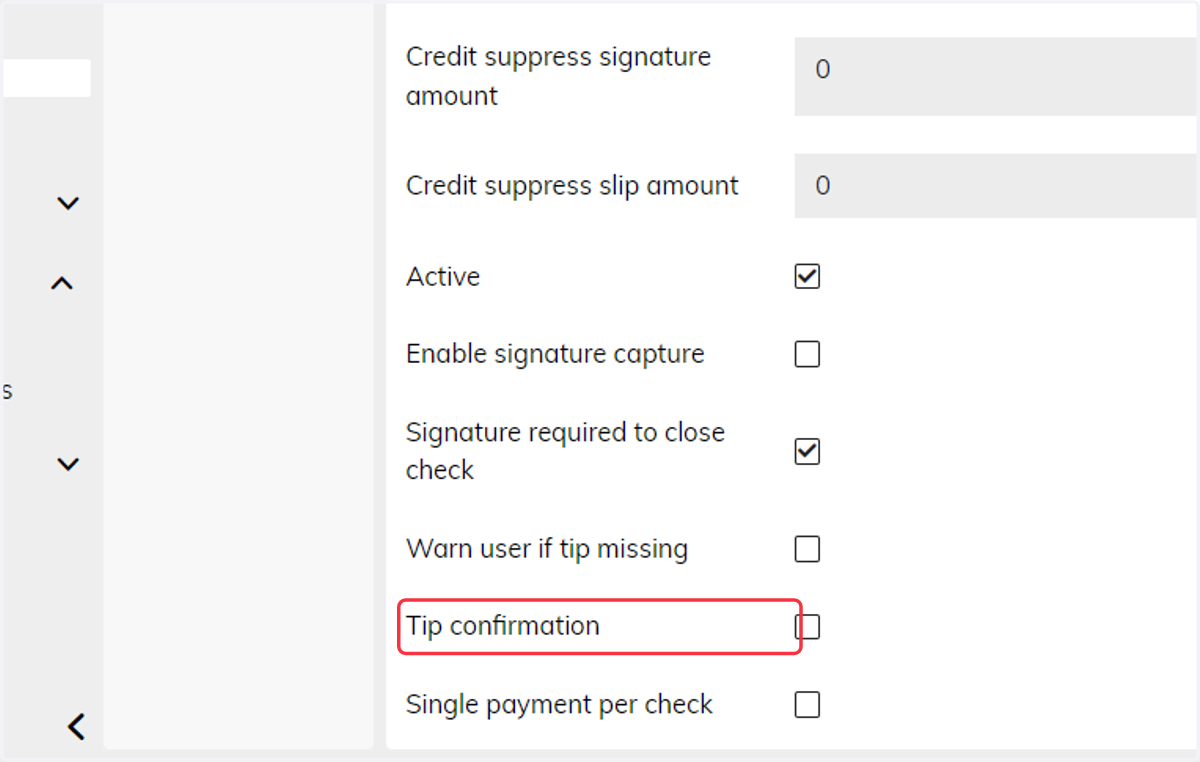
30. Tip confirmation (if applicable)
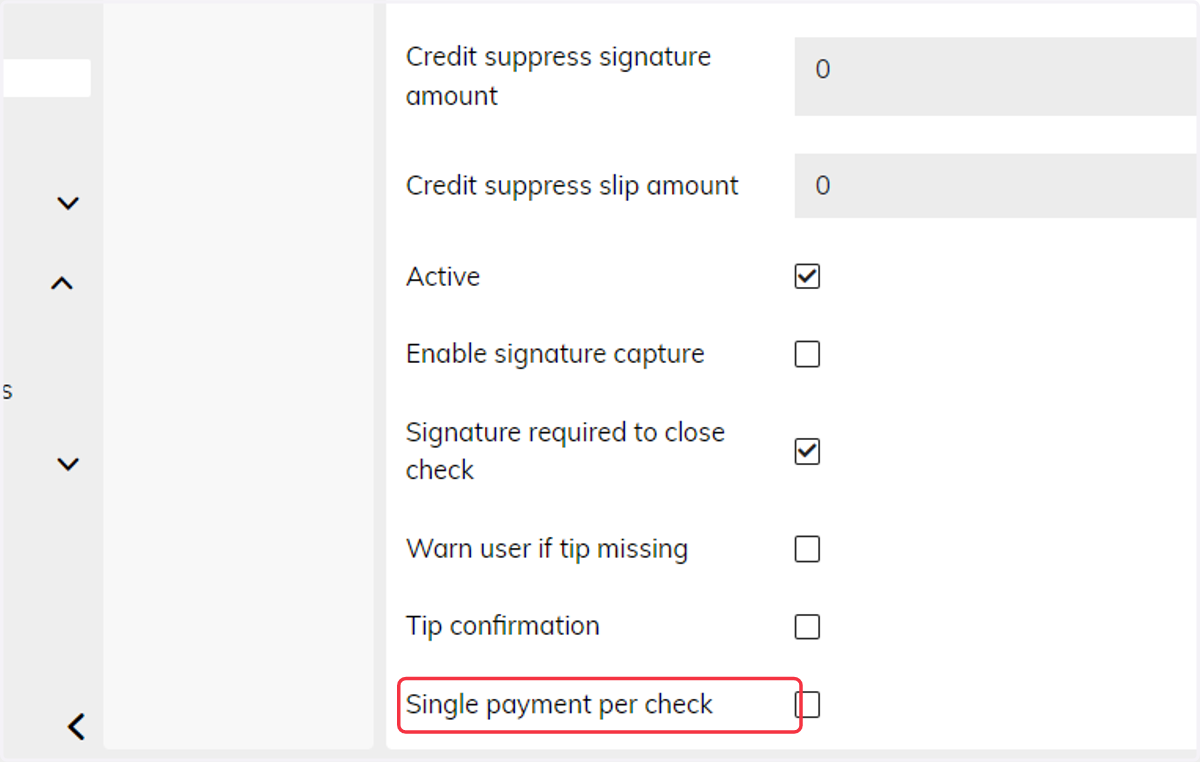
31. Single payment per check (if applicable)
32. Payment type BINs
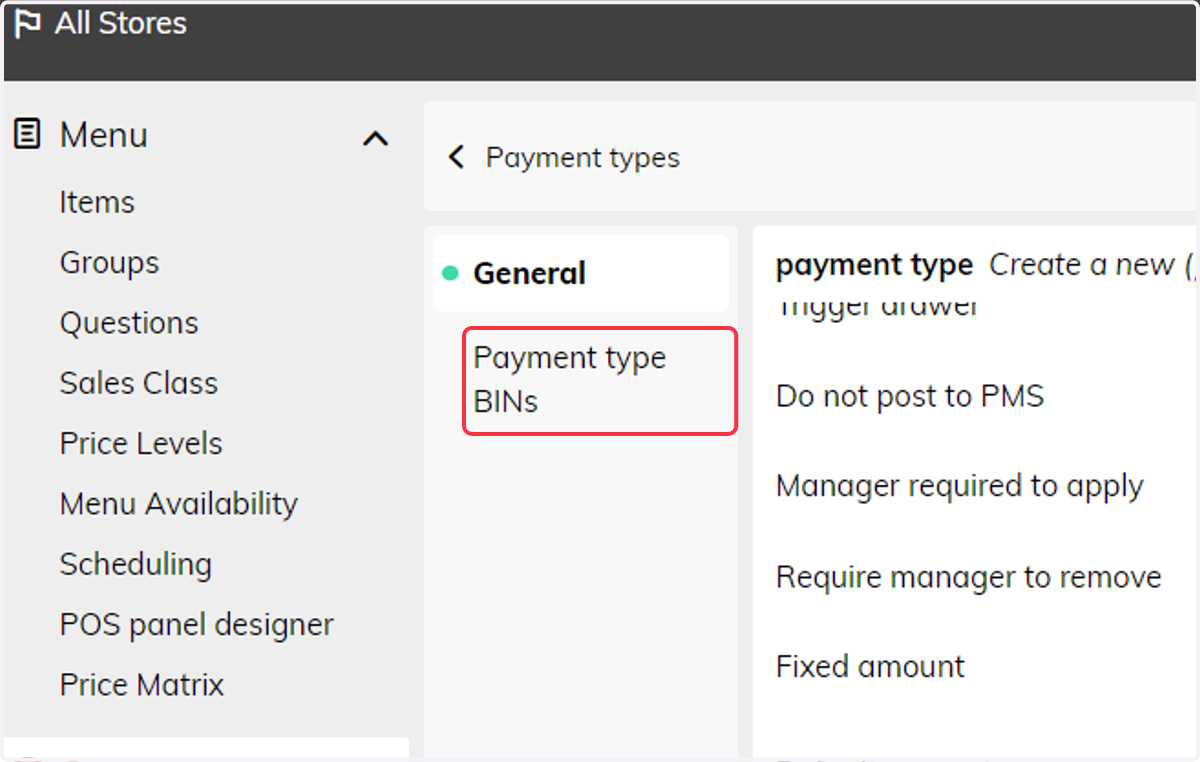
33. Add a Payment Bin ((if applicable))
usually used for gift card payment methods (contact helpdesk to assist)