To View Budget to Spend Report
This report shows a comparison of the amount budgeted and the amount spent by the firms.
Elitesuiteke
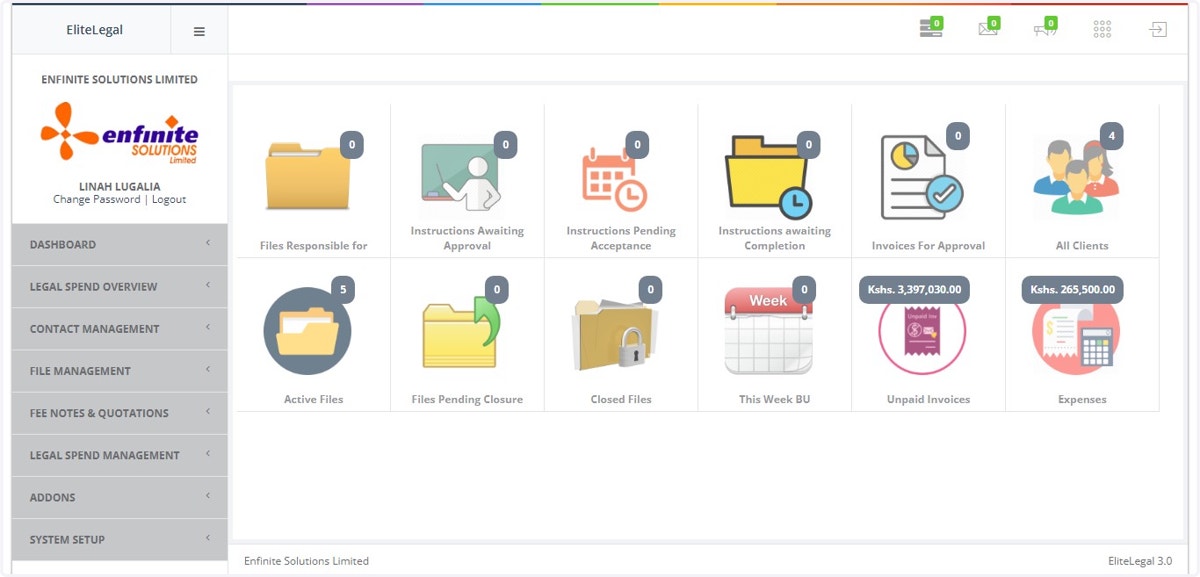
1. Log into the system
2. Go to Legal Spend Management module
3. Click on Management Reports link
4. Click on Spend to Budget option
5. Fill in the details in the pop out form i.e. Year and month
Once done click on the View Report button to access the report
6. As shown in the example, below is a report of the budget to spend