How to send event reminder texts on OpenPhone

Openphone

  1. 1. Go to OpenPhone - Phone for startups and small businesses

  2. 2. Click on link

    Click on link
  3. 3. Click on Send a Message

    Click on Send a Message
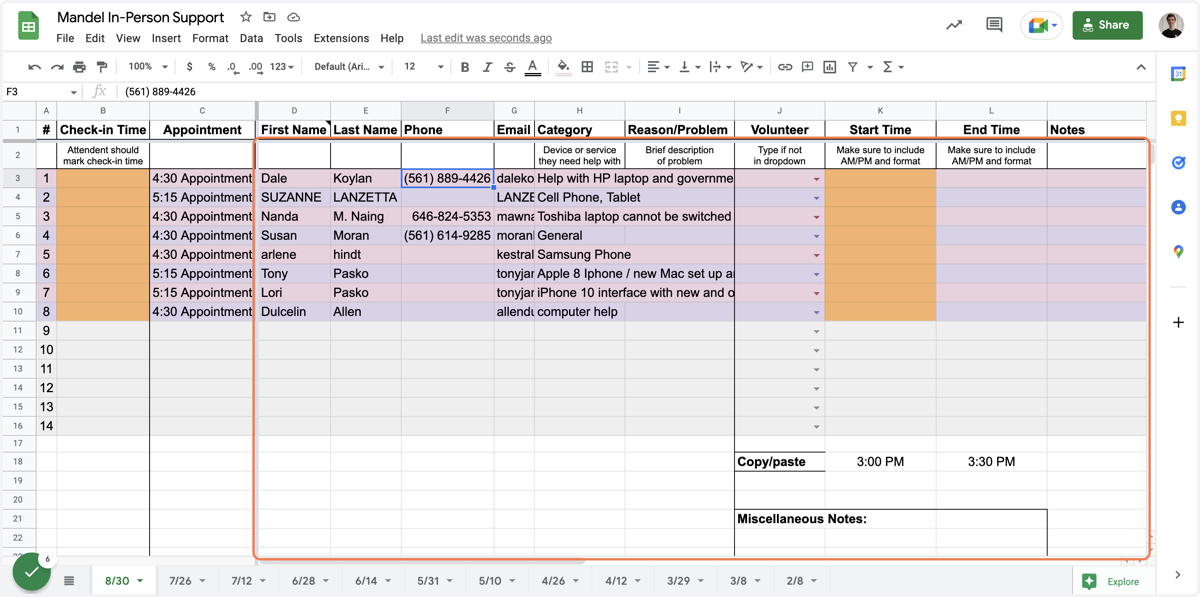
  4. 4. Go to Mandel In-Person Support - Google Sheets

  5. 5. Click on application

    Click on application
  6. 6. Copy the person's phone number

    Copy the person's phone number
  7. 7. Go to ⚡ SFTFS Support | OpenPhone

  8. 8. Paste the phone number in the To: box

    Paste the phone number in the To: box
  9. 9. Click on Write a message...

    Click on Write a message...

Google

  1. 10. Type / or click the / button below the message box

  2. 11. Click on /snippets

    Click on /snippets
  3. 12. Click on Event Reminder

    Click on Event Reminder

Openphone

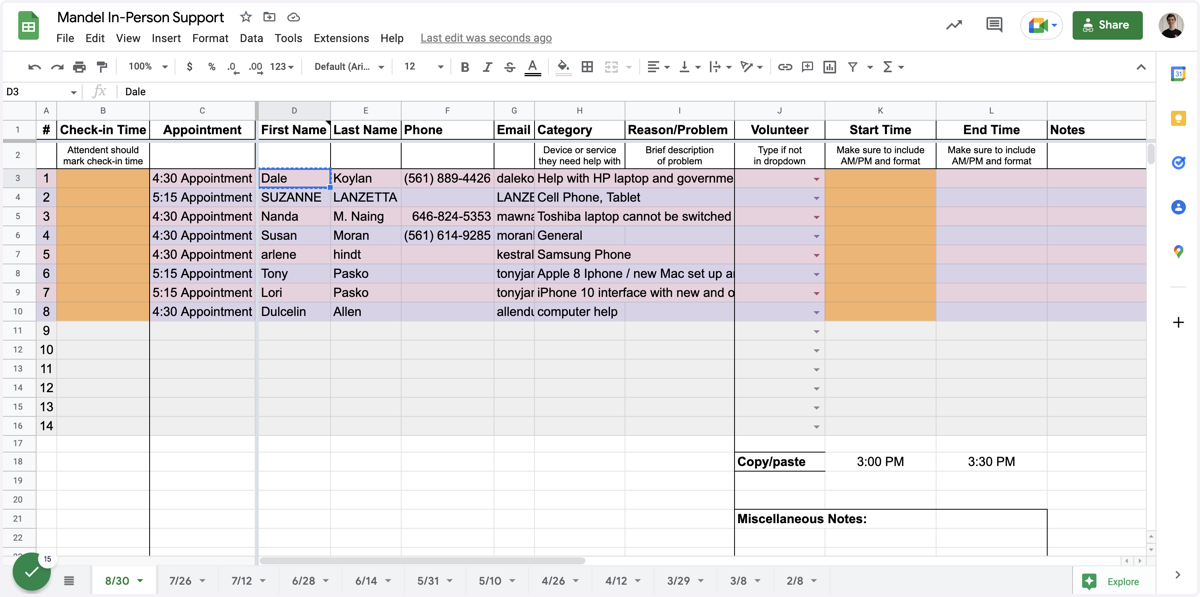
  1. 13. Go to Mandel In-Person Support - Google Sheets

  2. 14. Click on application

    Click on application
  3. 15. Copy the person's first name

    Copy the person's first name
  4. 16. Go to ⚡ SFTFS Support | OpenPhone

  5. 17. Highlight NAME and paste their name

  6. 18. Click on Hi Dale, reminder that you have an appointment today at TIME with SFTFS at the Mandel Library. If you can't make it, please let us know. Otherwise, we look forward to seeing you soon!

    Click on Hi Dale, reminder that you have an appointment today at TIME with SFTFS at the Mandel Library. If you can't make it, please let us know. Otherwise, we look forward to seeing you soon!

Google

  1. 19. Go to Mandel In-Person Support - Google Sheets

  2. 20. Go to ⚡ SFTFS Support | OpenPhone

  3. 21. Copy or note the time of their appointment

Openphone

  1. 22. Change the time to the accurate time

  2. 23. Ensure the message is accurate and doesn't have errors

    Ensure the message is accurate and doesn't have errors
  3. 24. Click Send or Schedule message

    Click Send or Schedule message