Edit Workspace Settings
A guide for Admins to edit workspace settings.
Step One: Go to the Workspace Settings page
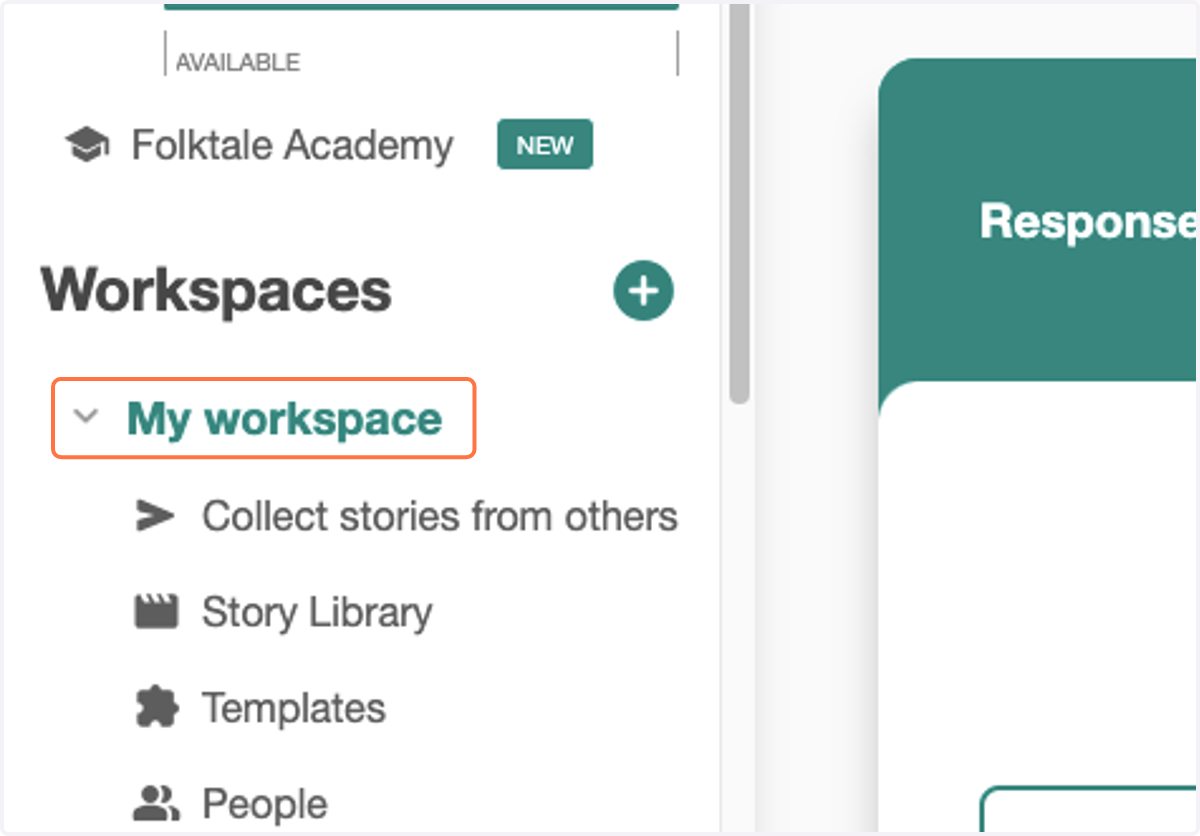
1. Once you sign in, click on your workspace name
If you're using a mobile device, press the menu button in the top left and press on your workspace name from the panel.
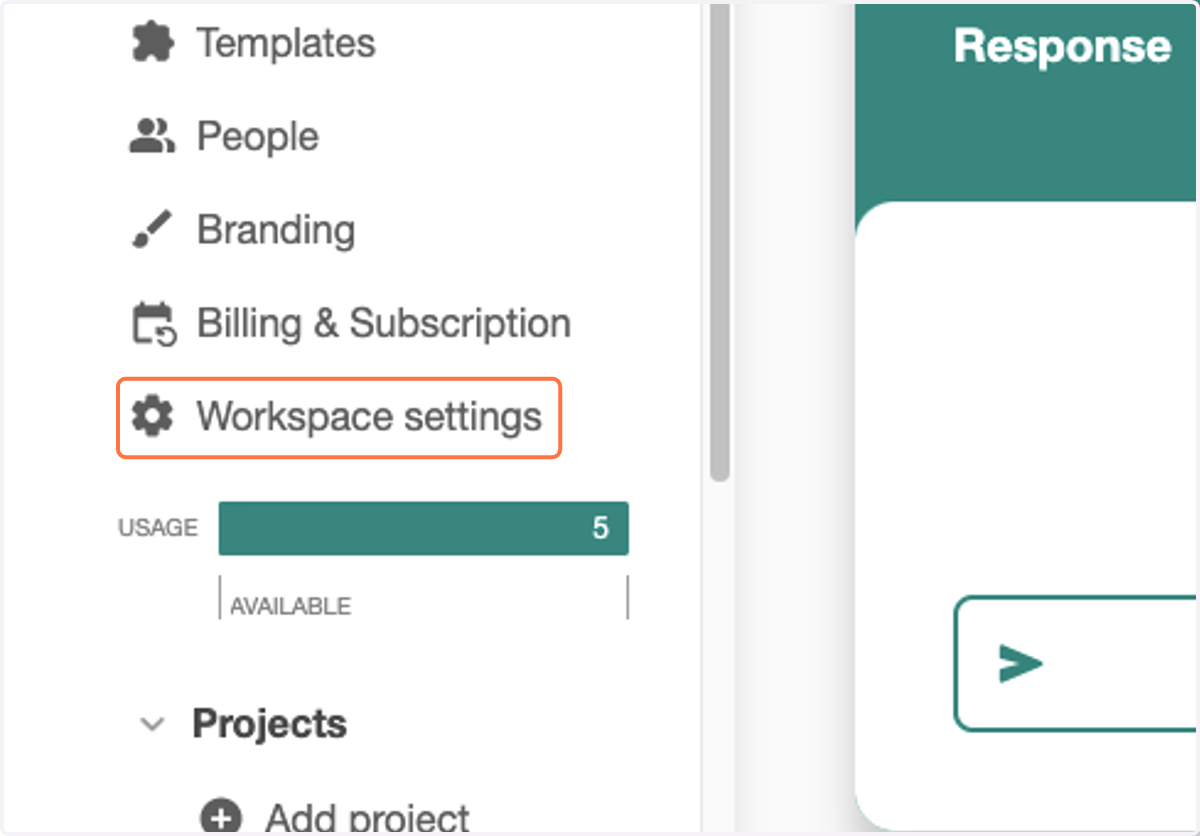
2. Select Workspace settings
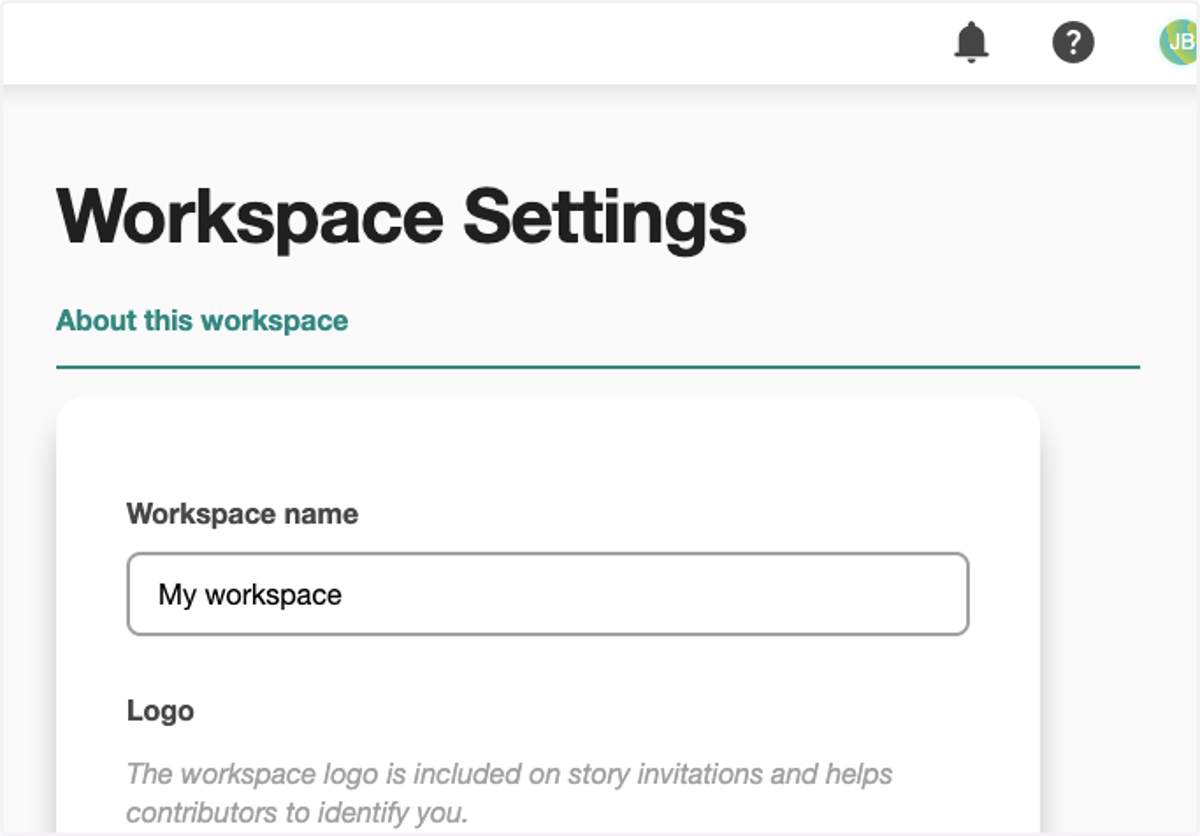
3. You'll be taken to the Workspace Settings page
Step Two: Edit the workspace details
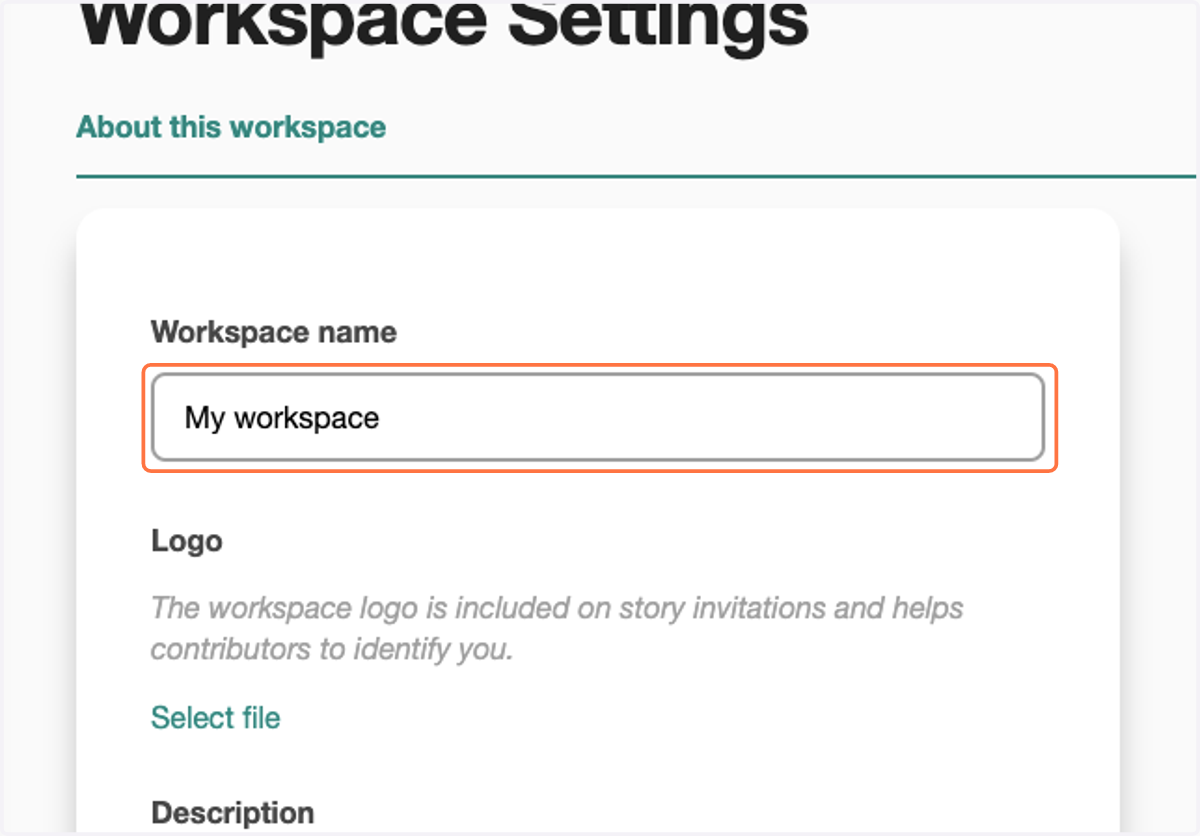
4. Click on the box to change the workspace name
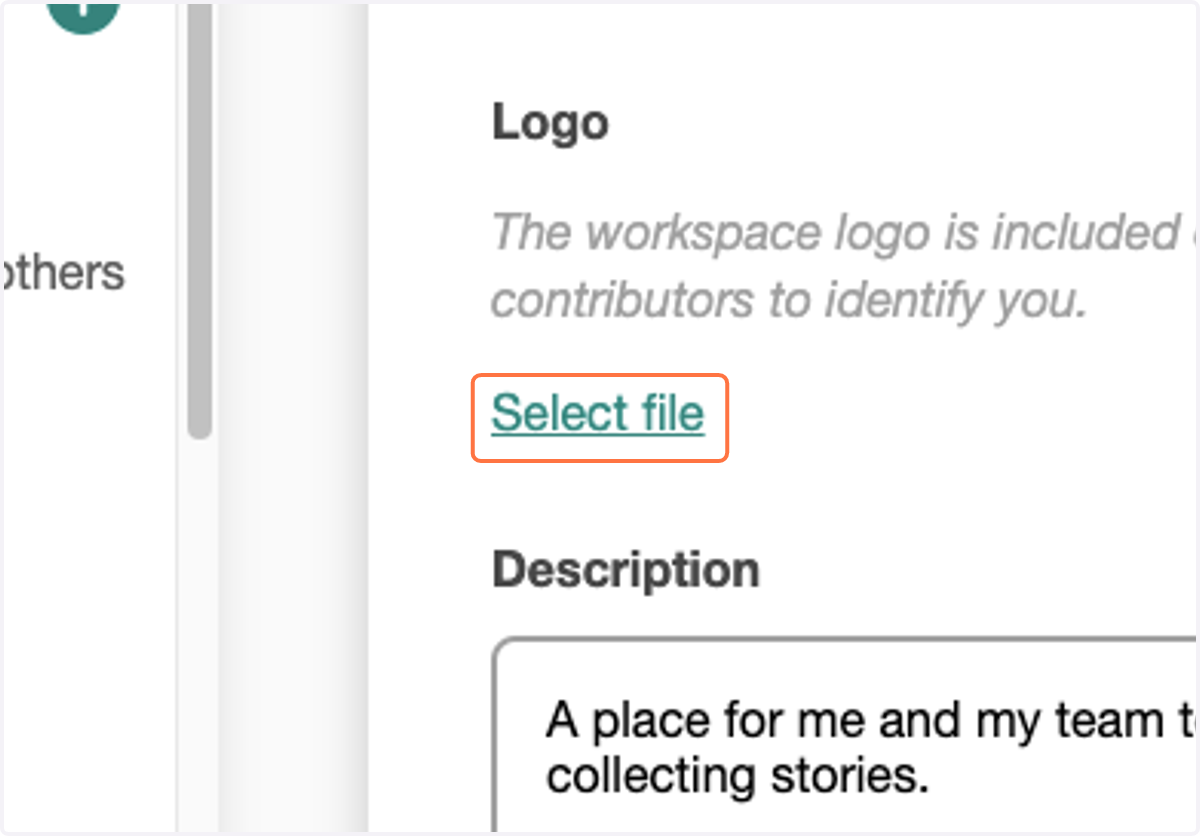
5. Add or change your workspace logo to personalize the invitation and let people know who invited them.
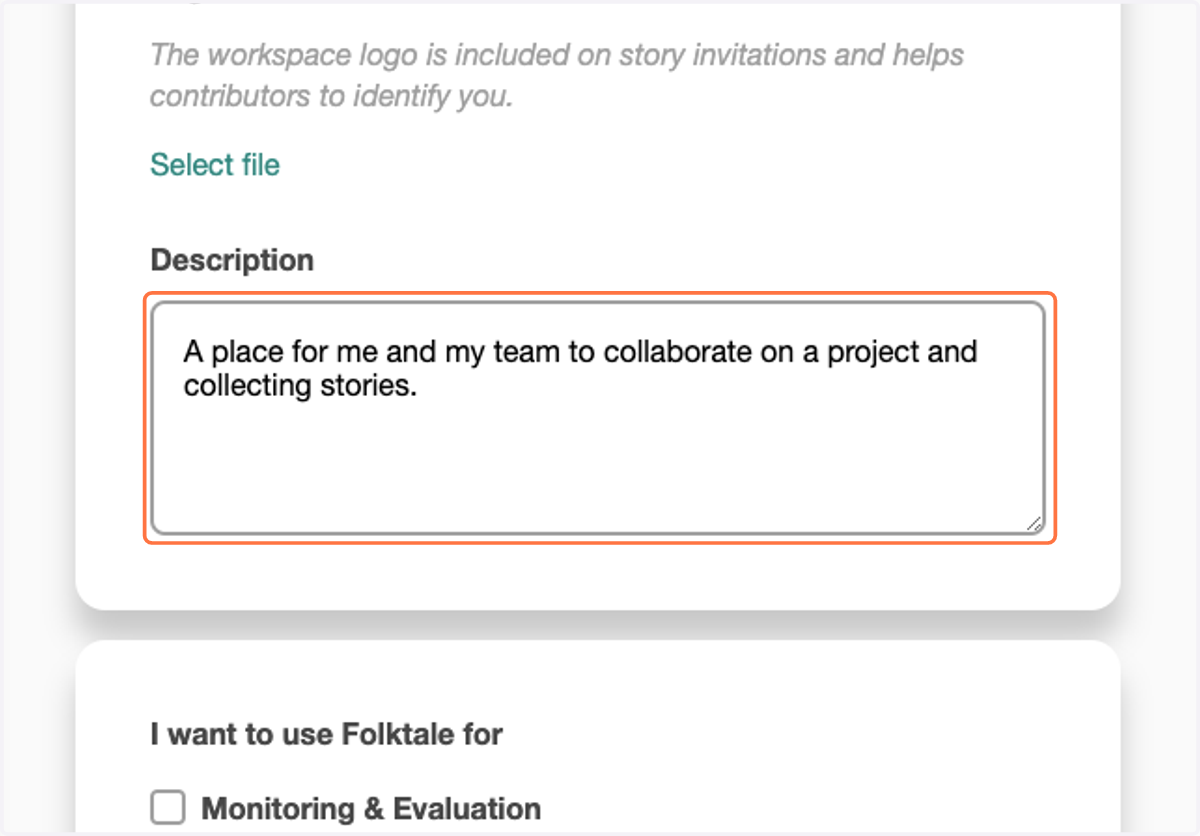
6. Click on the box to edit the description of the workspace
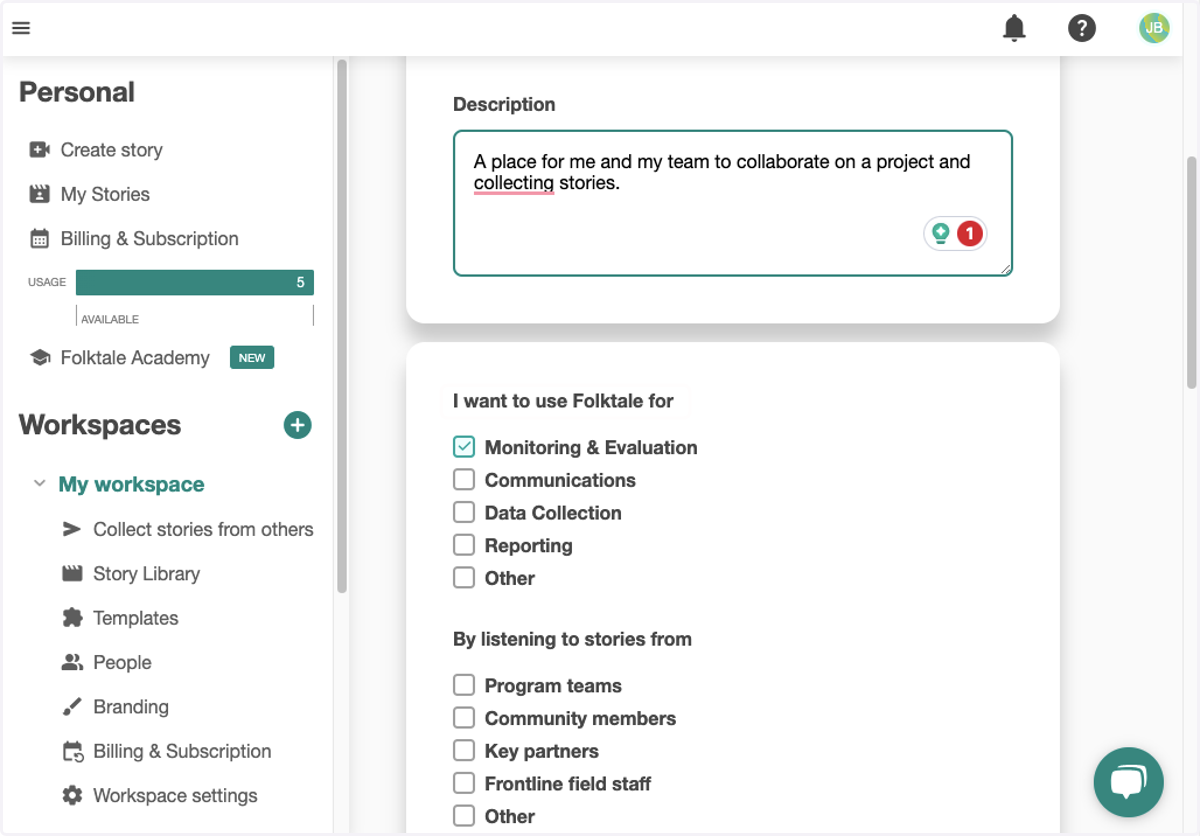
7. Select the option that applies to how you want to use Folktale for
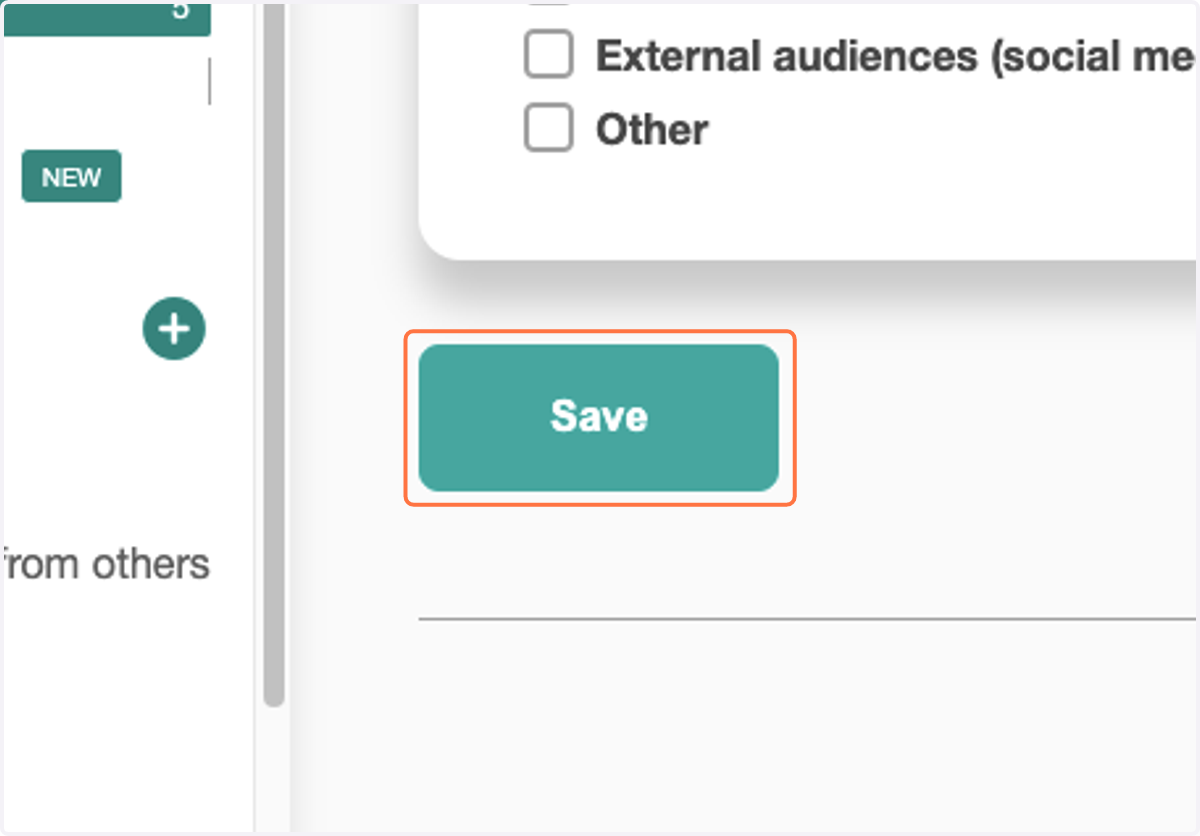
8. Once done, click Save