Sign in to Adobe
Using Shared Community Accounts
Adobe Homepage
1. Click on Sign in
2. Type Email address
These are all setup the same way across every community using the standard <CommunityName>Adobe1@sheltergrp.com or <CommunityName>Adobe2@sheltergrp.com
Examples: AnnapolisAdobe1@sheltergrp.com, MaysChapelRidgeAdobe1@sheltergrp.com
There are two accounts per community

3. Click on Continue

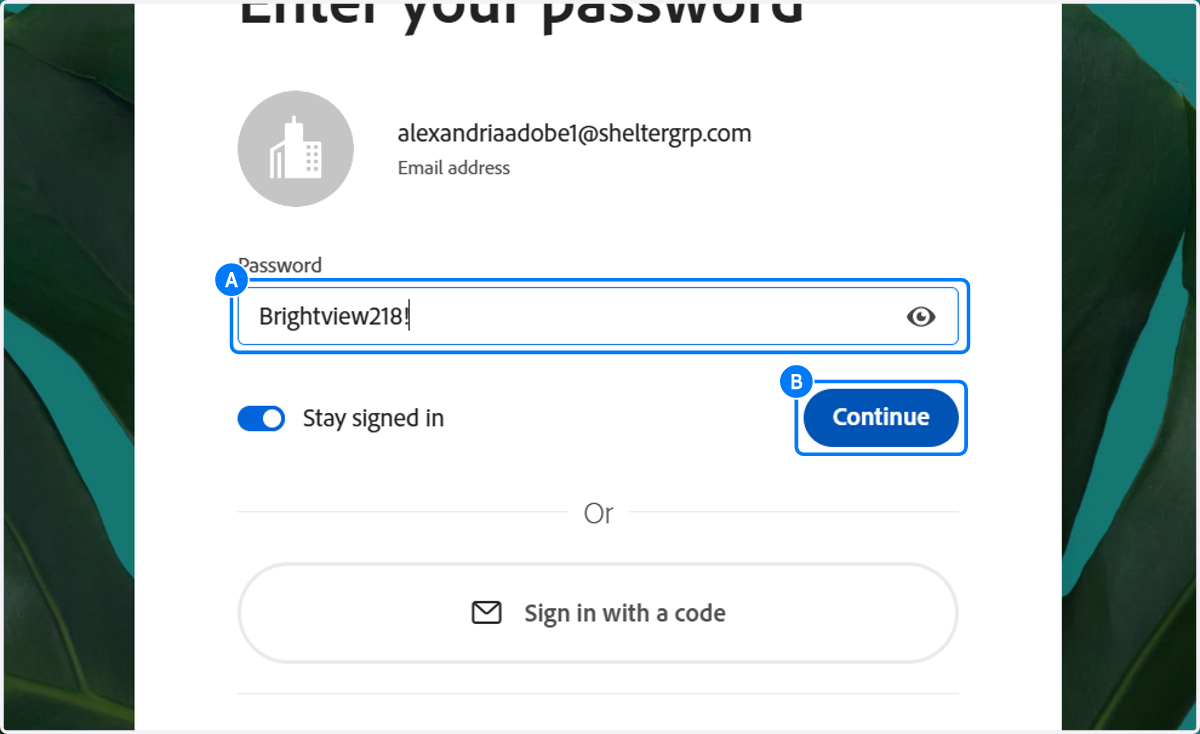
4. A. Type Password
4. B. Click on Continue
5. If prompted to add a secondary email or backup phone number: Click on Not now

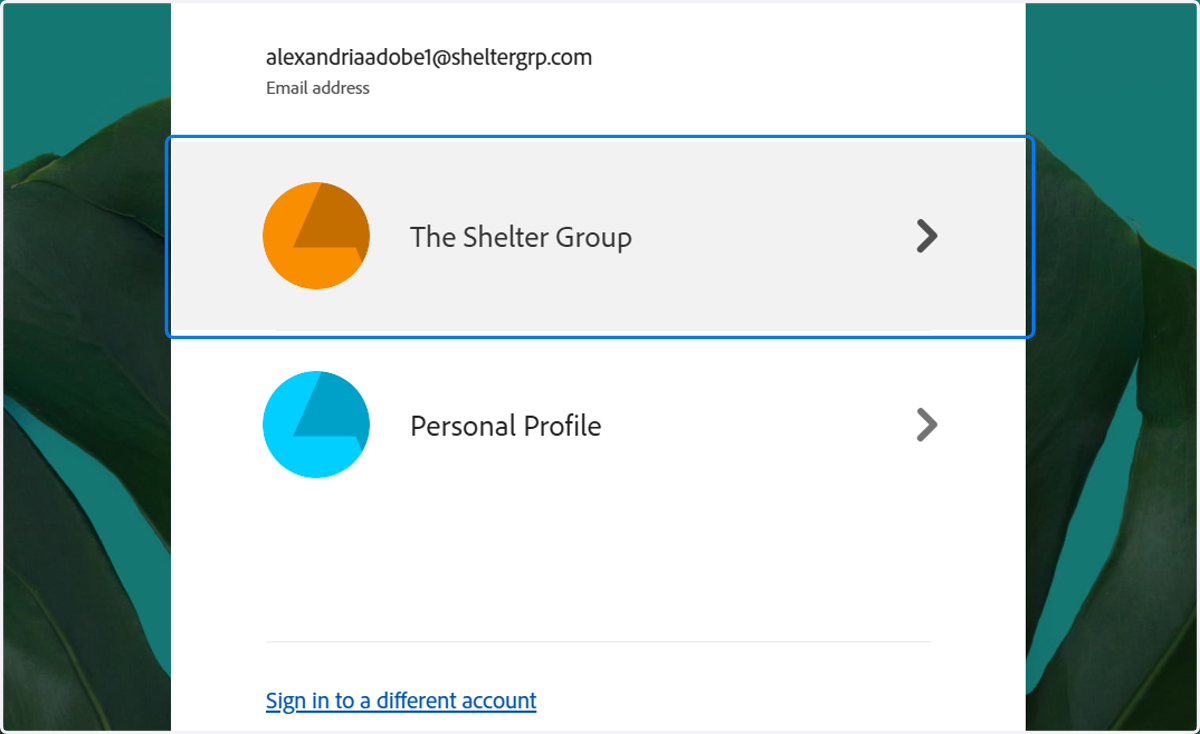
6. Click on The Shelter Group