Logging In, Requesting Tickets, and Managing Requests: Step-by-Step Process
1iota - Requesting Tickets
How do I request tickets via 1iota.com? Step 1: Navigate to 1iota.com.
1. Step 2: Click on LOG IN in the upper right hand corner

2. Enter the email associated with your 1iota profile
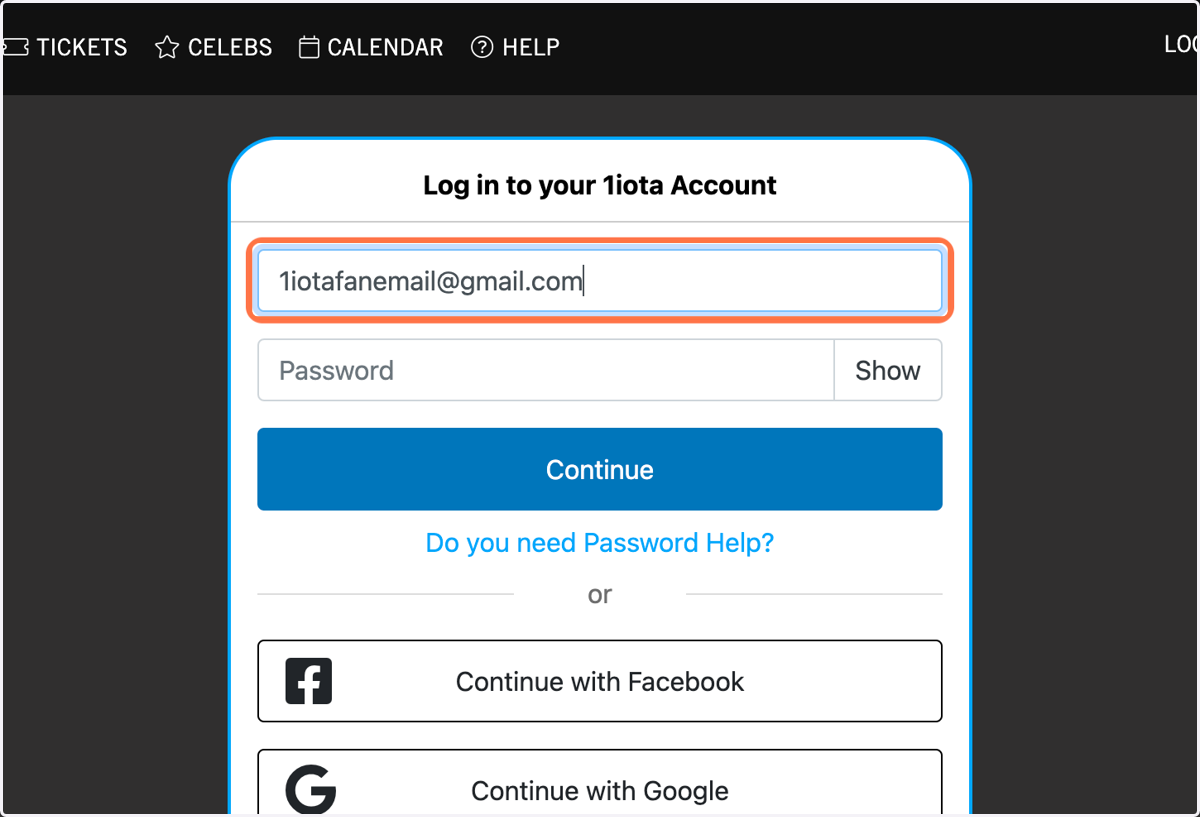
3. Enter your password
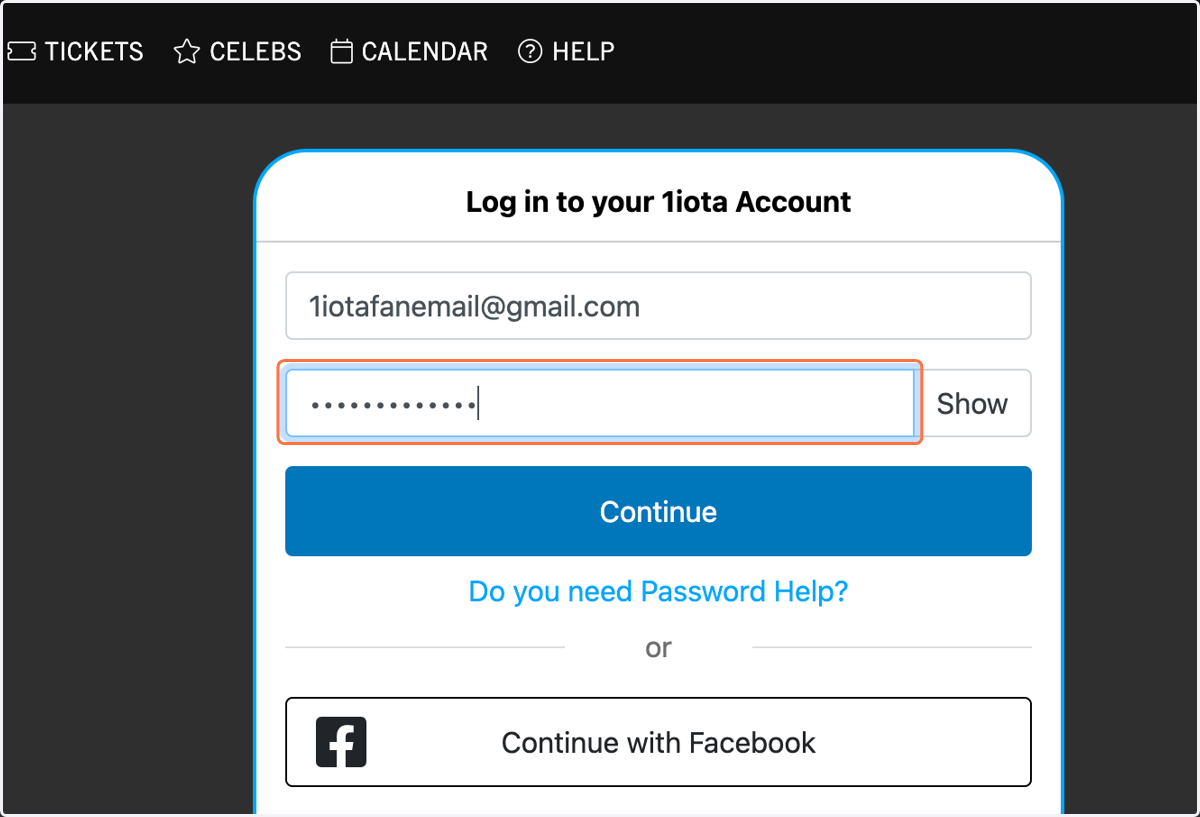
4. Click on Continue
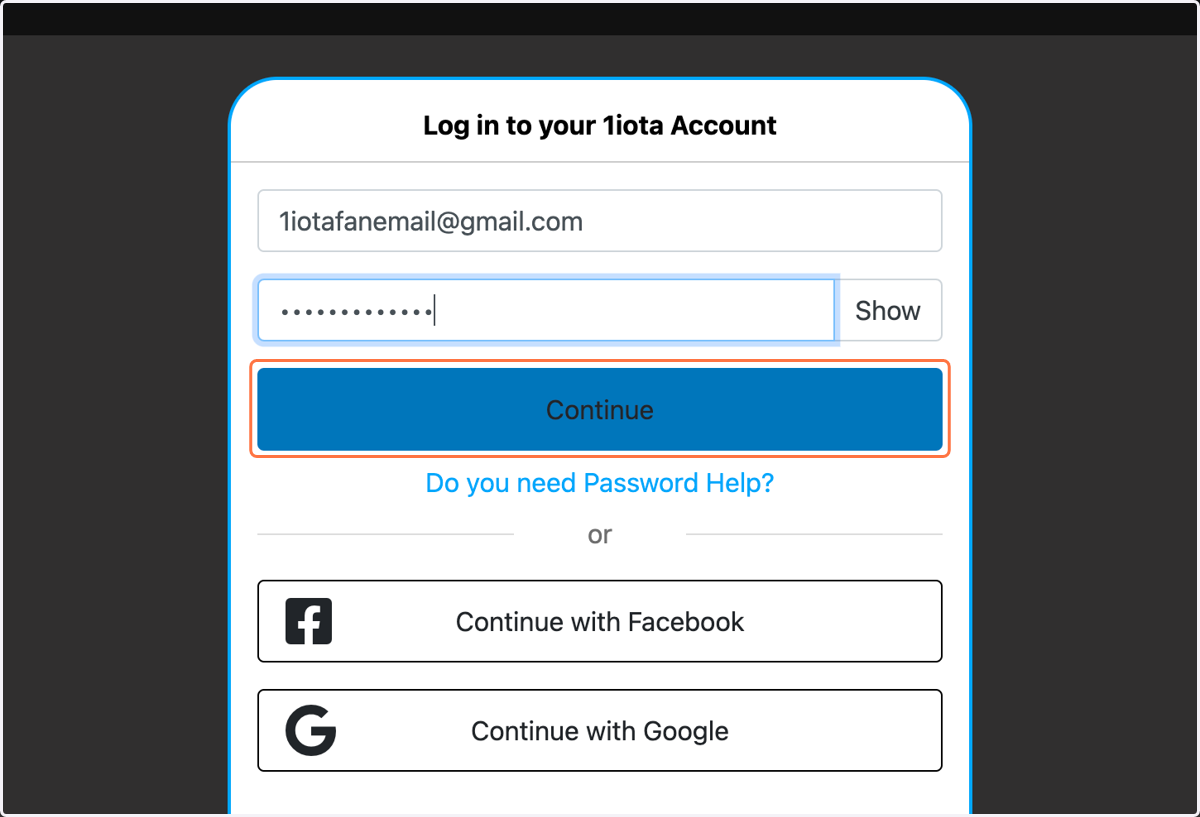
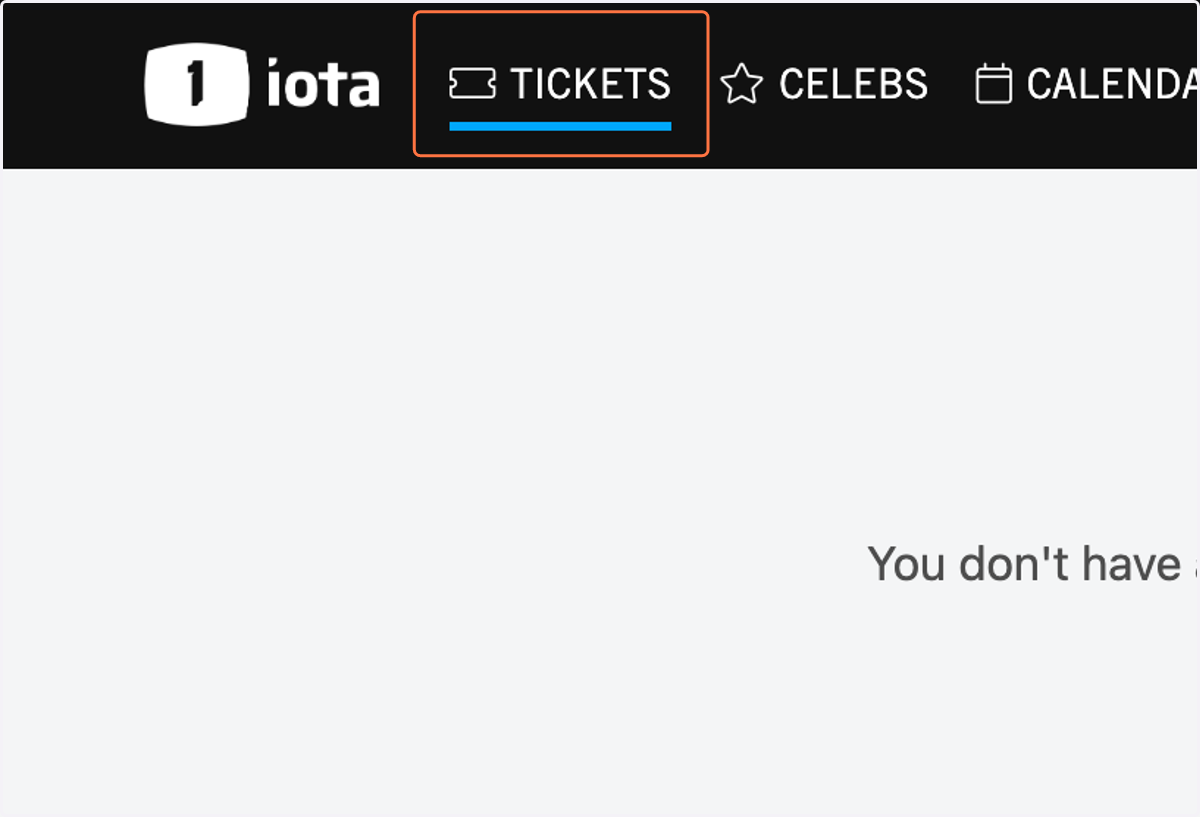
5. Click on "Tickets"
Once you are logged in, click on "Tickets" in the upper left hand corner to view available tickets for shows and events.
6. Click on the event you want to attend.

7. Click on "REQUEST TICKETS"
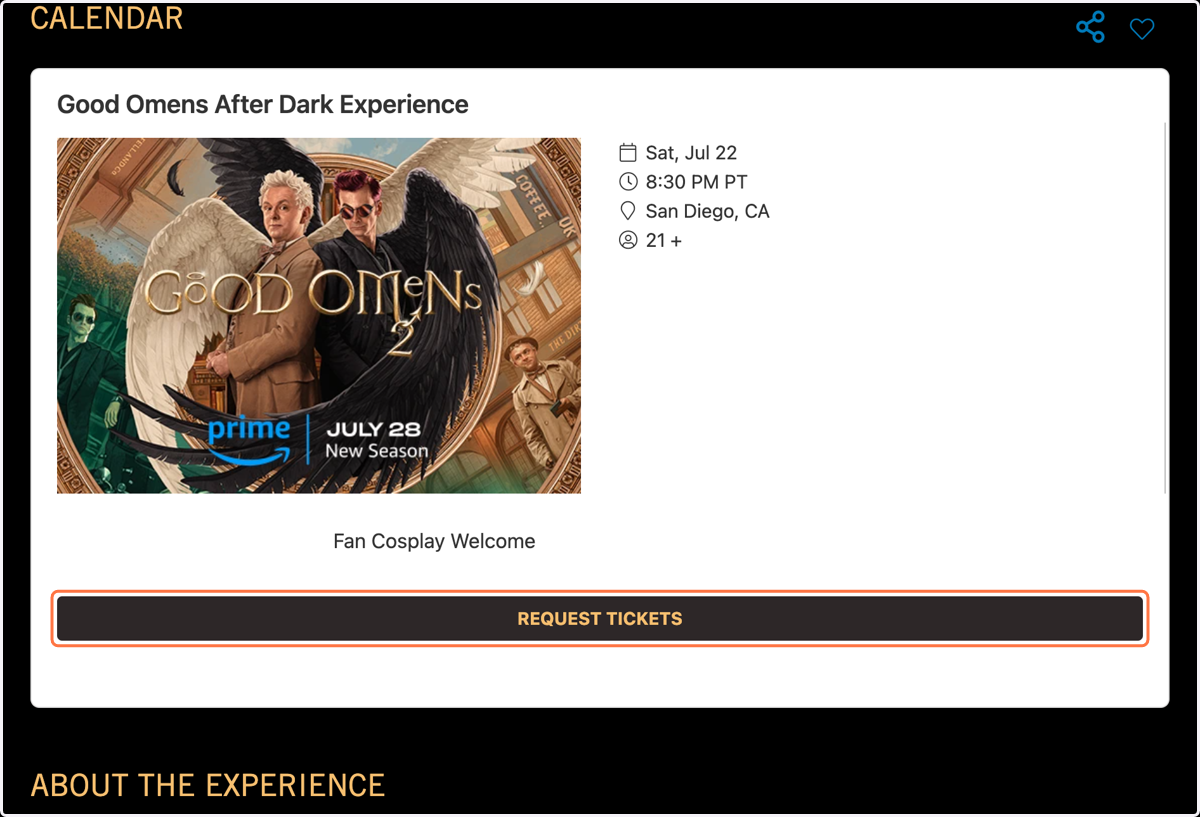
8. Enter the amount of tickets you want to submit.
Please note that you can not increase your ticket amount once submitted. It can however be reduced.
9. Tell 1iota why you are excited to attend!
This is very important! Show us your excitement for the event - whether its your favorite show, the actors/performers - we want to know!
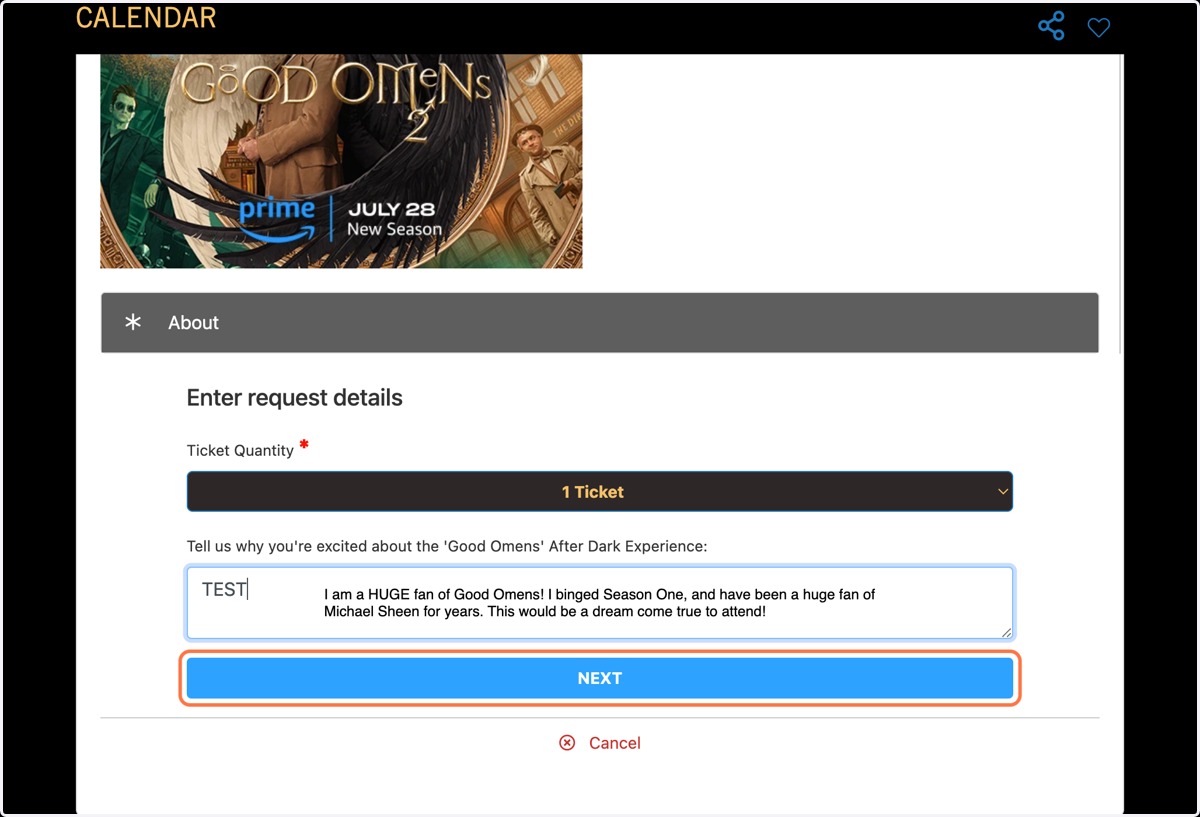
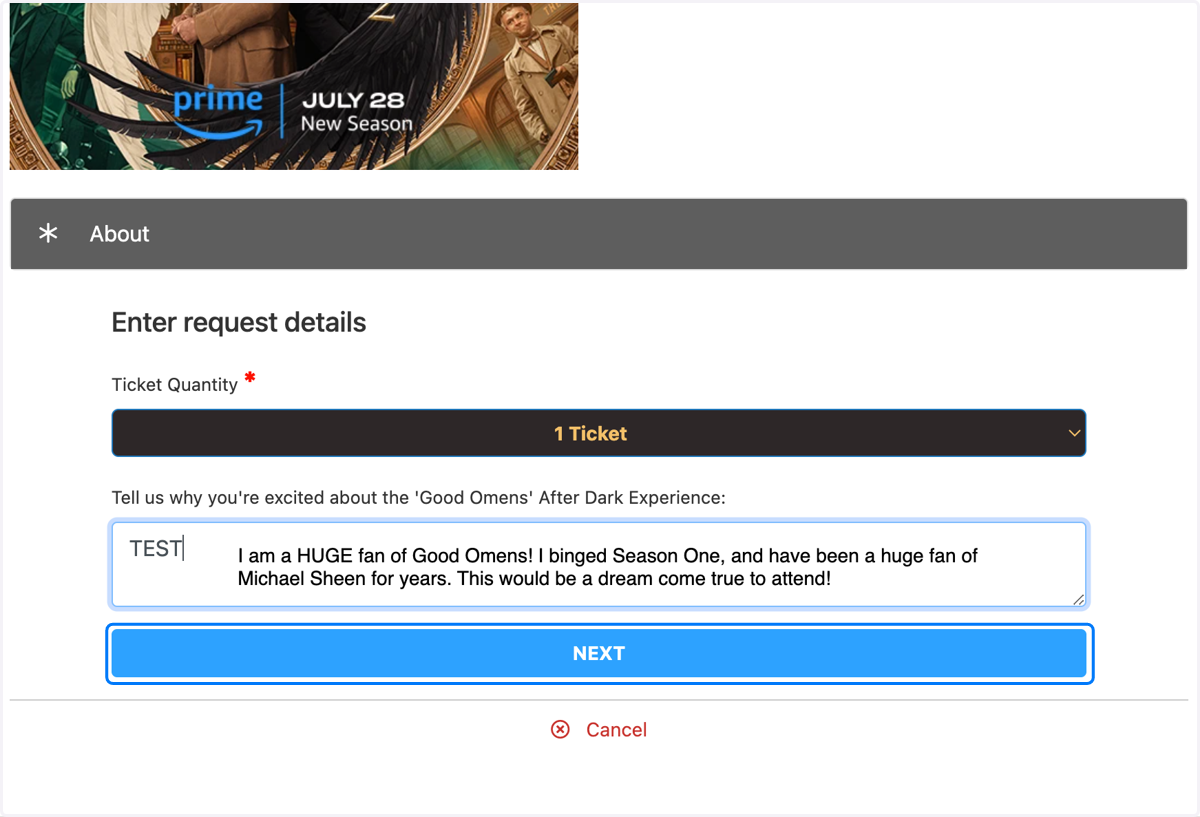
10. Click on NEXT
Once you have entered your comments - click "Next"
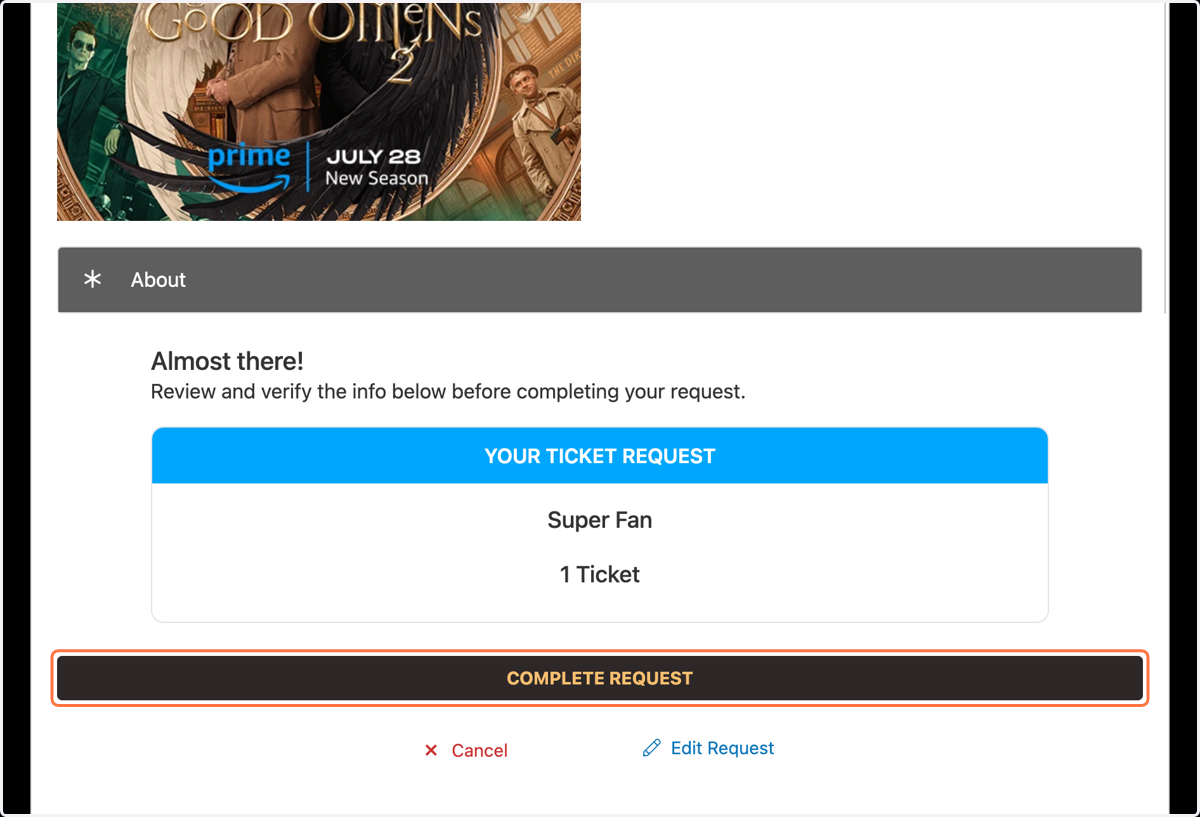
11. Click on "COMPLETE REQUEST"
You're almost there! Make sure to review all of the information to before submitting your request. If everything looks good to go, simply click "Complete Request"
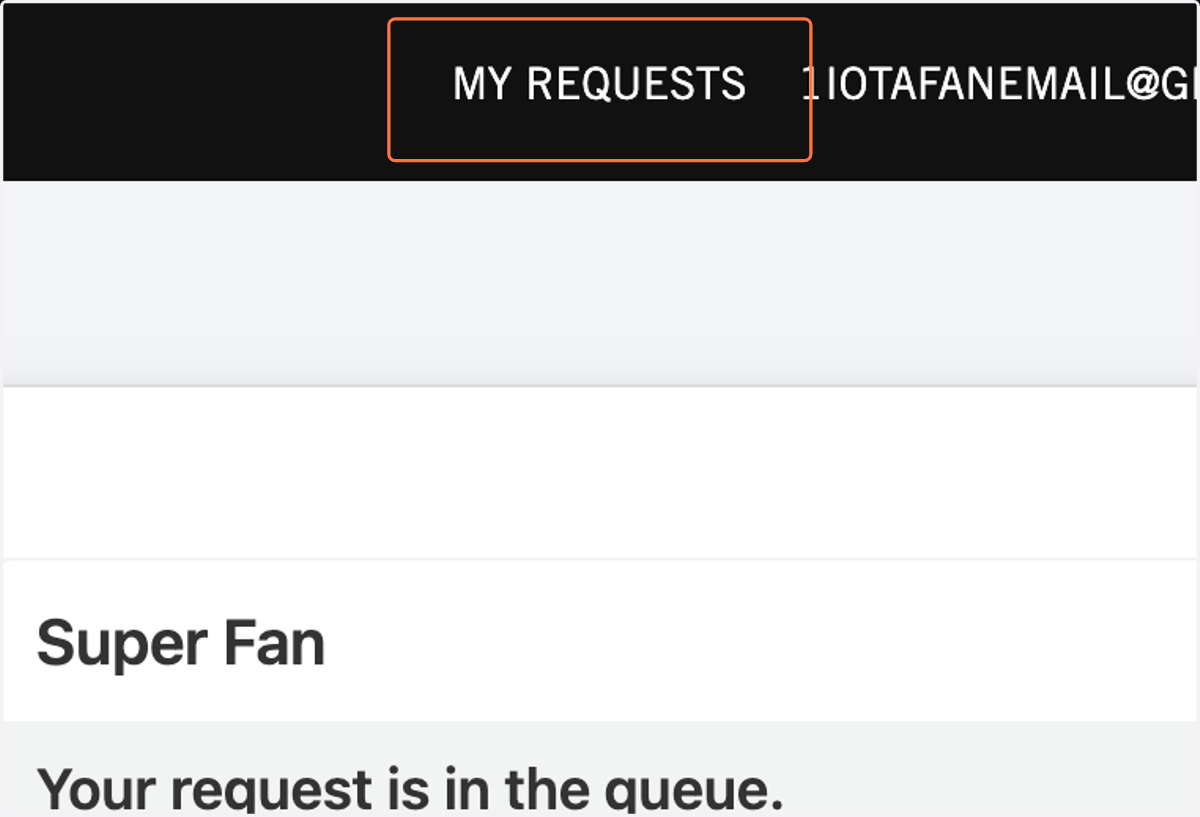
12. Click on "MY REQUESTS"
Once you submit your request you join the "Request Queue". Joining the Request Queue does not mean that you have tickets. All requests are placed in the queue until we are ready to begin ticket distribution.
Please note that tickets are distributed about one week prior to the event date. However, ticket distribution can begin earlier than that, and can continue up until the day of the event.
We extend tickets in batches. If we are able to accommodate your request, you will receive an email notifying you that you have been Invited. You can also log in at any time to check your request status by clicking on "My Requests"
13. Additional Support
For assistance with any additional questions or issues that you may be encountering, please reach out to support@1iota.com. A member of our support team will reach out to assist within a few business days.