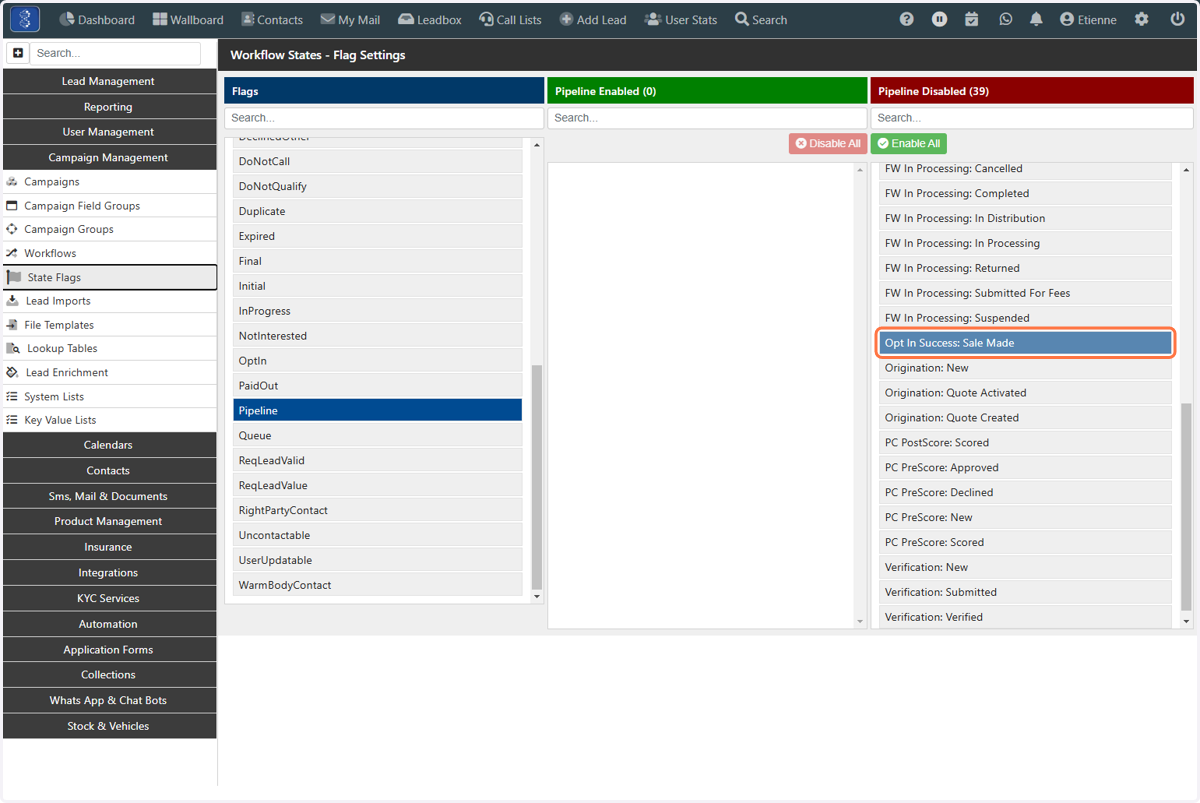
State Flags
How to add Lead States to a State Flag
Laminin
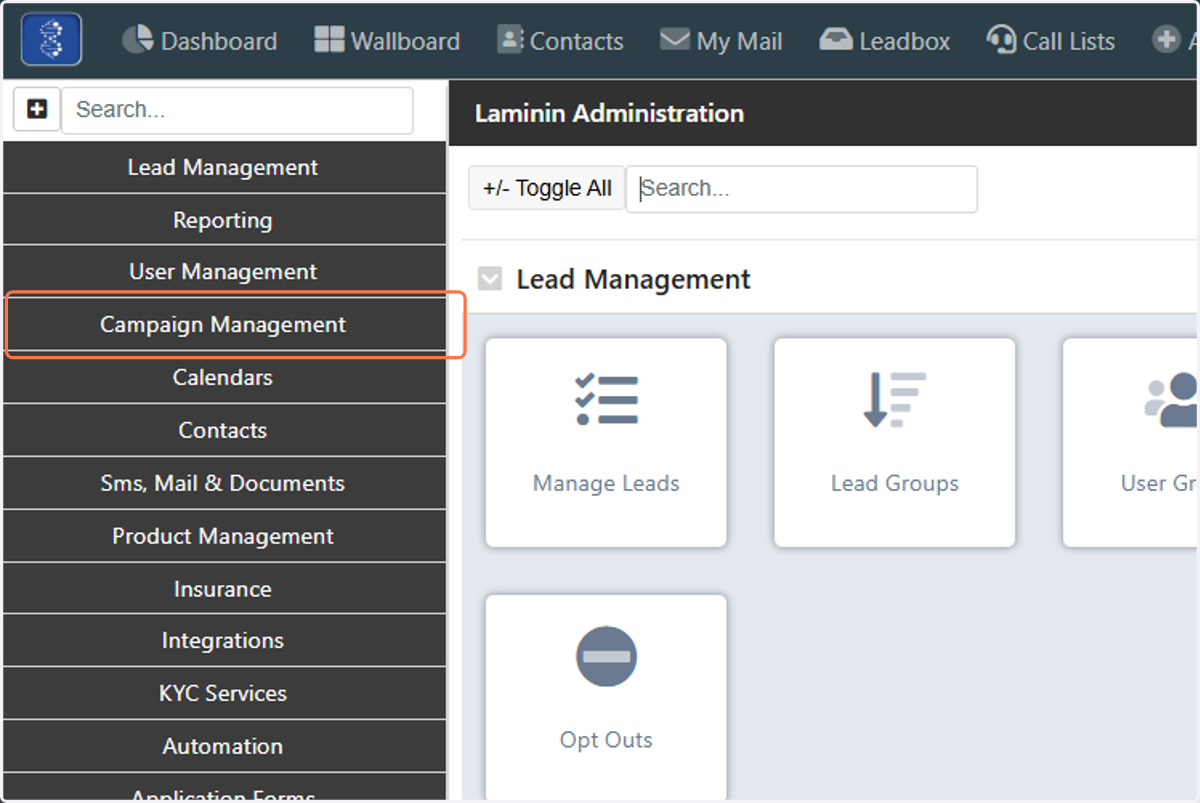
1. Click on Campaign Management
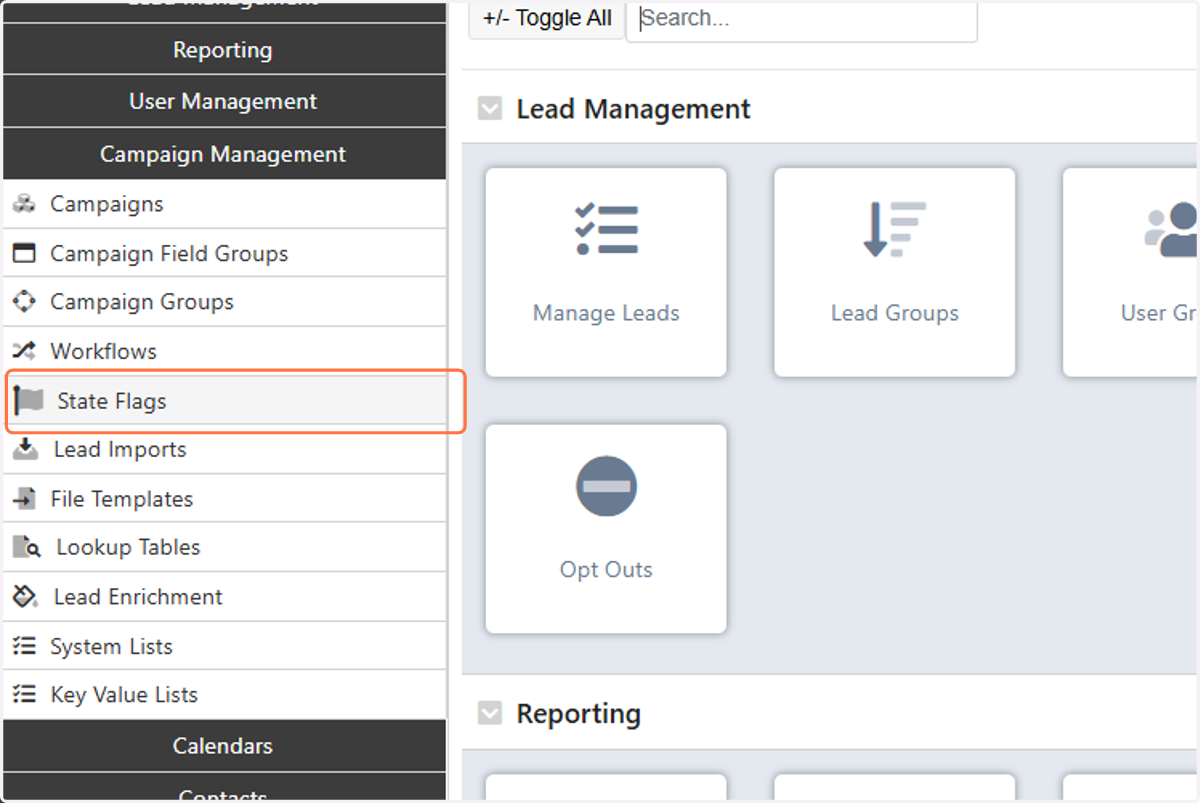
2. Click on State Flags
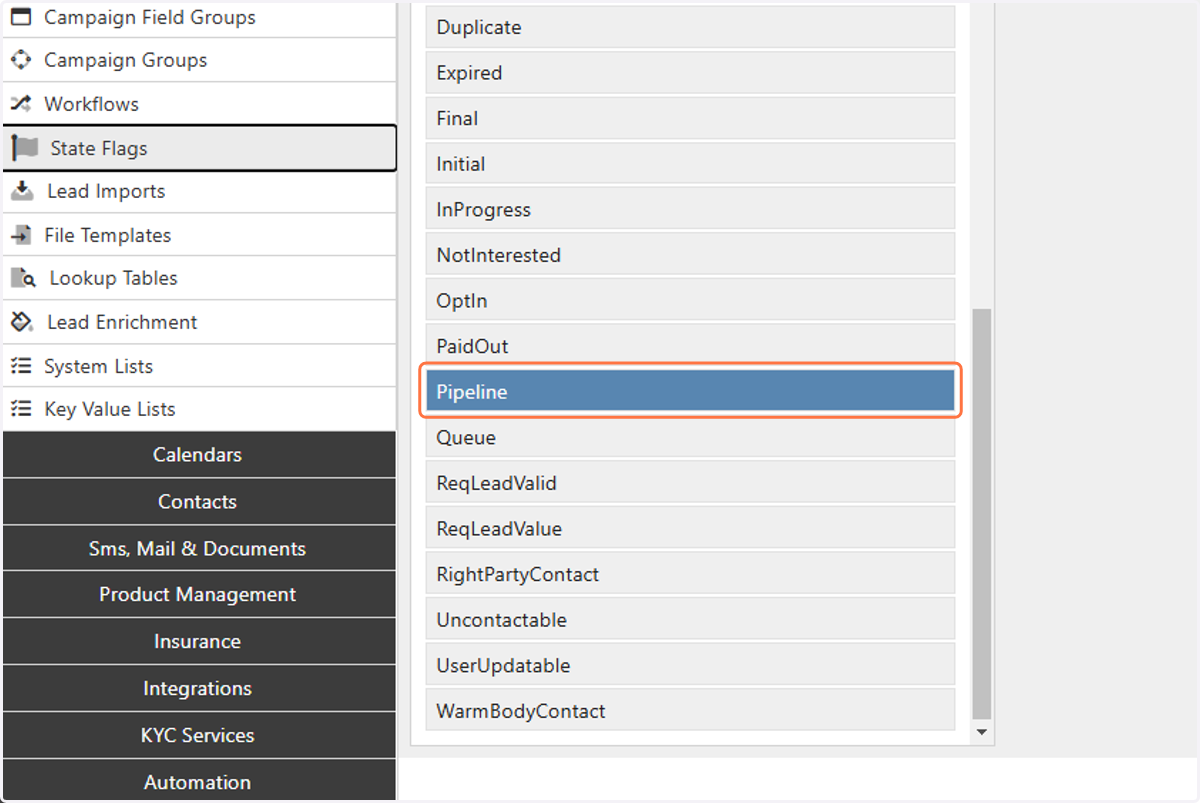
3. Click on the State Flag you want to add Lead States to
In this example we will add Lead States to the "Pipeline" State Flag
4. Click on the Lead State that you want to add