How to Post a Newsfeed or Poll
Admin Dashboard
1. Click on Newsfeed in Admin Dashboard

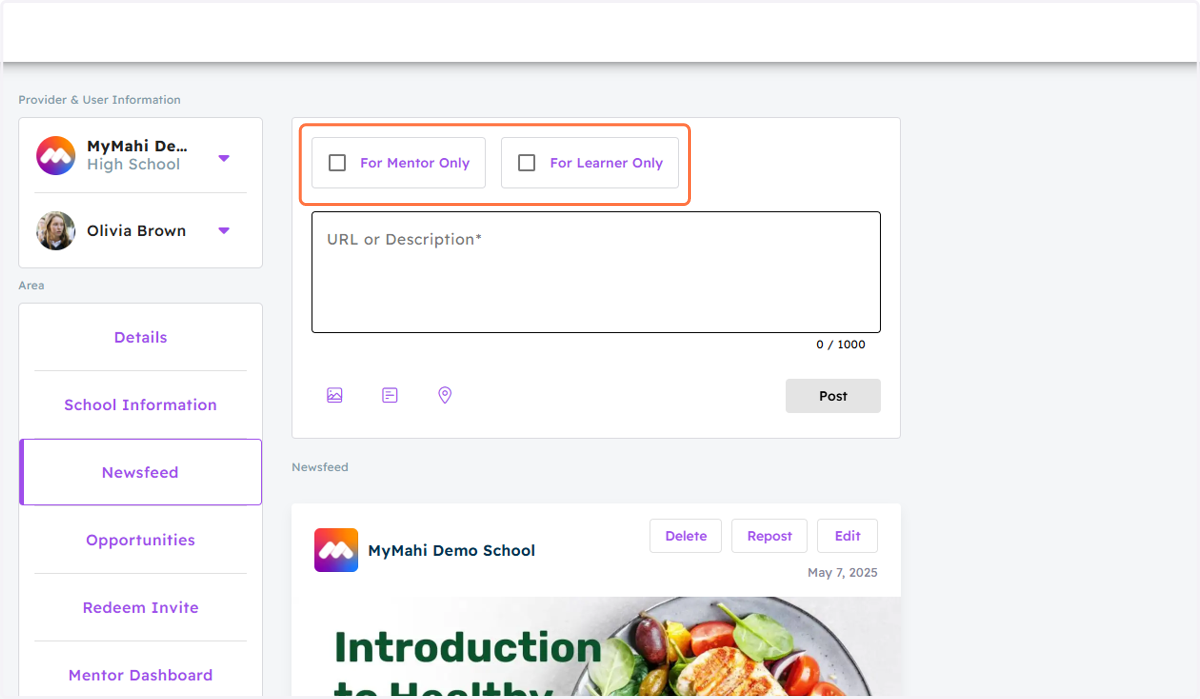
2. Filter the Audience
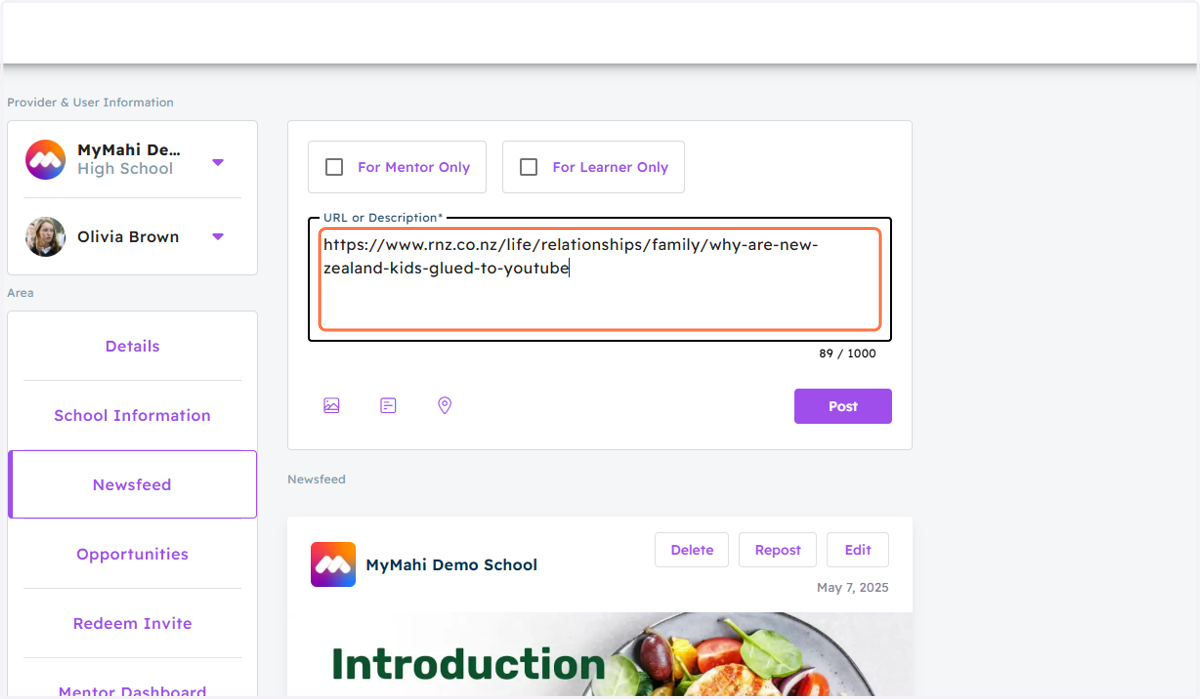
3. Type Your Text or Paste Links into the Text Field
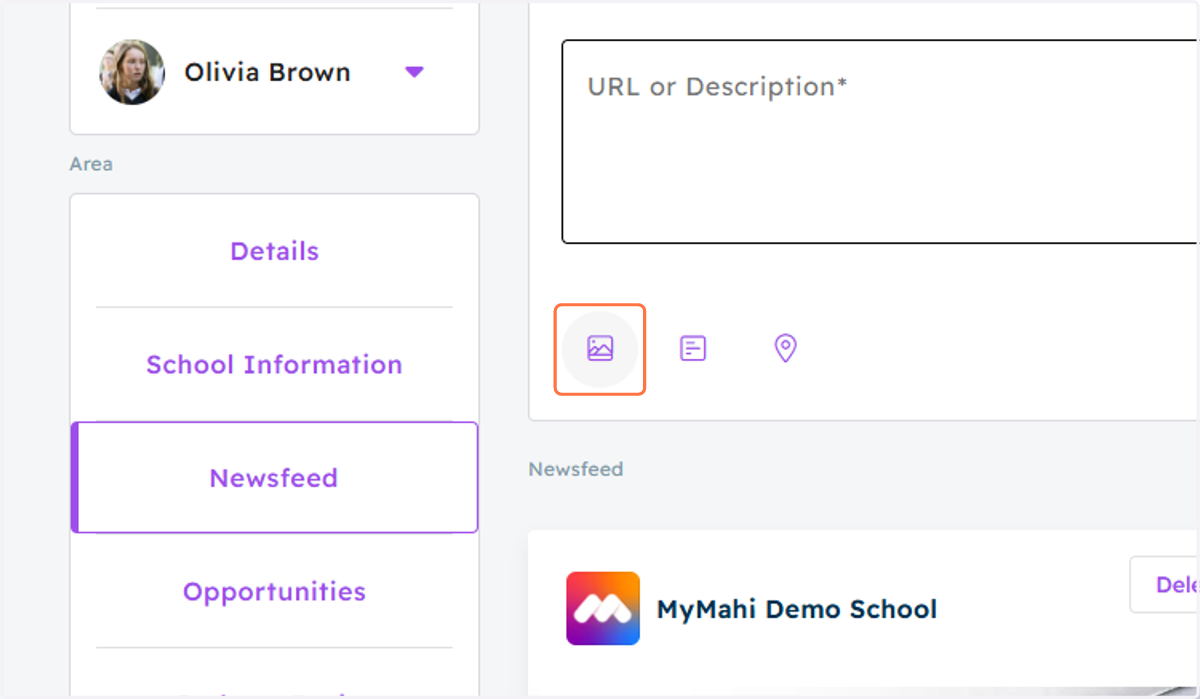
4. Click on the first Icon for adding an Image
5. Click on the Second Icon for adding a Poll
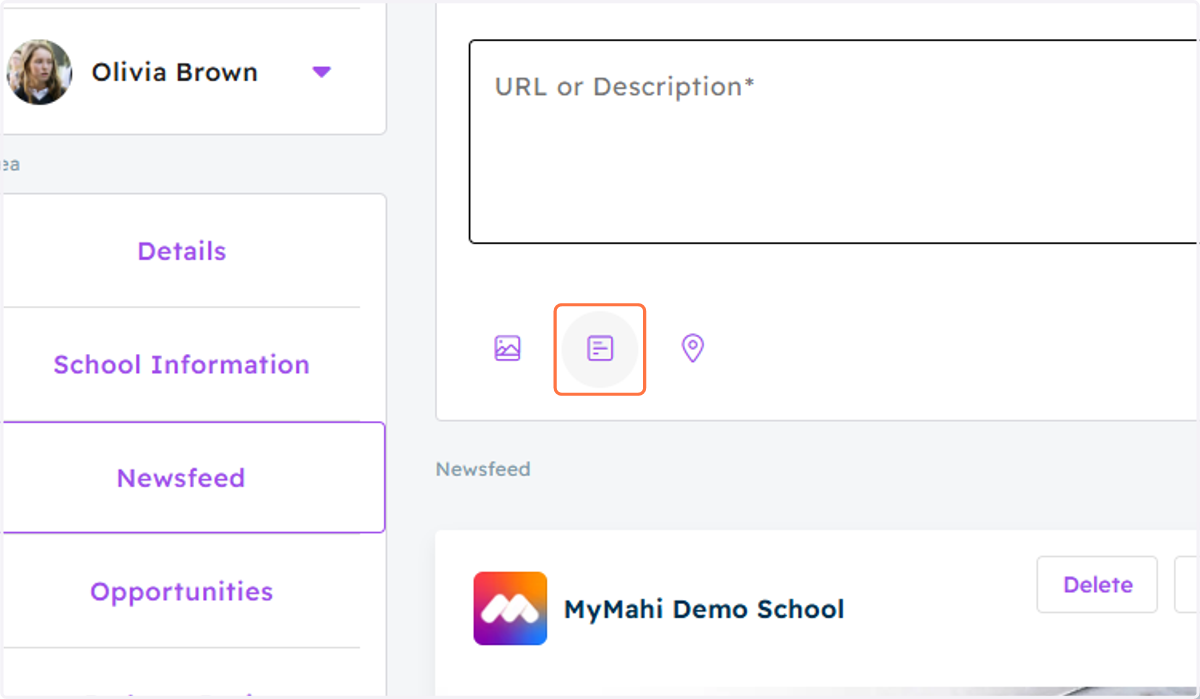
6. Click on the Third Icon for Setting Target Countries
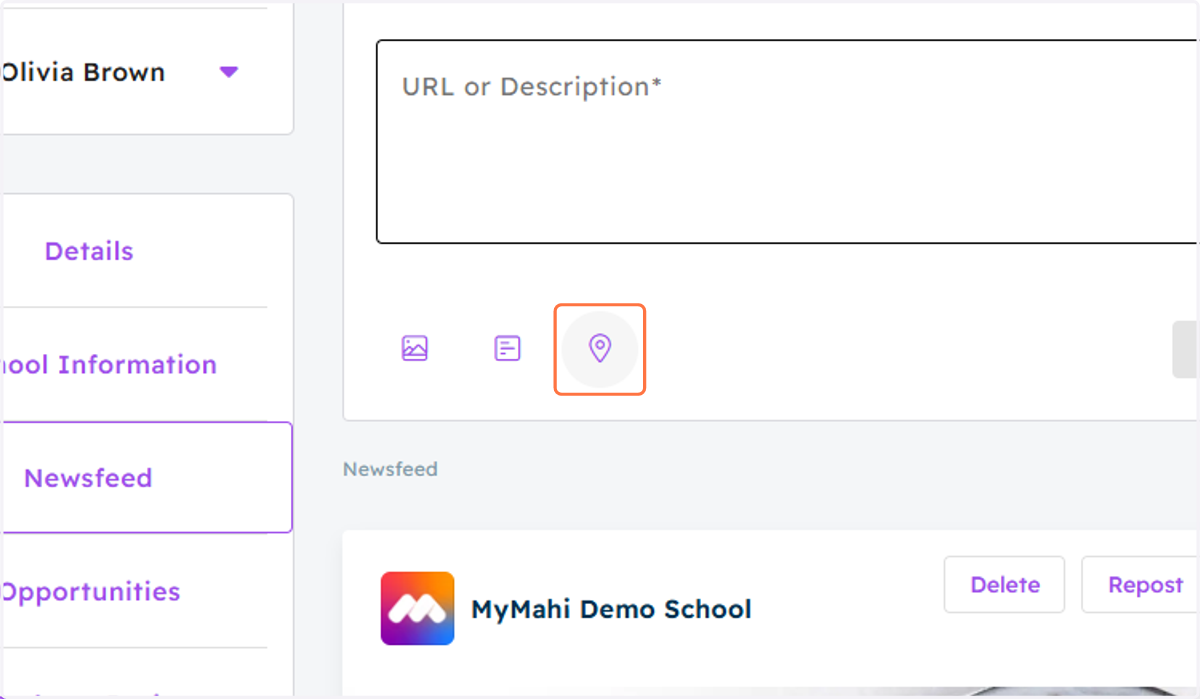
7. Click on Post
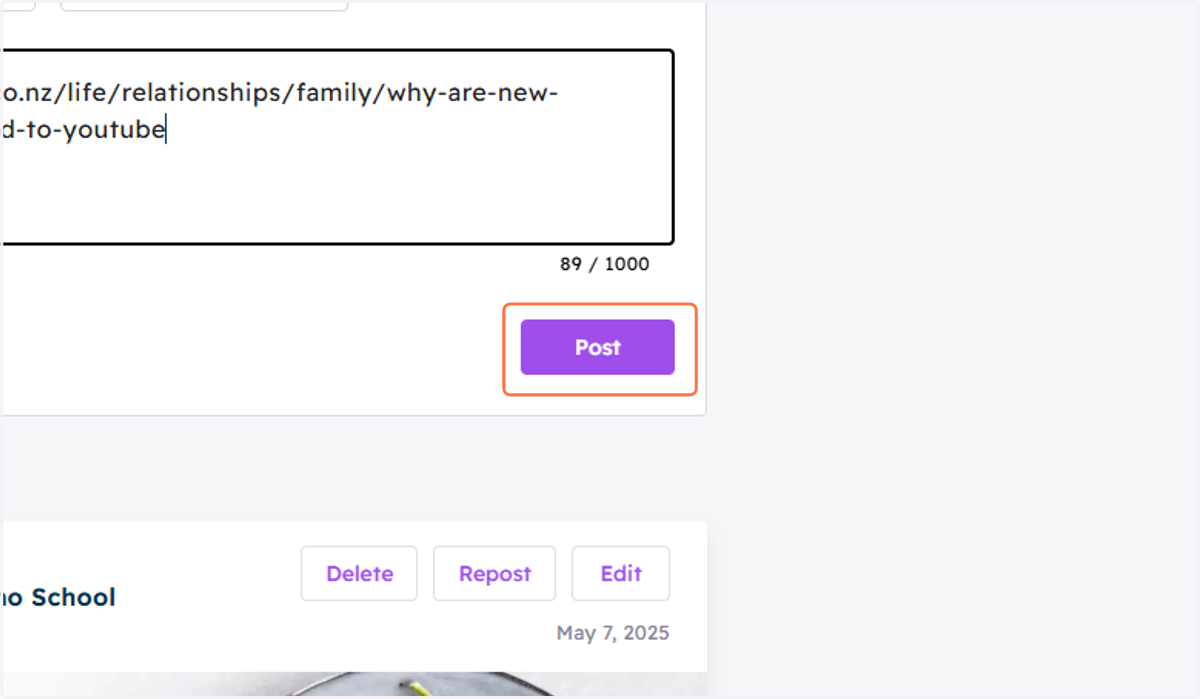
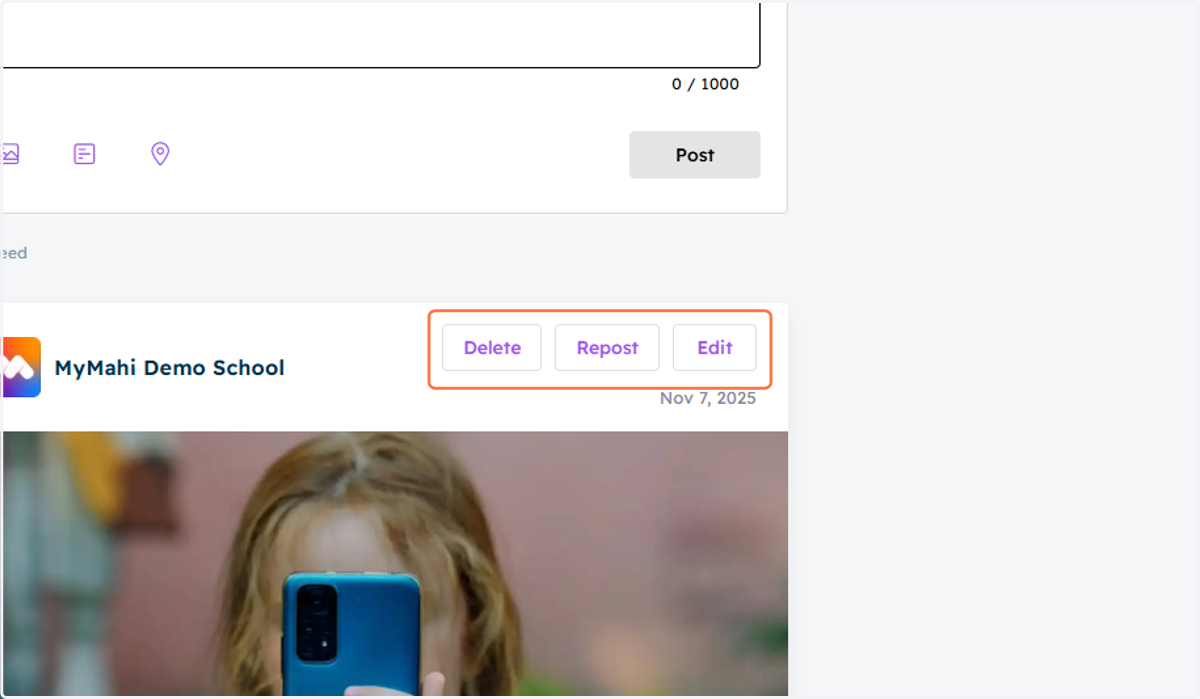
8. Delete, Repost, and Edit on the Published Newsfeed by Clicking Action Buttons