Itheum Data DEX NFT Creation Tutorial
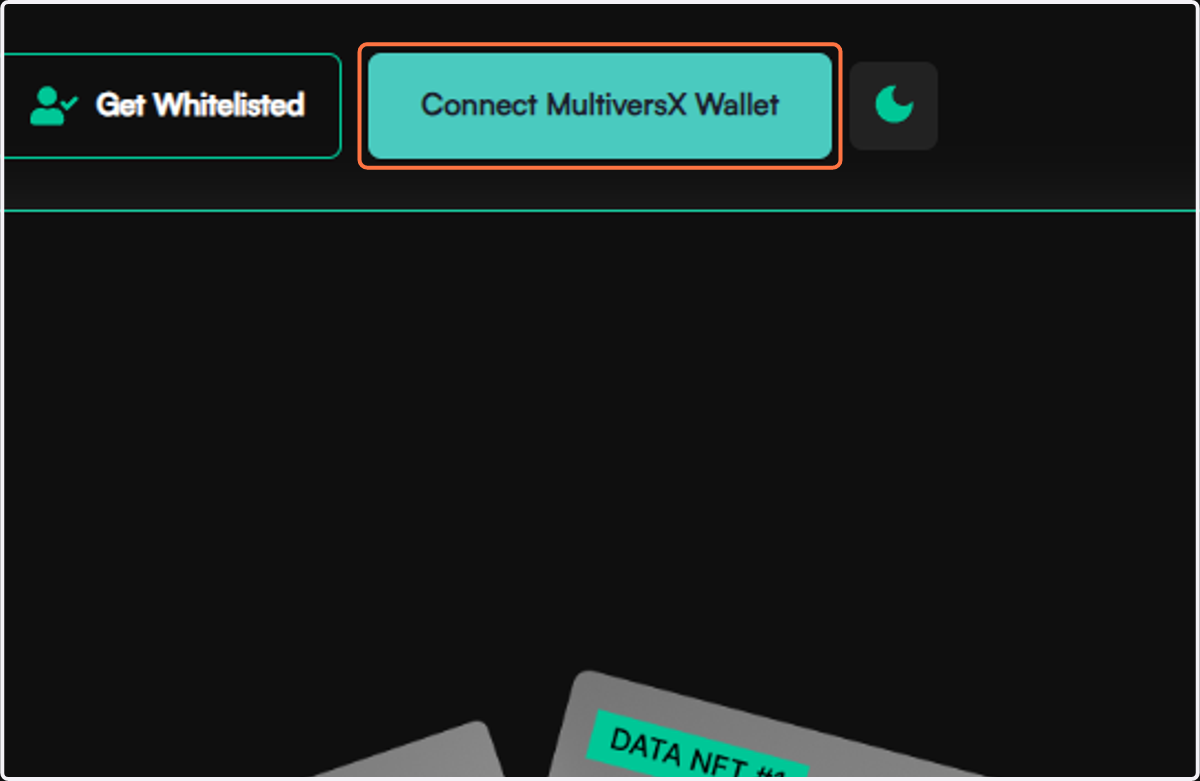
1. Click on Connect MultiversX Wallet
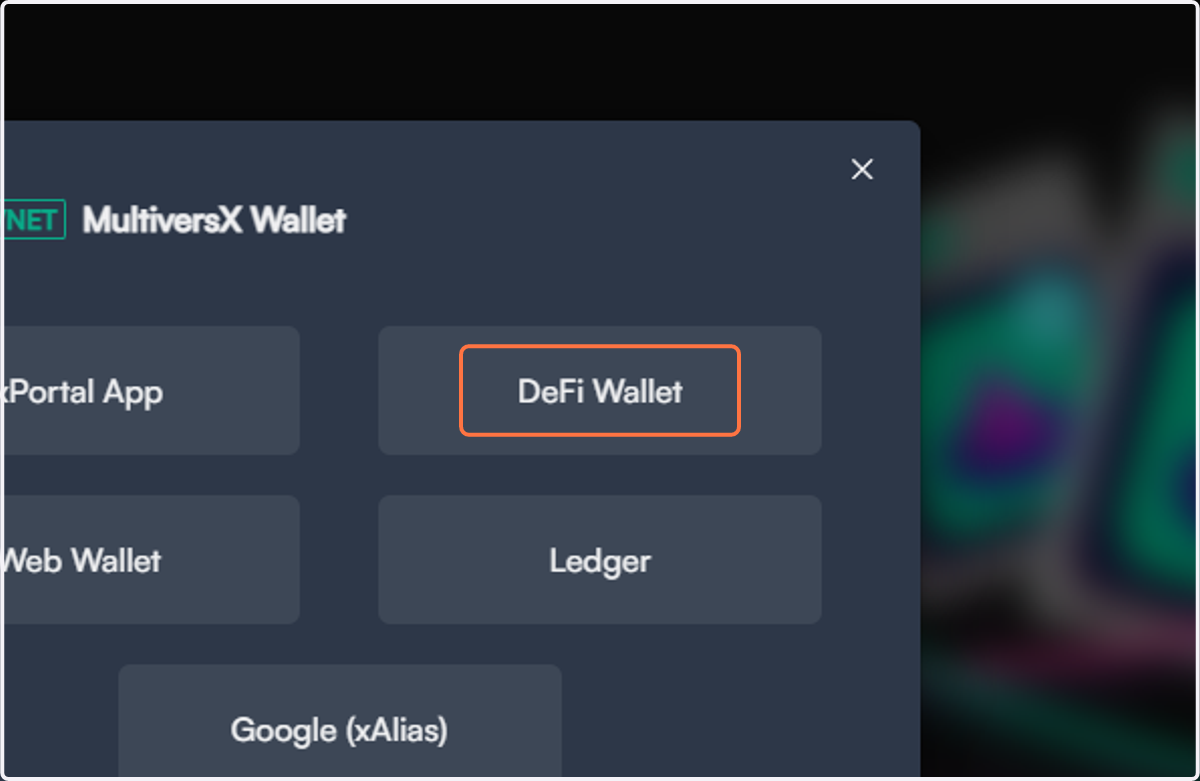
2. Click on DeFi Wallet
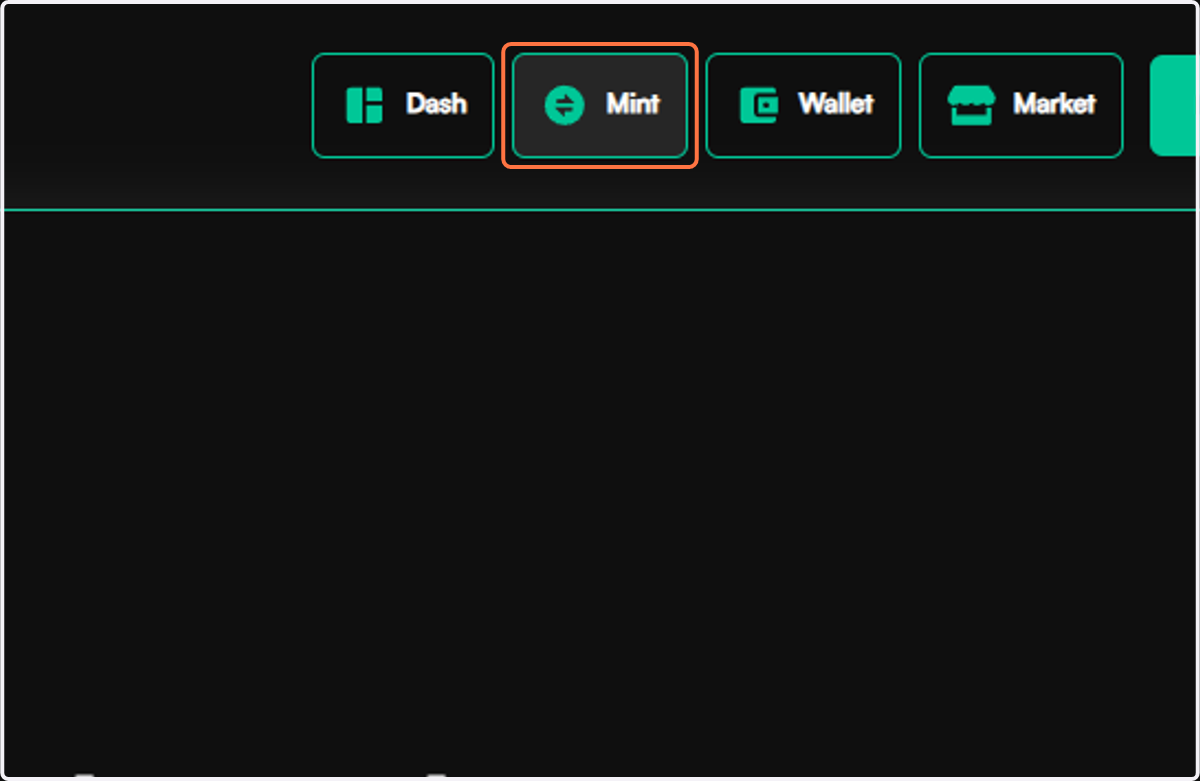
3. Click on Mint
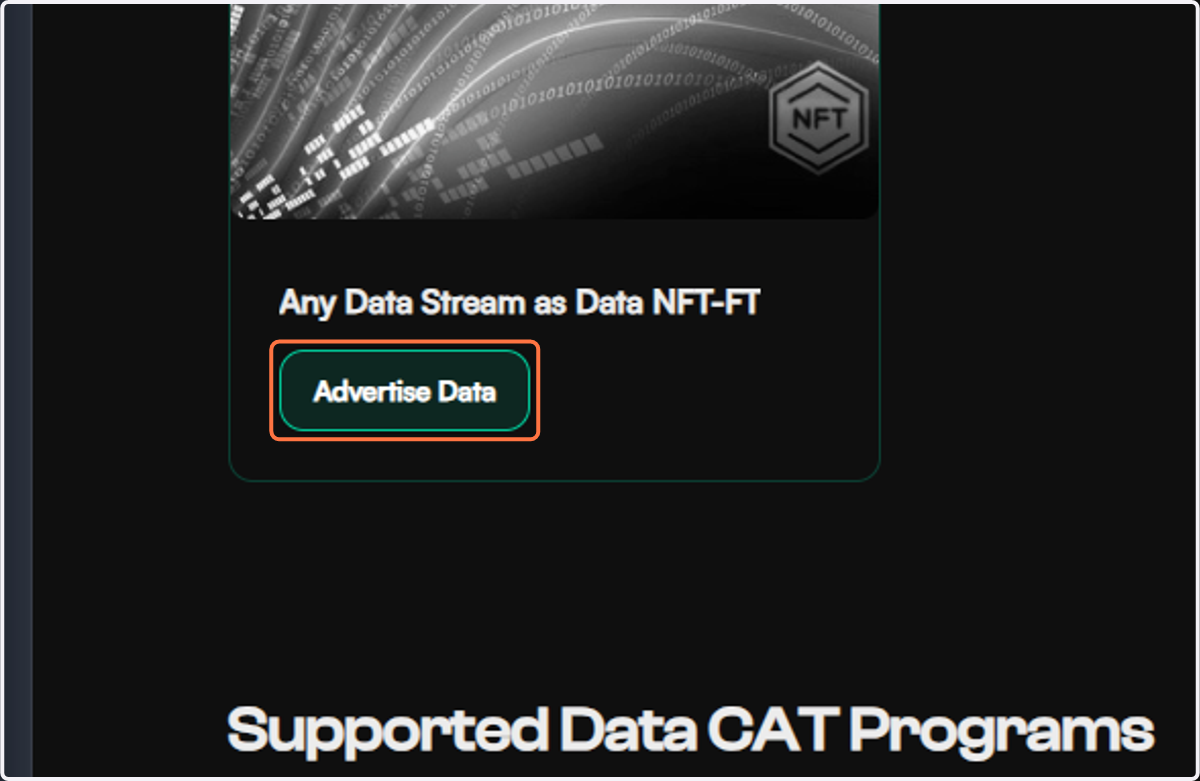
4. Click on Advertise Data
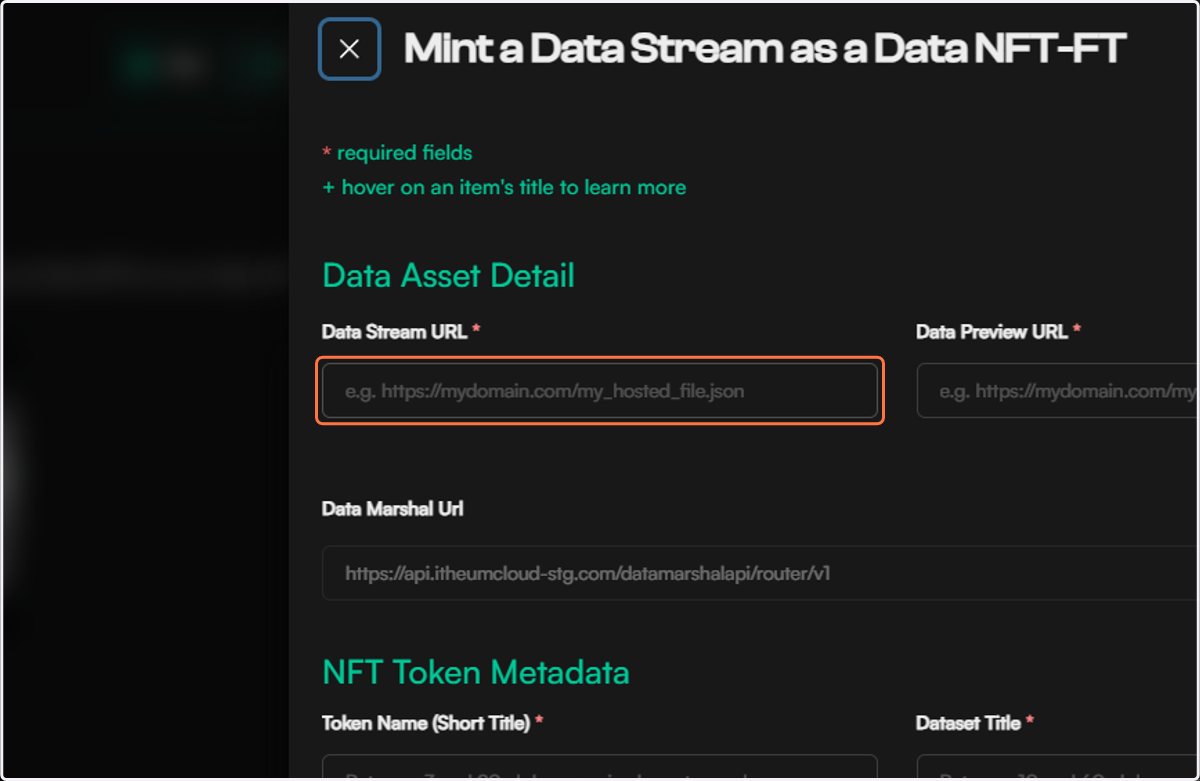
5. Click on Data Stream URL*
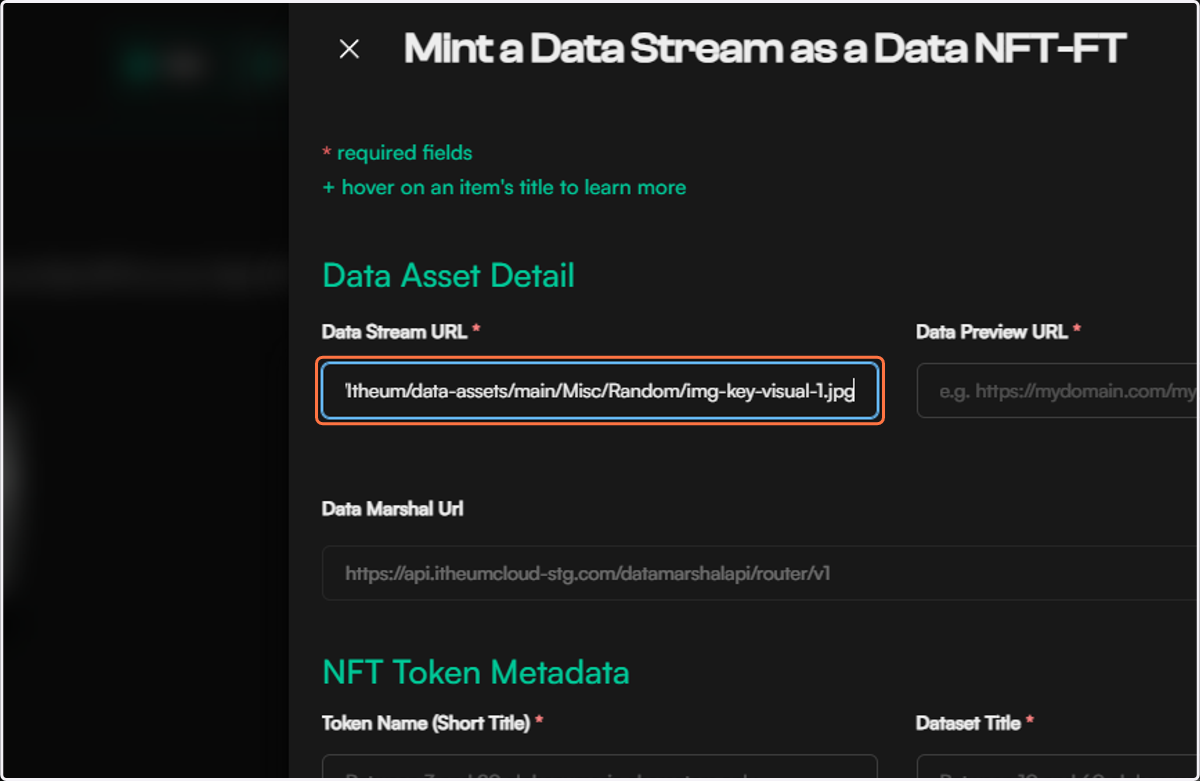
6. Paste "https://raw.githubusercontent.com/Itheum/data-assets/main/Misc/Random/img-key-visual-1.jpg" into input
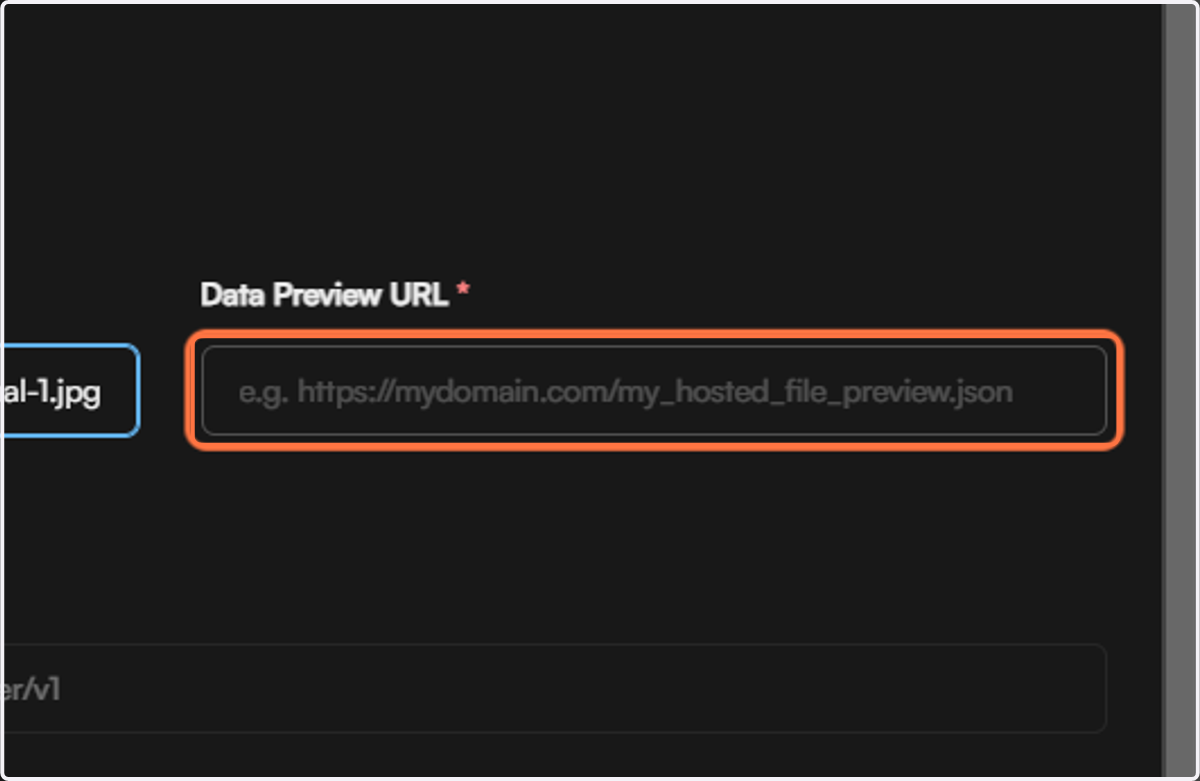
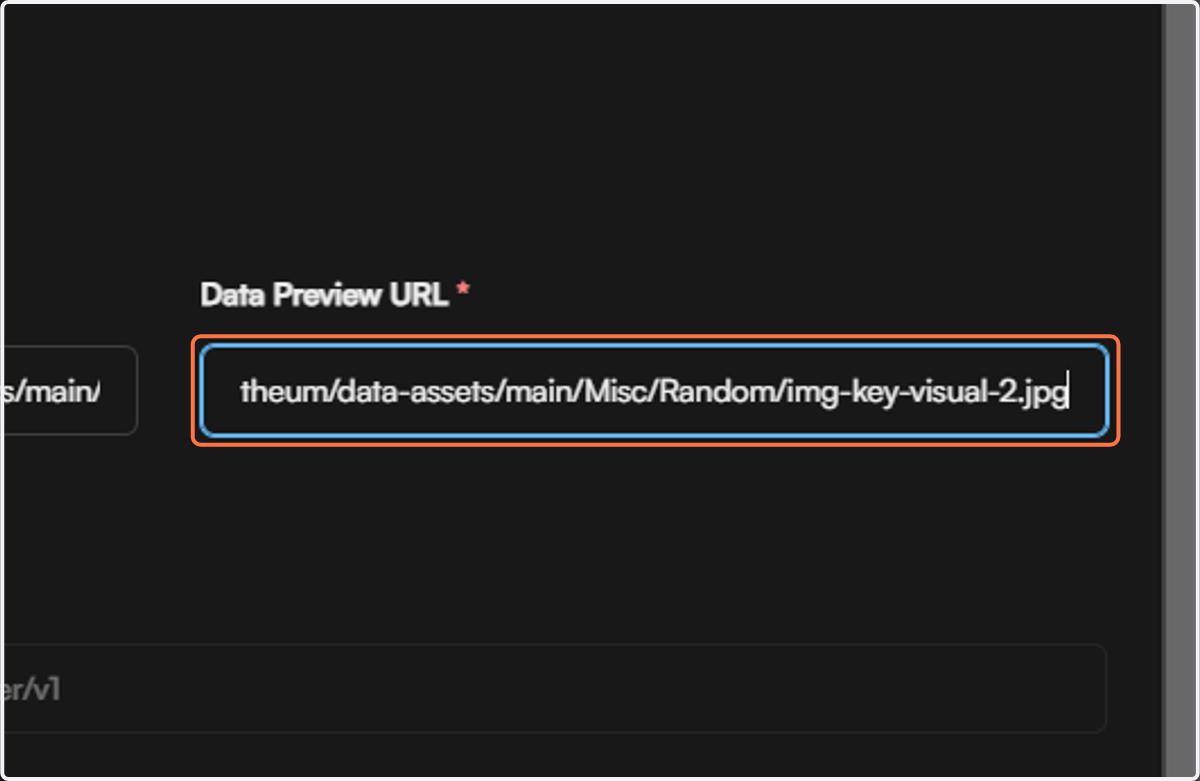
7. Click on Data Preview URL*
8. Paste "https://raw.githubusercontent.com/Itheum/data-assets/main/Misc/Random/img-key-visual-2.jpg" into input
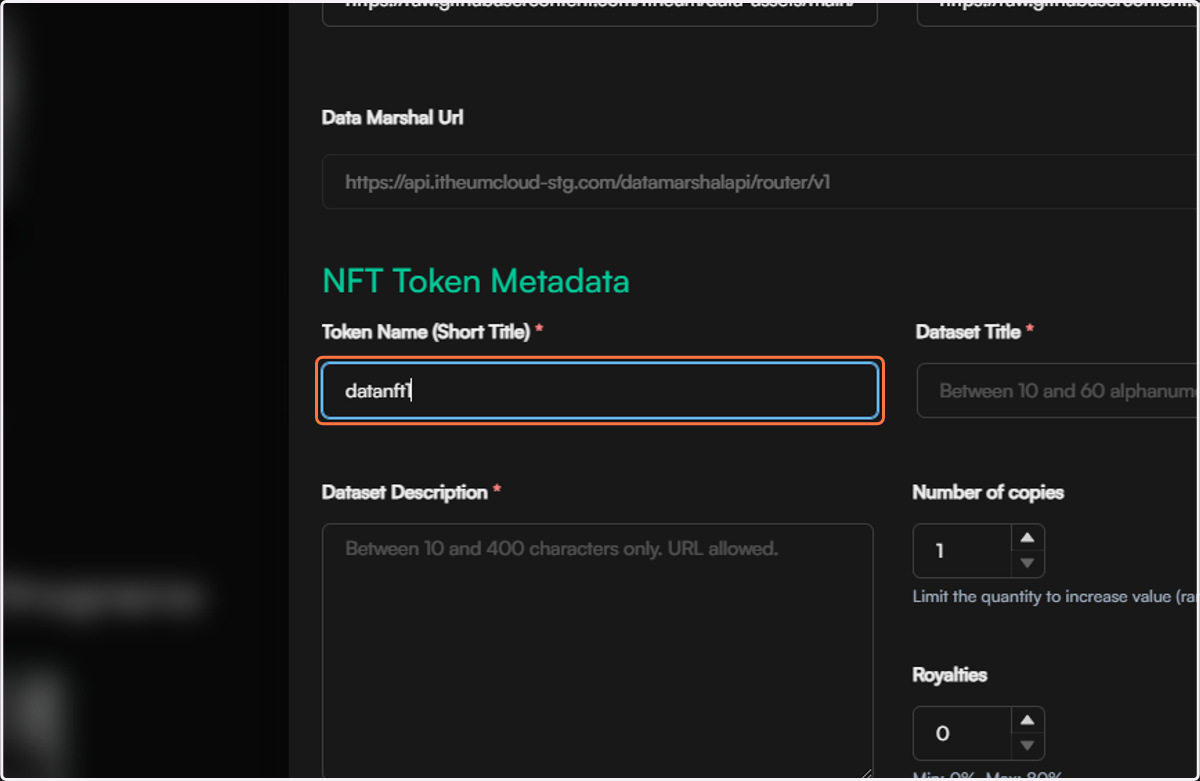
9. Type a token name for your data NFT
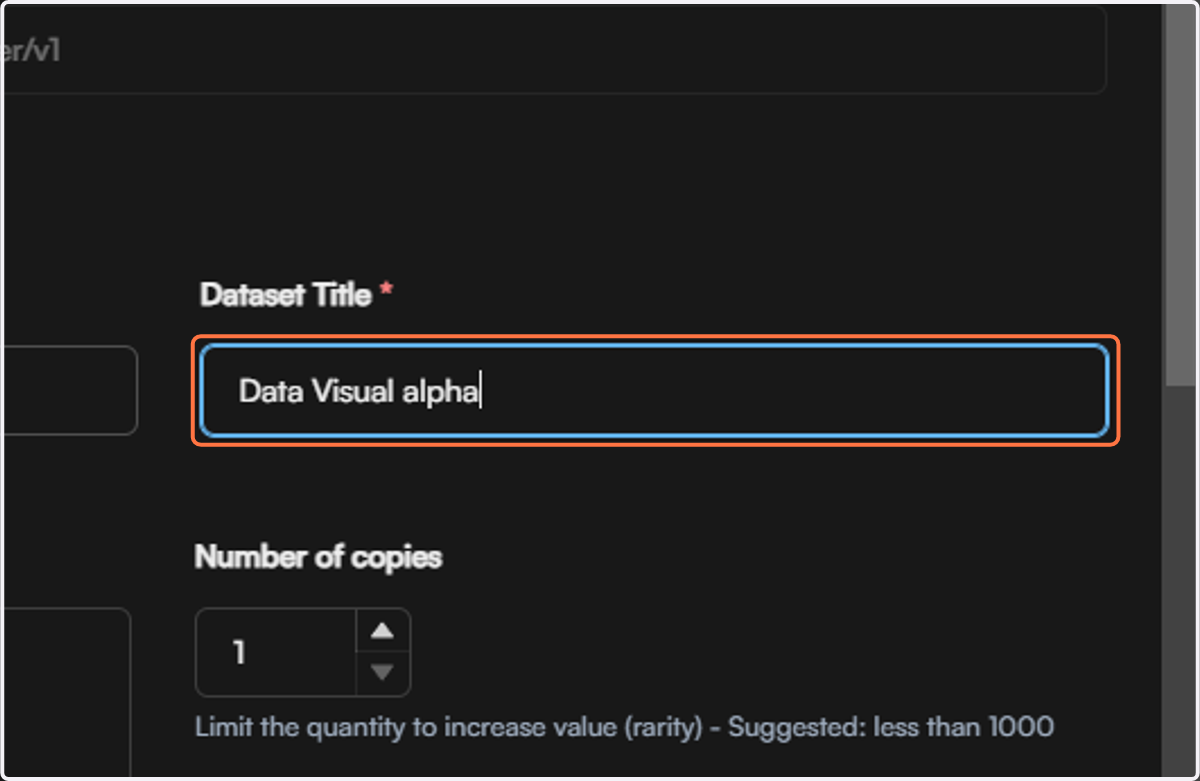
10. Type a dataset title for your data NFT
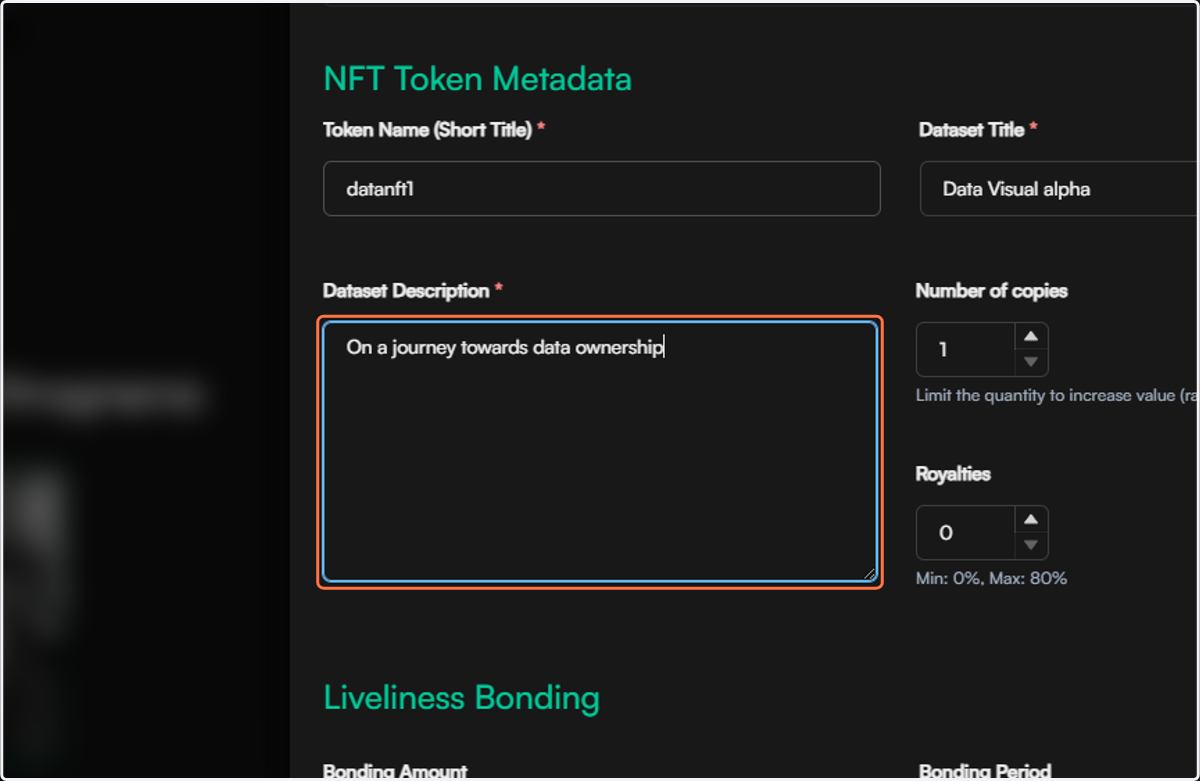
11. Type a description for you data NFT
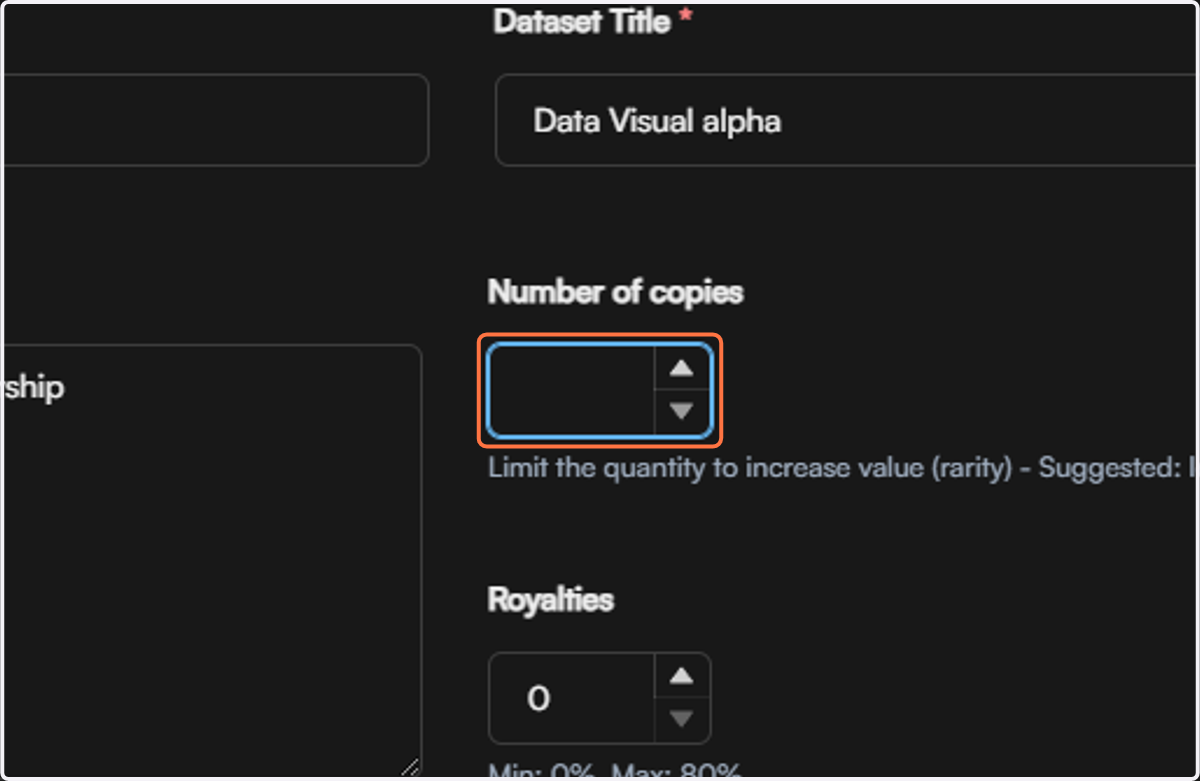
12. Type Number of copies…
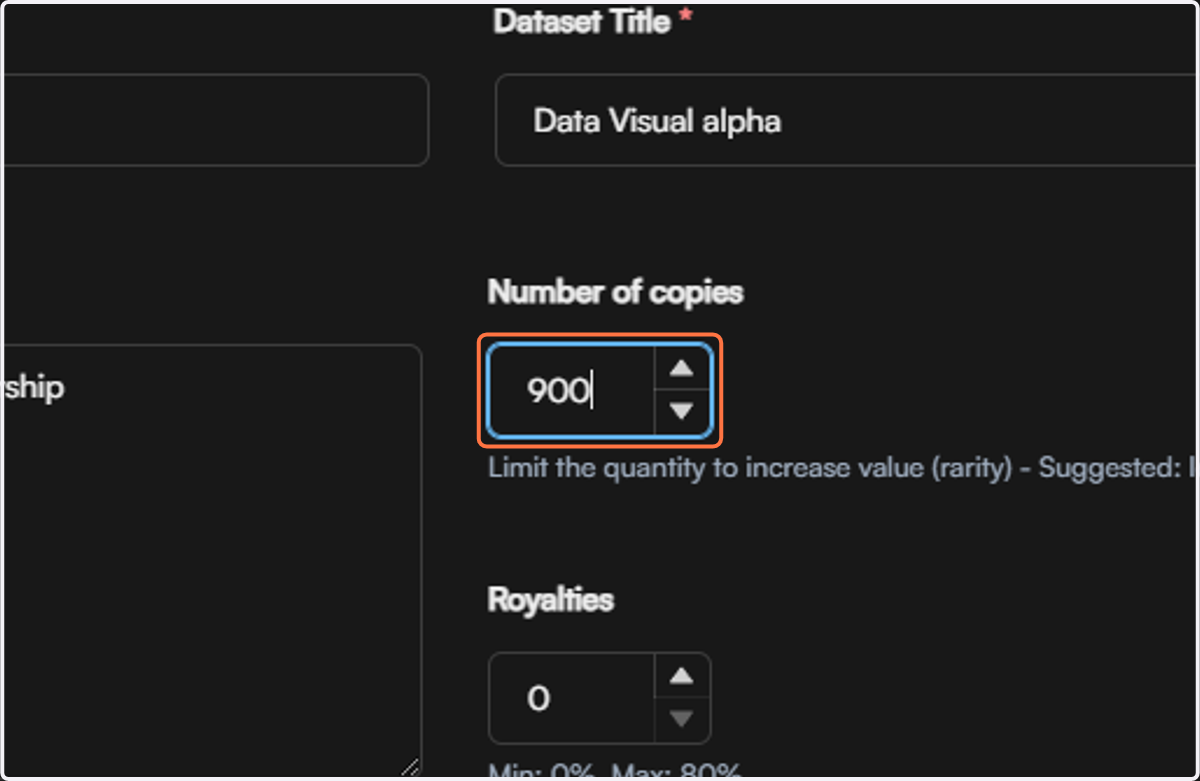
13. Type "900"
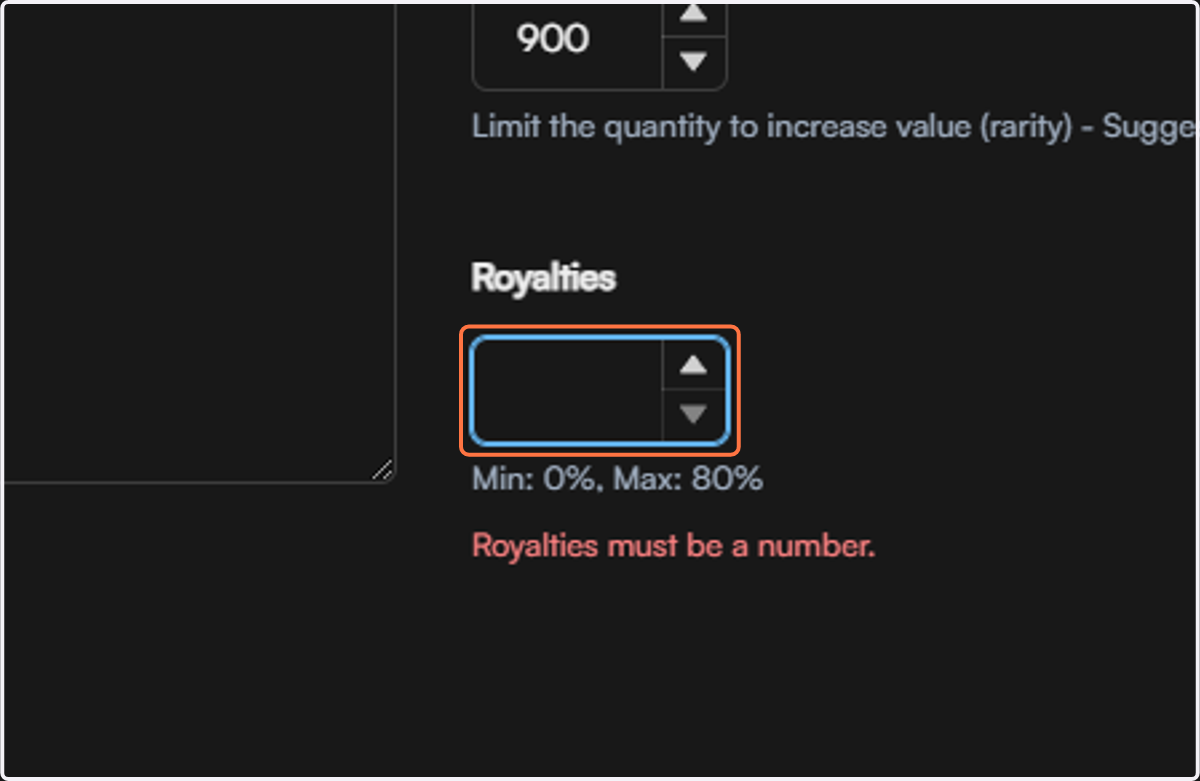
14. Type Royalties…
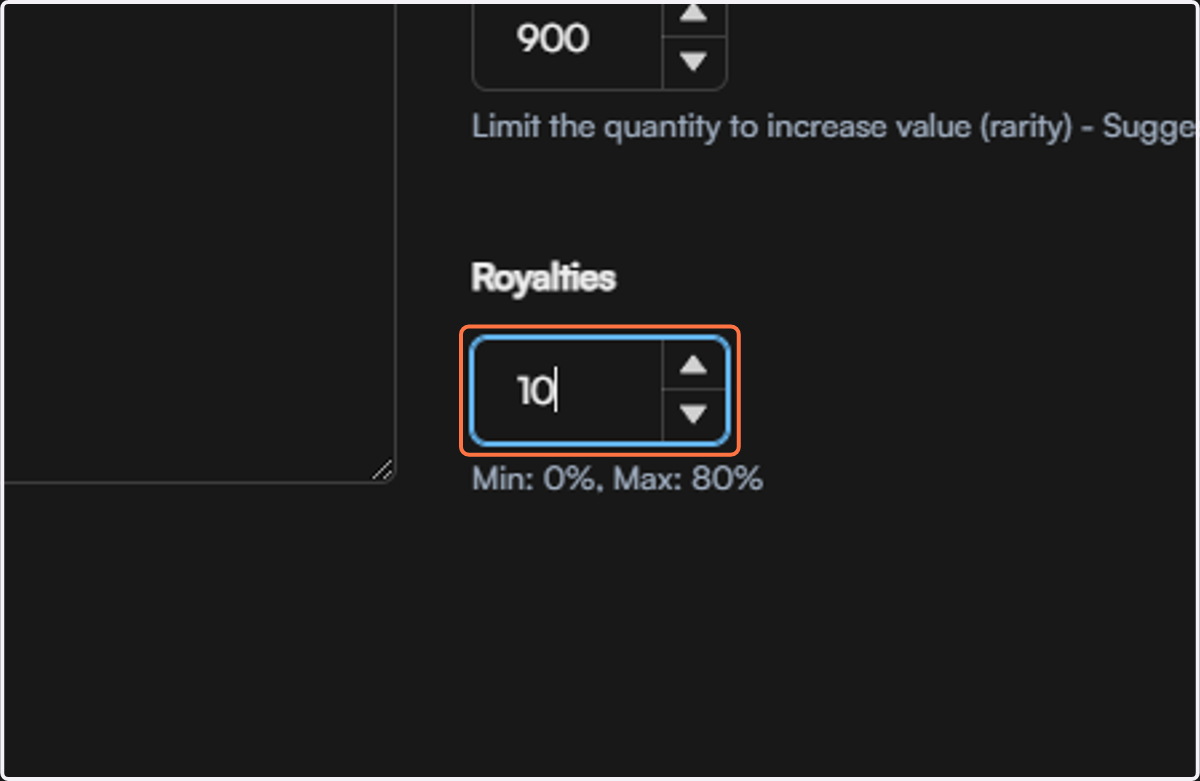
15. Type "10"
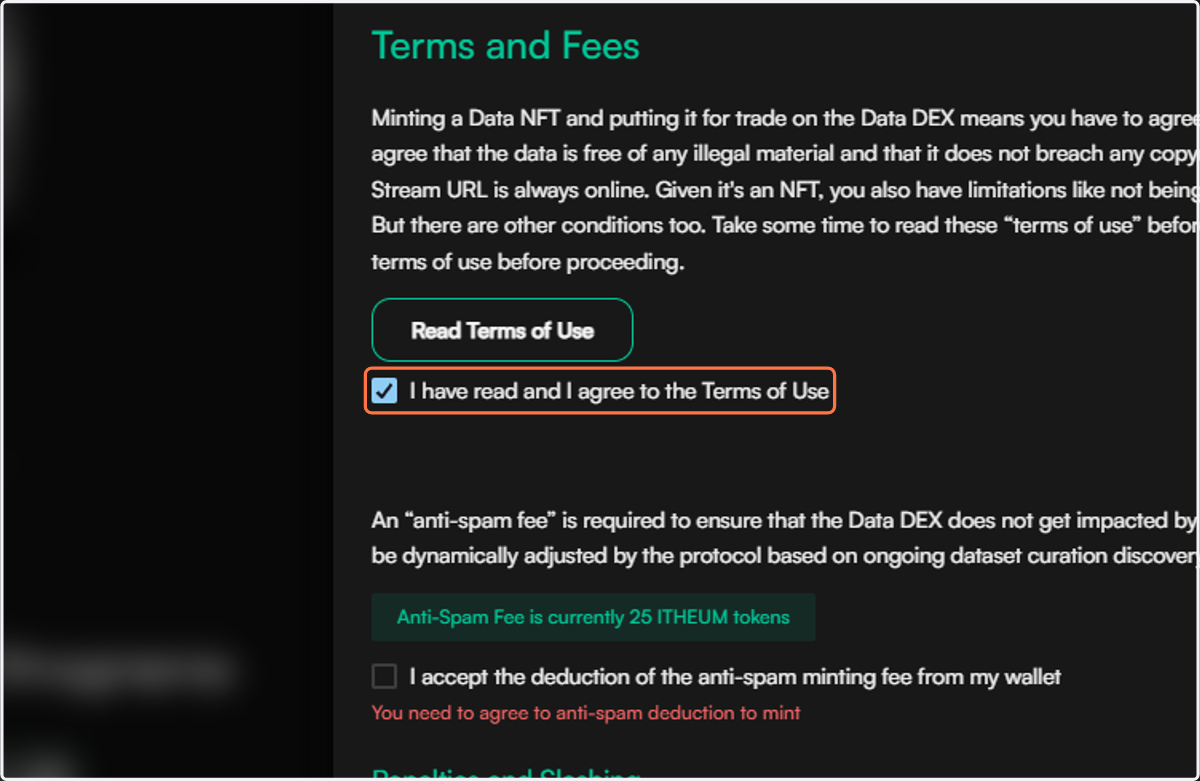
16. Check I have read and I agree to the Terms of Use
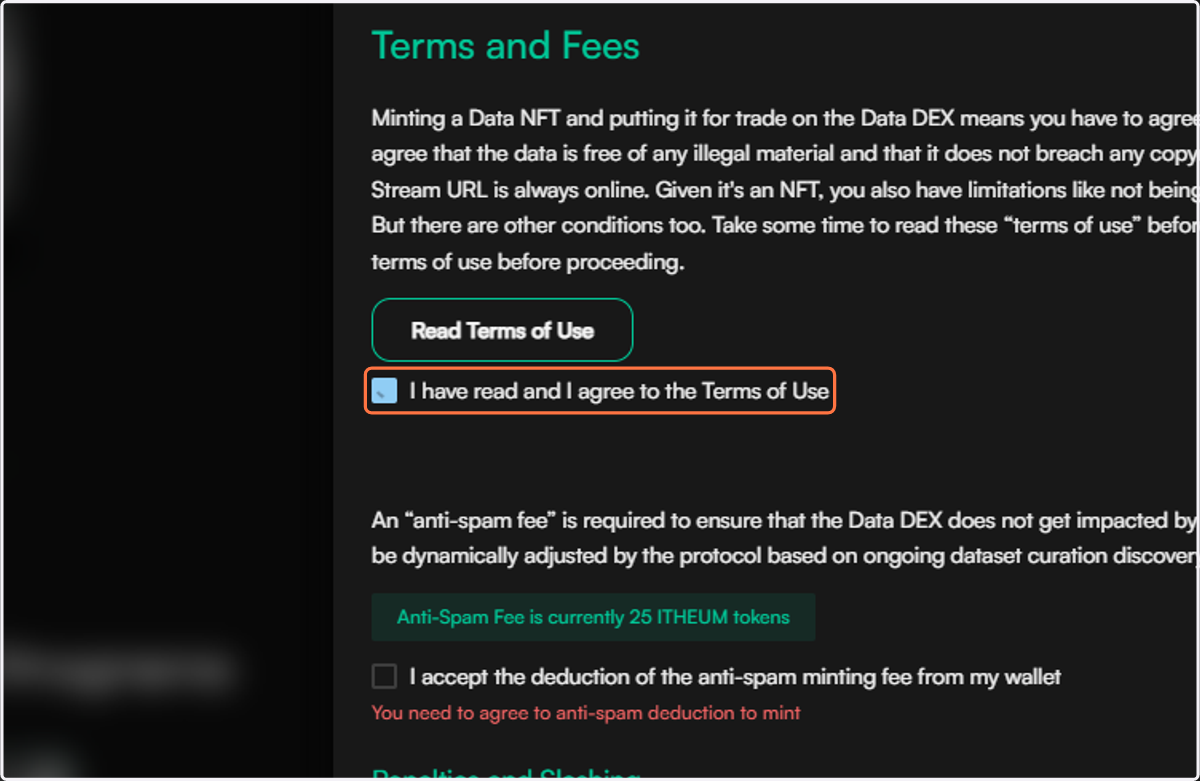
17. Check I have read and I agree to the Terms of Use
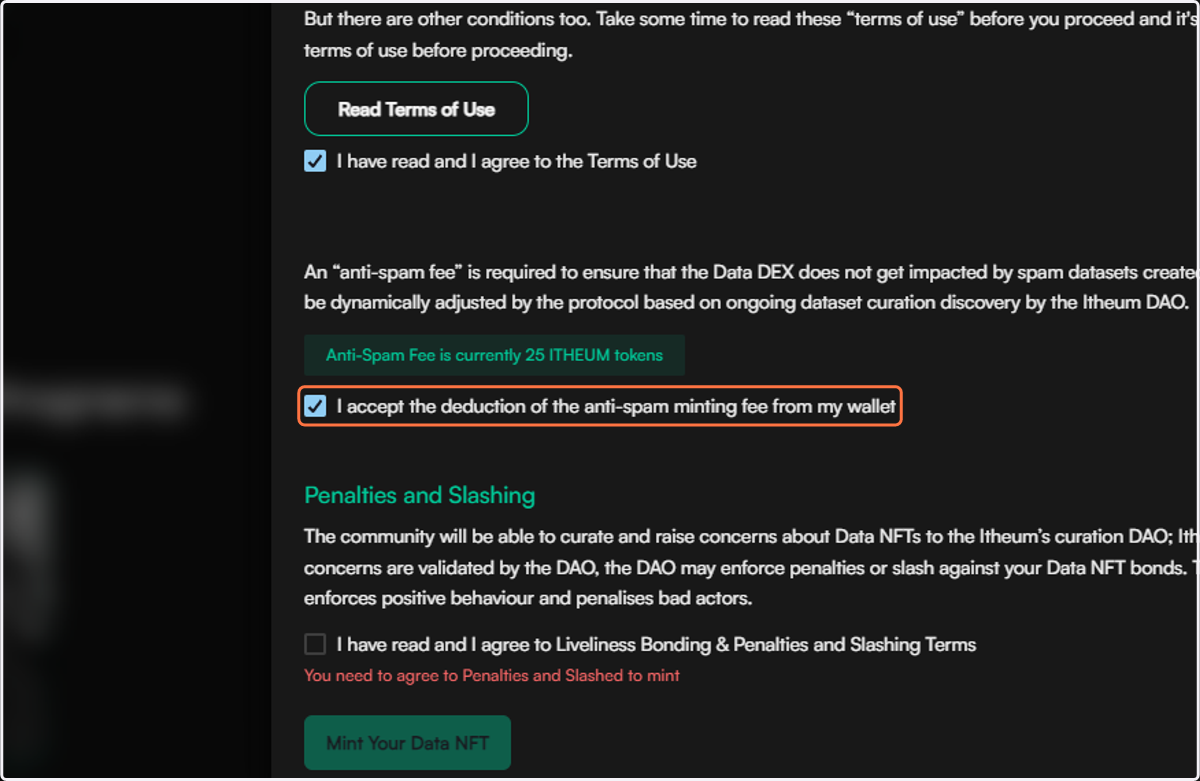
18. Check I accept the deduction of the anti-spam minting fee from my wallet
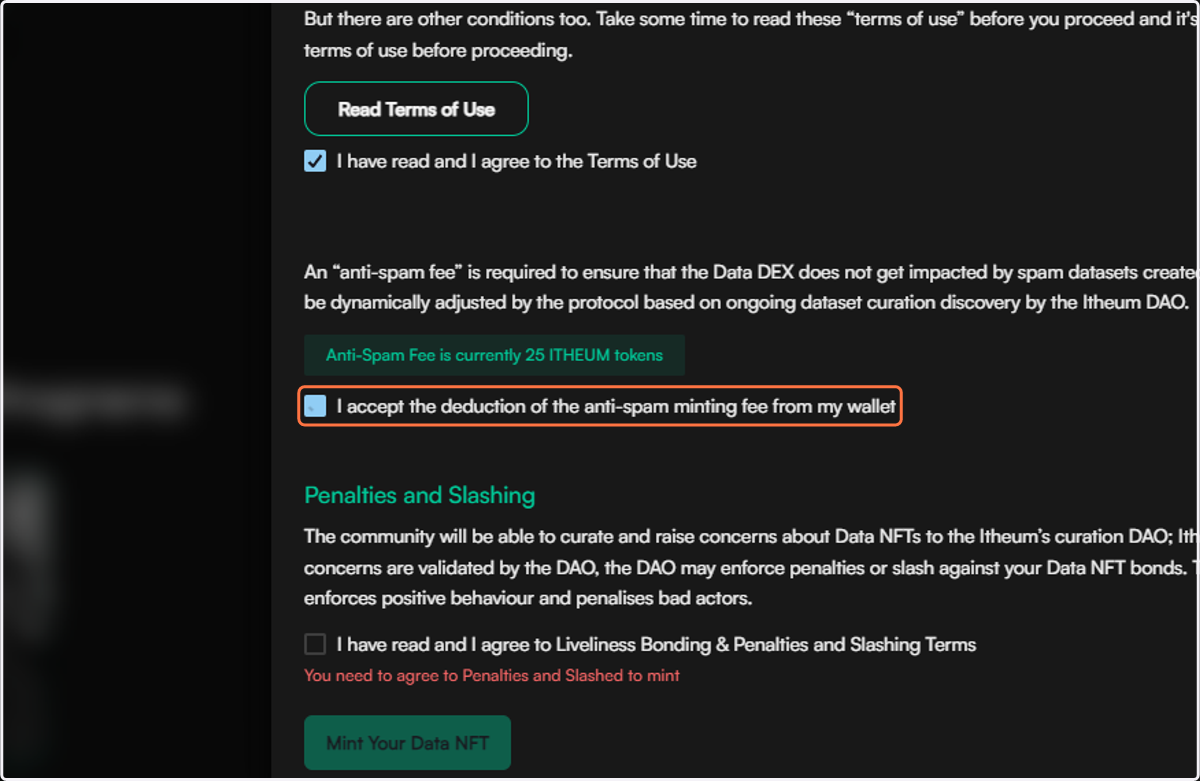
19. Check I accept the deduction of the anti-spam minting fee from my wallet
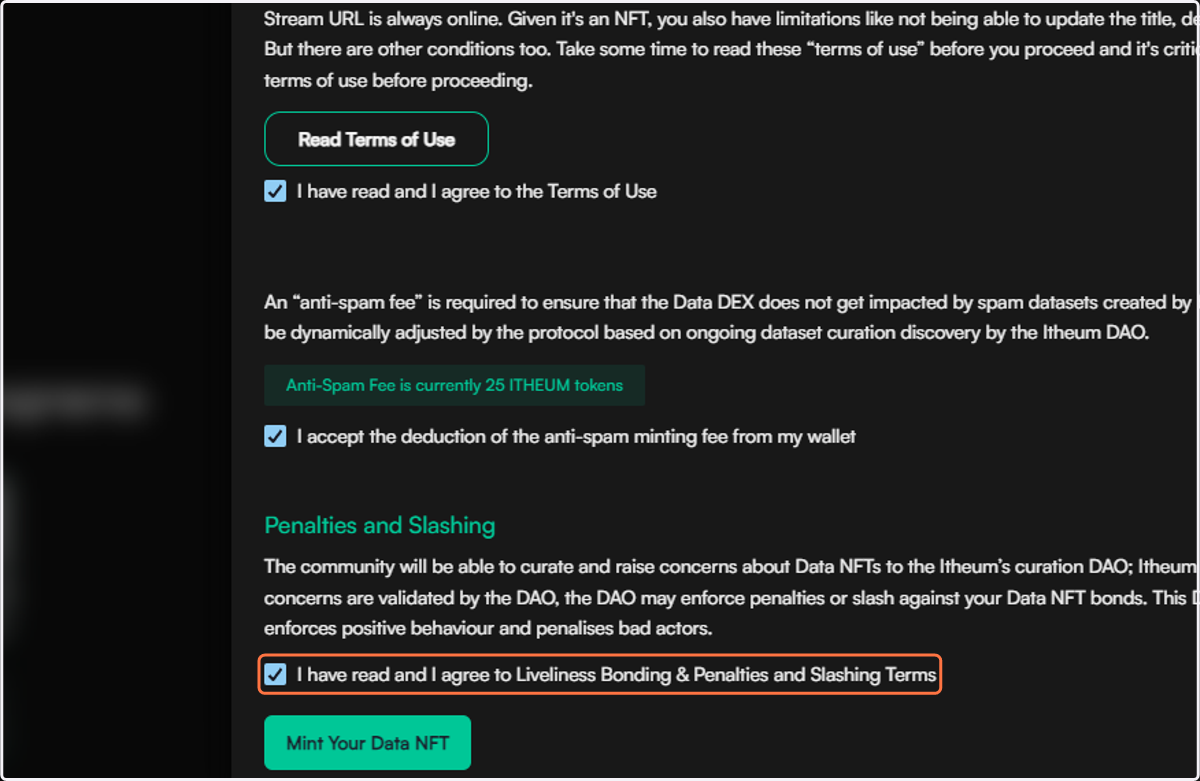
20. Check I have read and I agree to Liveliness Bonding & Penalties and Slashing Terms
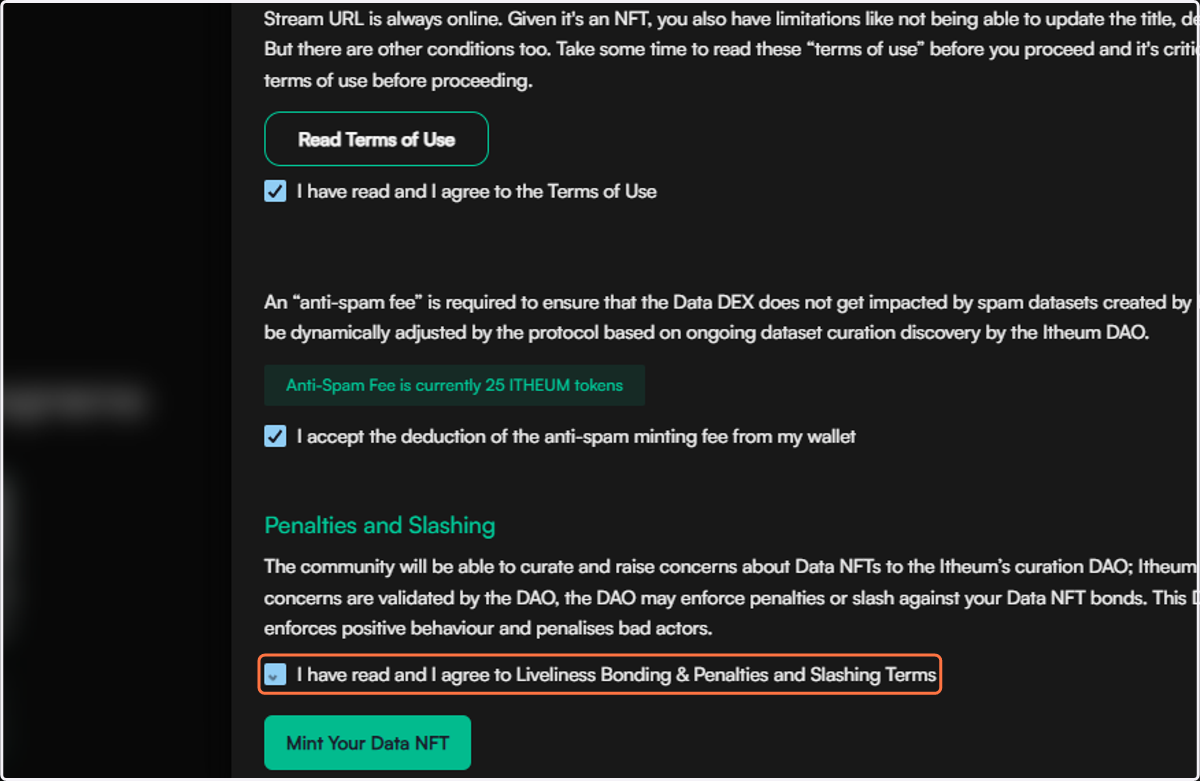
21. Check I have read and I agree to Liveliness Bonding & Penalties and Slashing Terms
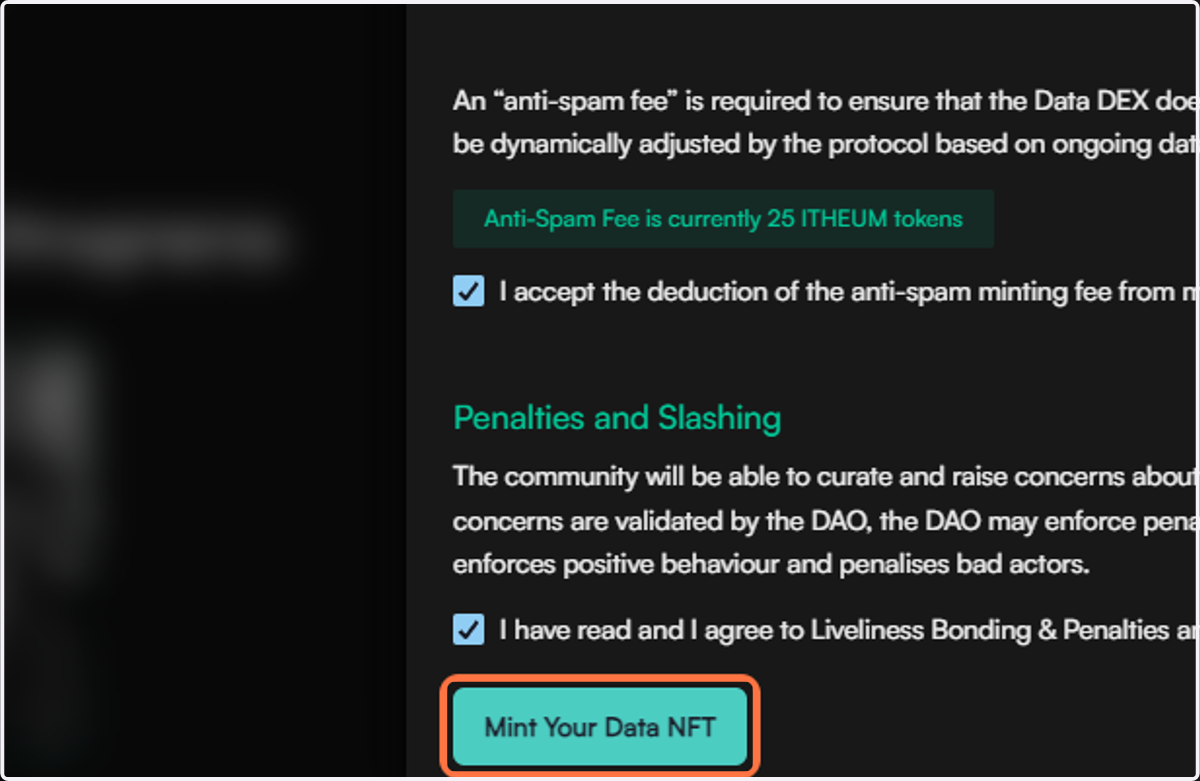
22. Click on Mint Your Data NFT
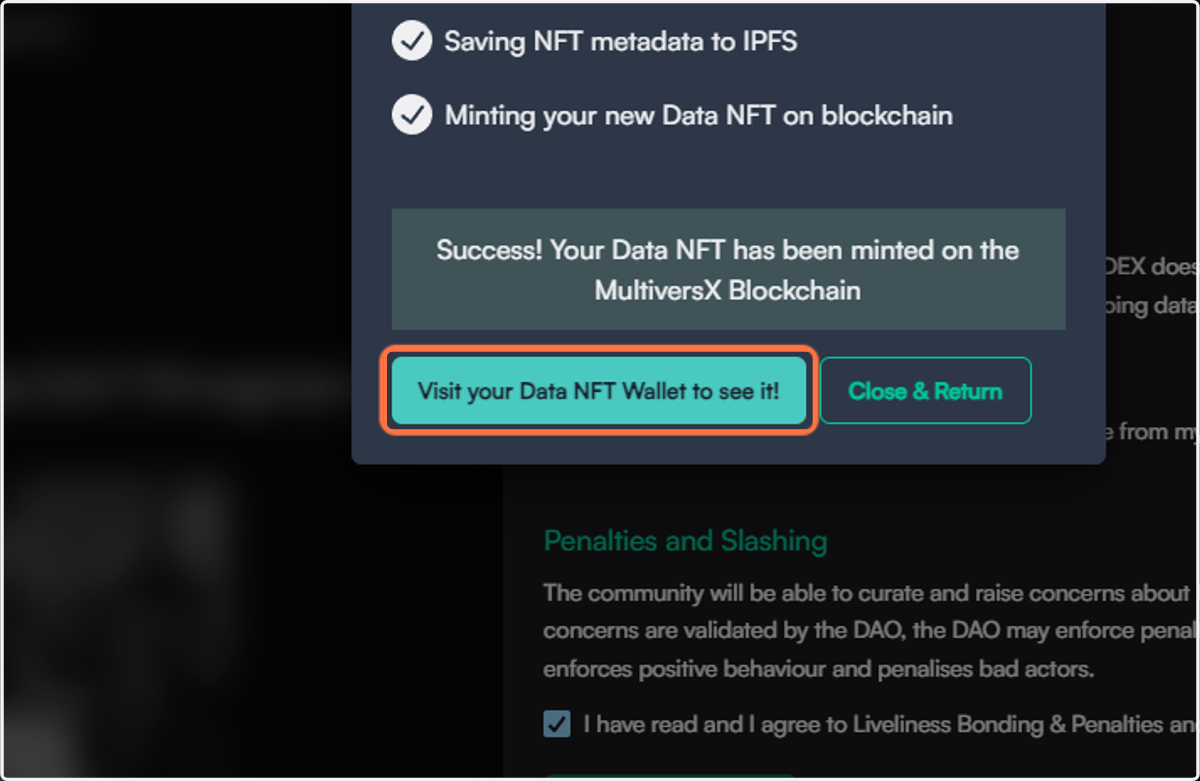
23. Click on Visit your Data NFT Wallet to see it!
24. Scroll to your newly minted data NFT
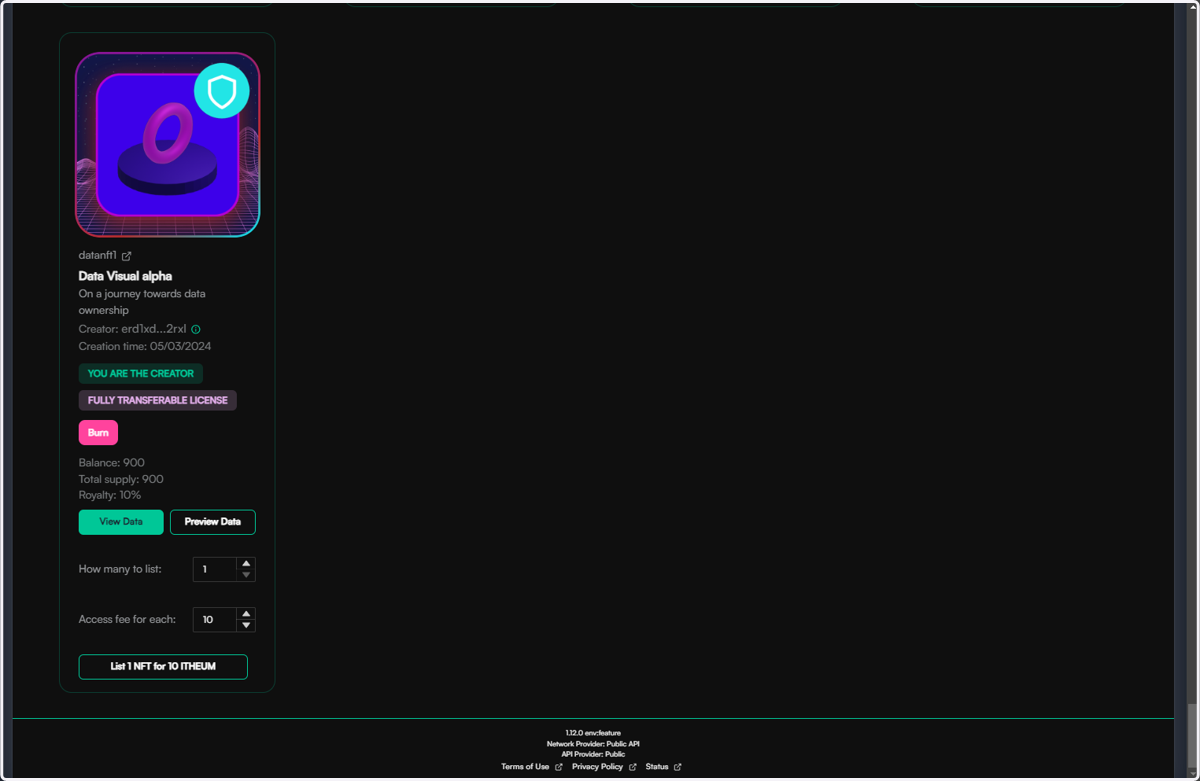
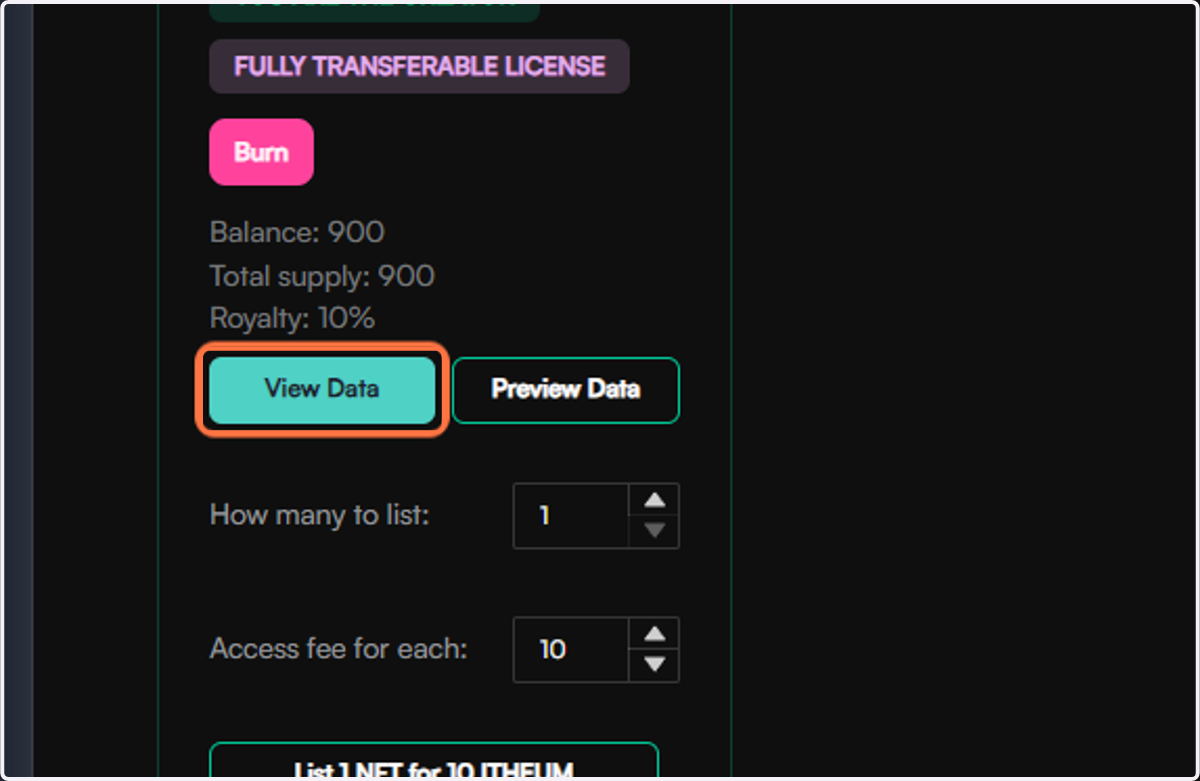
25. Click on View Data and verify that the file has been downloaded.
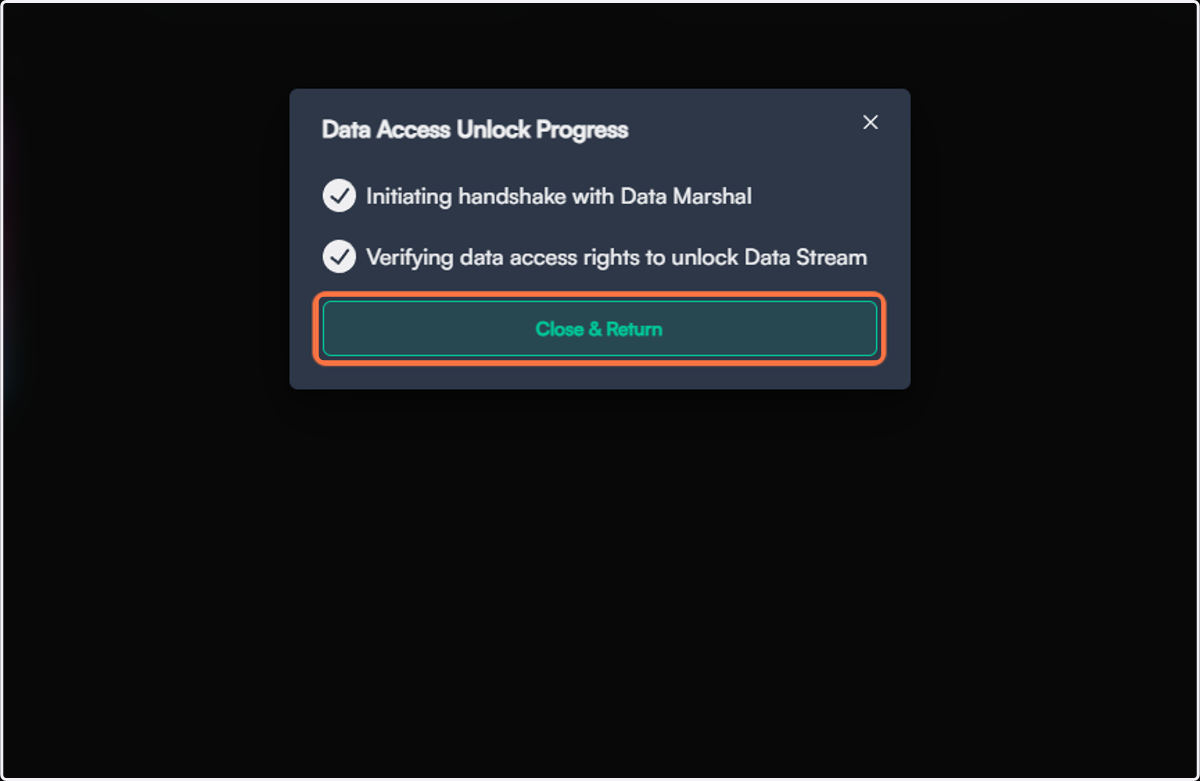
26. Click on Close & Return