CI_RFQ_003_RFQ Editable Content templates
In this tutorial, we will discuss the Editable Content blocks that are made available once the Connect : RFQ plugin has been enabled.
Several Editable Content blocks are available, each used within different parts of the forms generated as part of the RFQ functionality.
Default content for these content blocks are already populated, with administrators able to customise and design the contents.
Infigosoftware
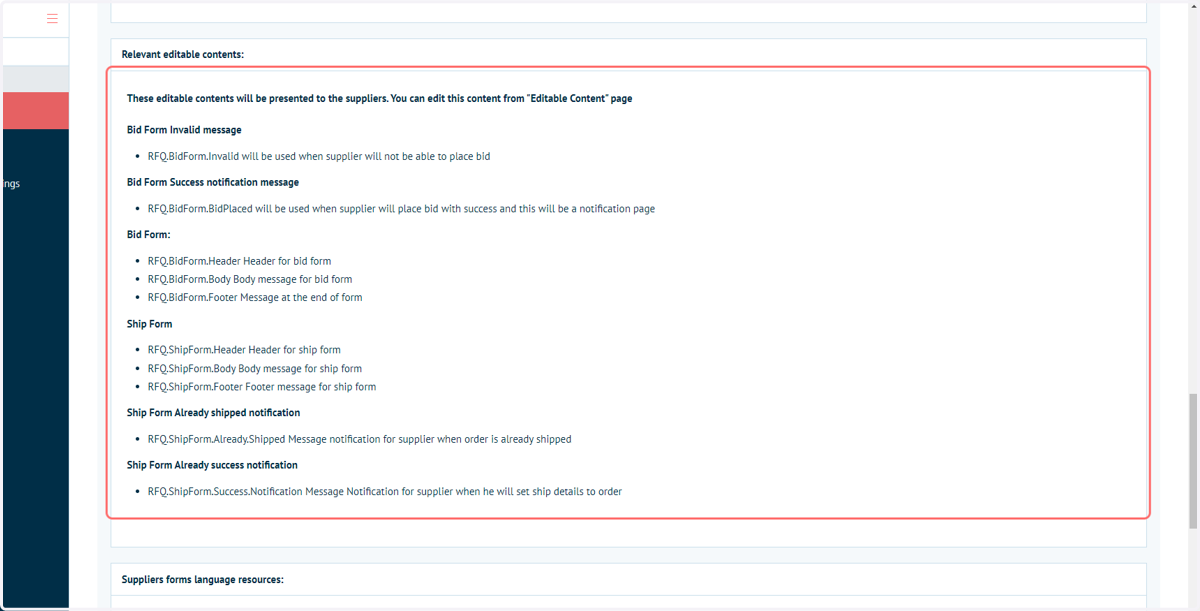
1. Details on the Editable Content blocks provided as part of the Connect : RFQ module are provided in the Connect : RFQ Settings page
Navigate to Connect Settings and configure the Connect : RFQ table entry to access these details.
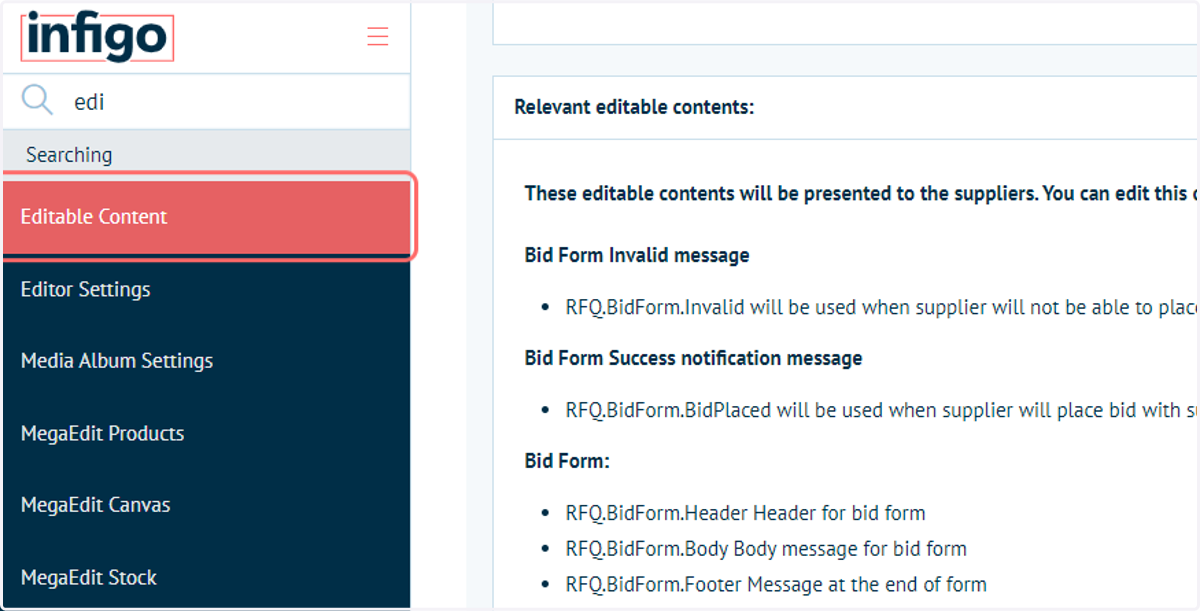
2. Navigate to the Editable Content page
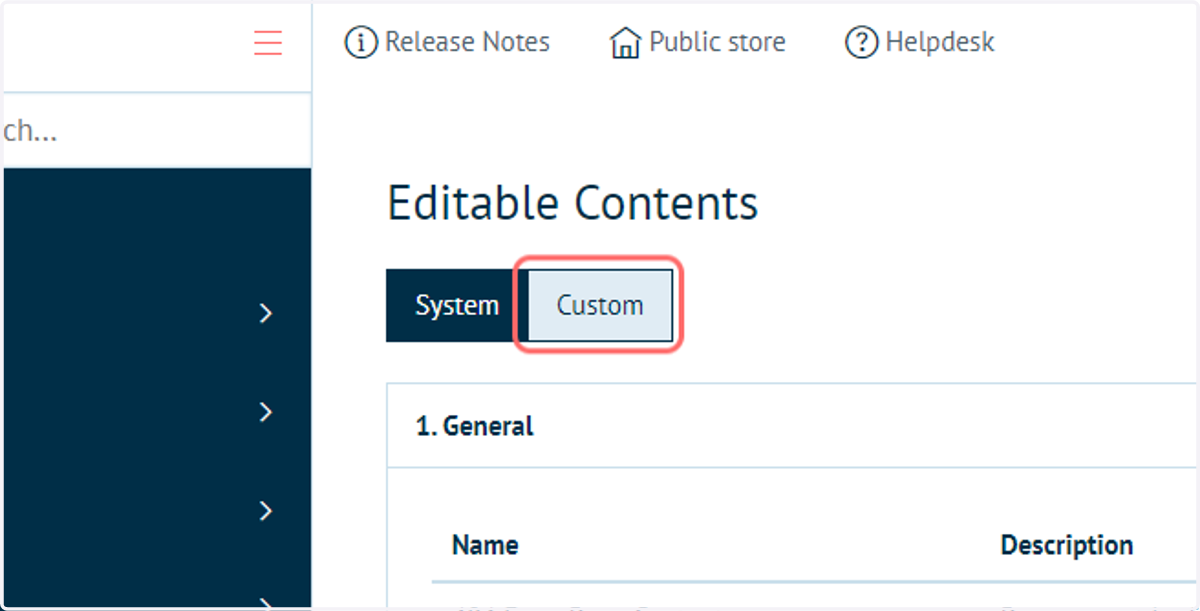
3. Click on Custom
All templates provided with the Connect : RFQ module are automatically added to the Custom tab of Editable Contents page
4. Provided Editable Content blocks for the Connect : RFQ module
Modify these blocks by clicking Edit next to the appropriate table entry.
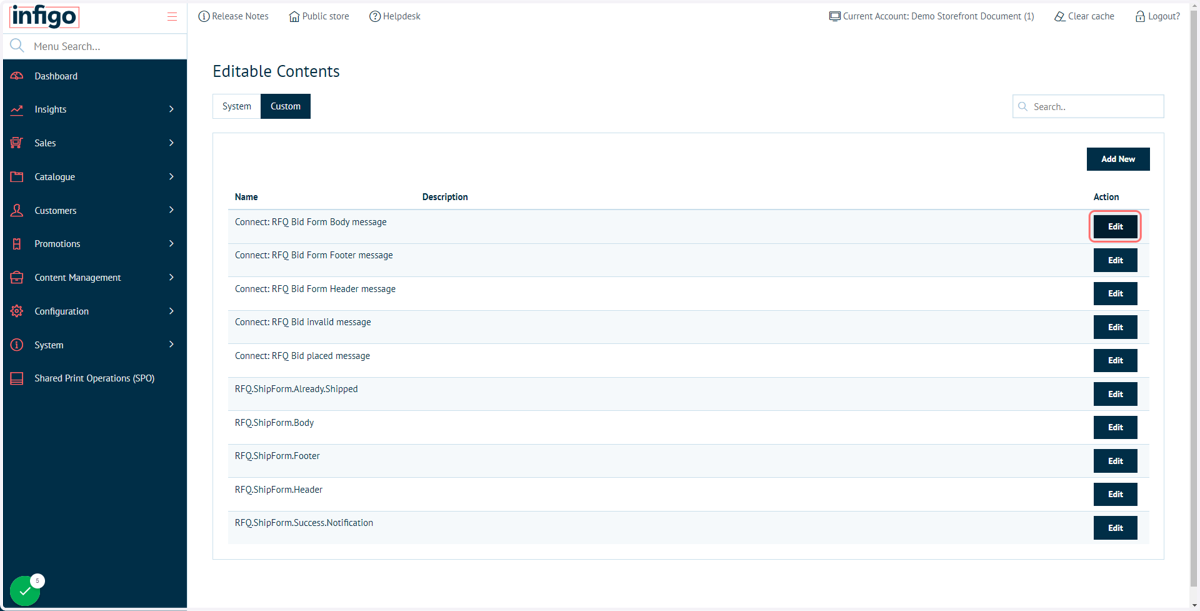
5. The Editable Content blocks have basic HTML code generated by default
Whilst a base template is pre-populated. The administrator is expected to fully define the content of these blocks.
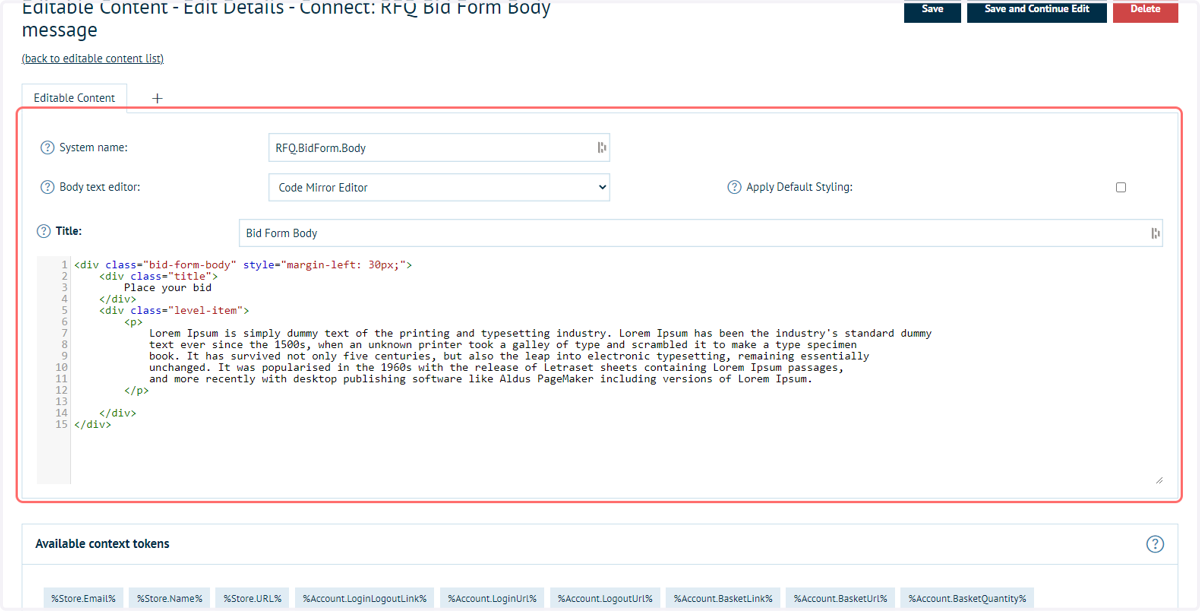
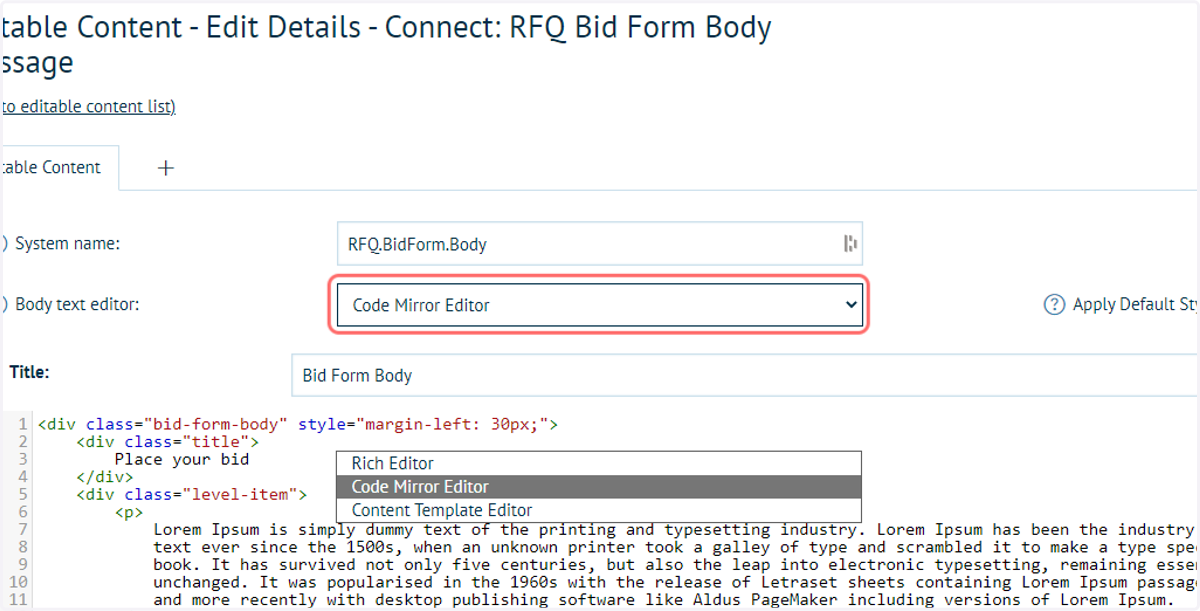
6. Body text editor type selection is available for RFQ Editable Content blocks
The content of these blocks can be generated by any of the three body text editor settings. This includes a Rich Editor, Code Mirror Editor and Content Template Editor.
We always recommend the use of Content Templates, allowing you to generate detailed web page content without having to manually create HTML code.
Find out more information, here: