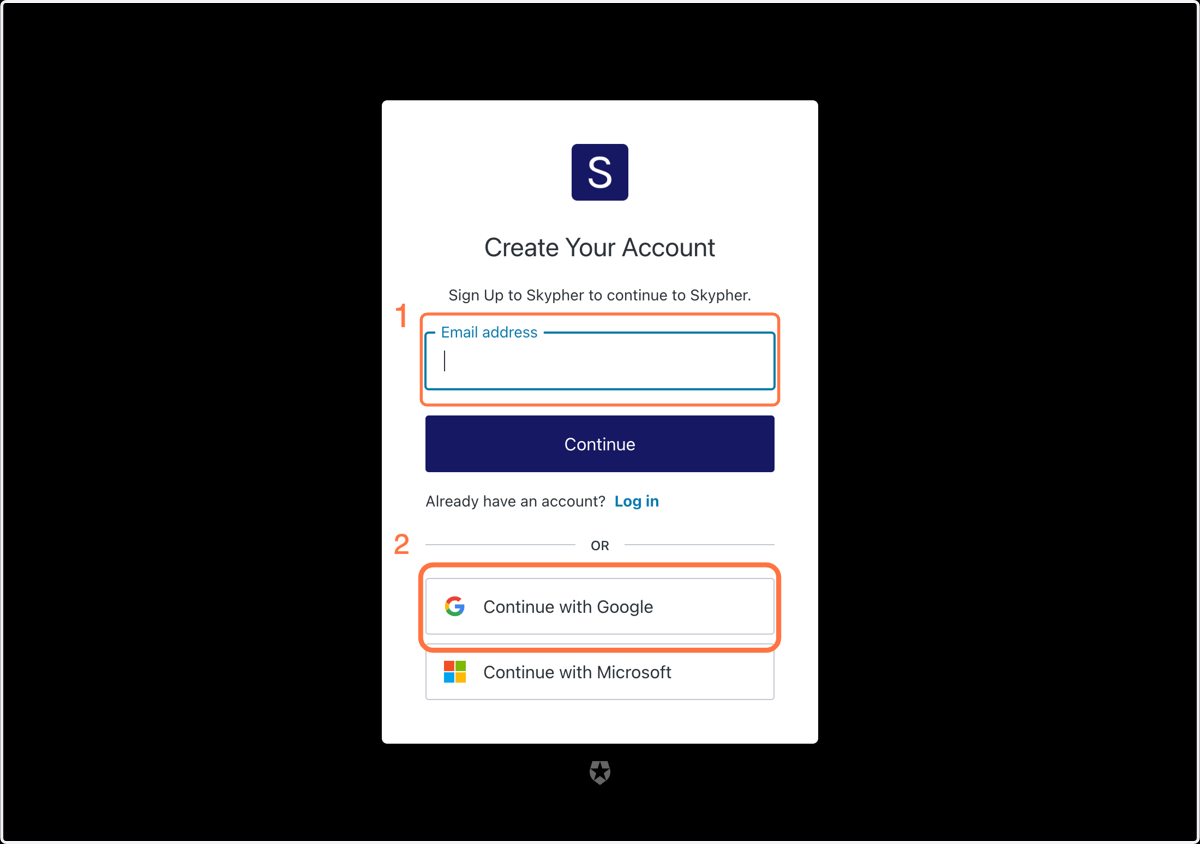
Signing up to Skypher
Sign up to Skypher
When you are added on the Skypher Application by someone from your team, you will receive an activation link by email like (don't forget to check your spam in case it will be blocked there)
Click on the activation link to activate your account and go to the SignUp page to create your account
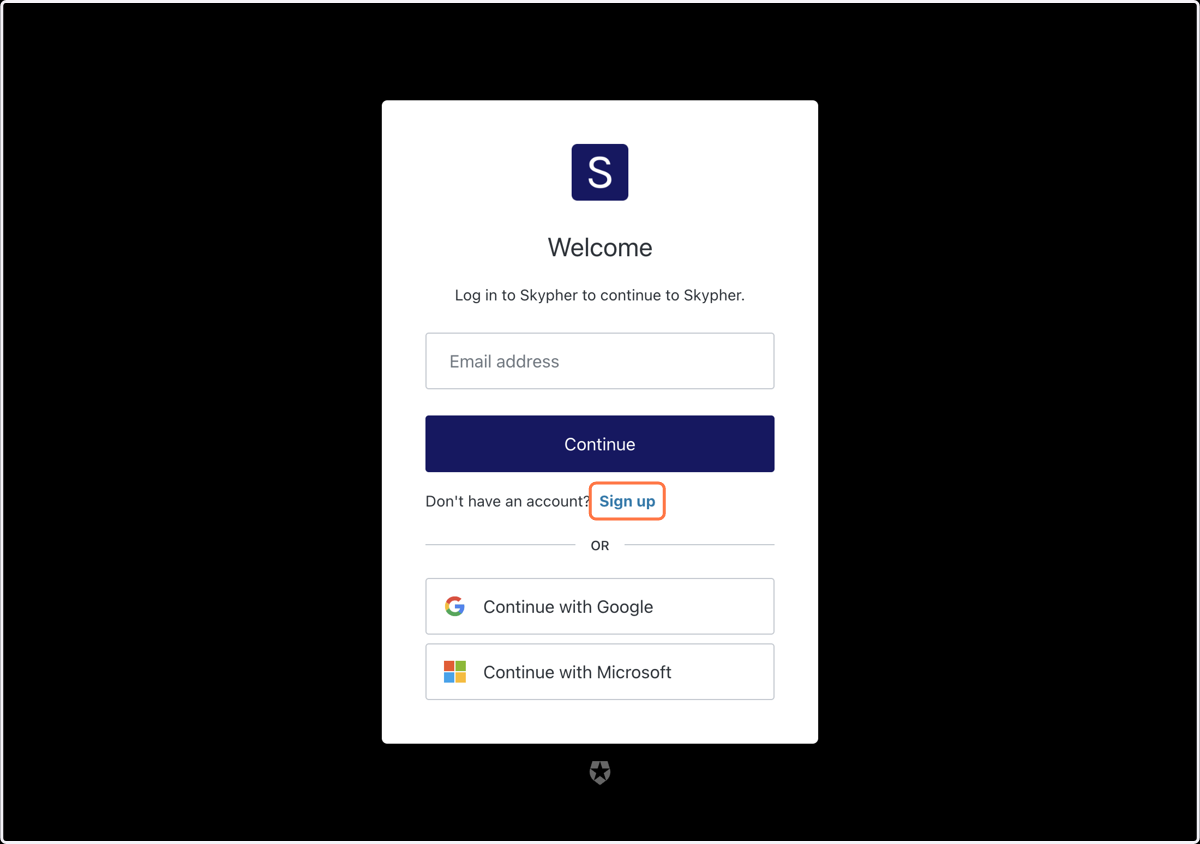
1. Click on Sign up
2. Either click on Email address (1) or continue with Google (2)