How to move the orange Action Box
You can move or add the Action box (the orange highlighter box) in any image in all Tangos created after 4/4/2023.
Tango
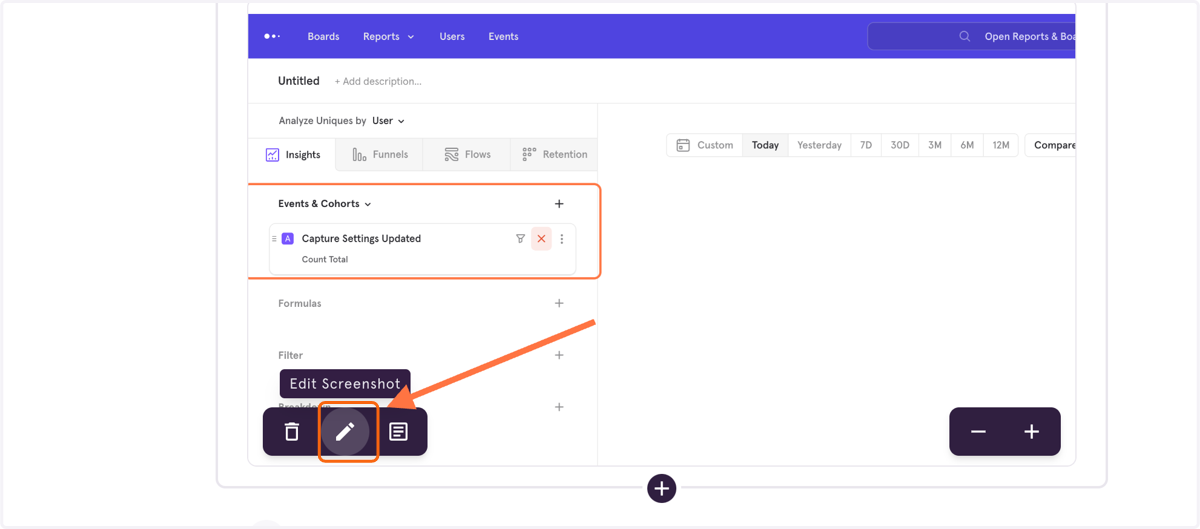
1. Click Edit on the screenshot where you want to edit the Action Box.
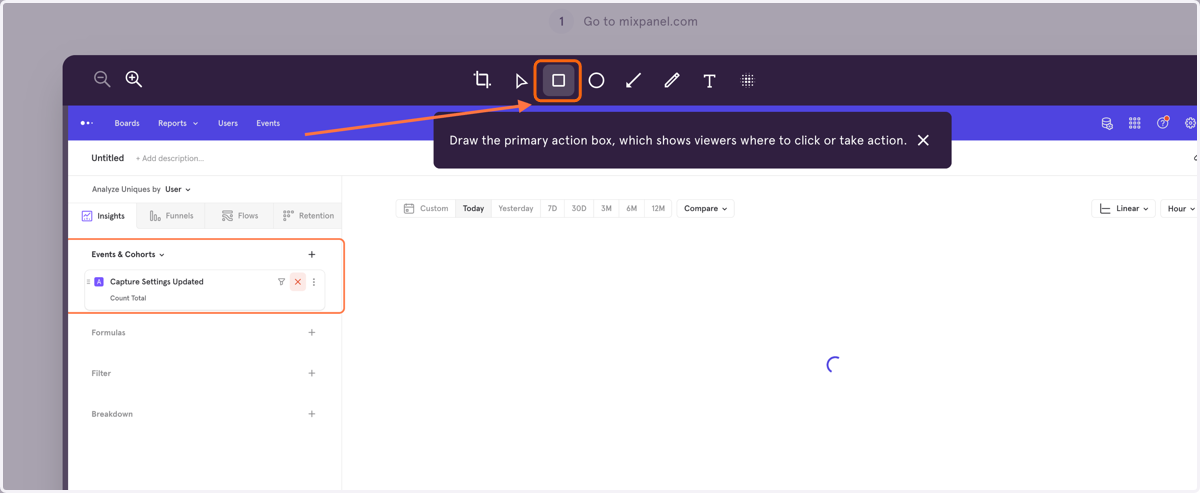
2. Select the box from the image editor options
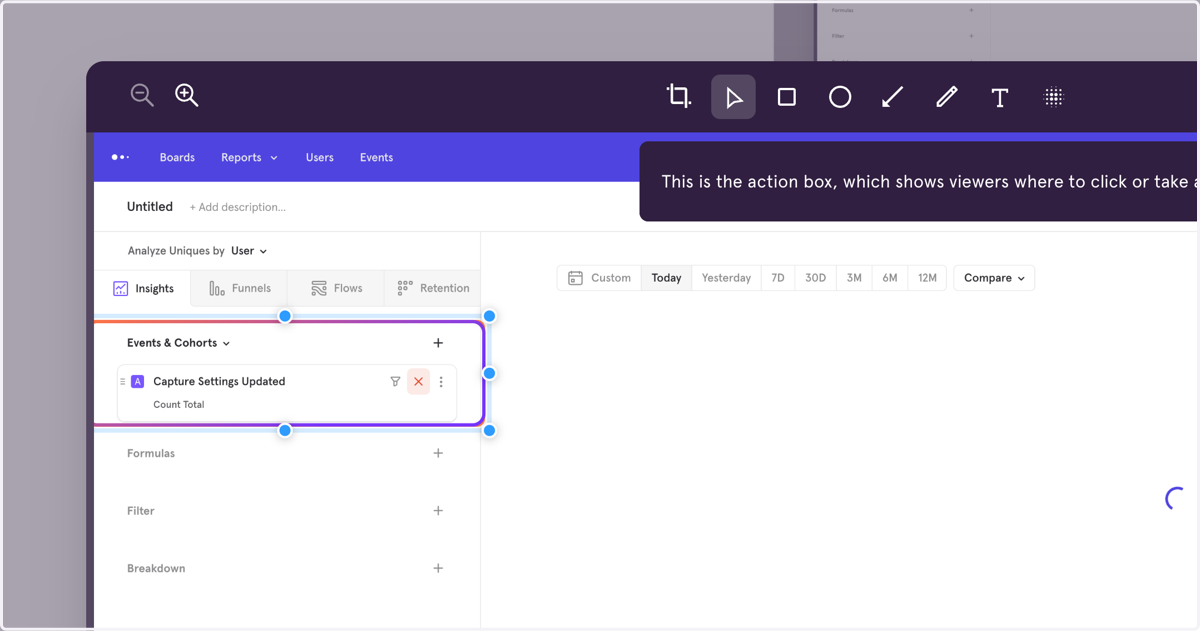
3. The Action Box will change to a modulating purple and orange, and by selecting it, you can move or resize it.
If we failed to capture the Action Box in your screenshot, you can add it!