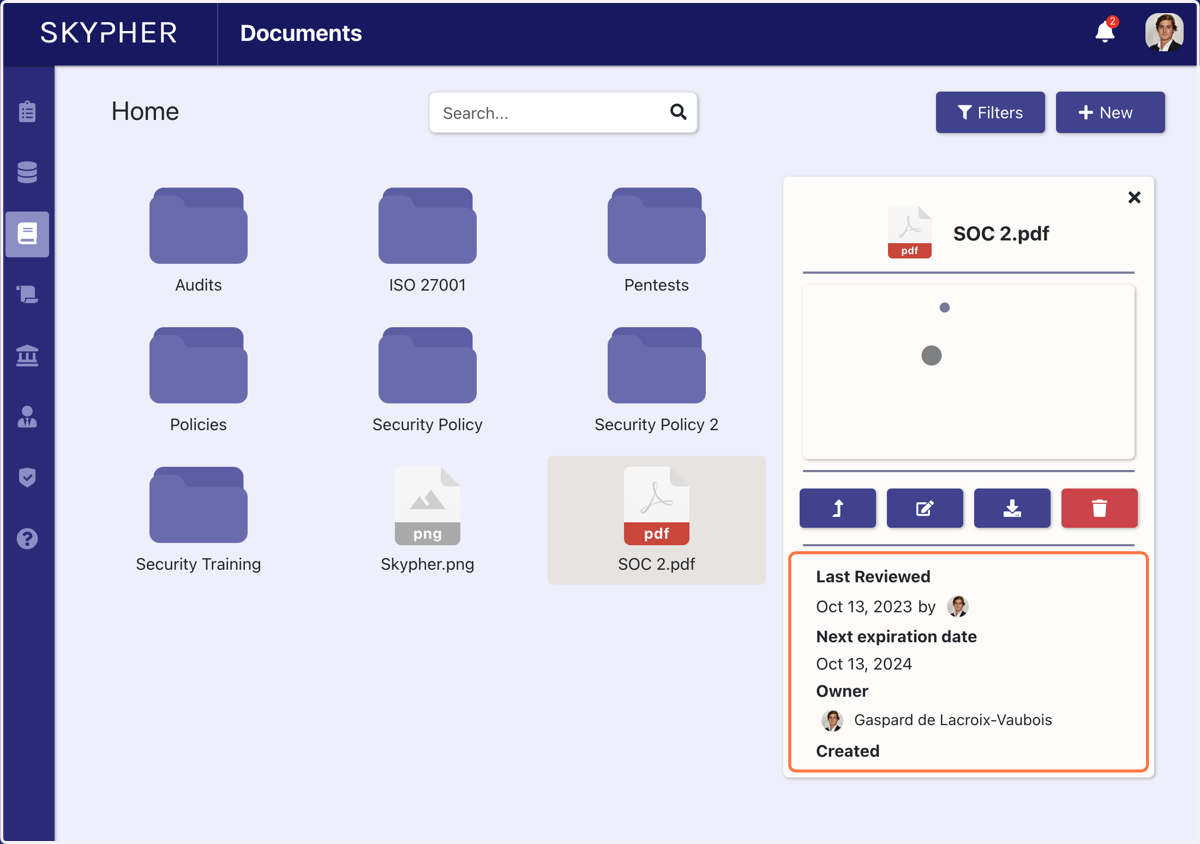
How to upload a document in the plateform
Create React App Sample
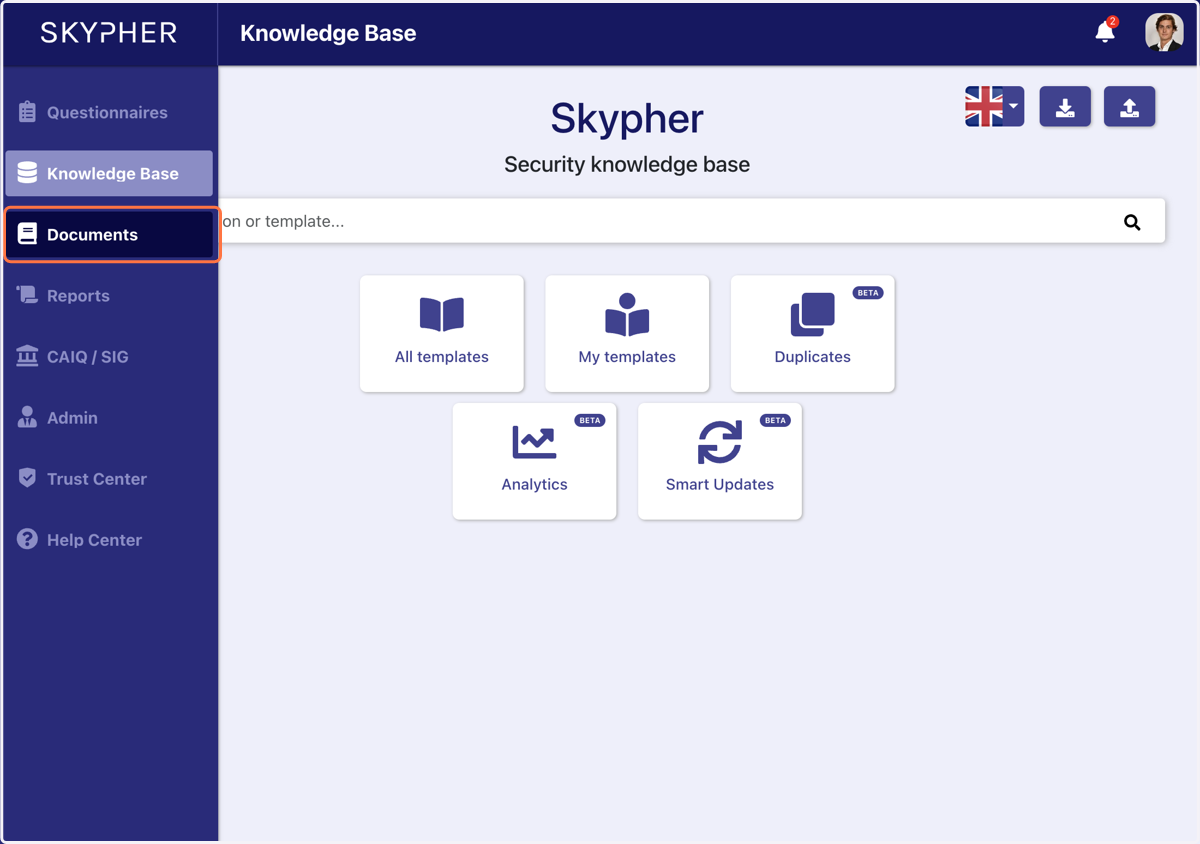
1. Click on Documents
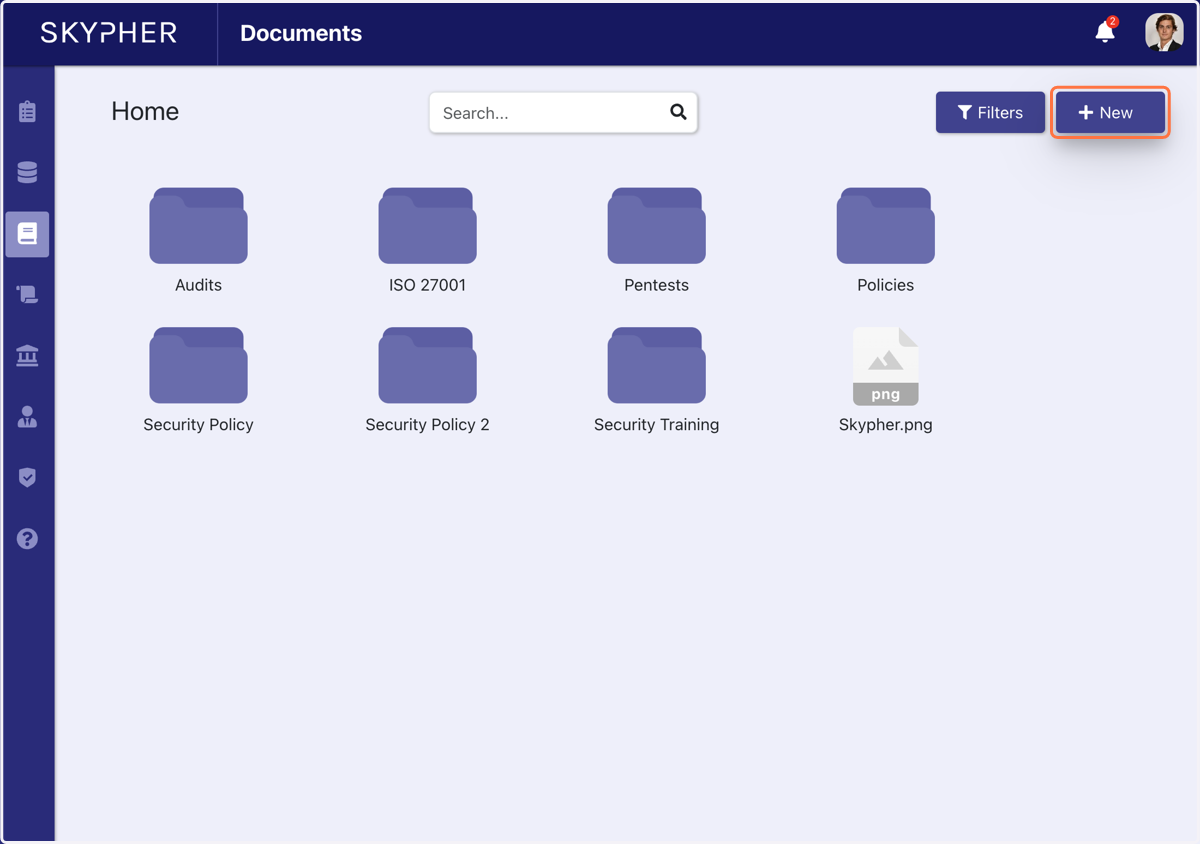
2. Click on New
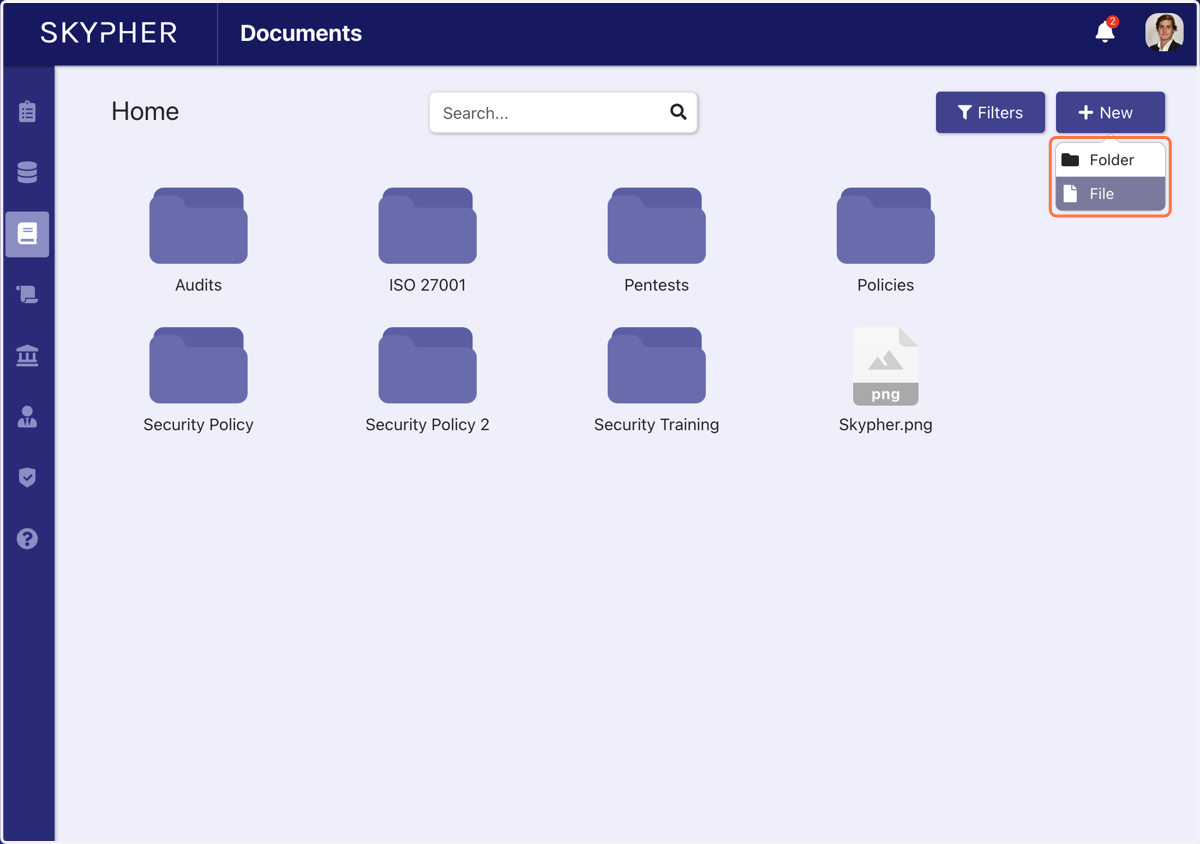
3. Click on File or Folder…
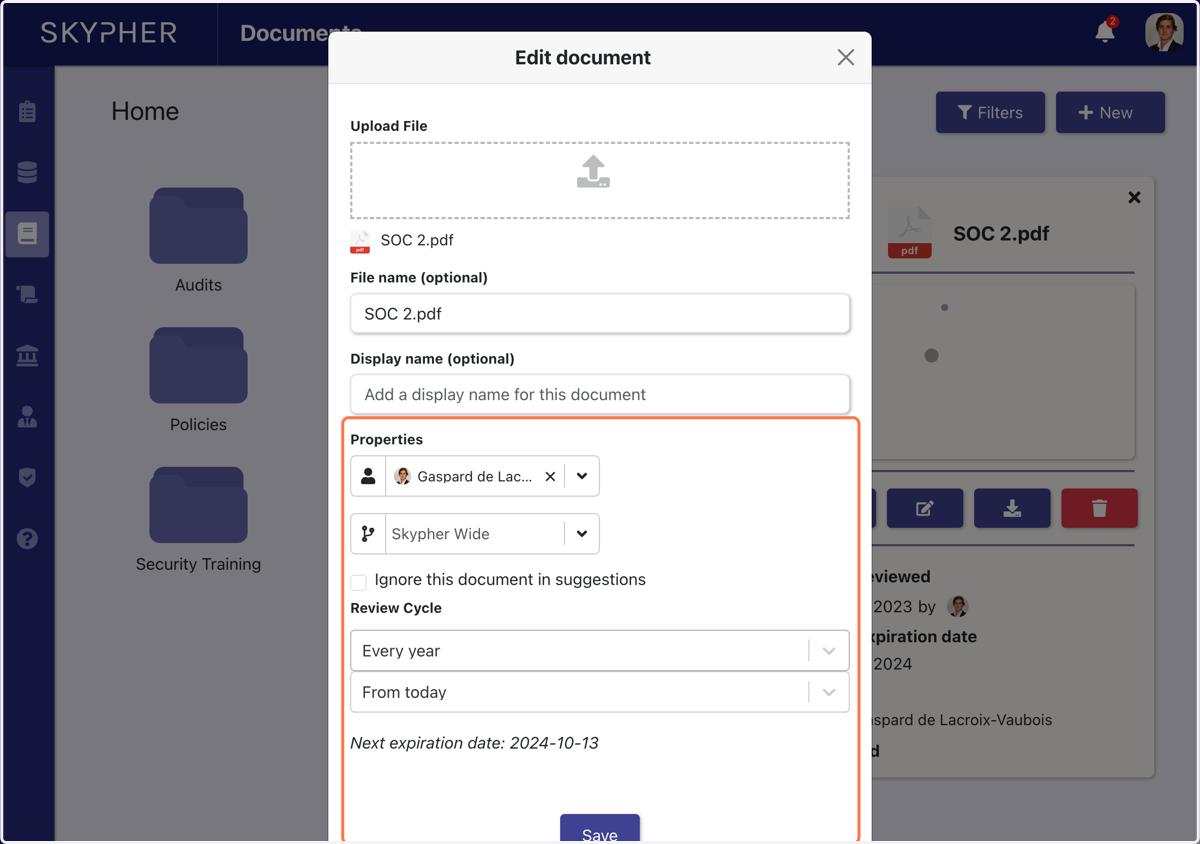
4. Choose an owner, a review cycle and click on Save
5. By clicking on a document, you have access to the document properties