Edit Feast Site page
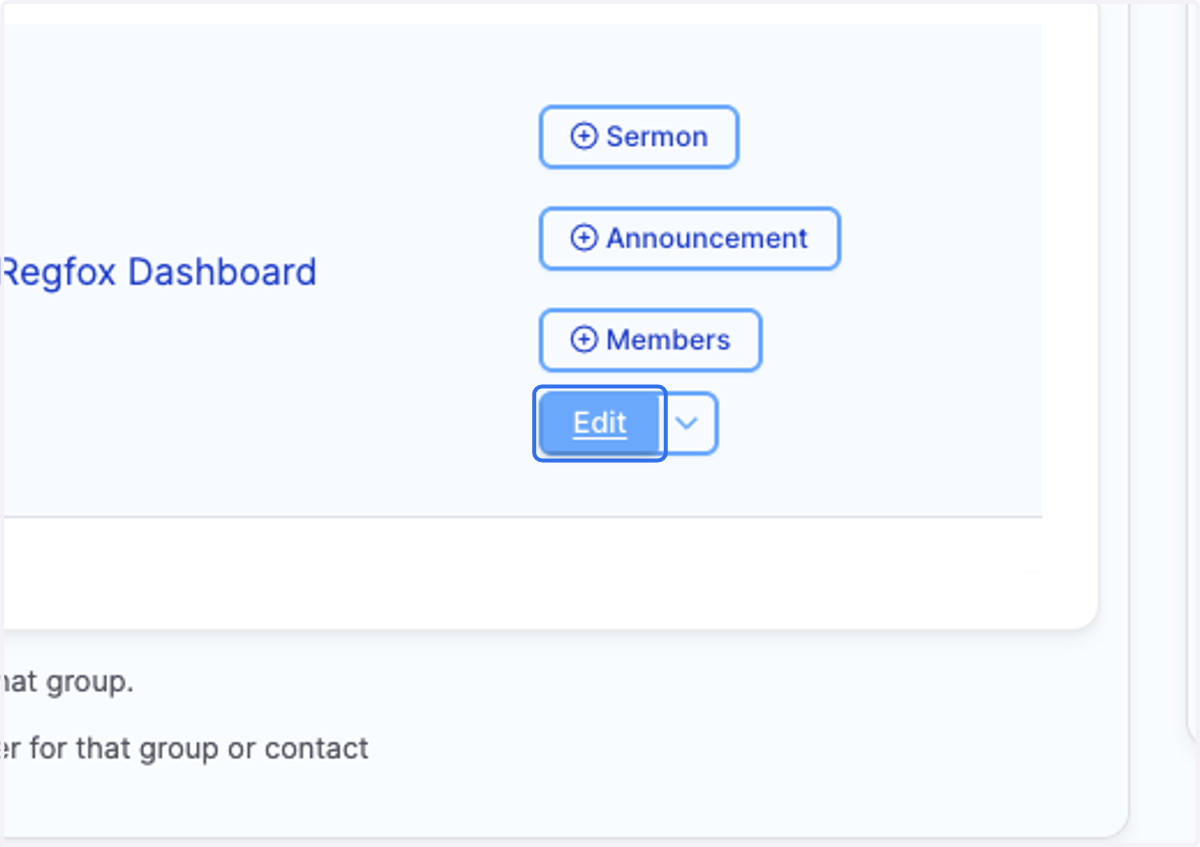
1. From your Feast Site Dashboard page or on the page itself
2. Click on Edit for your Feast Site
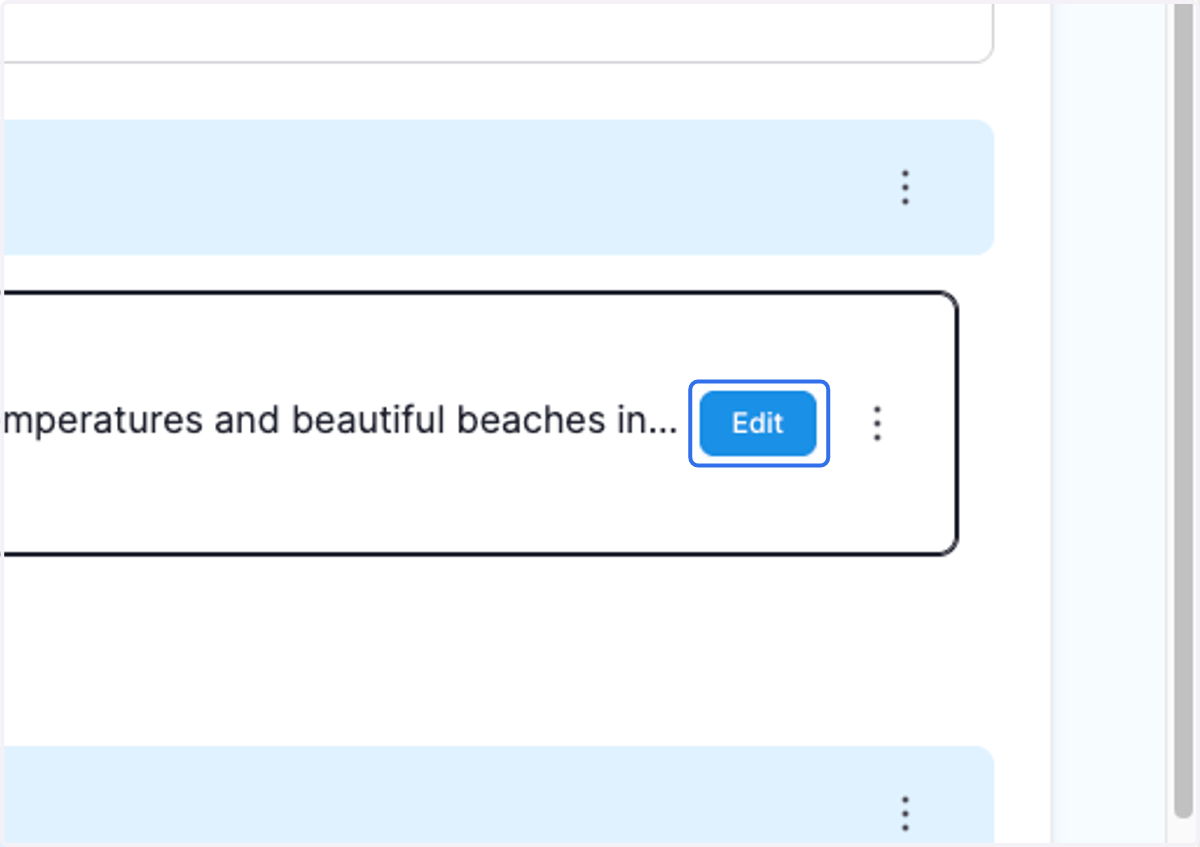
3. Click on Edit inside of Main Content
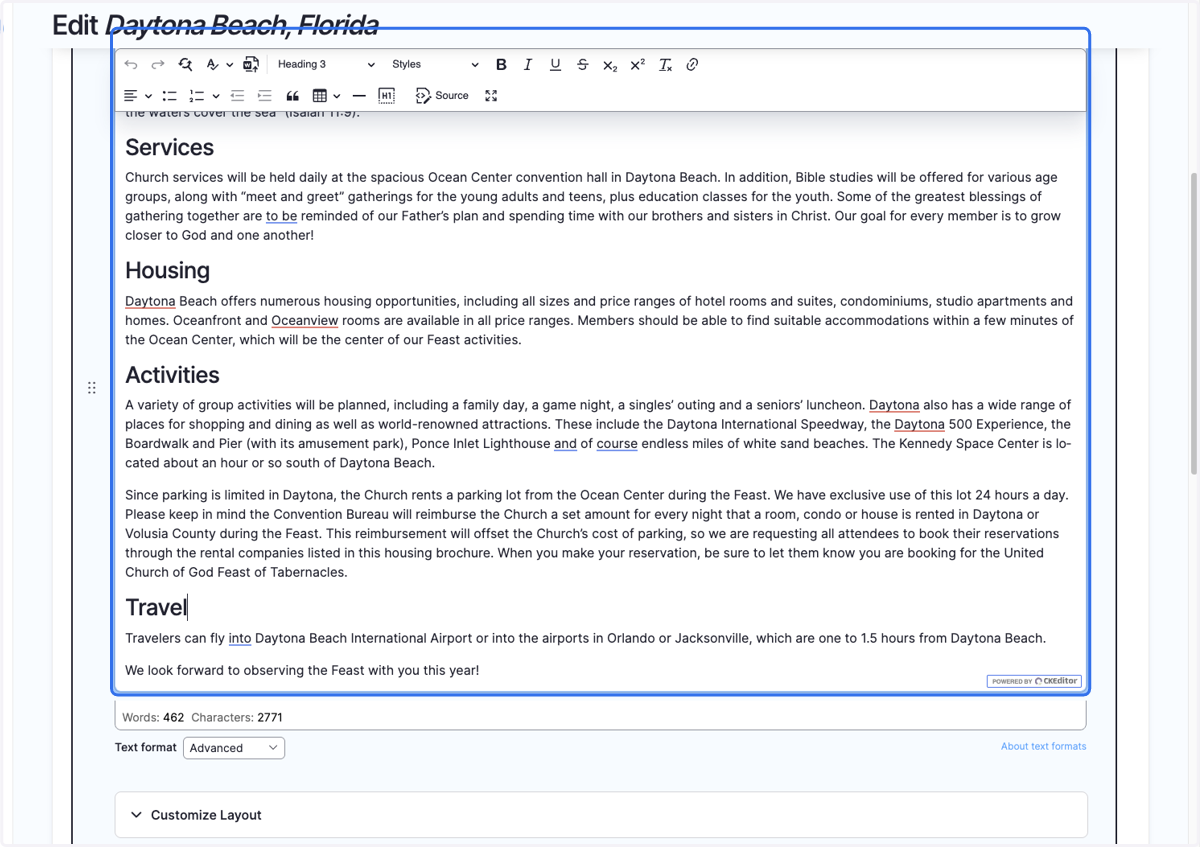
4. Click on Rich Text Editor Editing to make your changes
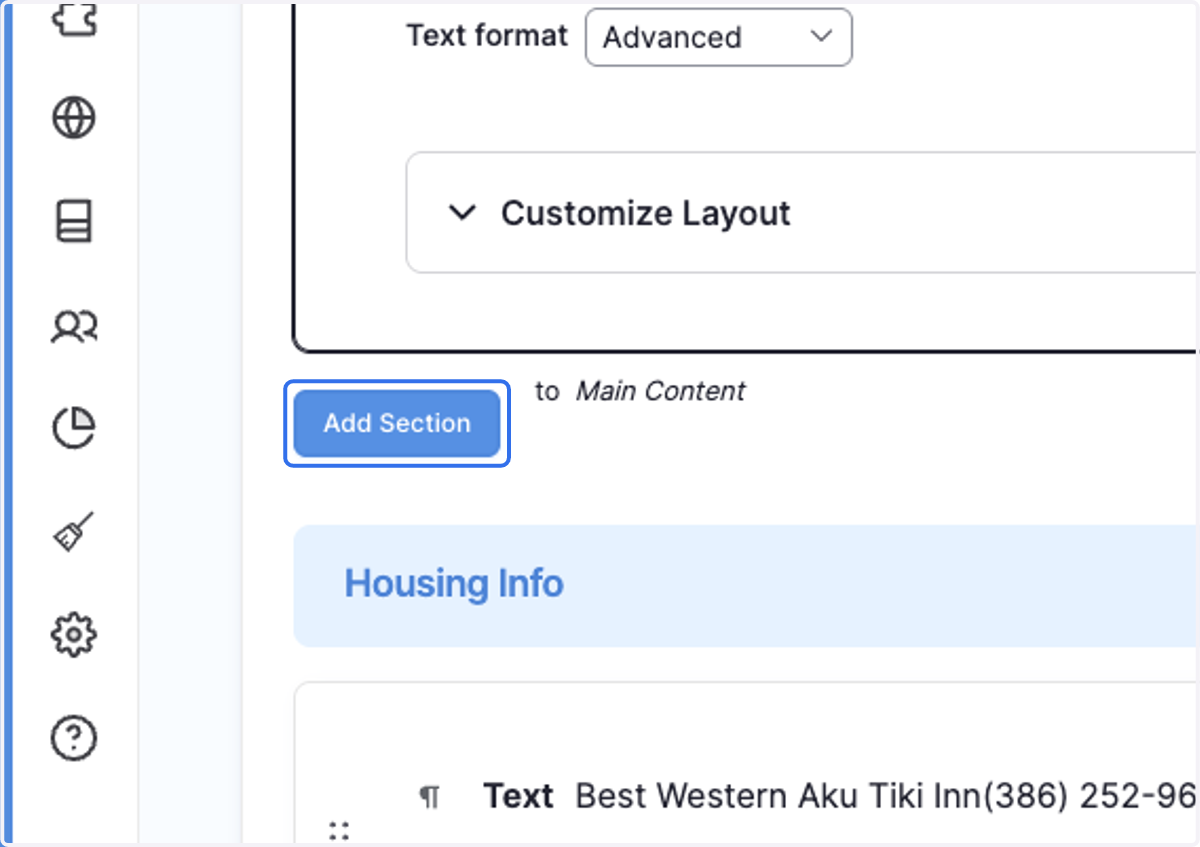
5. You can add more sections by Click on Add Section
6. Select the type of section element you want.
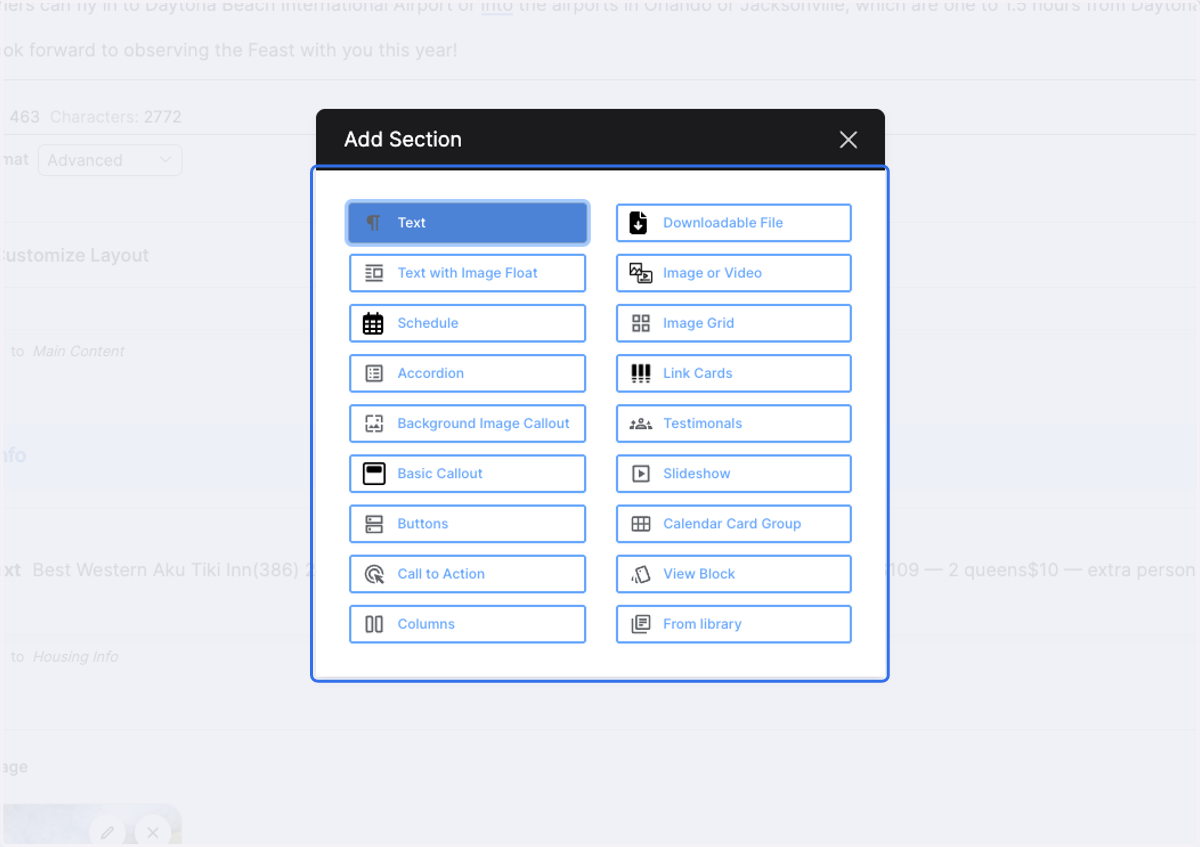
Example: Adding a downloadable Feast Brochure
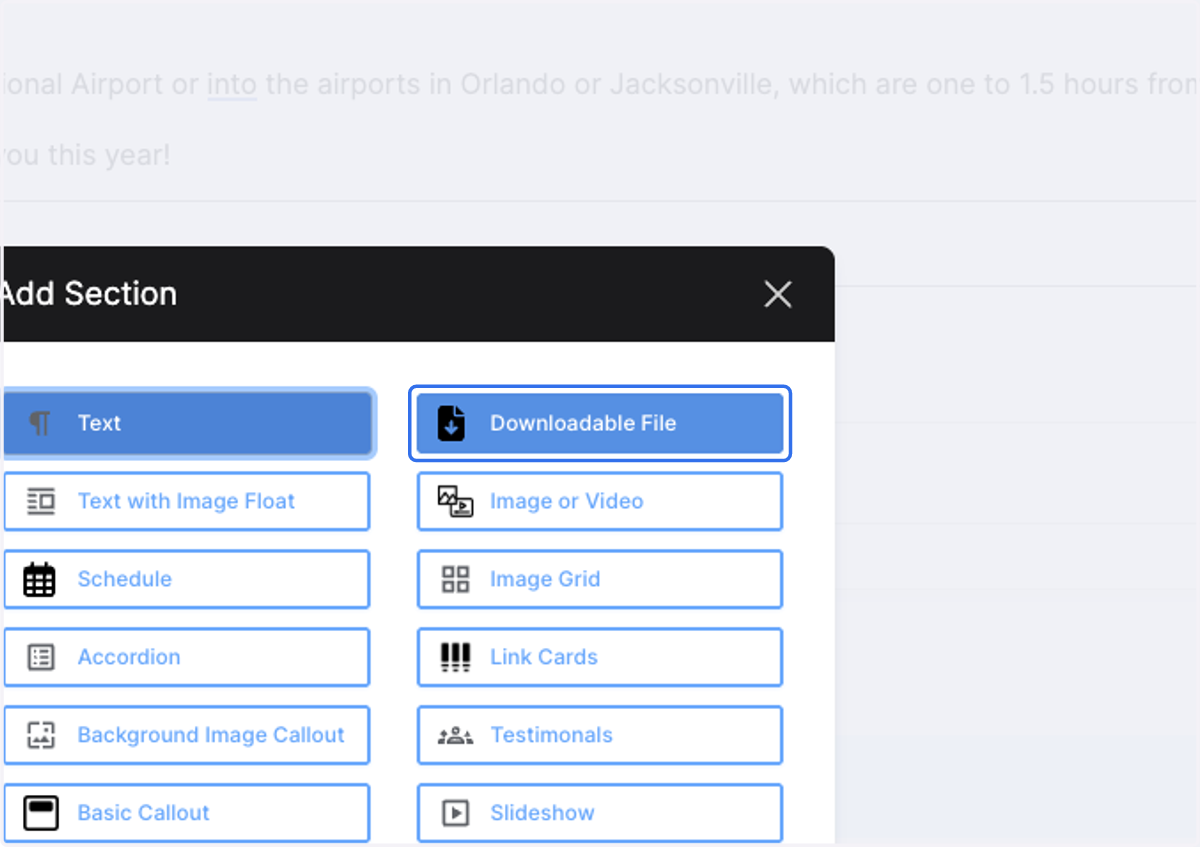
7. Click on Downloadable File
8. Select your file from file upload menu and click "Upload"
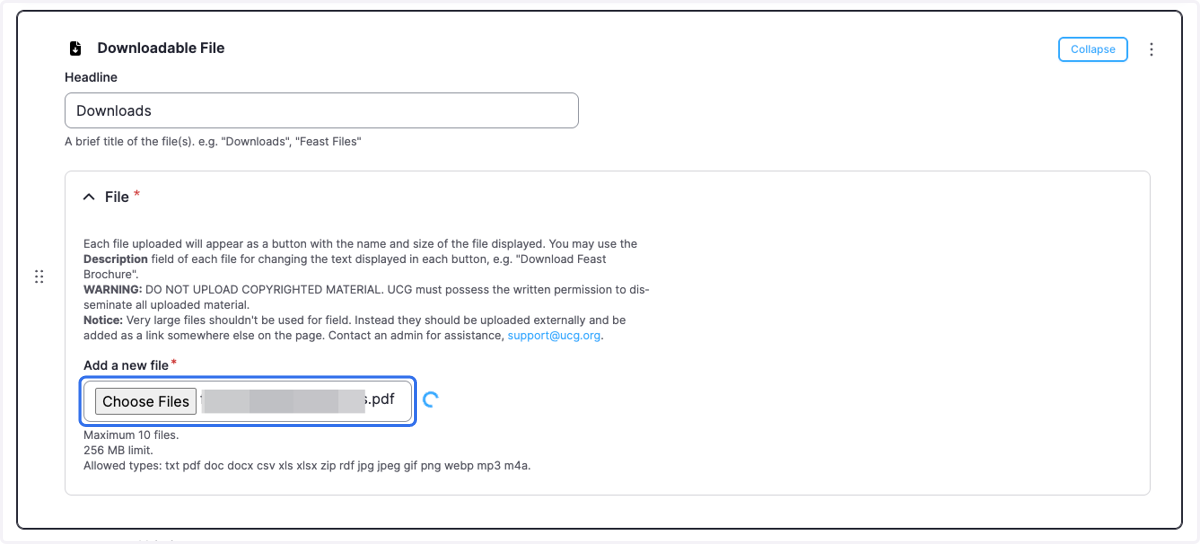
9. Give the file a name like "[Feast site name] Feast Brochure 2025"

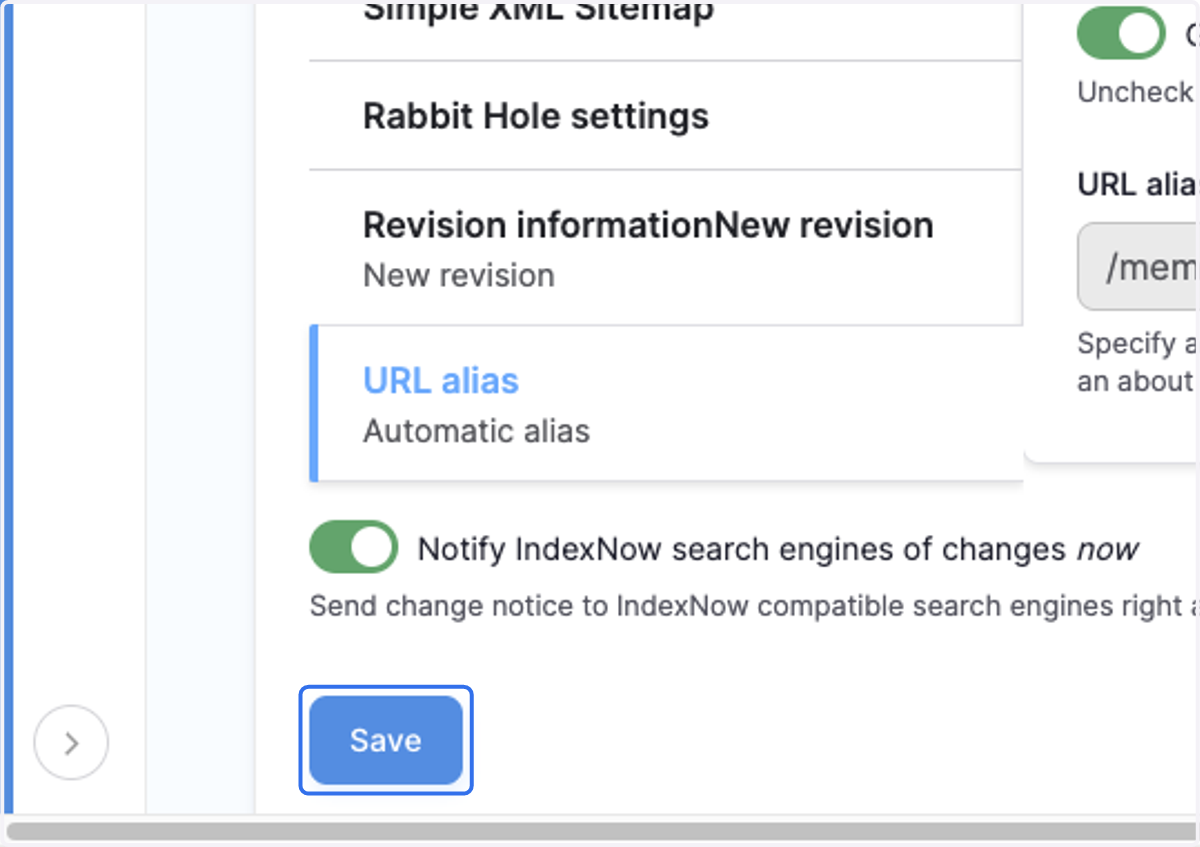
10. Click on Save at the bottom of the page.