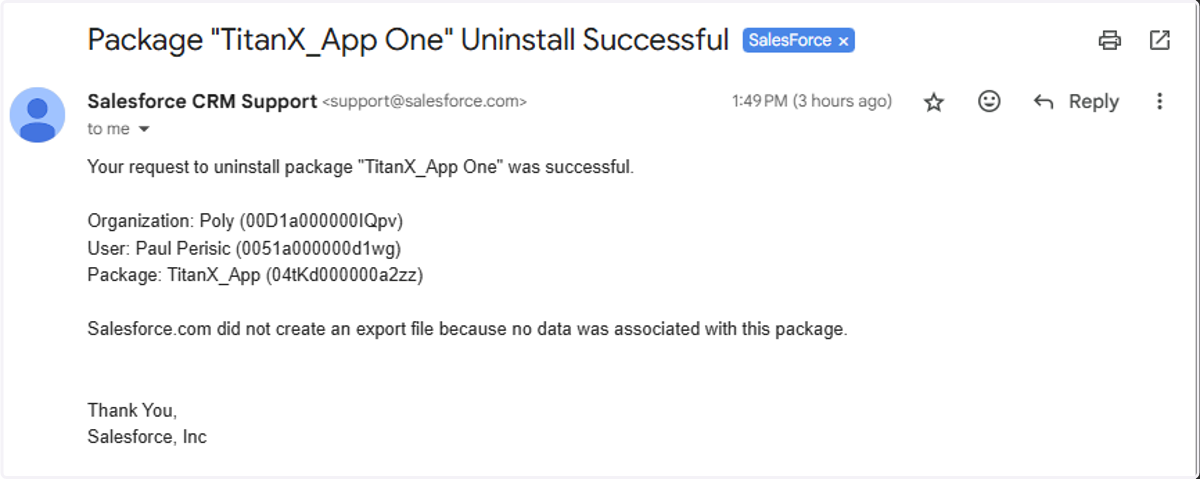
1. TitanX | SFDC Install Package
Install Package
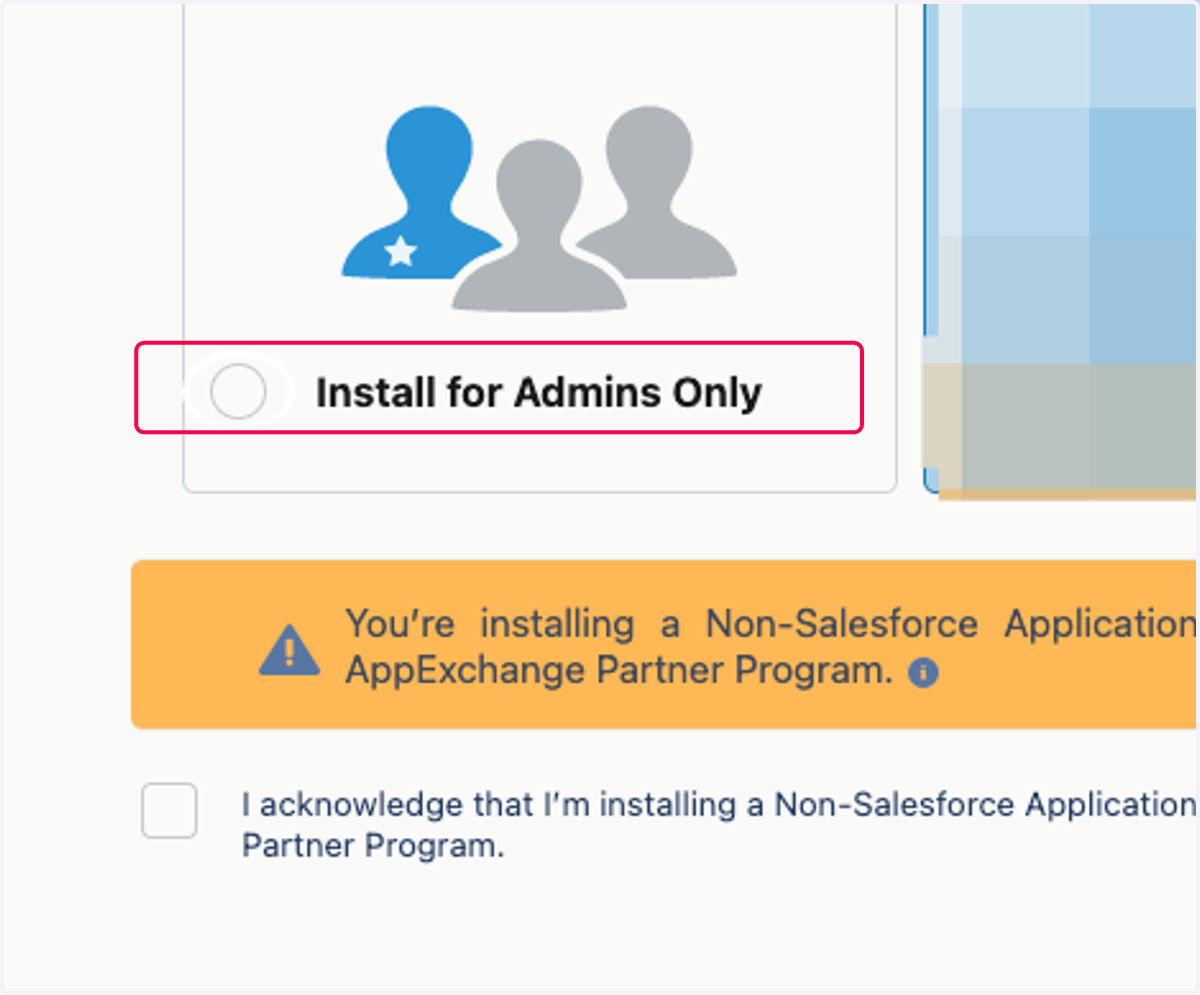
1. Select Install for Admins Only
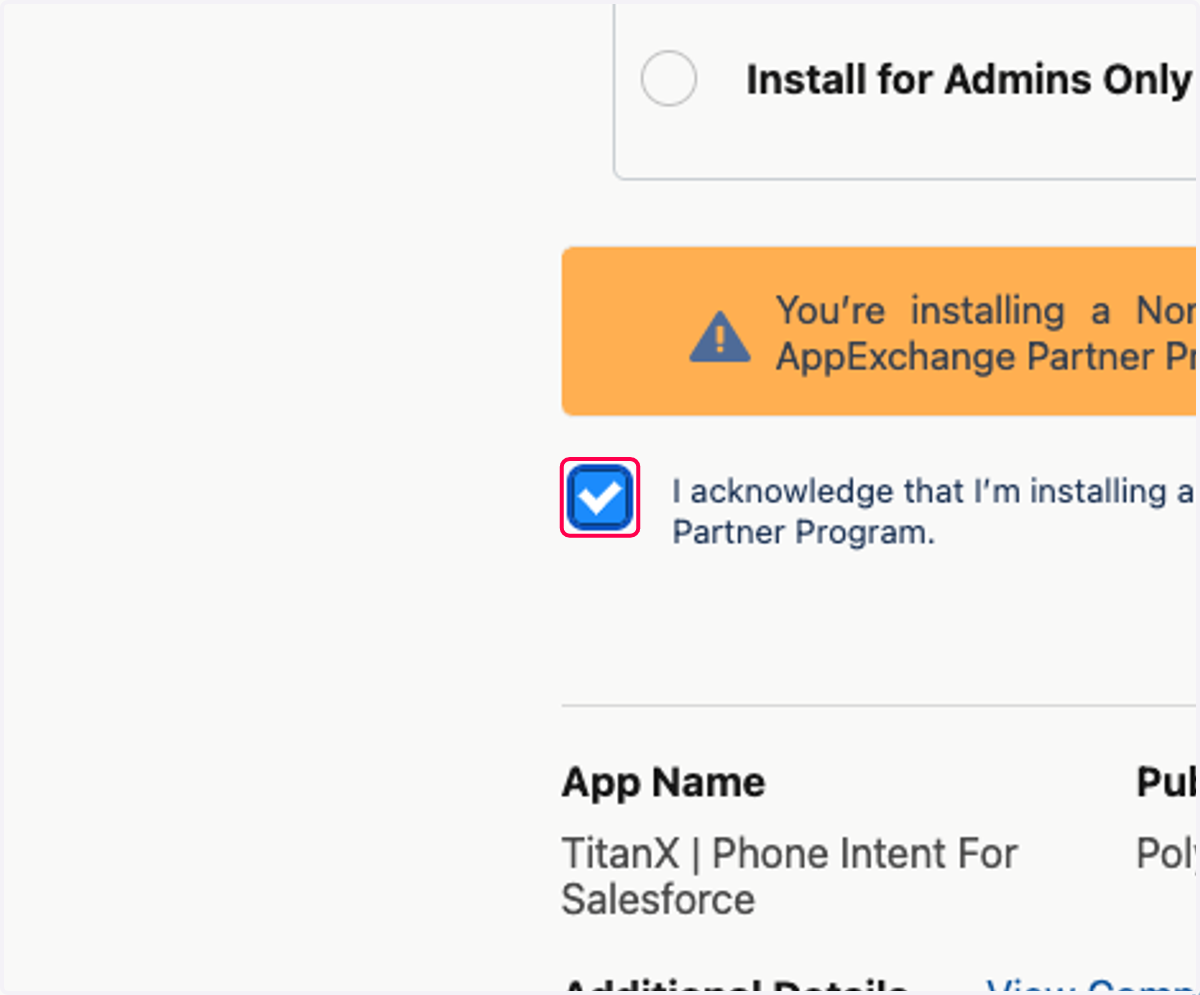
2. Check I acknowledge that I’m installing a Non-Salesforce Application that is not authorized for distribution as part of Salesforce’s AppExchange Partner Program.
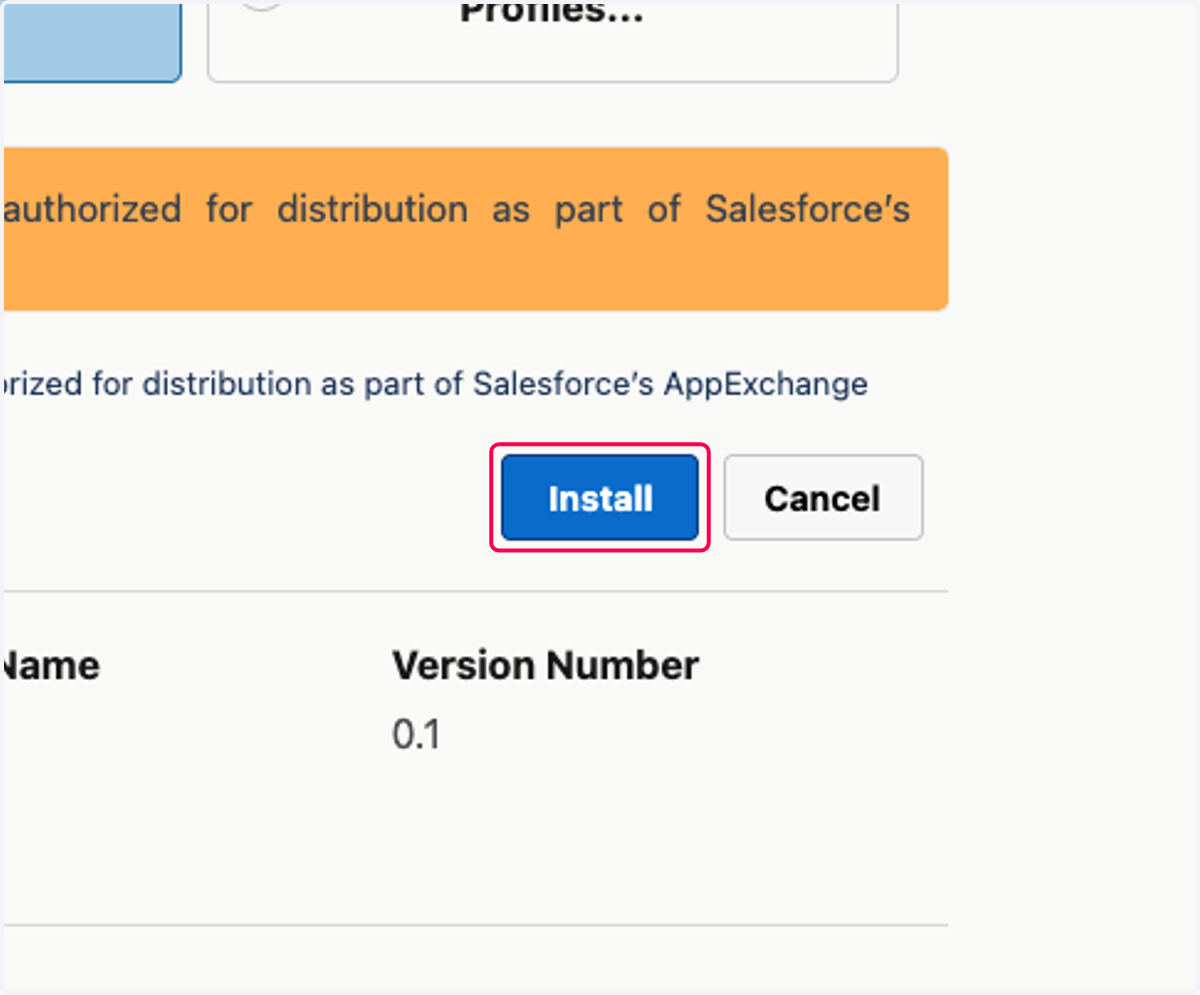
3. Click on Install
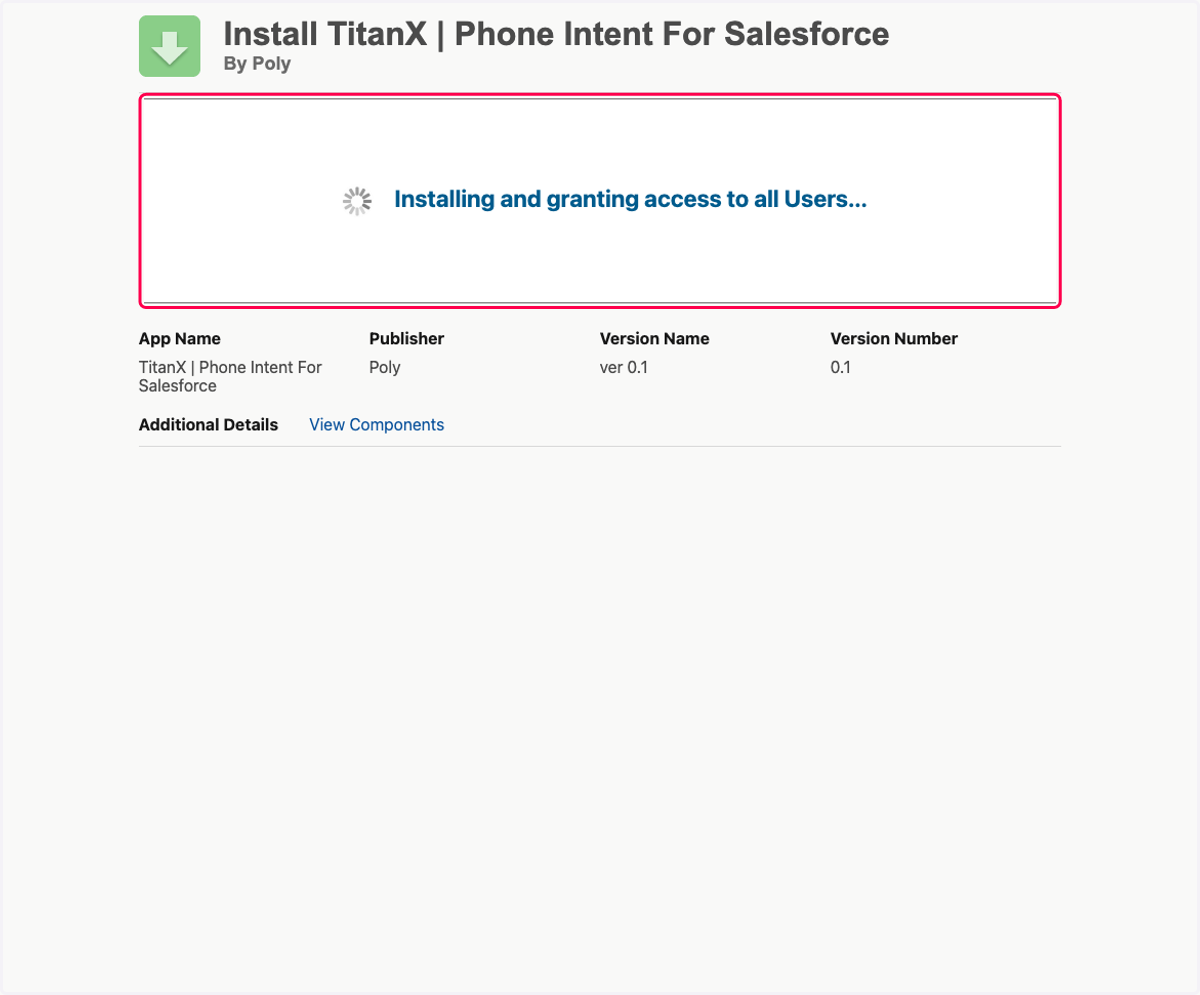
4. Click on Installing and granting access to all Users...
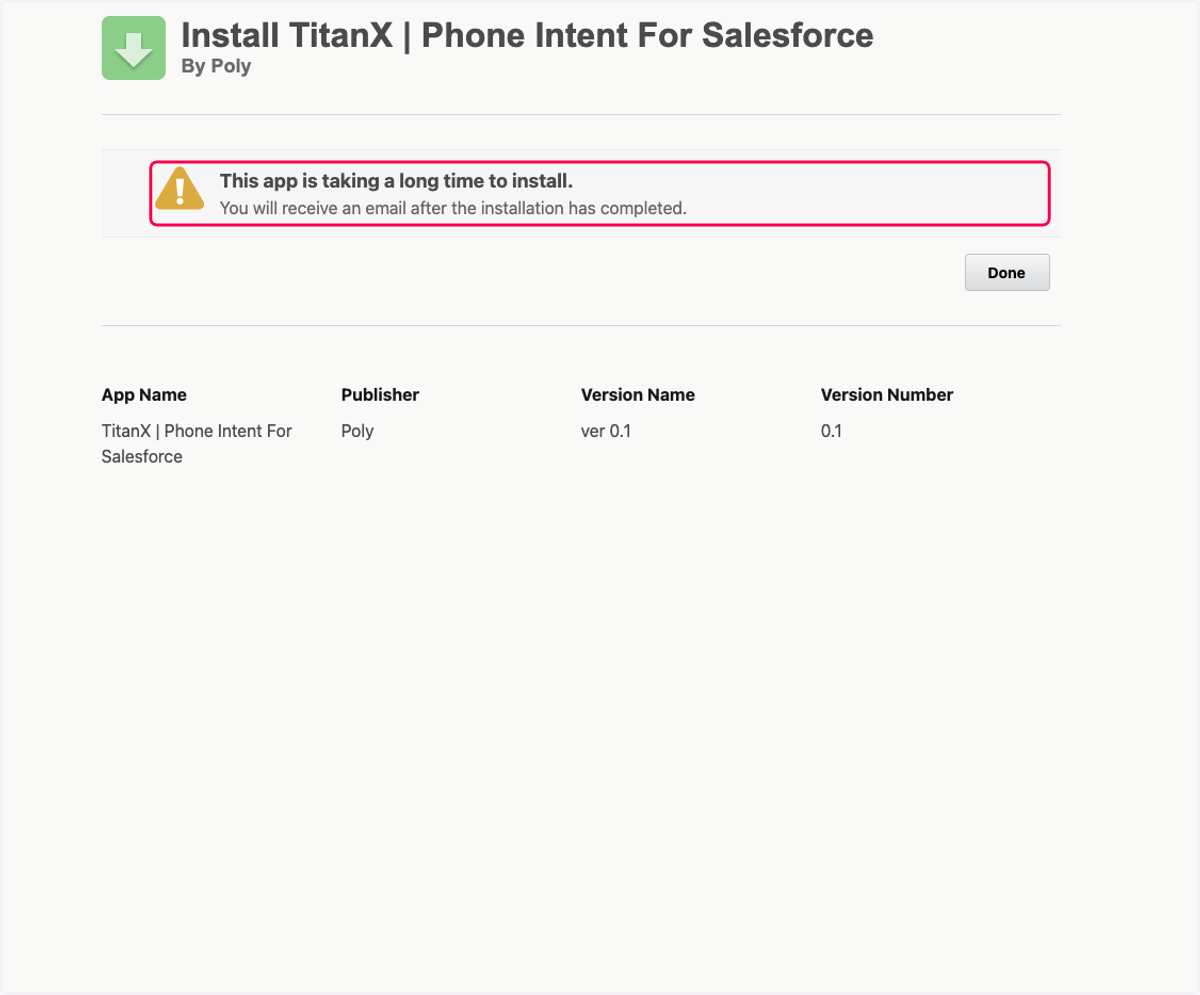
5. Click on This app is taking a long time to install.…
6. Click on Done
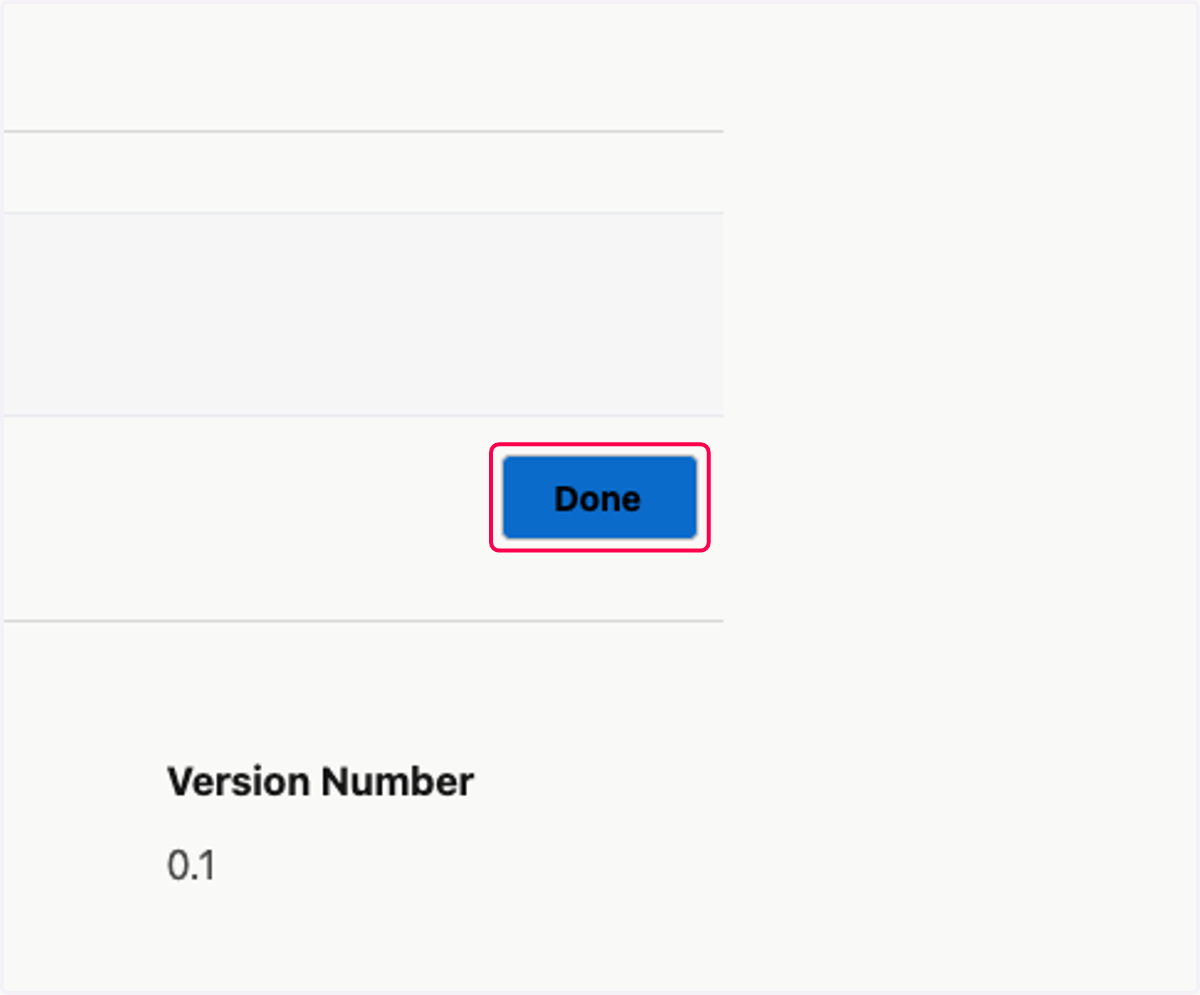
7. Wait to finalize
The app will take a few minutes to finish installing within Salesforce. Once the installation is complete, the user who started the process will receive an email confirming the completion.
Proceed to the next steps once that's done.