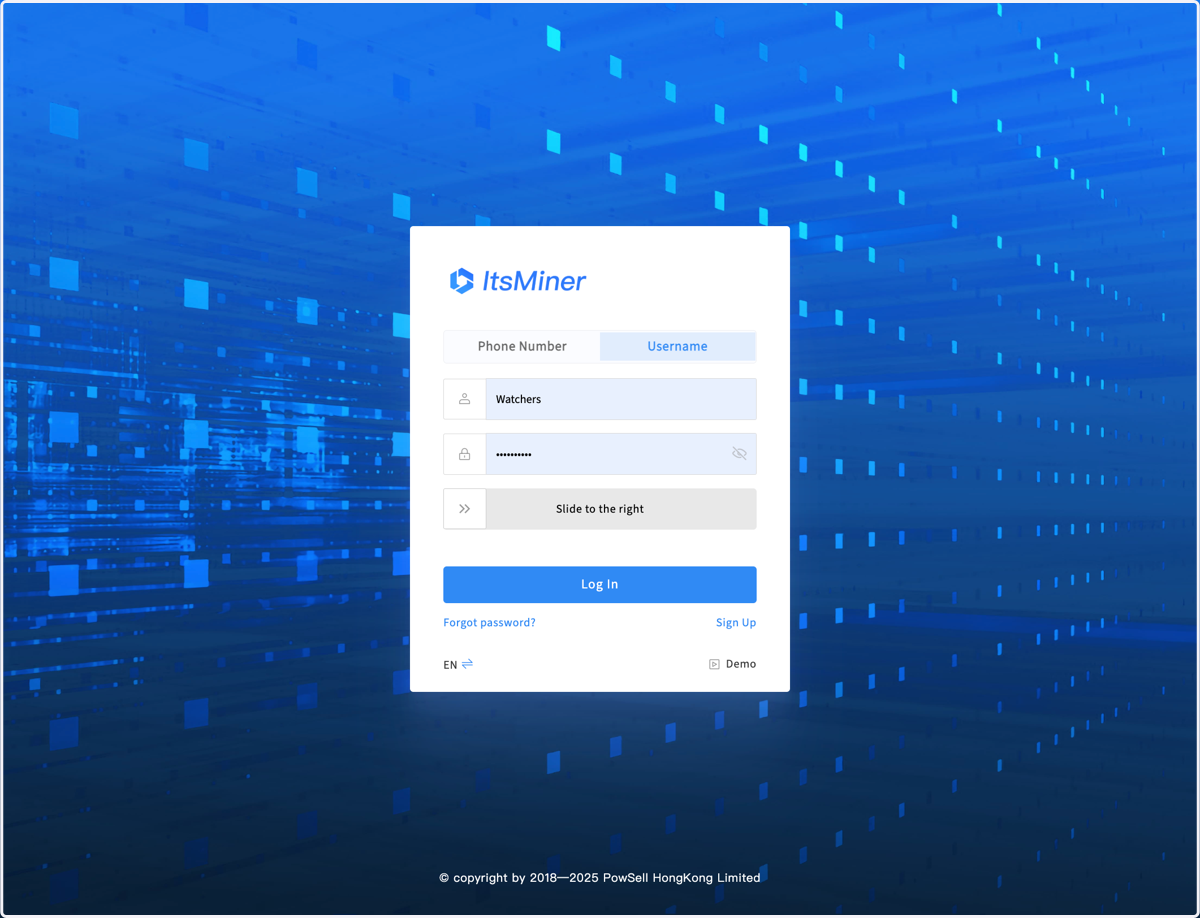
1. Register account in the login page https://ops.itsminer.com
2. When logging in for the first time, the system will prompt you to create a new mining farm or join another farm. If you choose to join another farm, enter the farm ID to apply for joining, and after approval by the farm administrator, you can use it normally.
3. If you want to create a new mining farm, enter the name, location, and corresponding time zone to create a new farm. Then click to enter this farm
4. The system will automatically enter the configuration interface and provide a Start guide. You can click on the start guide item to view specific help, and then follow the guide to configure.
5. You can also quickly complete the simplest configuration according to the following steps, start using it first, and then gradually improve other configurations
6. In the Configuration page, you can set parameters or rules that affect the global system, such as time zone, users and permissions, monitor rules,etc. First of all, you need to make sure the time zone is right for your site
7. And then configure the monitor server, ip segment and monitor rules. So click the Monitor block.
8. Click on Add Monitor to add one or more hardawre monitor. If you are just trying it out, you can download and install the software version monitoring server, but this is not recommended for long-term use.
9. Then input your ip segments for this monitor server. After that, ItsMiner starts scanning the miner status about every 5 minutes
10. If some miners use non factory passwords, you need to set your password here
11. Config the monitor rules for each model, and the 2 rules on the top