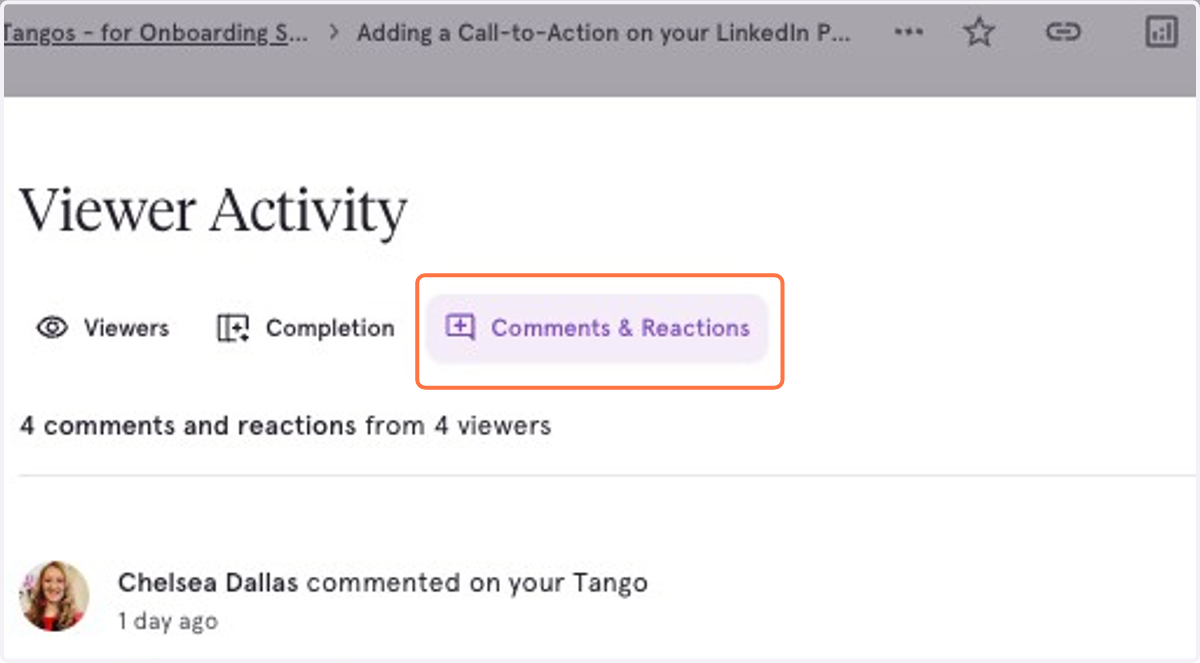
Navigating the Viewer Analytics modal
From your Tango workflow
Go to https://app.tango.us/
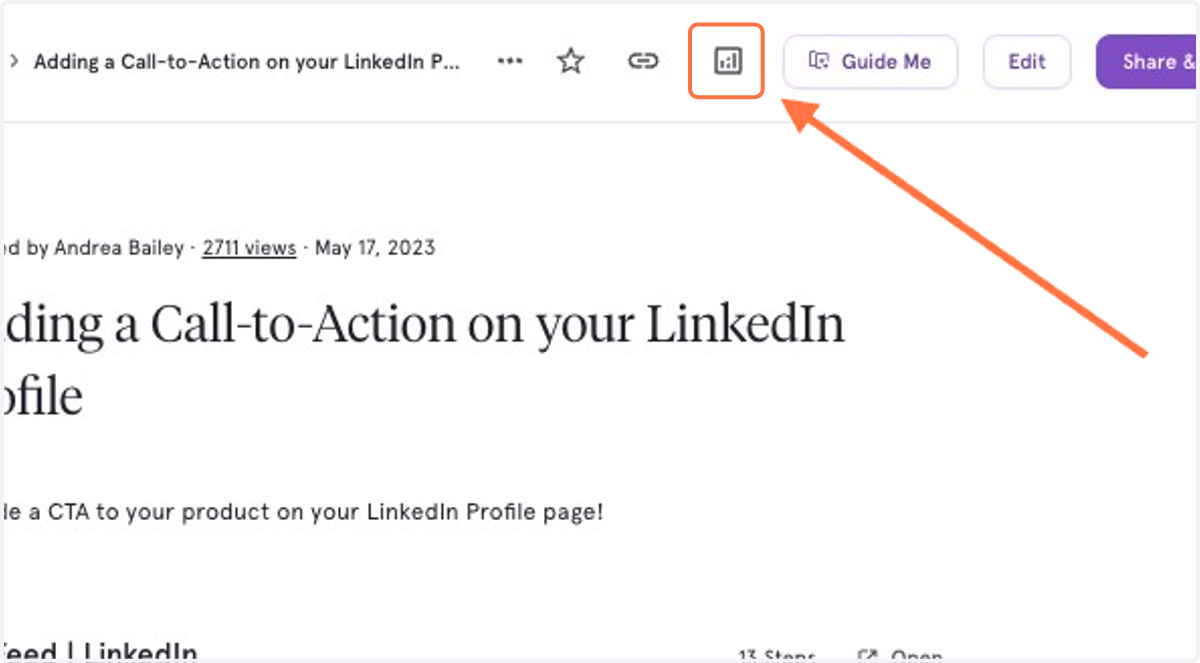
1. Click on the chart icon next to 'Guide Me' to view the Workflow analytics
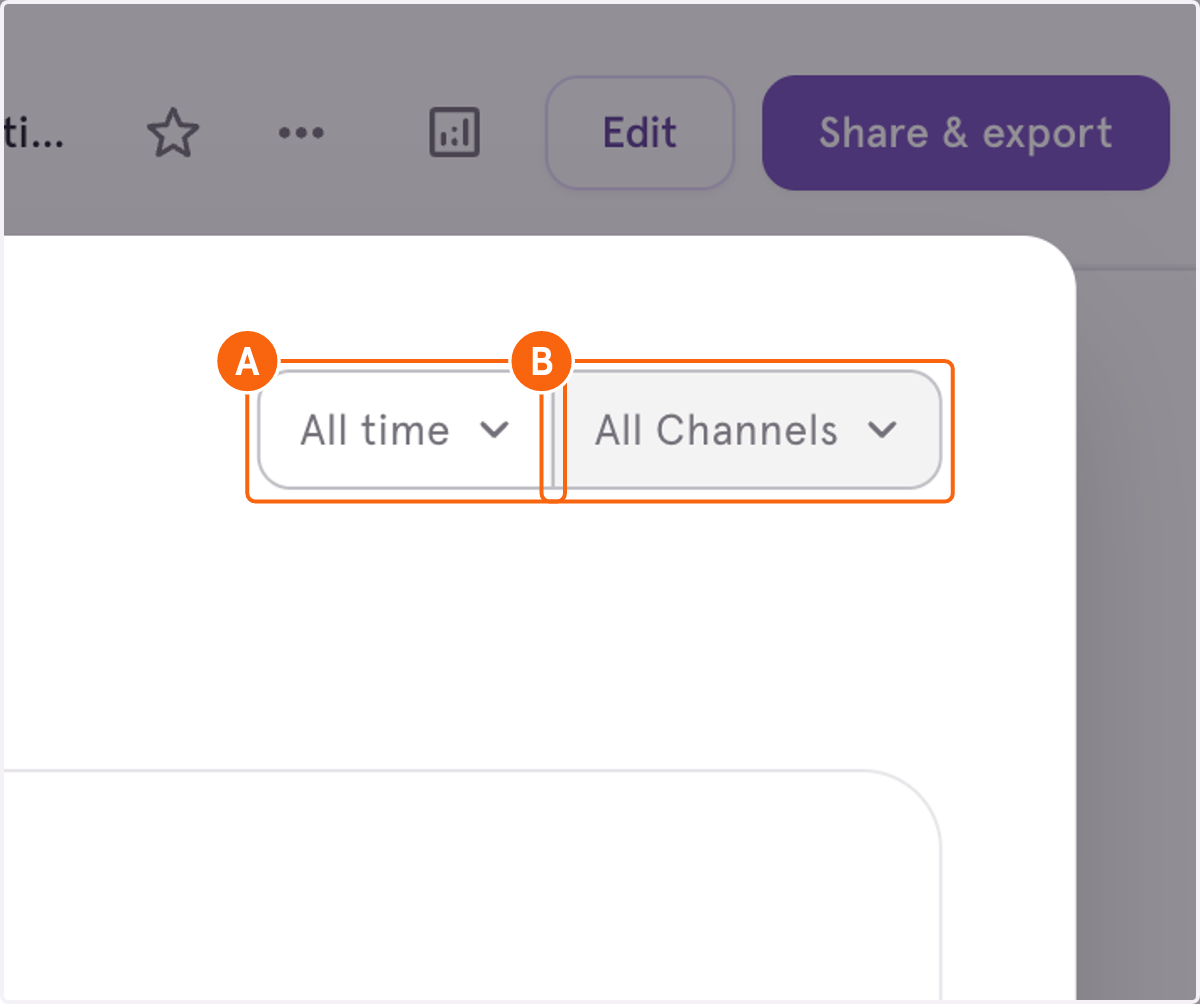
2. A. You can adjust by time period (All time, 90 days, 30 days, 14 days, 7 days)
2. B. You can also adjust by Channels (Guide Me, Guide Me Panel, Web App, or Embed)
3. You can also see the general completion rate
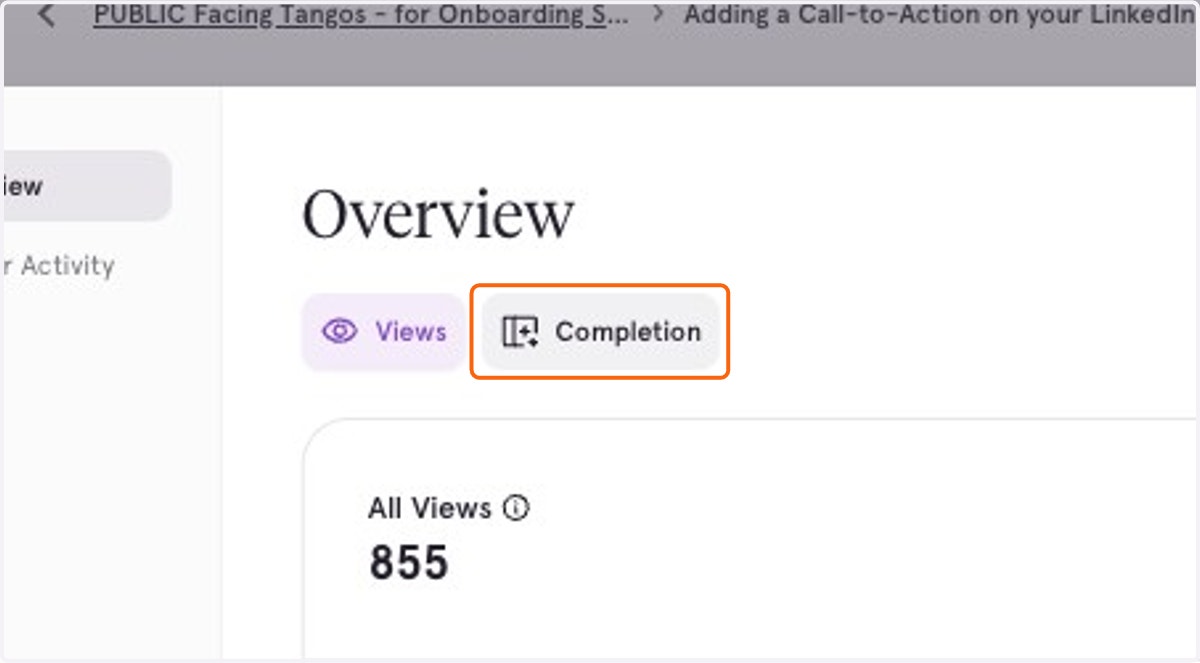
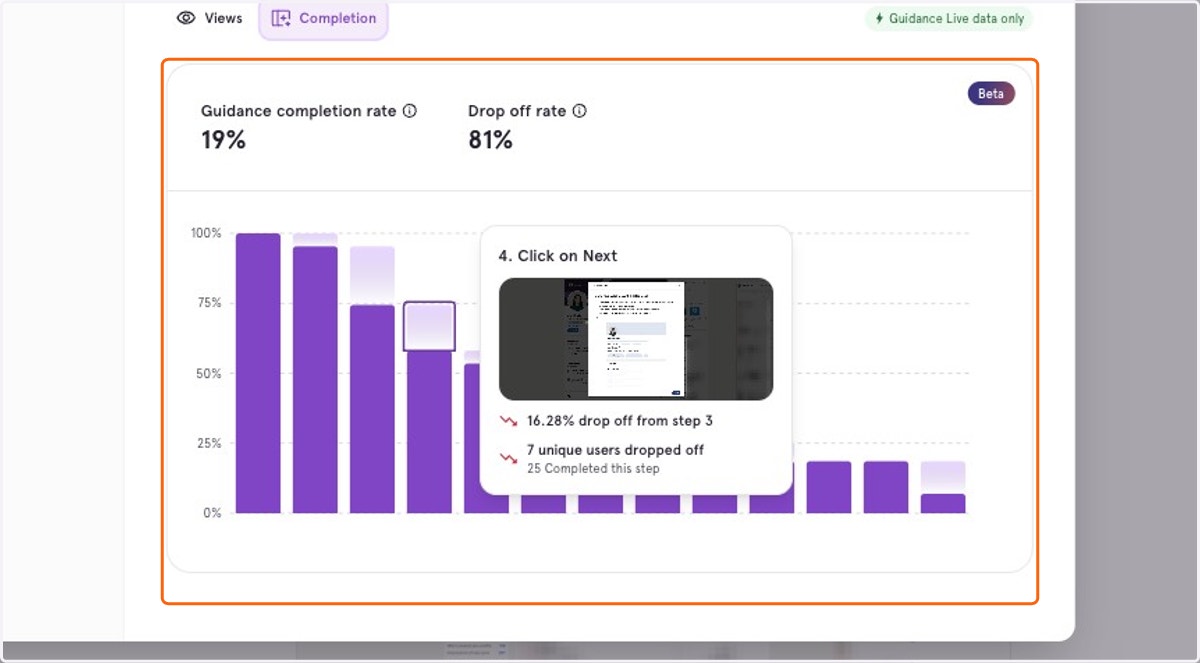
4. The Completion section of the Overview shows how many steps users completed in Guidance, and where they may have dropped off.
The Guidance completion rate as a percentage is calculated for users who went through all the steps, or completed at least 80% of the workflow.
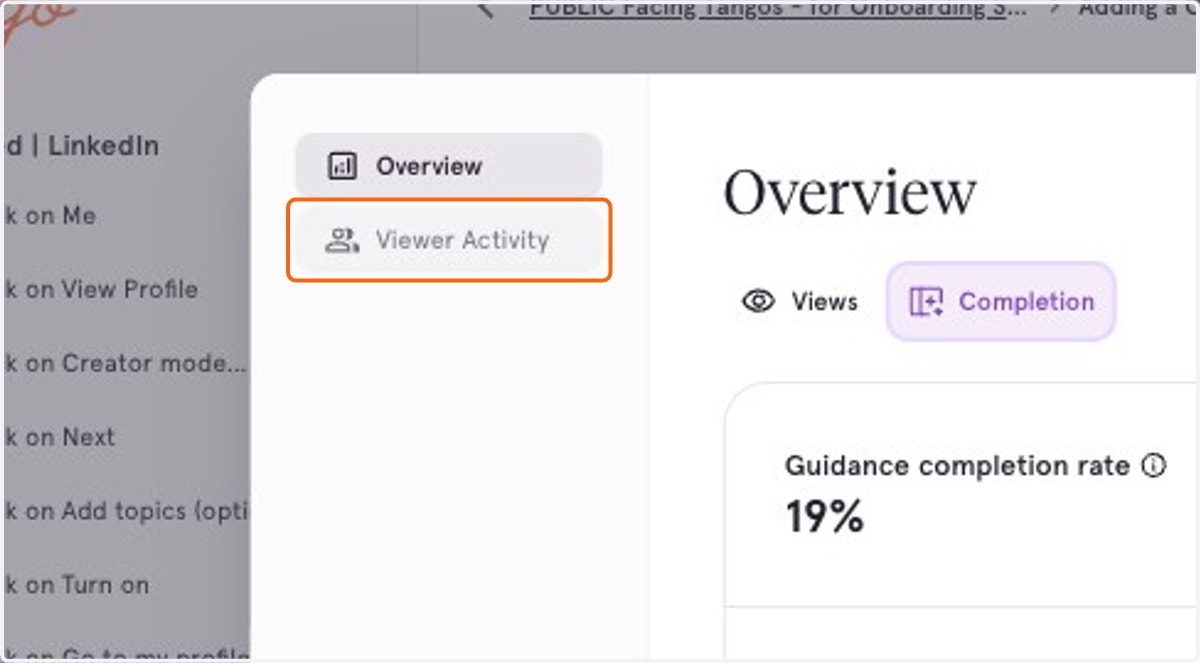
5. Click on Viewer Activity for more granular user data.
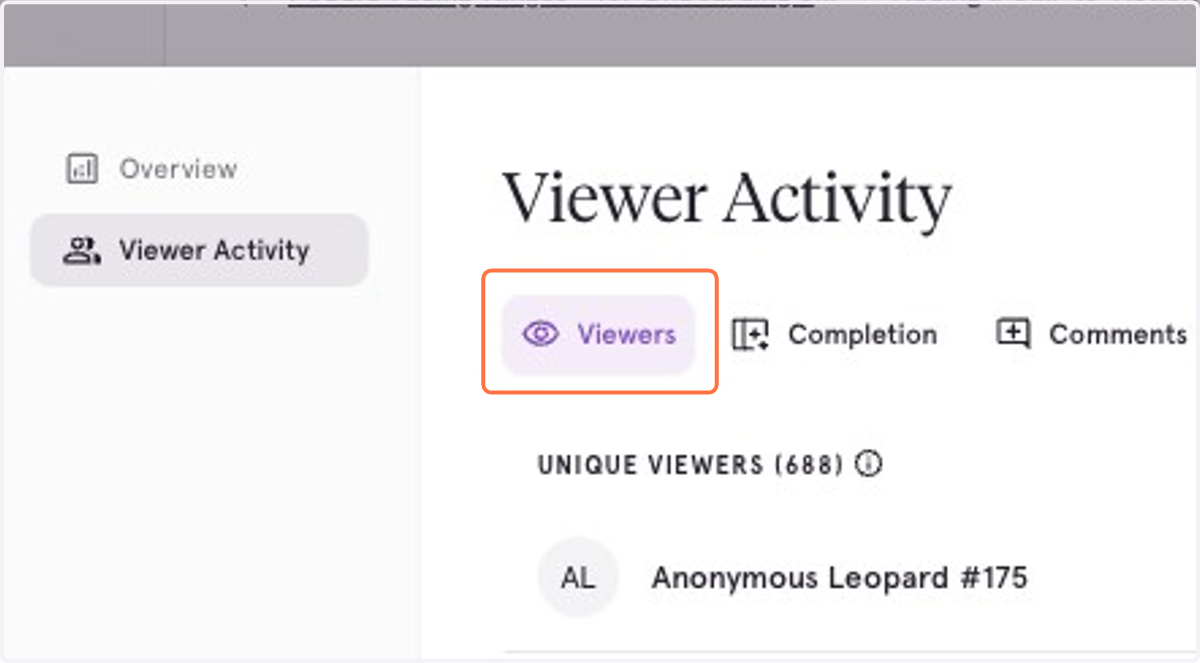
6. Explore the list of unique users and a timestamp of when they viewed
*Free users can only see up to 3 unique viewers, and the mode in which they viewed
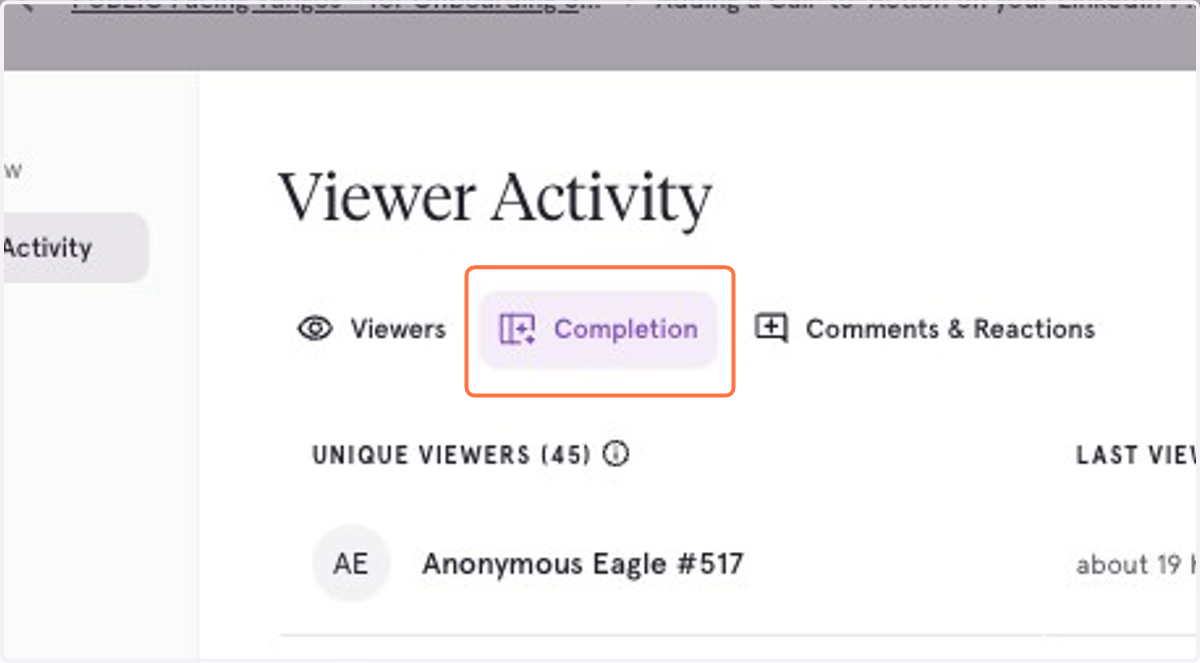
7. Completion under Viewer Activity shows who went through the workflow using Guidance, and how many steps they completed.
8. Click on Comments & Reactions to read feedback shared by viewers