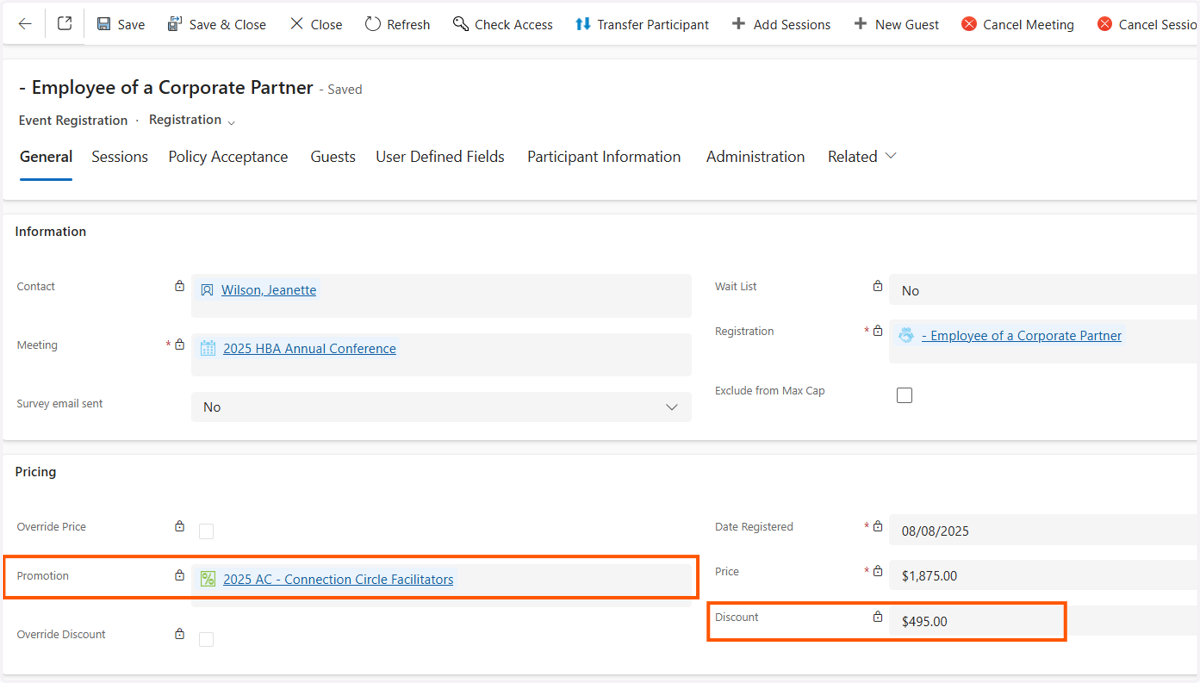
Invoices - How to check if a promo code was used
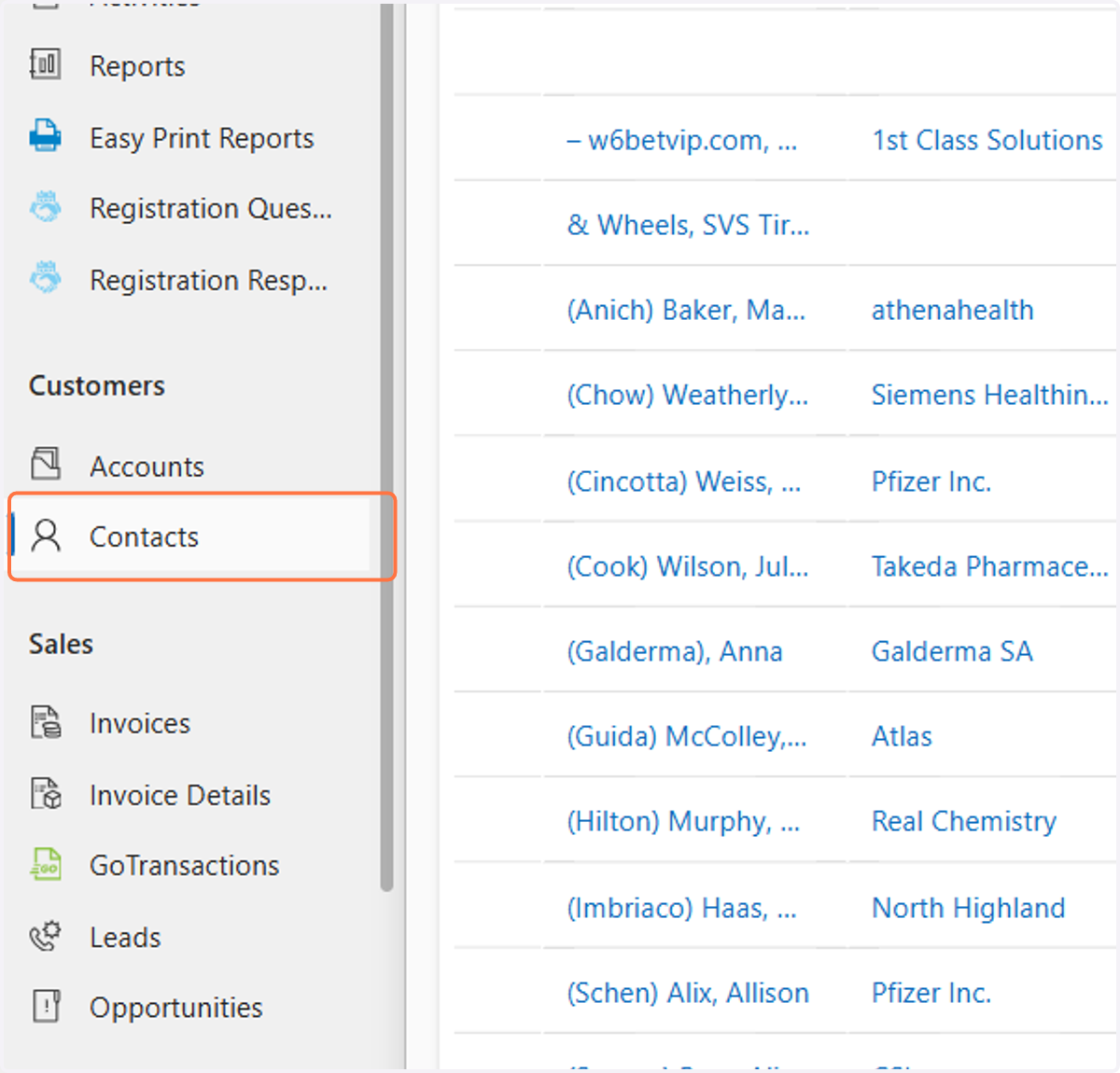
1. Click on Contacts
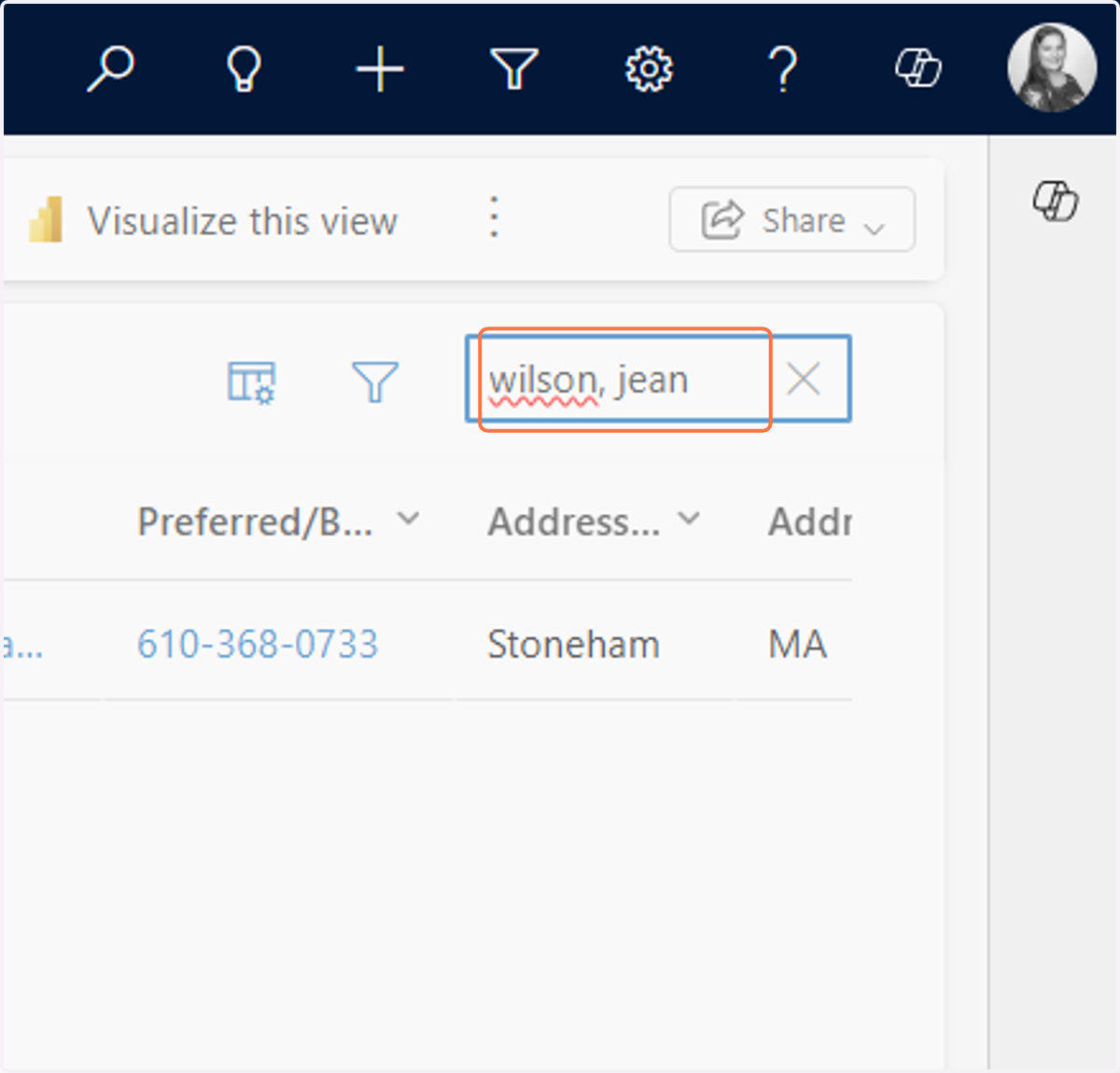
2. In the search bar type the name or email of the contact
3. Double click on the contact record you want to open

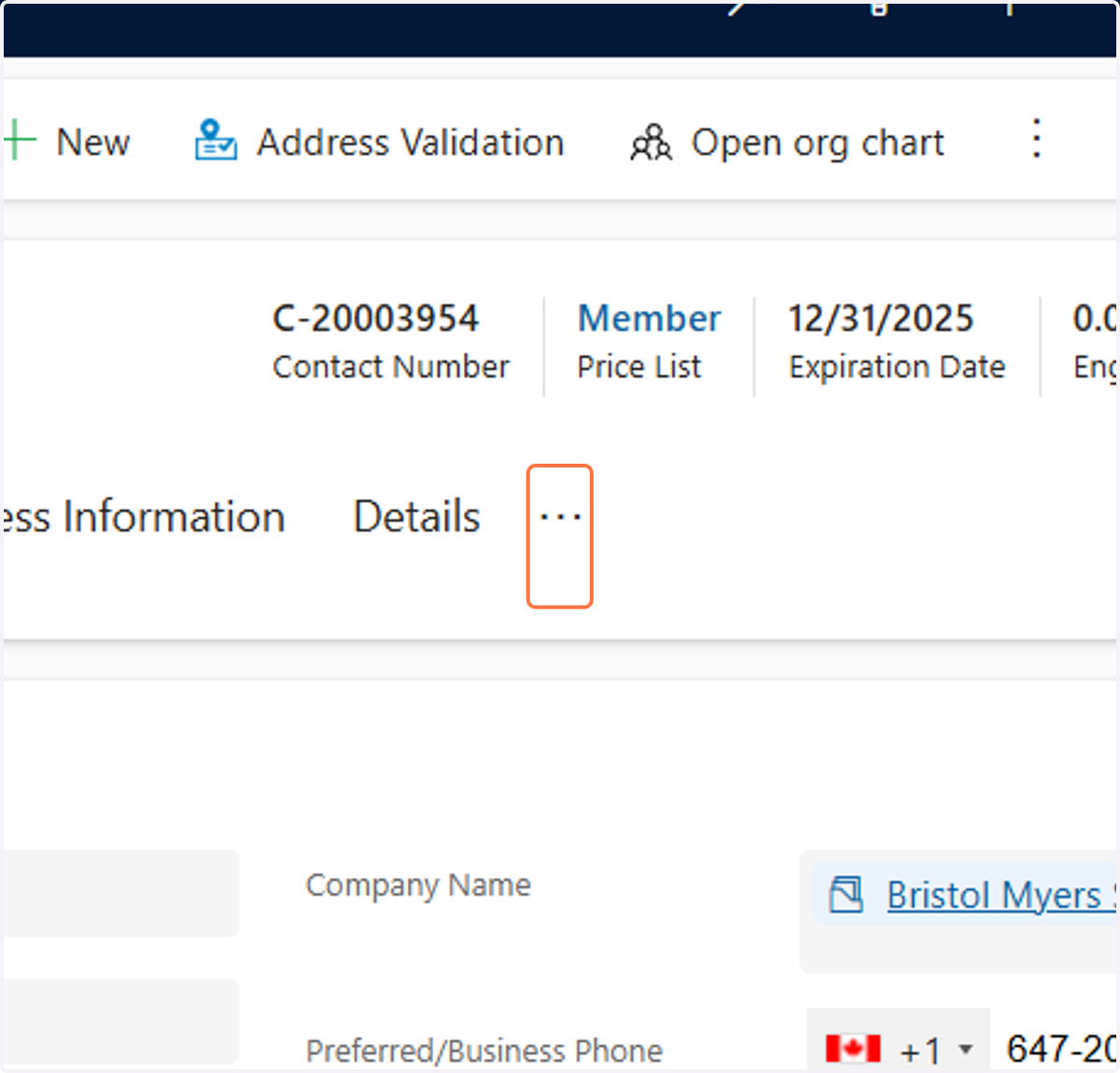
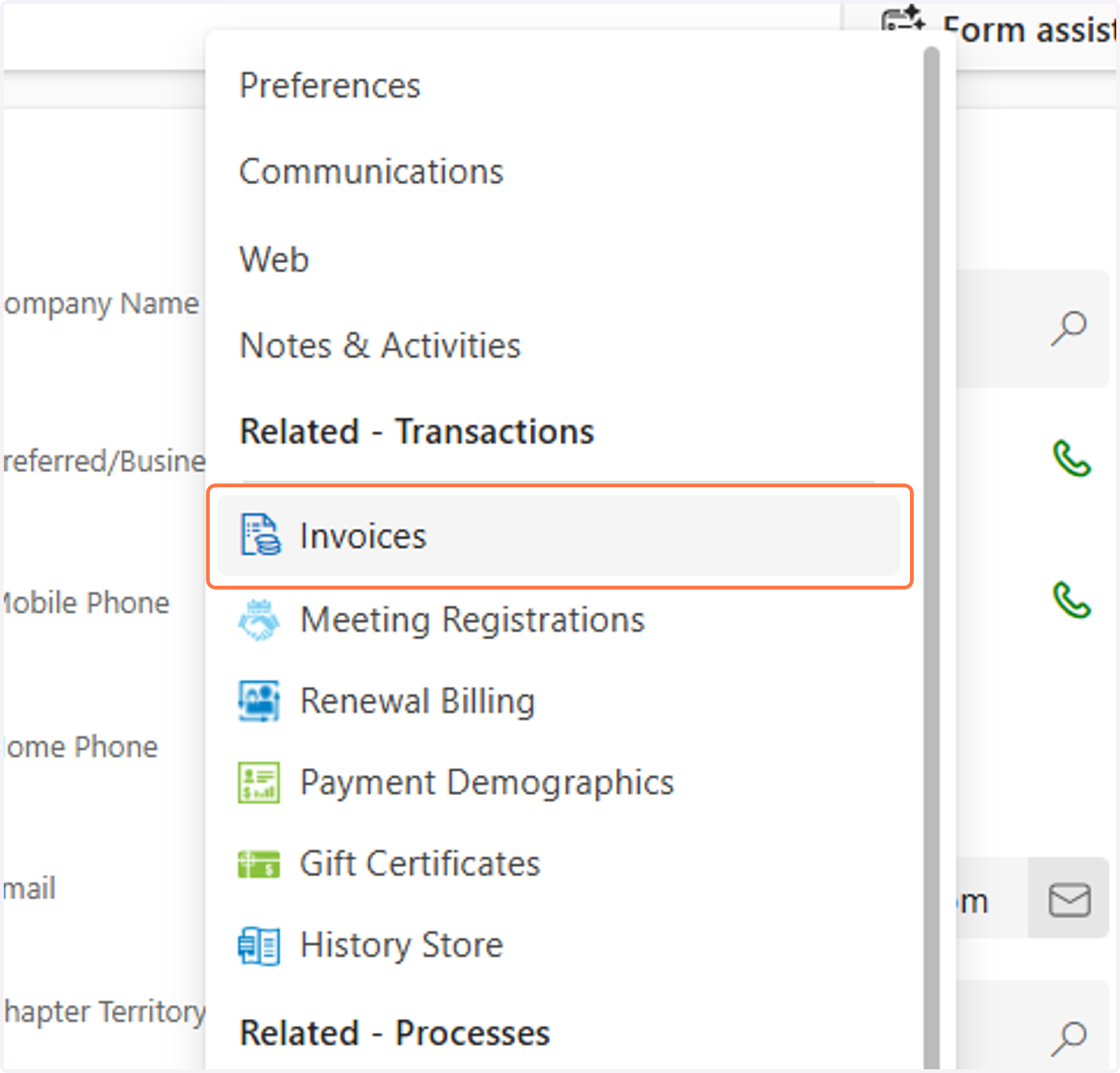
4. Click on More Tabs
5. Click on Invoices
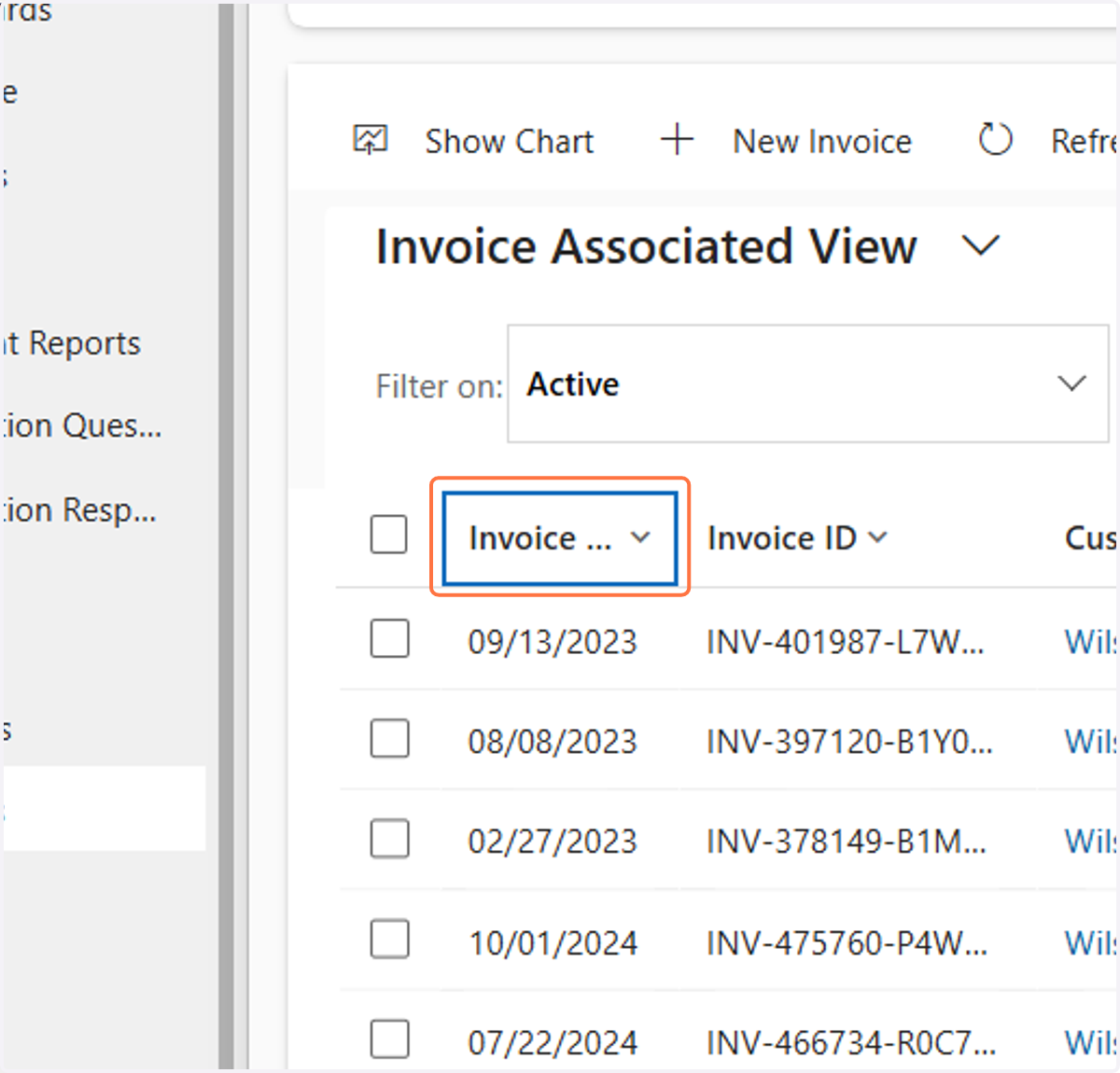
6. Click on Invoice Date
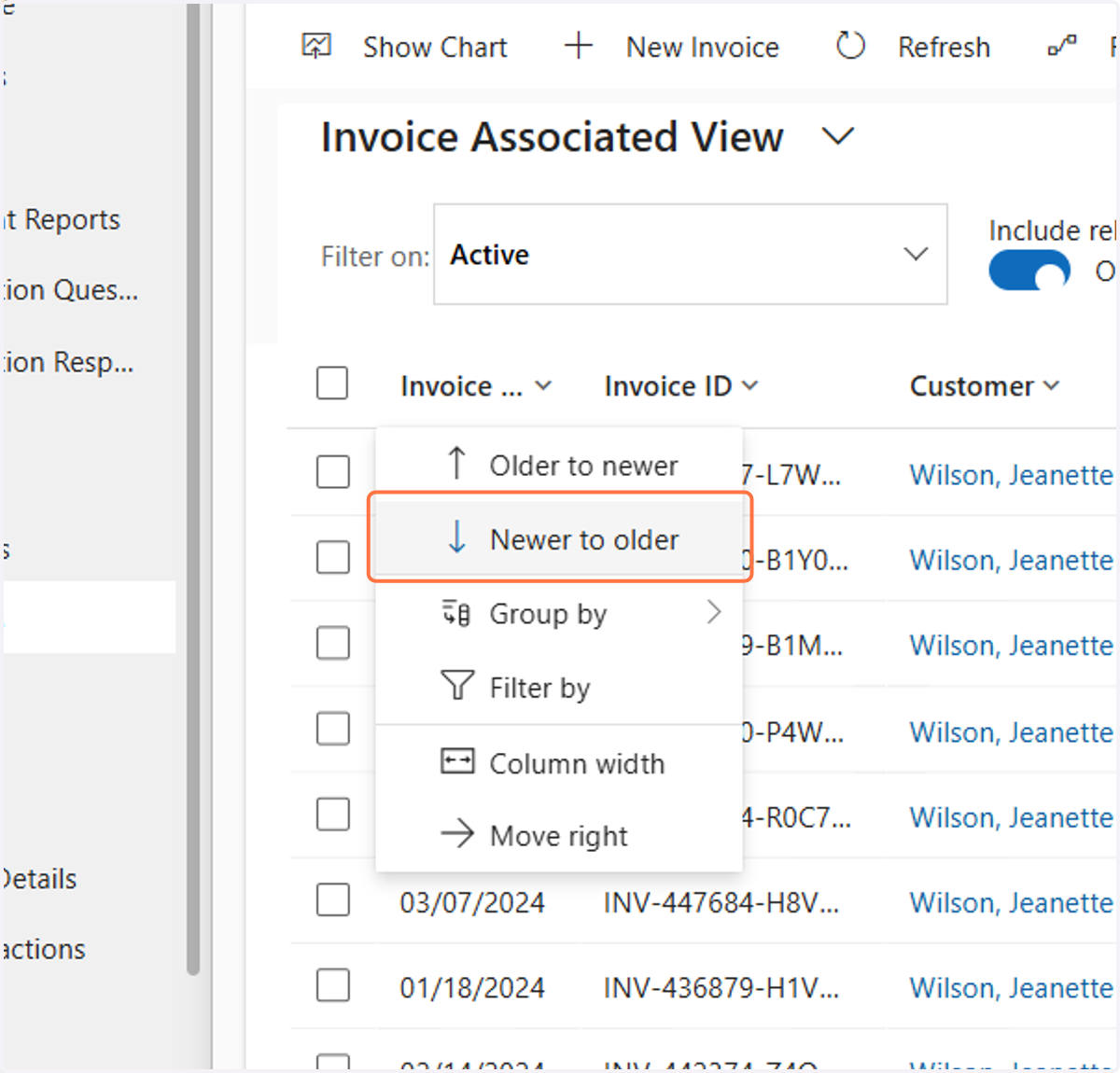
7. Click on Newer to older
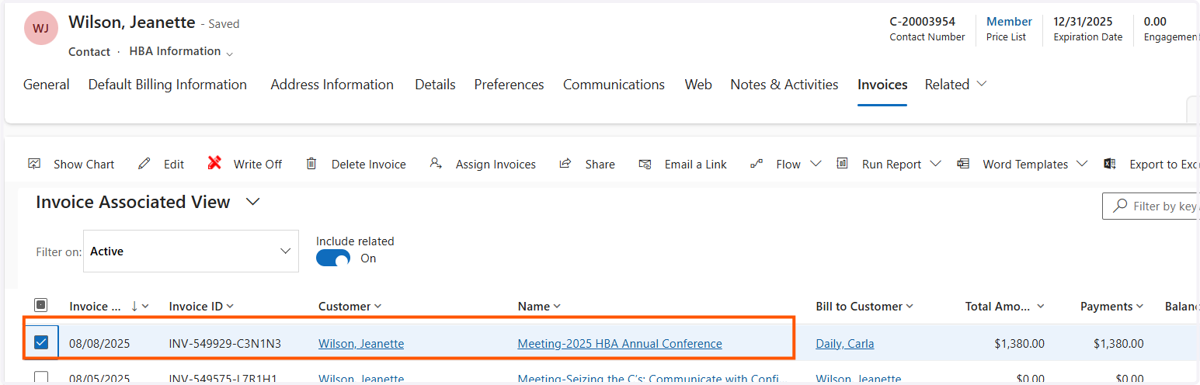
8. Double click on the invoice you want to view
9. Look in the Promotion field and it will tell you what promo code was used. And if you look in the Discount field it will tell you how much the discount was.