Update Your Rolling Fee
The rolling fee or processing fee is what you charge applicants to take their fingerprints and submit their application. This is separate from the government fees. Follow the steps below to update your default rolling fee.
1. Log in to the LiveScan app and click on Administer the Application

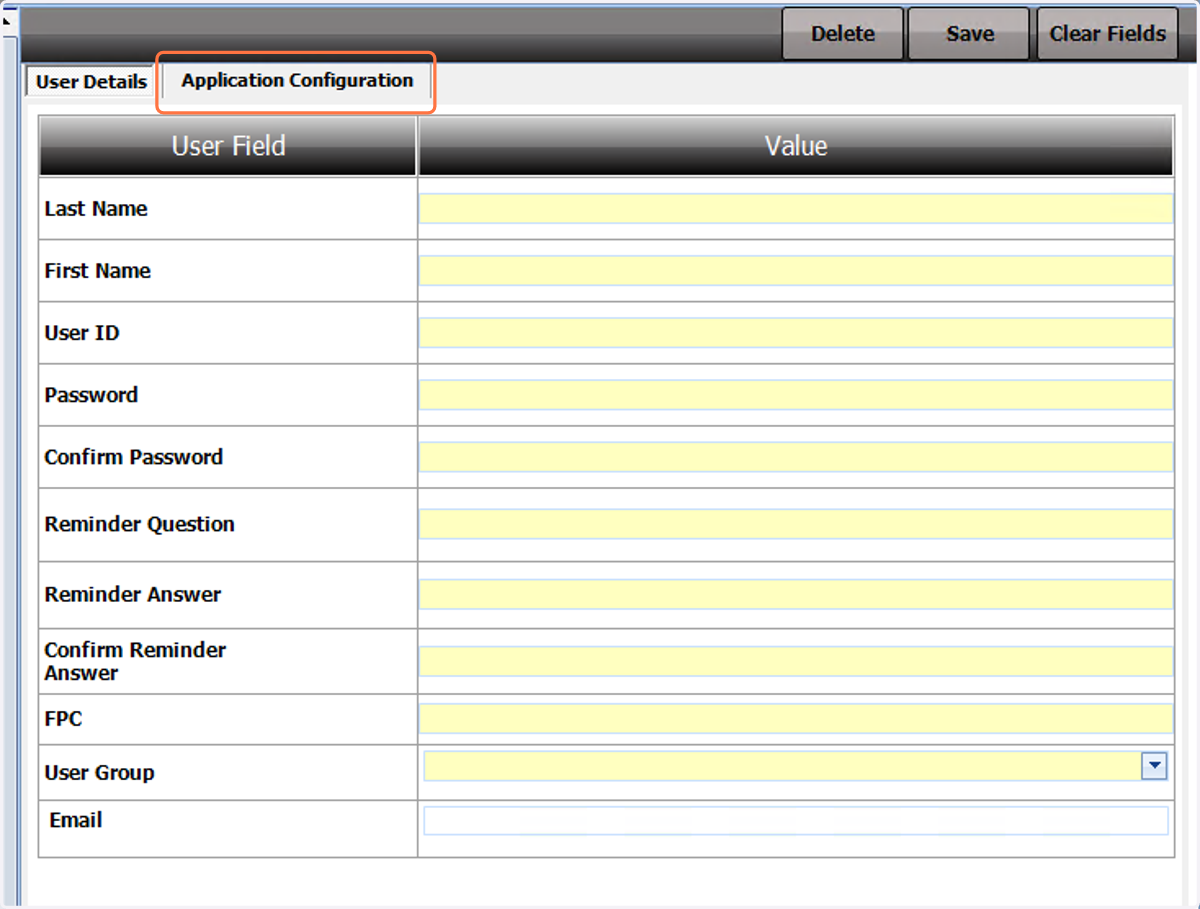
2. Click on Application Configuration
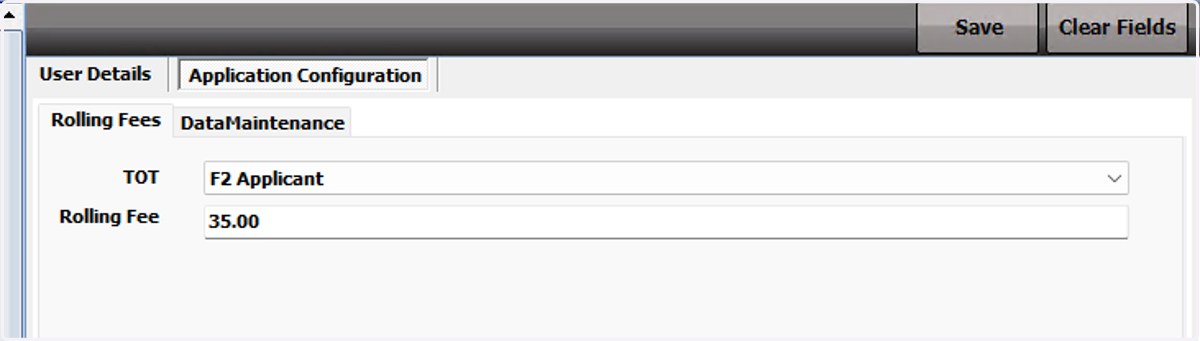
3. Choose the TOT (Type of Transaction) you want to edit and enter your rolling fee. Be sure to press save when you're done
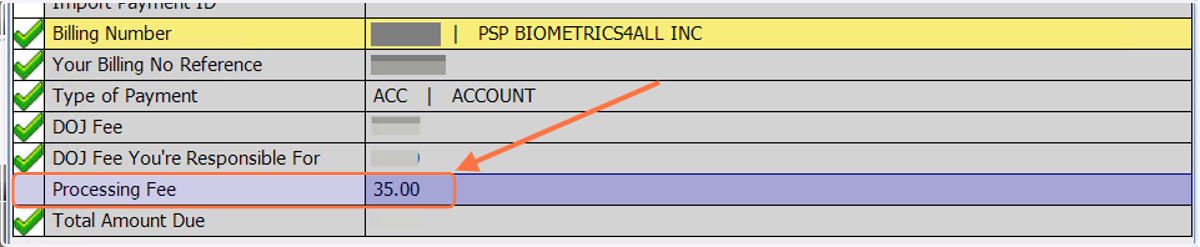
4. The Processing Fee field in the Payment page will populate with your chosen rolling fee. You can still edit your fee in the middle of the transaction.