03. How To Perform Advanced Search for Datasets?
Visit Data.gov.ie
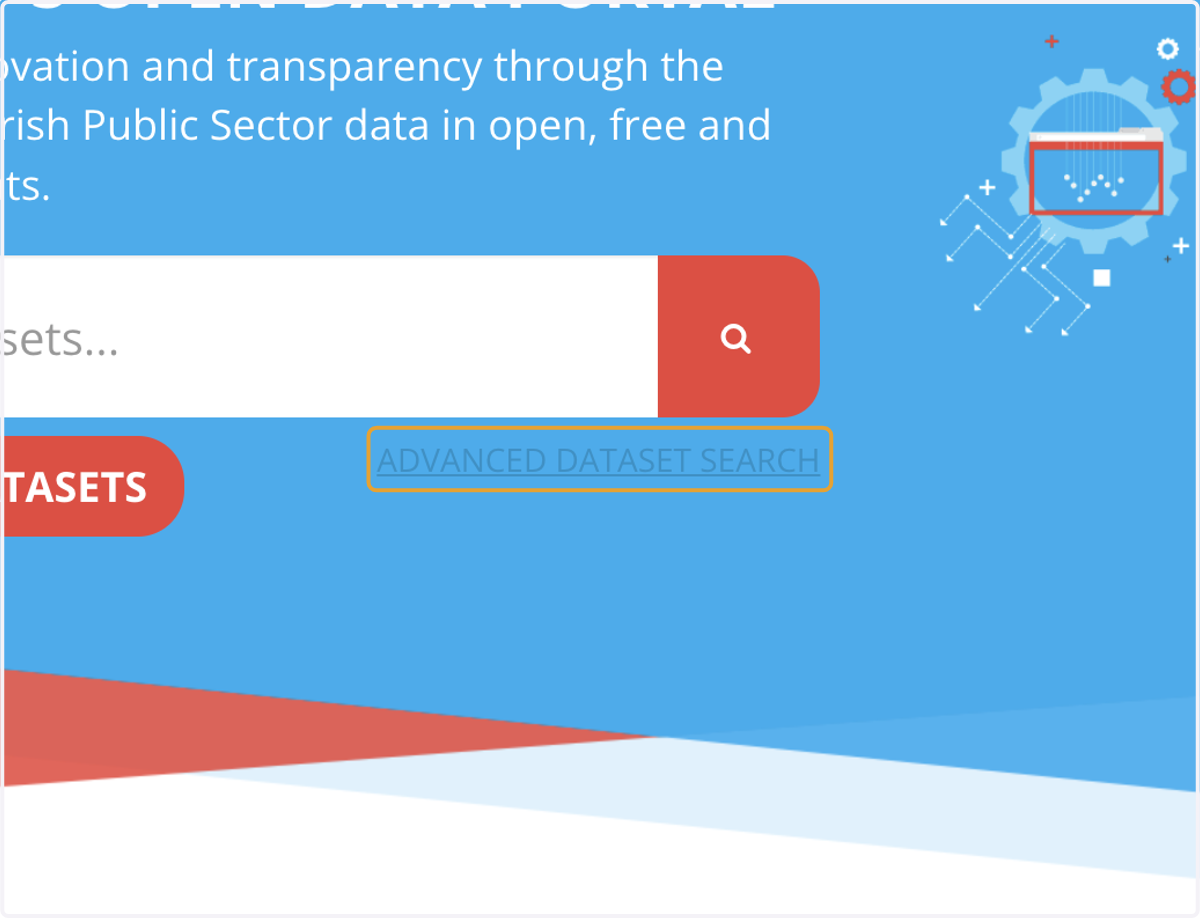
1. Click on ADVANCED DATASET SEARCH
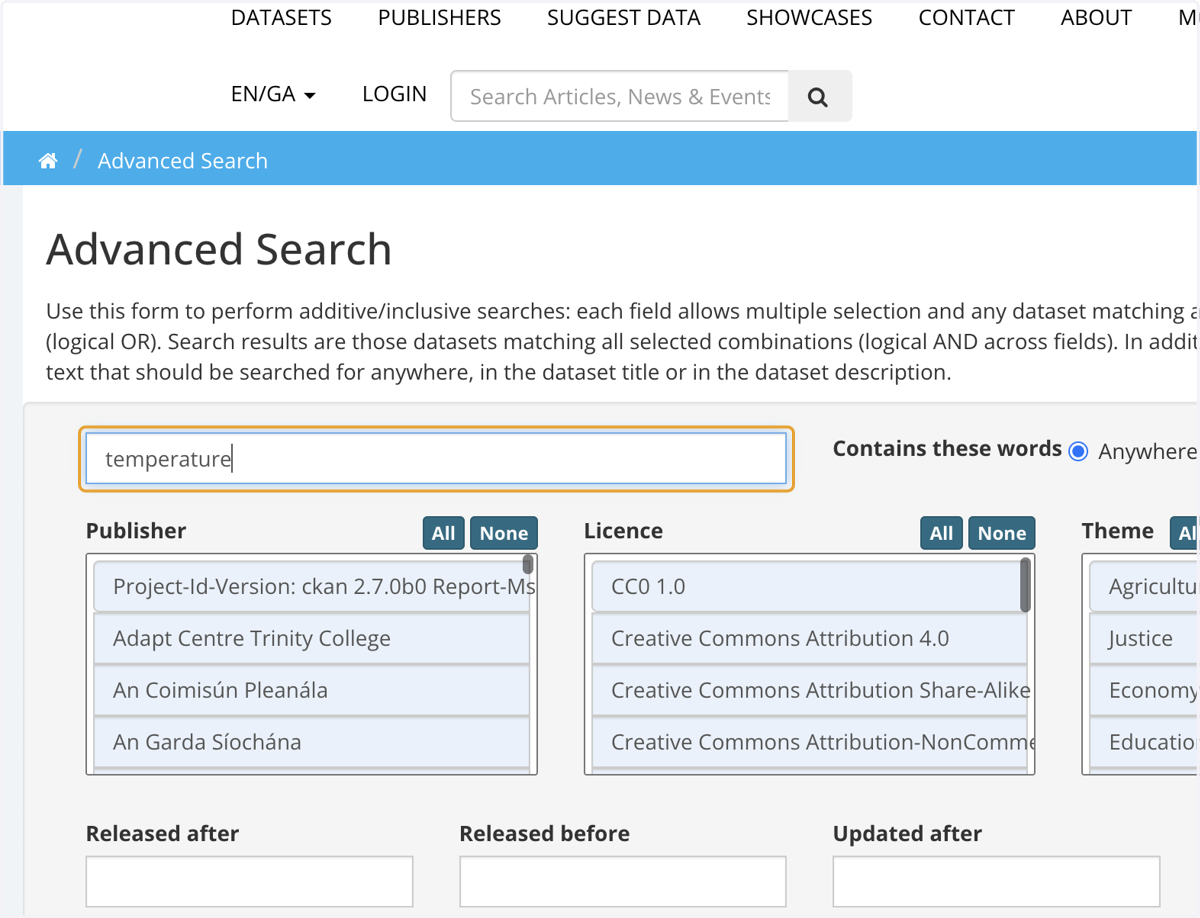
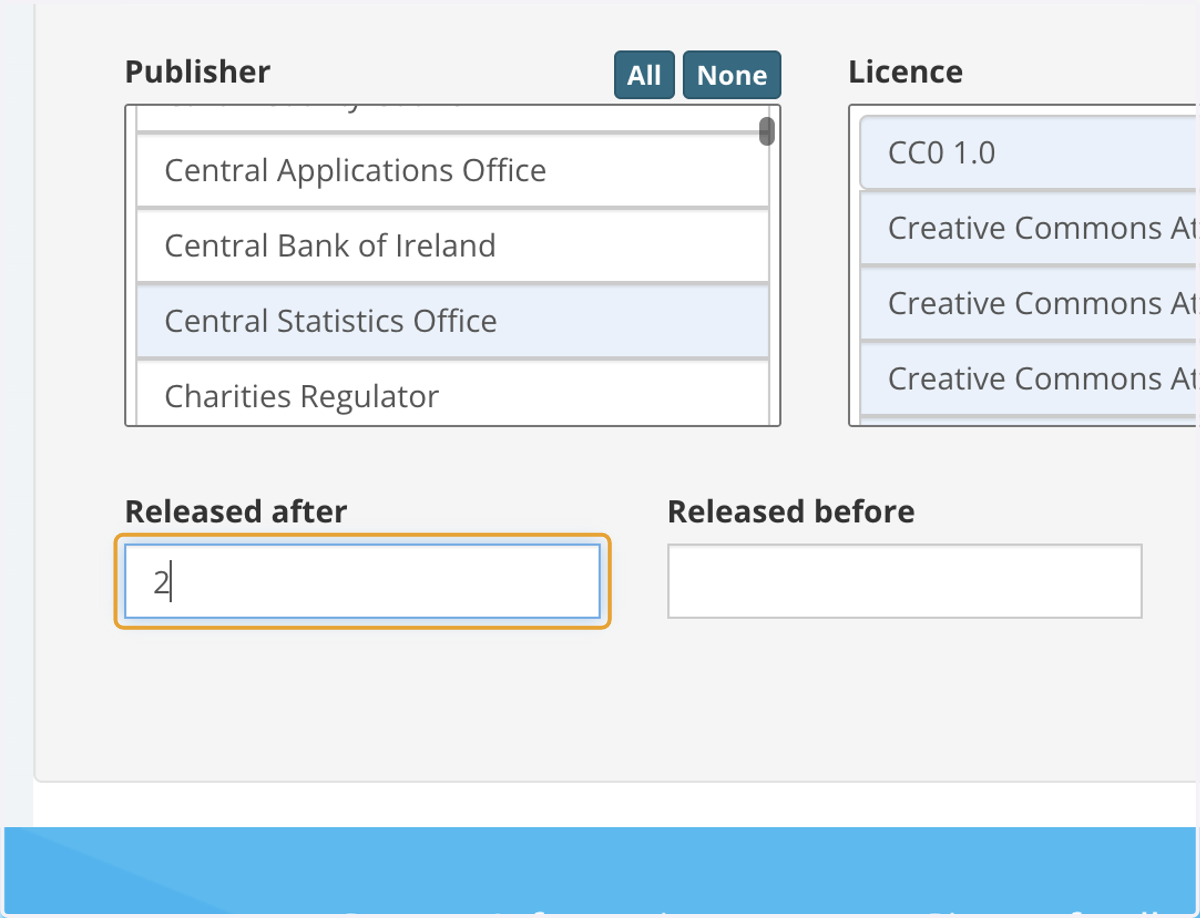
2. Here you can search using different options. Enter a related term.
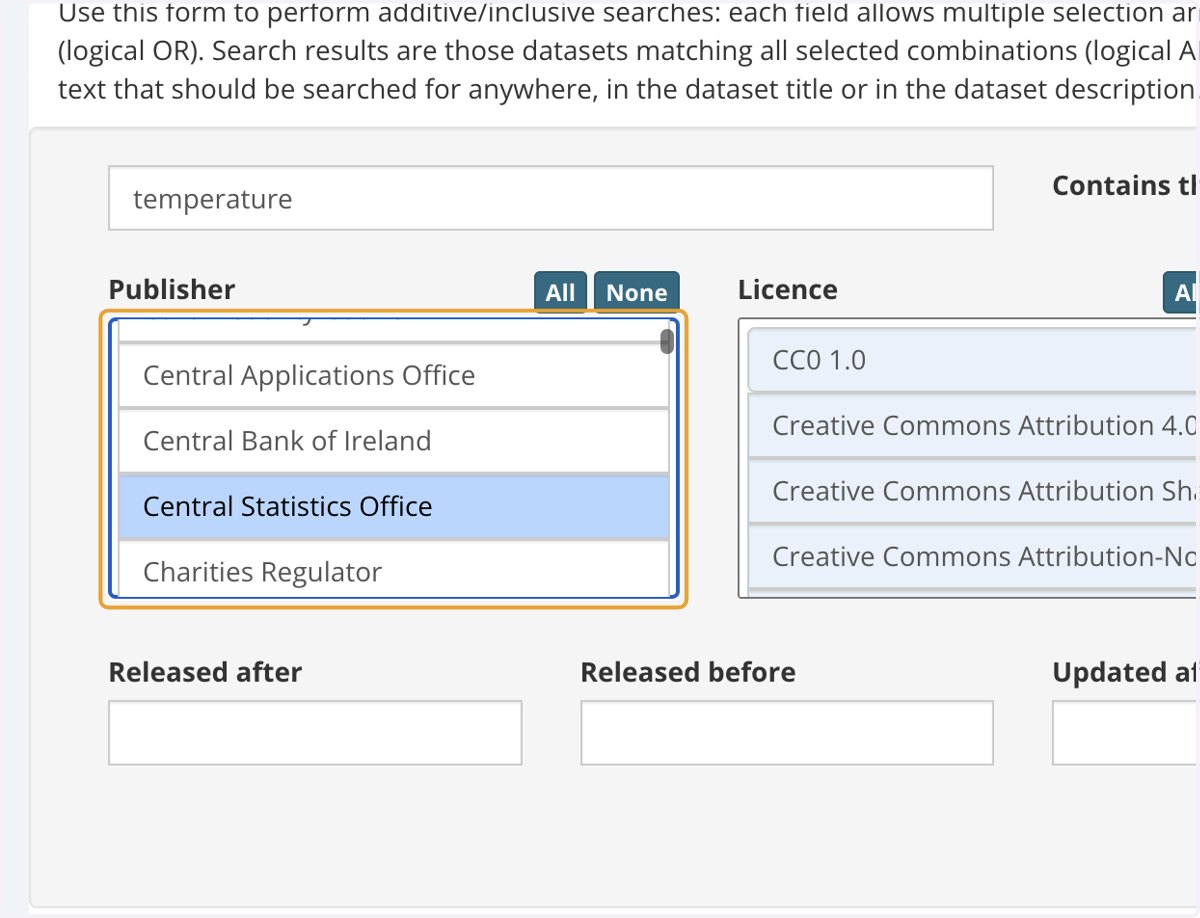
3. Select publisher, license, theme or format.
4. Type the period during which the dataset was released or updated
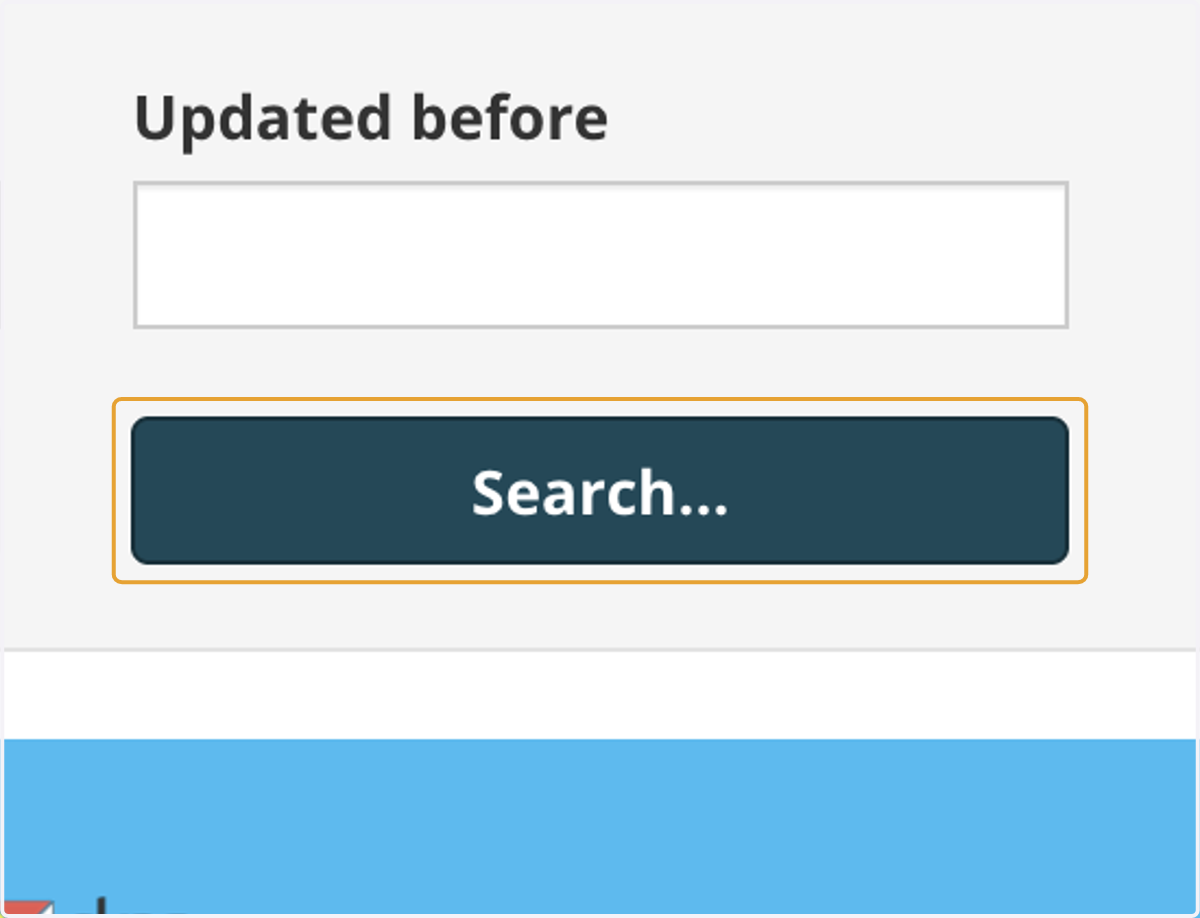
5. Click on Search...
6. Dataset related to the query will be shown
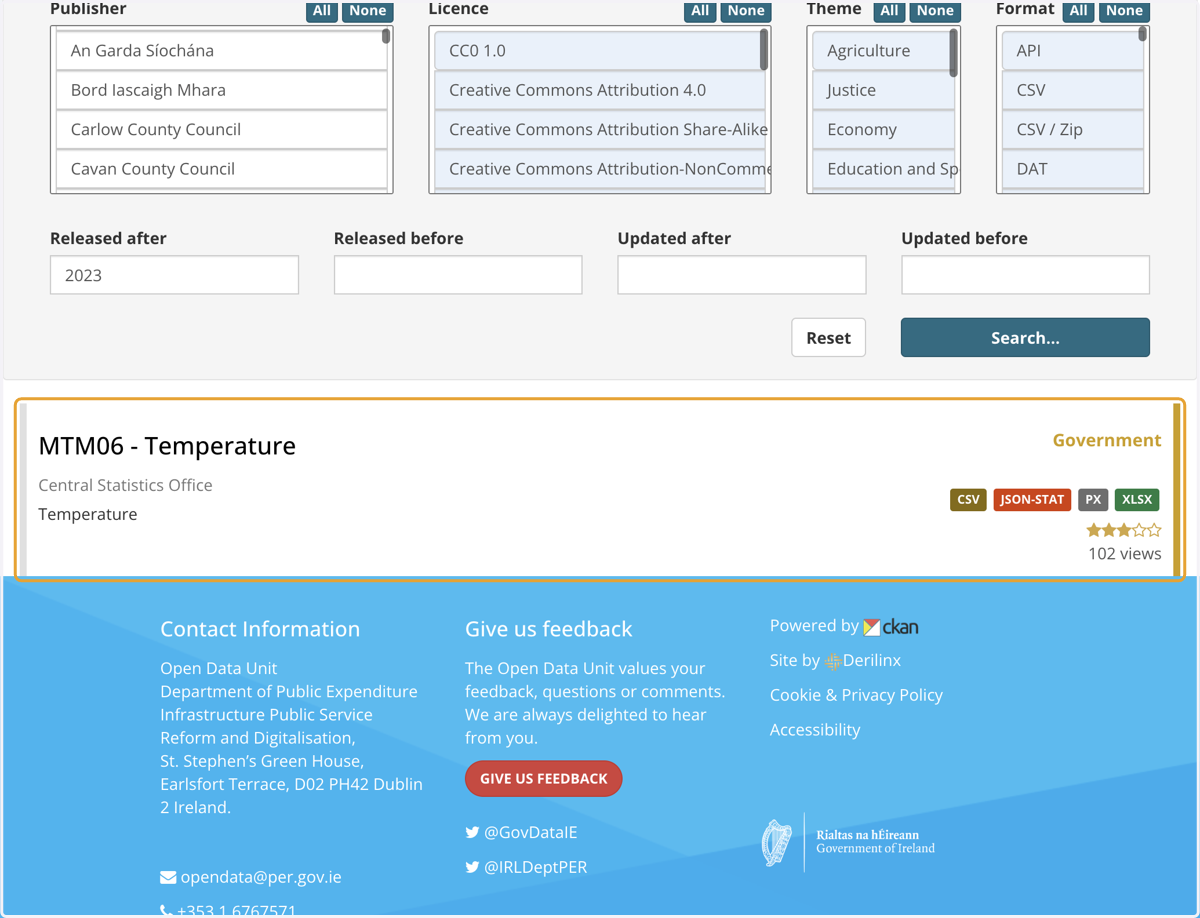
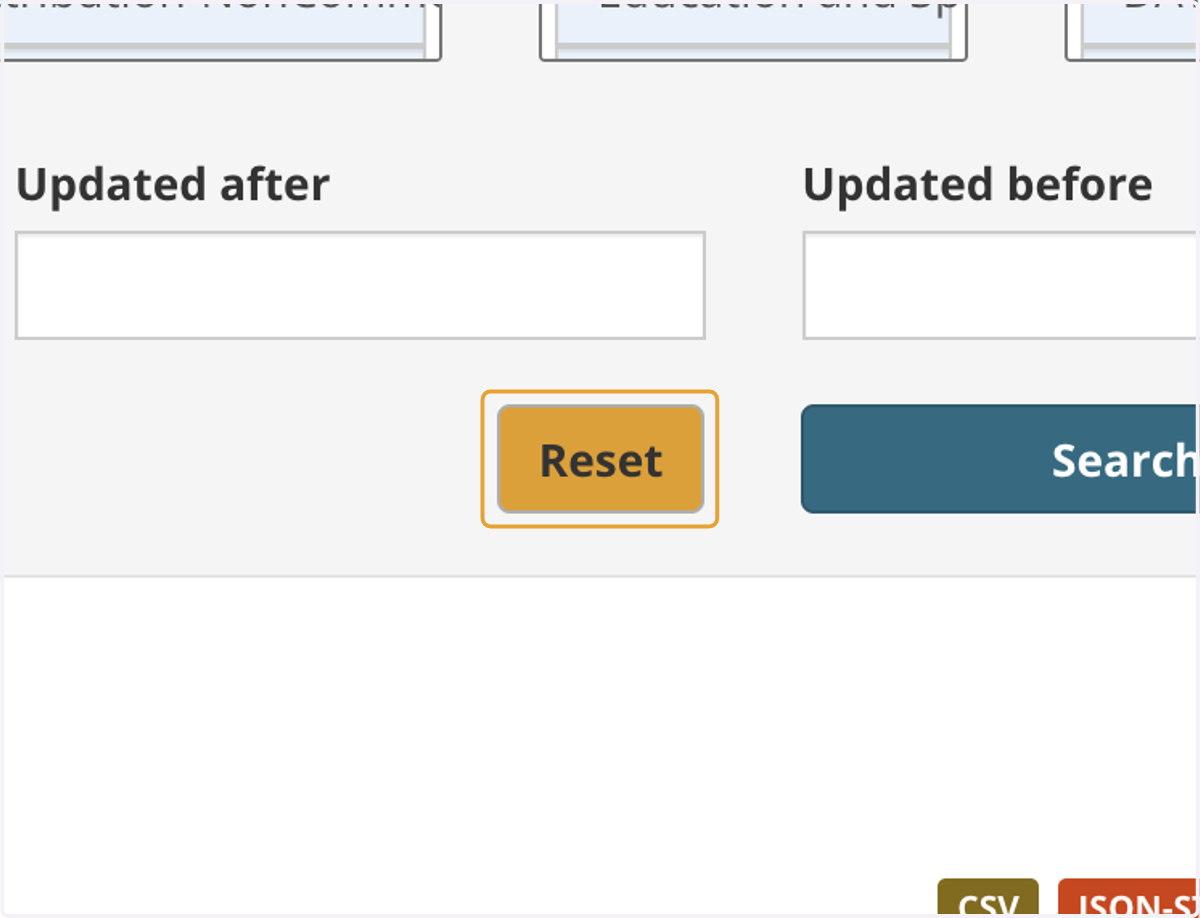
7. Click on Reset to start over.