01. How to Search Datasets as a Public User?

Visit Data.gov.ie

  1. 1. Type a term related to the dataset you want to search for. For example- temperature
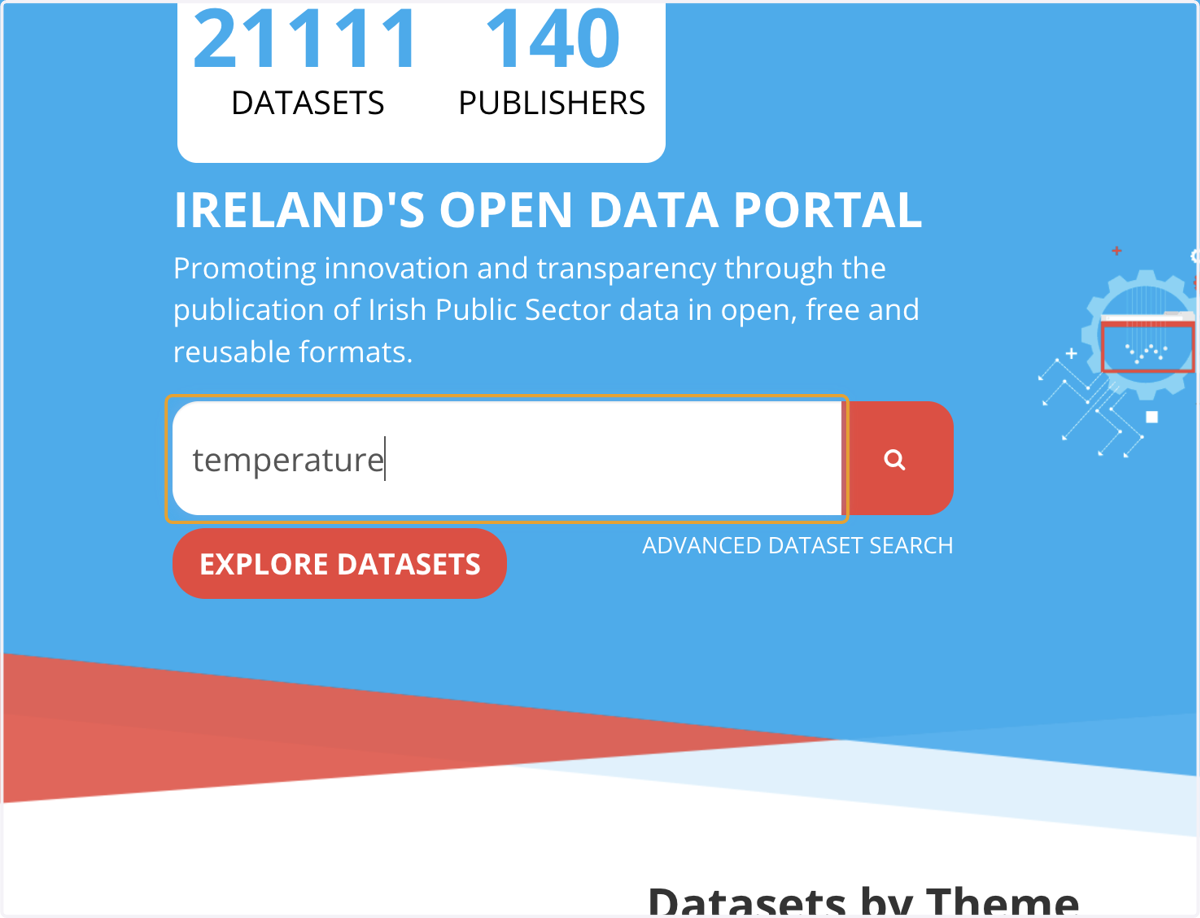
    Type a term related to the dataset you want to search for. For example- temperature
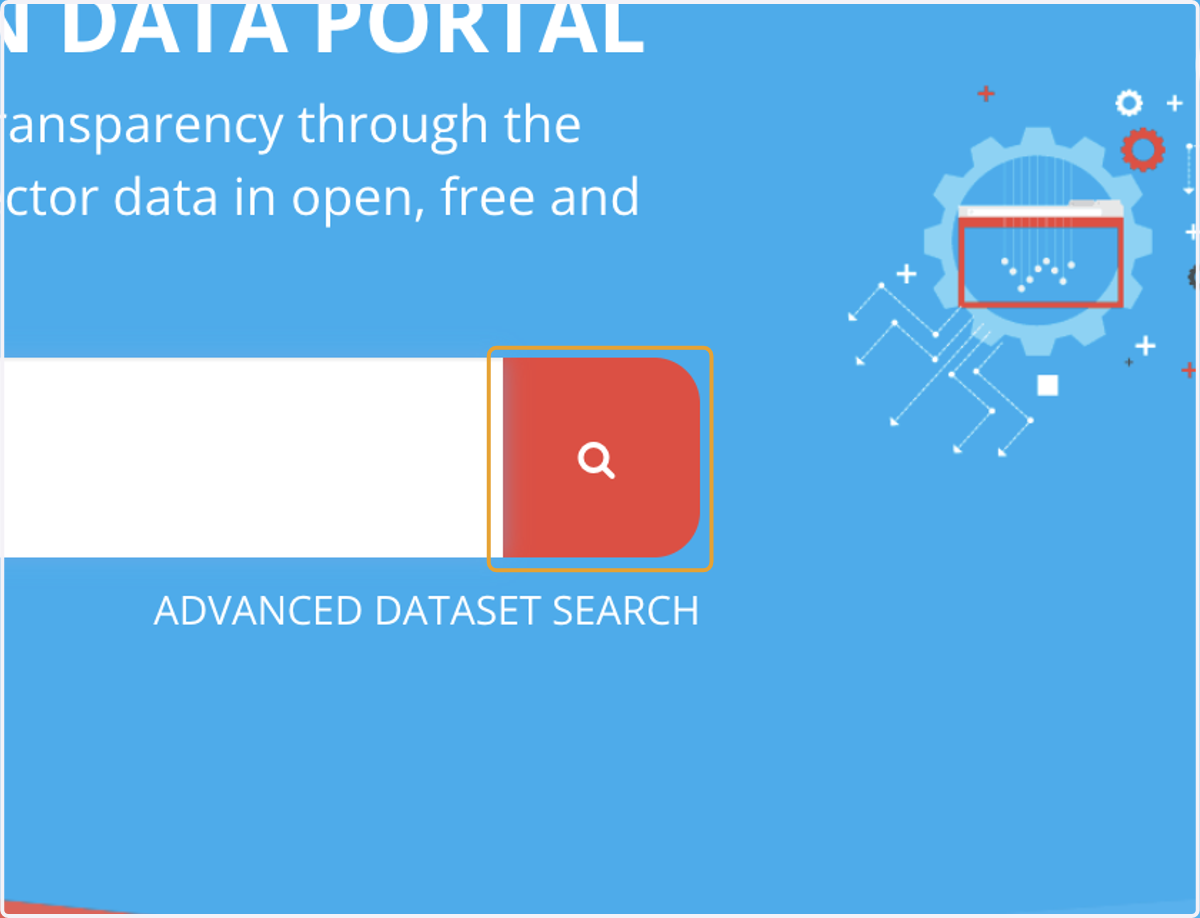
  2. 2. Click on search icon

    Click on search icon
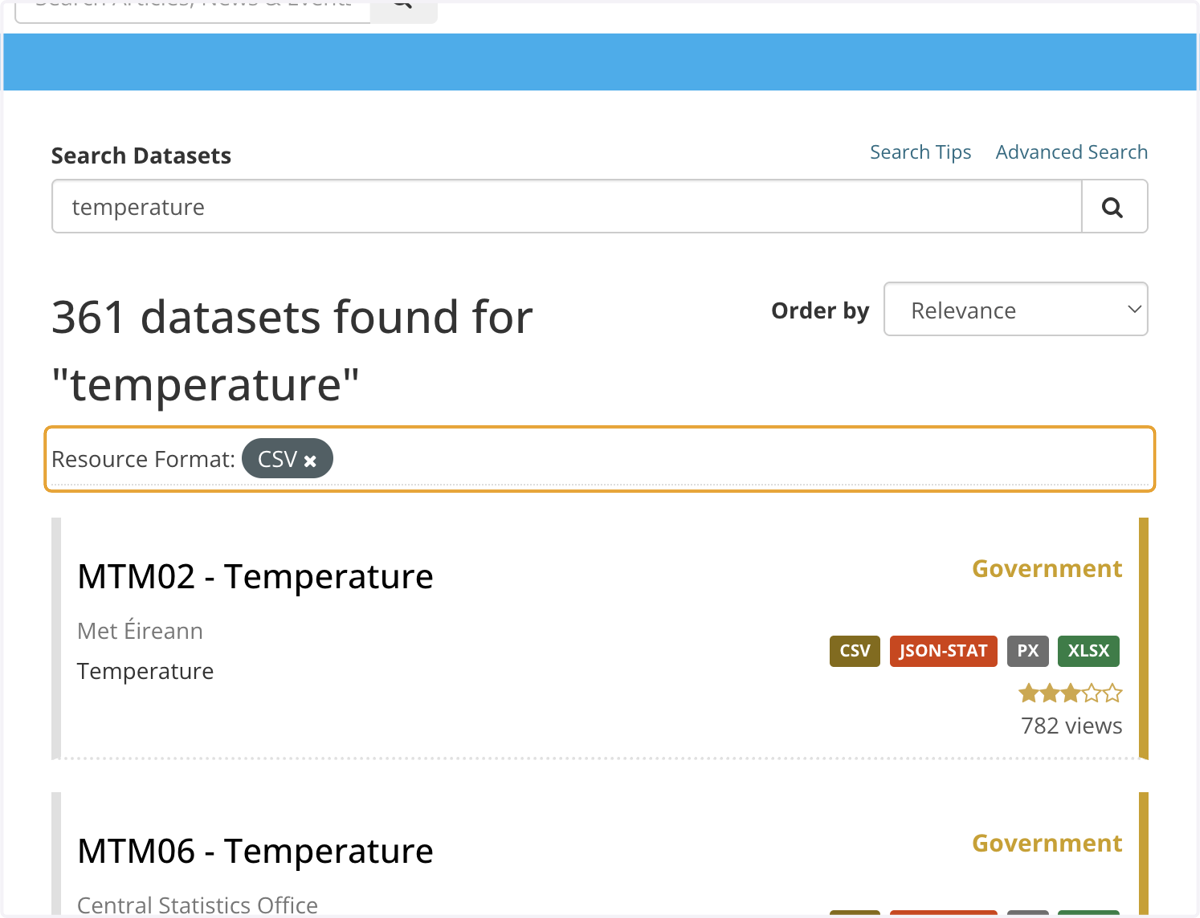
  3. 3. All related datasets related to the term, will be made available
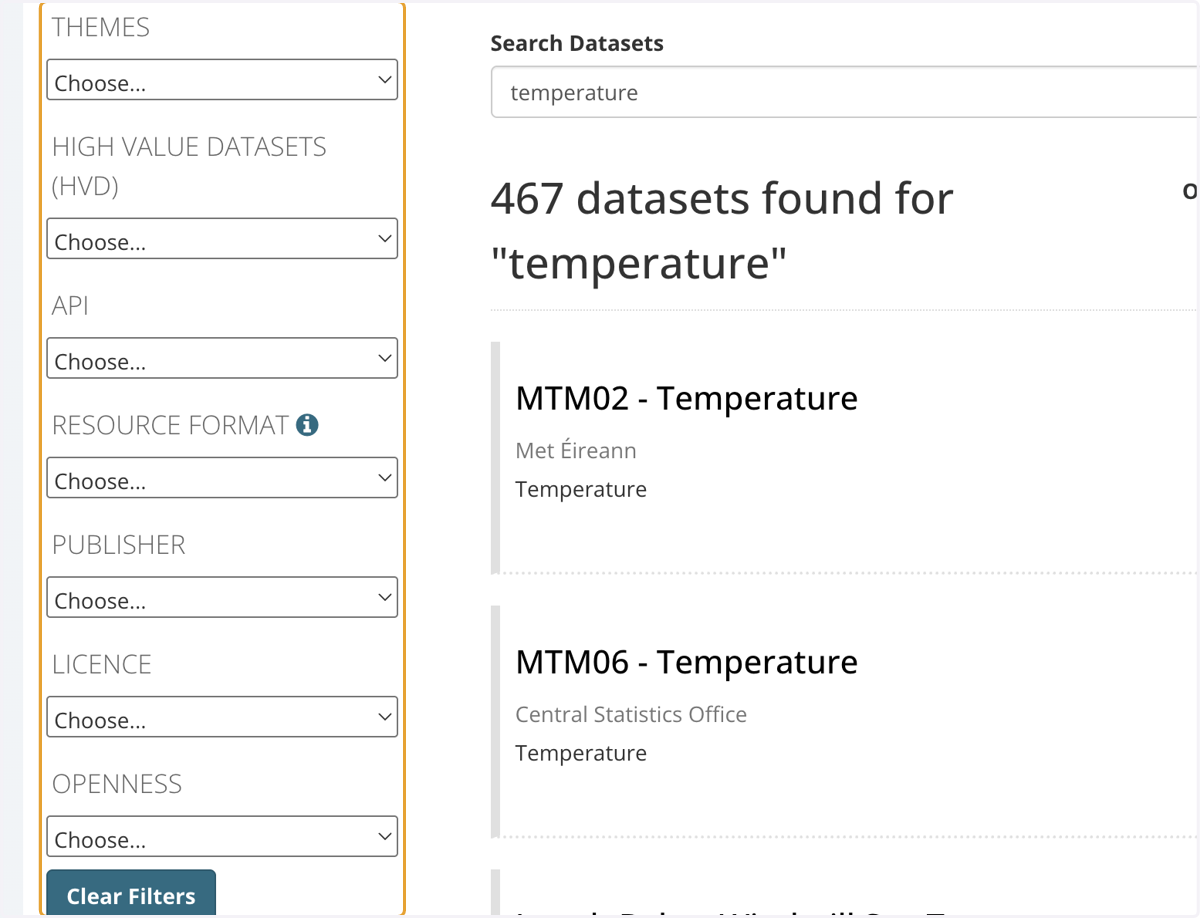
    All related datasets related to the term, will be made available
  4. 4. Use the left panel filters options to refine results
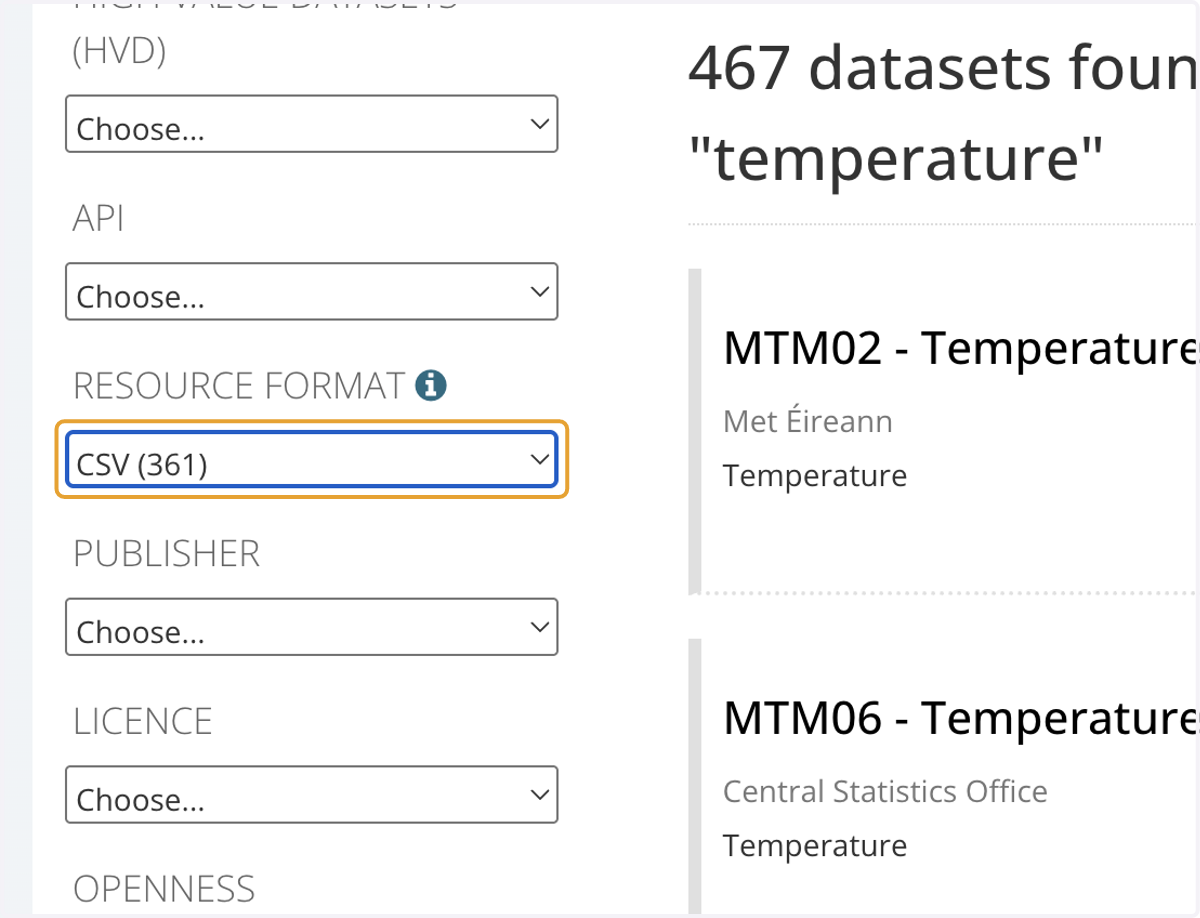
    Use the left panel filters options to refine results
  5. 5. View the refined options below.

    View the refined options below.
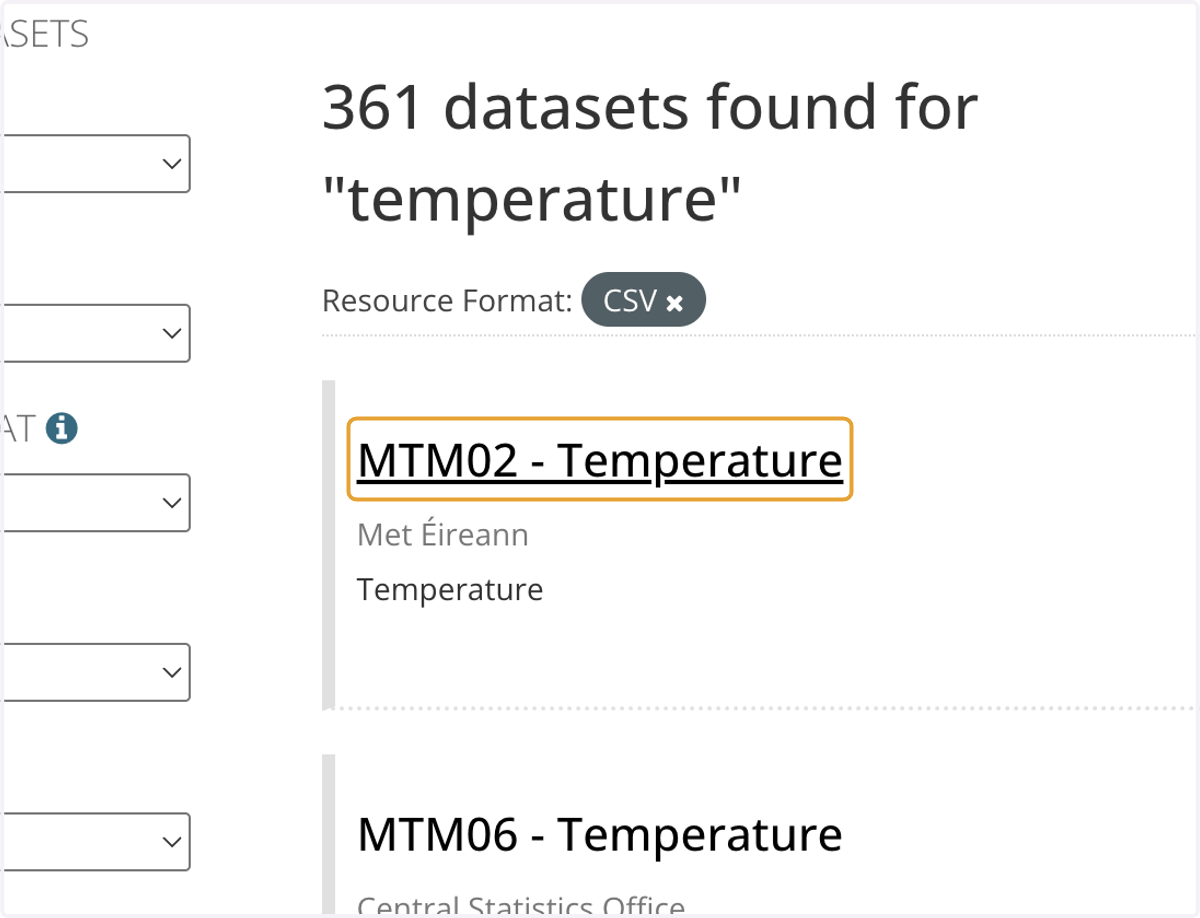
  6. 6. Click on dataset title

    Click on dataset title
  7. 7. here you can view the dashboard related to the dataset
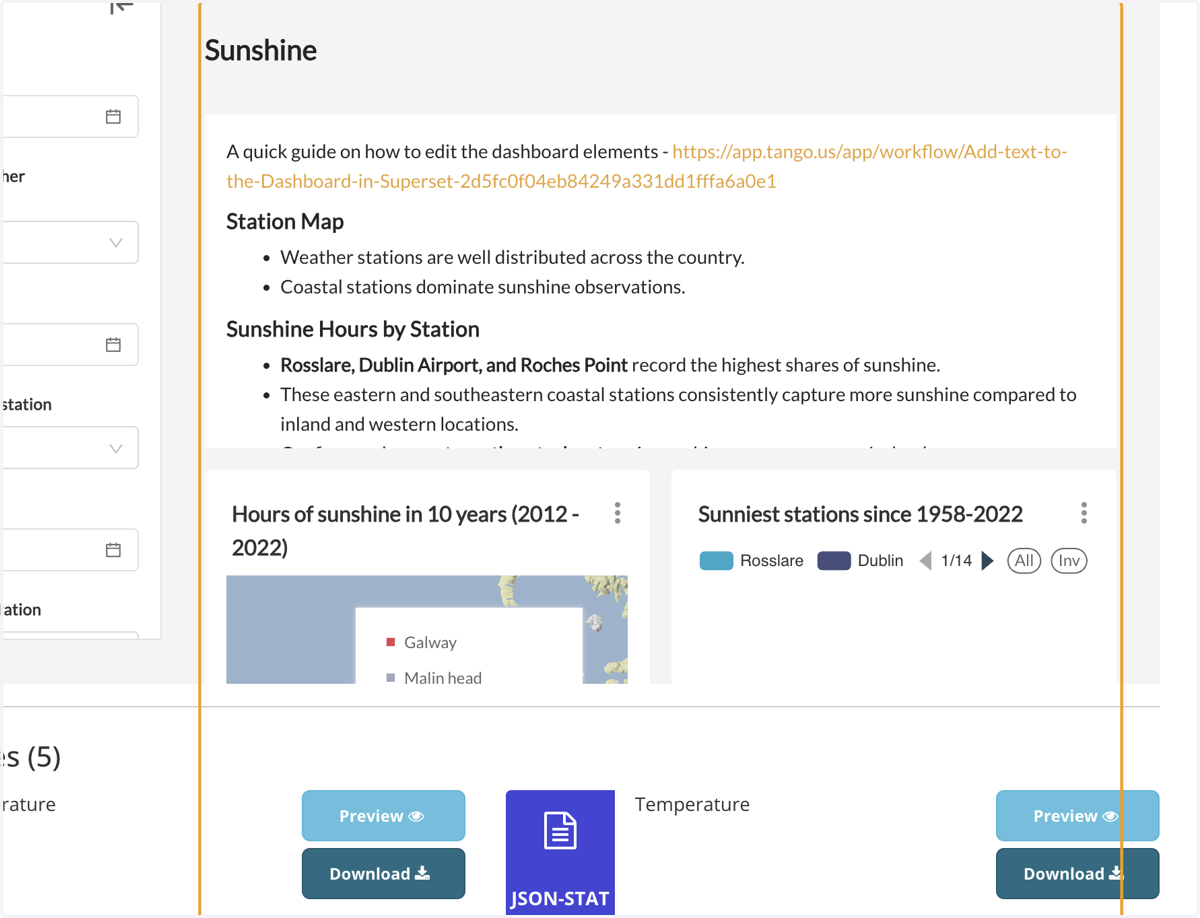
    here you can view the dashboard related to the dataset
  8. 8. Scroll down and view the data resources attached to the dataset. Here you can preview the resource files and/or download the data resources.
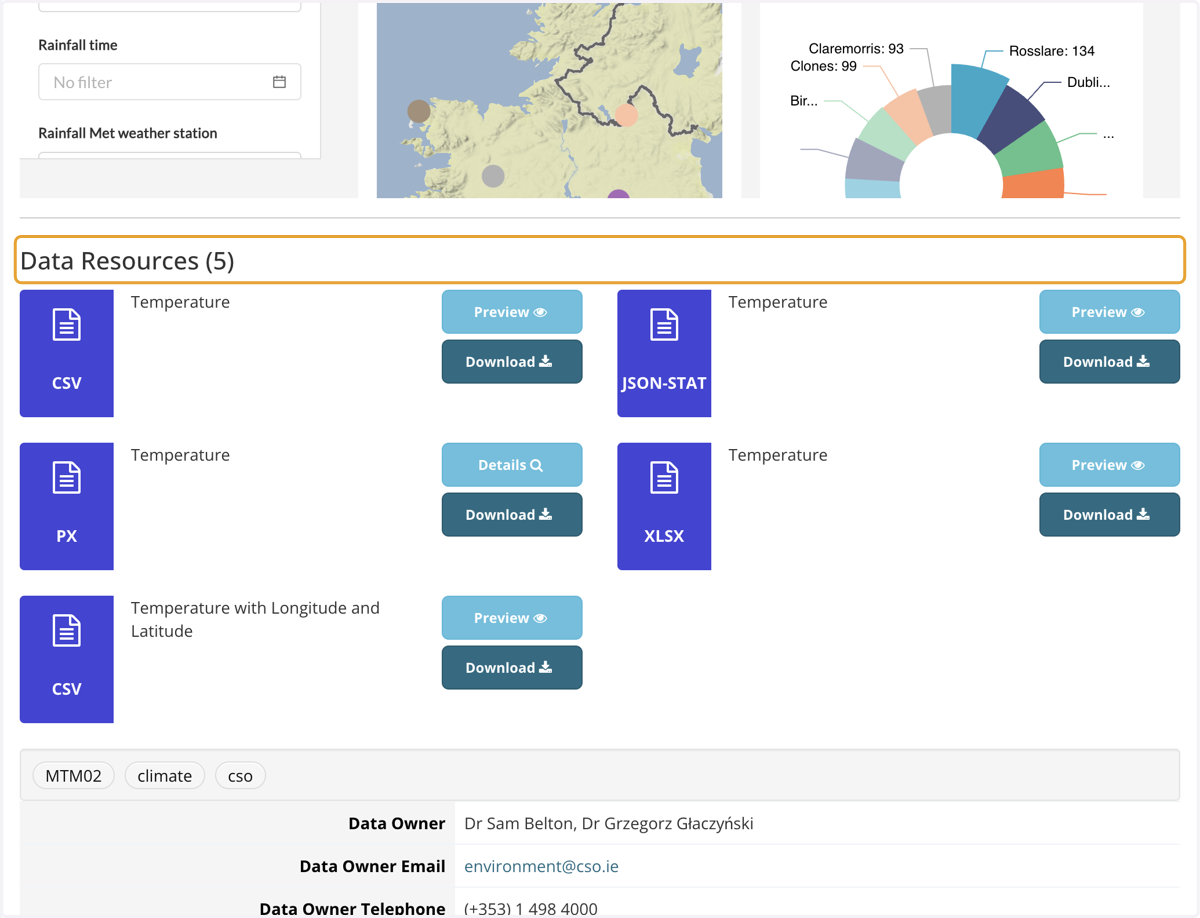
    Scroll down and view the data resources attached to the dataset. Here you can preview the resource files and/or download the data resources.
  9. 9. Click on Preview. Here you can view the details of the dataset for a particular resource type
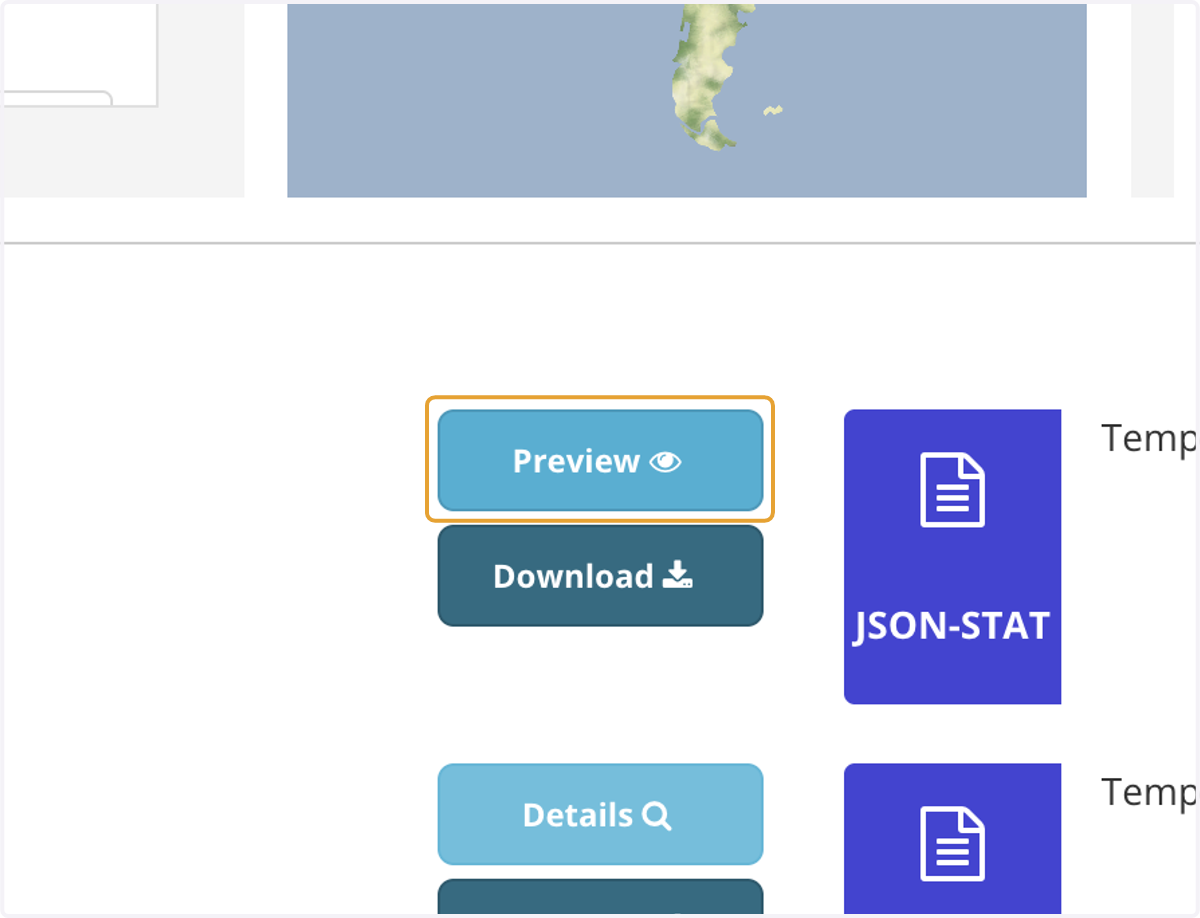
    Click on Preview. Here you can view the details of the dataset for a particular resource type
  10. 10. Click on Download.

    Click on Download.
  11. 11. Scroll down to view the data dictionary.
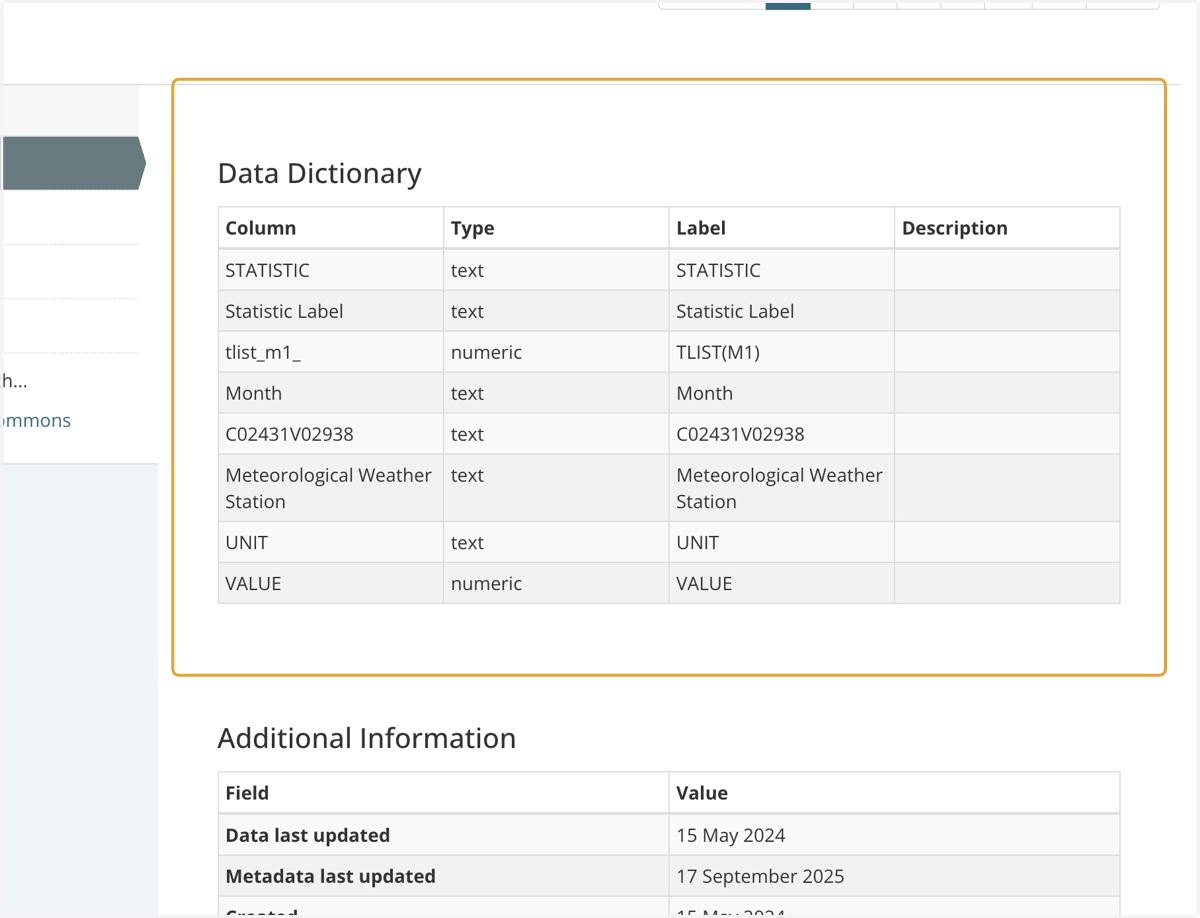
    Scroll down to view the data dictionary.
  12. 12. Scroll down to view additional information related to the dataset
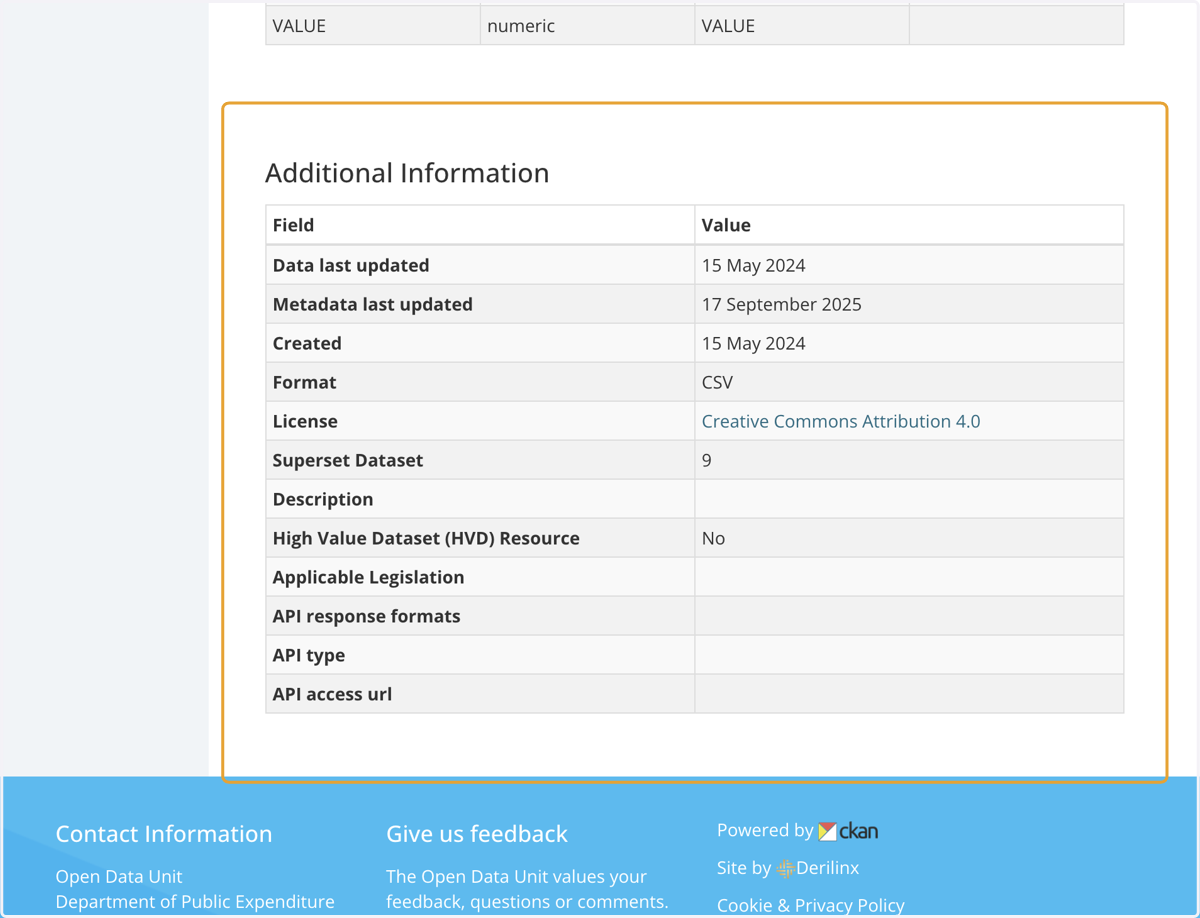
    Scroll down to view additional information related to the dataset
  13. 13. Here you can view the additional information
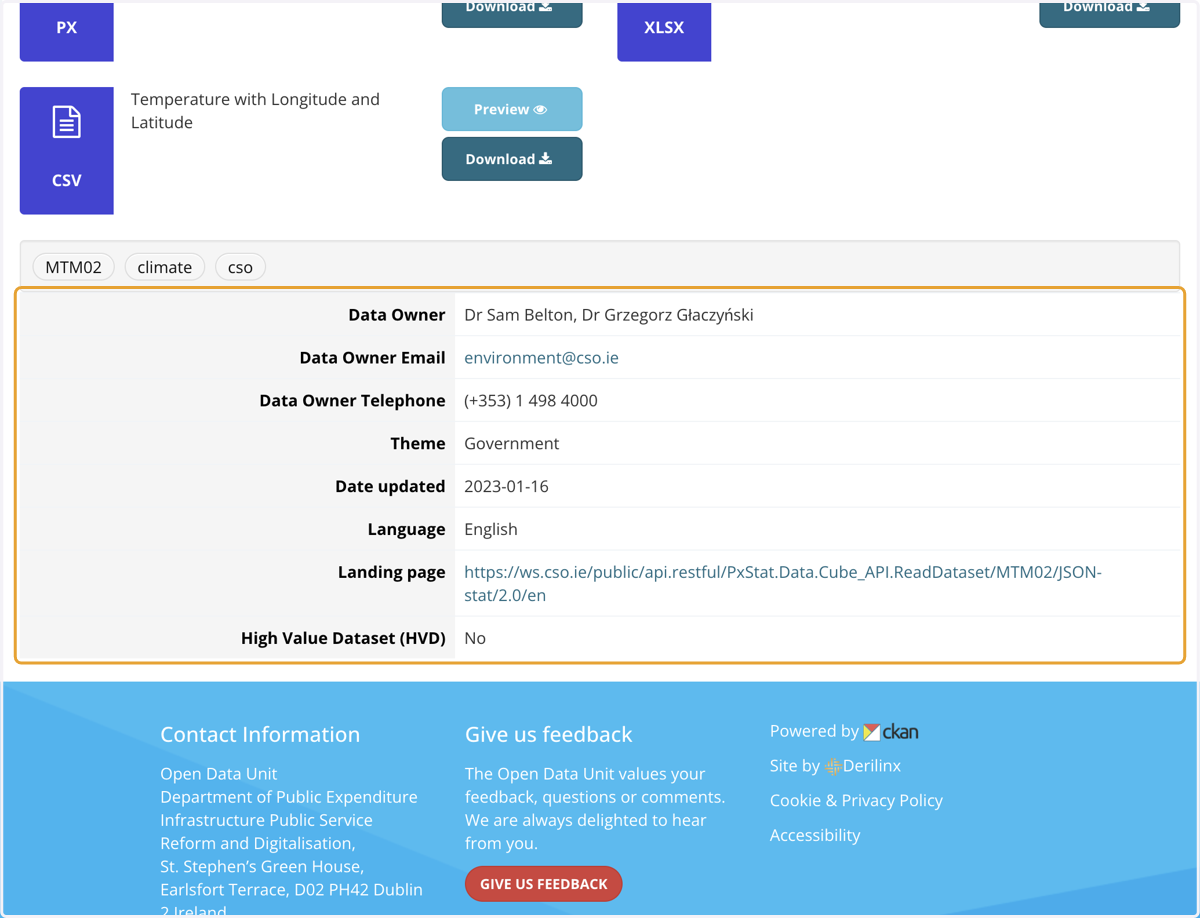
    Here you can view the additional information