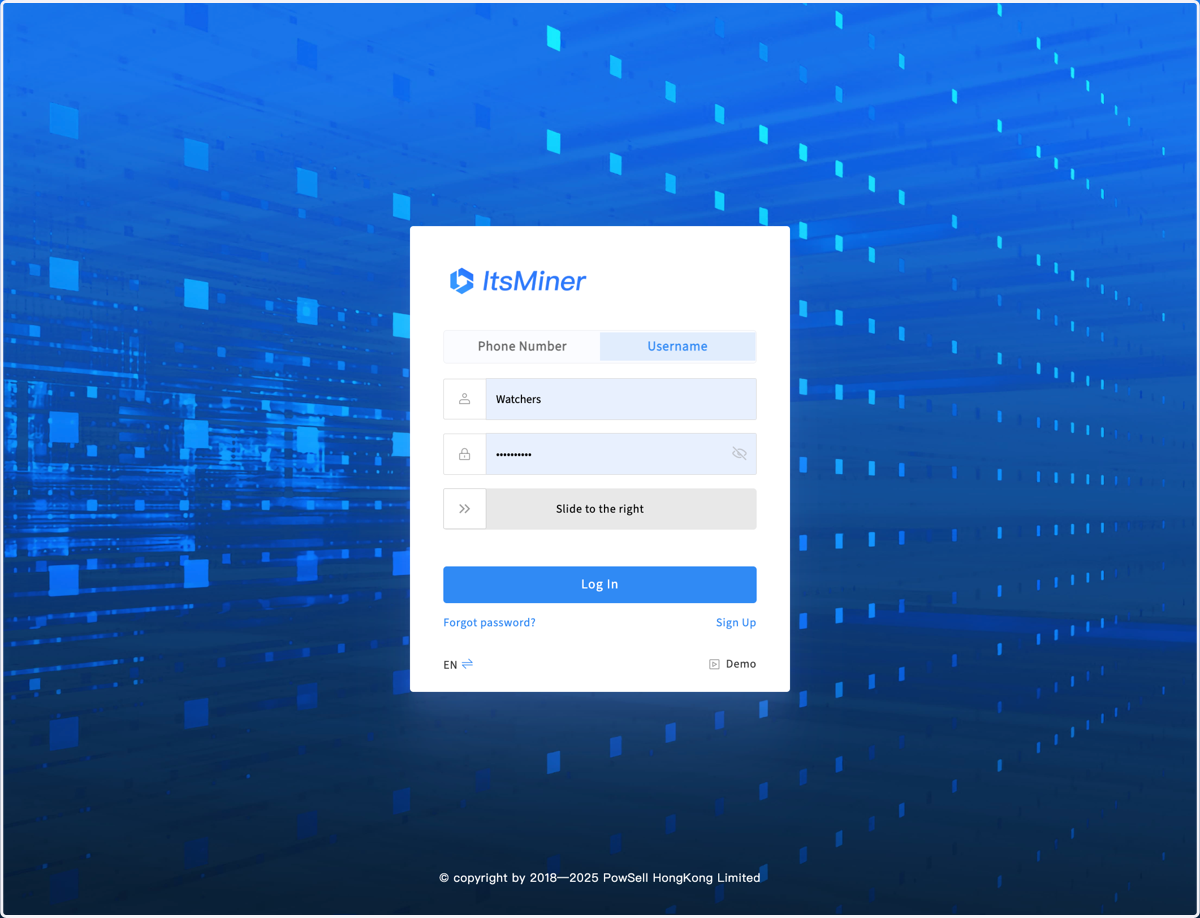
1. Login ItsMiner using your phone number or username through the website https://ops.itsminer.com
2. The first page after logging in is the multi mine information summary page, including the number of miners, computing power, miner status, electricity consumption, etc
3. Configuration is used to configure the basic attributes
4. In the Configuration page, you can set parameters or rules that affect the global system, such as time zone, users and permissions, monitor rules,etc.
5. The Monitor page is a daily working page. You can select the mining site in the upper left corner
6. The default display is the dashboard page of the mining site
7. All of this data is scanned by the backend every 5 minutes, and the scanning progress and countdown of each monitoring server in the backend can be seen in the upper left corner.
8. You can also set automatic page refresh
9. In the upper right corner, you can open the Start Guide to gradually configure and use the system.
10. Clicking on each step of the guide will bring up corresponding help information.
11. Switch between Chinese and English
12. You can subscribe to some major mine failure alerts
13. Alerts will be sent to your email and telegram
14. Click on Help icon to open the help bar
15. When the help information is consistent with the current page, step prompts will be displayed on the page. We will continue updating the help information
16. The first half of the menu, which includes the dashboard, worker list, and operations, sitemap, The four modules of mining pool configuration and data management are mainly used for miner operation and maintenance.Please refer to the specialized usage instruction
17. The latter half of the menu, which includes modules such as revenue, electricity, assets, and team, is mainly used for the operation and management of the mining site. Please refer to several other specialized usage instructions.
18. The 4 icons on the right side of the menu are the entry points for operation records, temporary task, repair task, and batch configuration tools