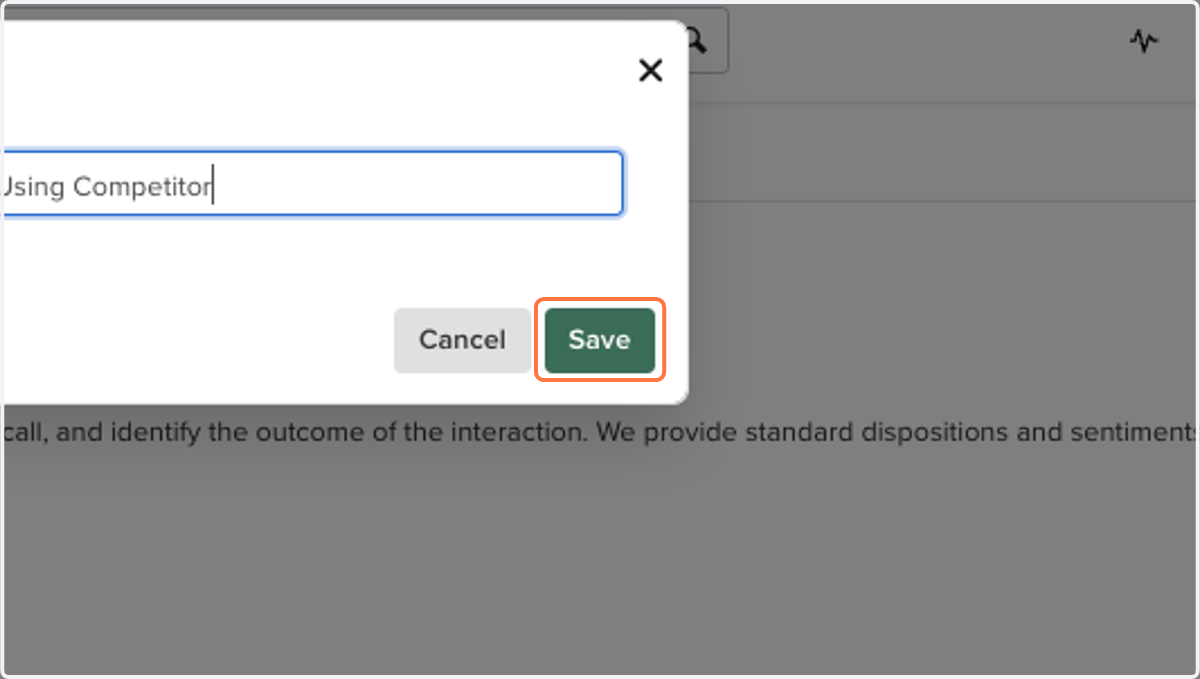
[Salesloft]: How to Add Dispositions & Sentiments
This guide will show you how to add dispositions and sentiments in Salesloft so that we can have granular ways to coach and log calls in Orum
Dashboard | Salesloft
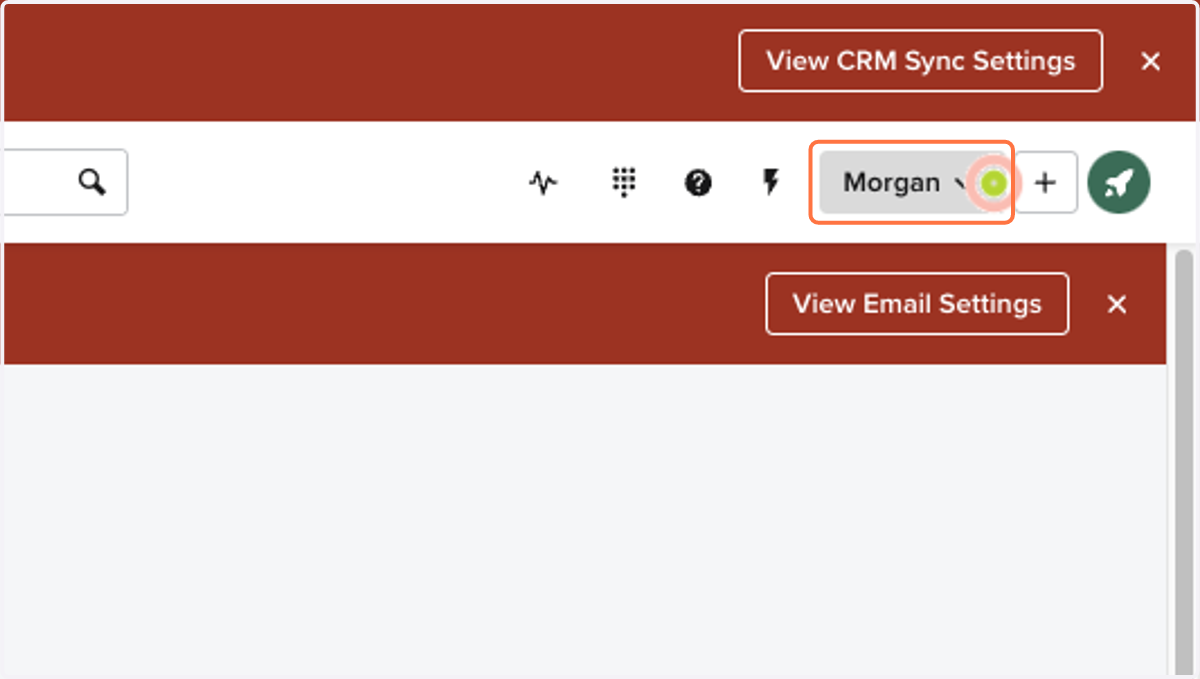
1. Click on your name in the top right corner
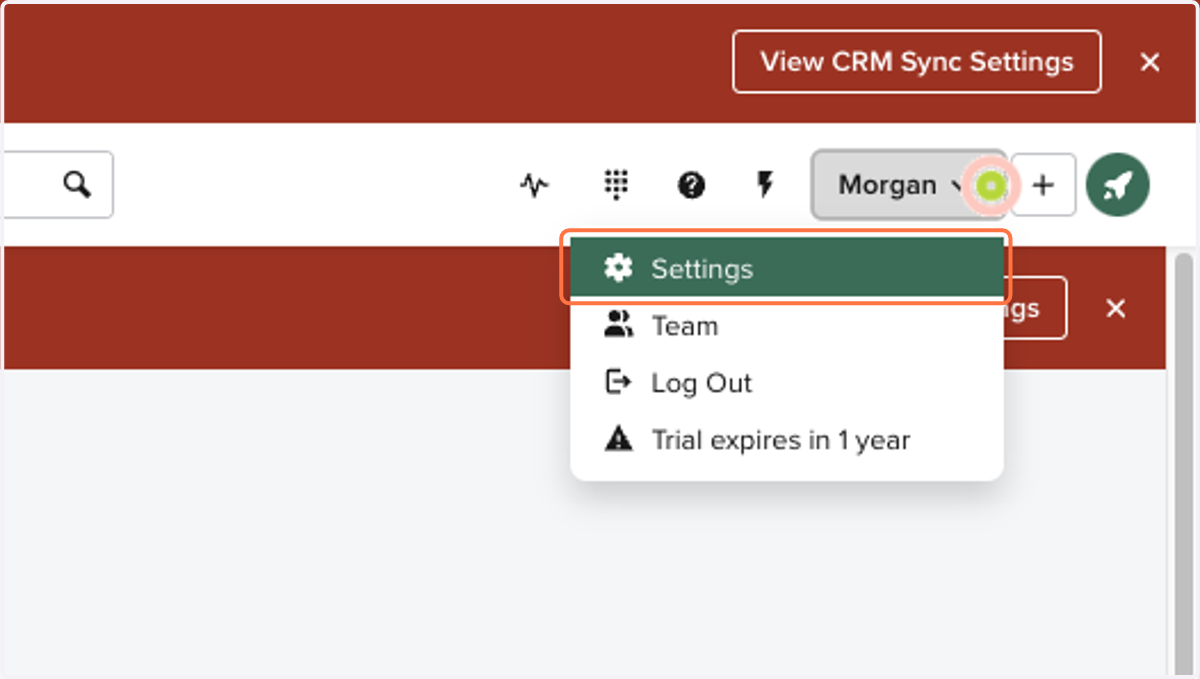
2. Click on Settings
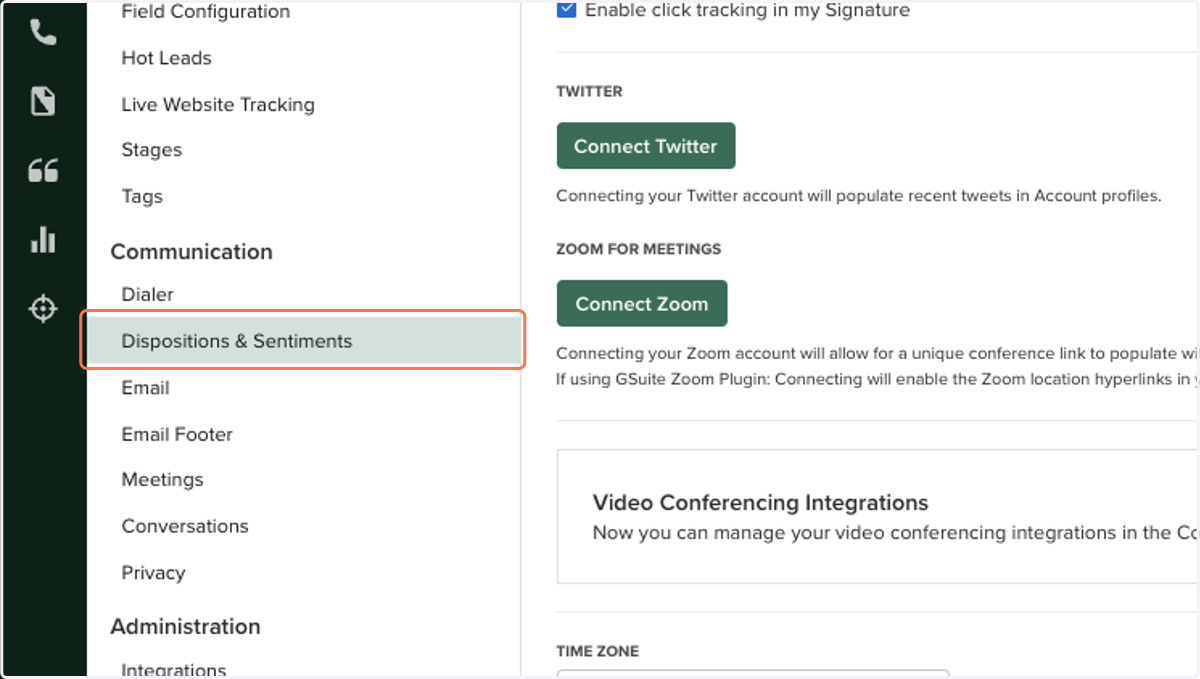
3. On the side bar, under "Communication", Click on "Dispositions & Sentiments"
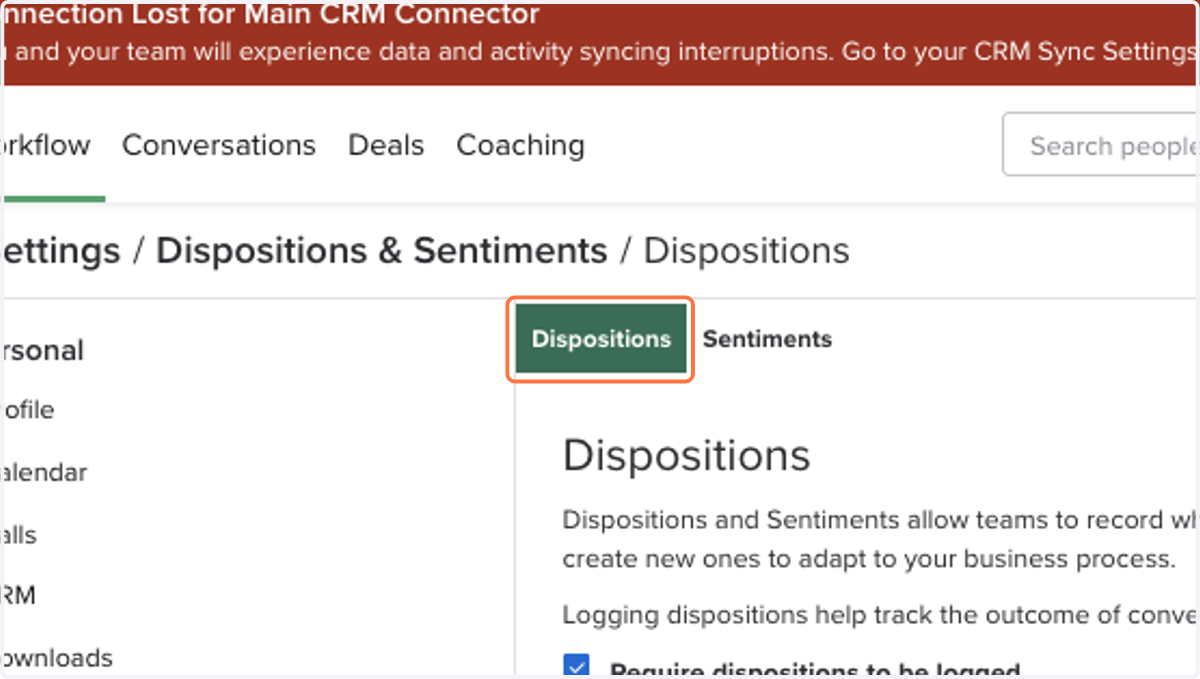
4. Click on "Dispositions"
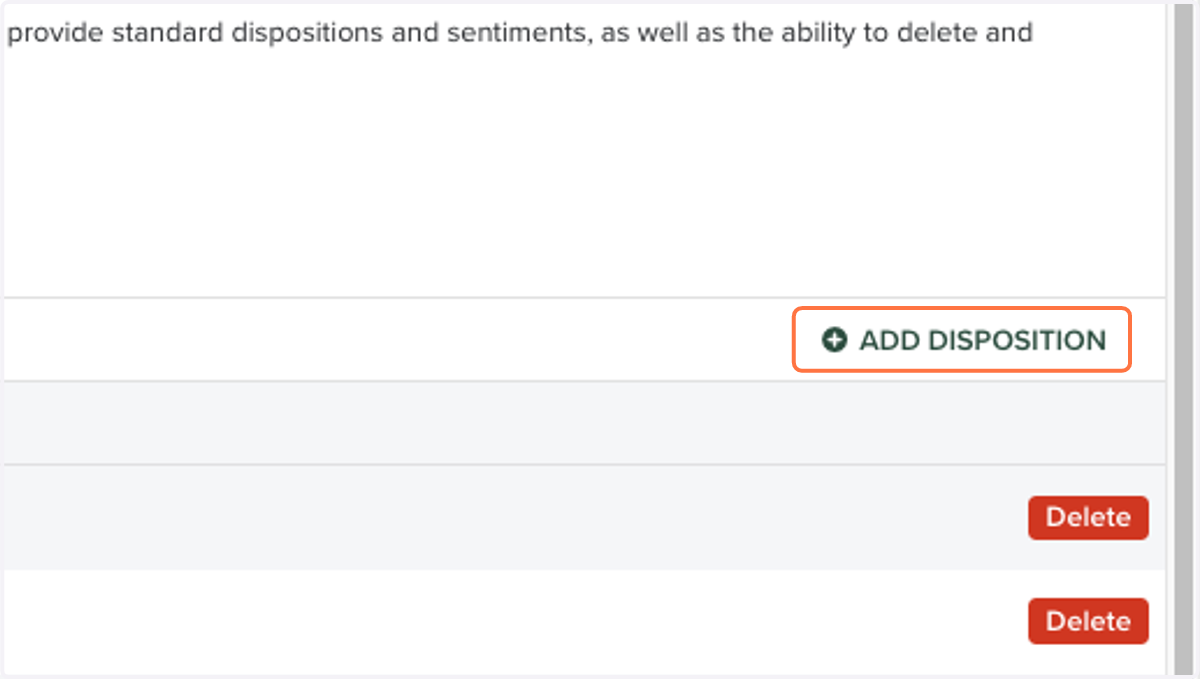
5. Click on "ADD DISPOSITION"
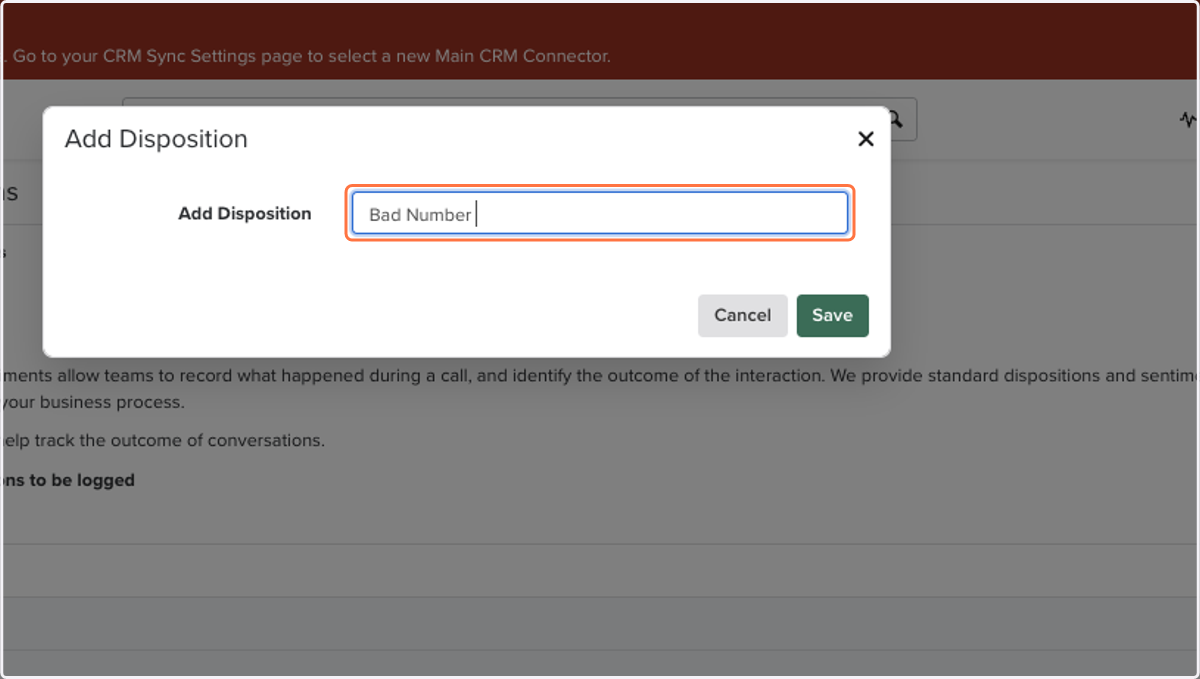
6. Type in the appropriate call disposition for your org
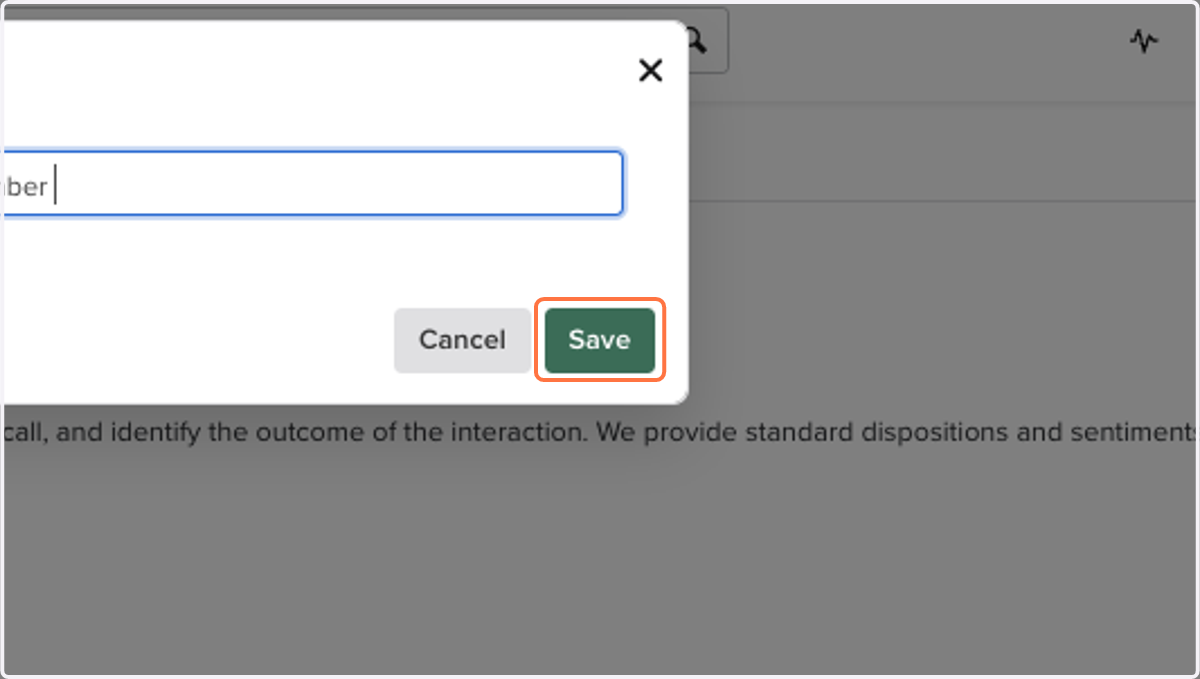
7. Click on "Save"
8. Once dispositions are completed, next to it, Click on "Sentiments"
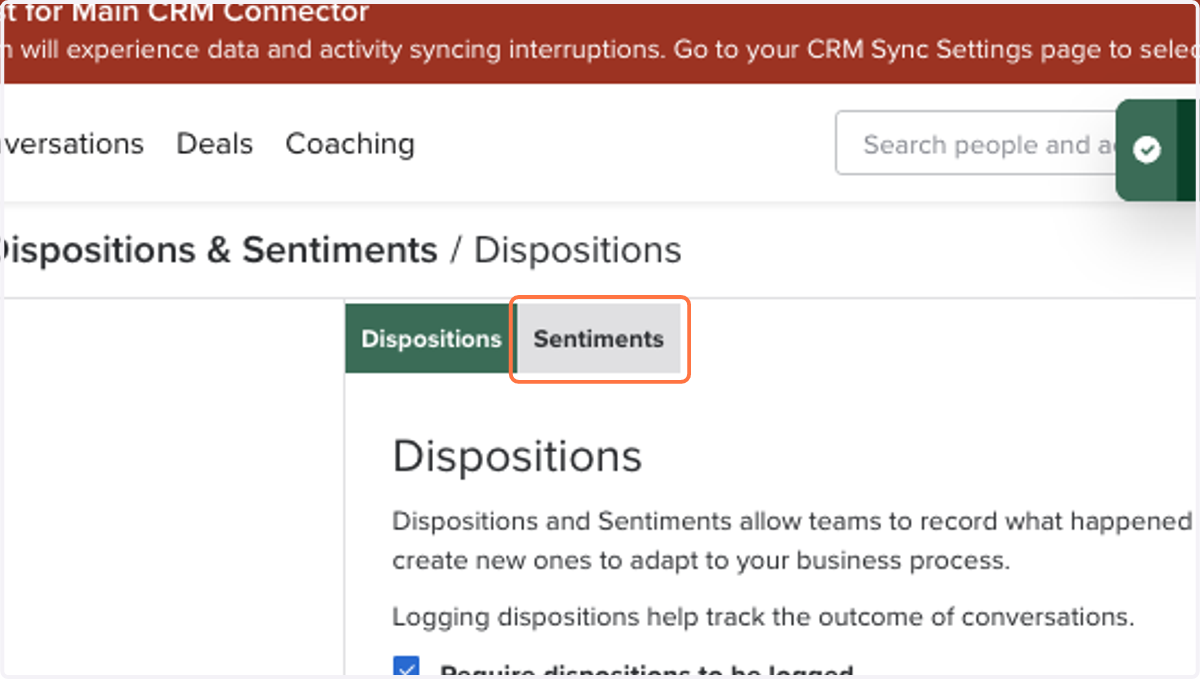
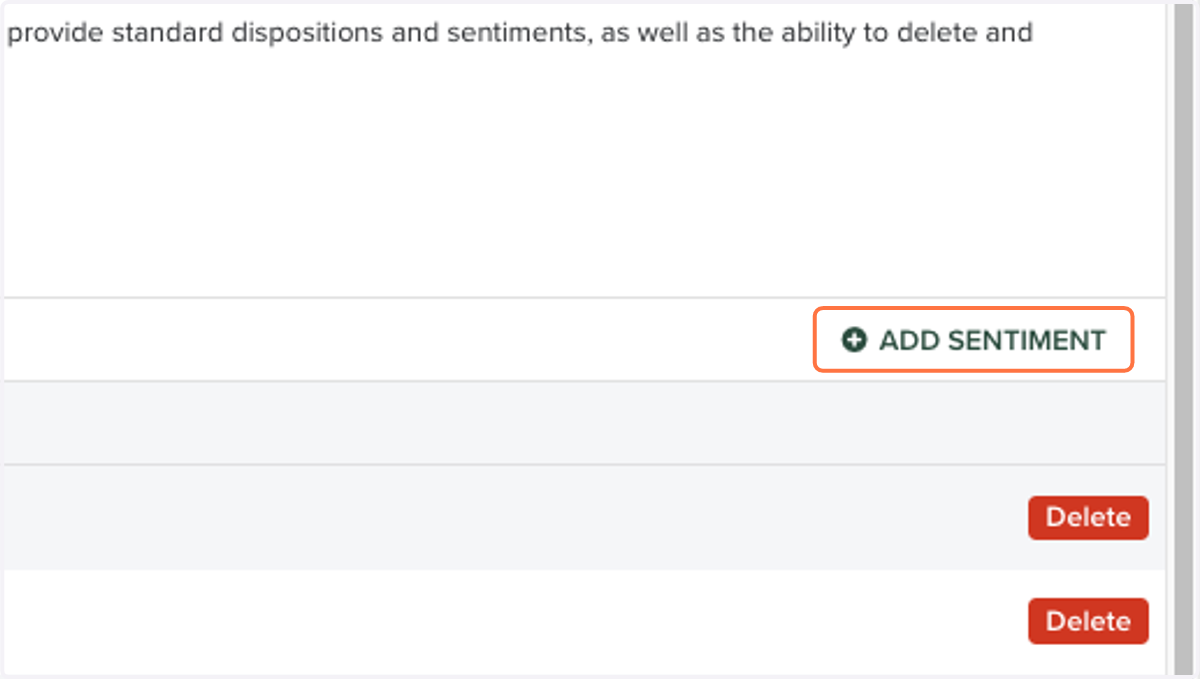
9. Click on "ADD SENTIMENT"
10. Type in the appropriate call sentiment for your org
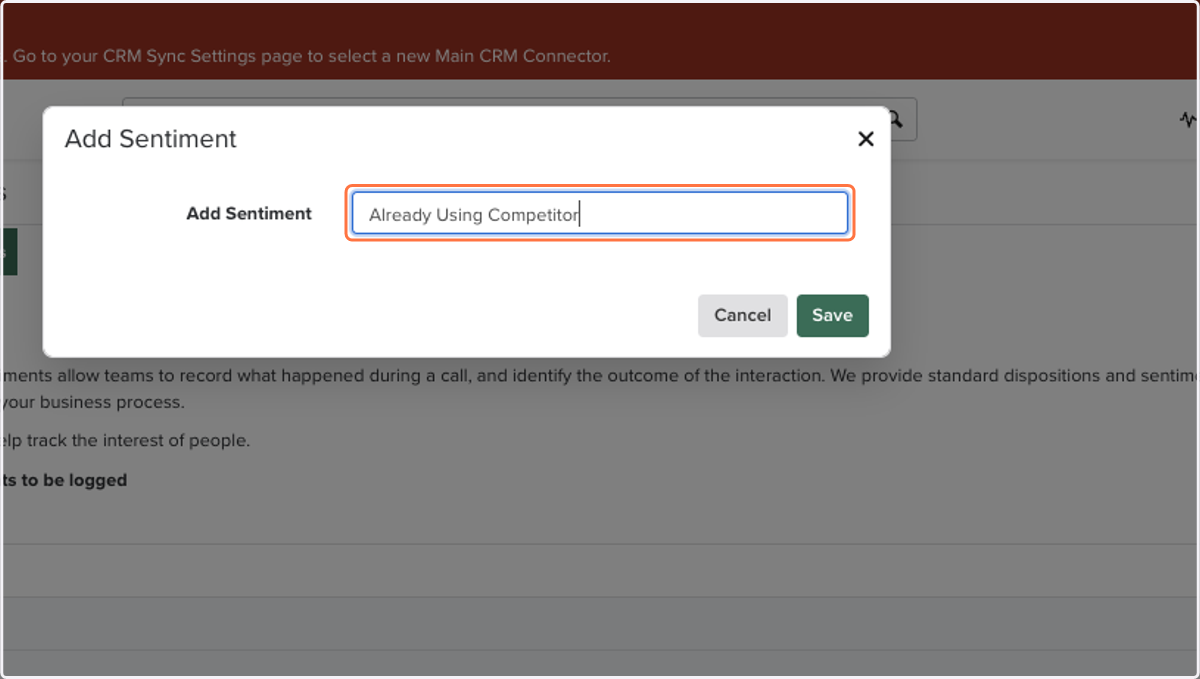
11. Click on "Save"