[Salesloft]: Confirm automation rule to end cadence
Dashboard | Salesloft
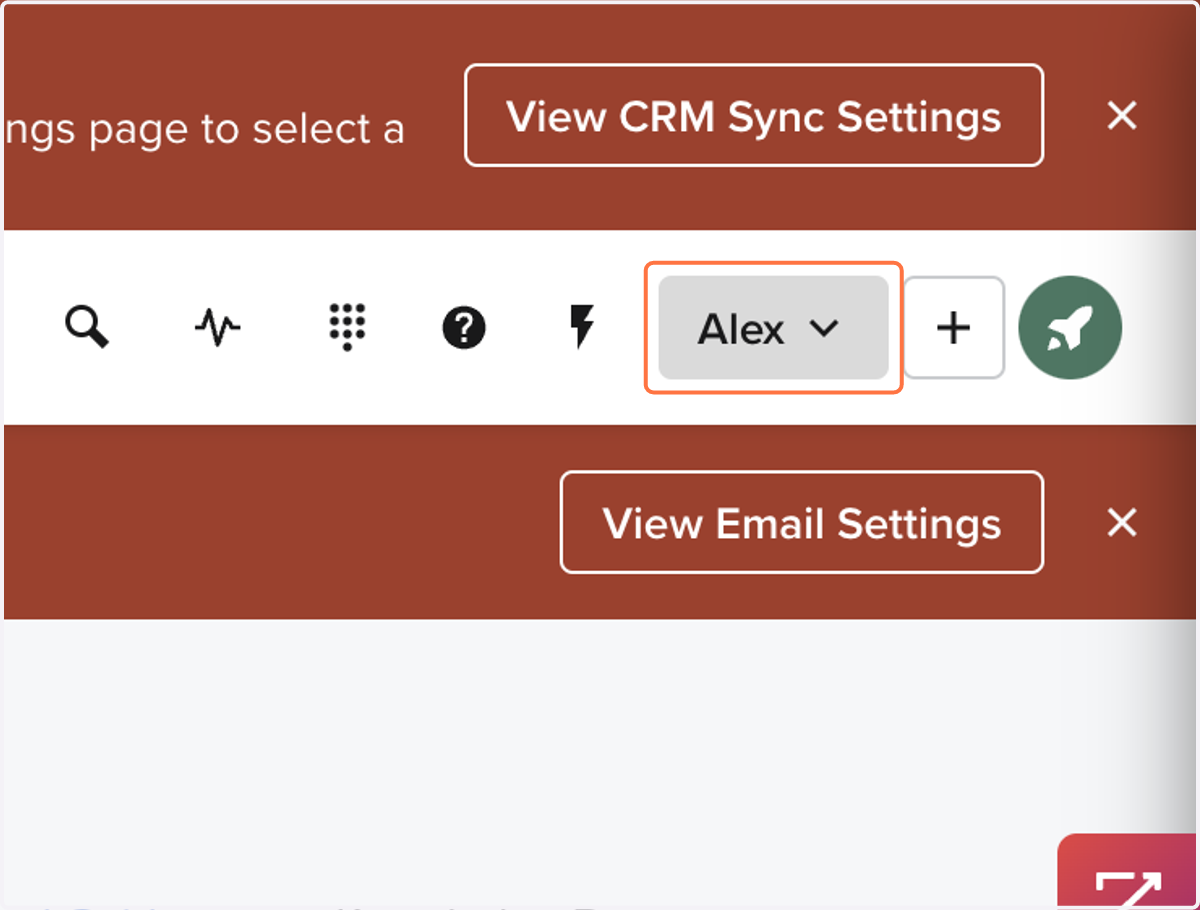
1. Click on your Name
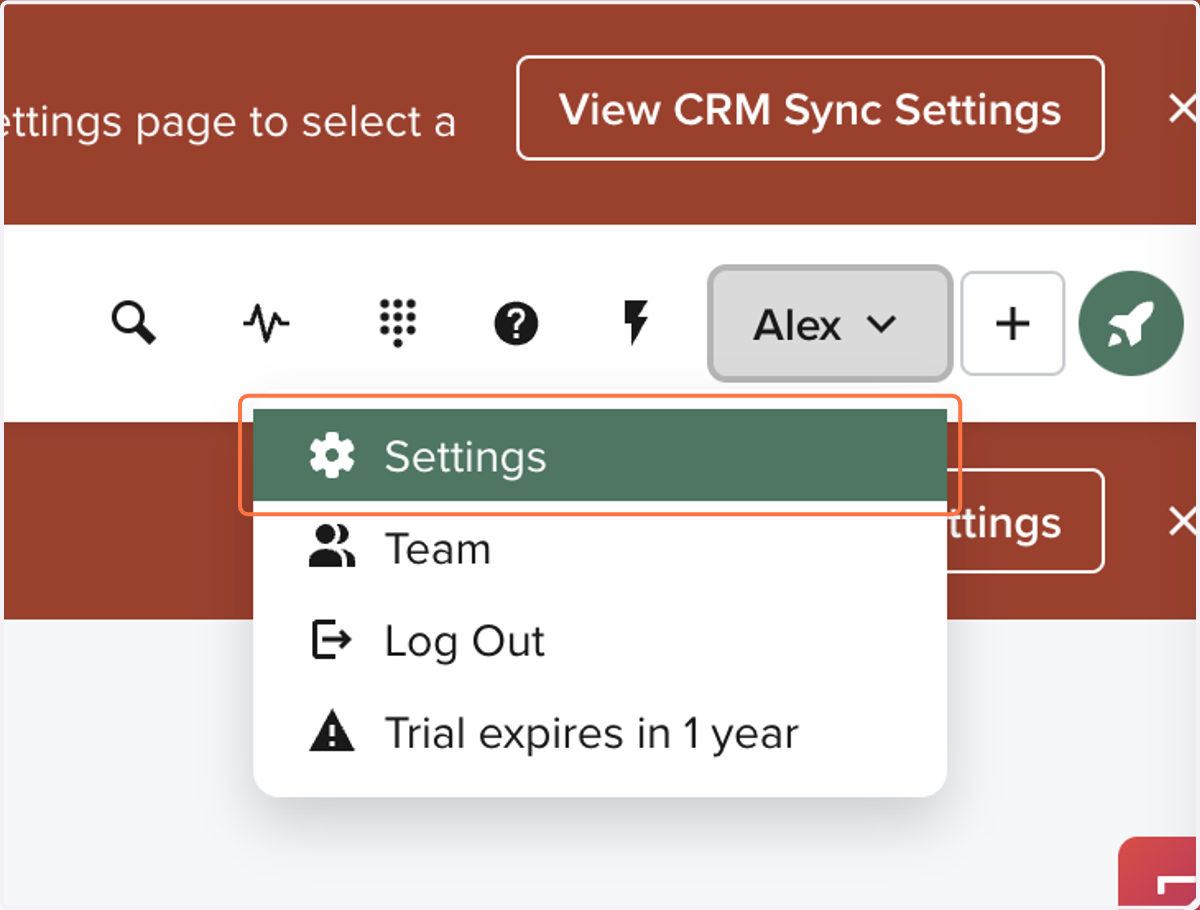
2. Click on Settings
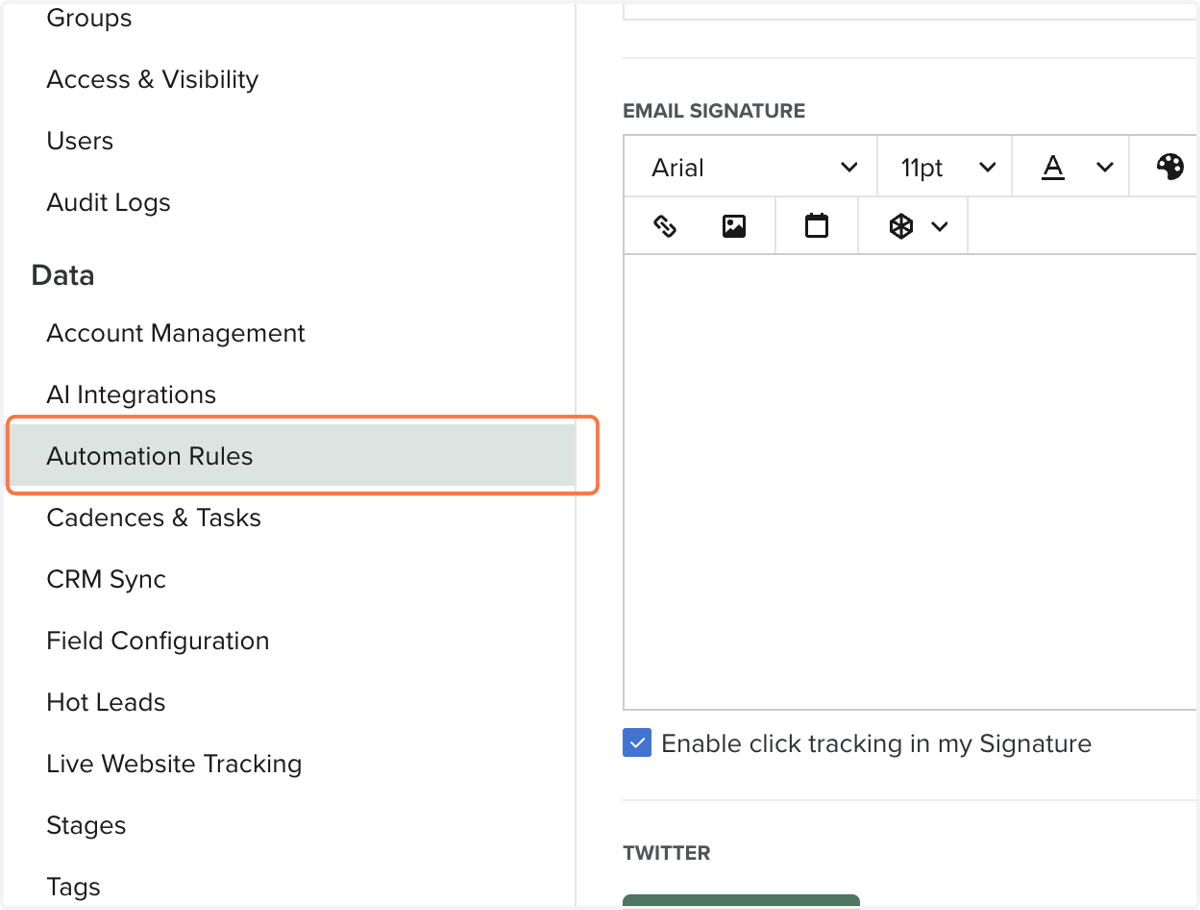
3. Click on Automation Rules
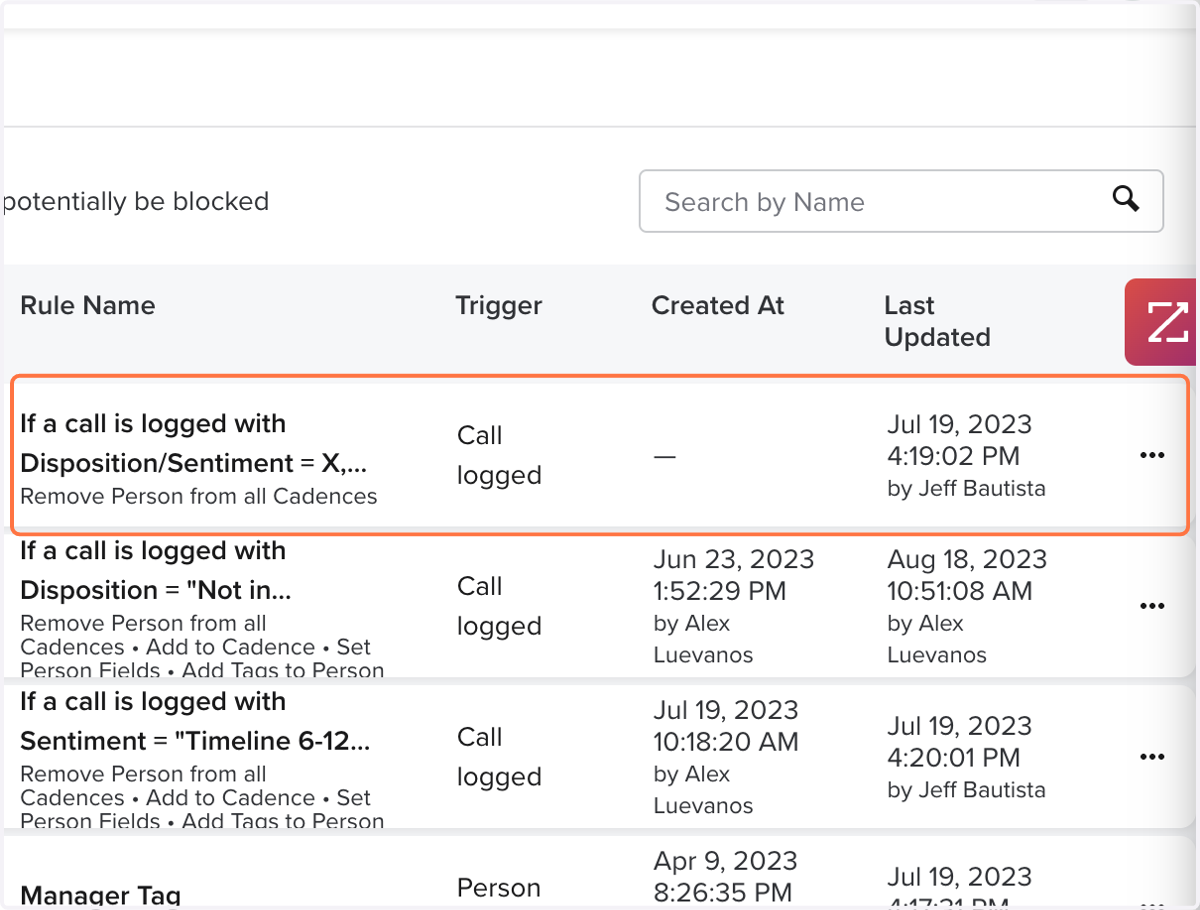
4. Click on specific Automation Rule or Create one if not listed here.
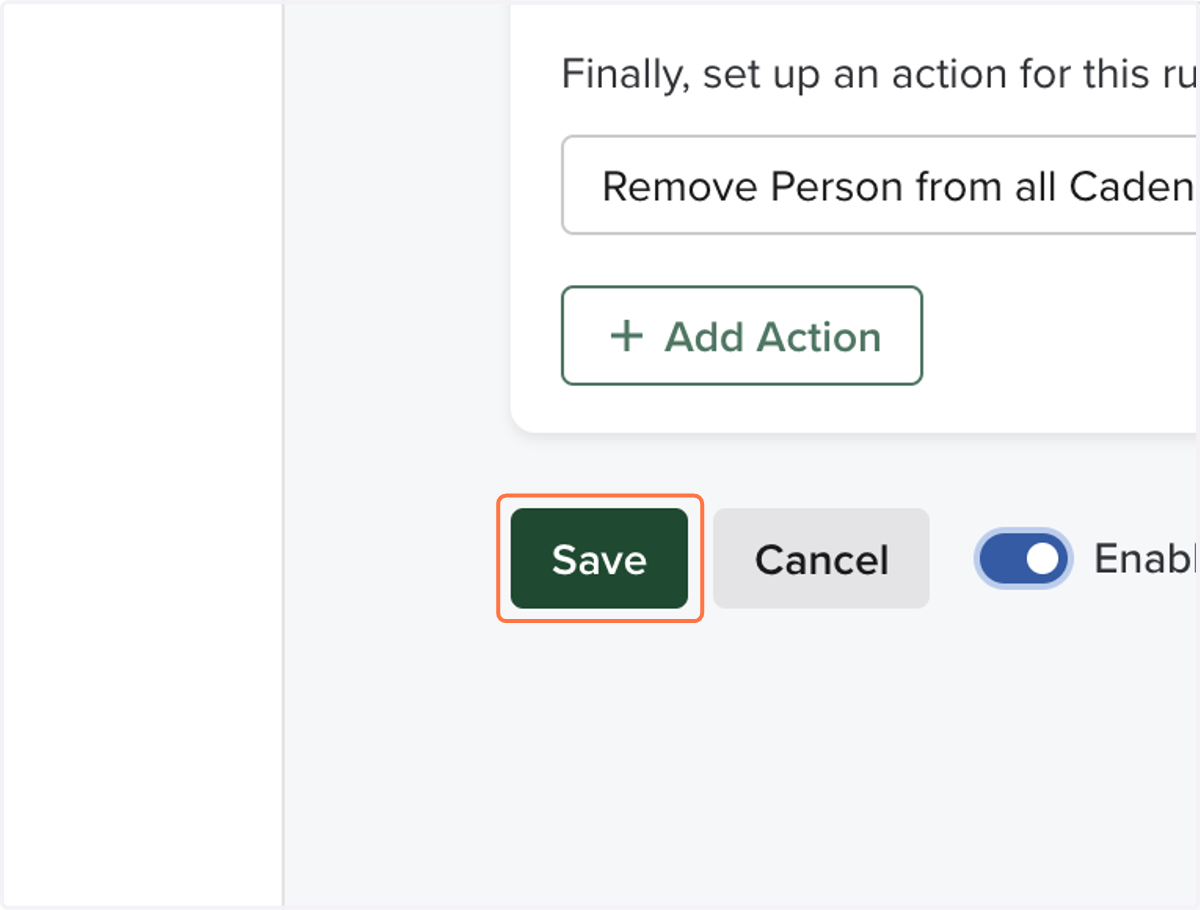
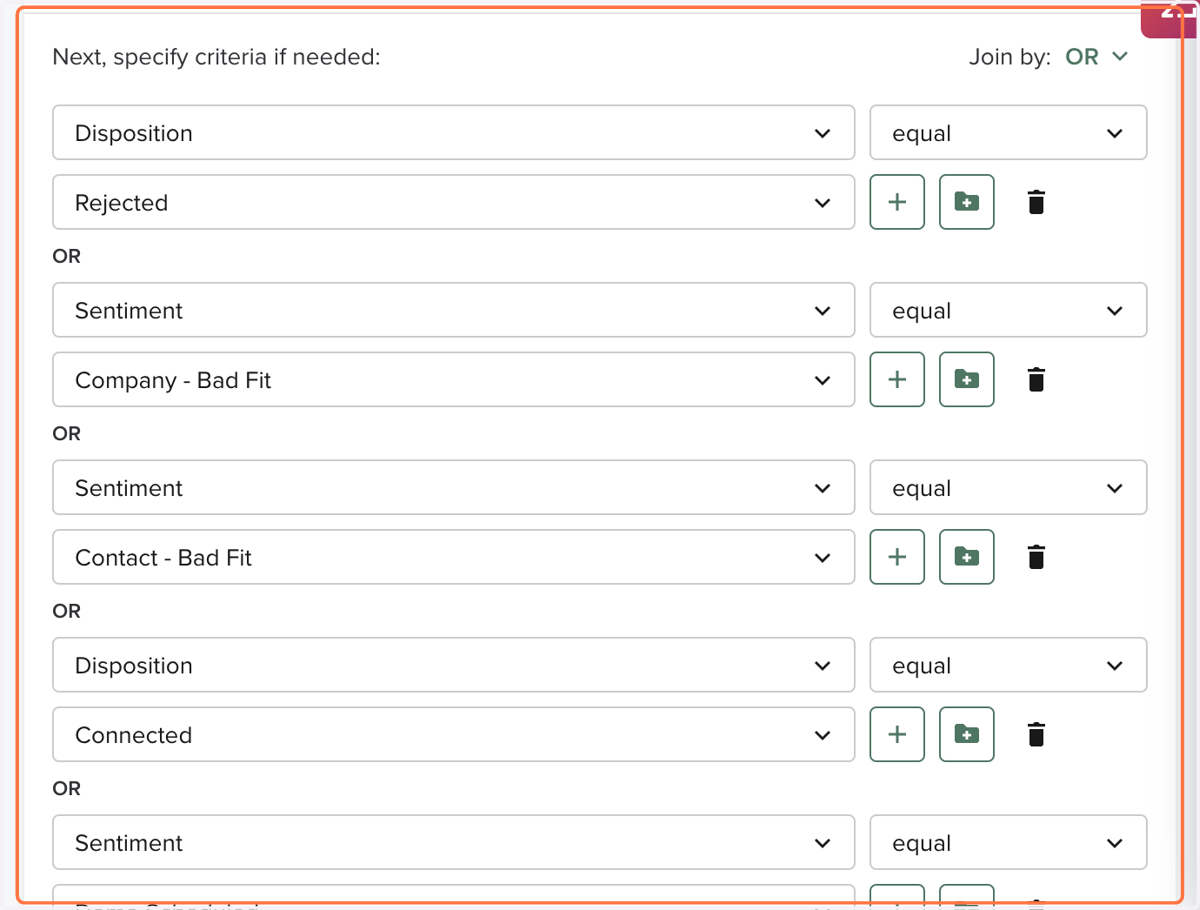
5. Confirm what dispositions or sentiments end the cadence
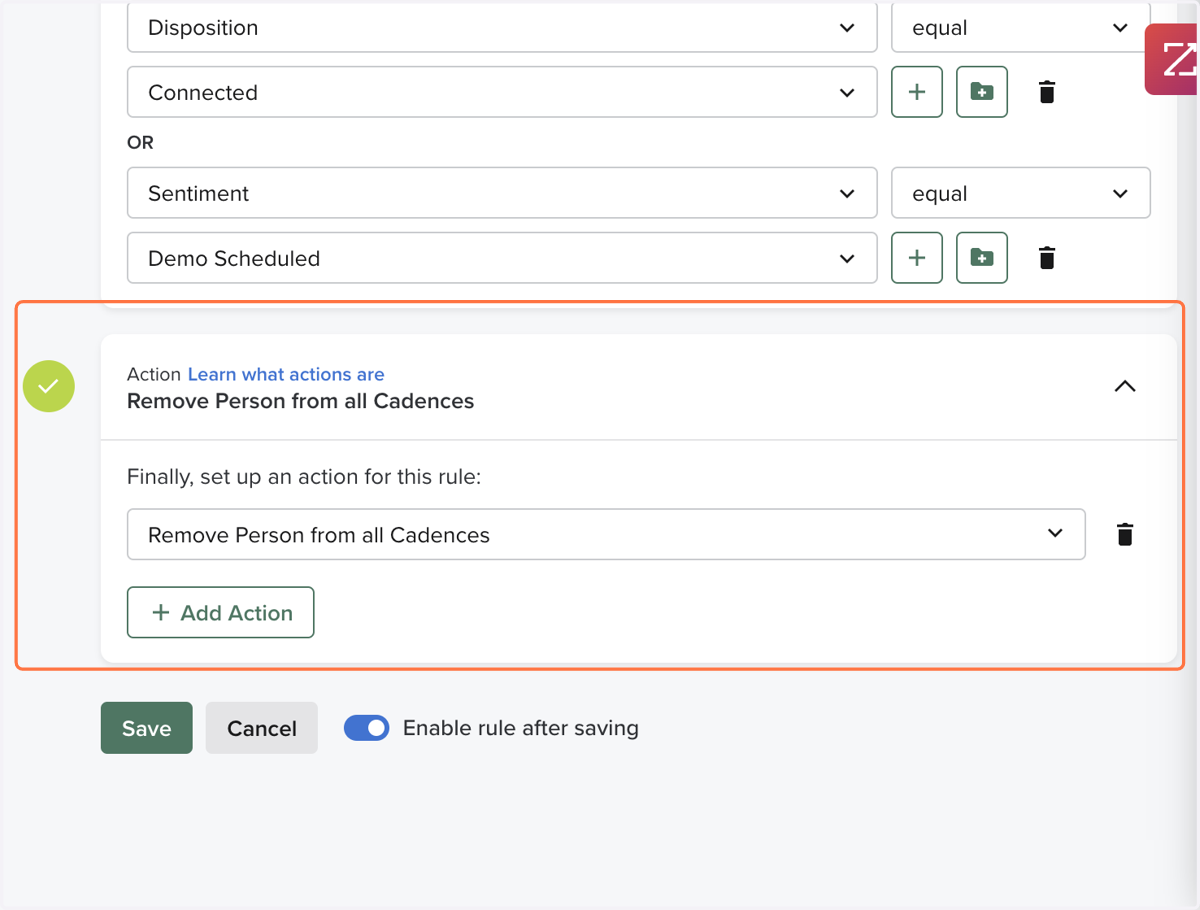
6. Confirm their action removes person from all cadences
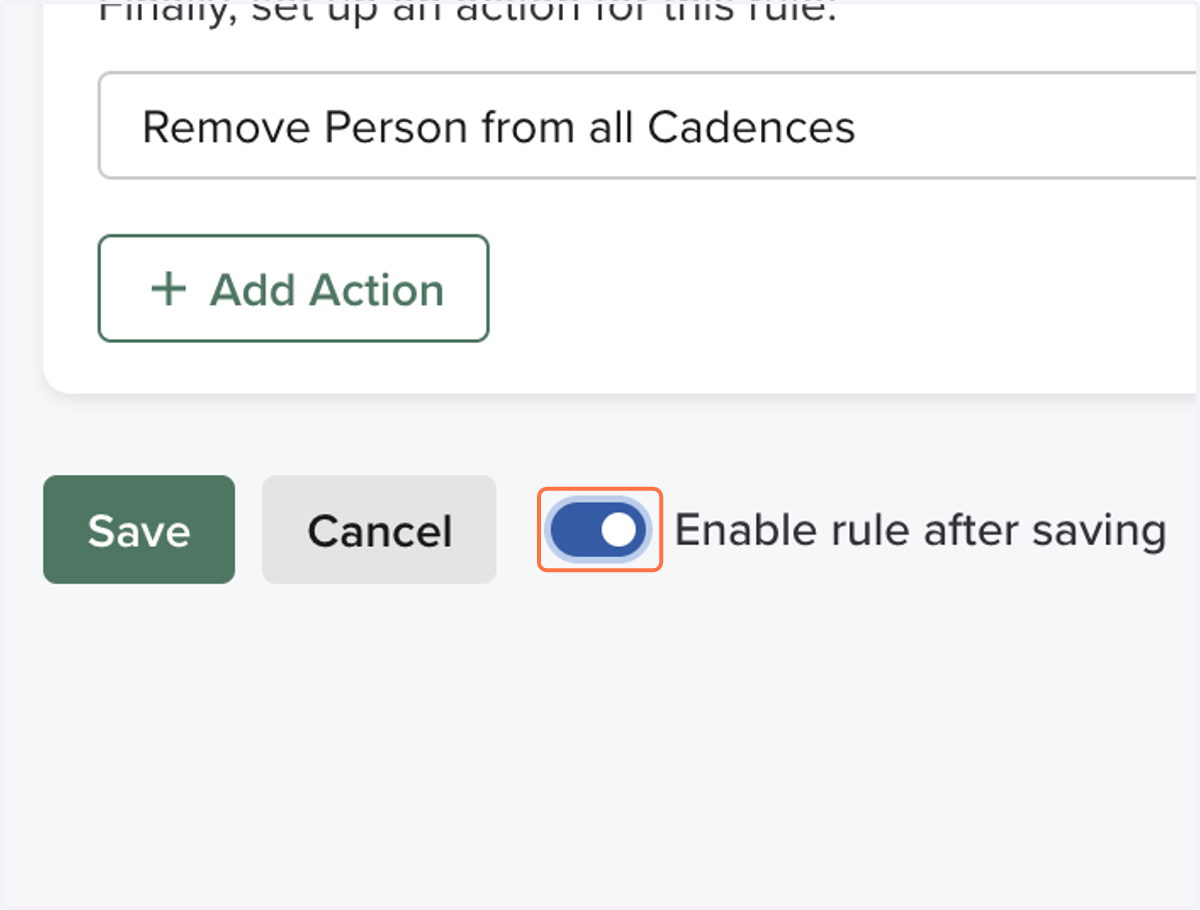
7. Make sure its enabled
8. Click on Save