[Salesforce]: Creating a custom field for prospect notes
In this guide we go over how to create a custom field in your CRM for prospect notes or pre-call research, we will use Leads for the example but the process is the same if you use Contacts instead.
Salesforce
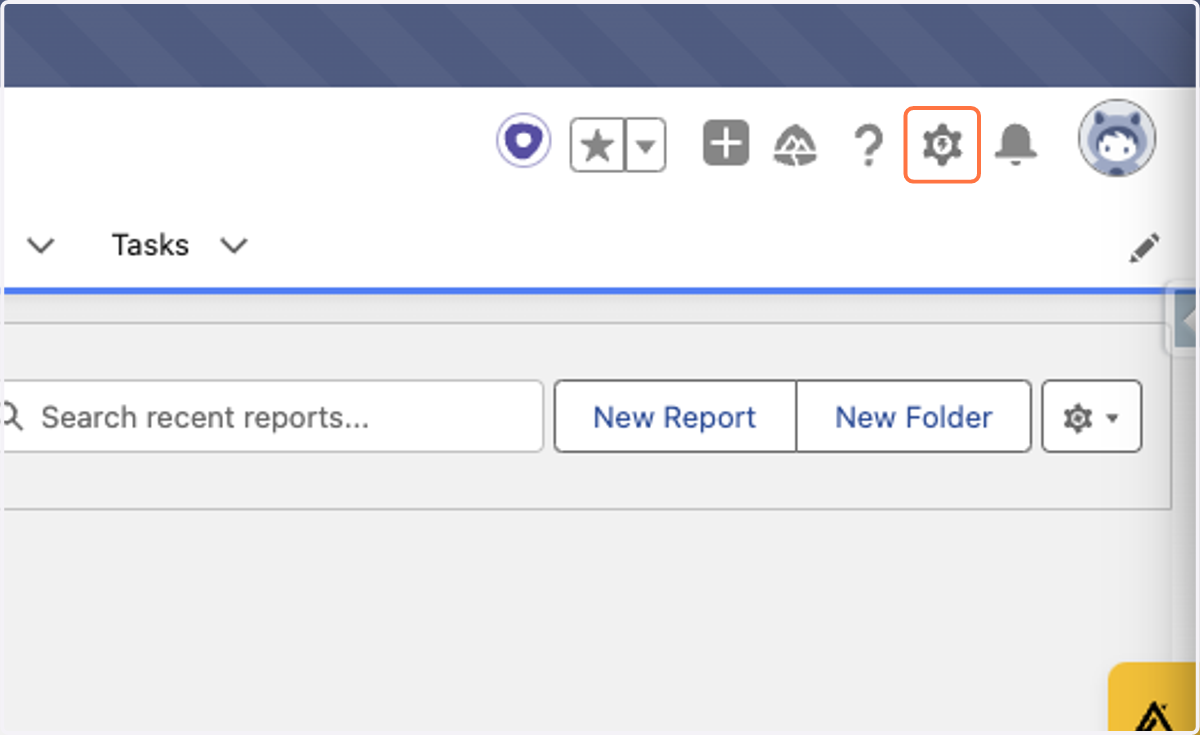
1. Click on Setup
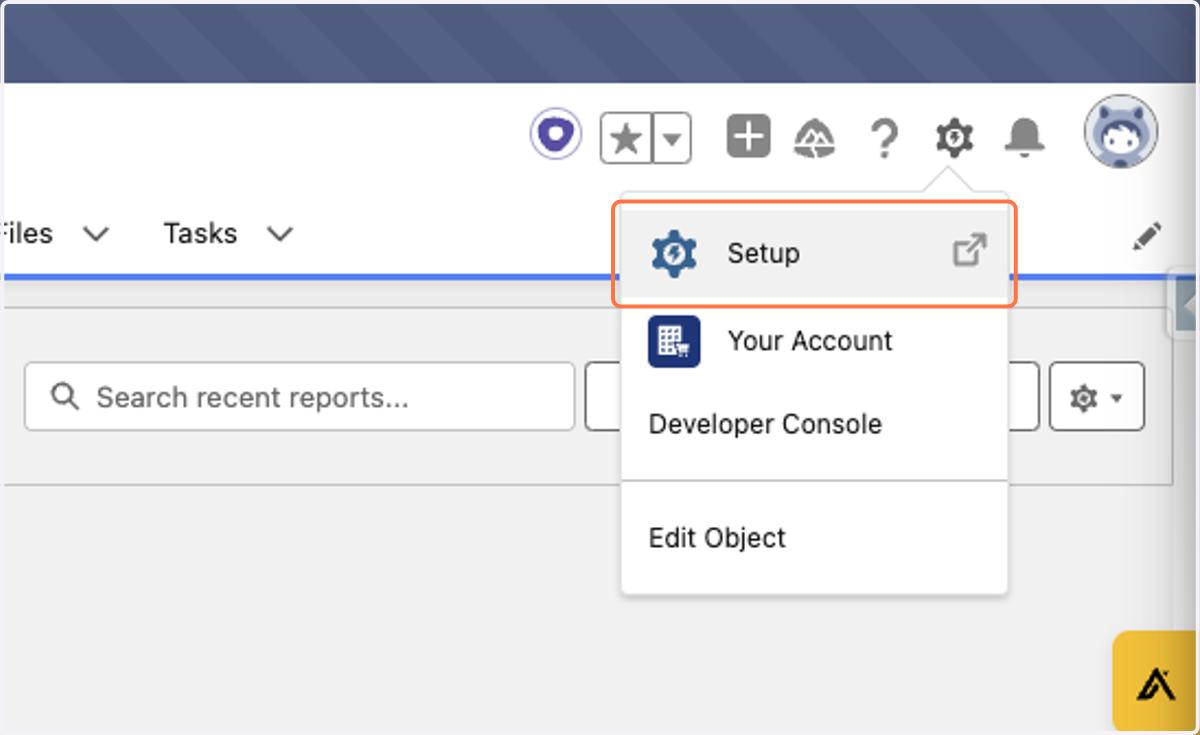
2. Click on Setup…
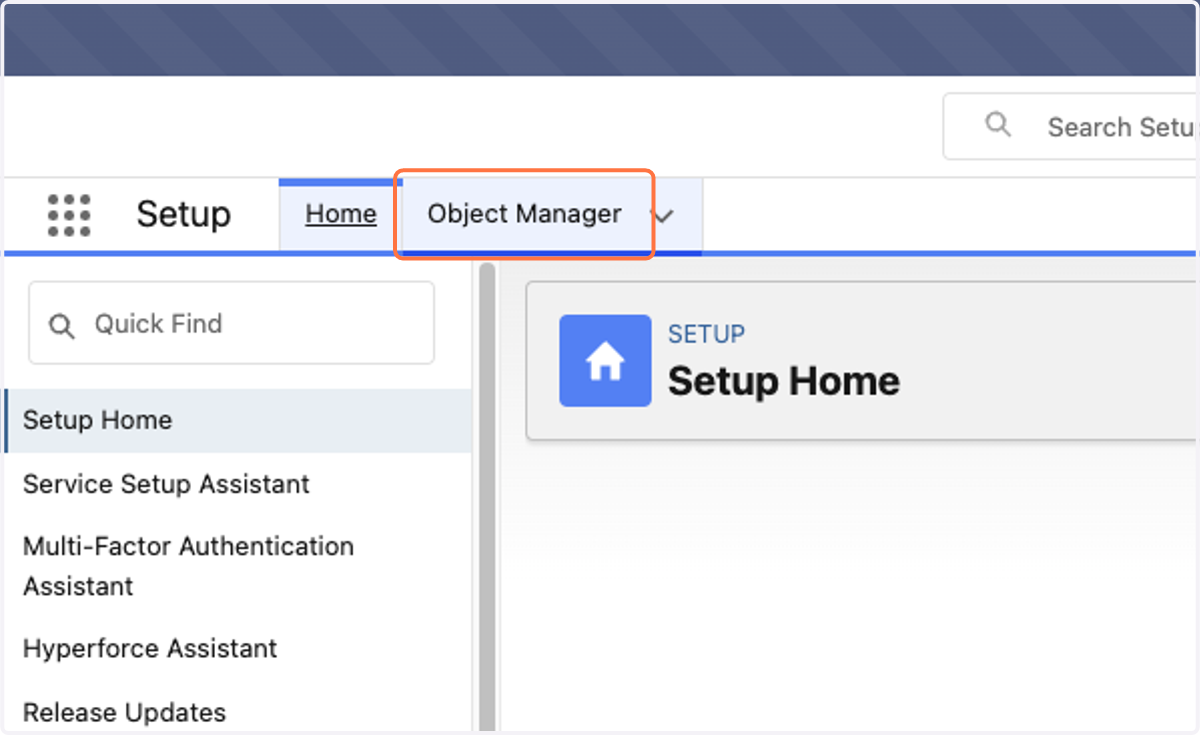
3. Click on Object Manager
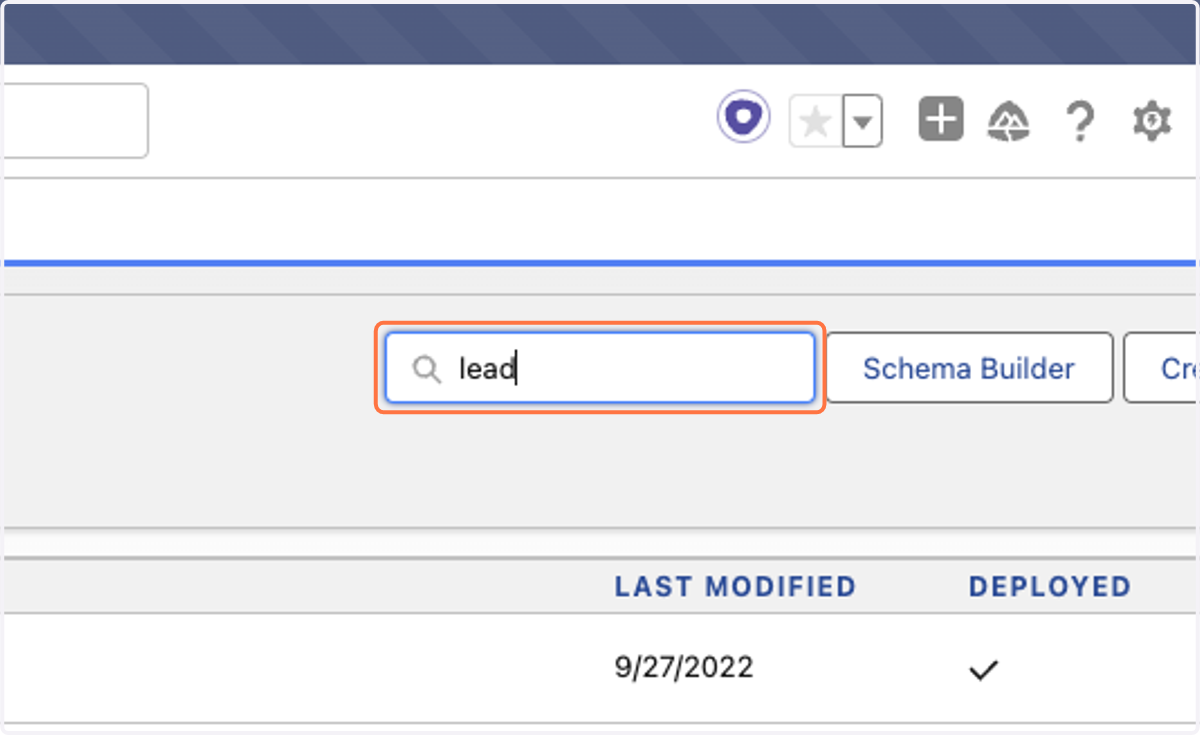
4. Type "lead"
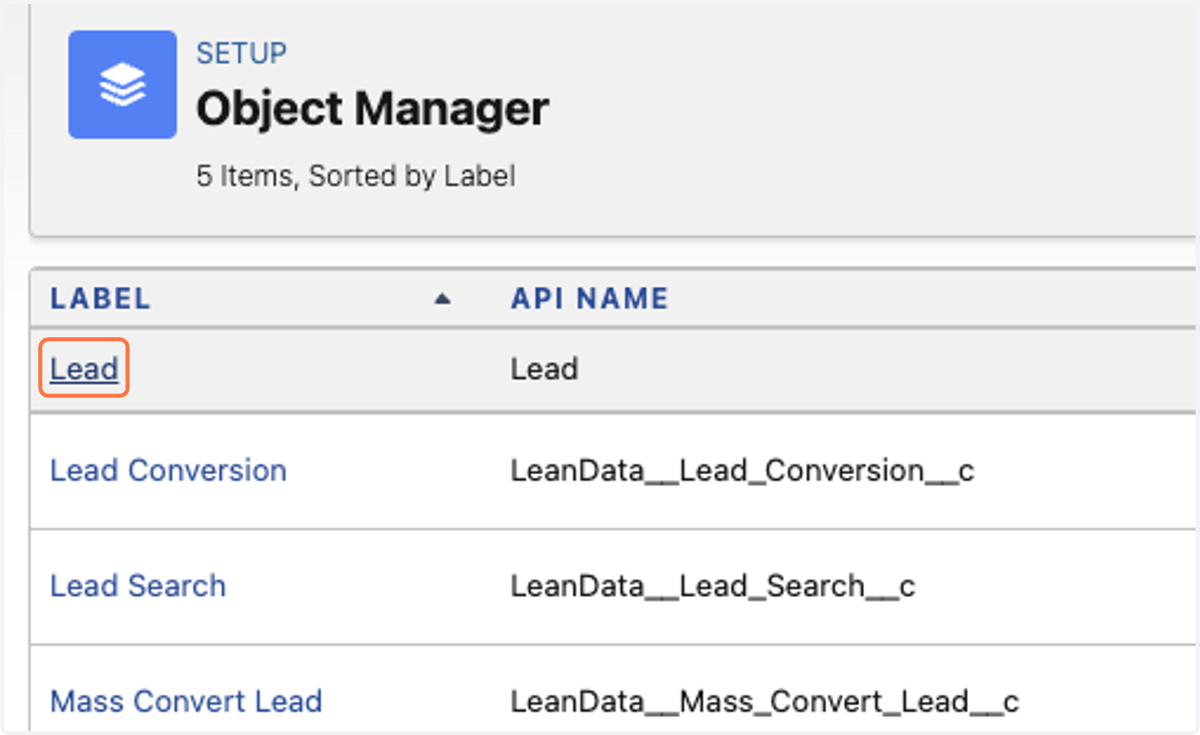
5. Click on Lead
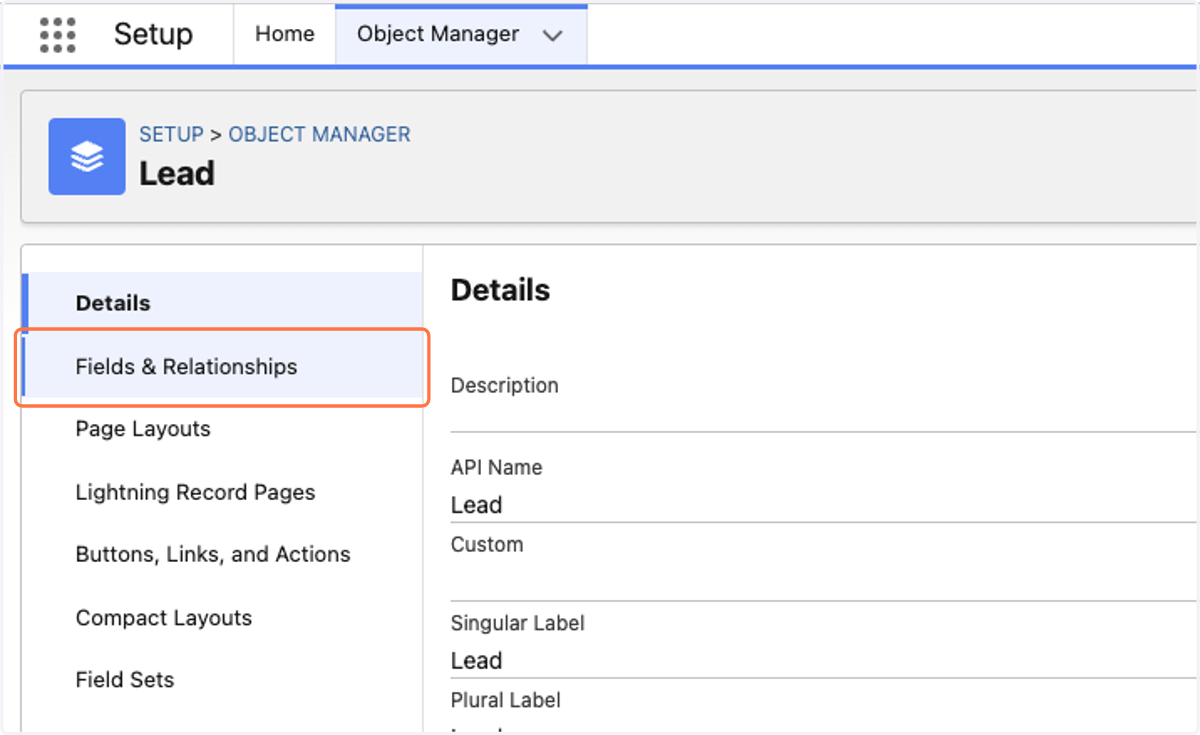
6. Click on Fields & Relationships
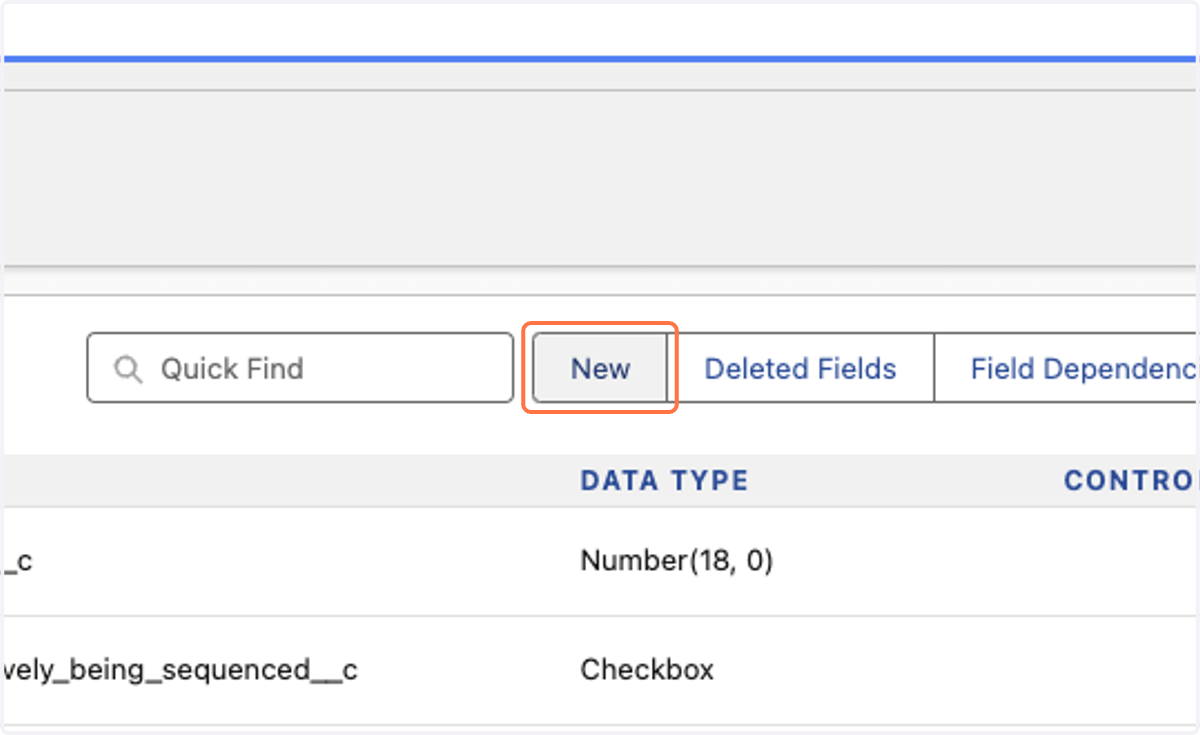
7. Click on New…
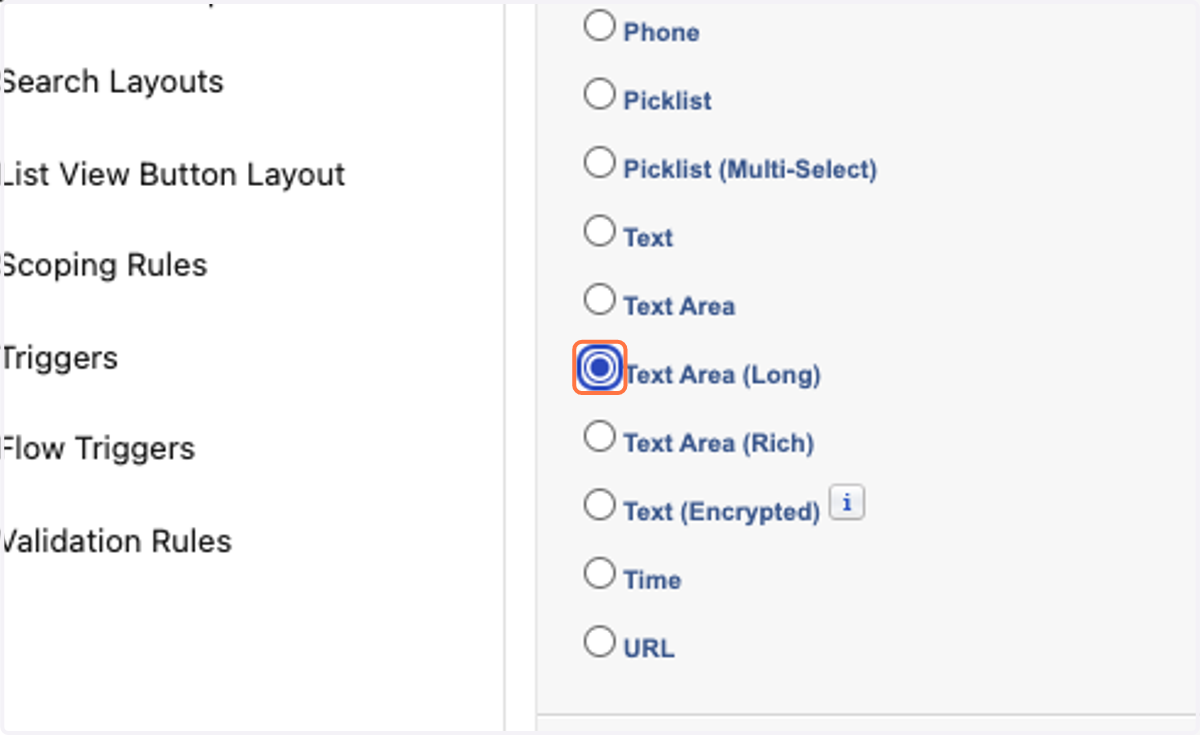
8. Select Text Area (Long)
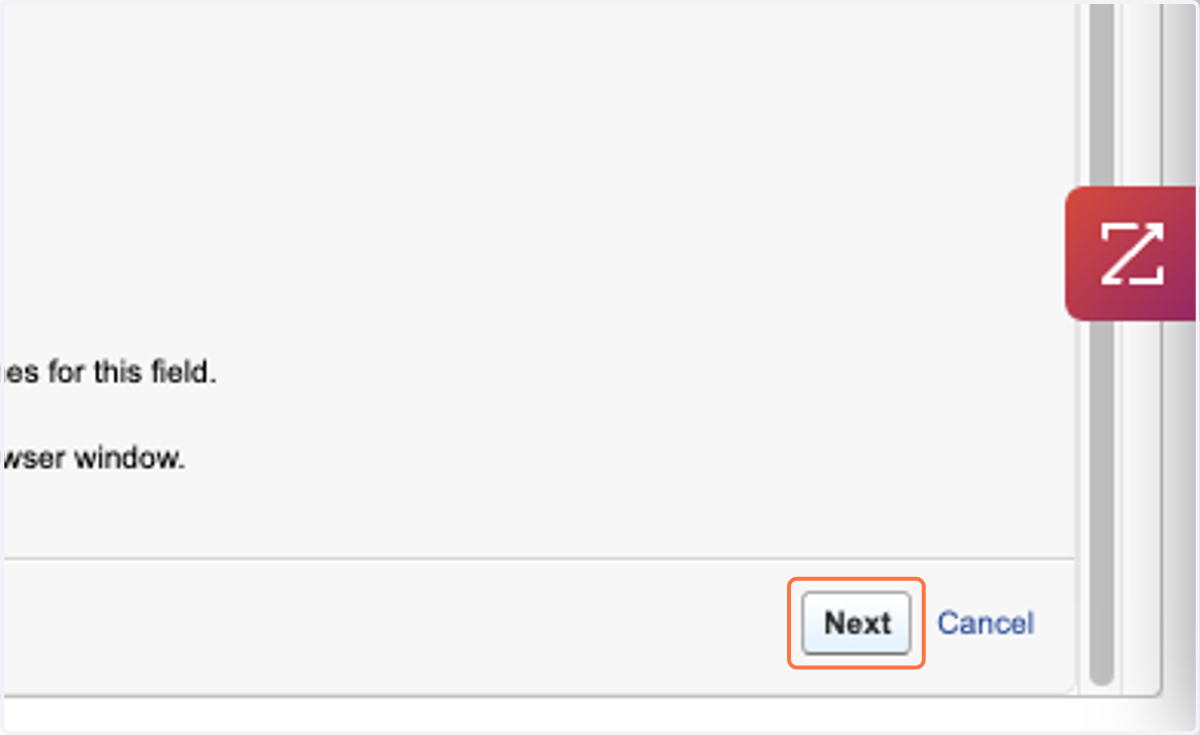
9. Click on Next
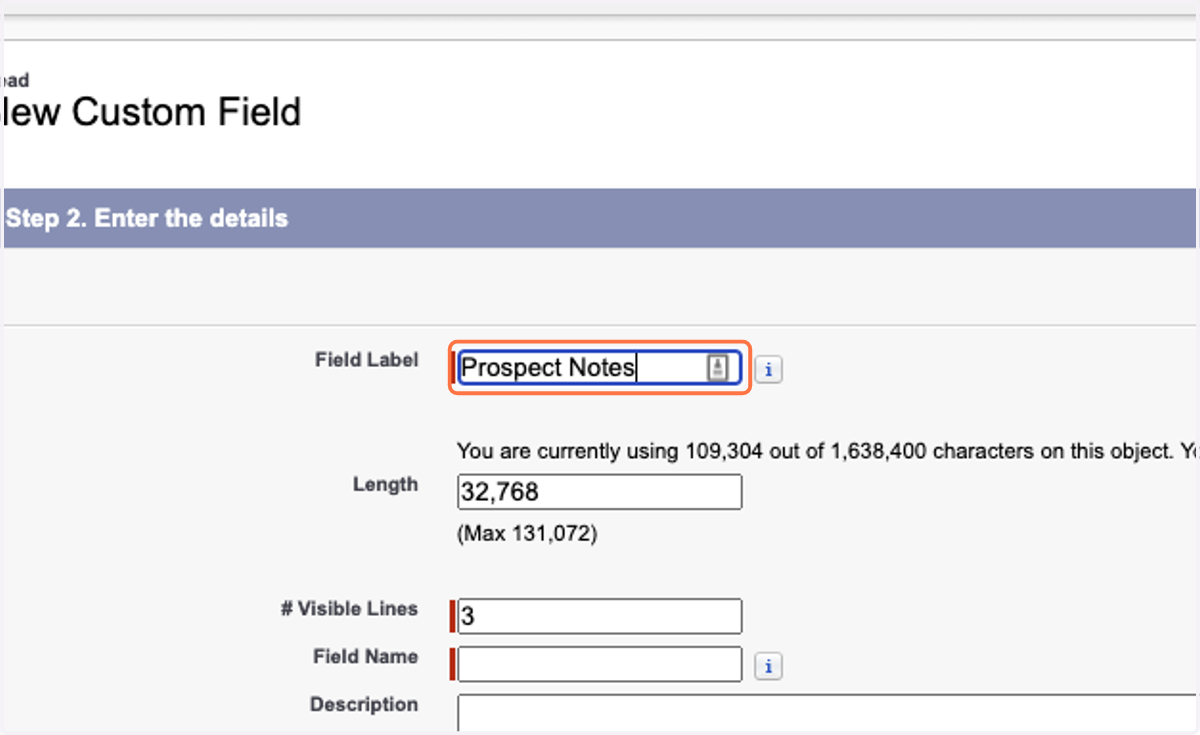
10. Type name of field in this example I will title it "Prospect Notes"
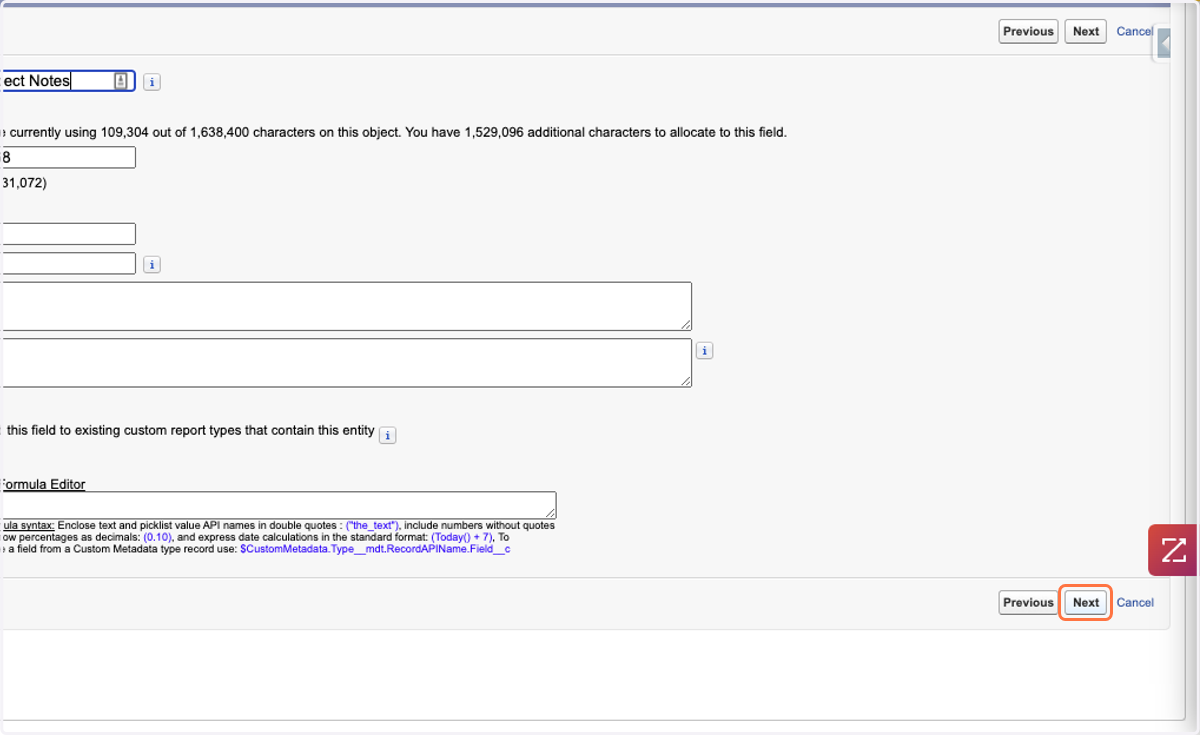
11. Click on Next
12. Select field visibility then click next
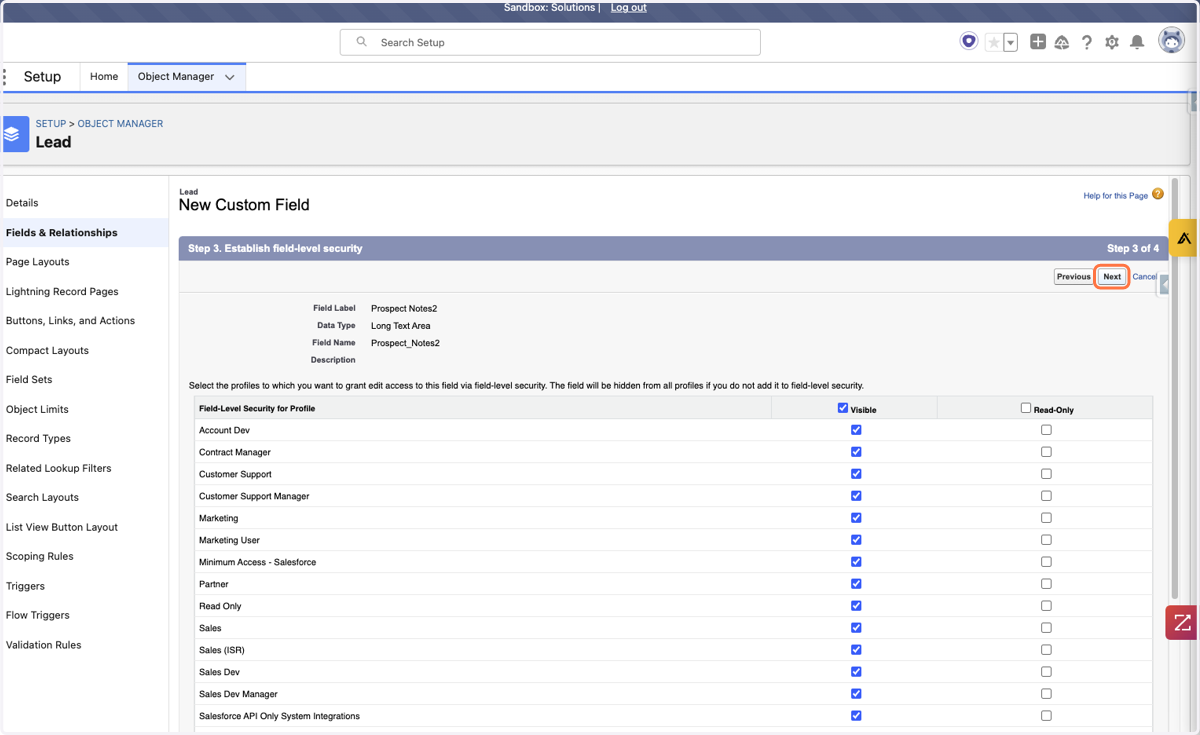
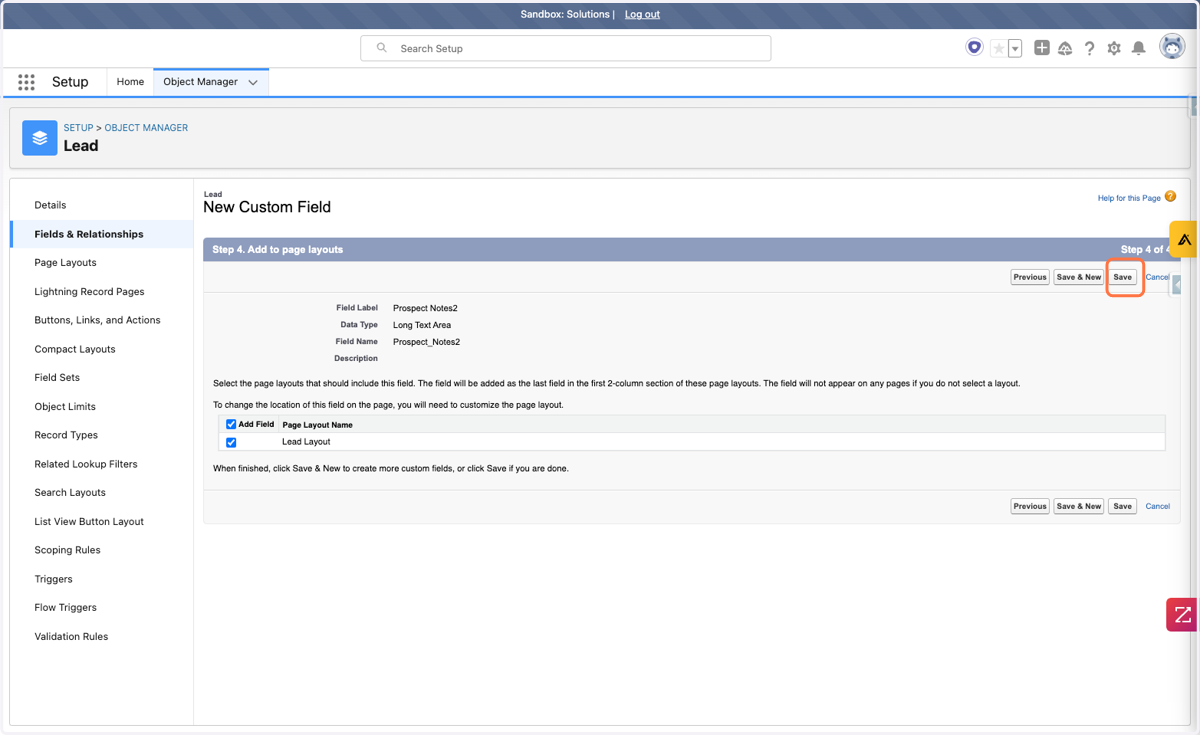
13. Click on Save then you are done!