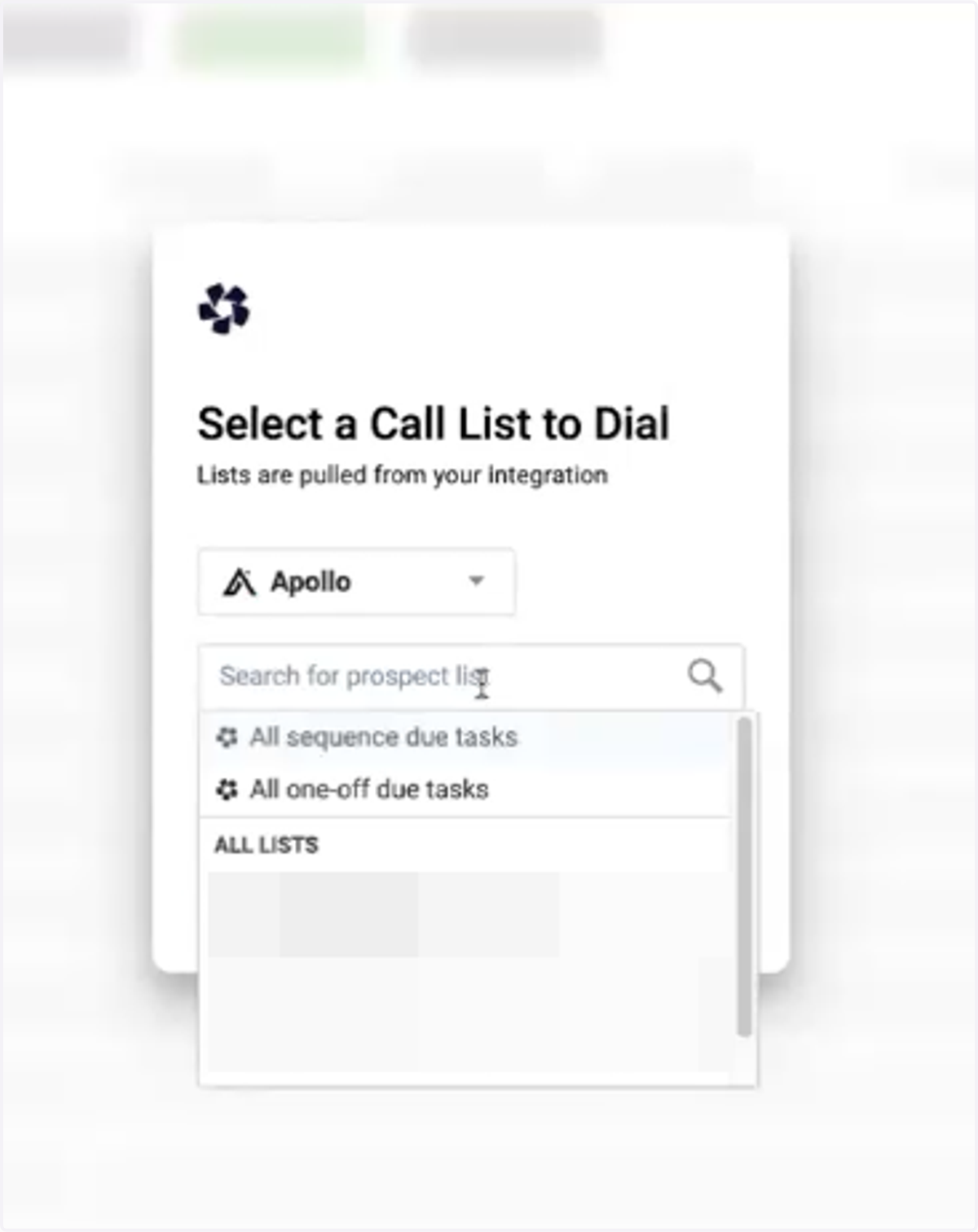
[Orum]: How to log in as an Apollo user
Orum - The Live Conversation Platform
1. Click on Sign in

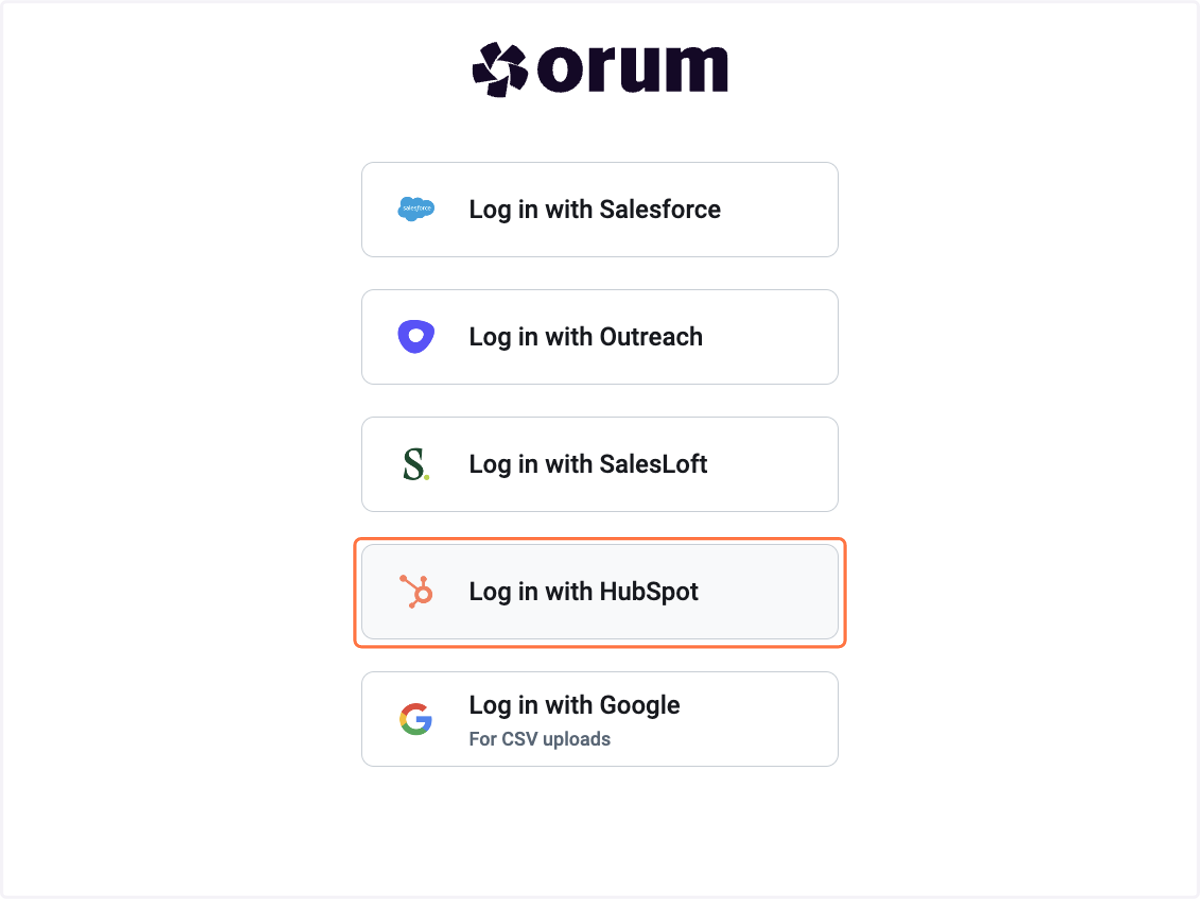
2. Select the integration your CRM or Google account that you were invited through.
You will first need to log in through another integration, and then switch to Apollo.
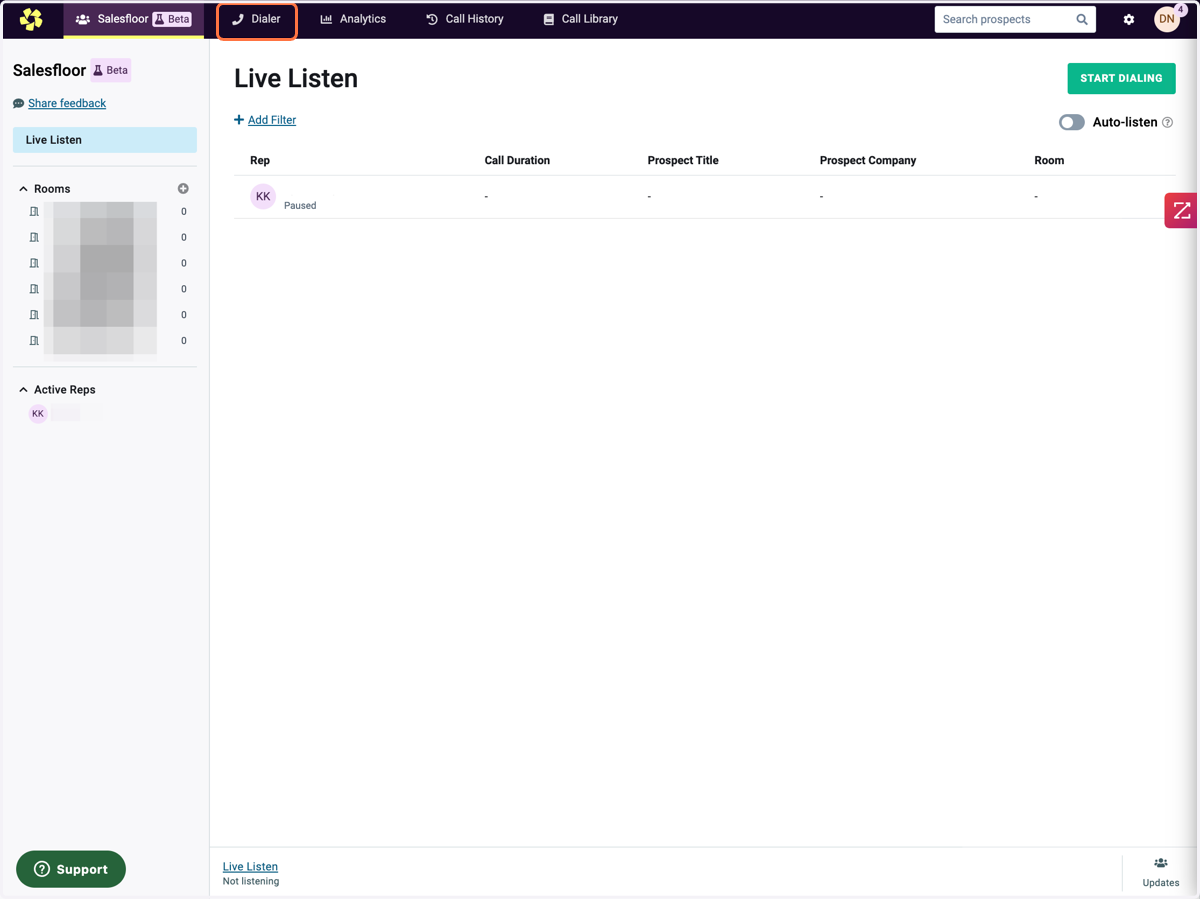
3. When you first log in, you will be taken to the Salesfloor, and need to toggle to the Dialer.
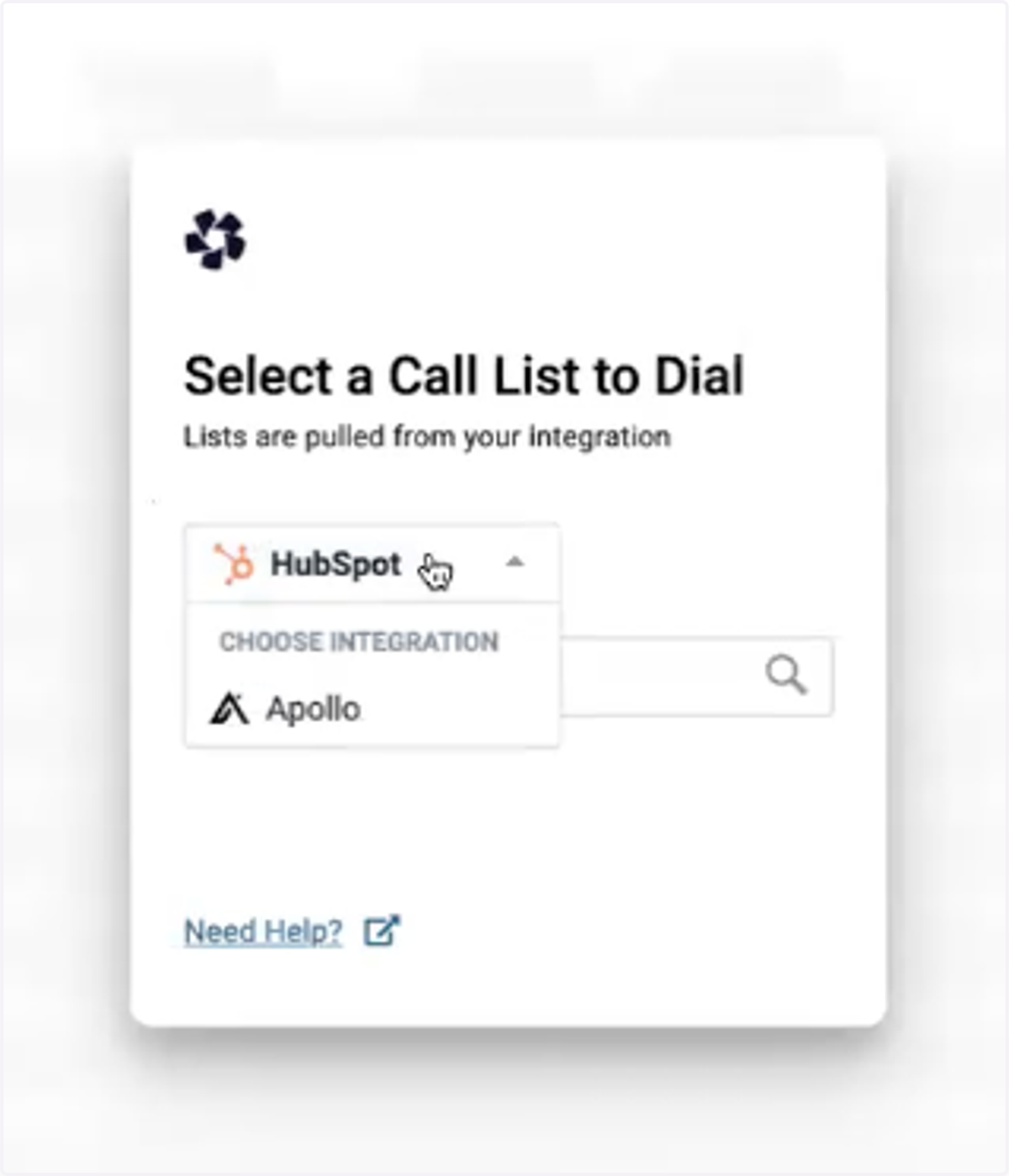
4. Use the drop down to change your integration to Apollo
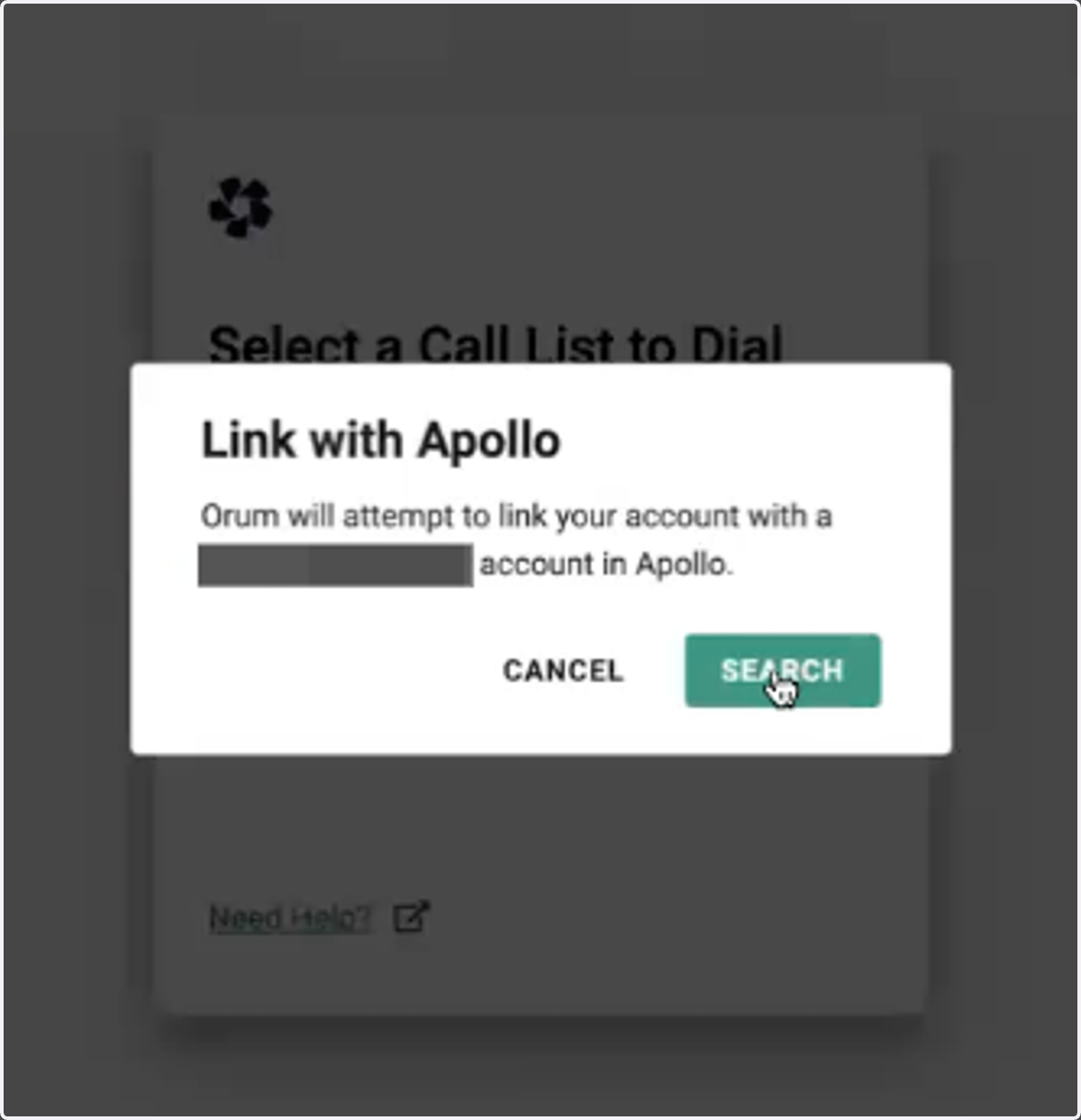
5. Click "Link" and then "Search" to link your account
6. Chose a prospect list to call. You can choose to bring in a single sequence, all sequences, or all one-off due tasks