[Merchant Webapp/Scan Feature] How to Scan a Membership, Gift Cards, or Vouchers
1. After login to your account, Click on Scan
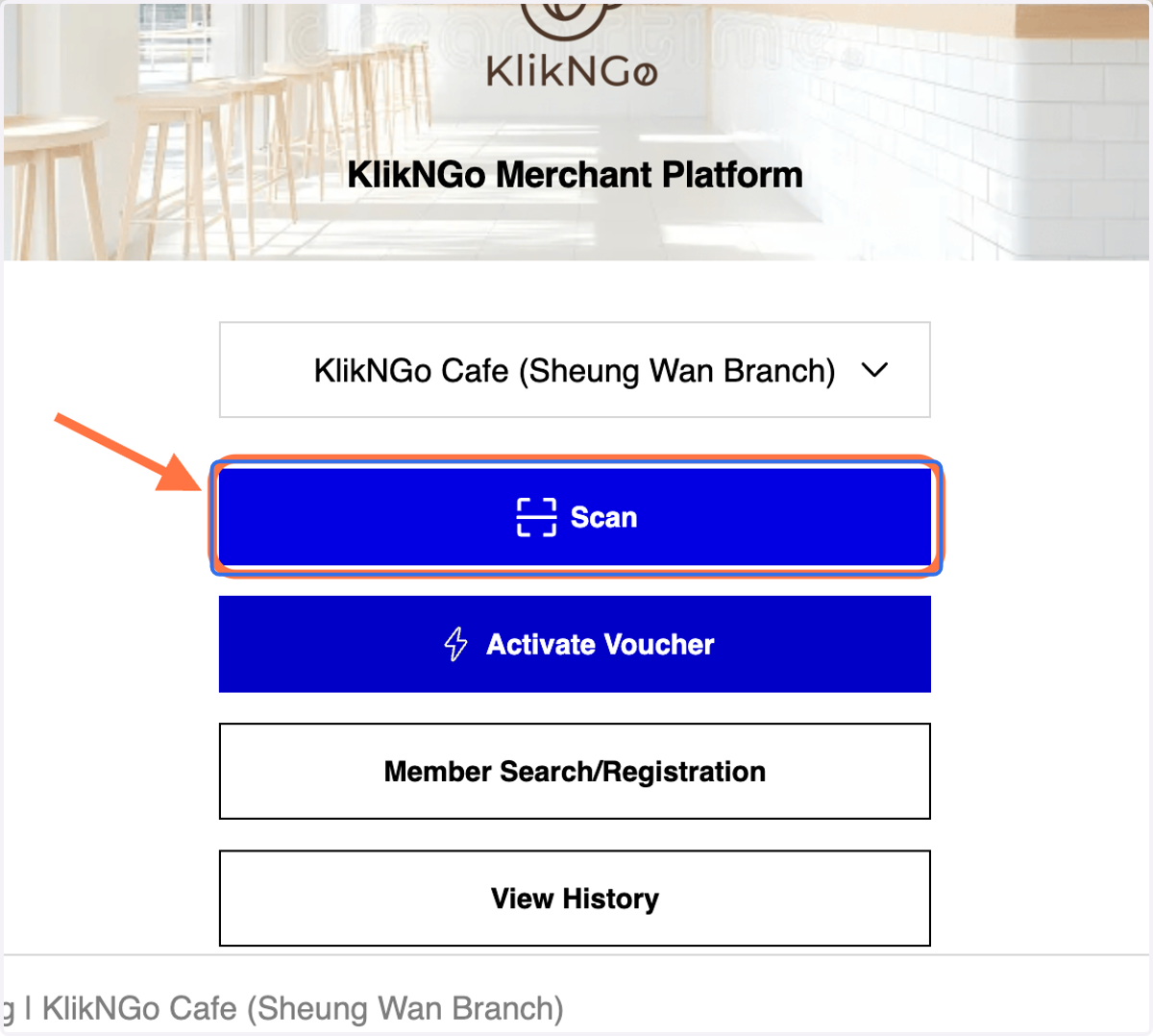
2. A. Click on 'A' to scan membership/voucher/gift card QR
2. B. Click on 'B' to insert code to access to membership/voucher/gift card
2. C. Click on 'C' to upload image/file (QR) to access membership/voucher/gift card
You may use either one of the features to search a membership/voucher/gift card
