[Merchant Webapp/Member Search or Registration] How to Search a Member / Register a Membership
Member Search
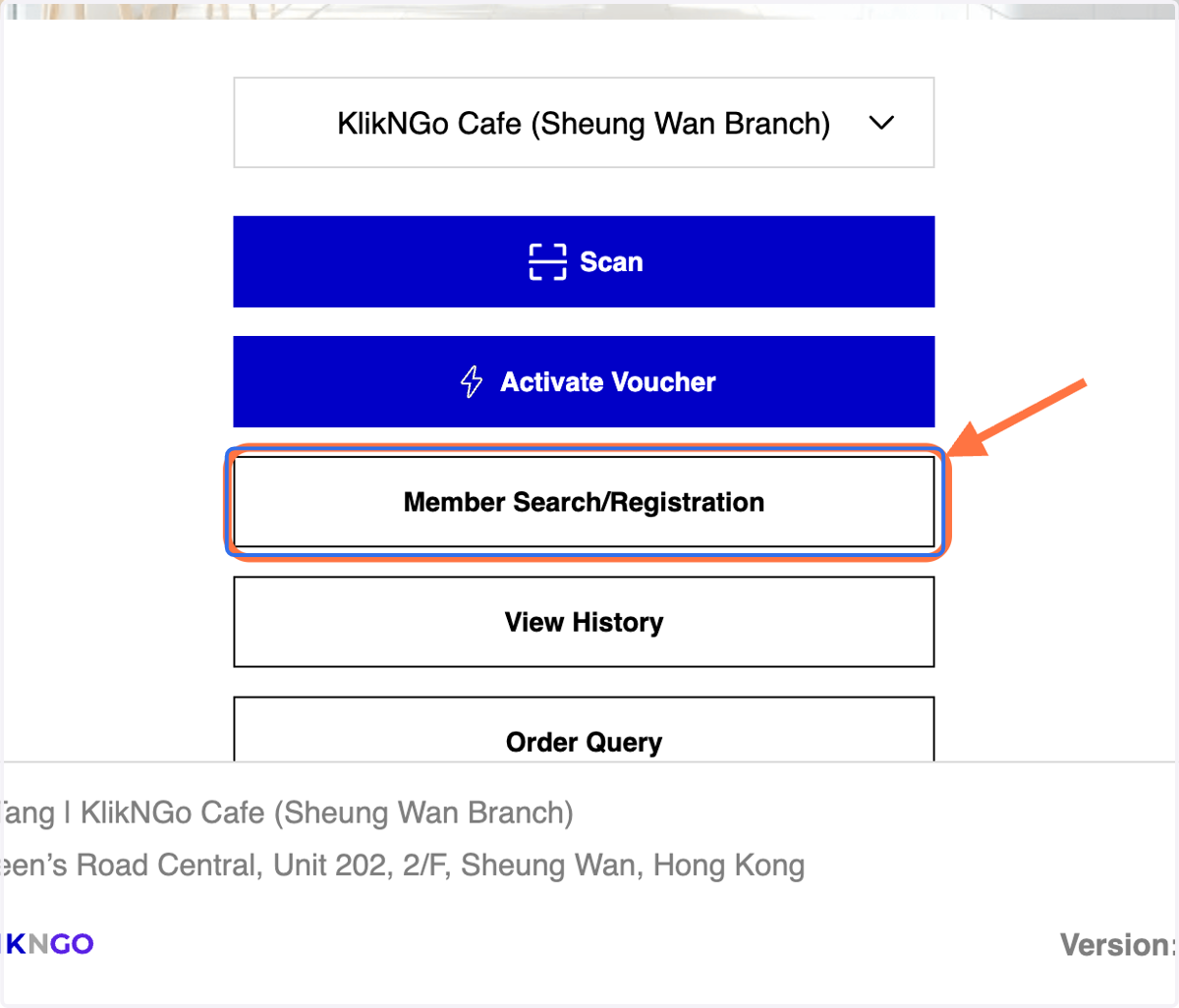
1. Click on Member Search/Registration
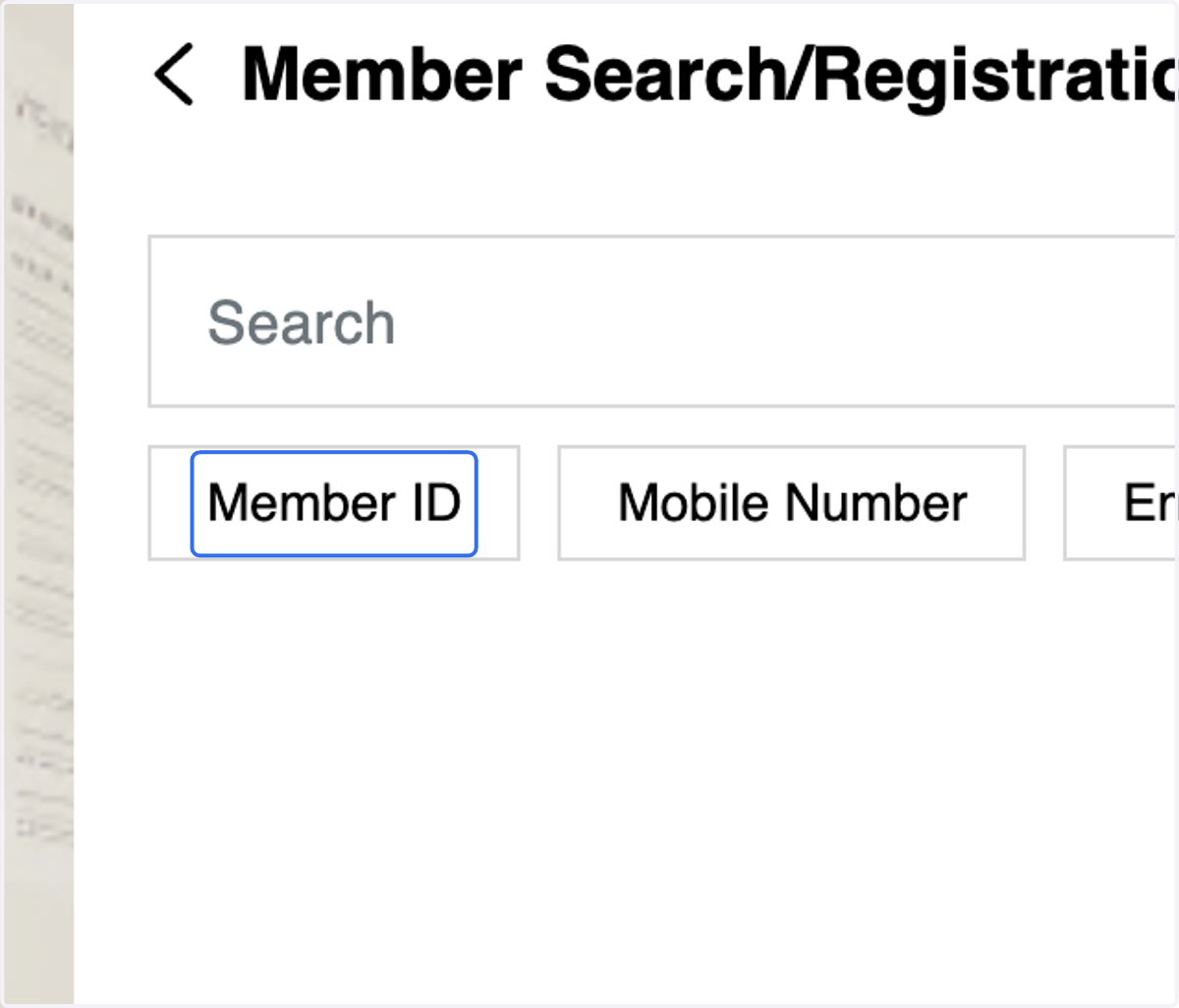
Method: You can either search a member via entering the member id / mobile number/ email.
2. Method 1: Click on Member ID tab
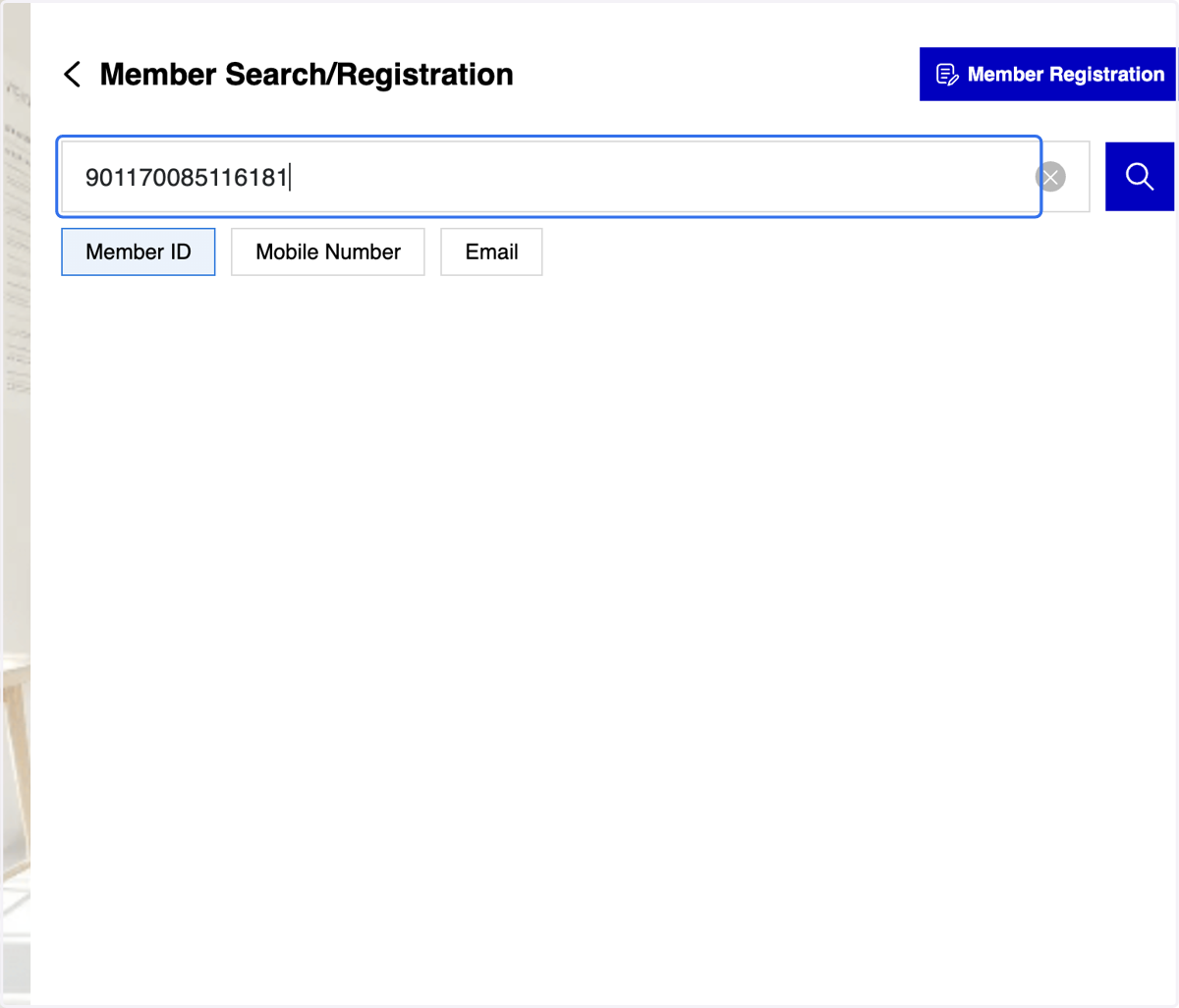
3. Fill in the member ID
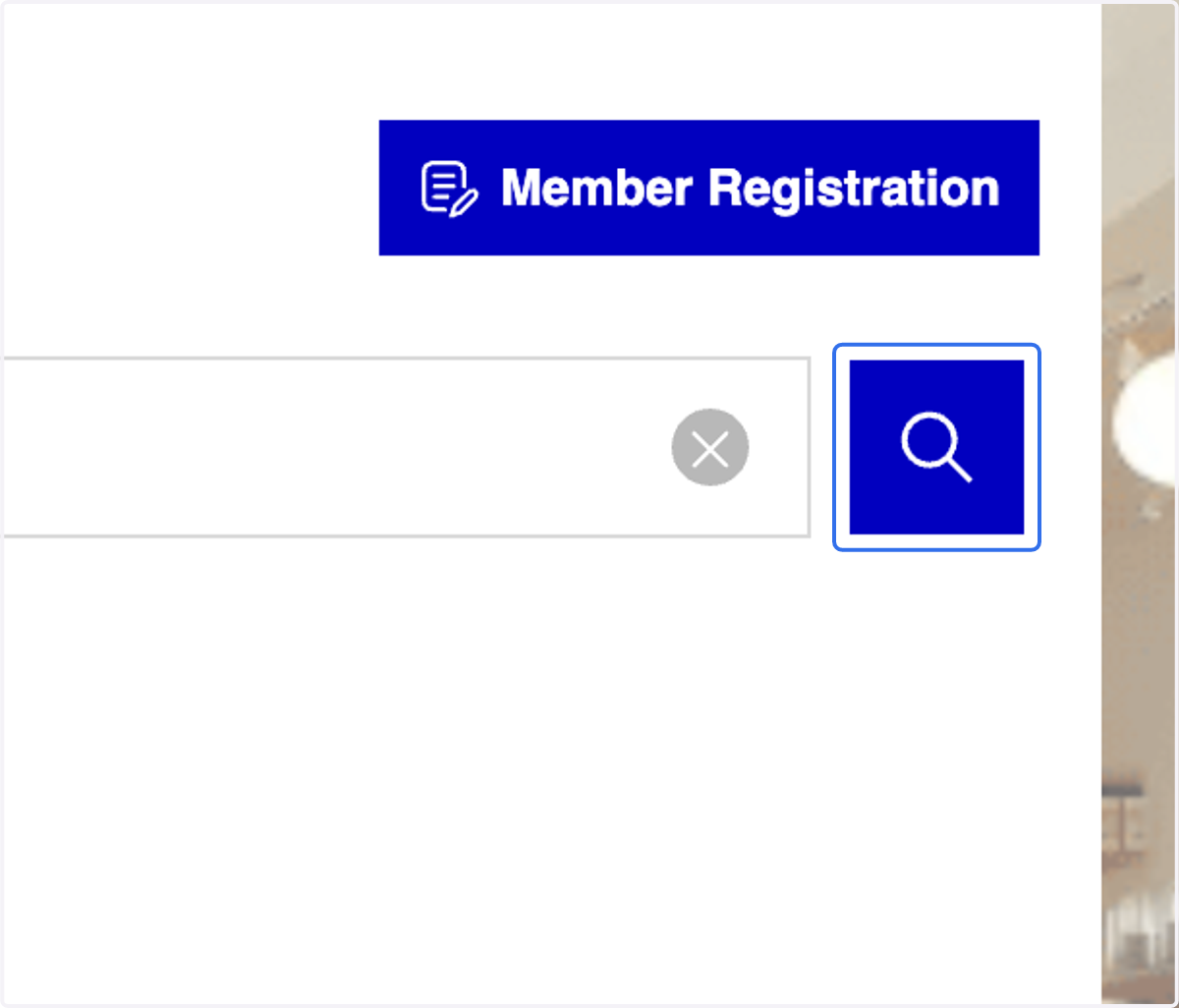
4. Click on "Search" icon
5. Click on the member's ID
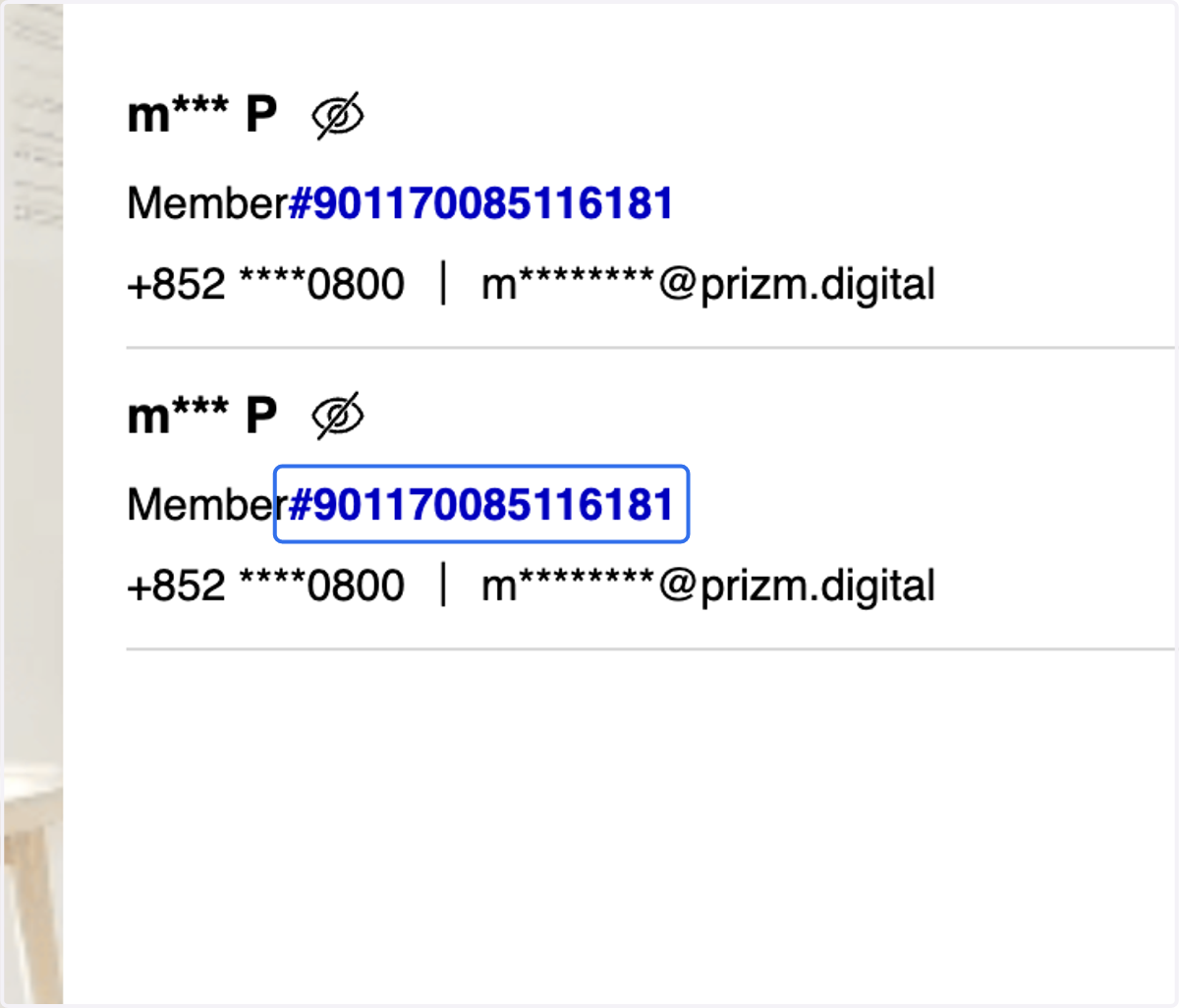
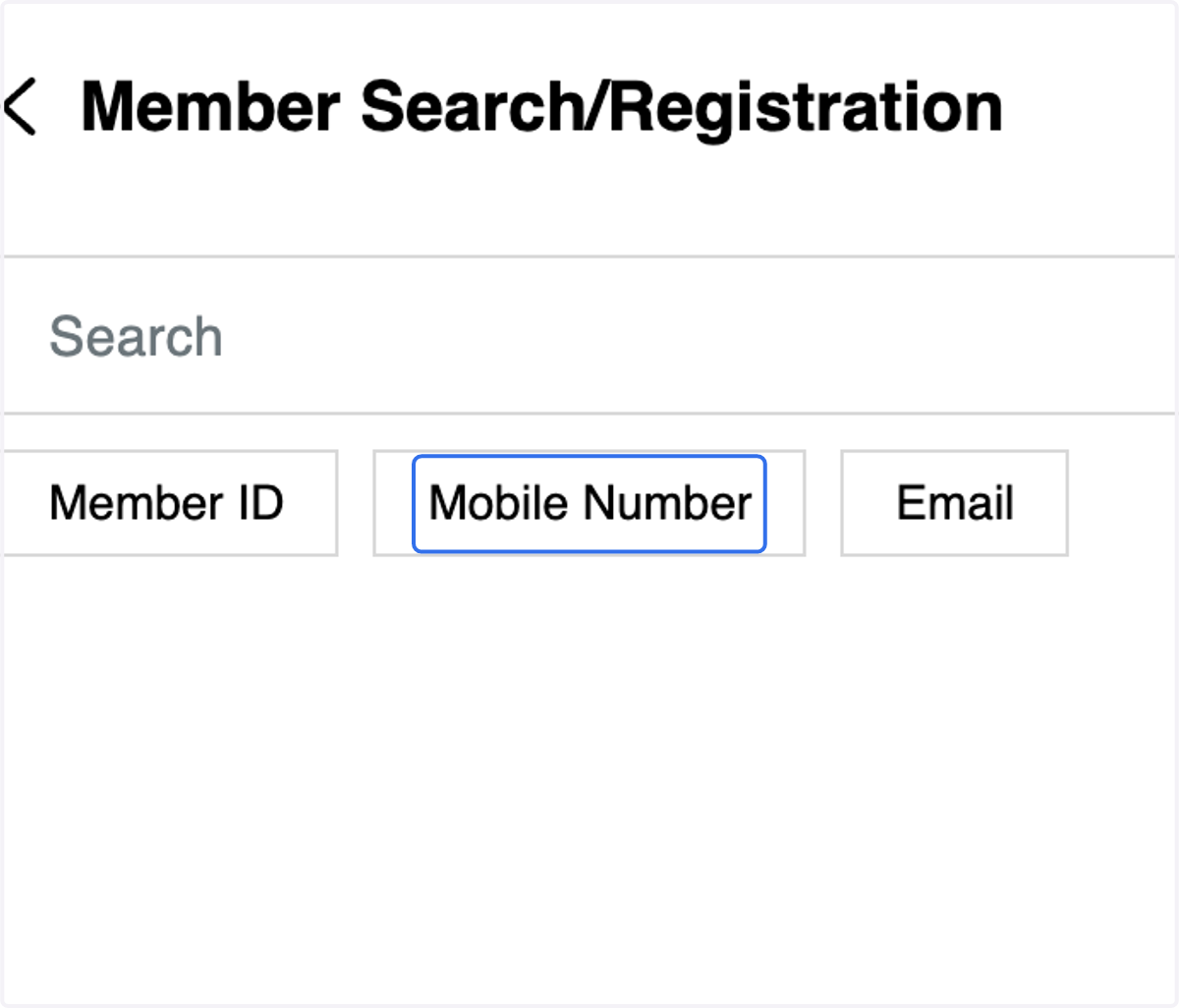
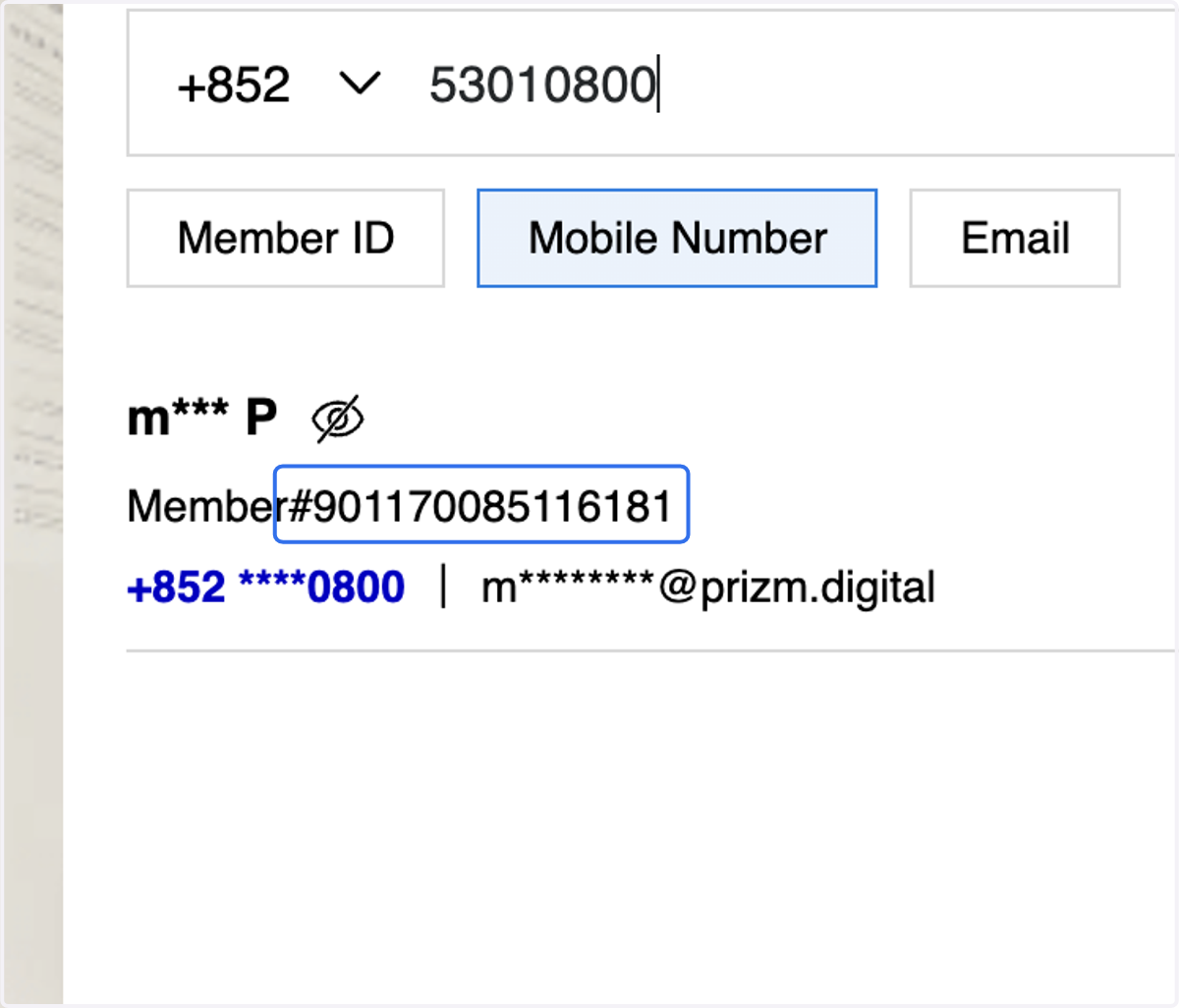
6. Method 2: Click on Mobile Number tab
7. Fill in your member registered mobile number
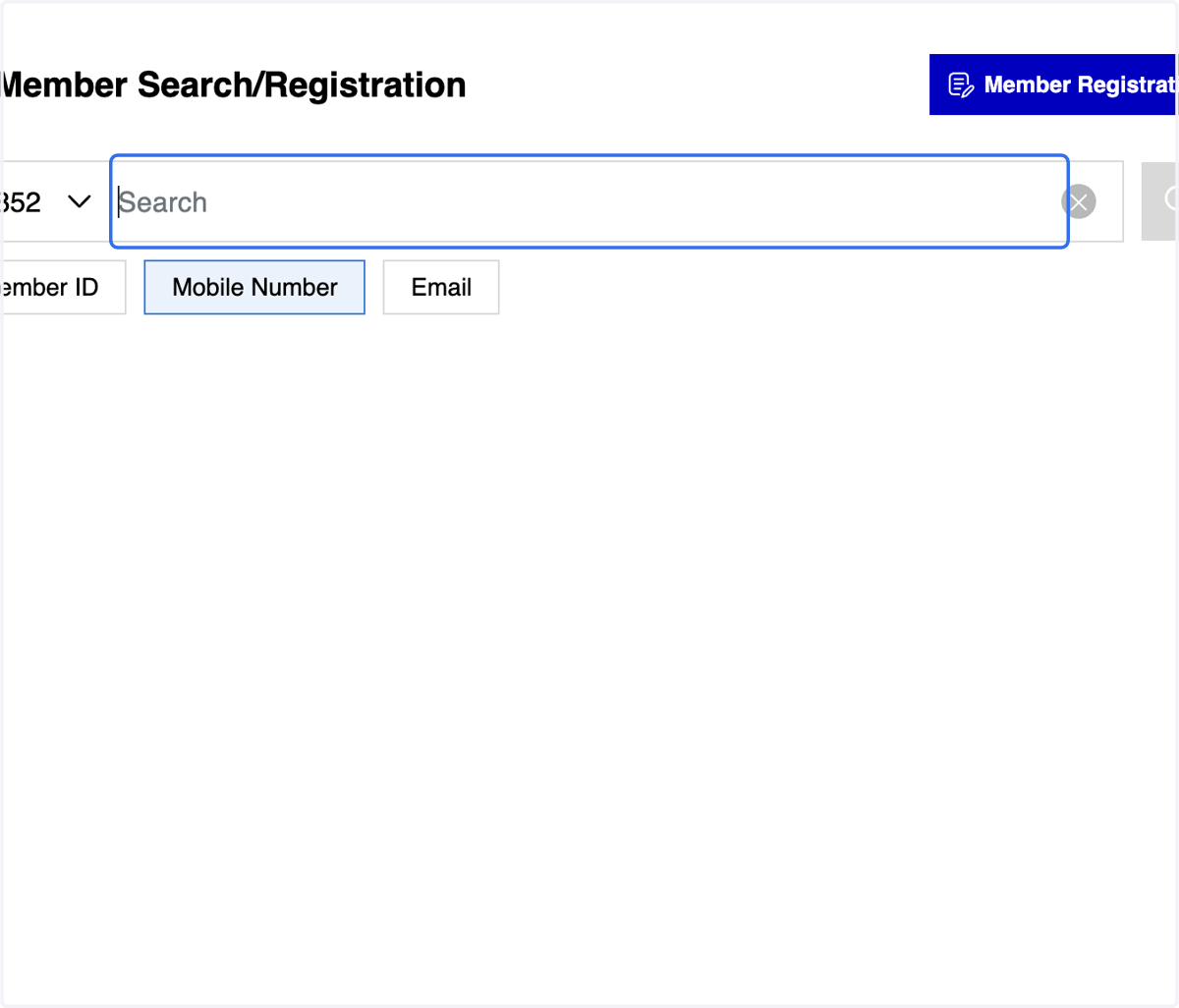
Member Registration
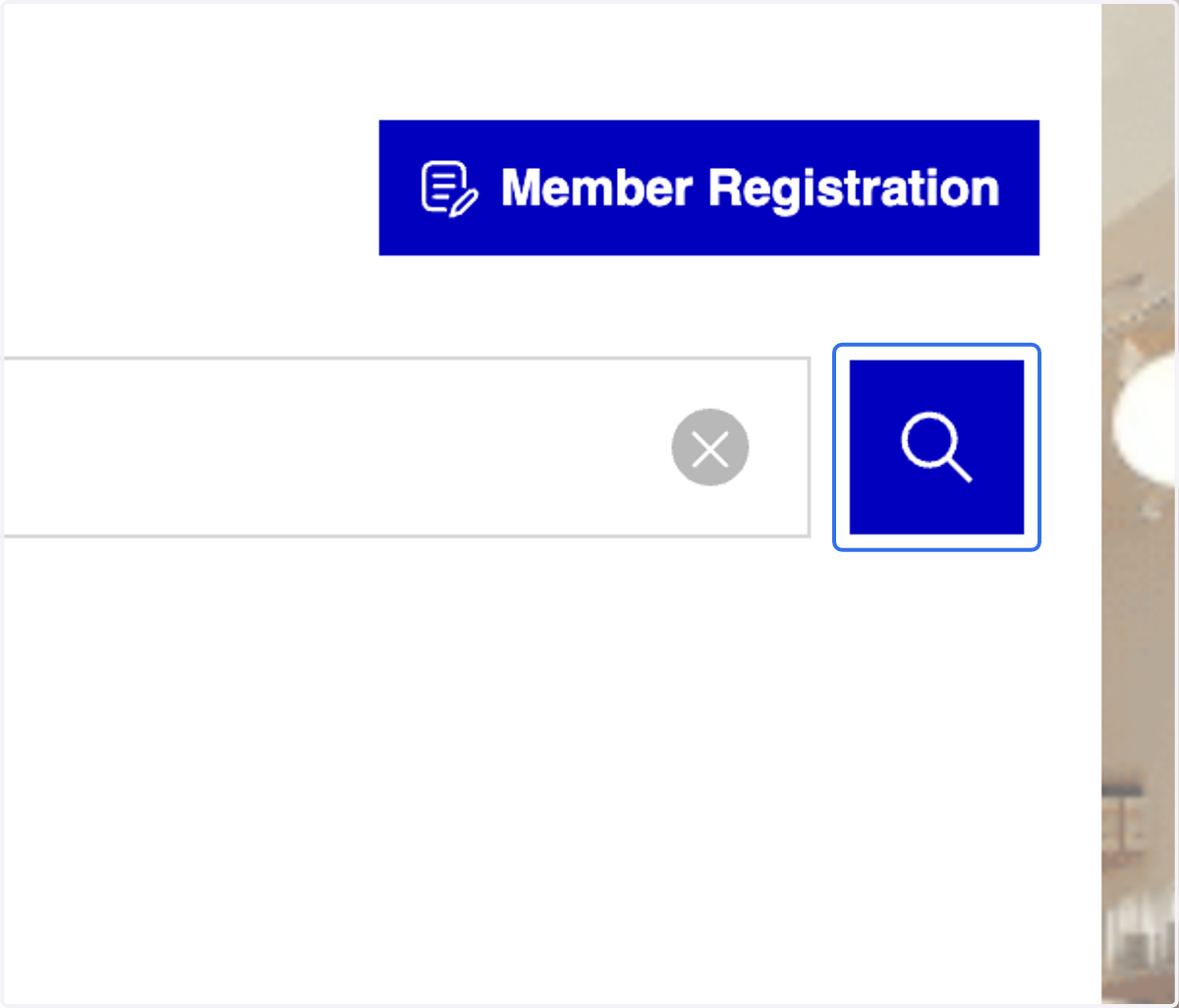
8. Click on "Search" icon
9. Click on the member's ID
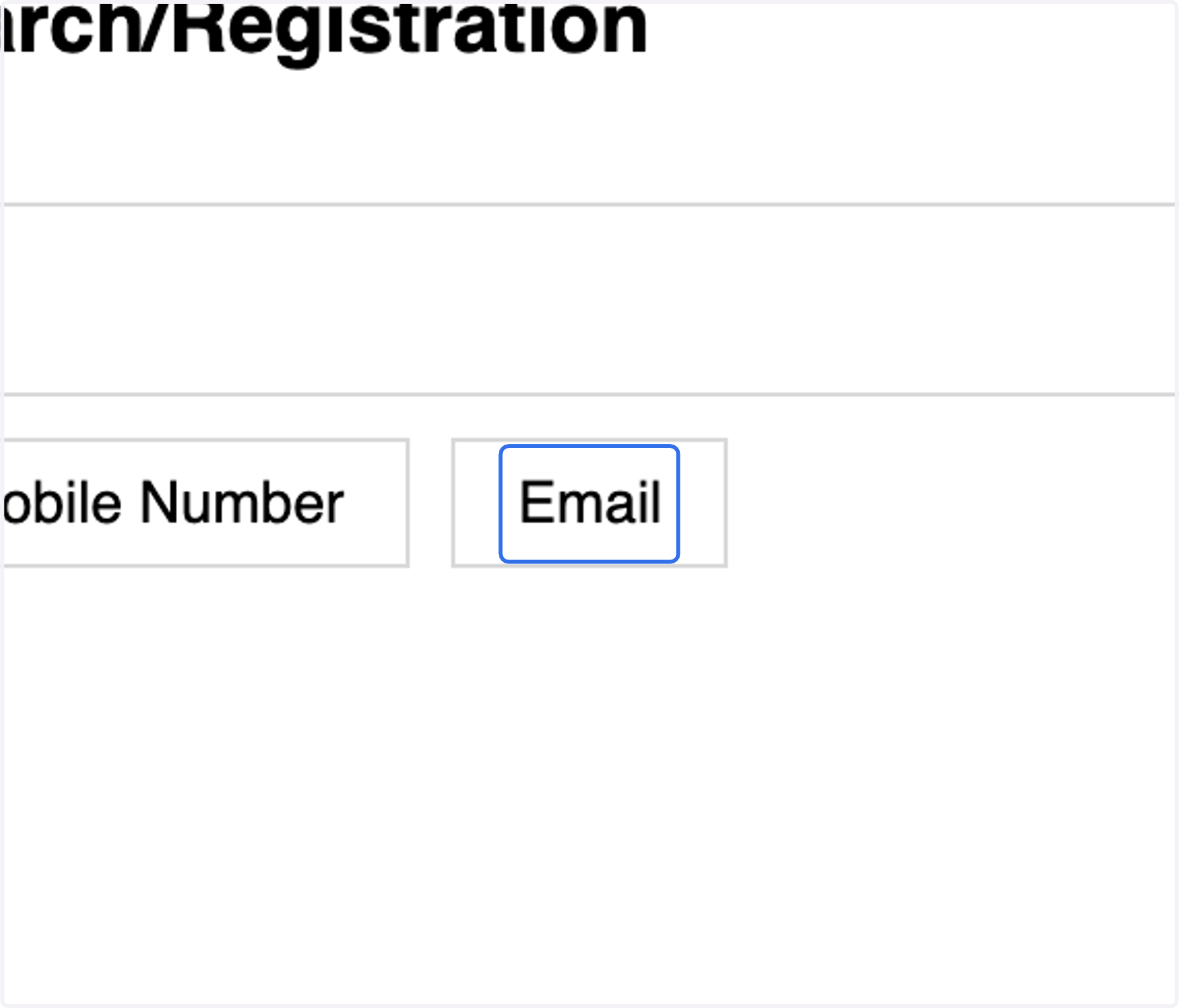
10. Method 3: Click on Email tab
11. Fill in your member registered email
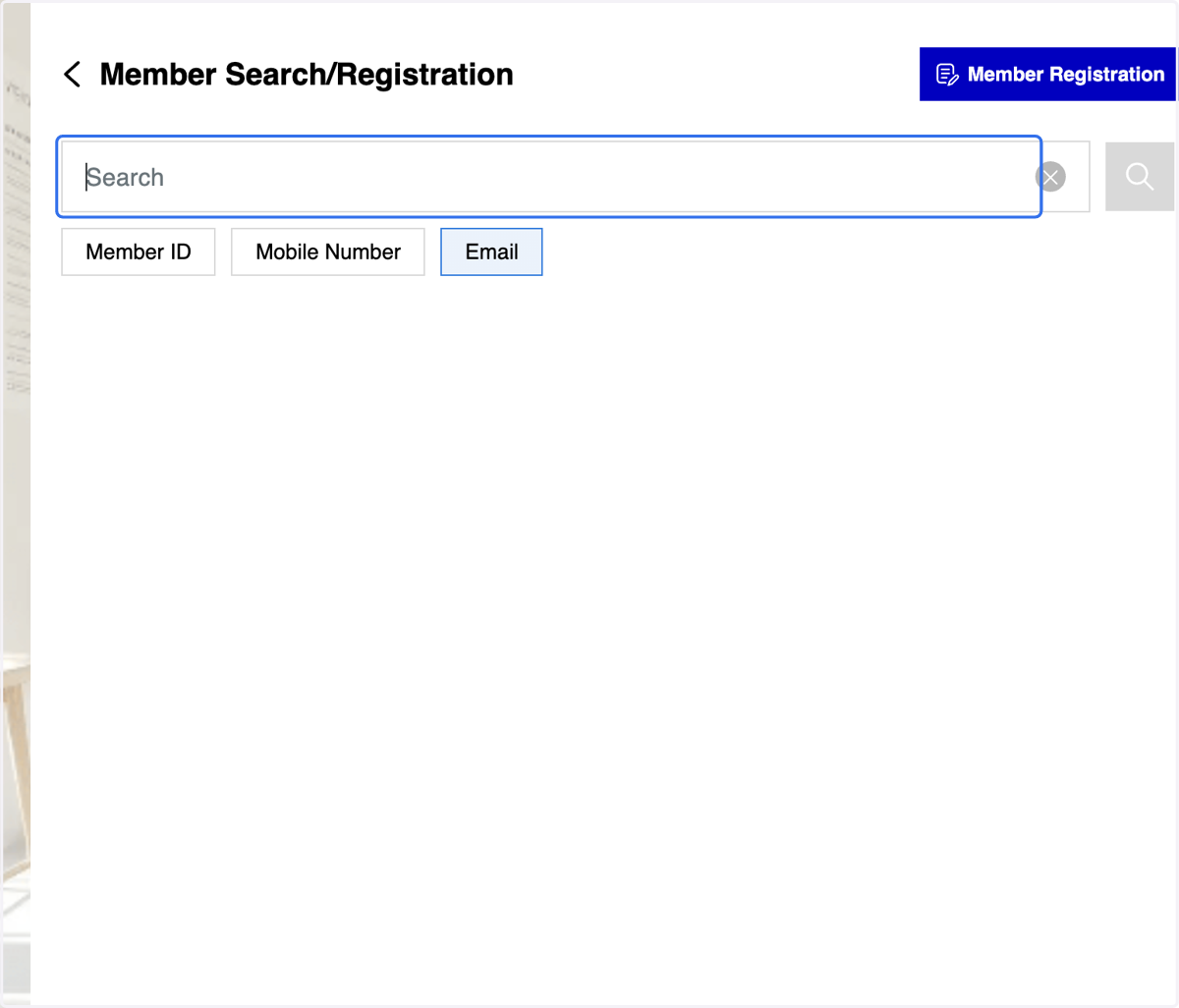
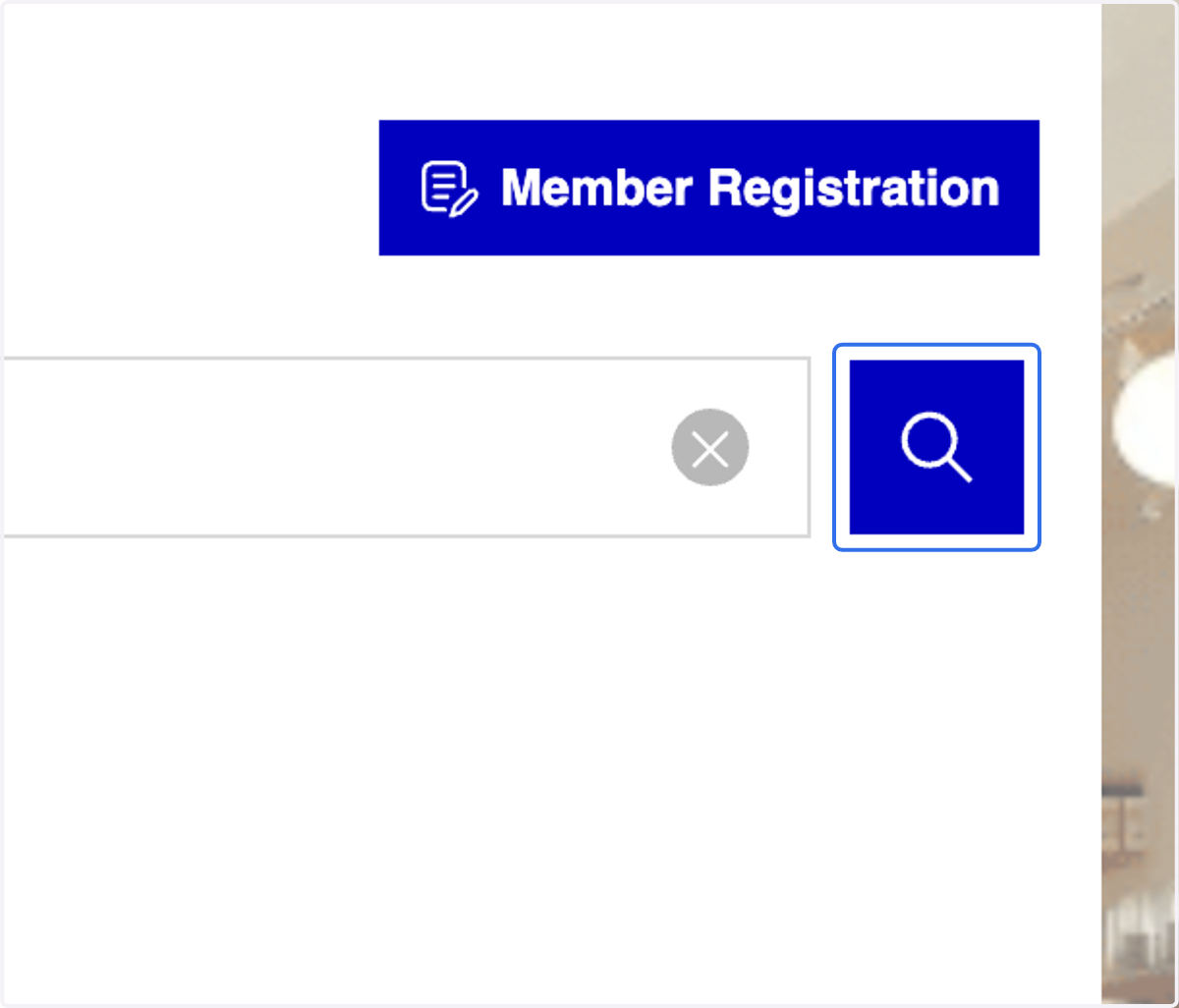
12. Click on "Search" icon
13. Click on the member's ID
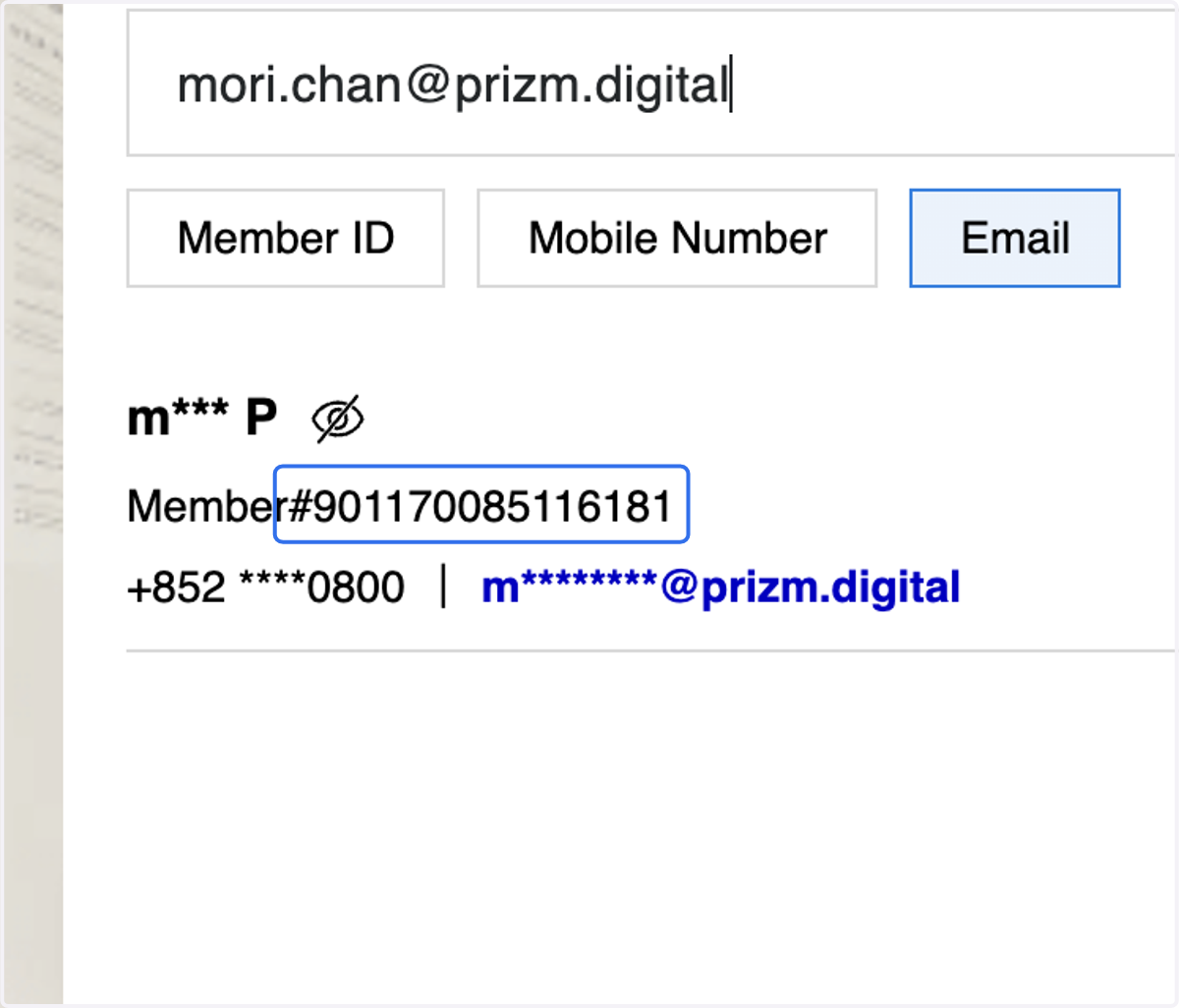
14. All three methods will direct you to the membership page
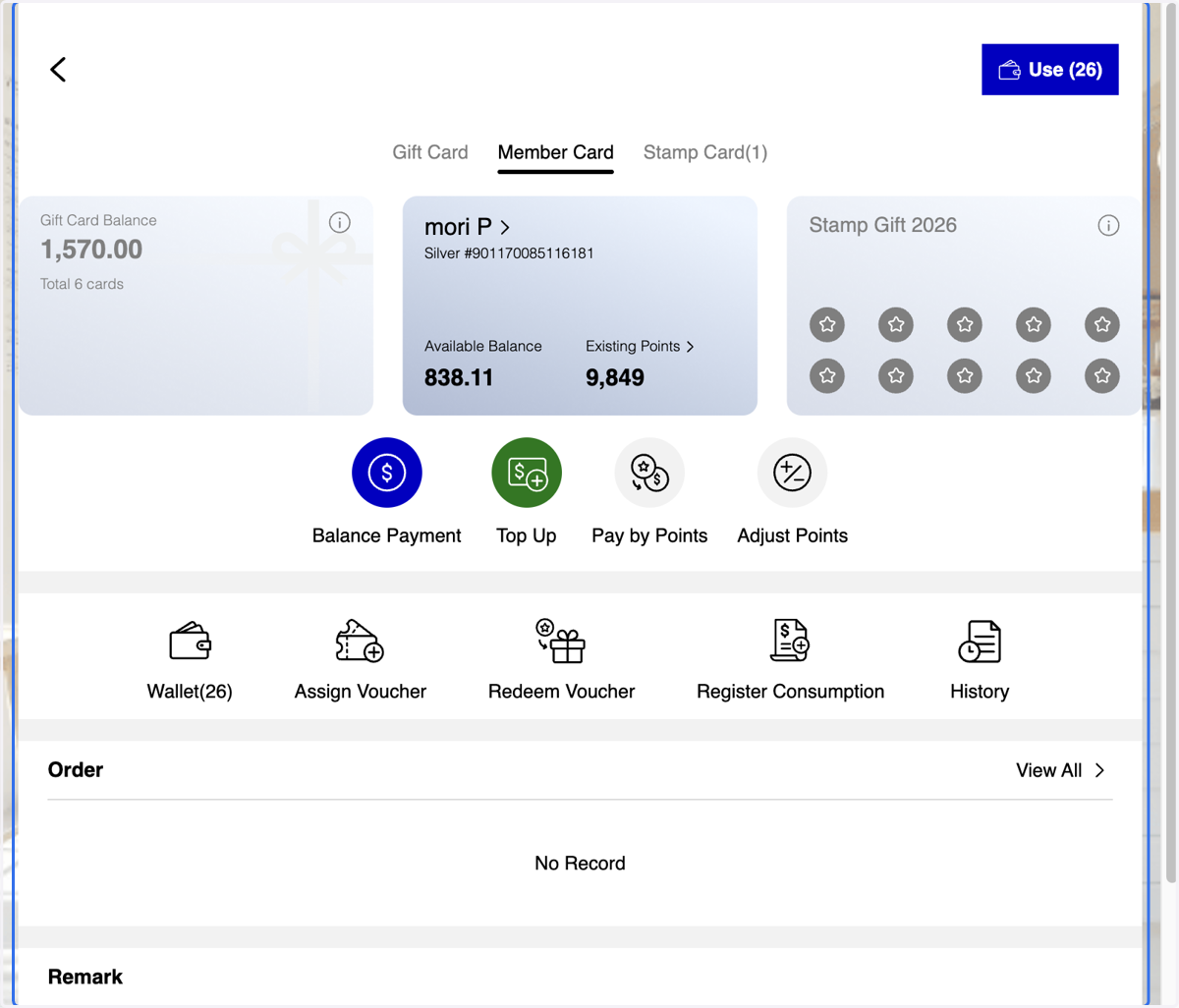
15. Click on Member Registration button
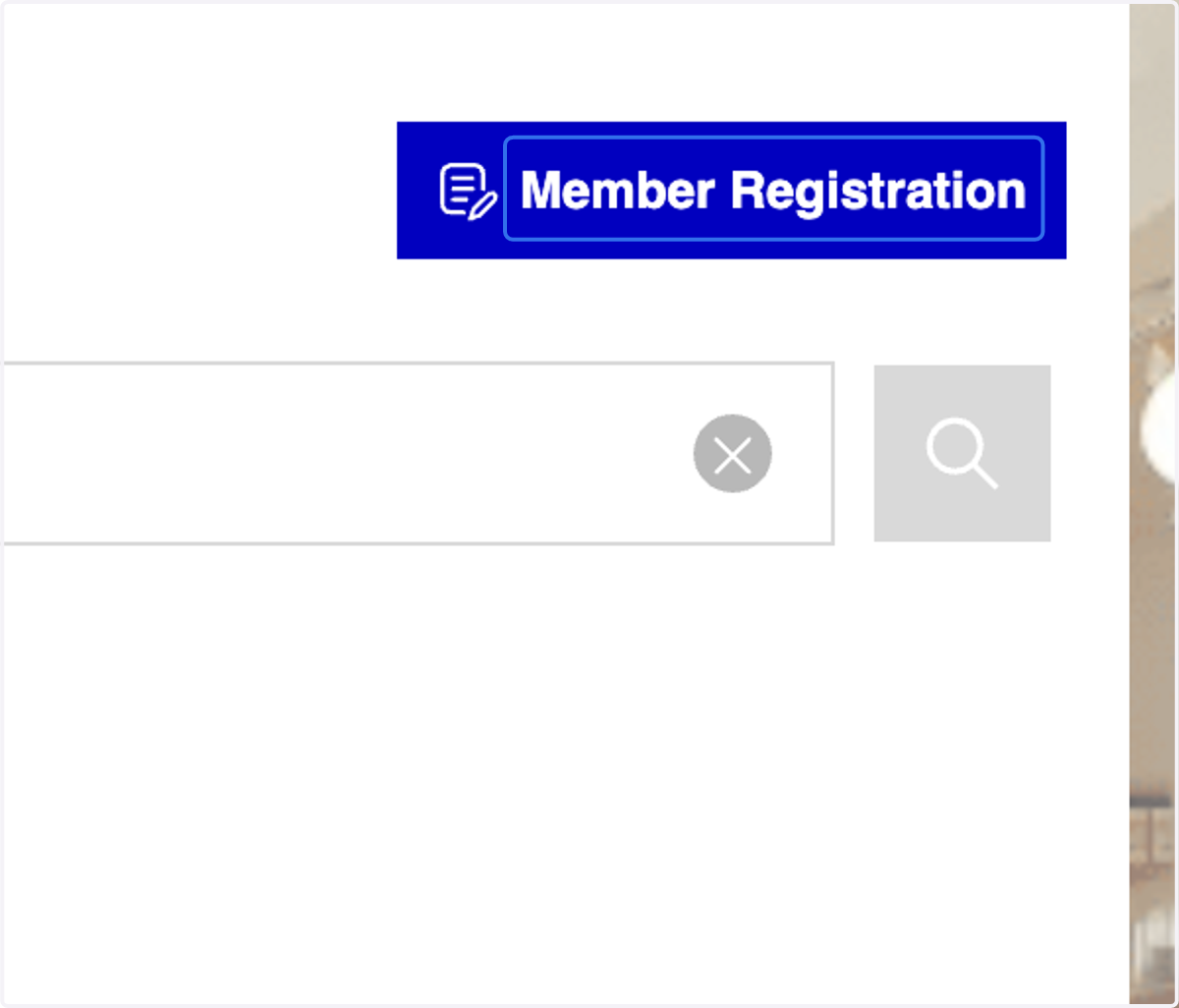
16. 3 Registration Methods: You can register a member by scanning a QR code, sending a registration link, or completing the Member Registration form directly.
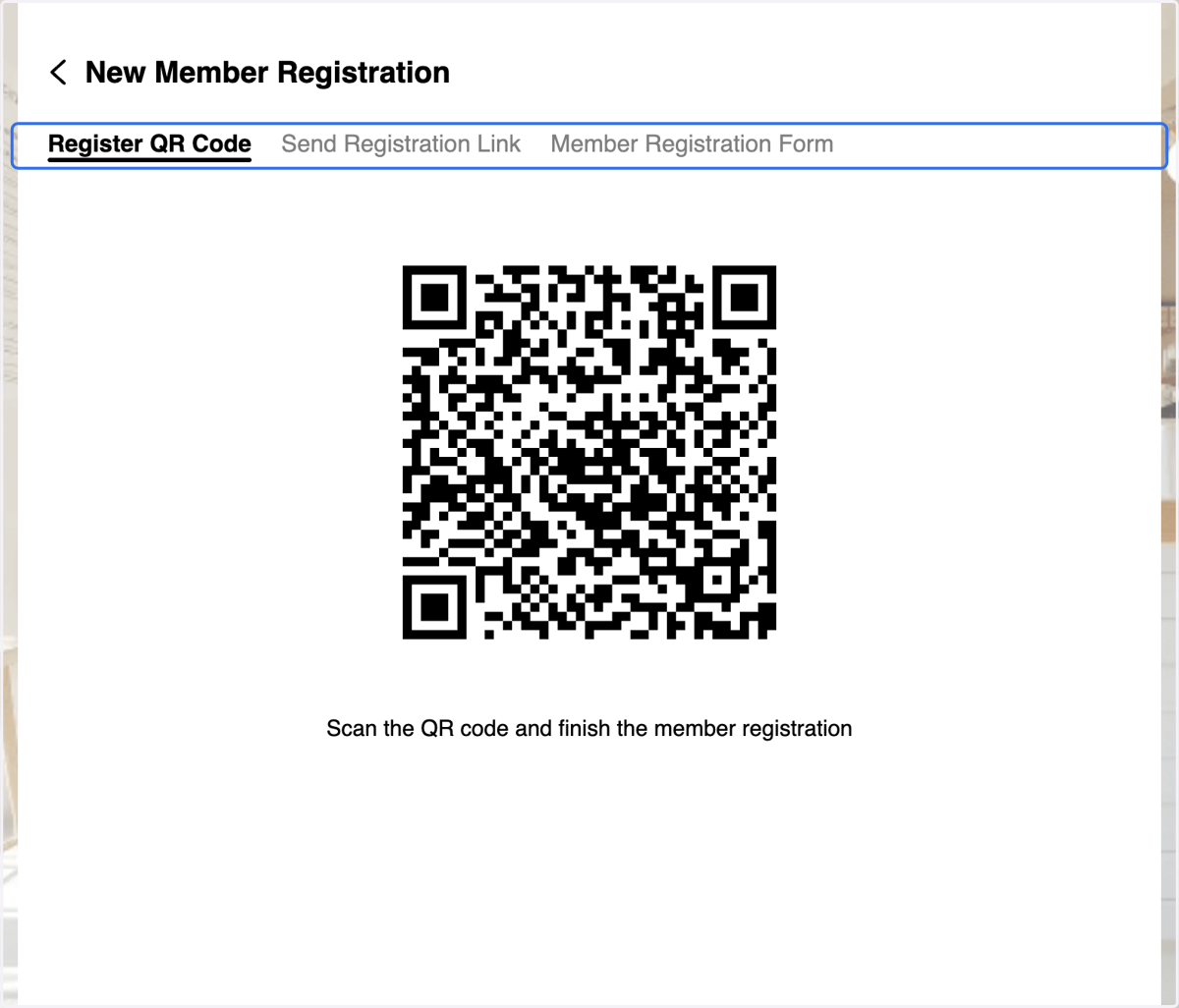
17. Method 1: Click on Register QR Code tab & scan the QR code
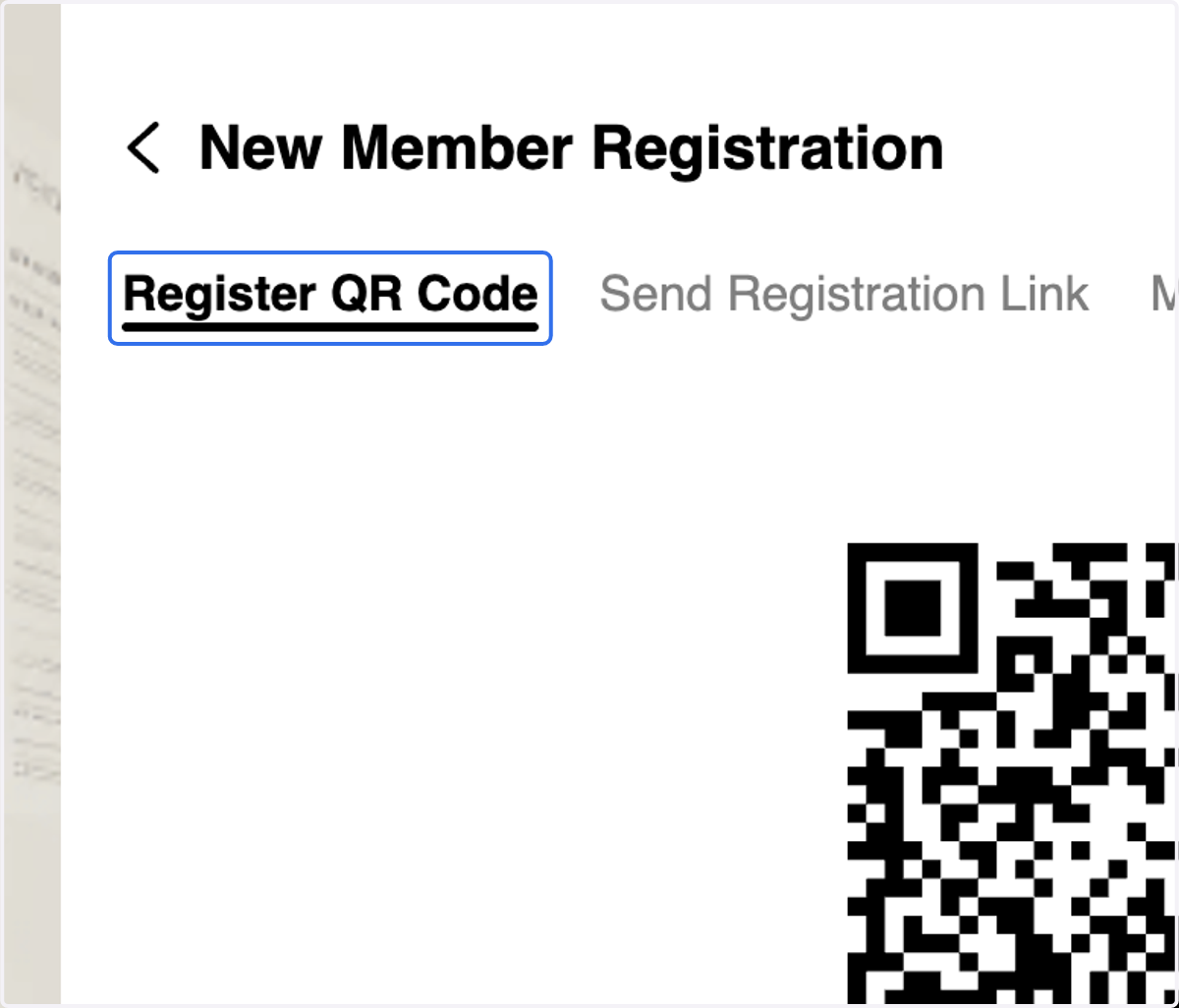
18. Method 2: Click on Send Registration Link tab
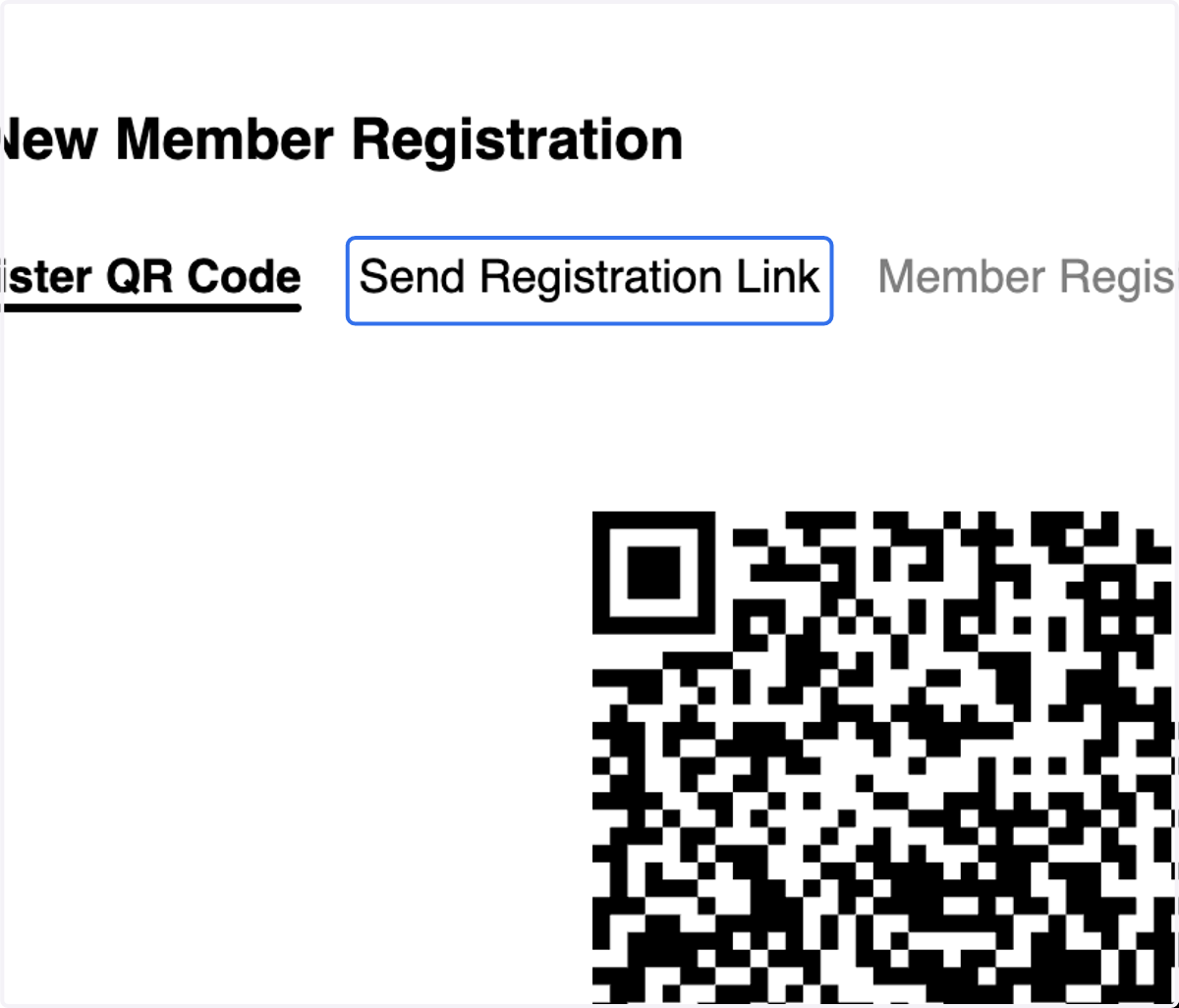
19. A. Select Send via Mobile or Email
19. B. Click on Confirm Send
Method 2

20. Method 3: Click on Member Registration Form tab
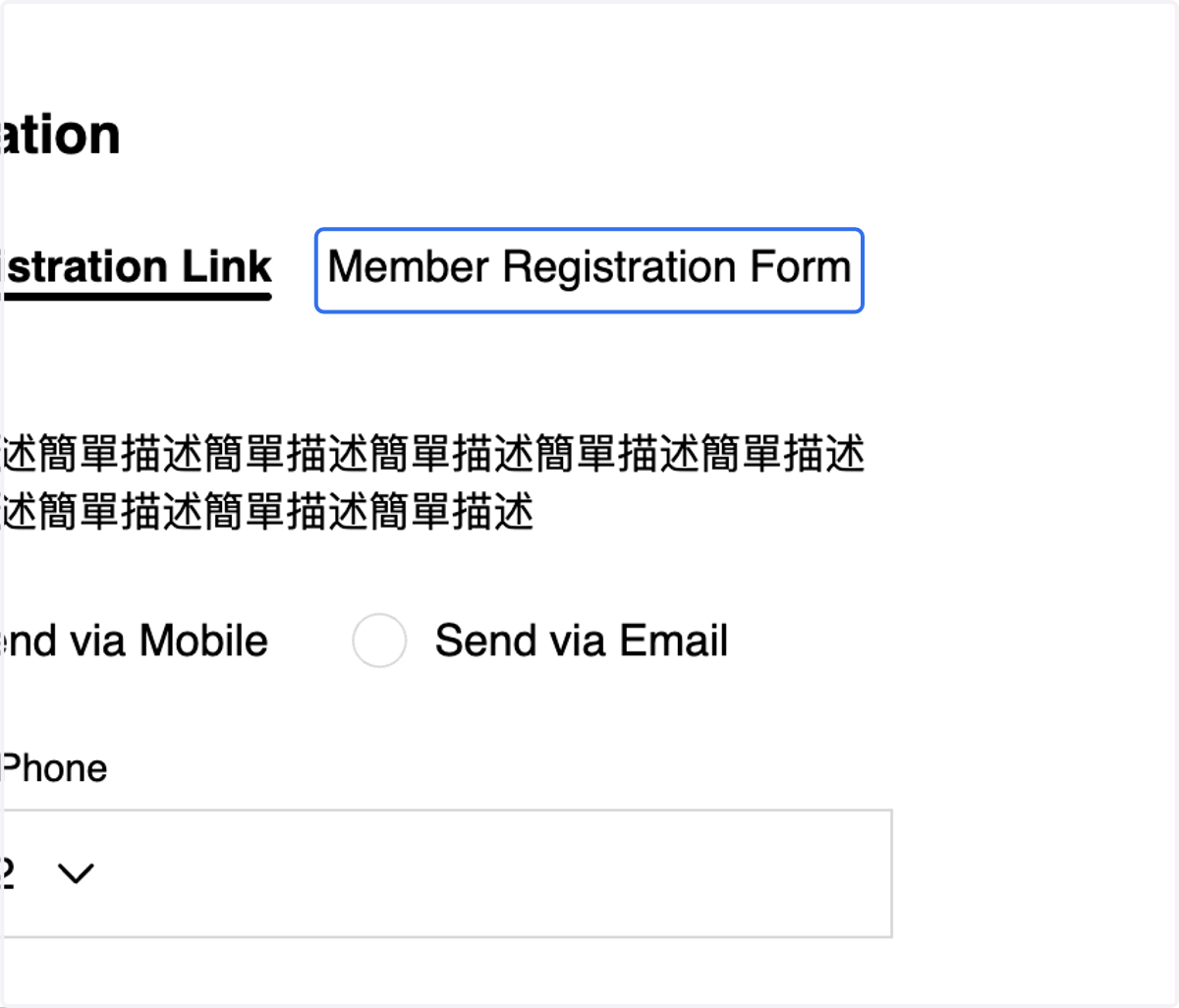
21. Fill in the form
Method 3
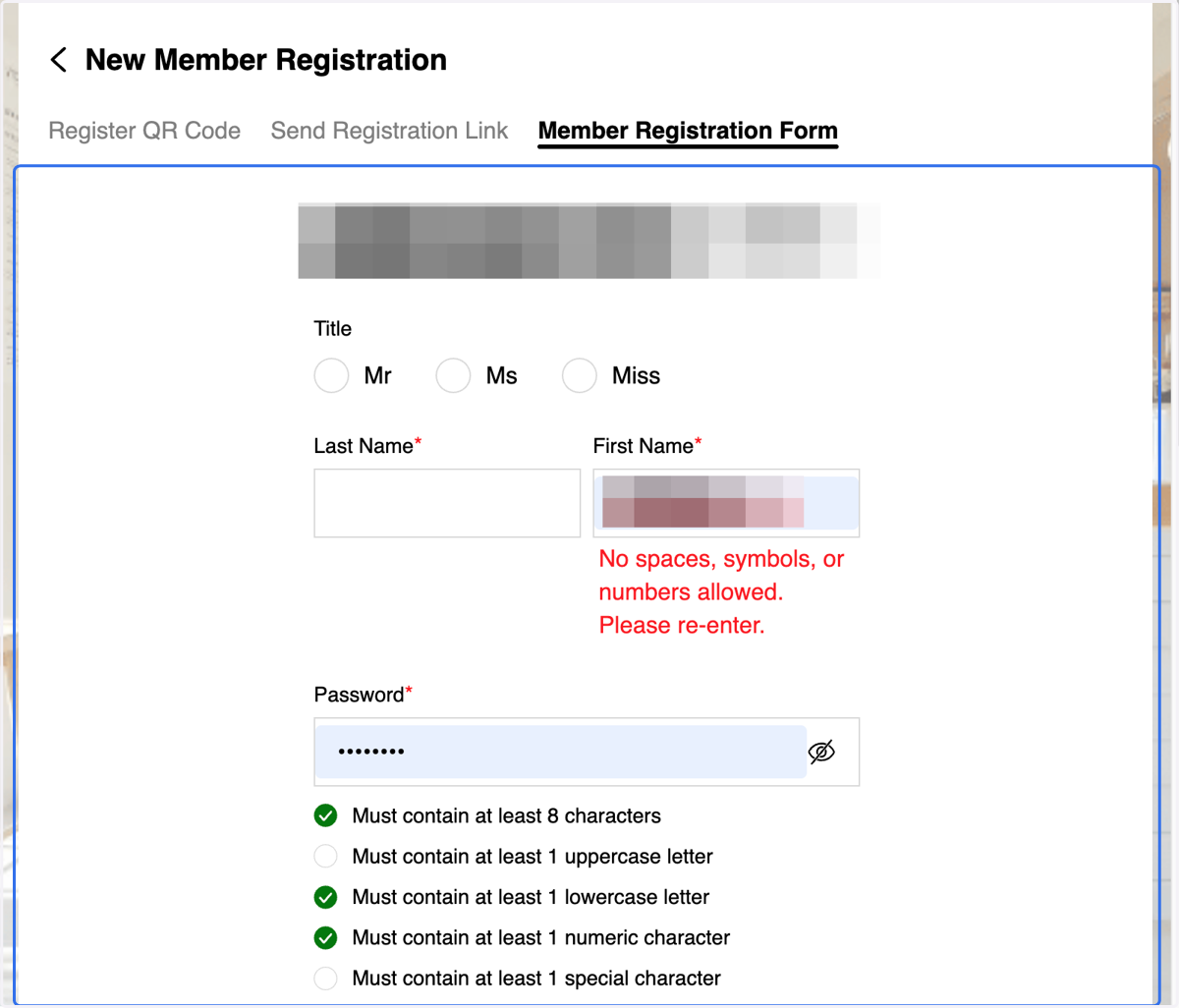
22. A. Tick the checkbox
22. B. Click on Confirm Registration
Method 3
