[Merchant Webapp/Member Card] How to Add/Deduct Points Manually
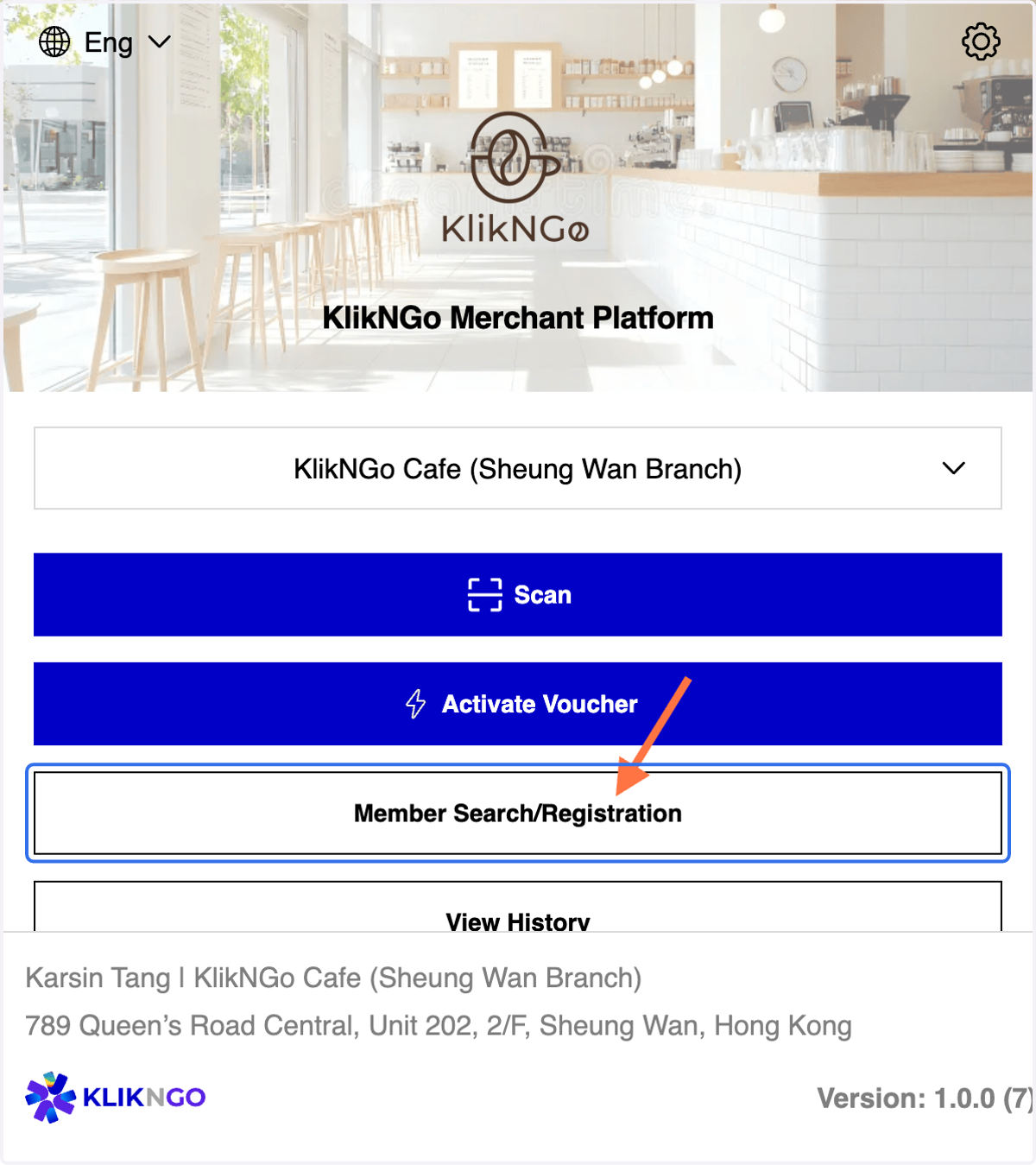
1. Click on Member Search/Registration
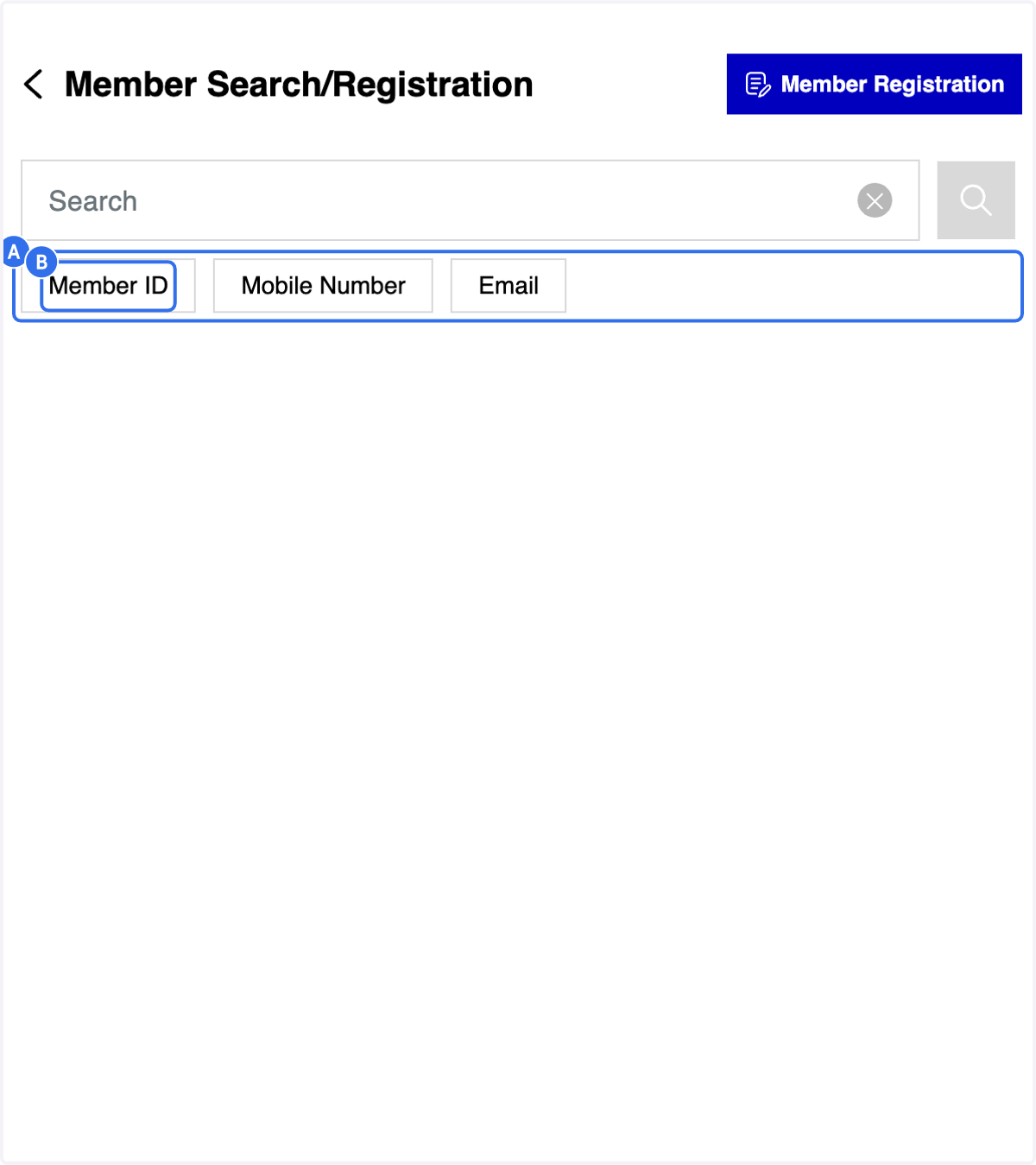
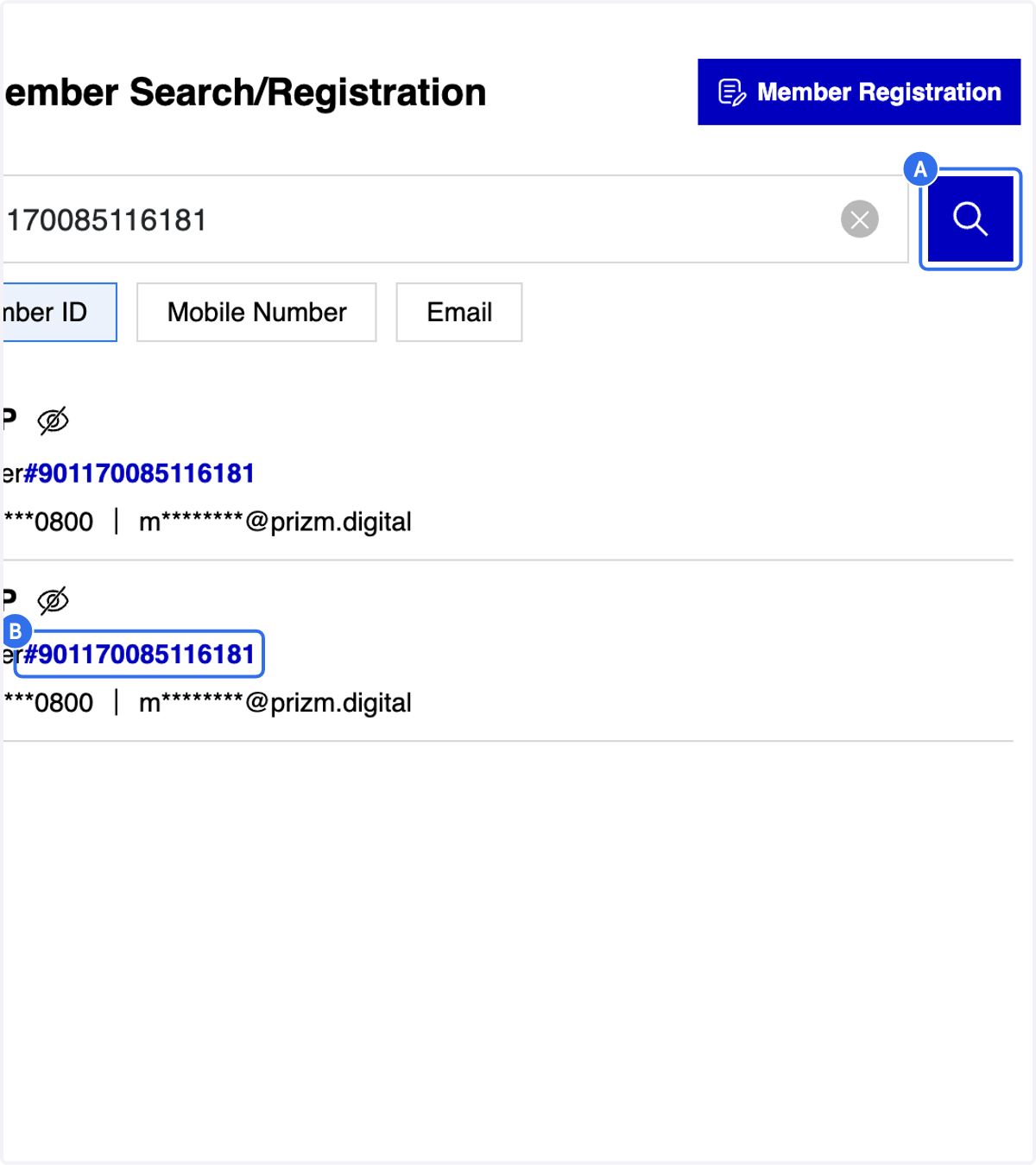
2. A. You may search member via member ID/ mobile number /email
2. B. Click on Member ID tab
3 Methods for Member Search (A)
3. Fill in the member ID
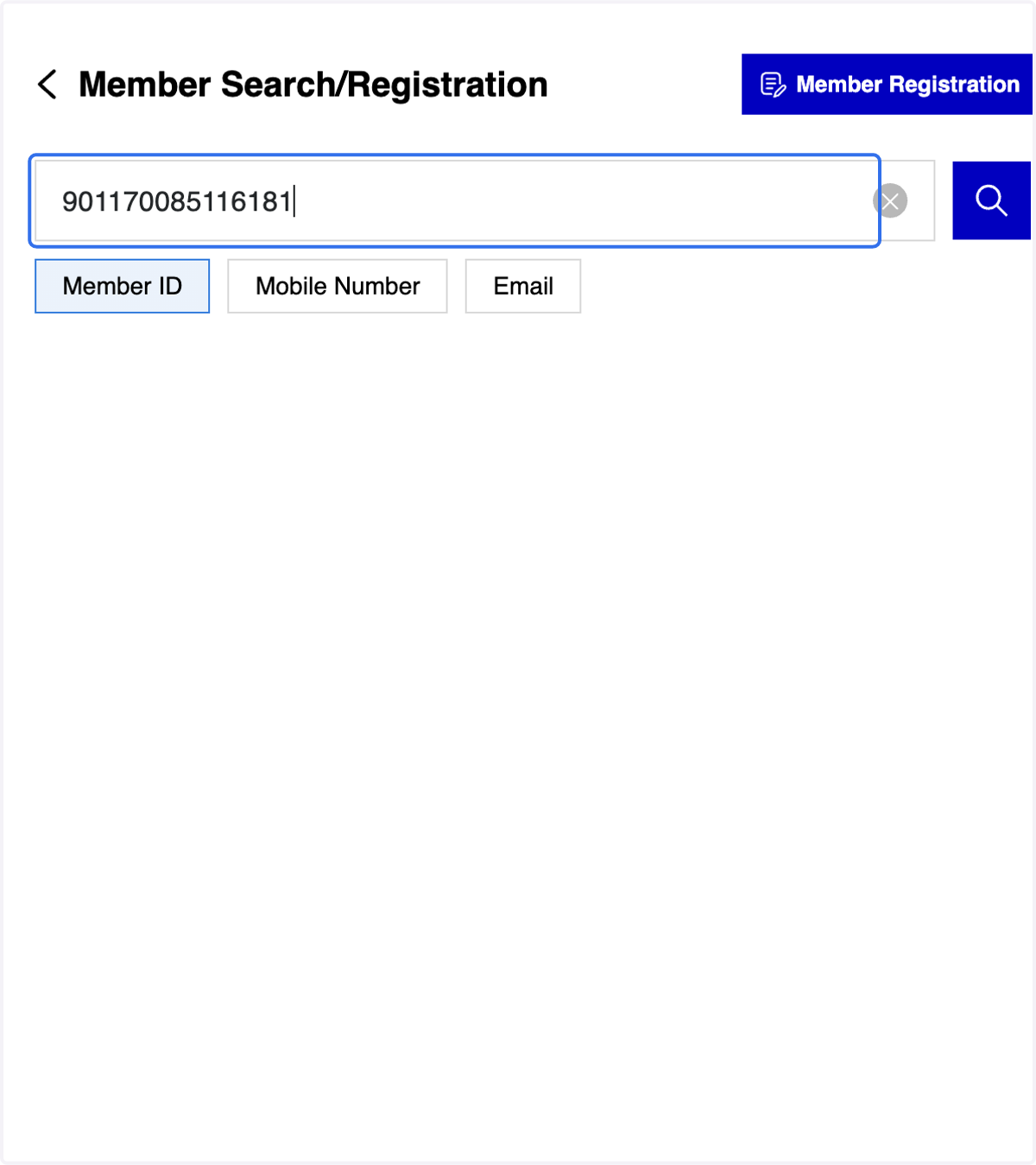
4. A. Click on "Search" icon
4. B. Click on the selected member ID
5. After selecting the Member ID, you will be directed to the Member Profile Overview page
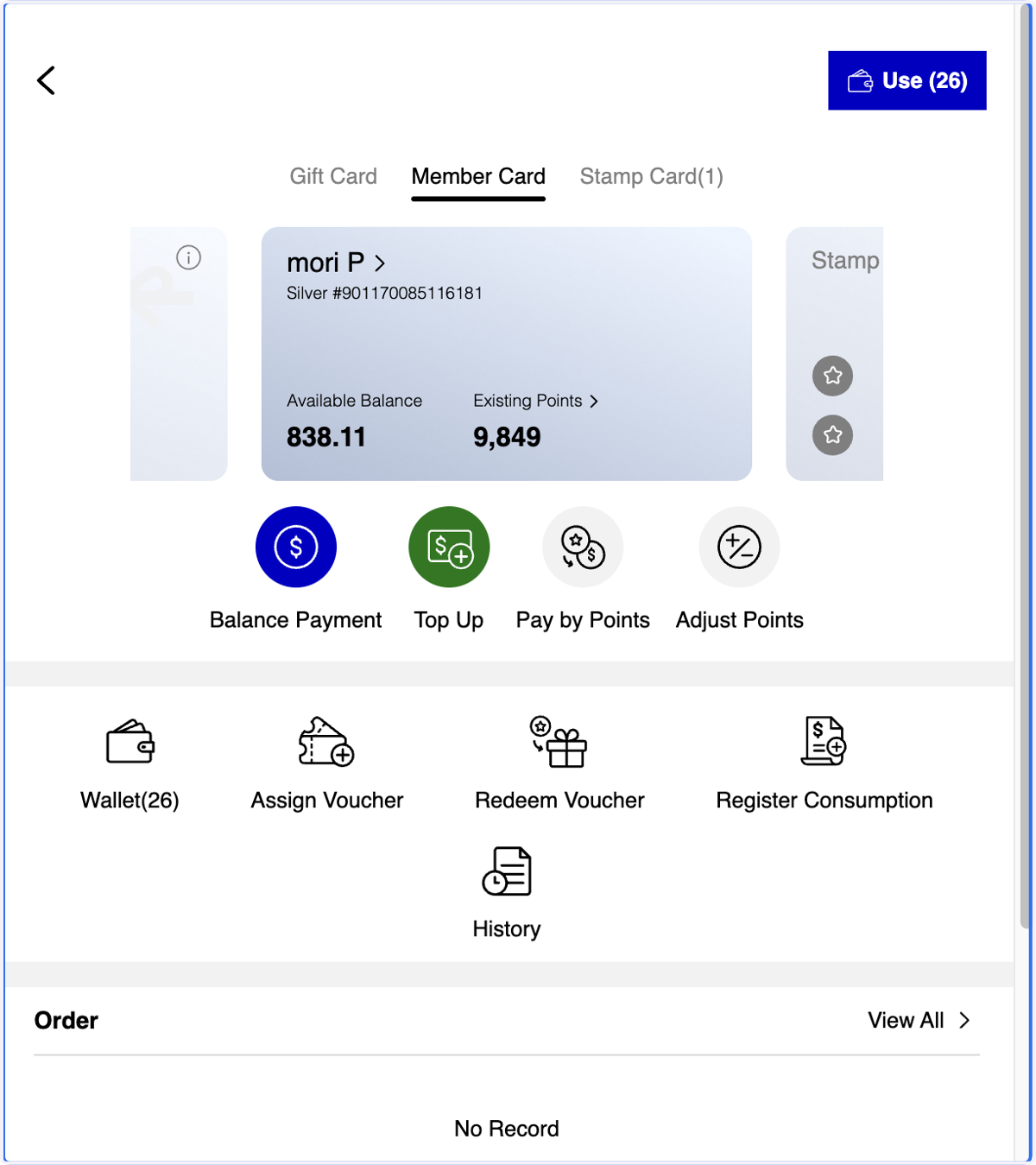
6. A. Click on Member Card
6. B. Click on Adjust Points

7. A. Click on Distribute
7. B. Select a Reason
7. C. Select Points Expiry Date
7. D. Enter the number of points you want to distribute to the member

8. A. or Click on Deduct
8. B. Select a Reason
8. C. Enter the number of points you want to deduct from the member’s available points

9. Add a Remark if needed
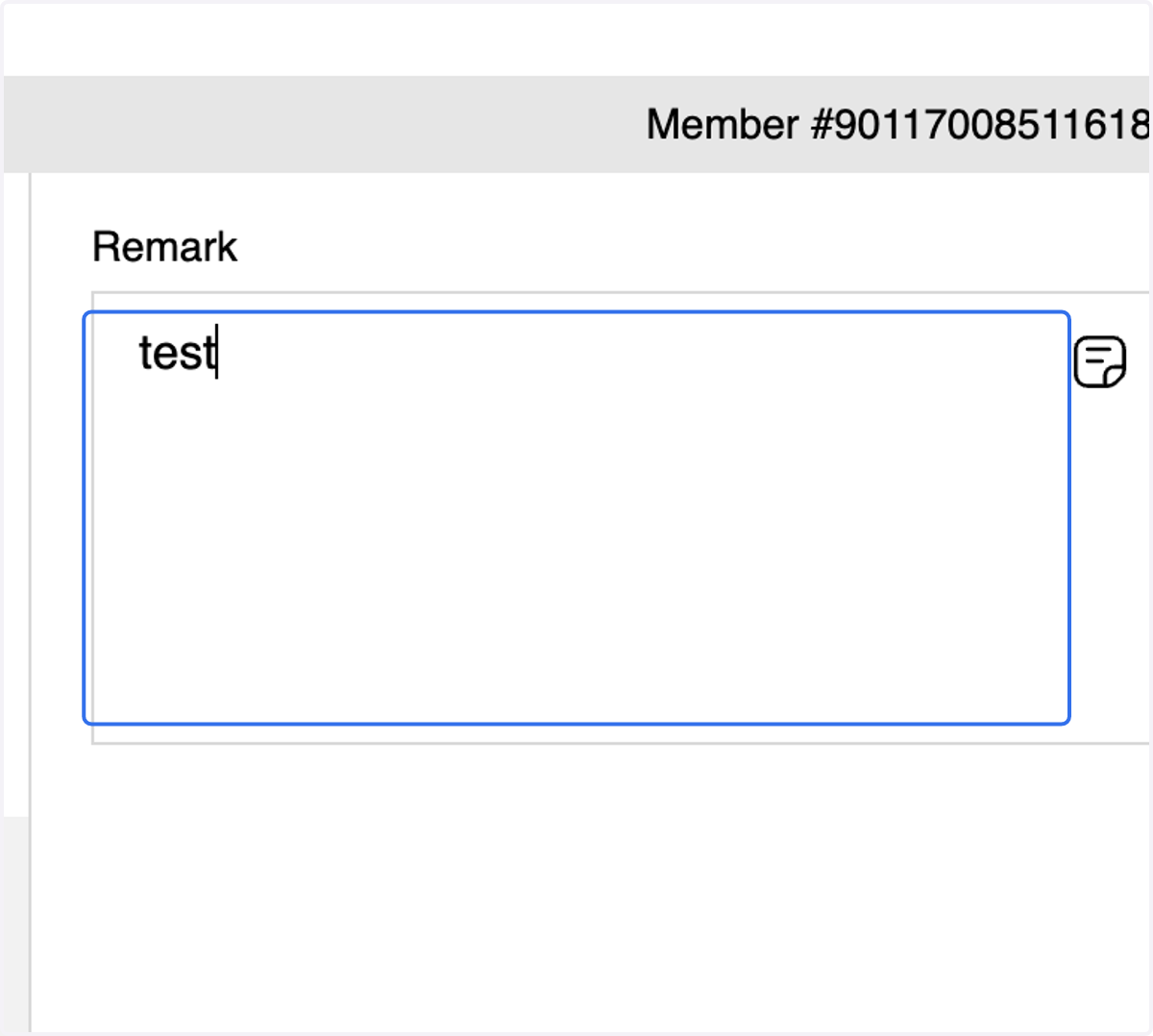
10. Click on Confirm Distribution / Deduction
11. A. Check the Information
11. B. Click on Confirm

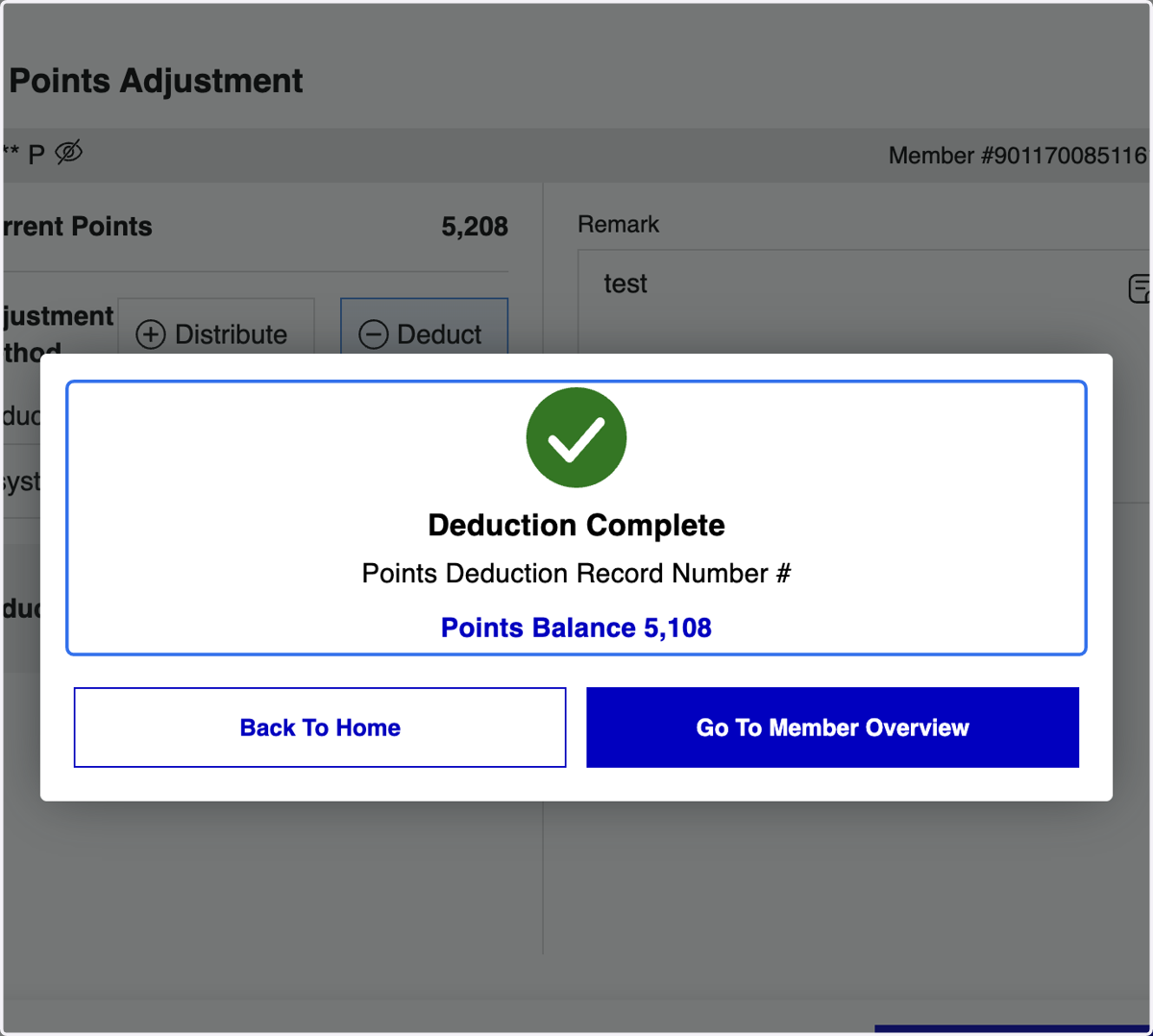
12. Points Distribution / Deduction Completed