[Merchant Webapp/History Export] View Voucher, Transaction, Points History Export Report
By Specific Member
1. Click on Member Search/Registration
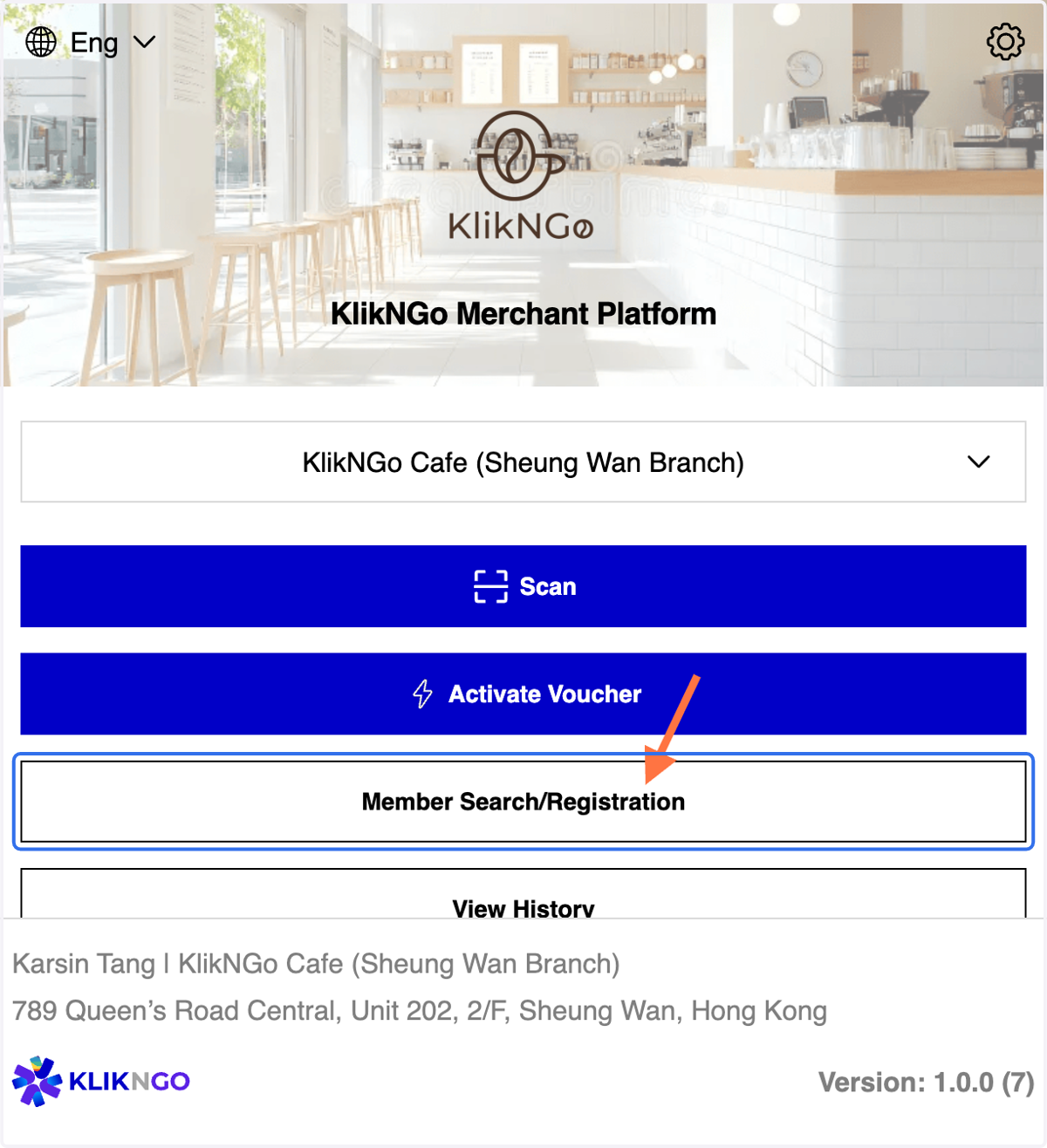
2. A. You may search member via member ID/ mobile number /email
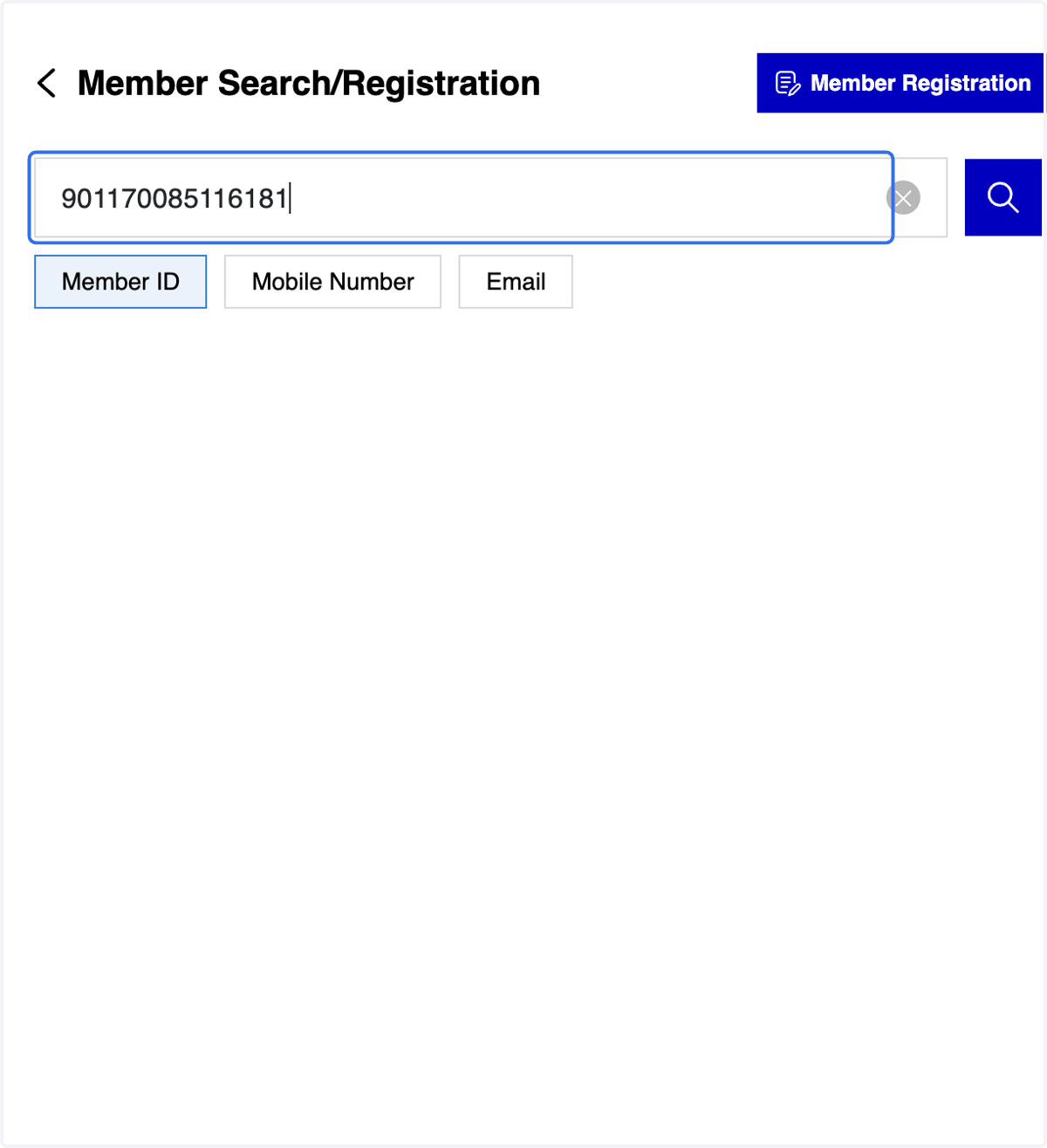
2. B. Click on Member ID tab
3 Methods for Member Search (A)

3. Fill in the member ID
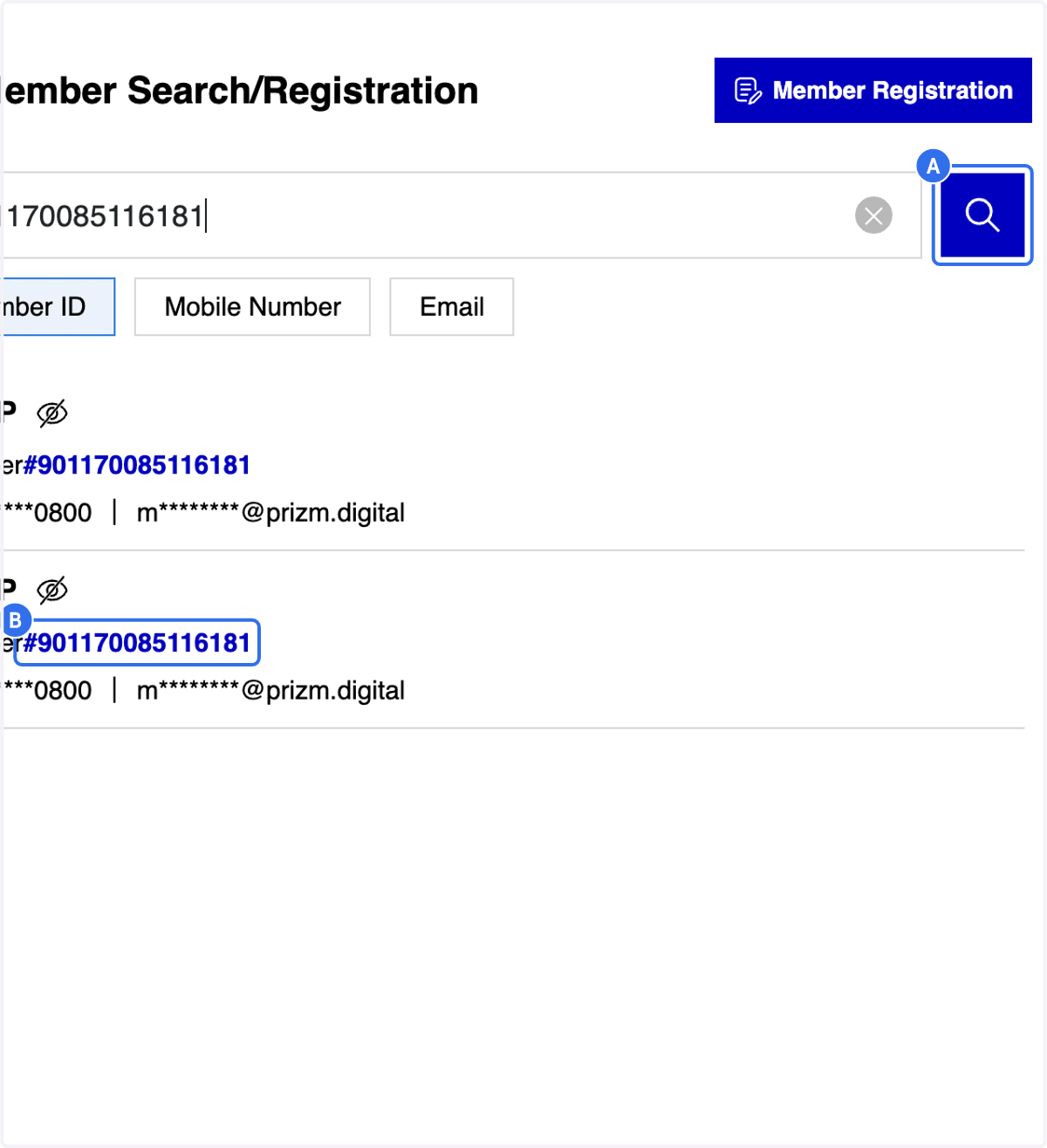
4. A. Click on "Search" icon
4. B. Click on the selected member ID
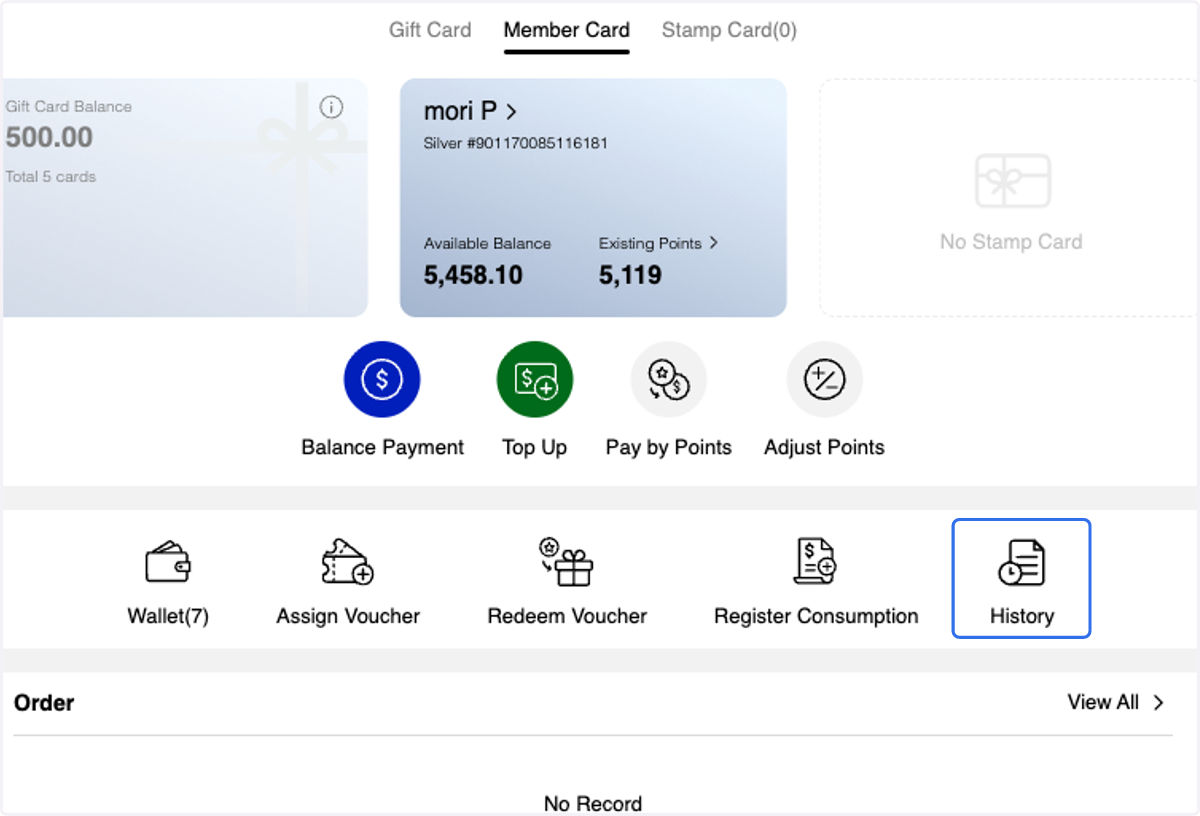
5. After selecting the Member ID, you will be directed to the Member Profile Overview page Click on History
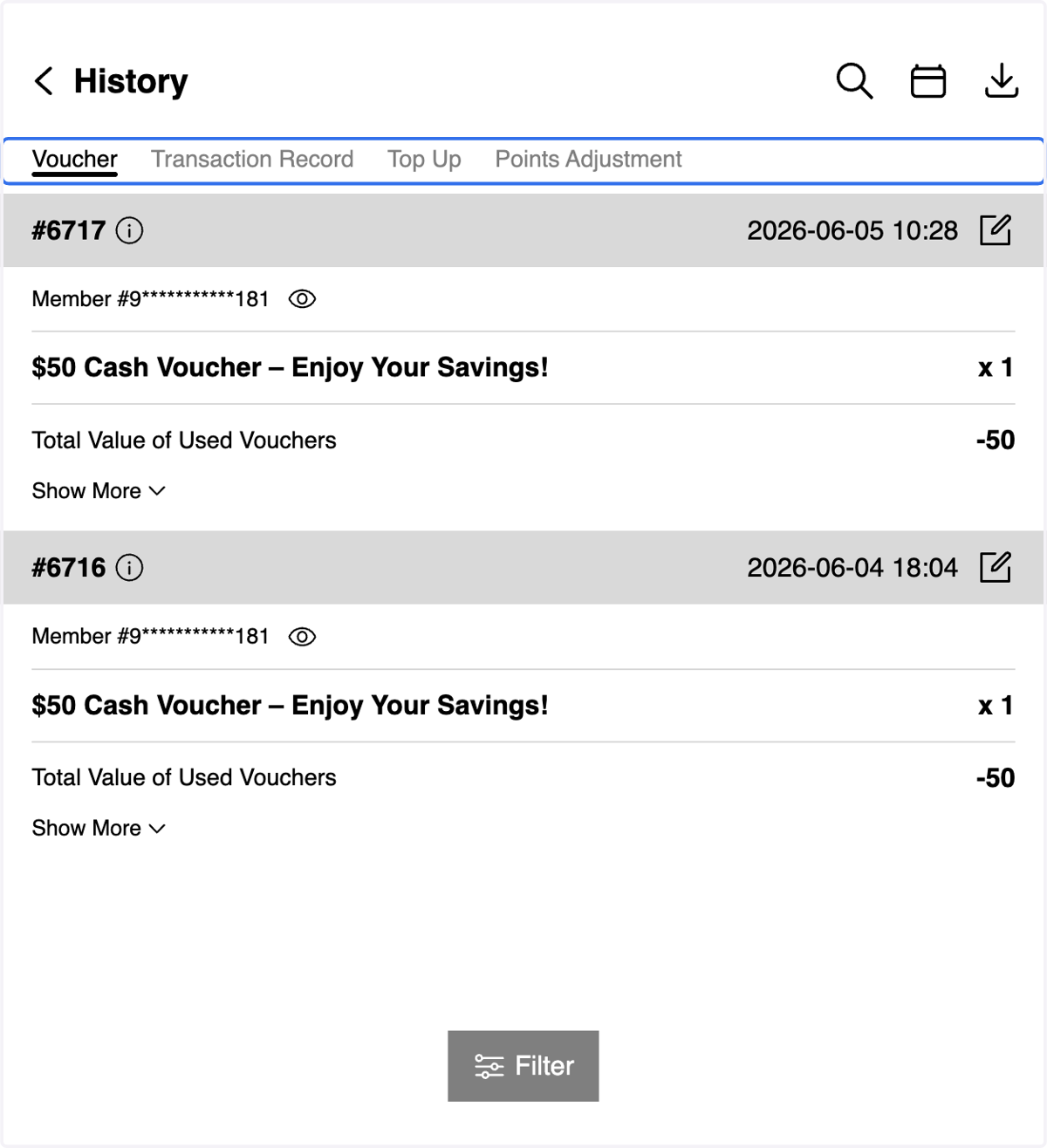
6. A. You can view member's voucher usage, transaction records, membership card top-up records, and point adjustment records.
6. B. Filter Function- You can search by History ID or Member ID/ apply date filters
Use the filter to narrow down your search results
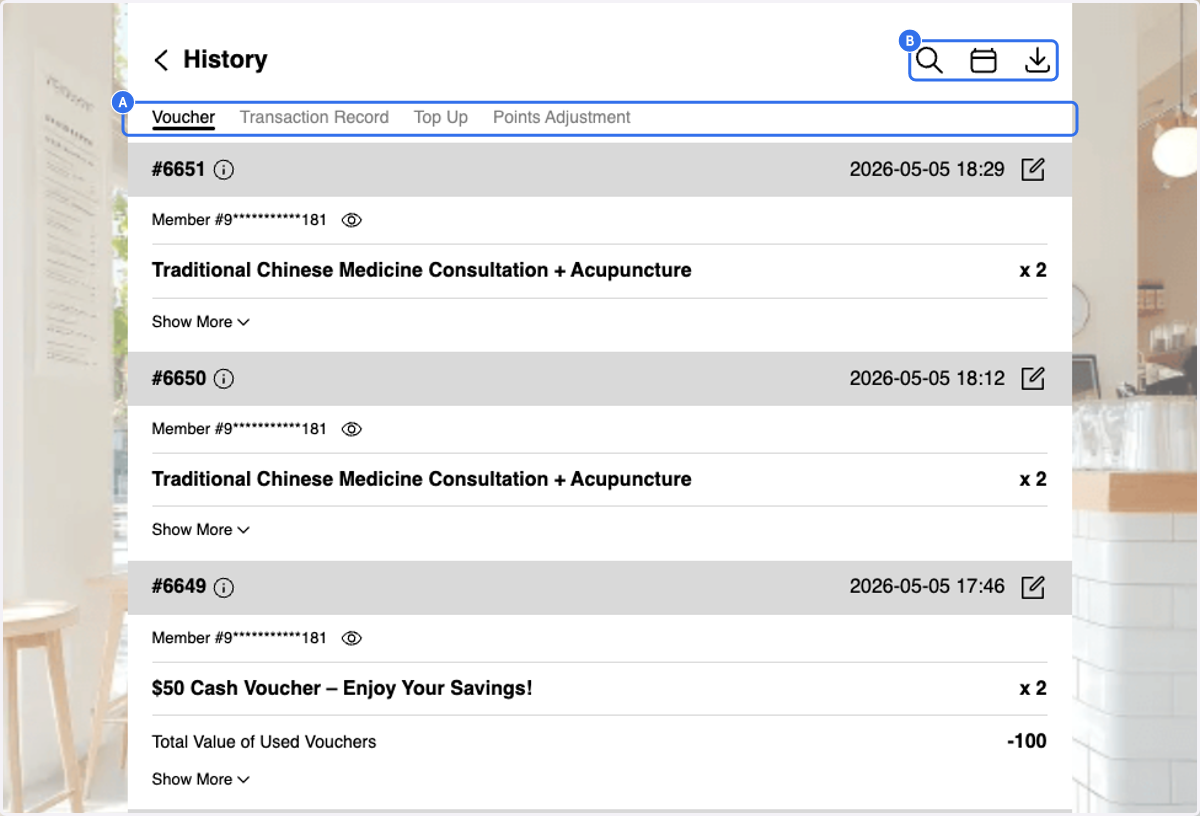
7. Overview of Search Bar Function
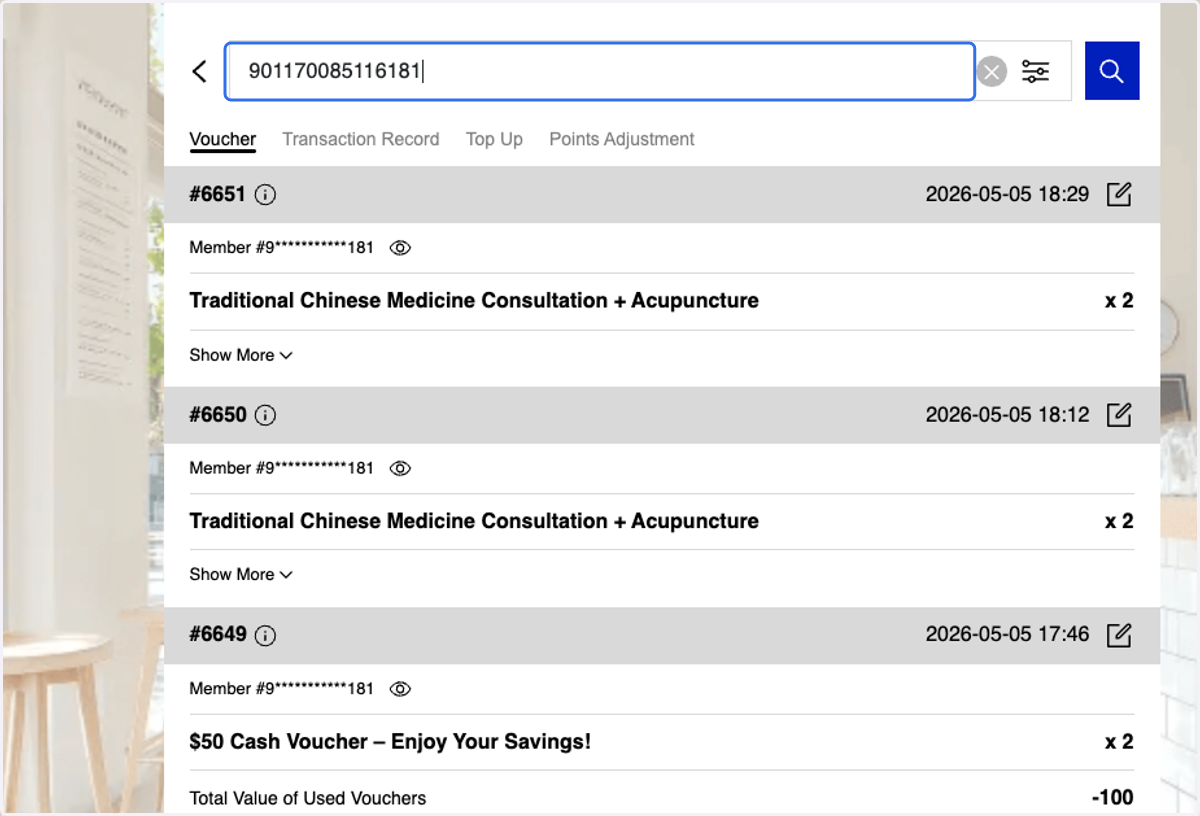
8. Overview of Date Filters
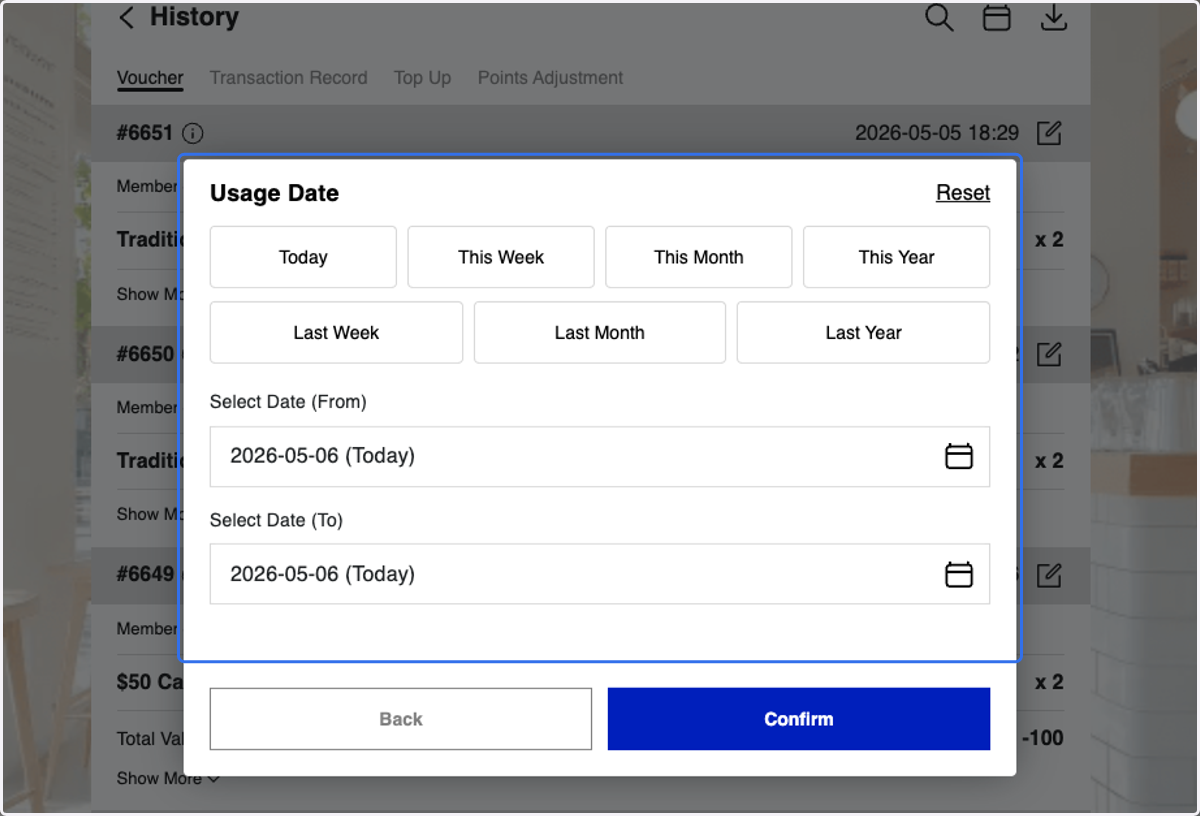
9. or You can either Filter by Voucher
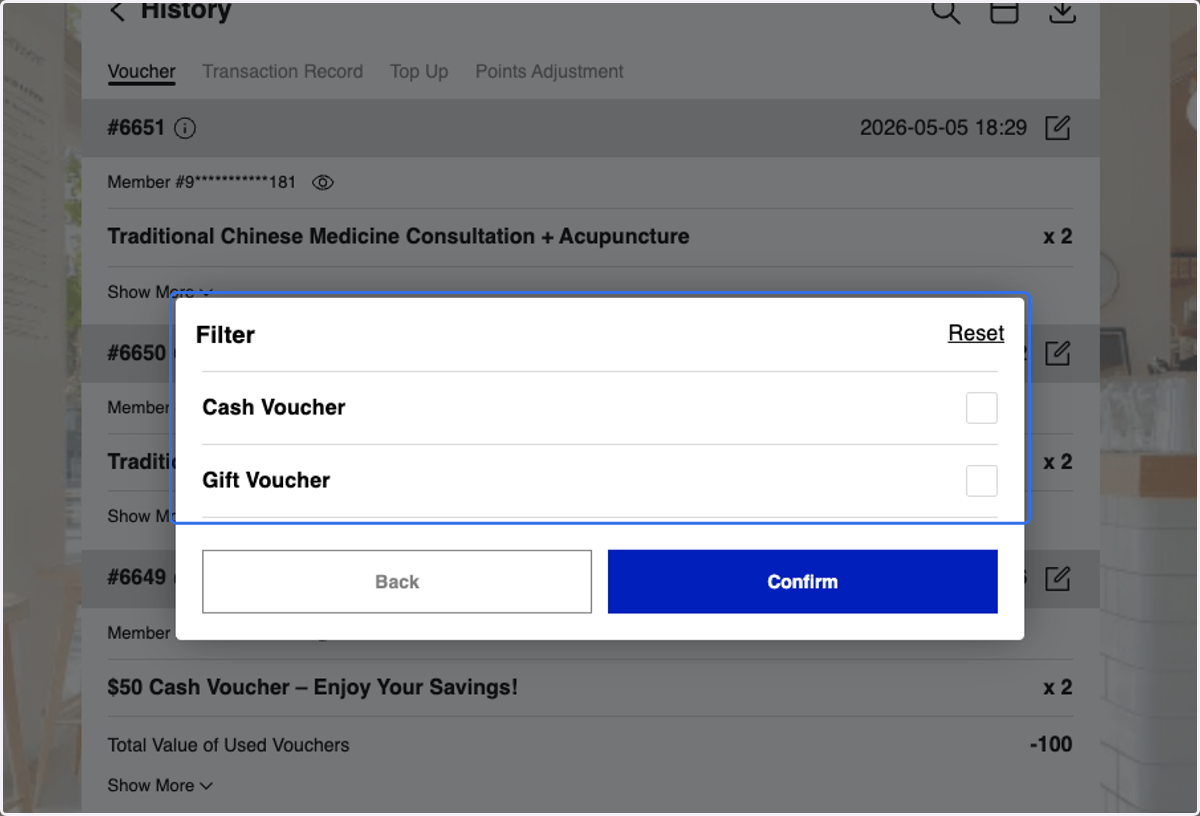
10. or Filter by Transaction Record
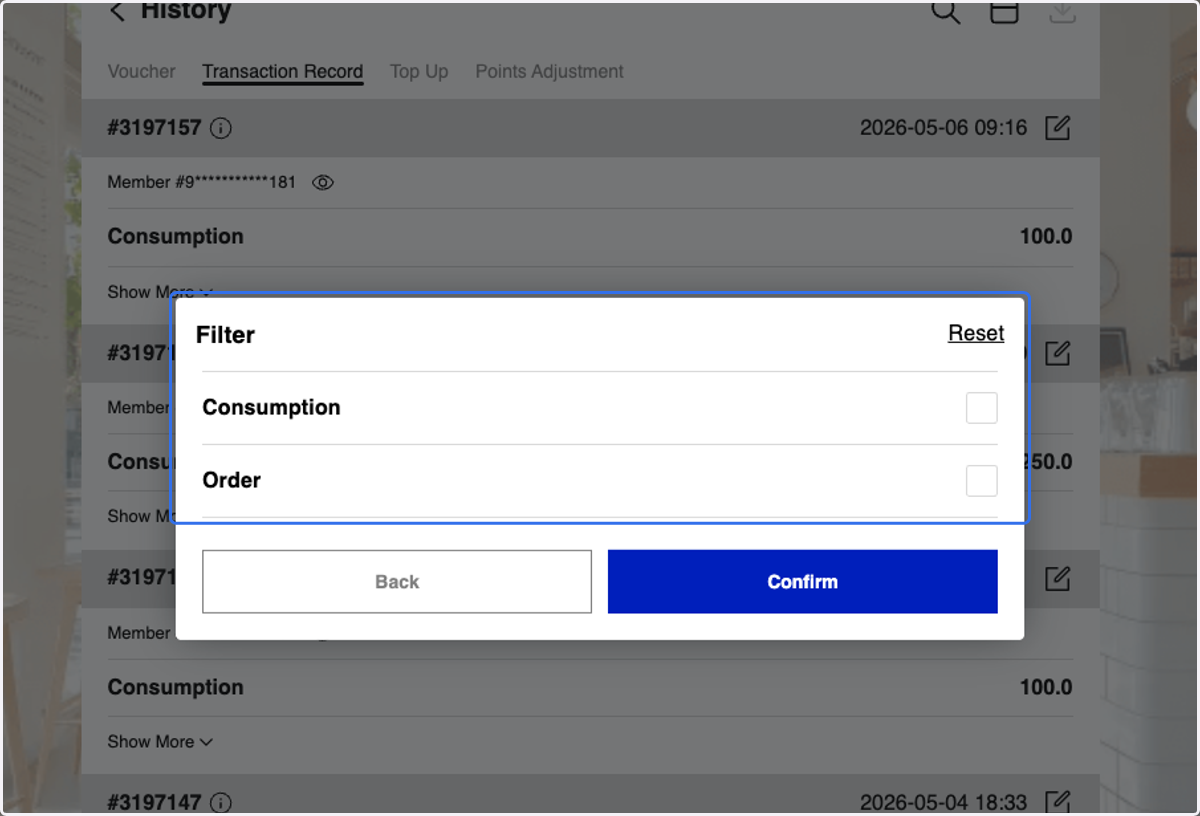
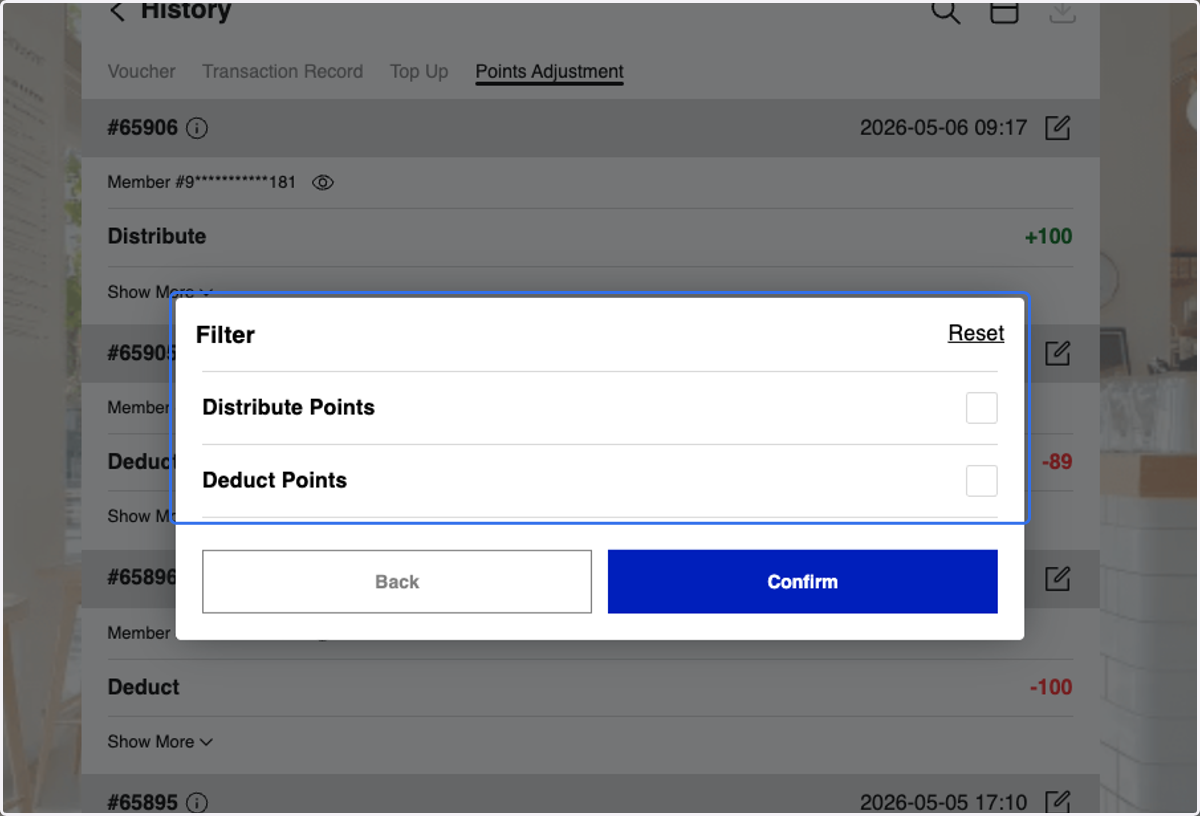
11. or Filter by Points Adjustments
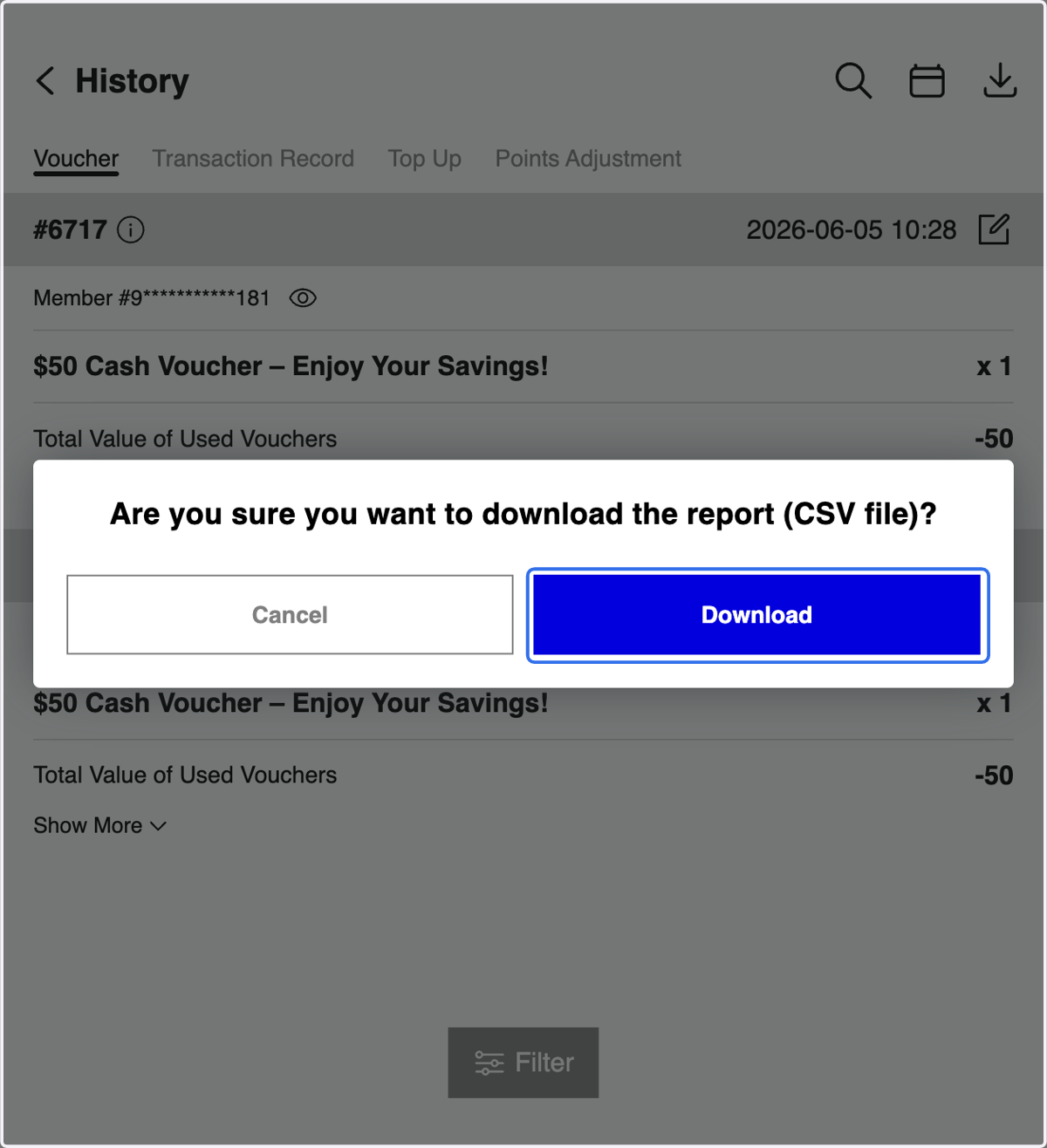
12. You may download any report based on your requirements
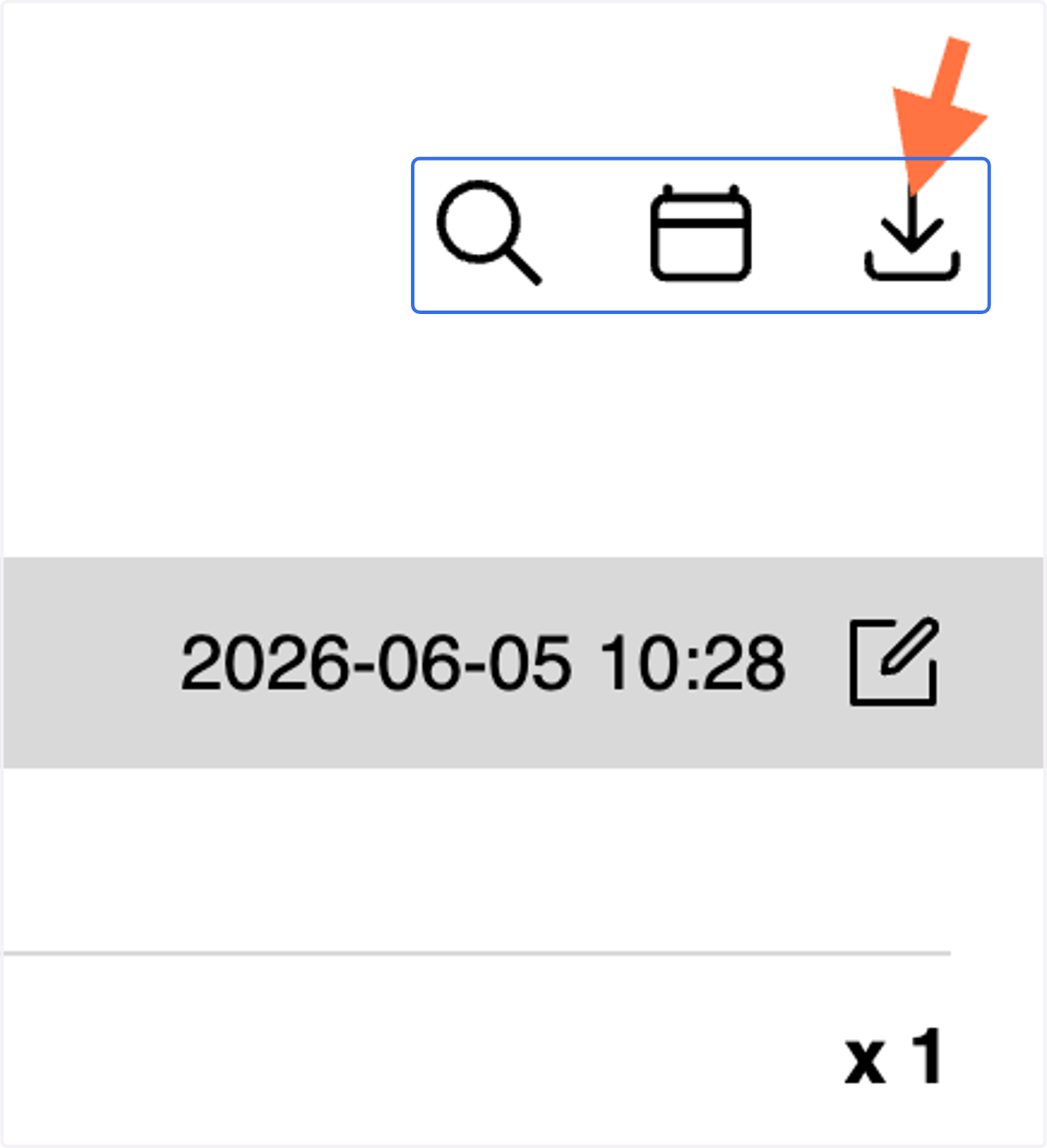
13. Click on download report icon
14. Click on Download
Overall Member Overview
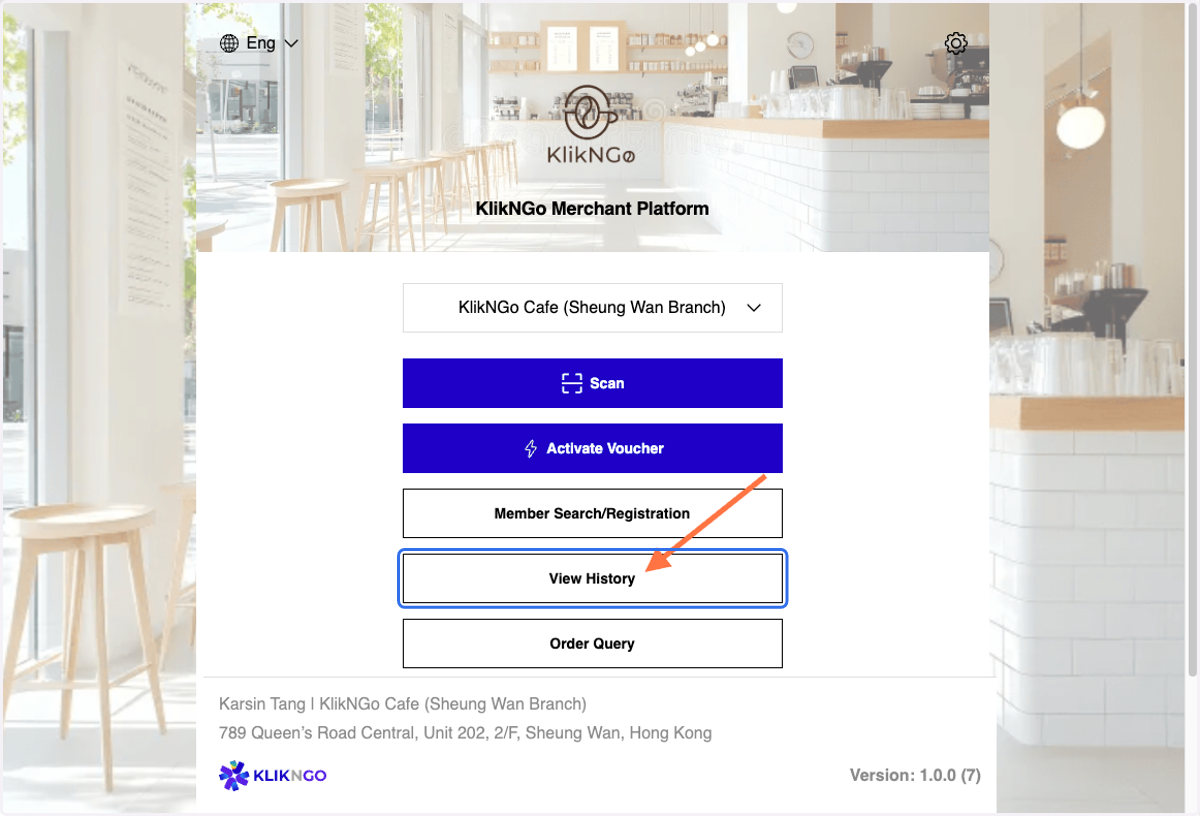
15. Login to KlikNGo Merchant Platform, Click on View History.
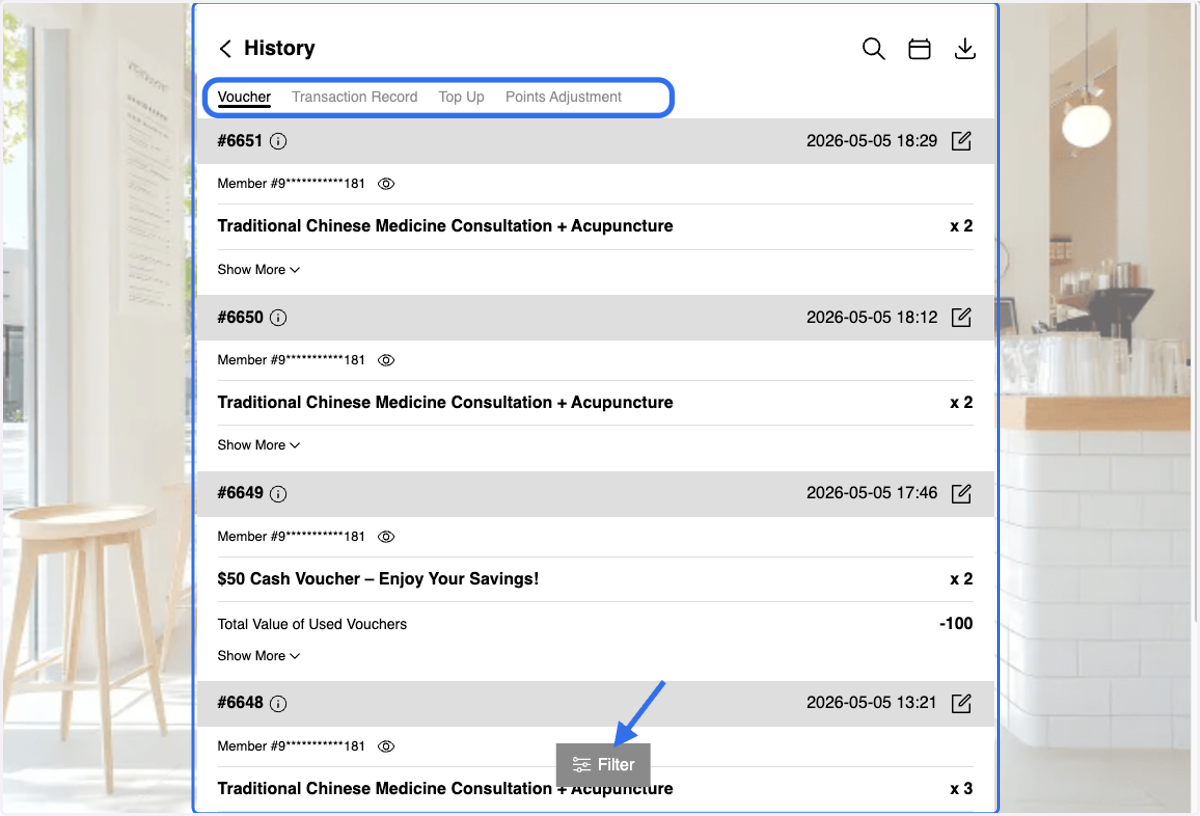
16. You can view member's voucher usage, transaction records, membership card top-up records, and point adjustment records.
Use the filter to narrow down your search results
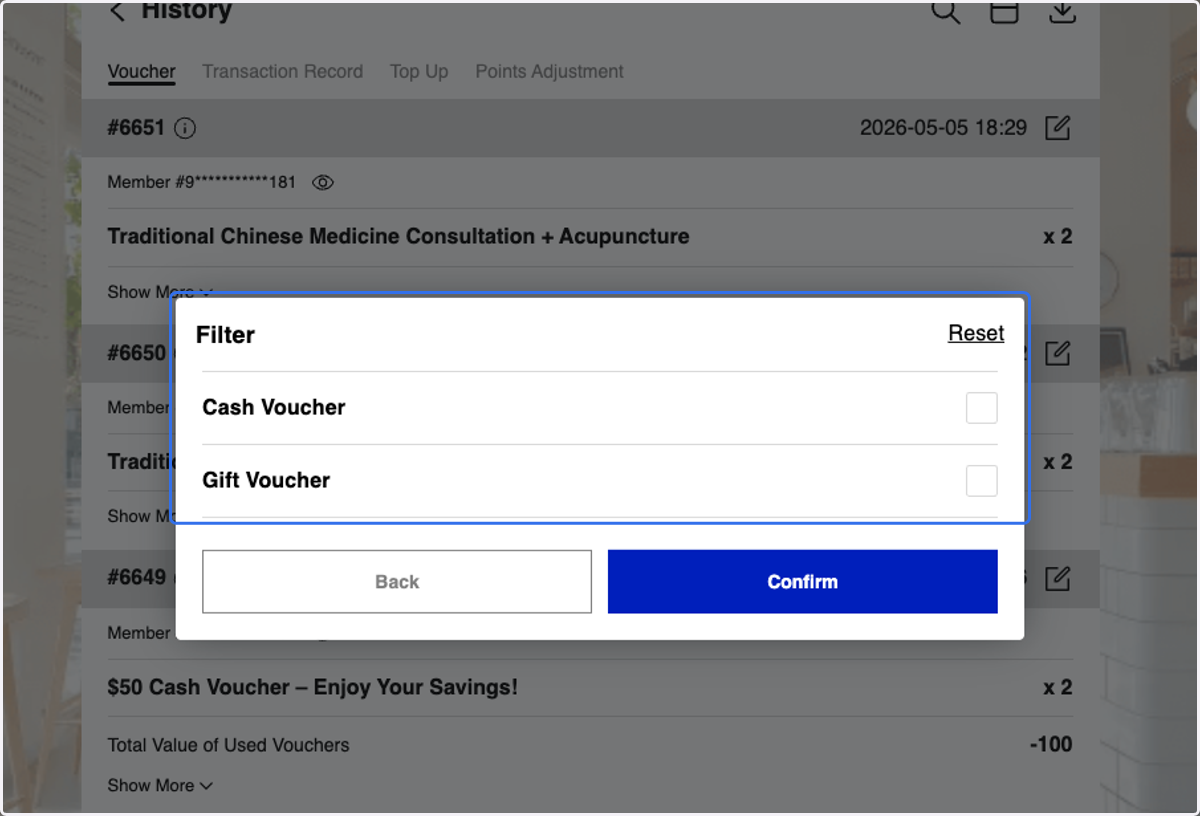
17. You can either Filter by Voucher
18. or Filter by Transaction Record
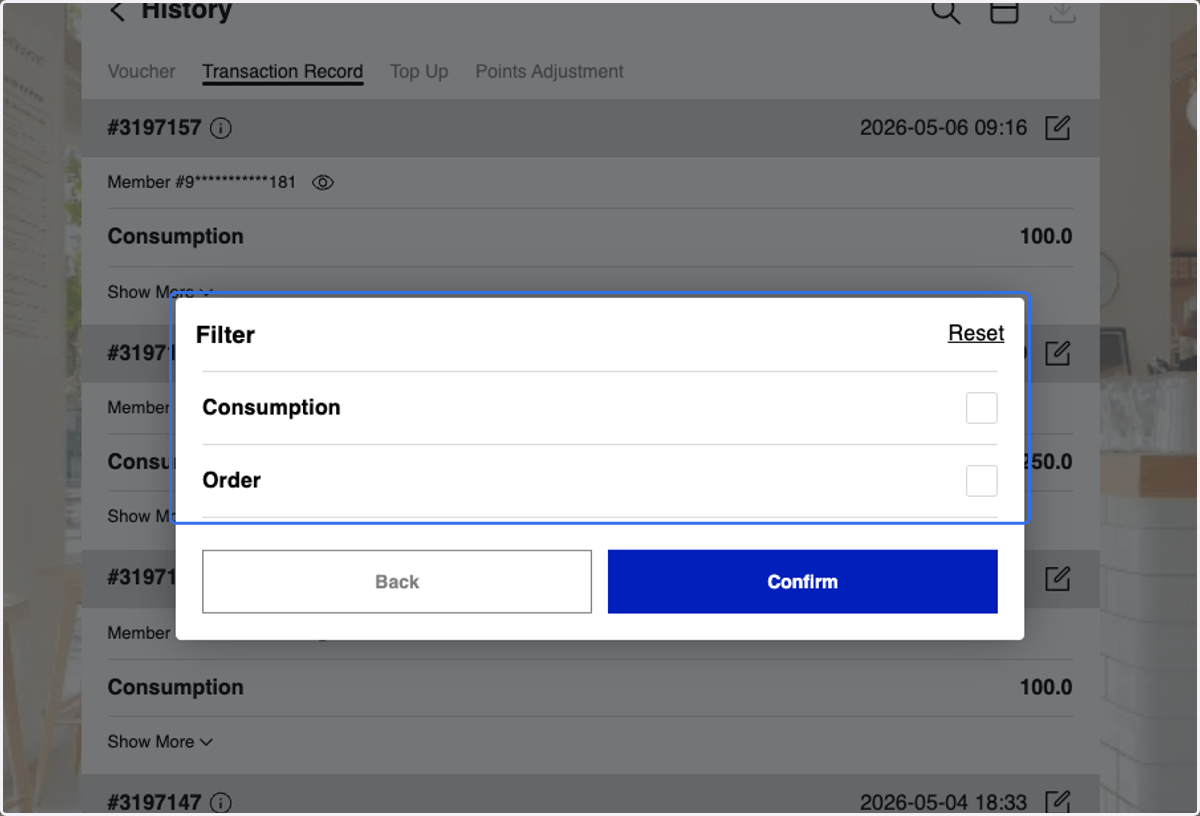
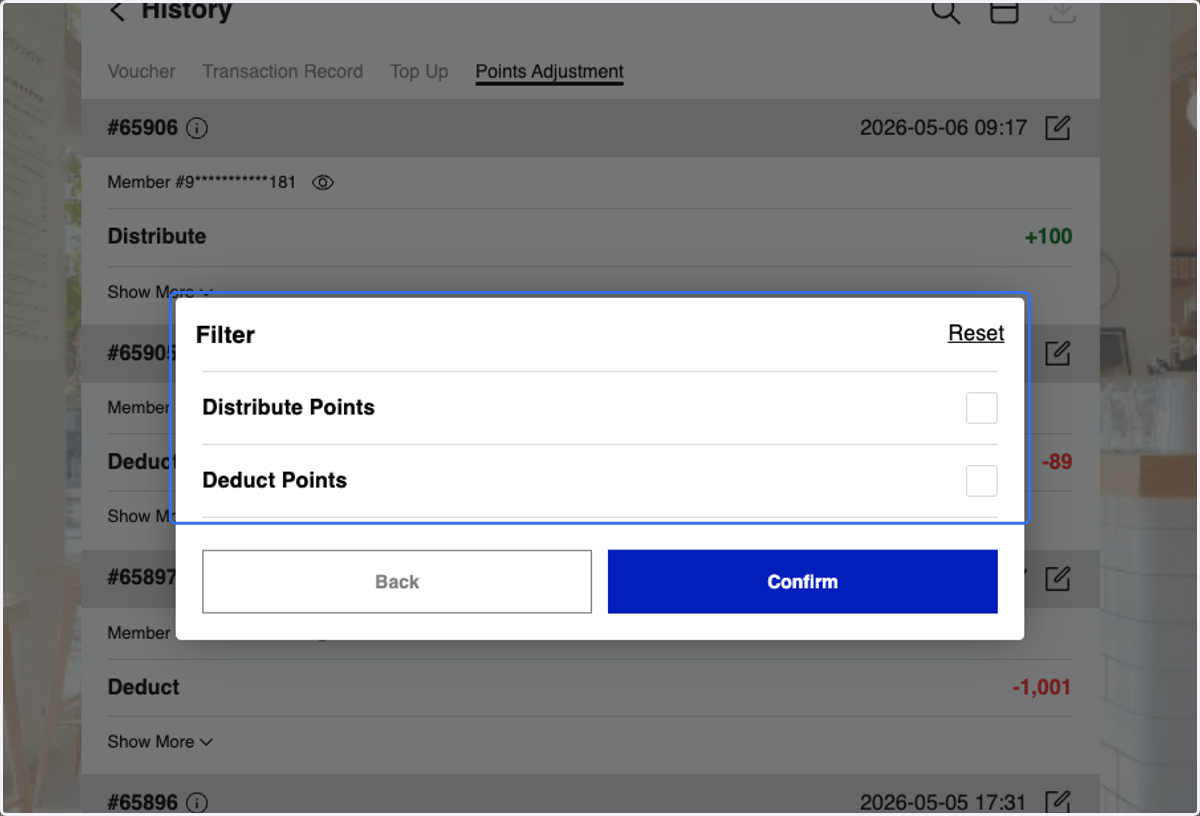
19. or Filter by Points Adjustments
20. or You can search by History ID or Member ID/ apply date filters
Refer to step 3 & step 4 for an overview of the filter function.
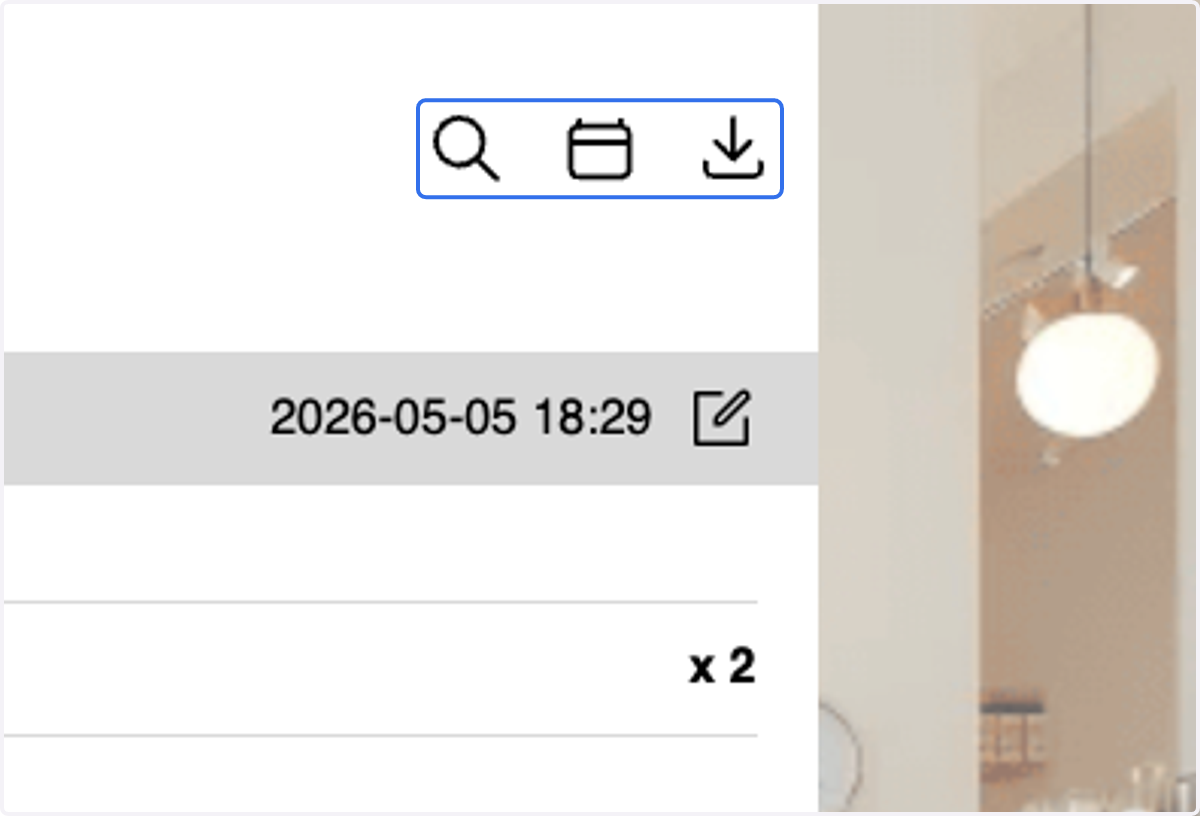
21. Refer to Steps 12–14 for report download instructions