[KNR/Online Booking Module] How to add a product tag
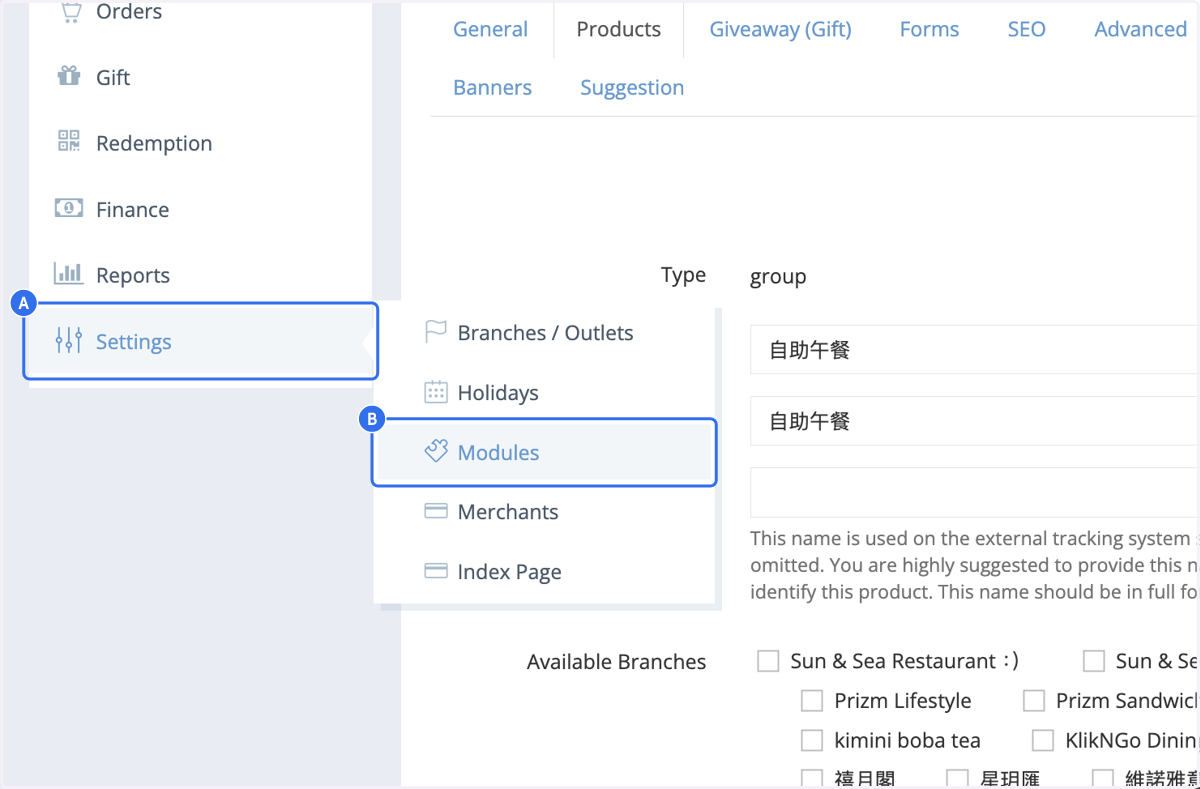
1. A. Click on Settings
1. B. Click on Modules
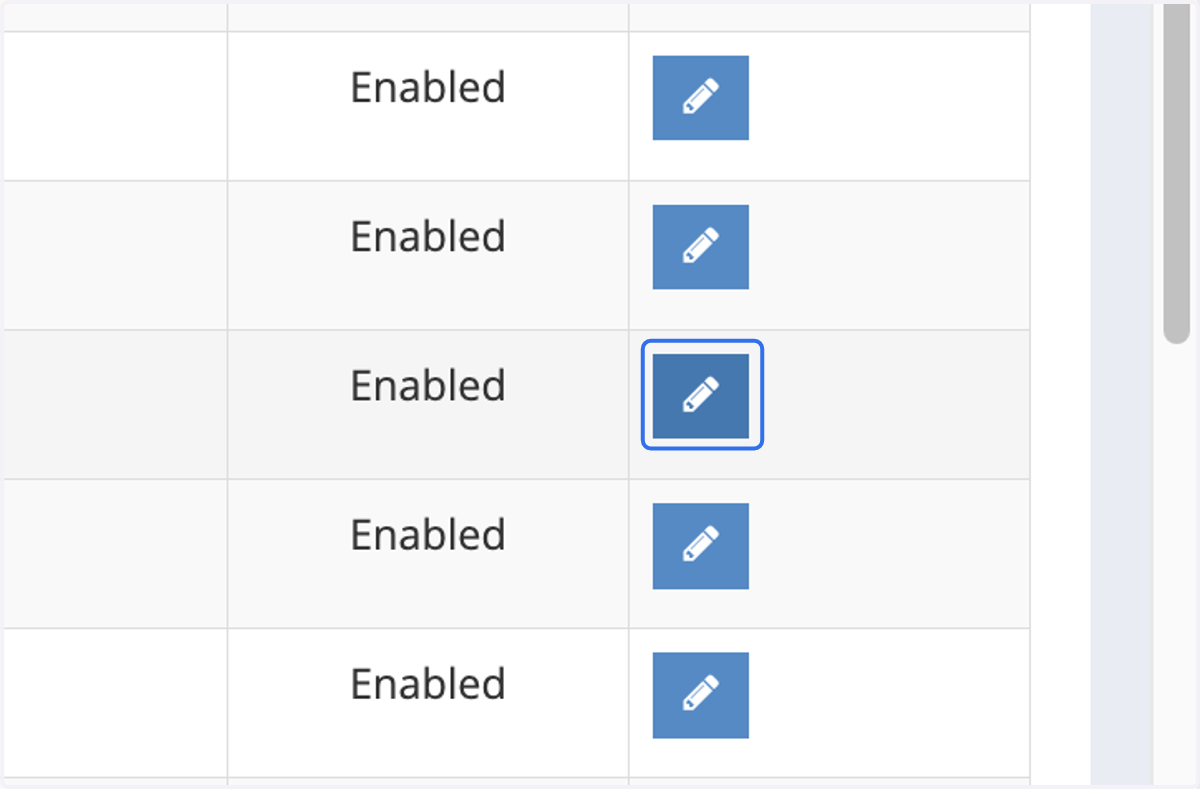
2. Select the module and click on edit
3. Add product tags
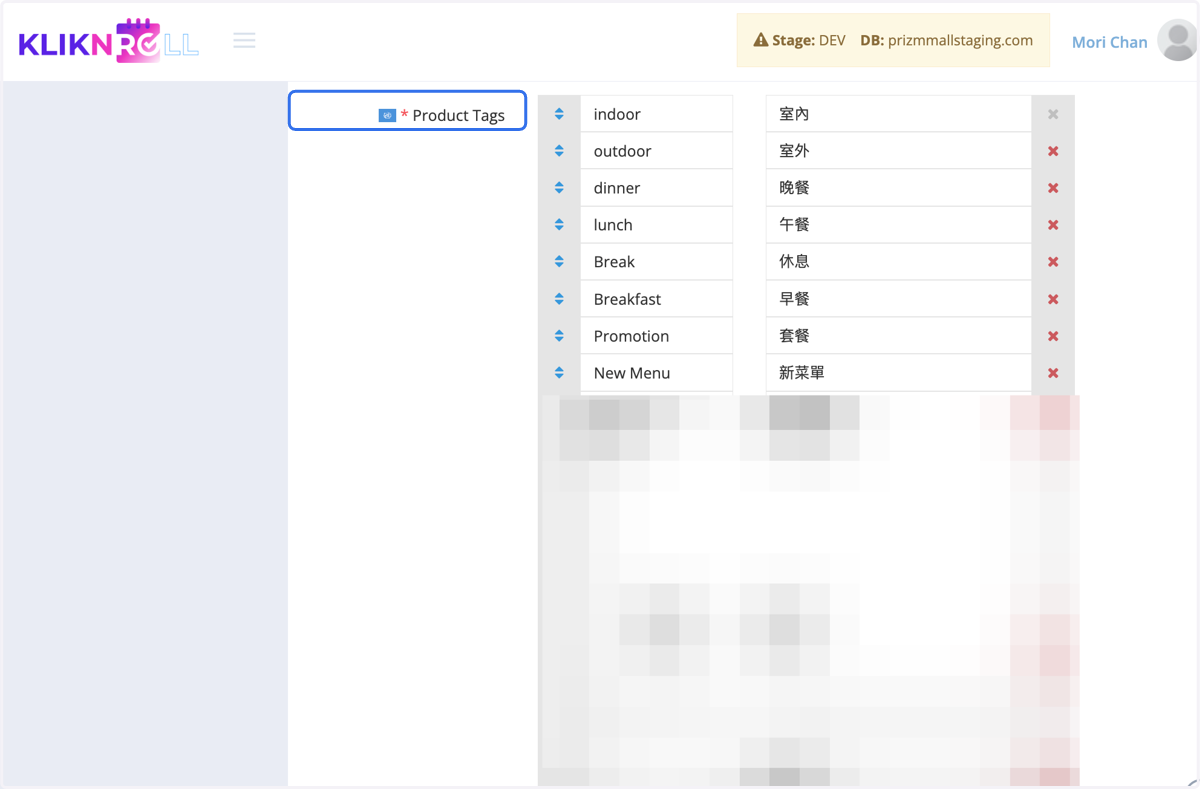
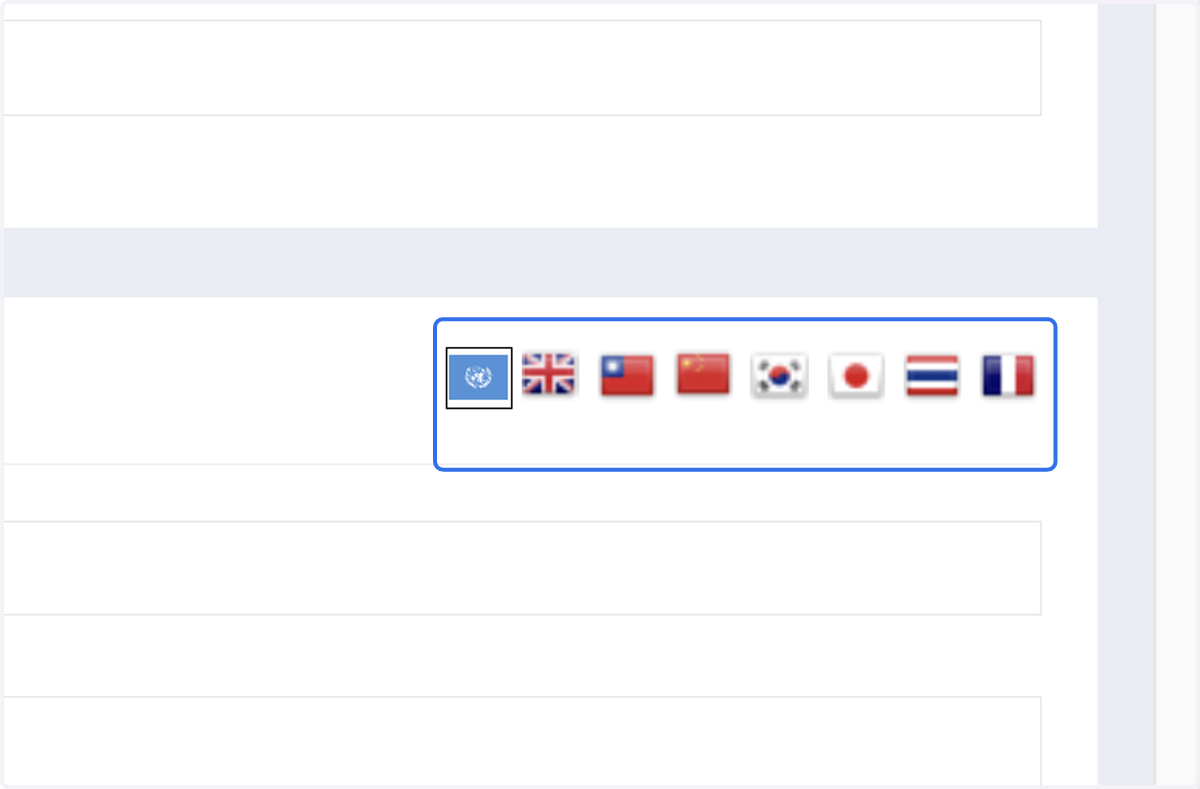
4. To add another language, select the required language icon, then fill in the tags for that language
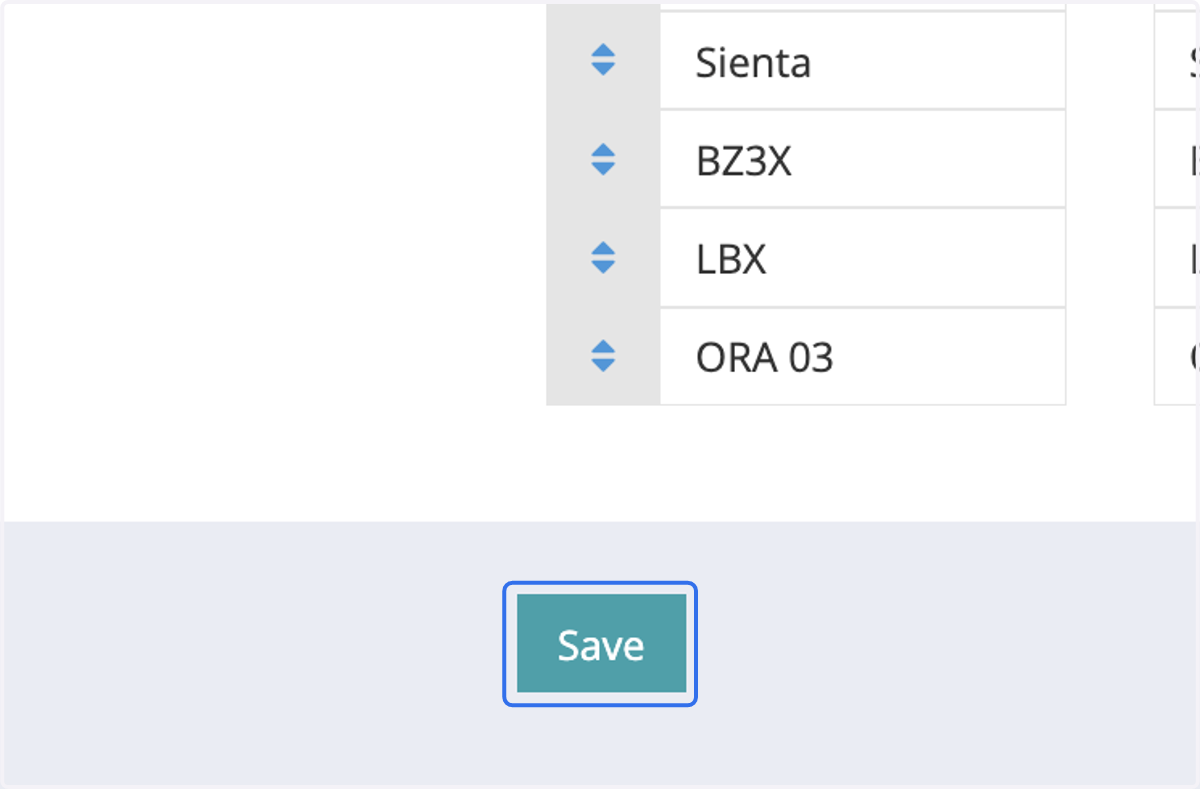
5. Click on Save