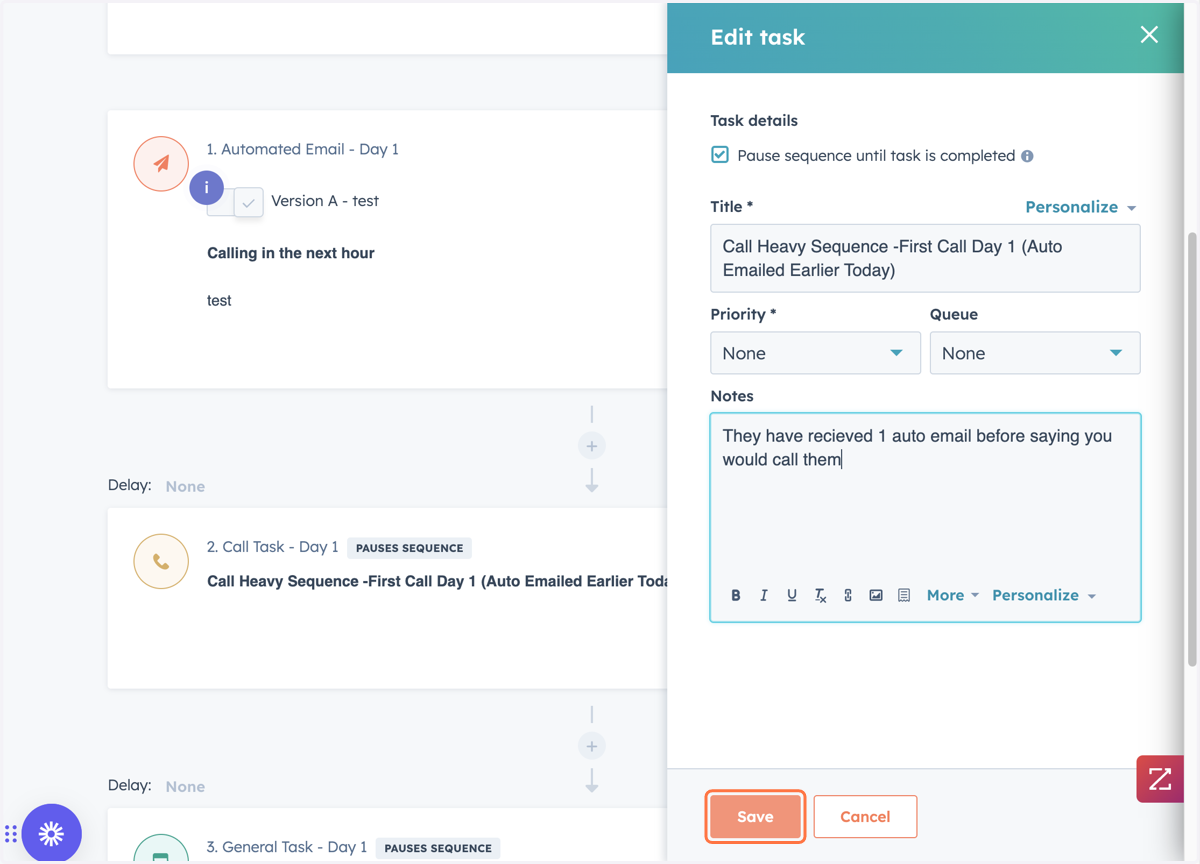
[HubSpot]: How to Edit Task Title and Task Notes in a Sequence
This guide will help you edit the task title and task notes in hubspot sequences. By editing these fields it will help give reps more information on their Orum calls.
Start in HubSpot
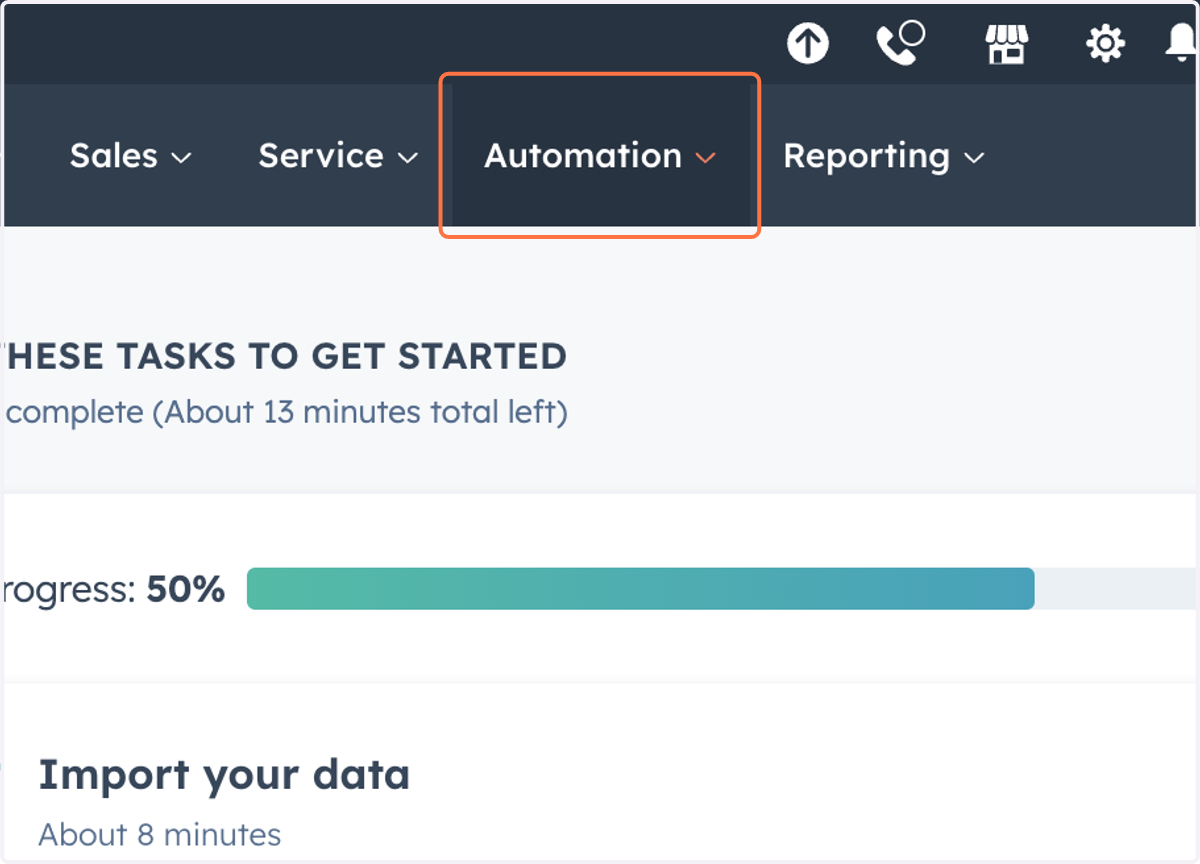
1. Click on Automation
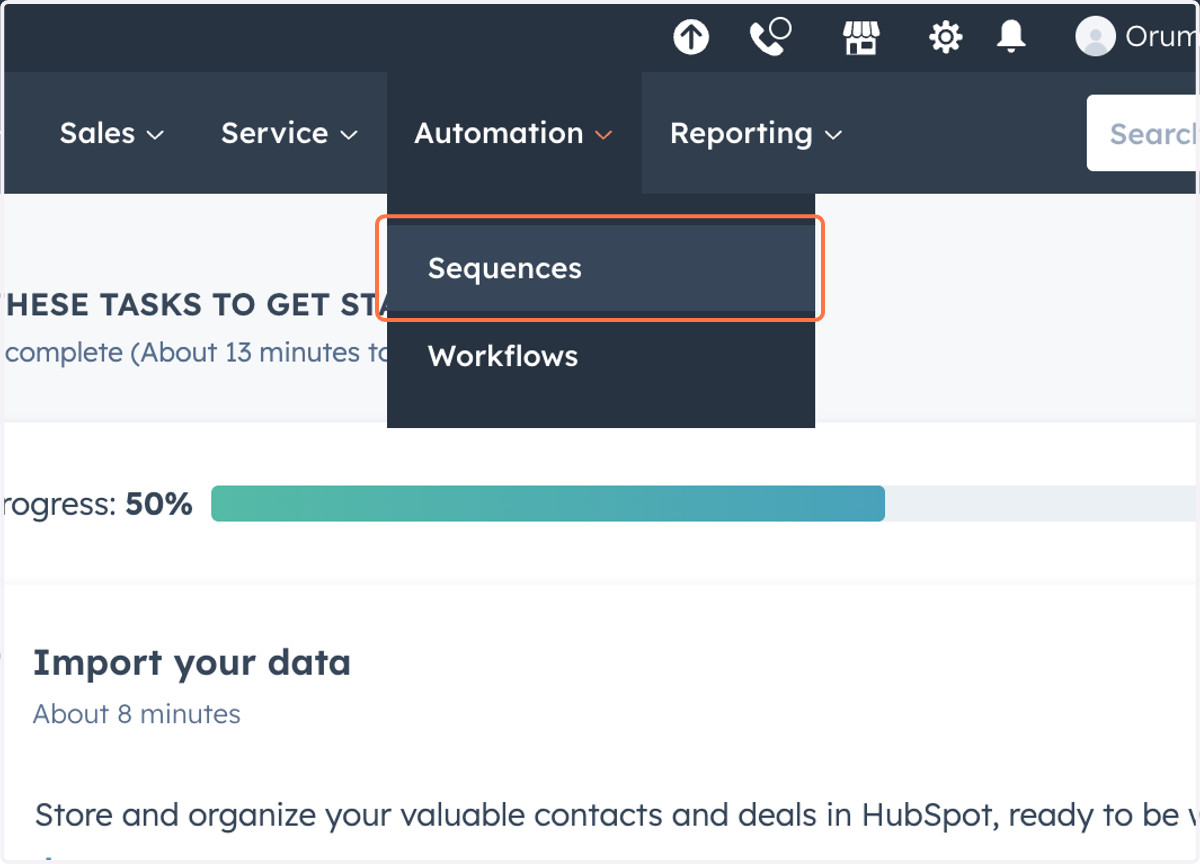
2. Click on Sequences
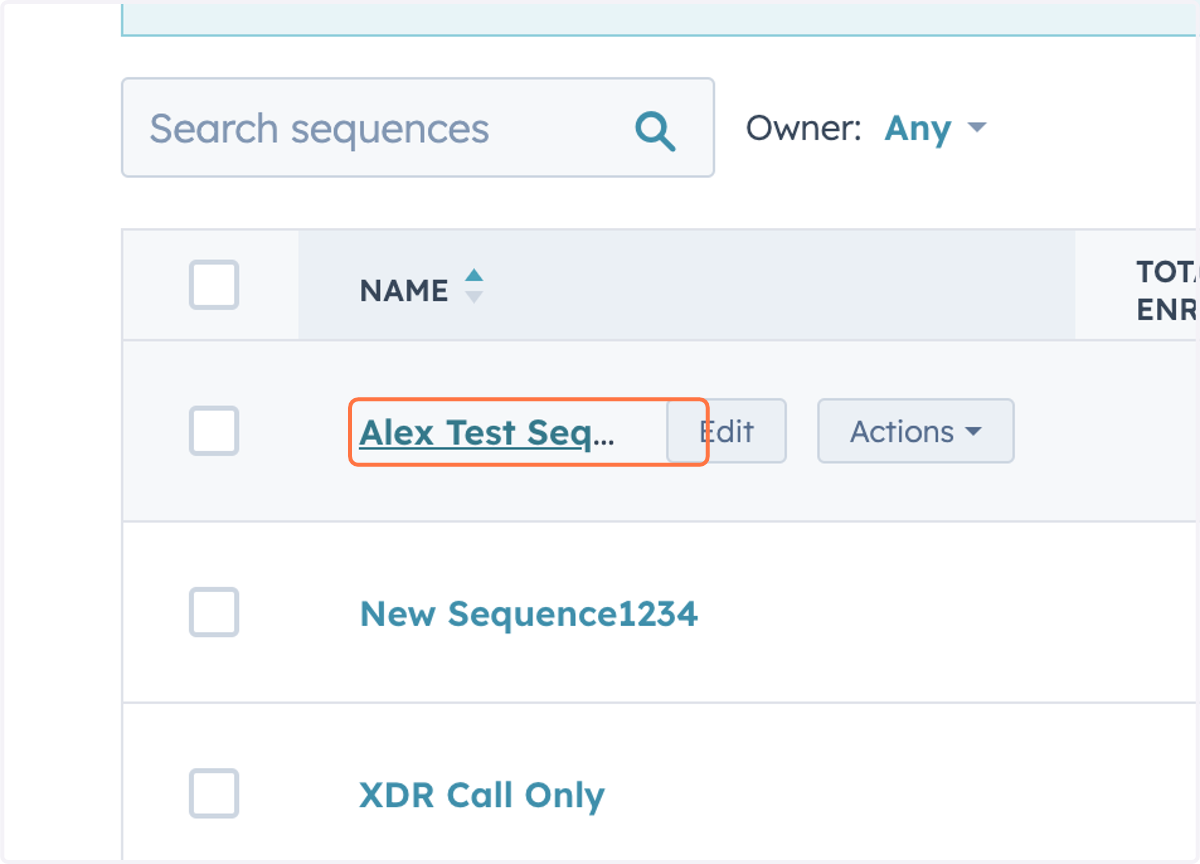
3. Click on Sequence name
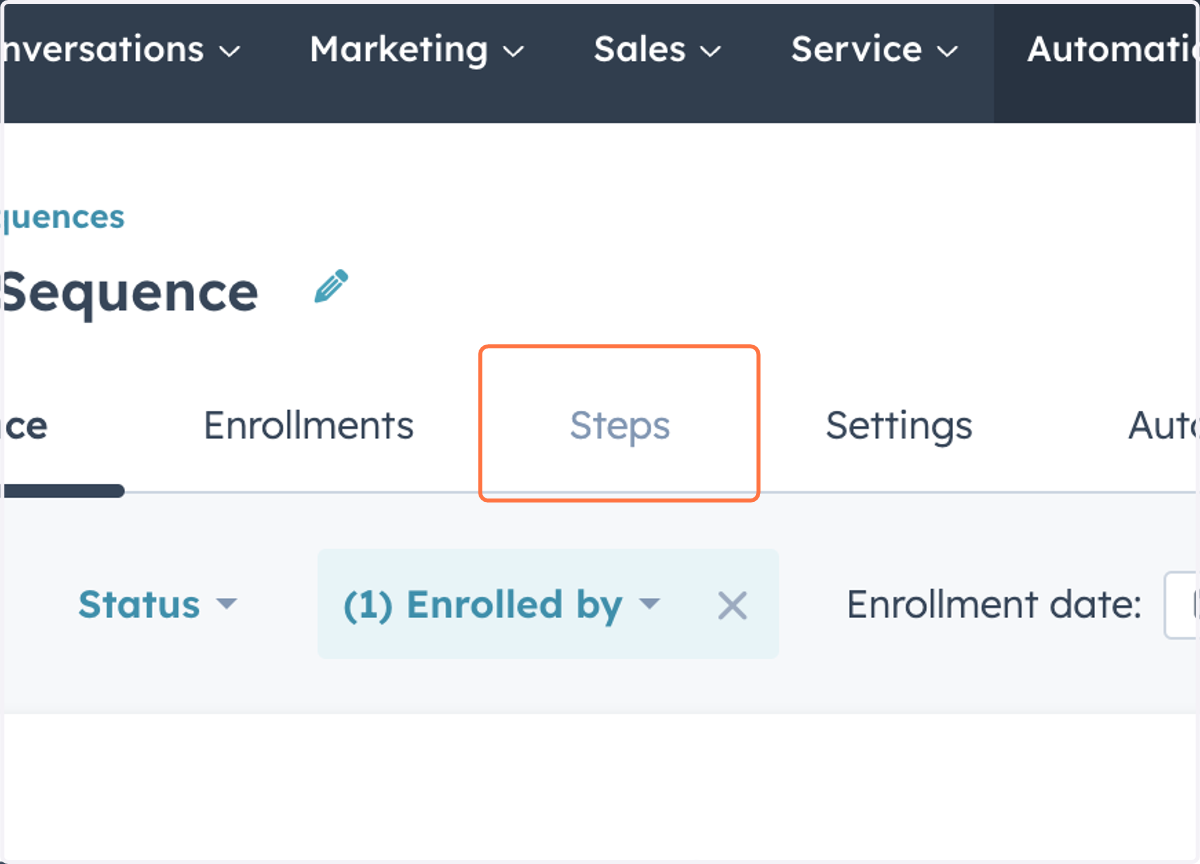
4. Click on Steps
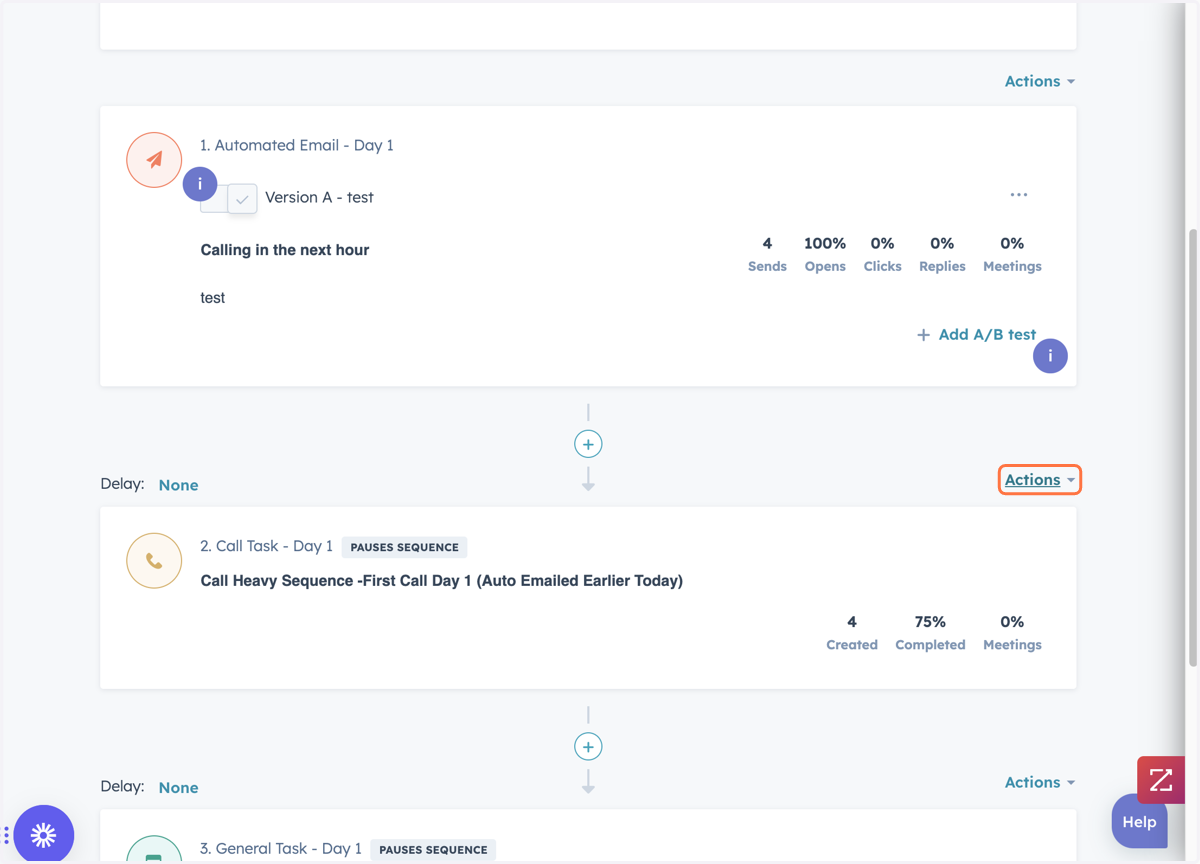
5. Find the step you would like to edit
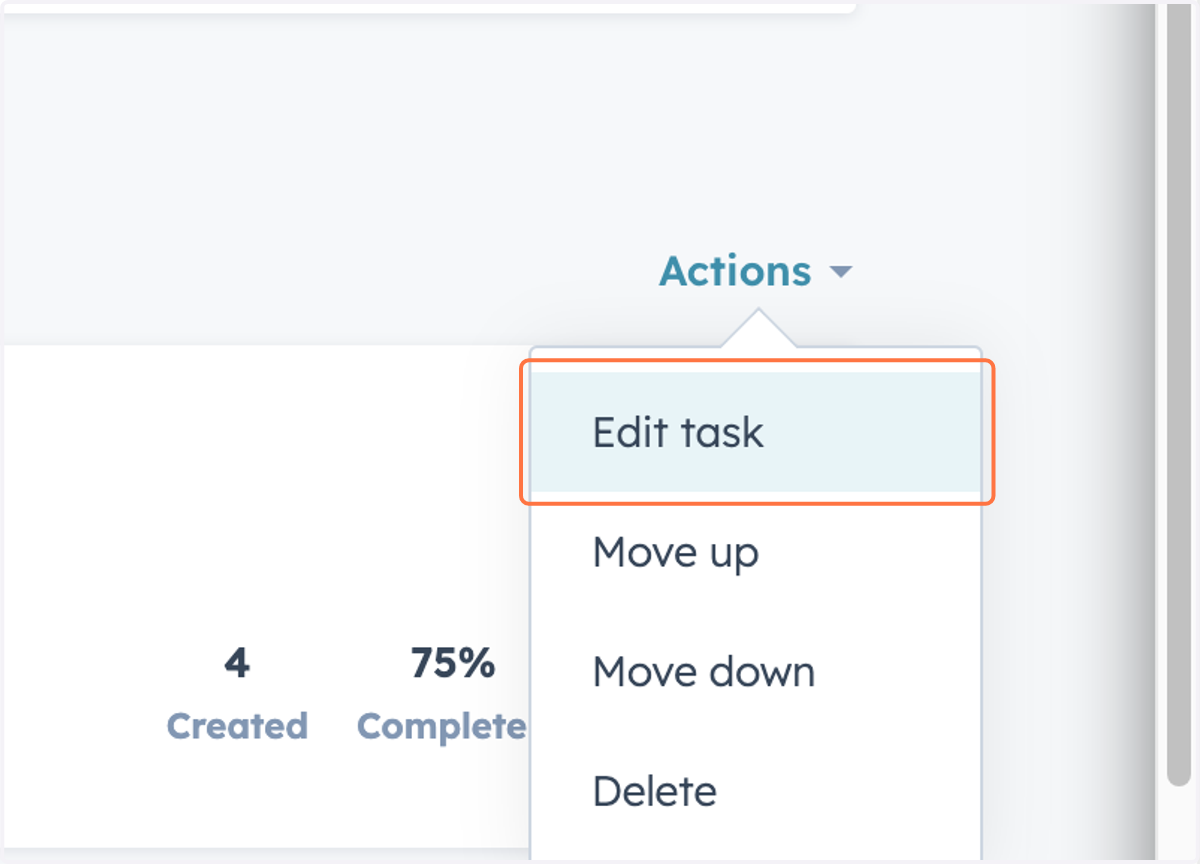
6. Click on Edit task
7. Edit the task title and task notes to provide the rep with sequence name and step information
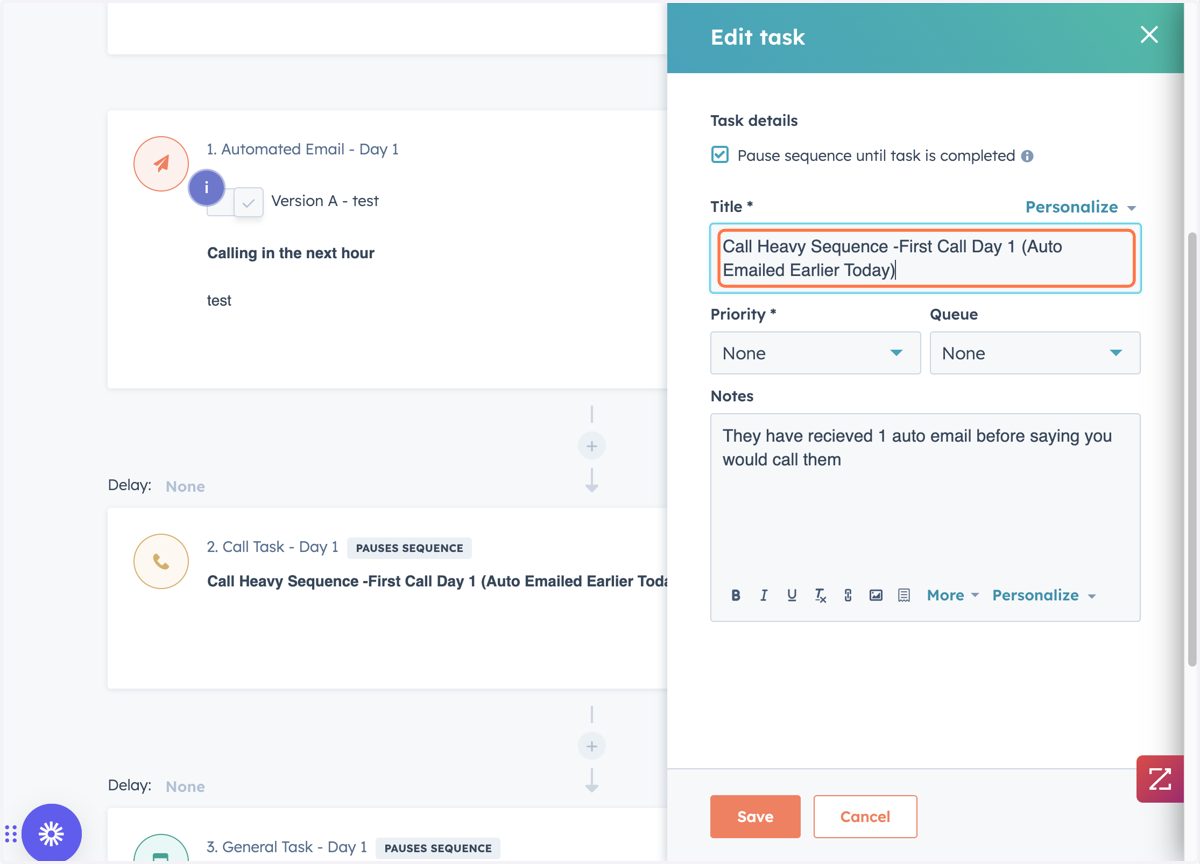
8. Click on Save and repeat the process for all Call Steps
Pro Tip: Add Task Title and Task Note as displayed fields in Orum. This will give reps this information in their view and give them the ability to filter.