Navigating the DDF Grant Portal
This guide assists grant applicants and existing grantees of the Doris Duke Foundation in navigating the Grant Portal to access grant information, applications, and grant reports. Use the left side navigation to bounce between topics.
Activating Your Portal Account
1. Open your application invitation email from the Doris Duke Foundation.
The email sender is mail@givingdata.com. If you have not yet received this email, please check your Junk or Spam folders, or contact grants@dorisduke.org.
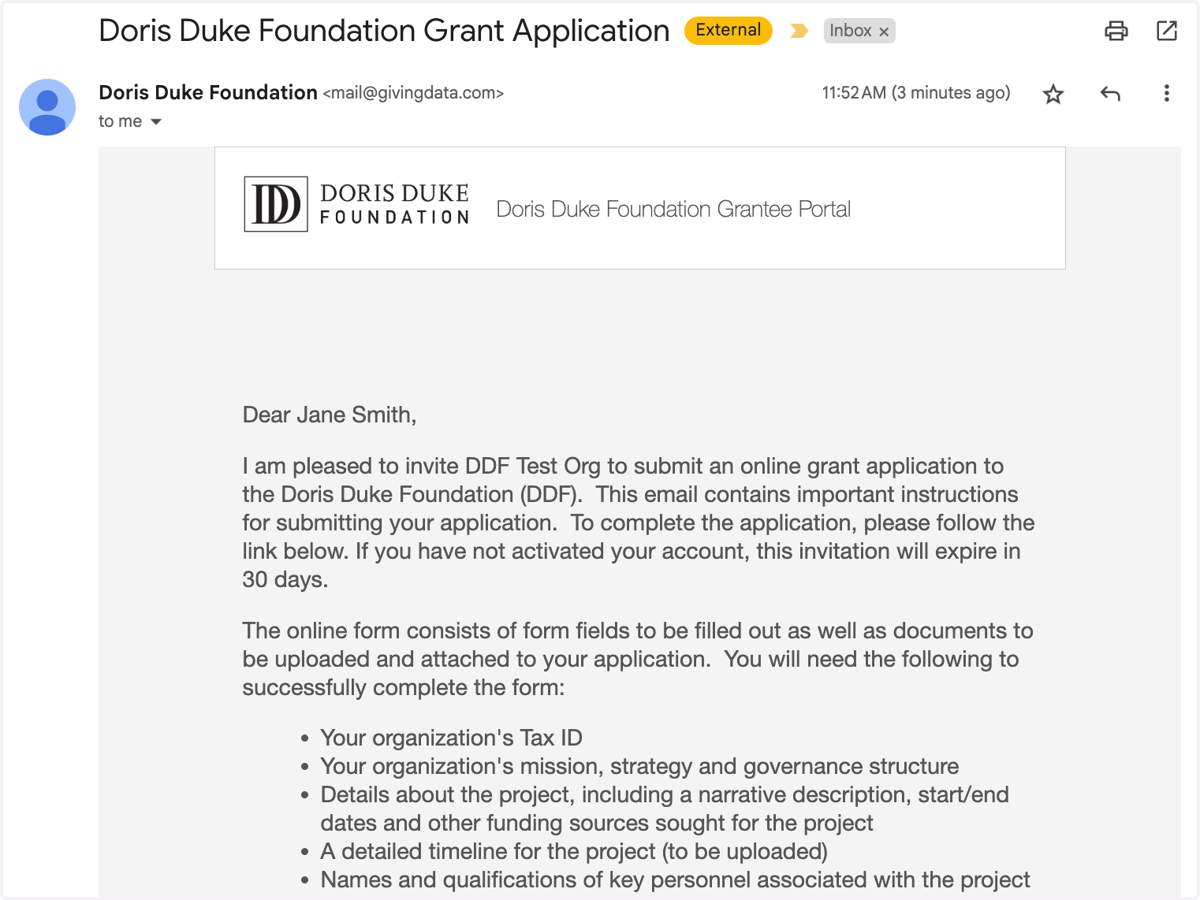
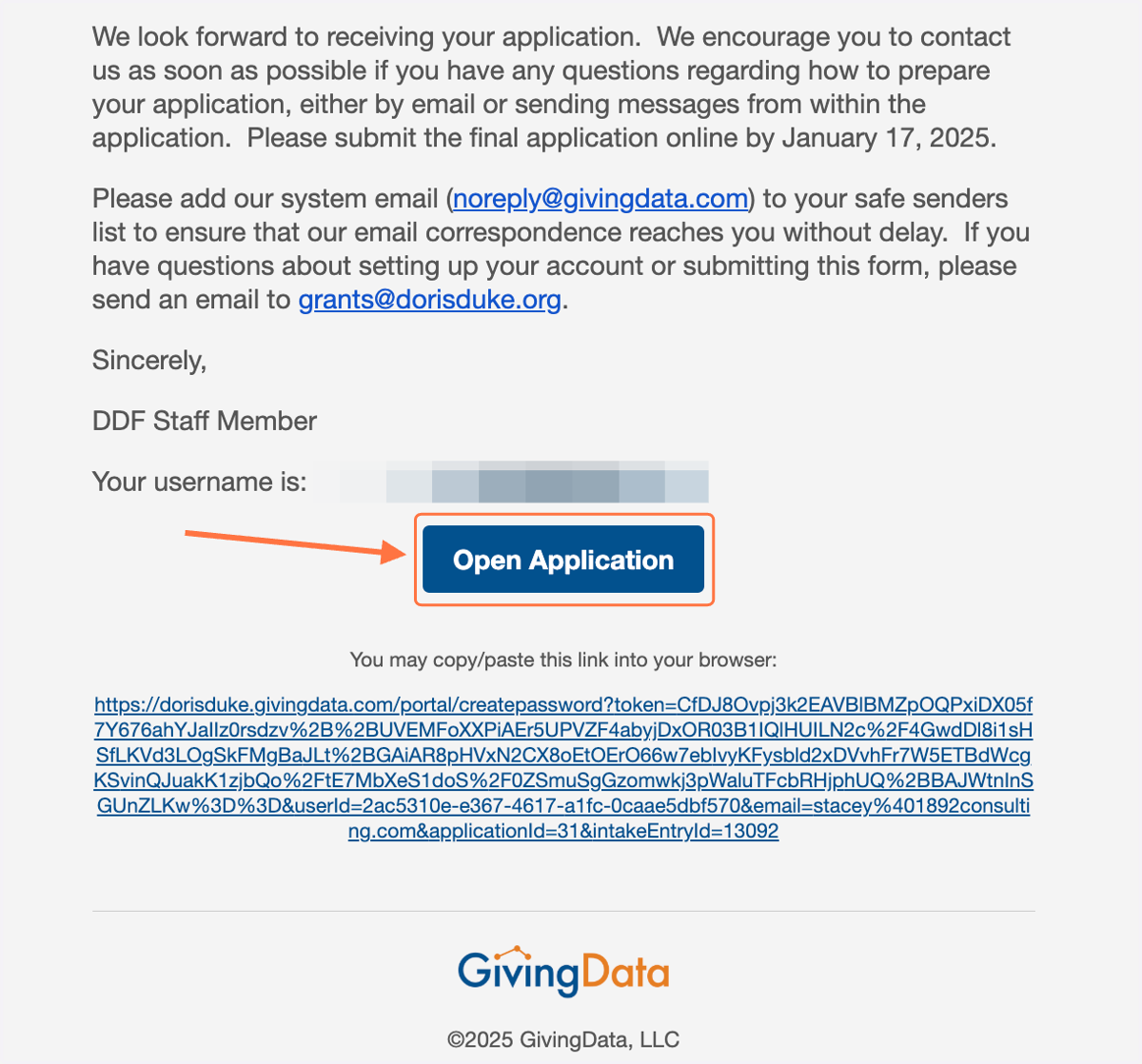
2. At the bottom of the email, click 'Open Application'.
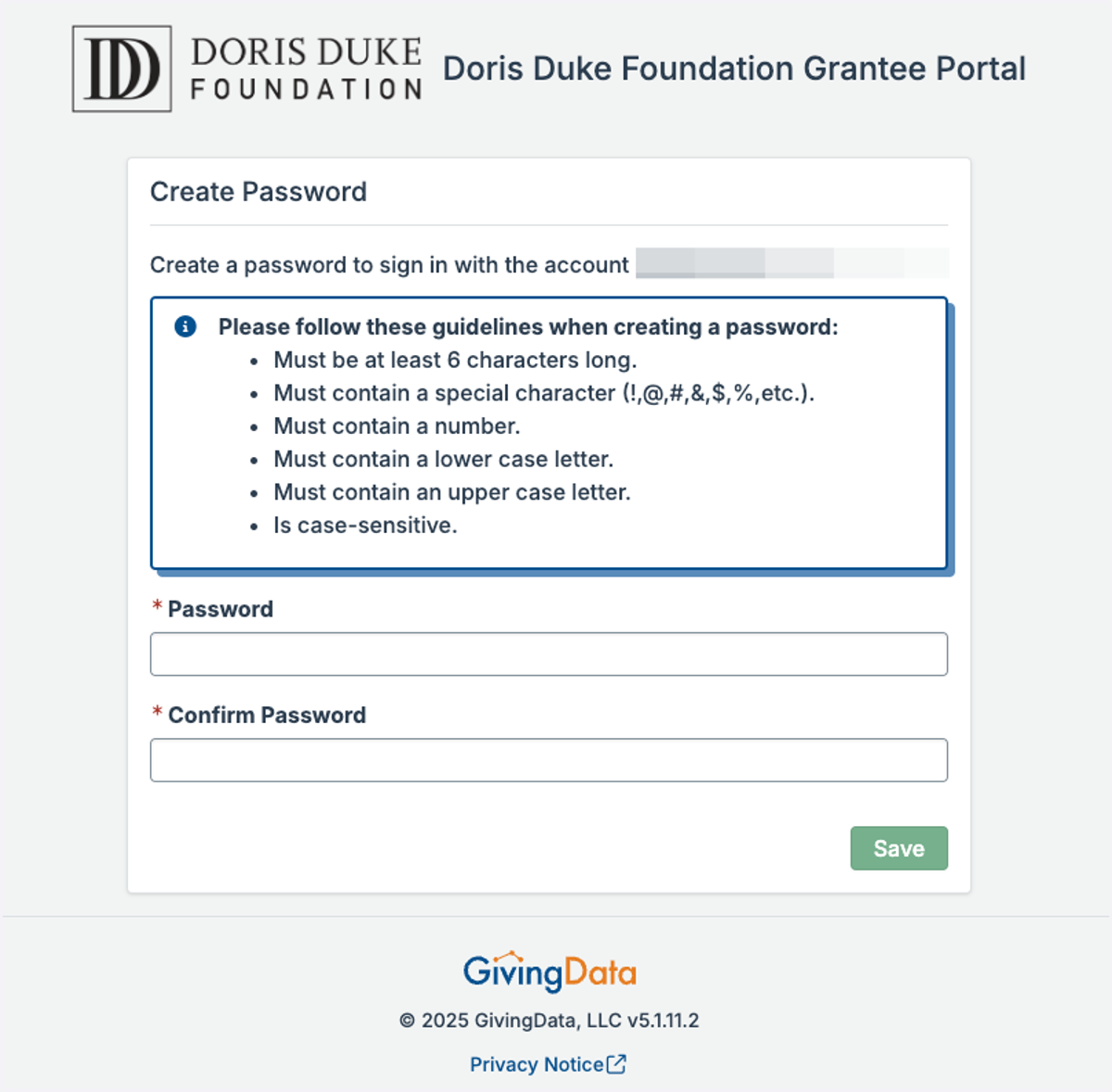
3. If you are activating a new Grantee Portal account, you will be prompted to create a password. Click Save when finished.
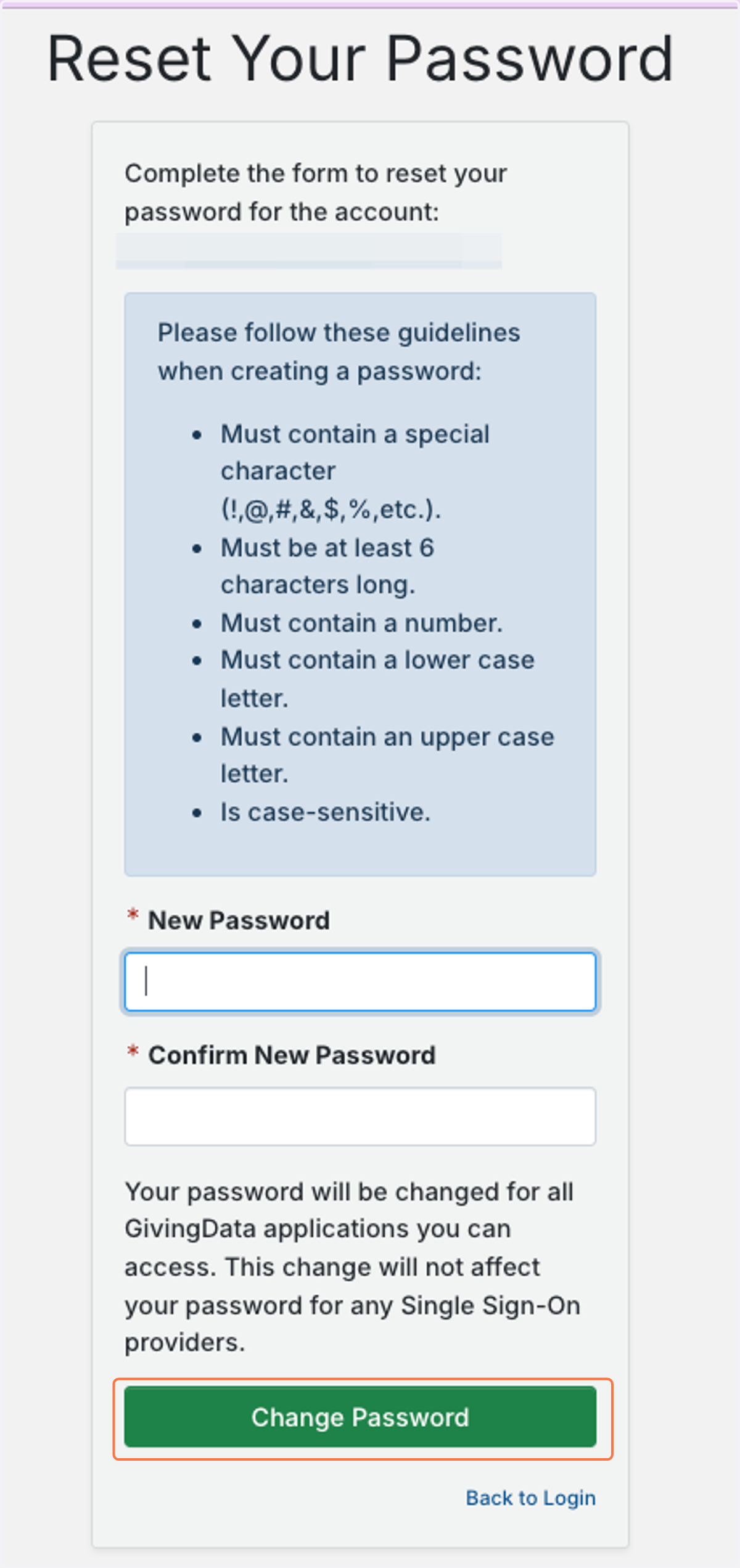
Your password must contain: 6 or more characters, a special character, a number, one upper case letter, and one lower case number.
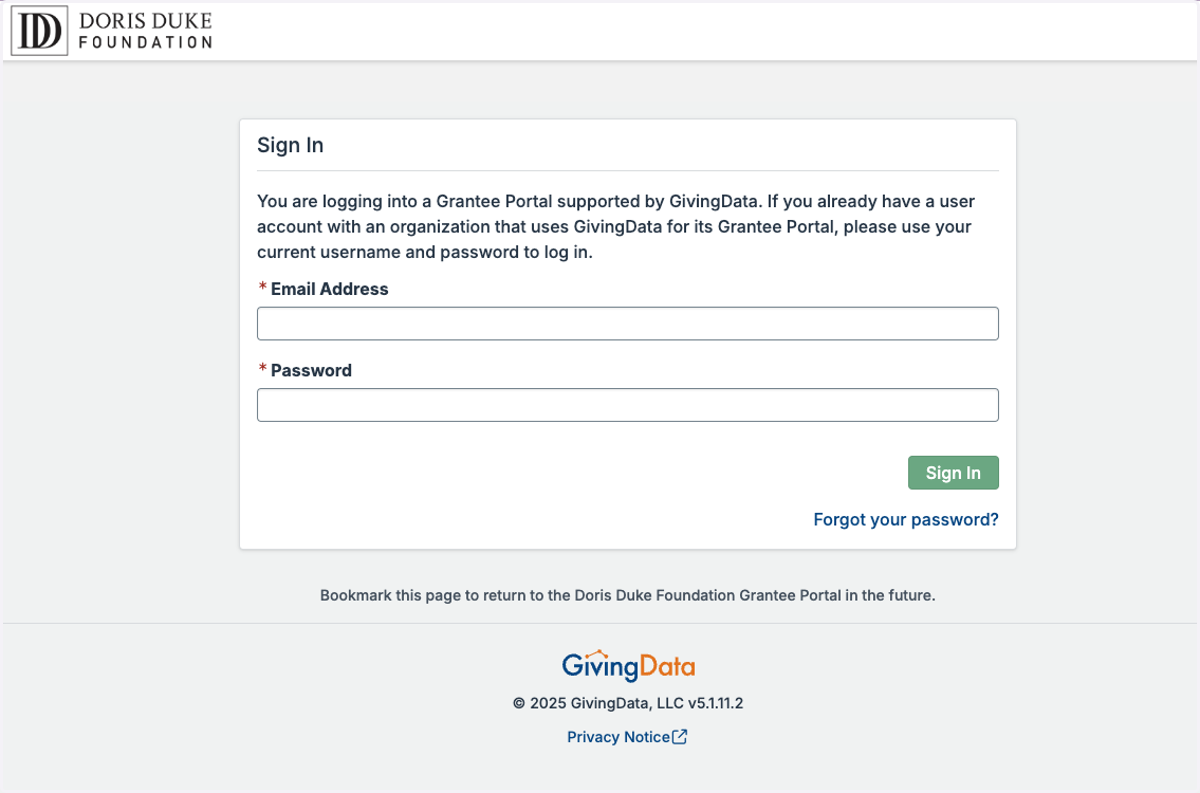
4. Log in to your new Grantee Portal account.
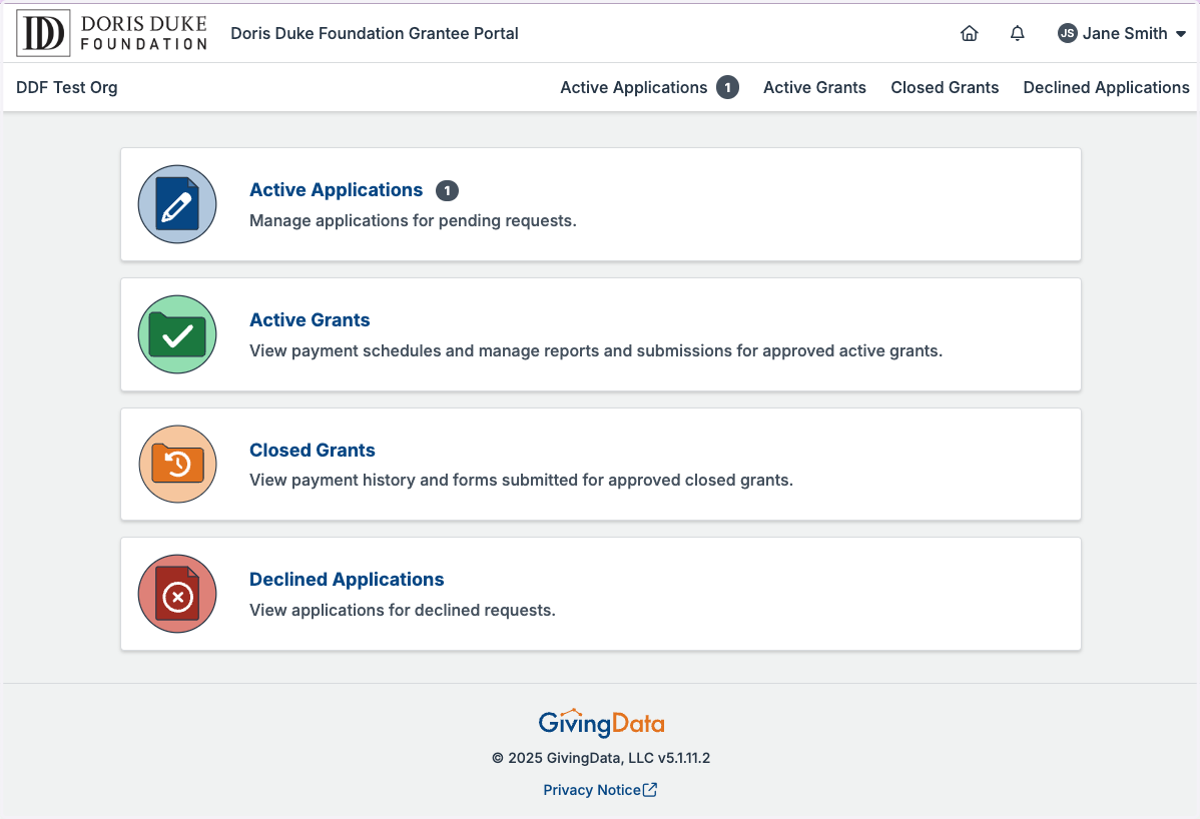
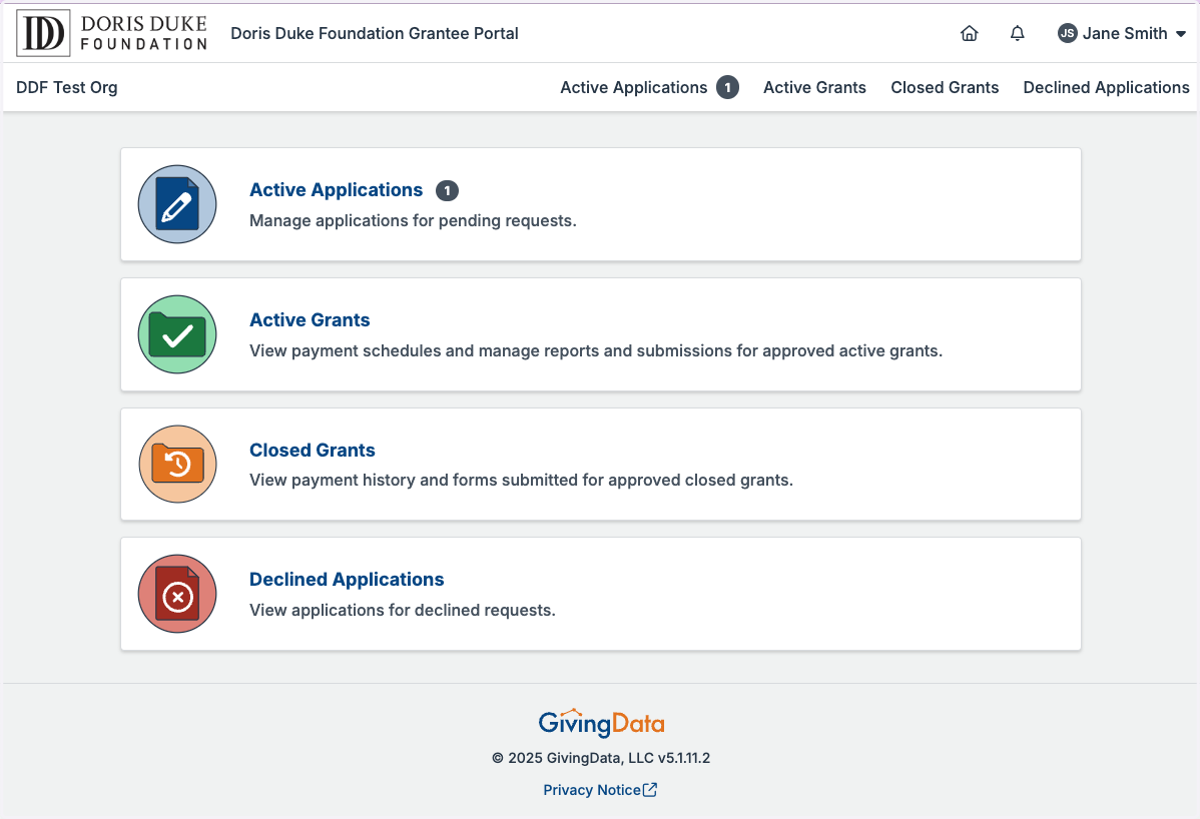
5. Once logged in, you will see your Grantee Portal home page.
Resetting Your Password
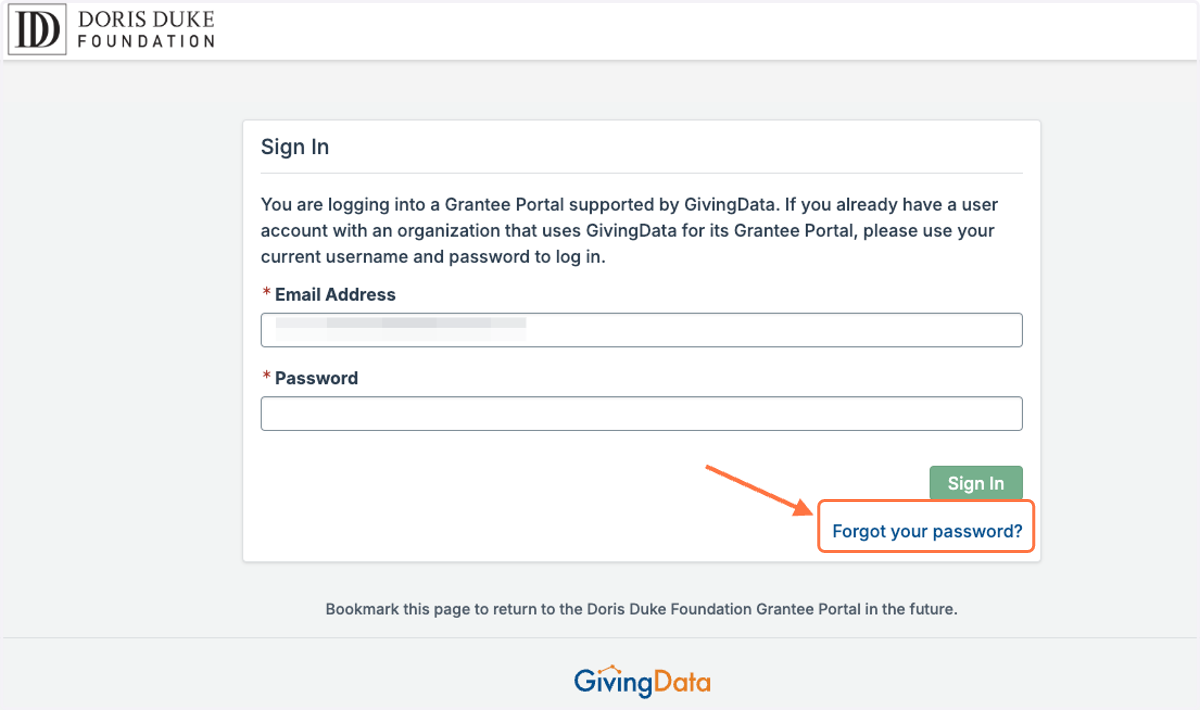
6. If you already have a GivingData grantee portal account and cannot remember your credentials, click 'Forgot your password'.
Tip: If you haven't already, bookmark this login page for future use.
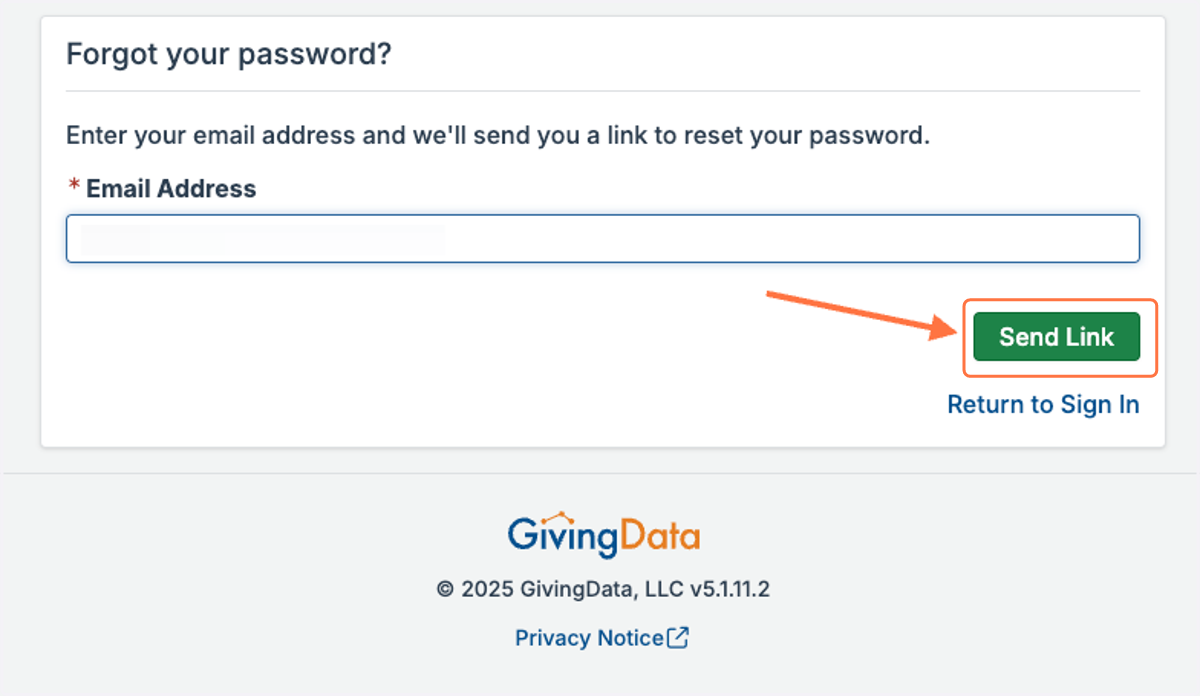
7. Enter your email address and click 'Send Link'.
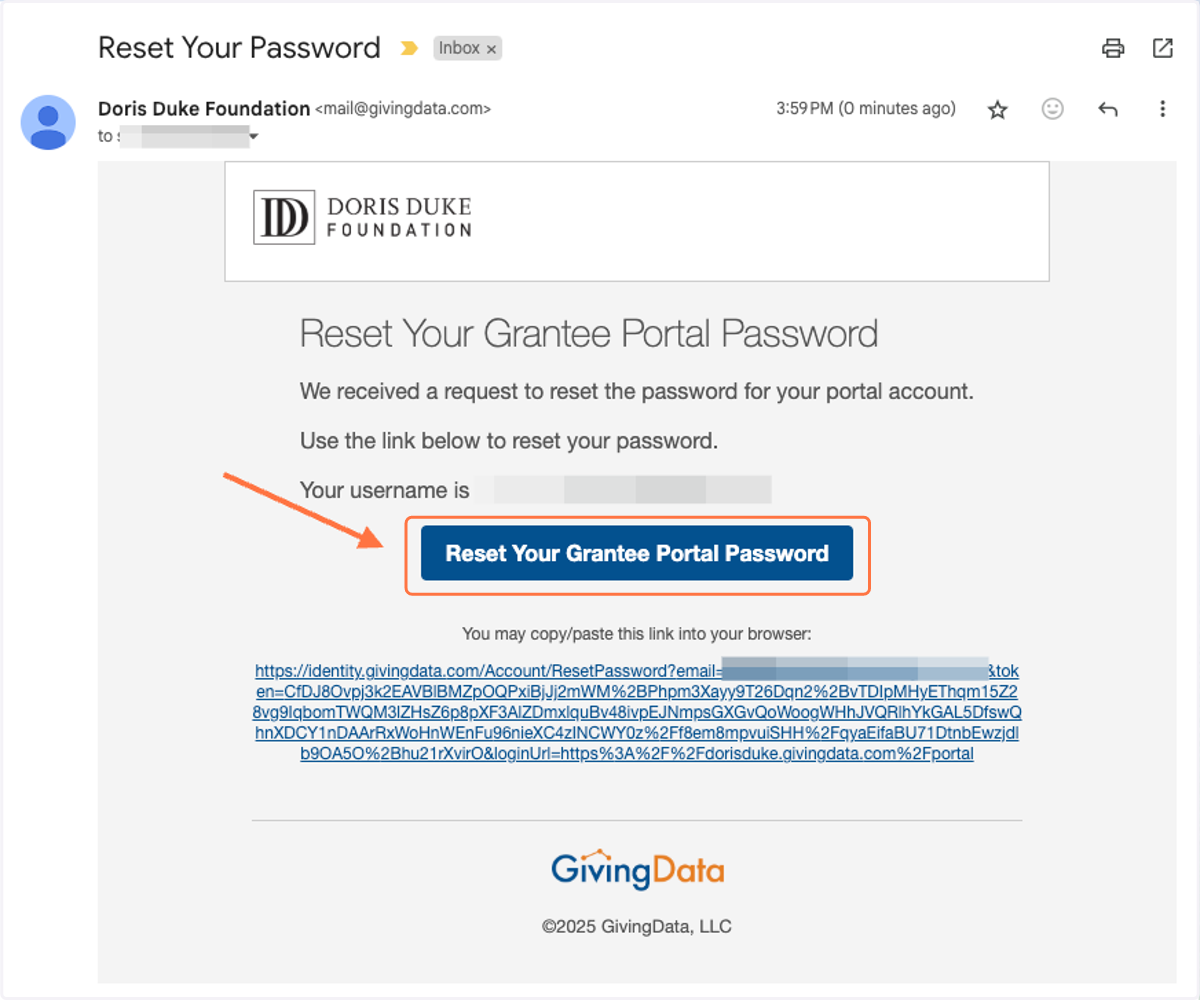
8. You will receive an email from mail@givingdata.com. Click the link in the email to proceed.
9. Enter in and confirm your new password, then click 'Change Password'.
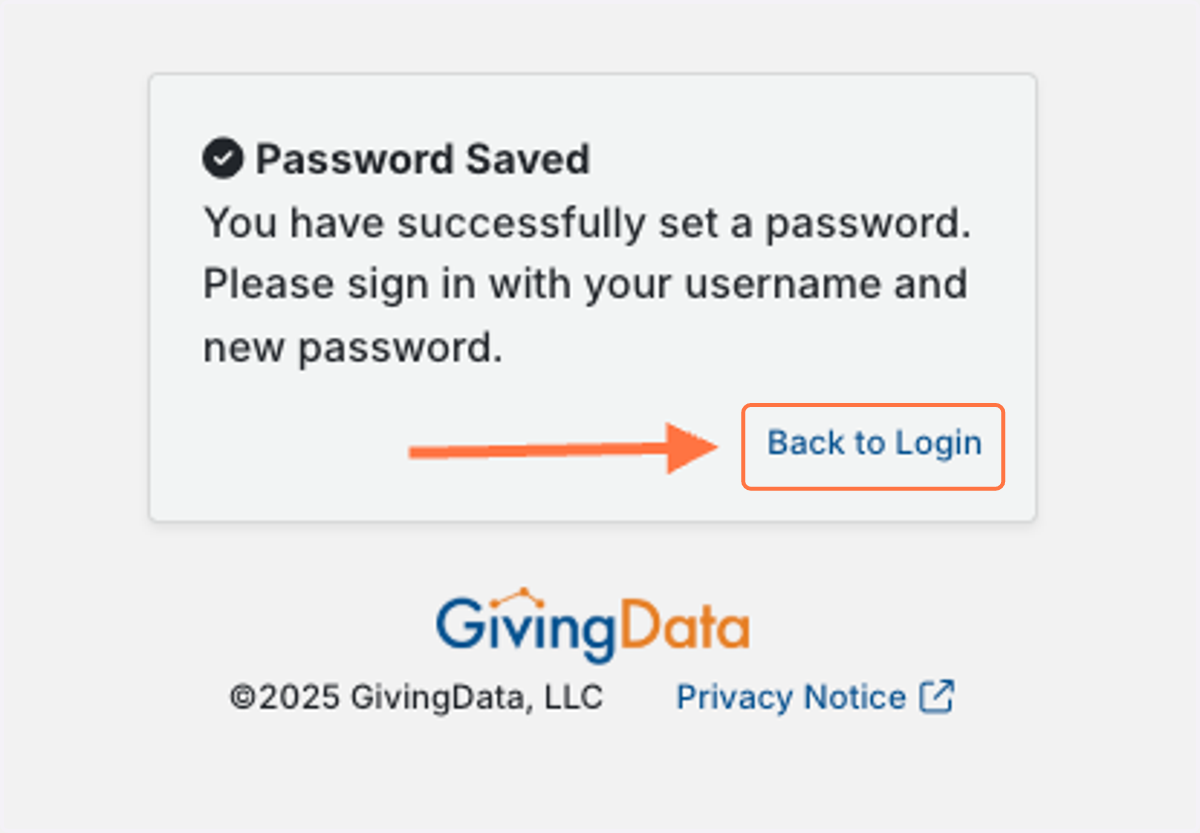
10. From the confirmation screen, click 'Back to Login'.
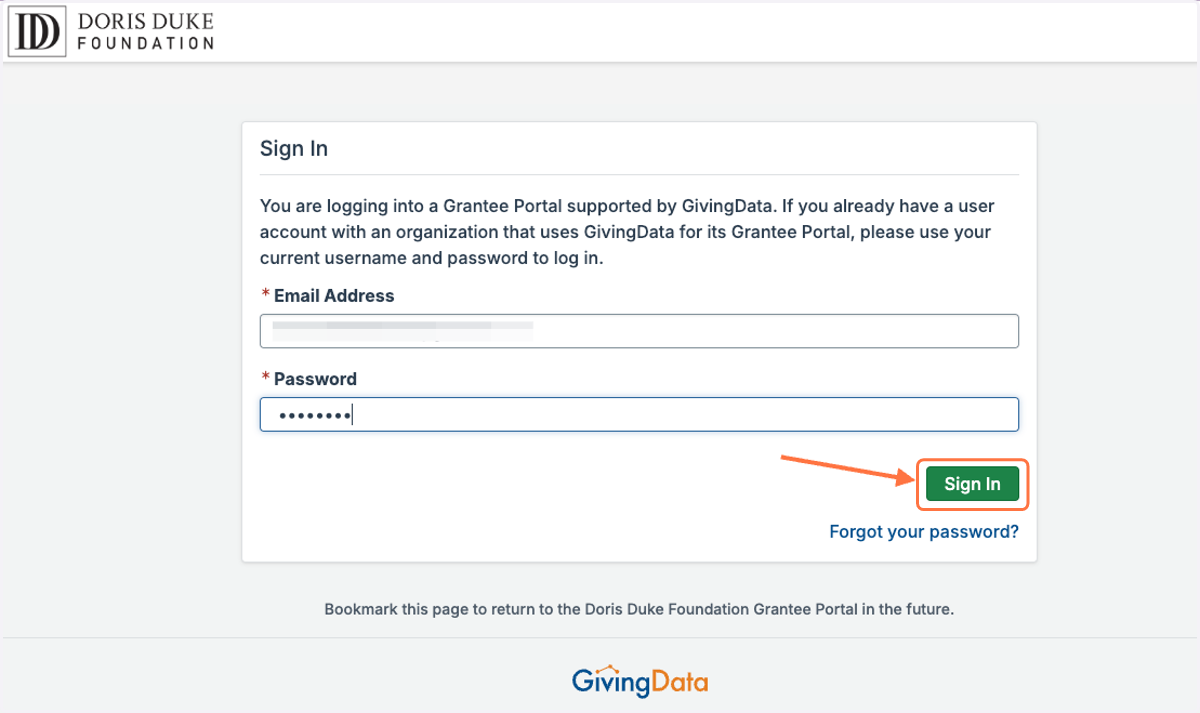
11. Enter your GivingData grantee portal credentials and click 'Sign In'.
12. Once logged in, you will see your Grantee Portal home page.