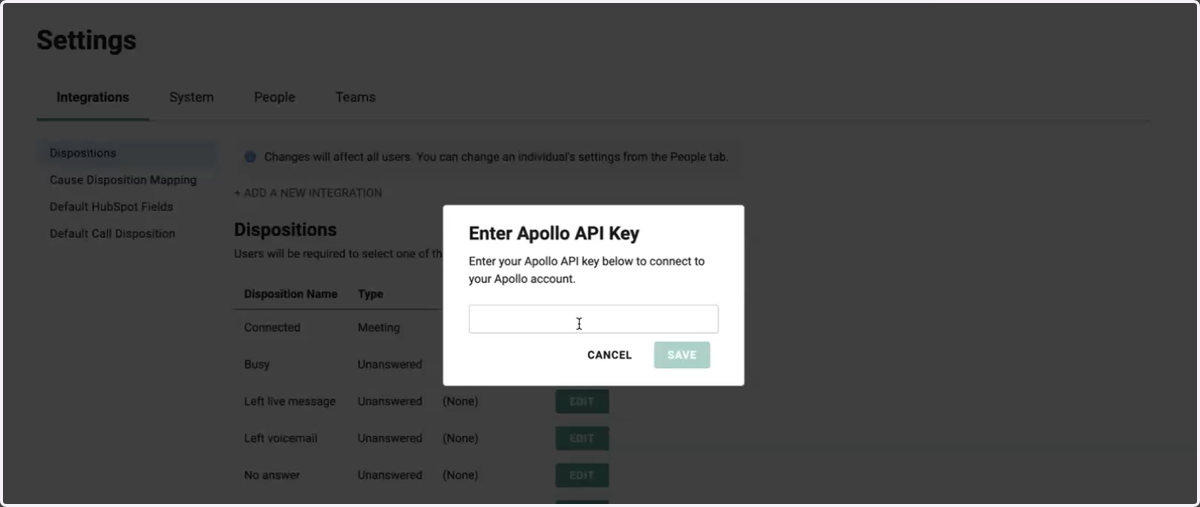
[Apollo]: How to create an API Key
This guide shows you how to create an API Key in Apollo to integration with Orum.
Start in Apollo
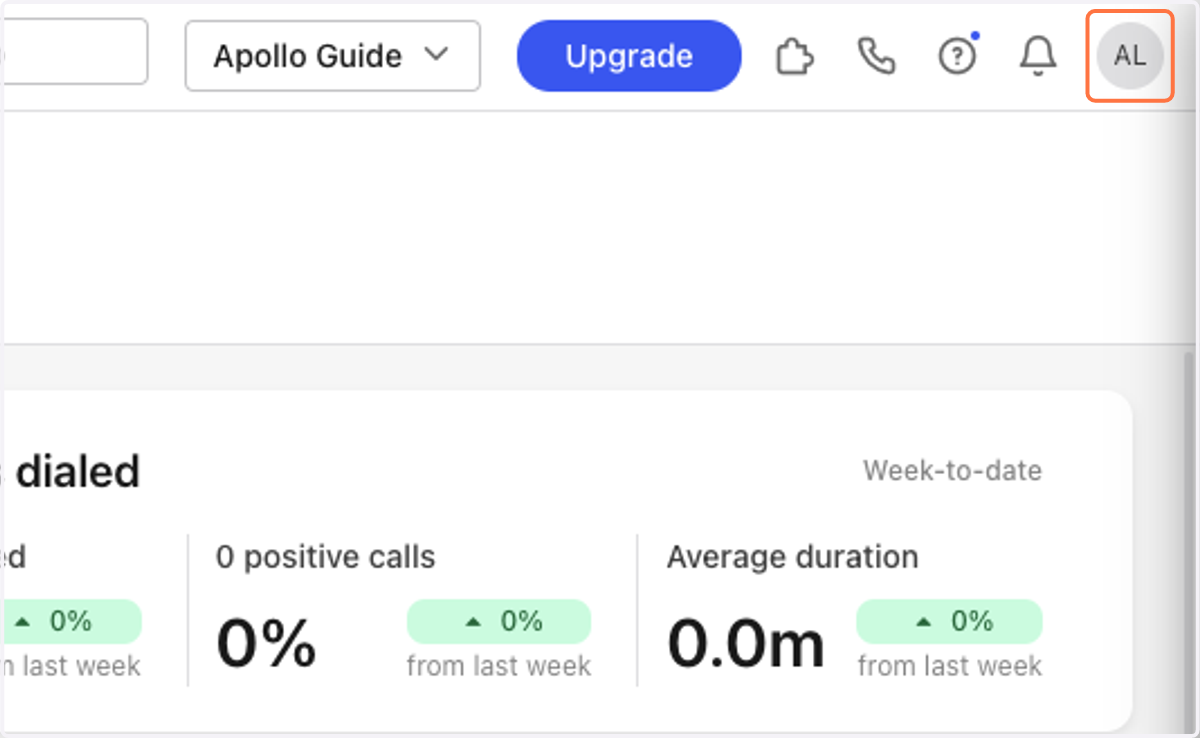
1. Click on initials
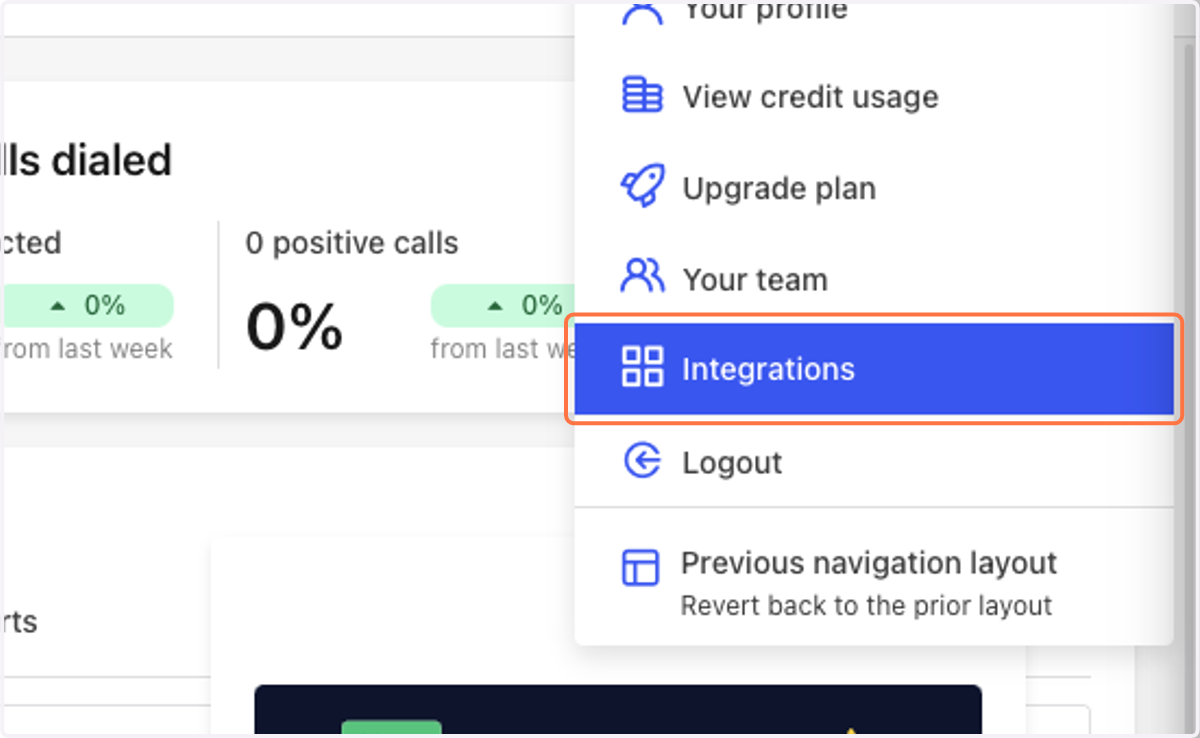
2. Click on Integrations
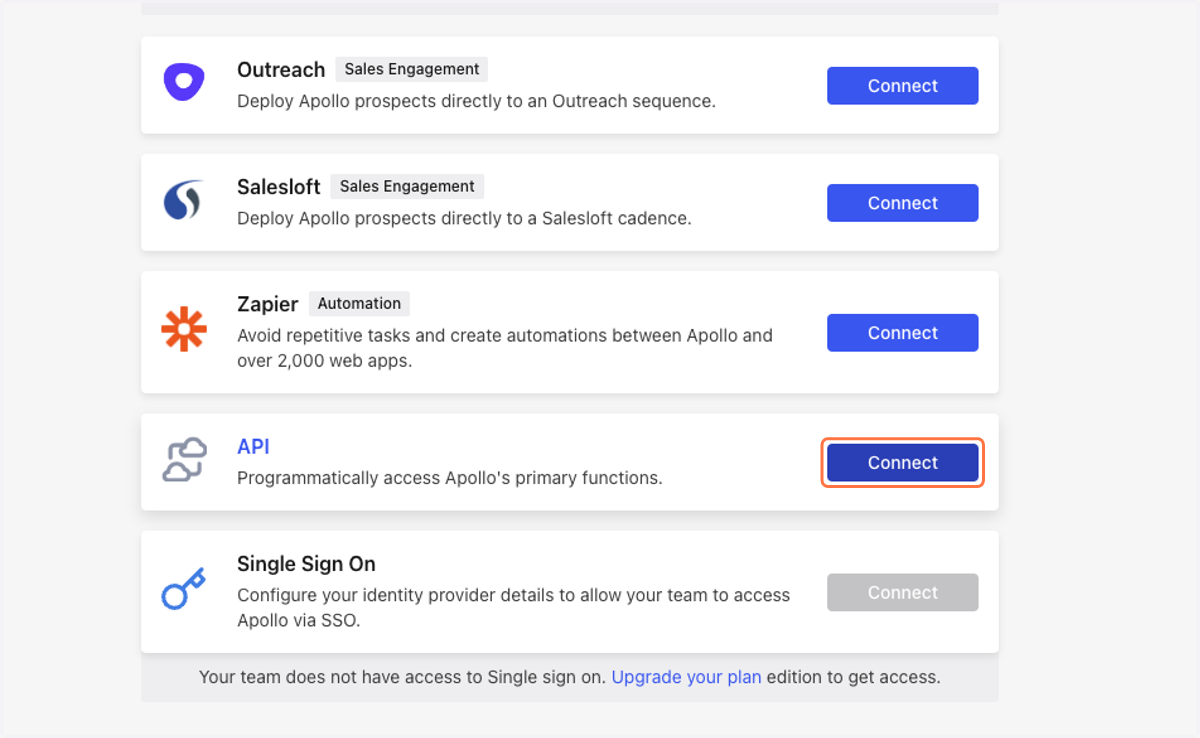
3. Click on Connect on the API option
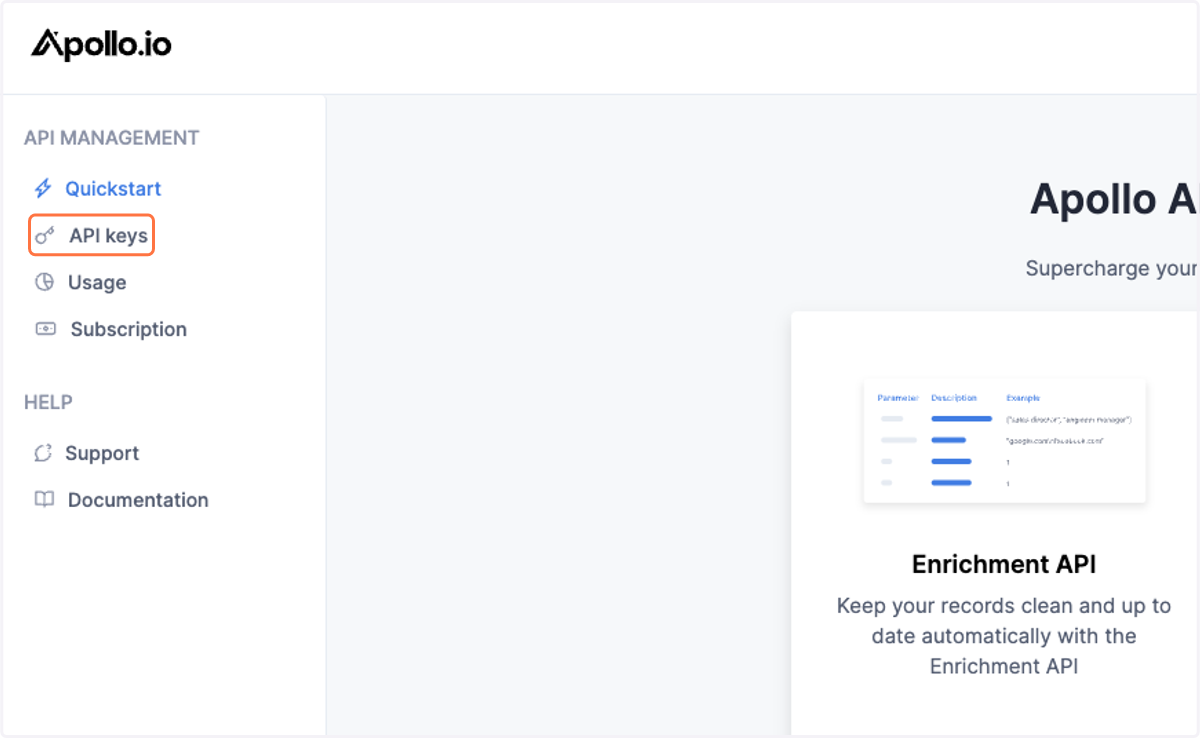
4. Click on API keys on the left side bar.
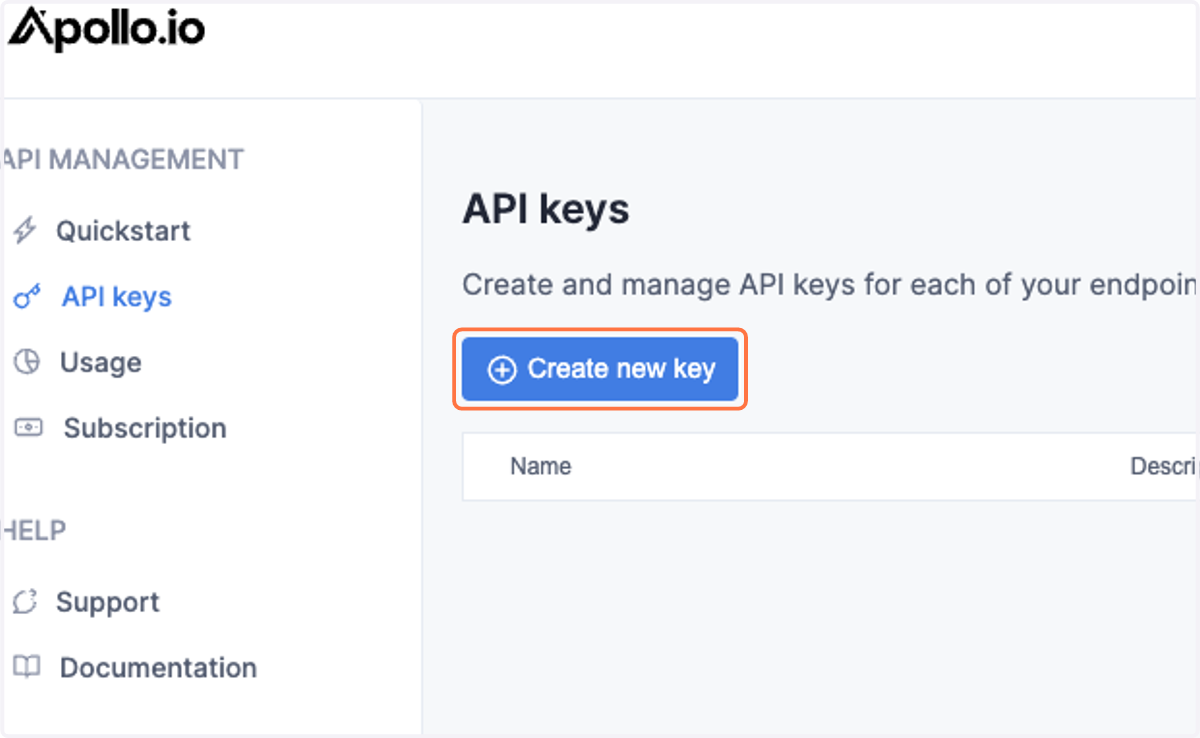
5. Click on Create new key
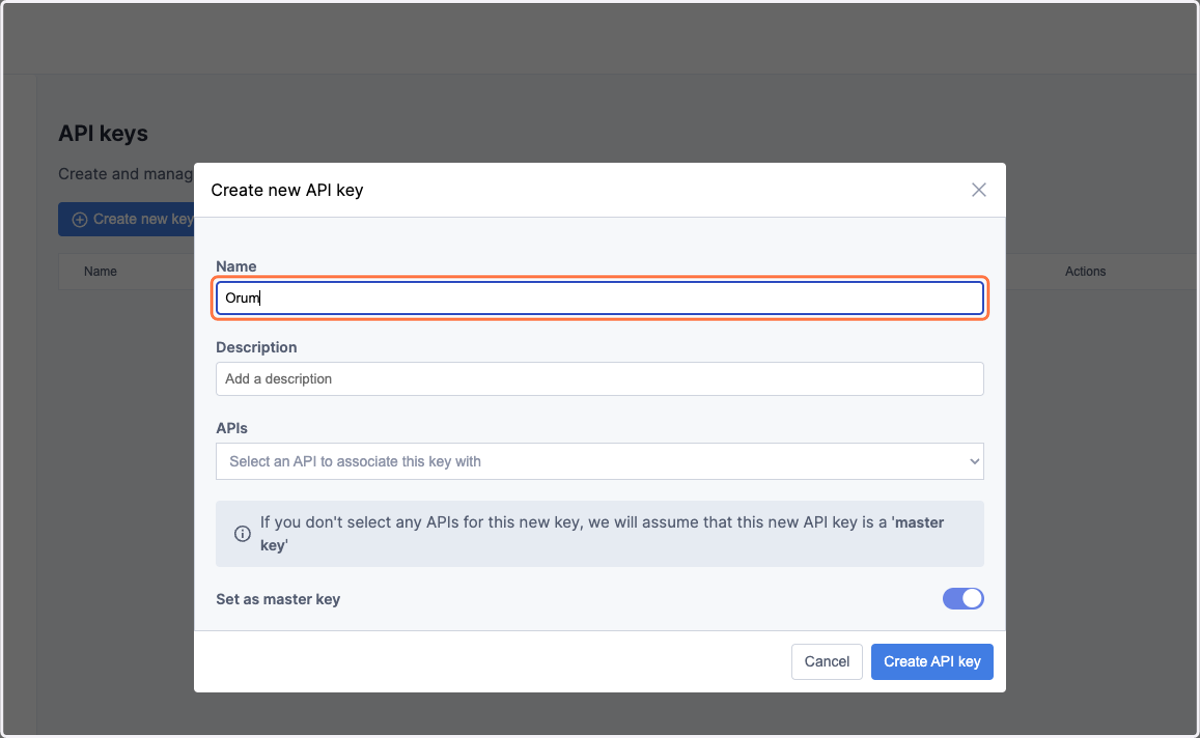
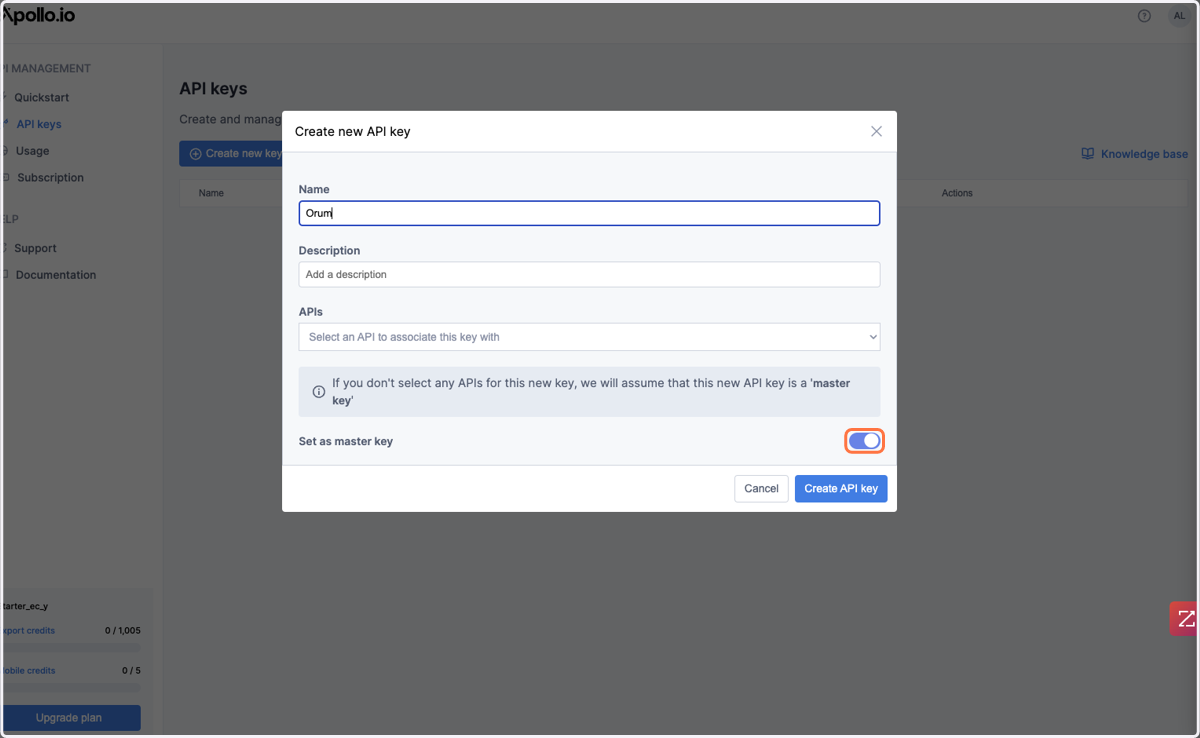
6. Title your API Key
7. Important: Leave "APIs" section blank
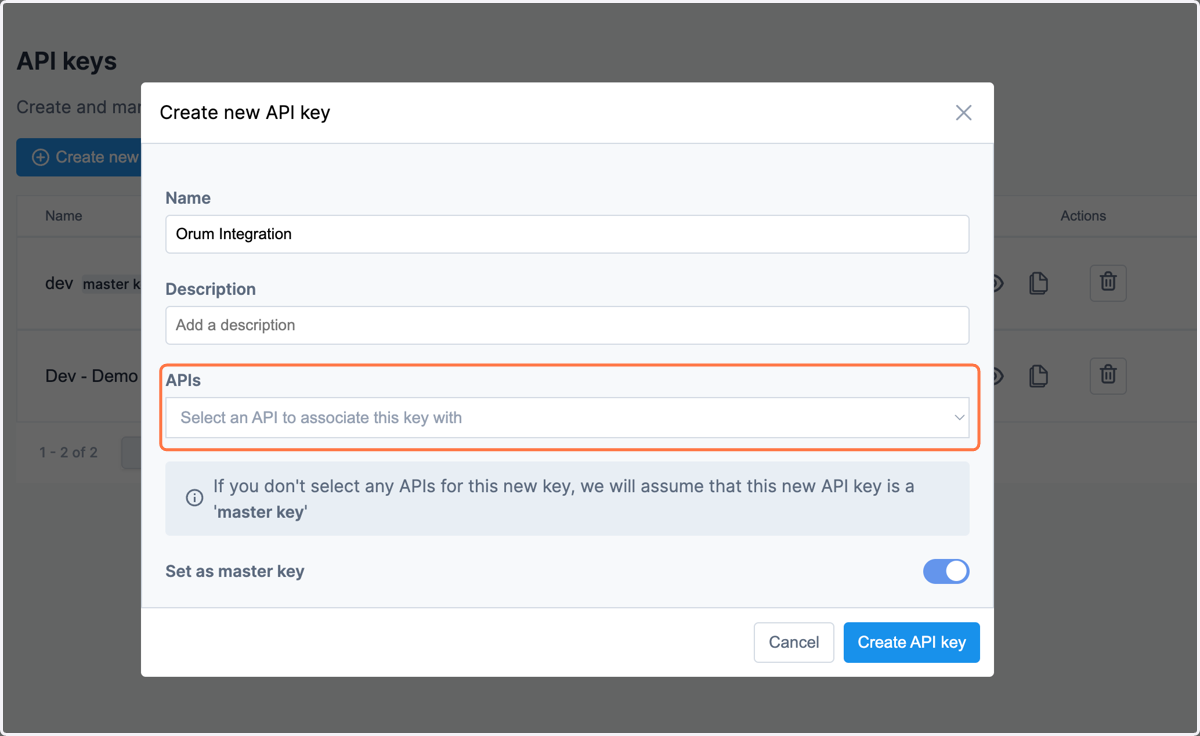
8. Confirm API Key is set as a 'Master Key'
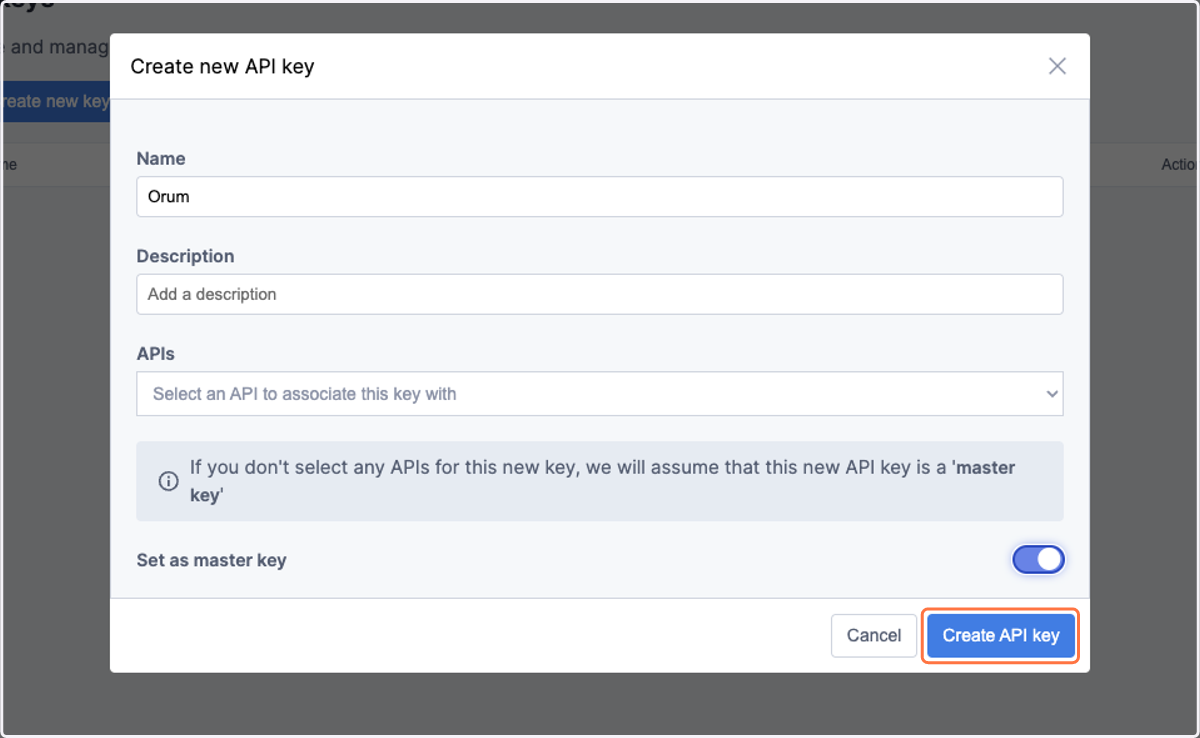
9. Click on Create API key
10. Paste API Key into Orum to complete integration setup.