[Apollo]: How to change Account Email Address to Match CRM
This guide will help you change your Apollo email to match your CRMs email and let you access Orum. Note: This will not change the email used for your Apollo Mailbox
Start in Apollo
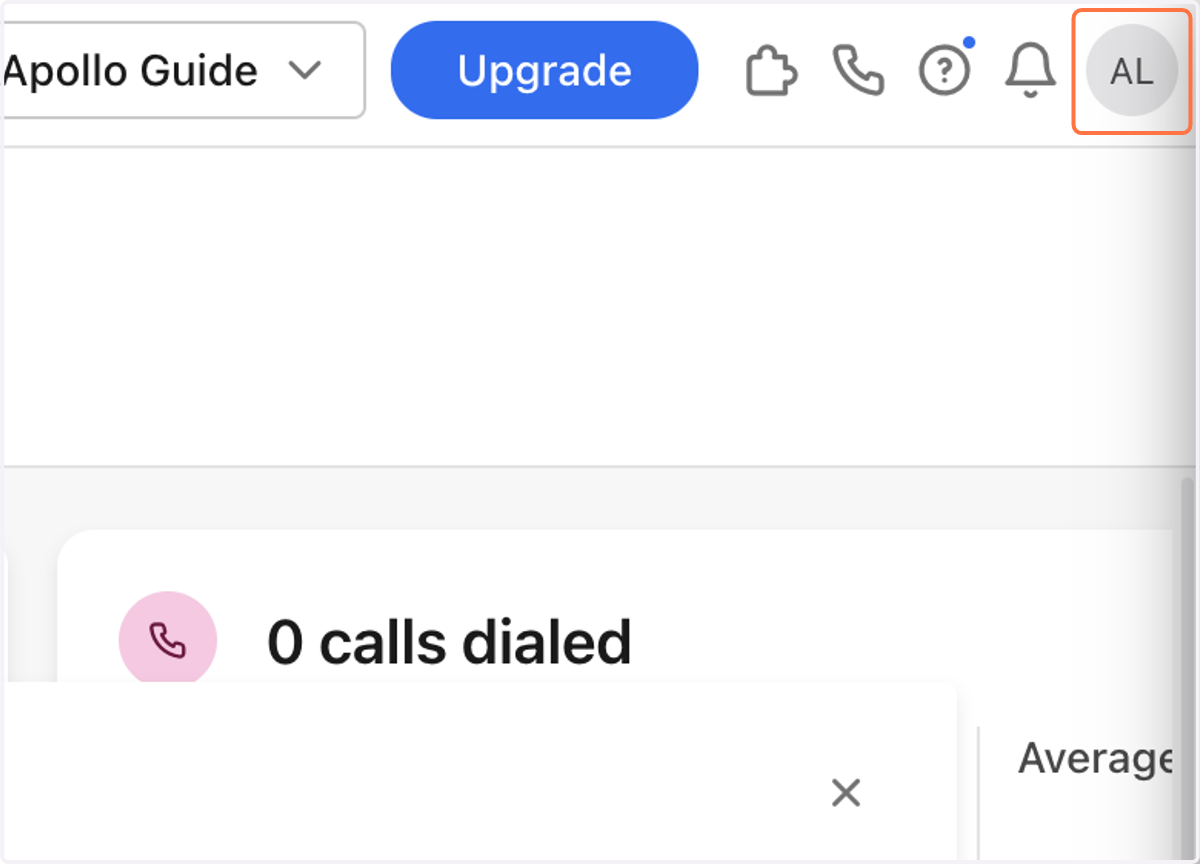
1. Click on initials on top right
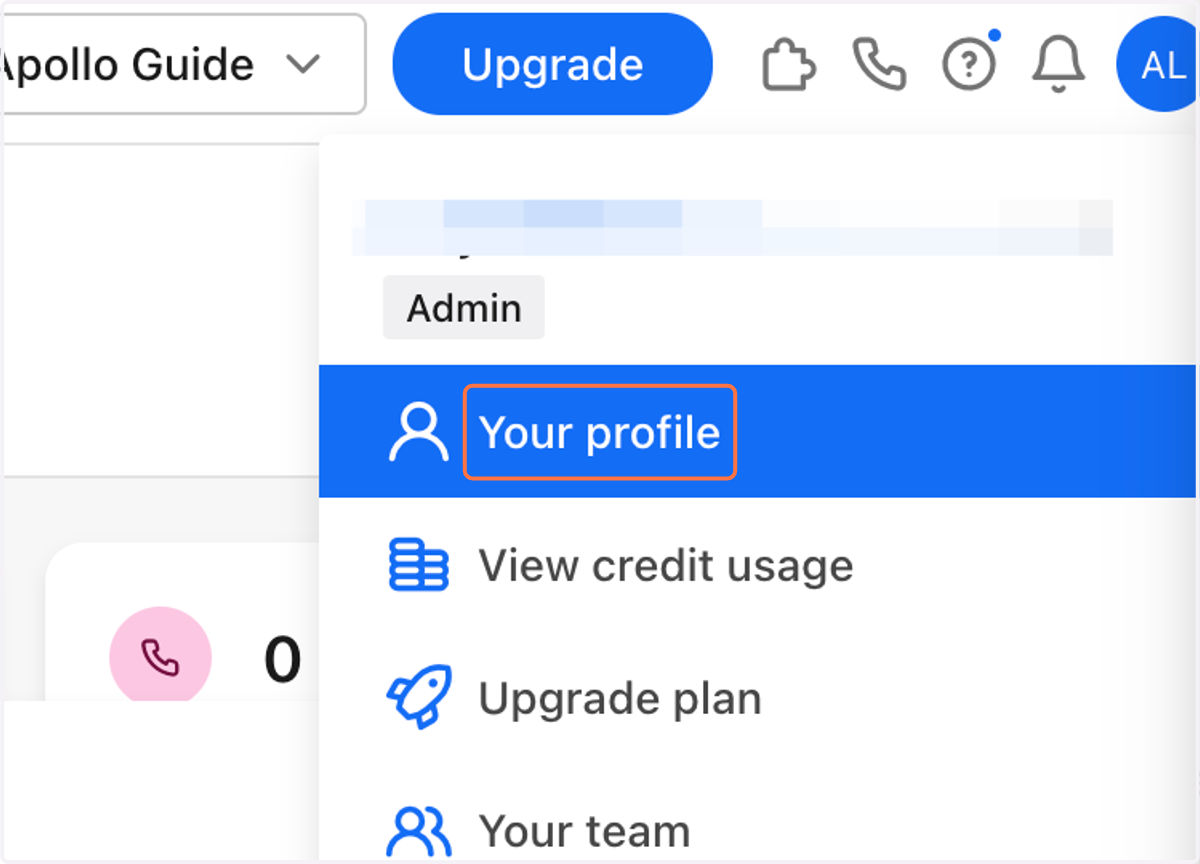
2. Click on Your profile
3. Confirm Apollo email is the same as the connected CRM, if not continue to the next step.
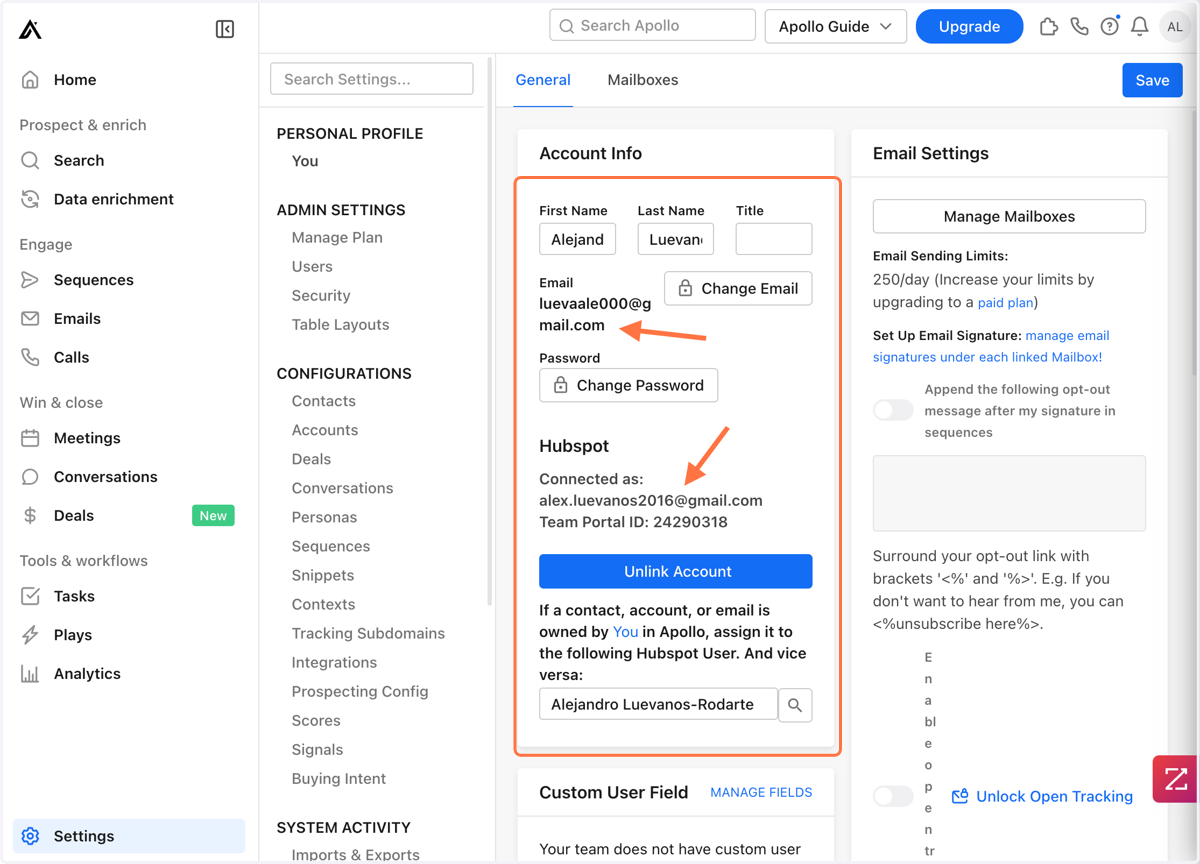
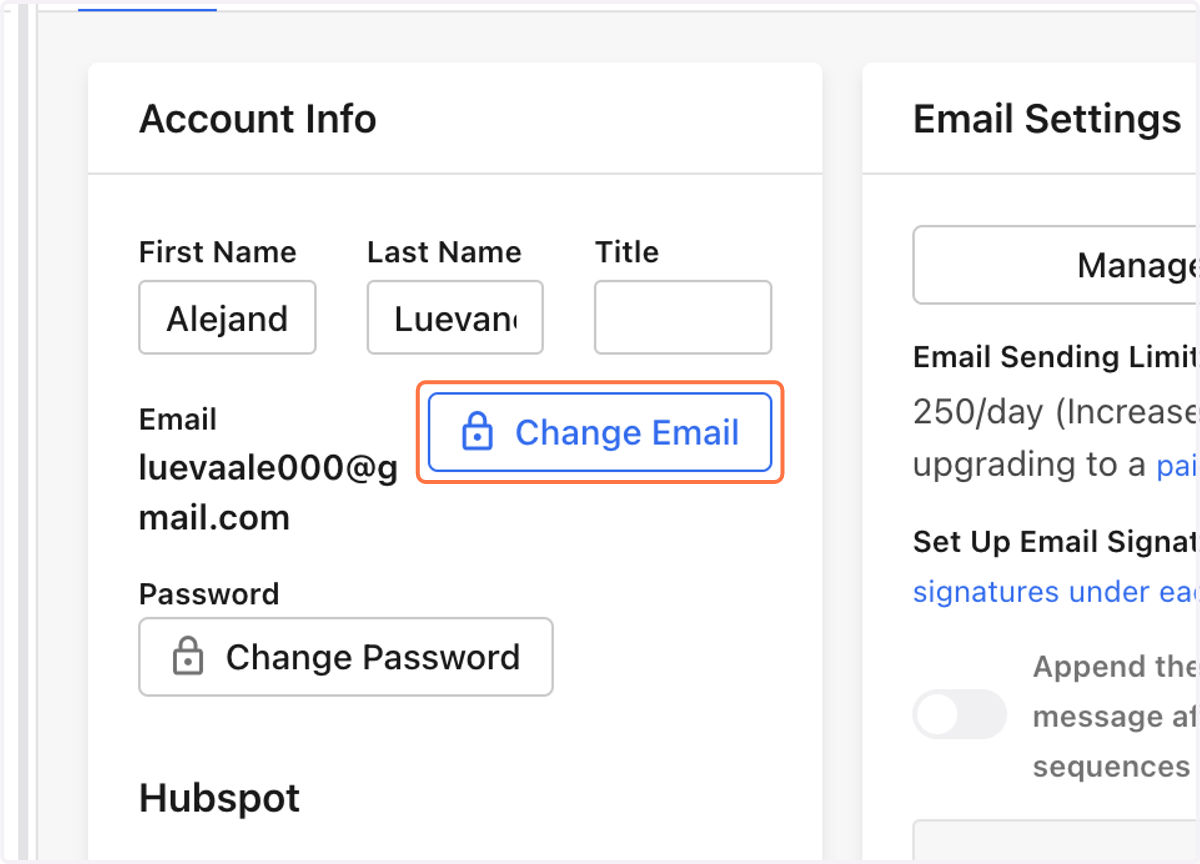
4. Click on Change Email
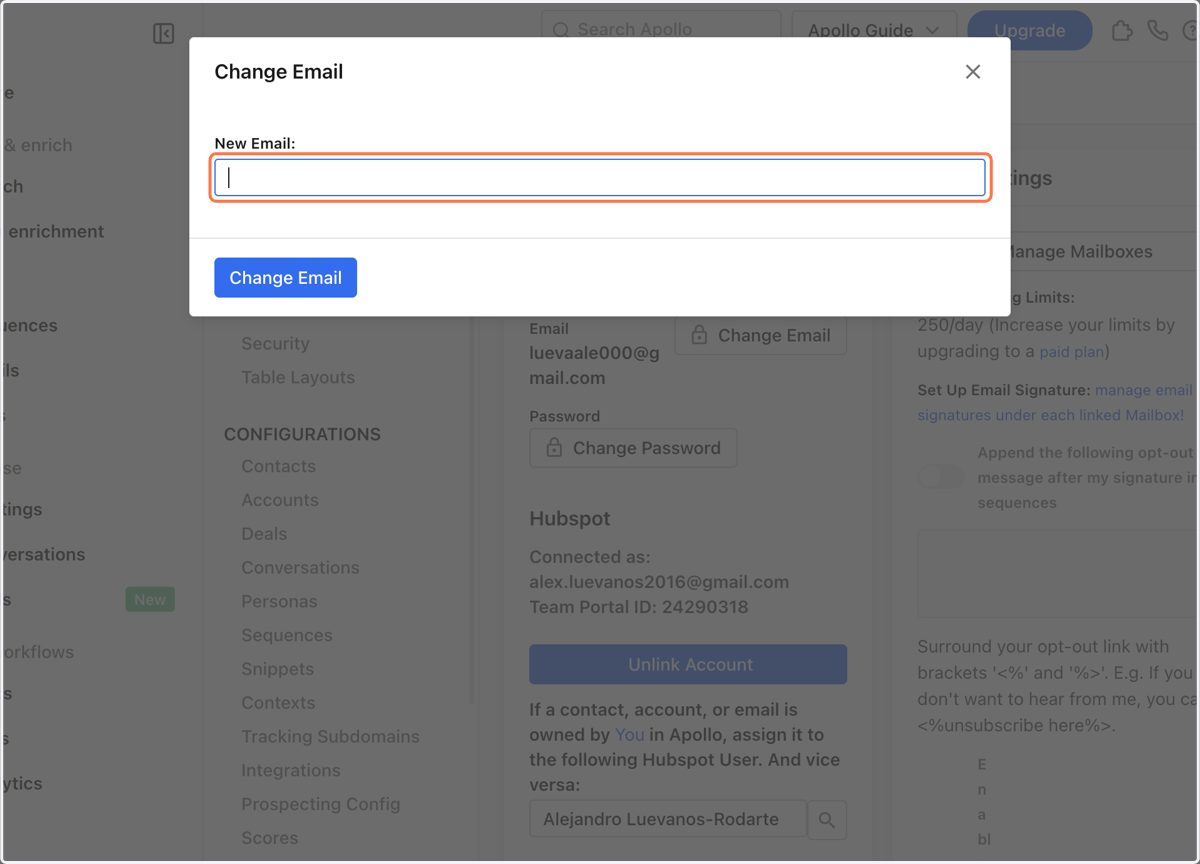
5. Type the email used in your CRM that was listed in Step 3
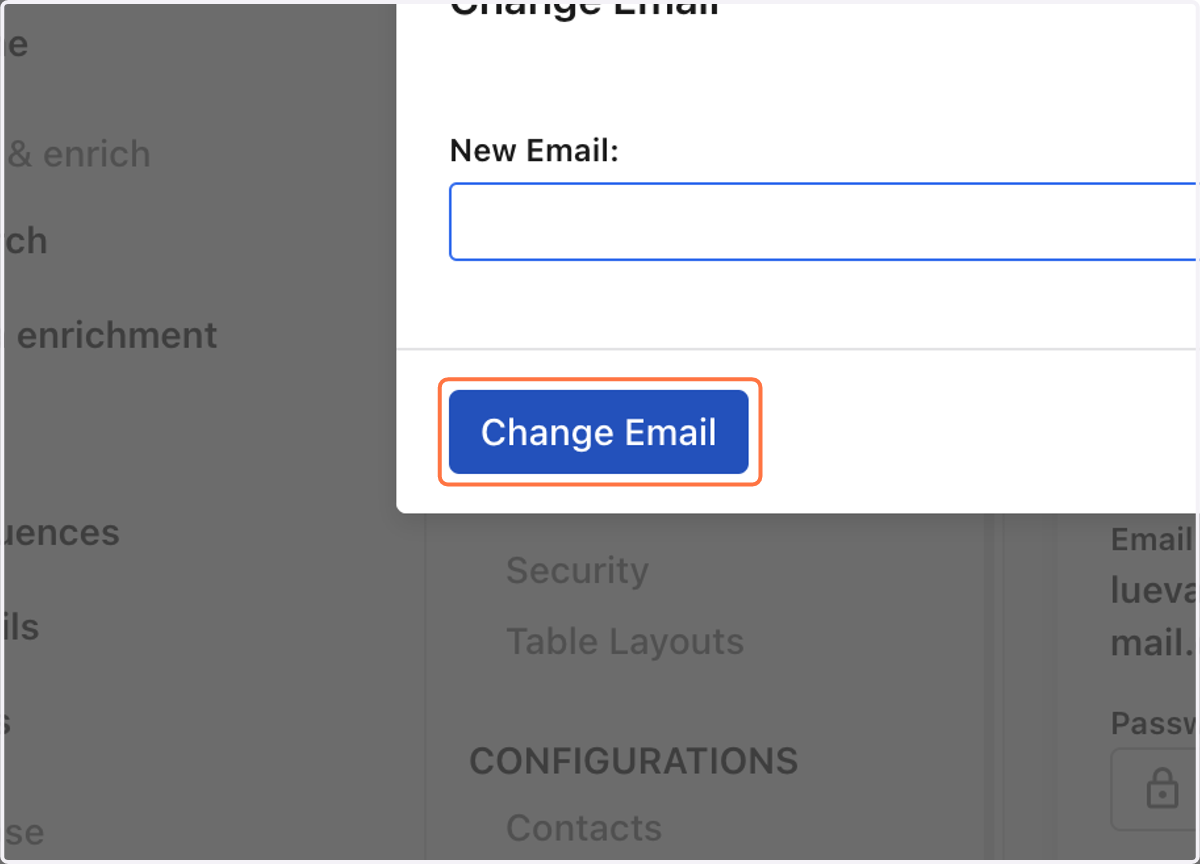
6. Click on Change Email. You will receive an Email to confirm the change has been made, once confirmed you will see the new email in Apollo.
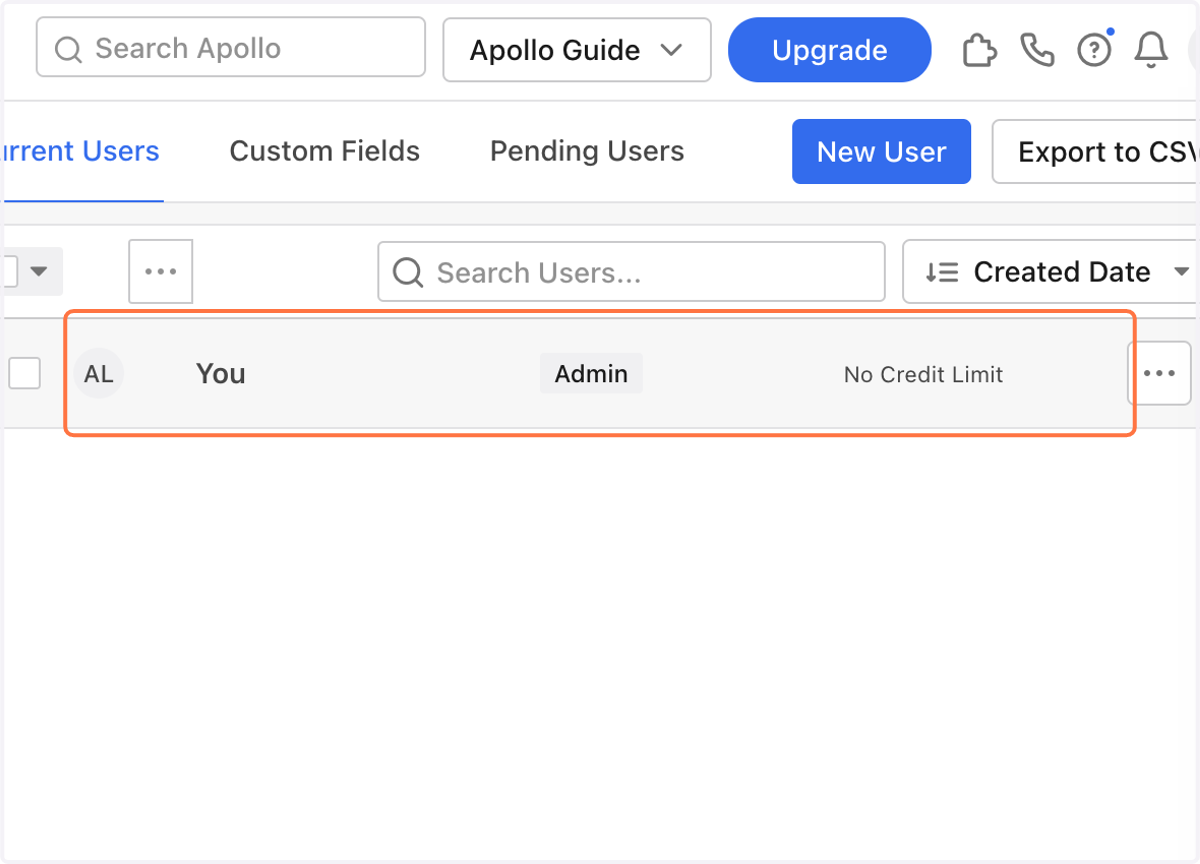
7. If you are admin you can update emails on behalf of Users by clicking the Users Tab.
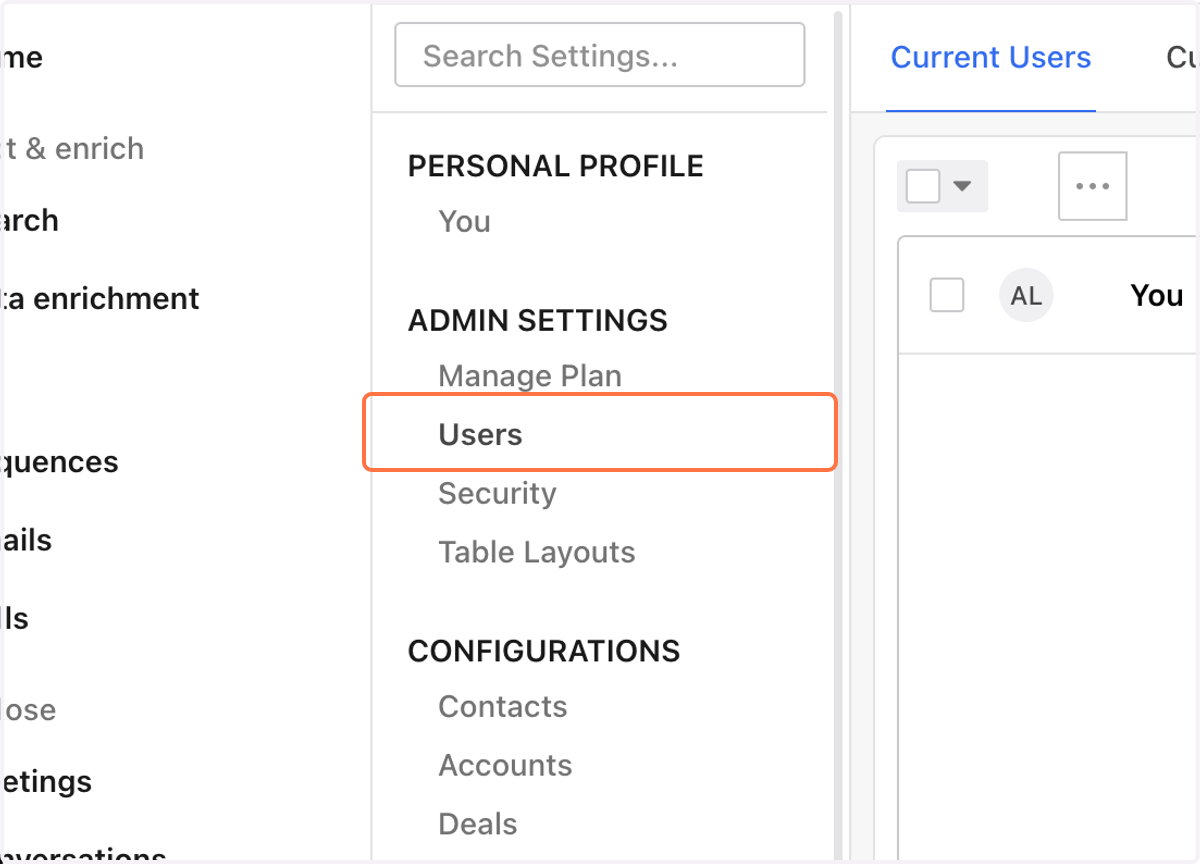
8. Selecting the individual user then changing their email on their behalf. The individual will still need to confirm the change when they receive the email notification.