[1] Give access to Google ads and [2] Accept our access request
1. Click on "Log ind"
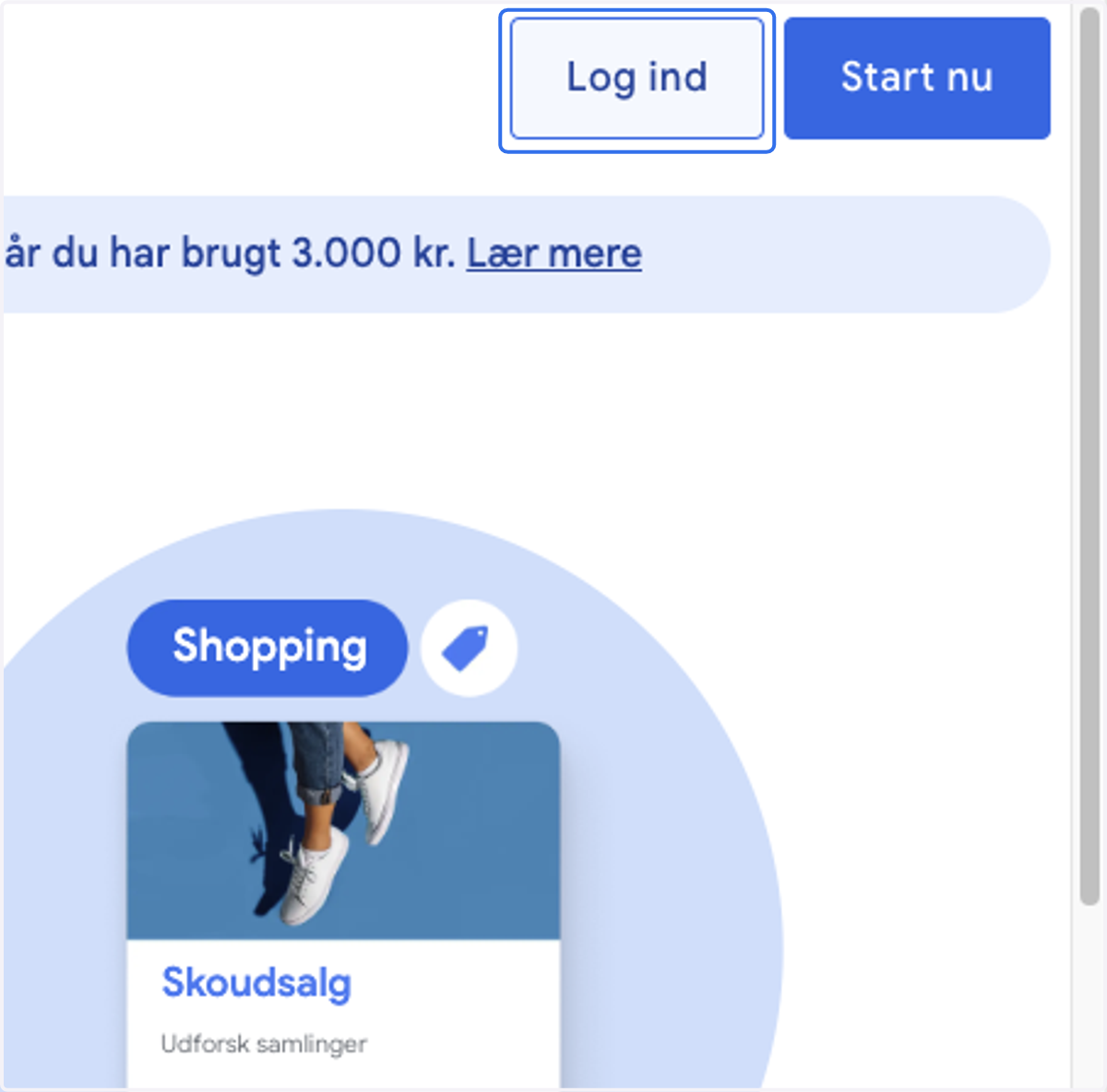
2. Log in with the account that owns your Google ads
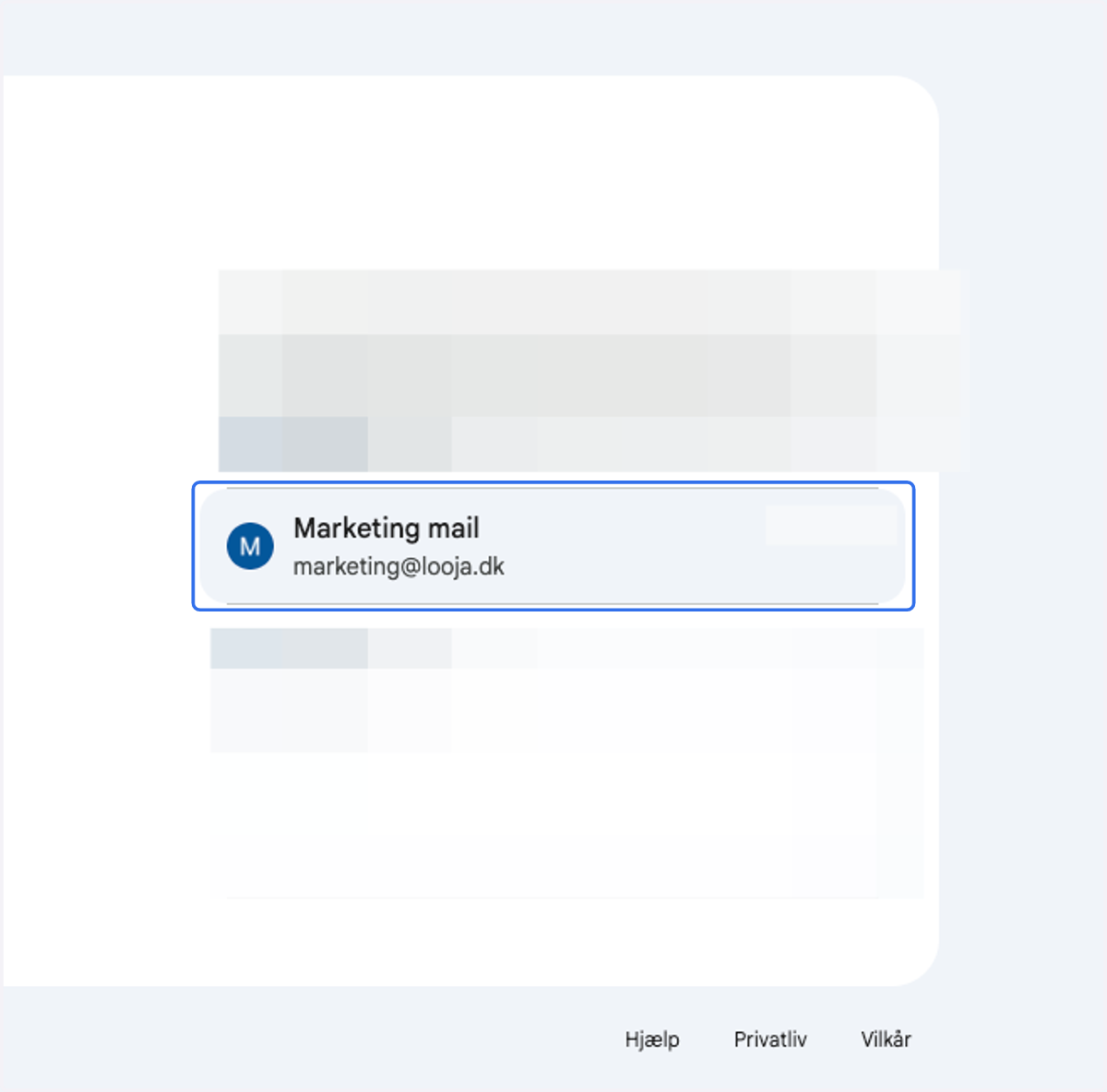
3. Navigate and select the Google Ads account to which access is to be granted - Copy your Google Ads ID at the top right [xxx-xxx-xxxx]
![Navigate and select the Google Ads account to which access is to be granted - Copy your Google Ads ID at the top right [xxx-xxx-xxxx]](https://images.tango.us/workflows/df893a94-200e-4daf-b259-20f0c61e041d/steps/7630ba94-16d8-45c9-a1fa-85486741ebaa/5583d370-3ac2-43ba-b6c0-b3f75f79c775.png?fp-x=0.7330&fp-y=0.2677&fp-z=1.8719&w=1200&border=F4F2F7&bx=1077&by=15&bw=92&bh=29&c=3270EB&dpr=1.00)
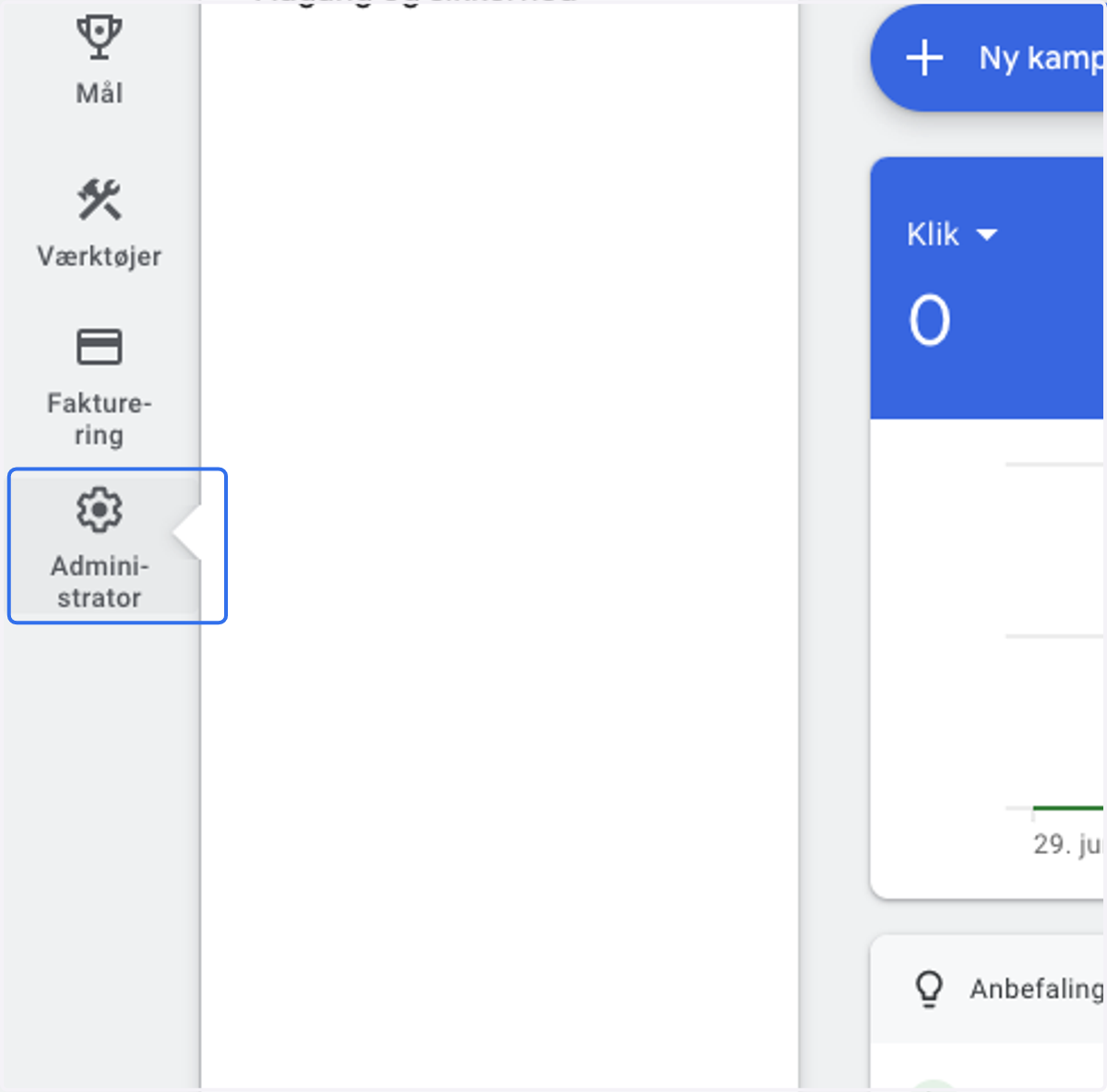
4. To find our access request go to your Google ads account again and click on Tools and Settings
5. Send email with Google Ads ID to eb@looja.dk & marketing@looja.dk
We will send an access request to your account - return to this guide, when we inform you that we've sent a request.
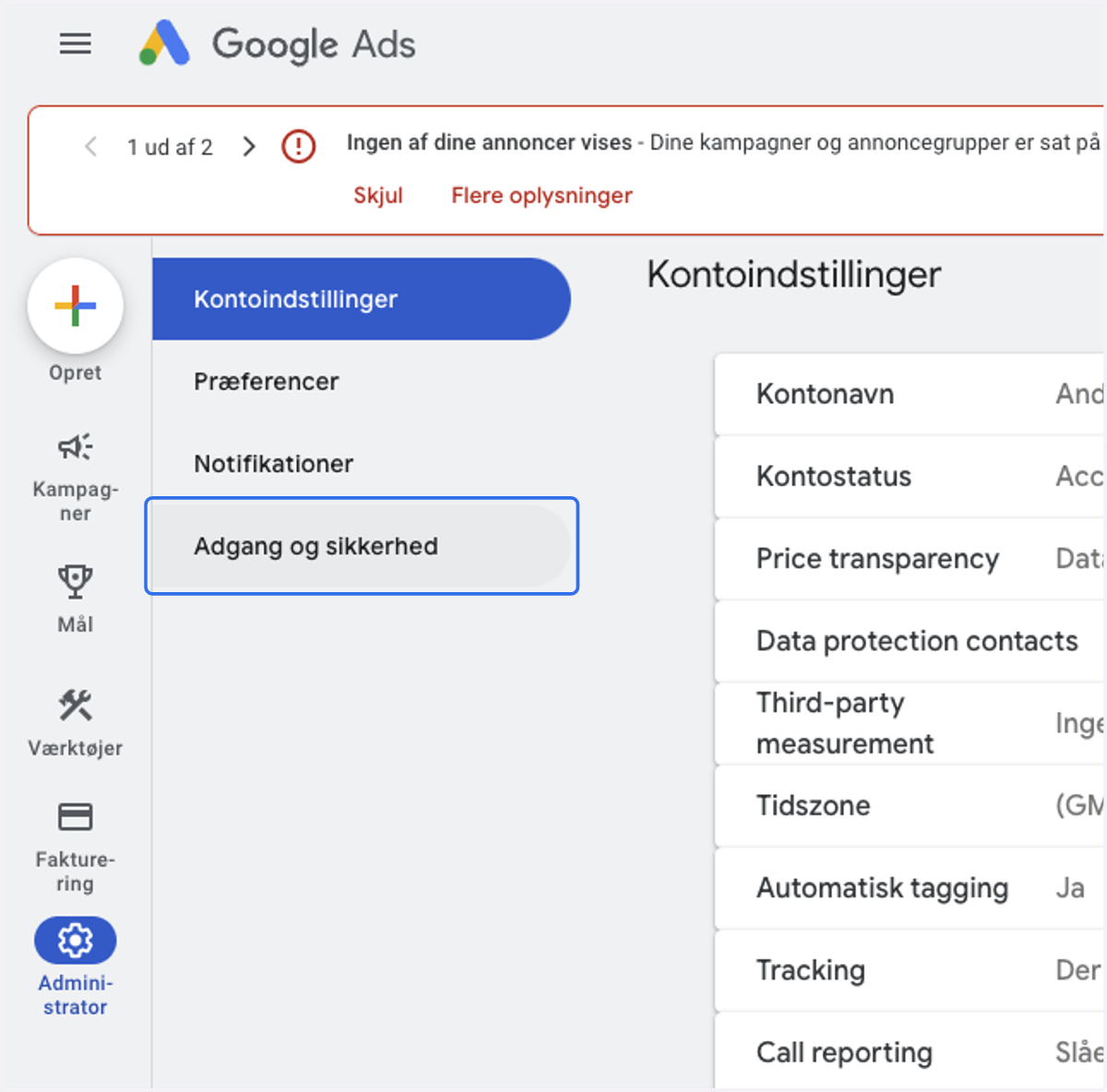
6. Click on Adgang og sikkerhed / Access and Security
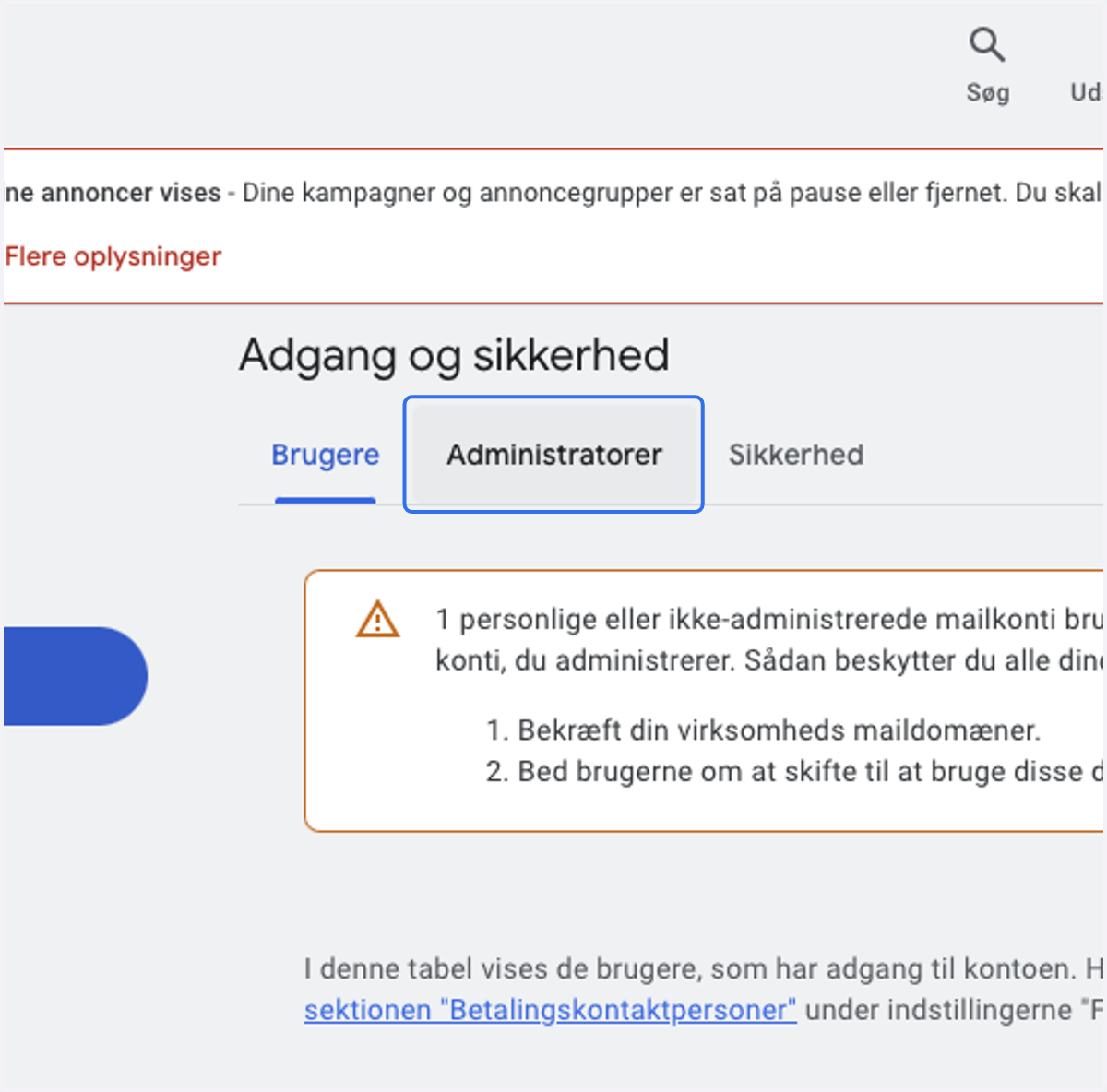
7. Click on Administratorer // Admin
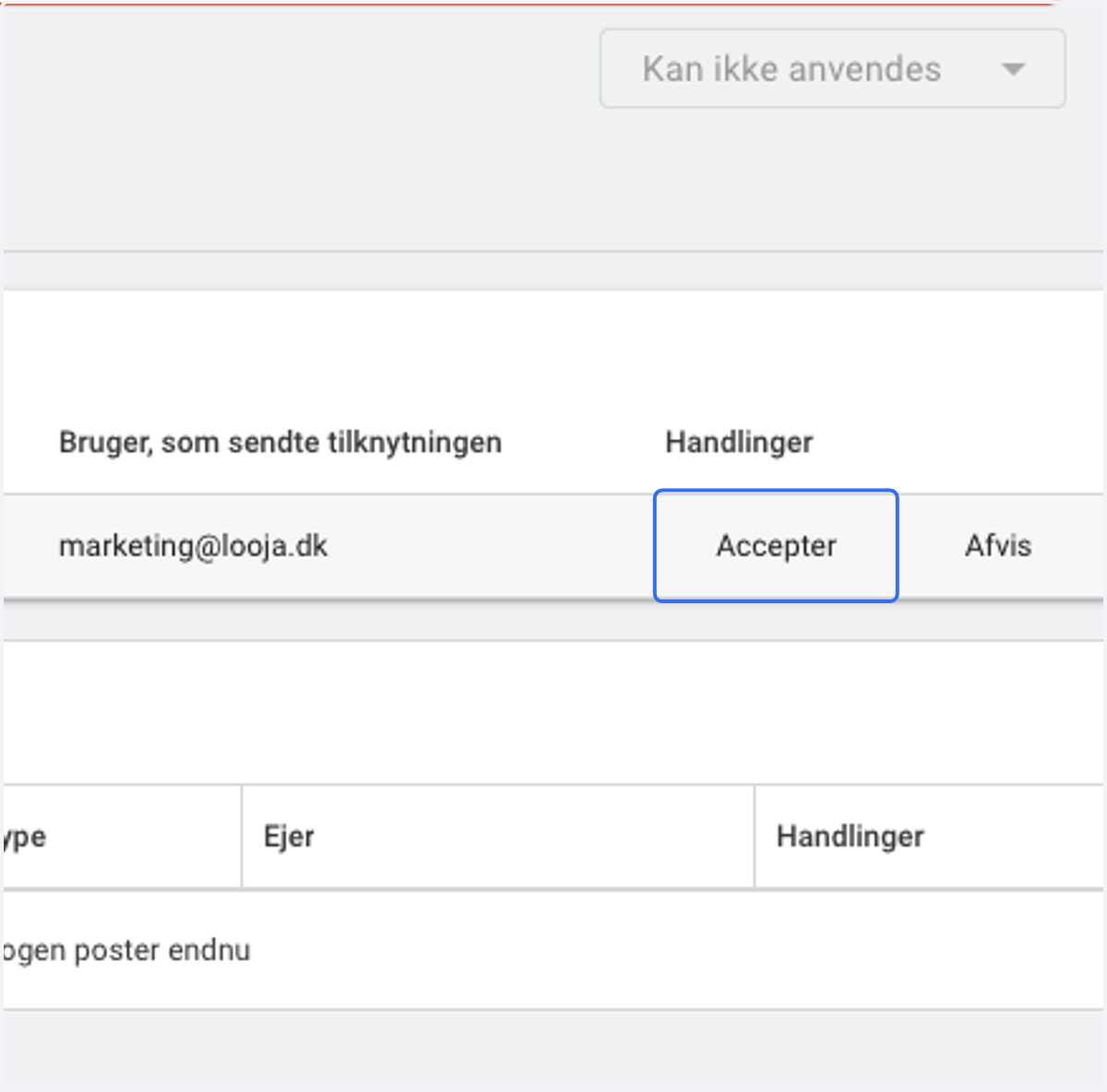
8. Click on Accepter / Accept on our request
9. Click on Tildel adgang / Give access
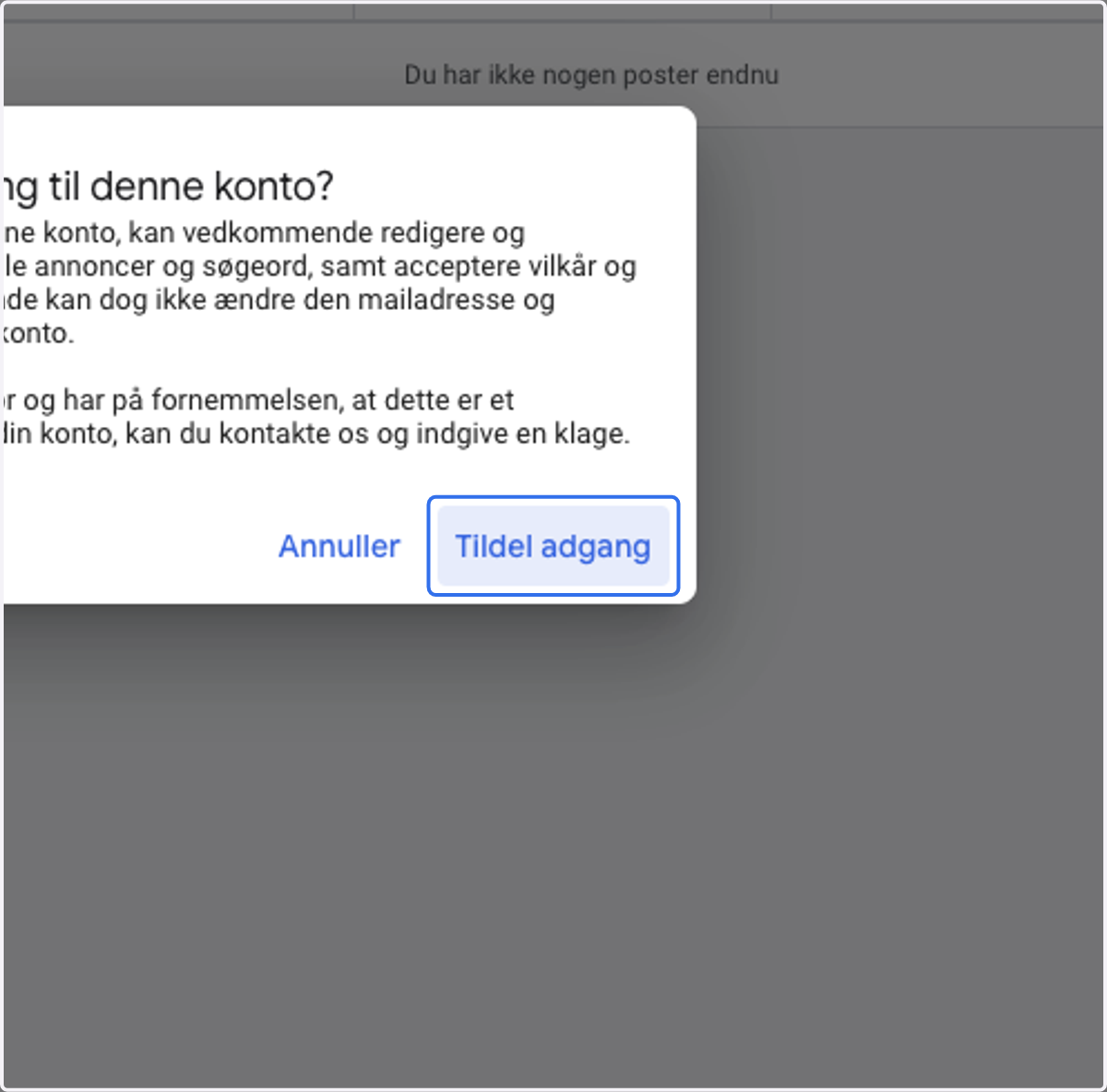
Success - We're in 🥳😎