📷 How to Upload Photos to Your Google Business Profile
Adding photos to your Google Business Profile is one of the easiest and most effective ways to attract attention online. When someone searches for your business, the images you upload appear directly in your profile on Google Search and Maps.
For Newsagents, uploading regular photos is a great way to showcase your store layout, new stock, seasonal displays, Lotto signs, or community involvement. It gives potential customers a real feel for what to expect when they visit.
This guide will show you how to upload photos that help your profile stand out and make a great first impression.
✅ Why Adding Photos Is Important for Newsagents:
Boosts visibility: Listings with recent, high-quality photos get more clicks and views than those without.
Builds trust: Photos of your store, signage, and products help customers feel confident they’re choosing a real, reliable local business.
Highlights what’s new: Use images to promote new magazine issues, gift ranges, greeting cards, school supplies, or seasonal items.
Keeps your listing fresh: Google values active profiles. Regular photo uploads show that your business is up-to-date and engaged.
Represents your business professionally: Make sure your photos are clear, well-lit, and tidy. These images often give customers their first impression of your store, so aim to present your business in its best light.
A few well-presented photos can make a big difference in how your store is seen online. Let’s go through how to add them to your Google Business Profile.
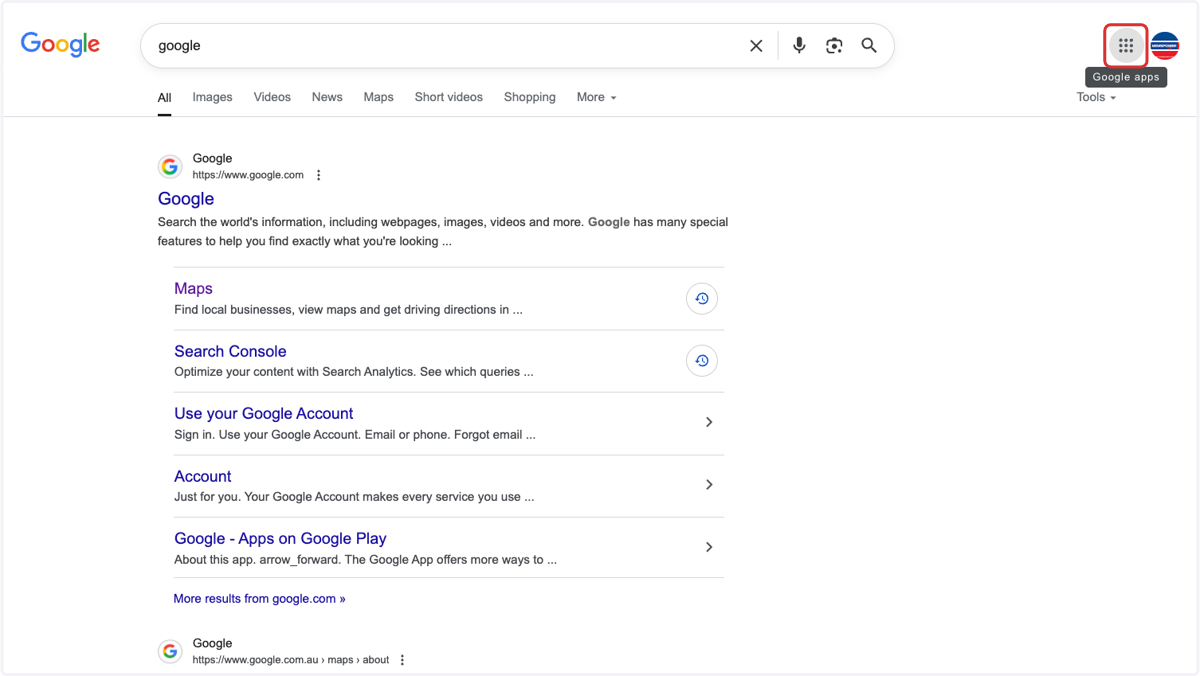
1. Open Google search & click on the 9 dots
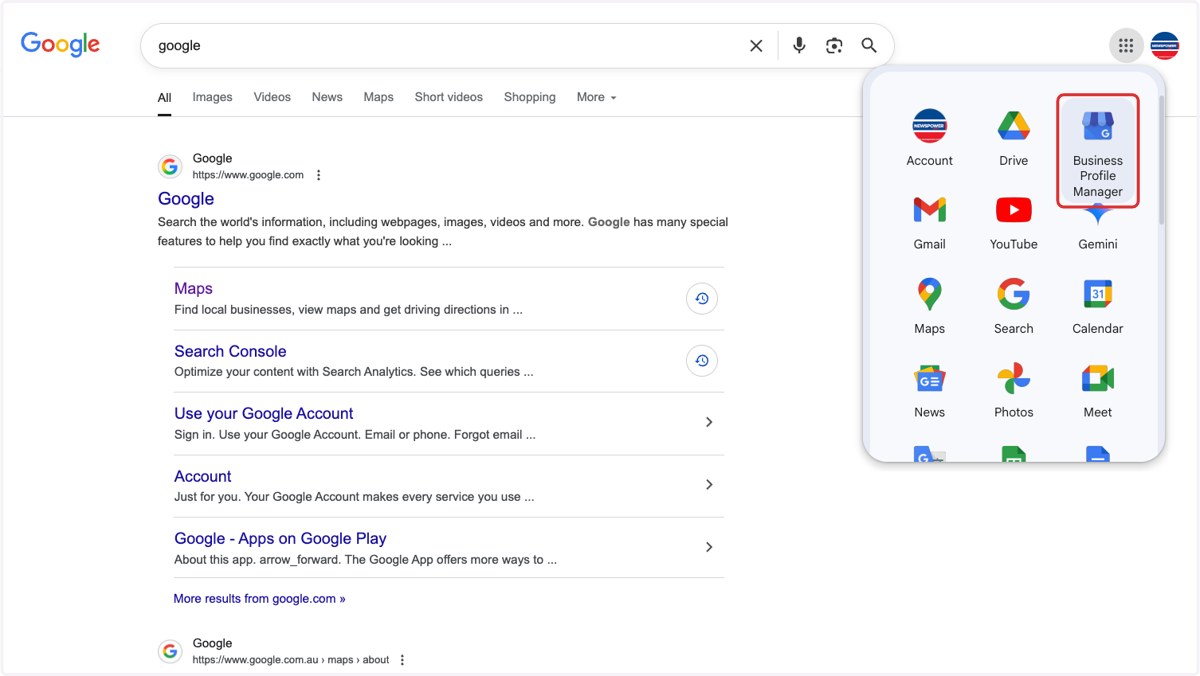
2. Click on Business Profile Manager
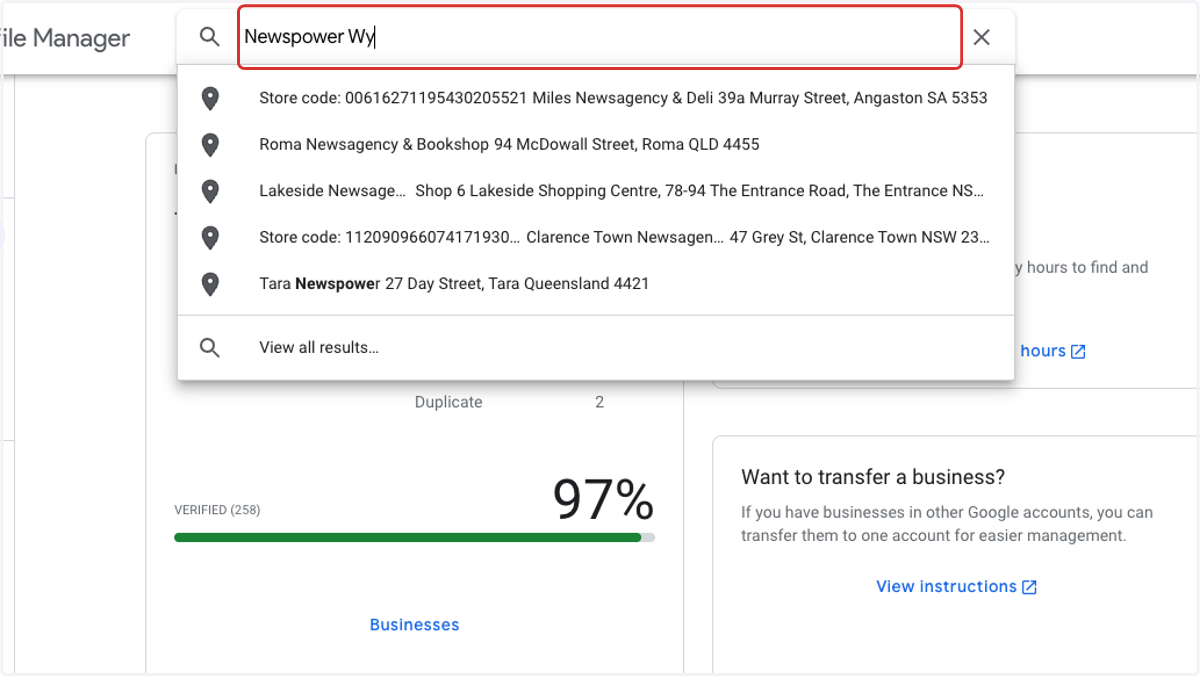
3. Search for your store
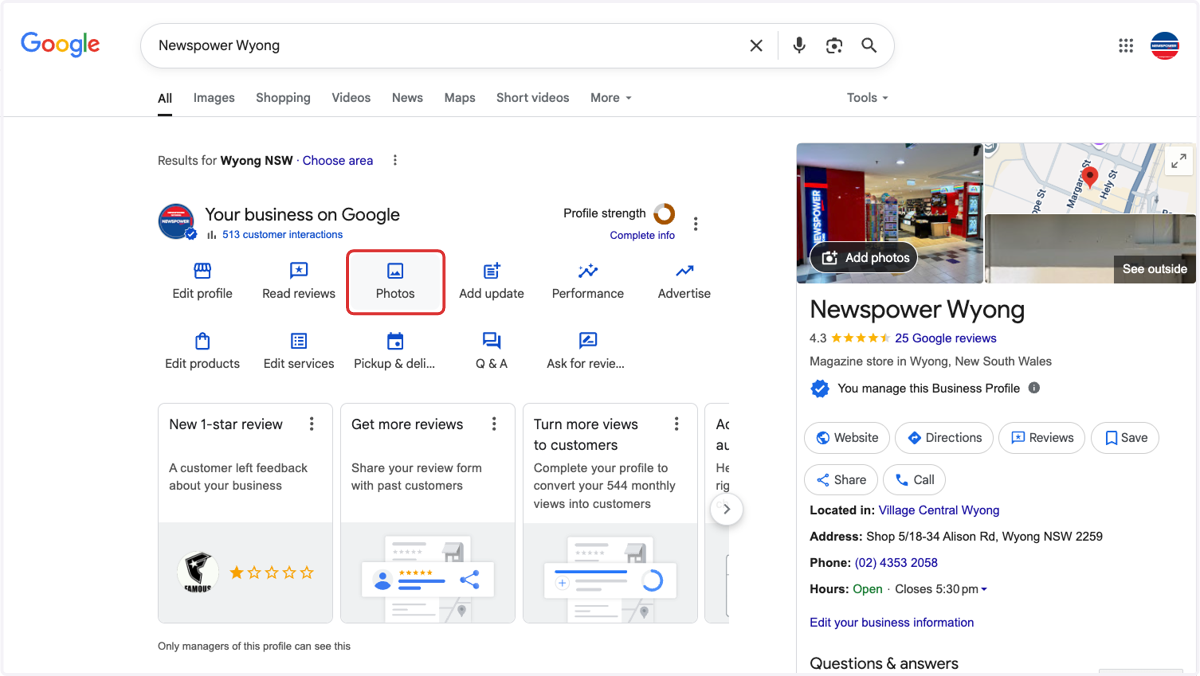
4. Click on Photos
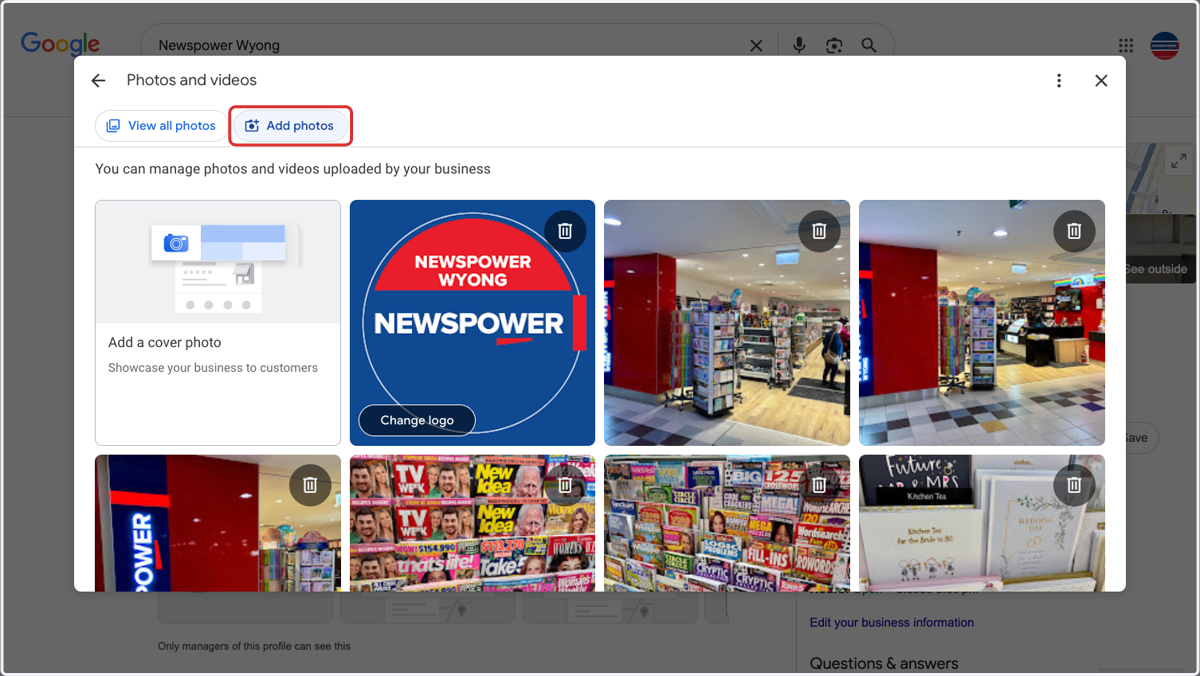
5. Click on Add photos
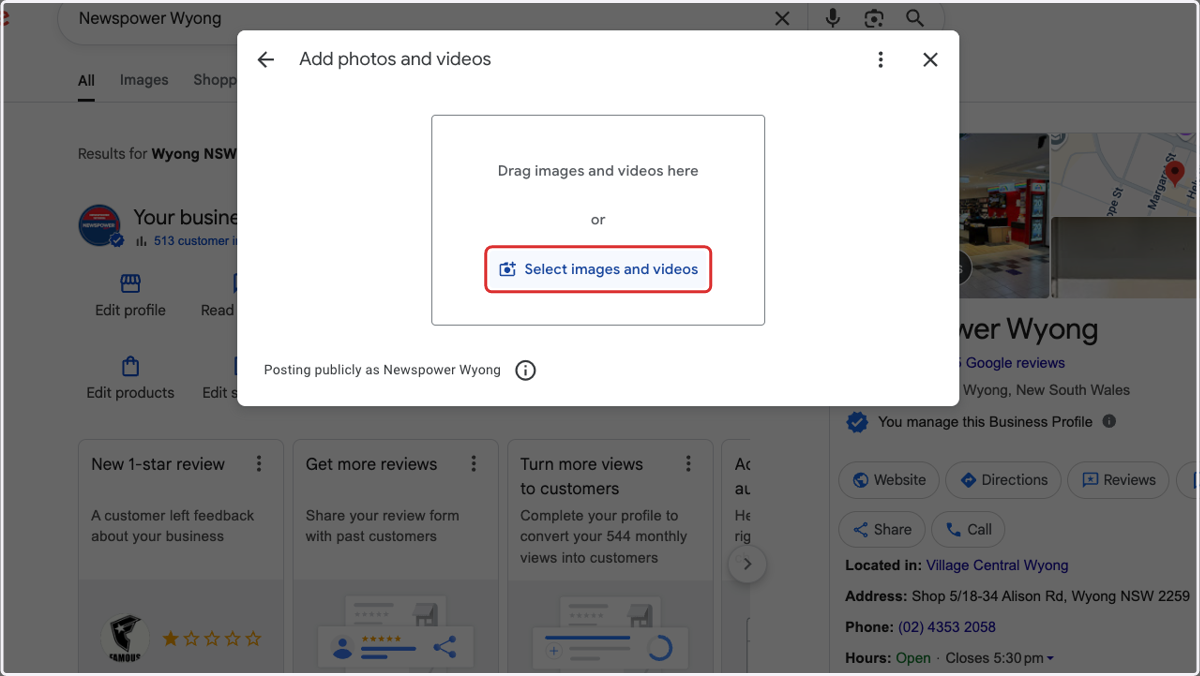
6. Click on Select images and videos
7. Select photo you want to add from the upload menu
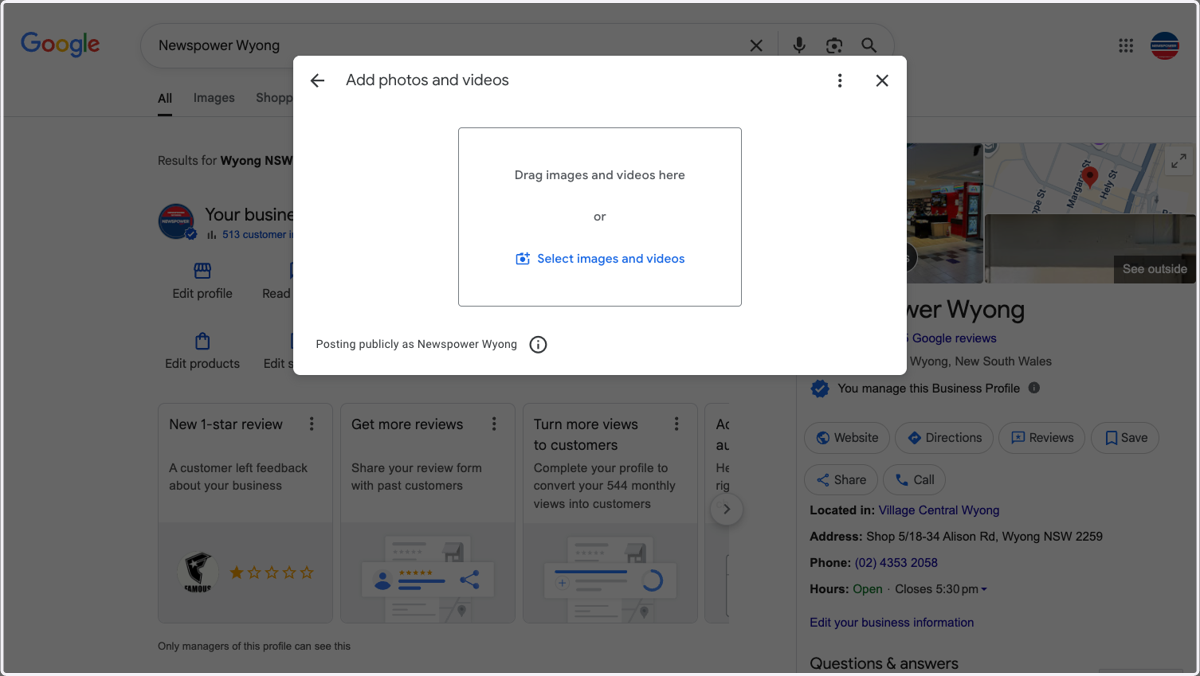
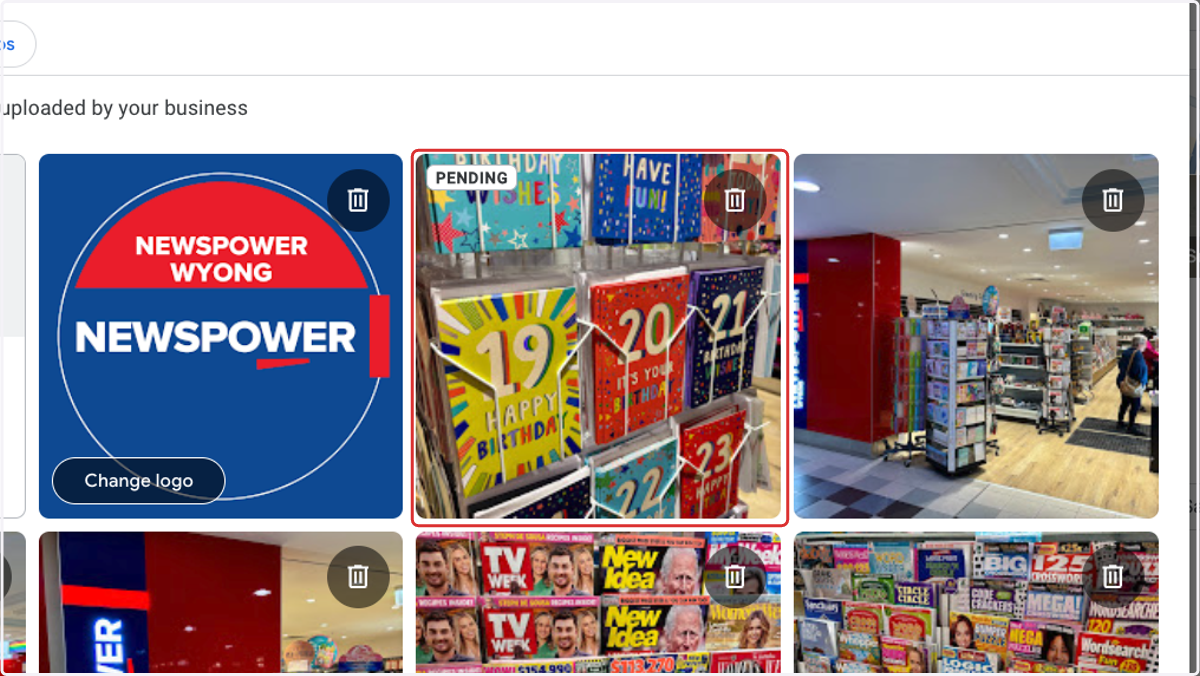
8. Photo's will load and show as pending once uploaded