💥 How to Add an Offer to Your Google Business Profile
Adding an offer to your Google Business Profile is a great way to promote in-store deals, seasonal specials, or product discounts. Offers show up prominently in your business listing on Google Search and Maps, which means potential customers can see your promotion before they even click through to your website or visit your store.
For Newsagents, this is a free and easy way to advertise special deals on gifts, stationery, greeting cards, magazines, or Lotto bundles to people actively searching in your area.
This guide will walk you through how to add an offer that helps attract attention and encourages more customers to visit your store.
✅ Why Offers Are Important for Newsagents:
Grab attention: Offers appear with a price tag icon on your profile, helping your listing stand out in search results.
Drive foot traffic: A good in-store deal can give someone the extra push to stop by your shop rather than go elsewhere.
Highlight seasonal promotions: Promote timely offers like “Back to School Packs,” “20% Off Greeting Cards,” or “Buy 3, Get 1 Free Magazines.”
Boost local engagement: Offers help you connect with nearby customers who are already searching for products you sell.
Keep your profile active: Regular updates through offers show that your business is active, professional, and worth checking out.
Posting offers takes just a few minutes but can help turn Google views into real sales. Let’s go through how to add one to your Google Business Profile.
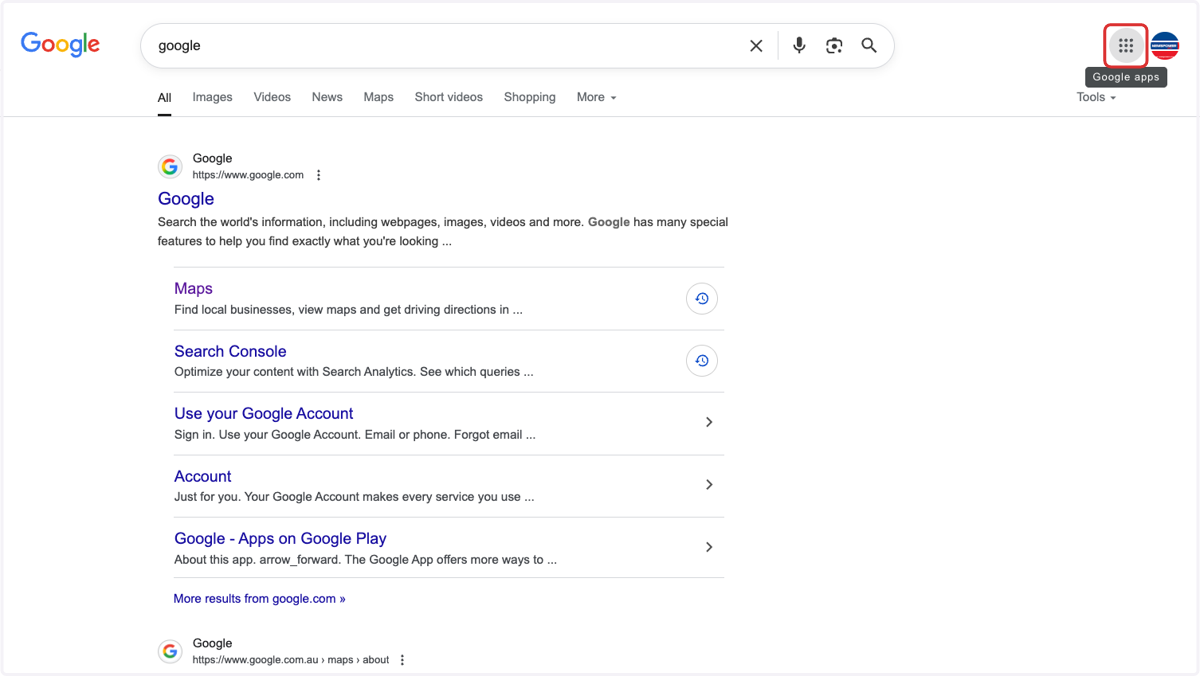
1. Open Google search & click on the 9 dots
2. Click on Business Profile Manager
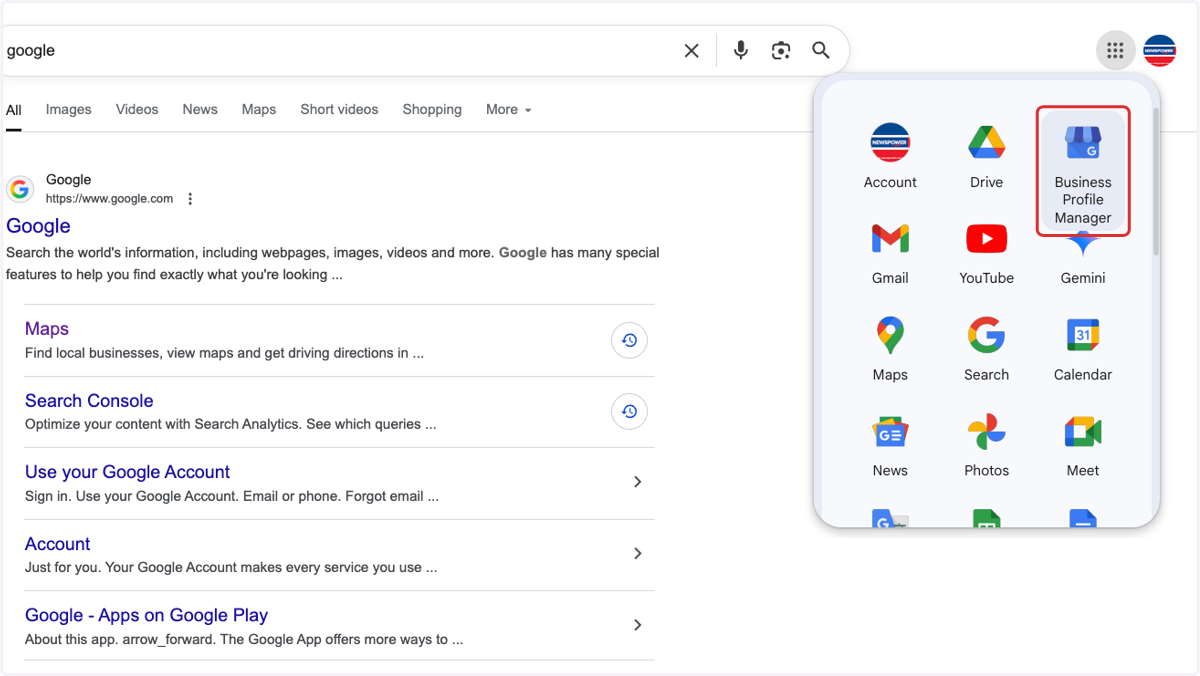
Google Business Profile Manager
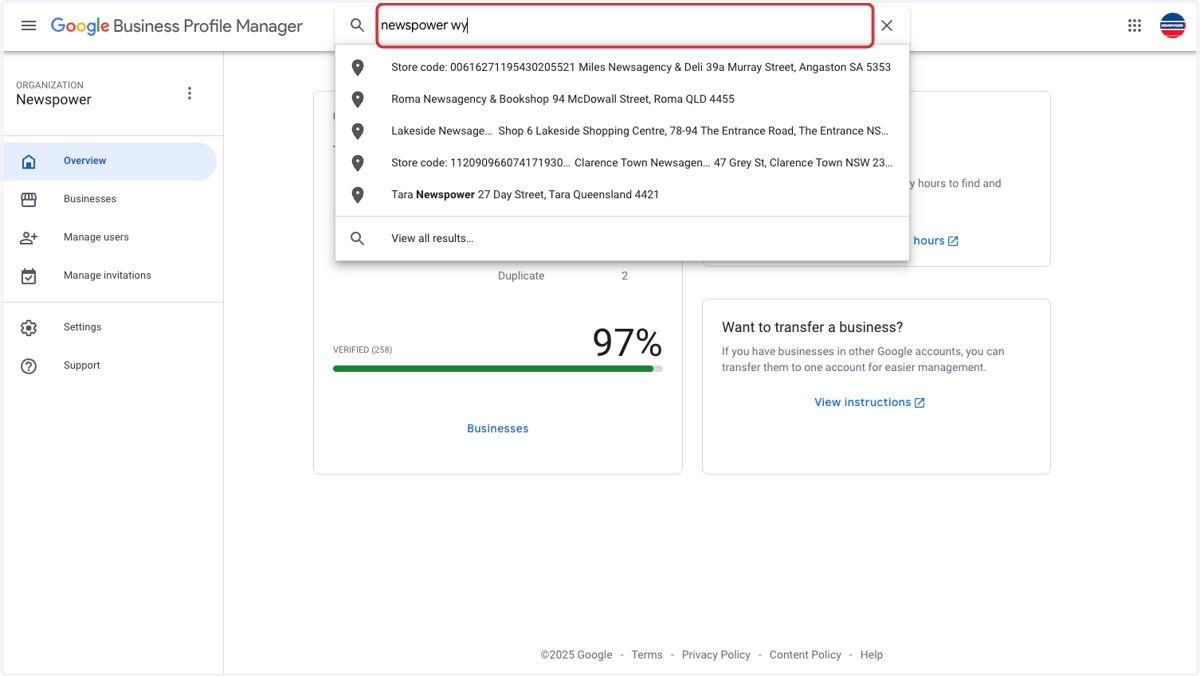
3. Search for your store
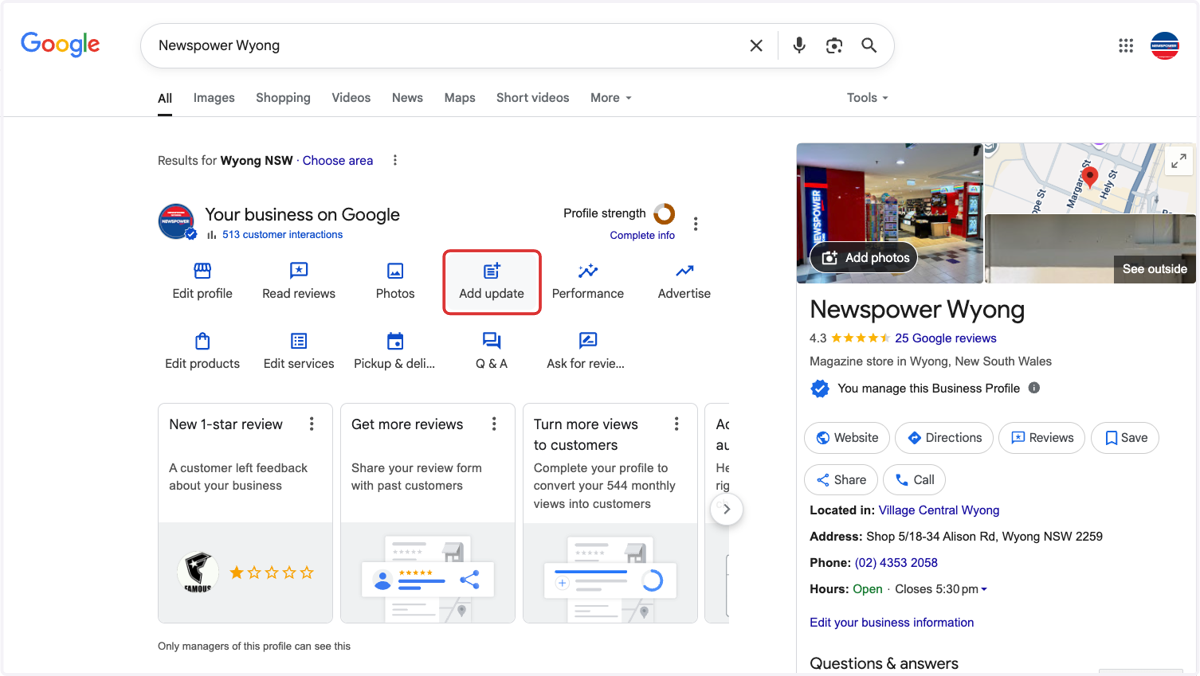
4. Click on Add update
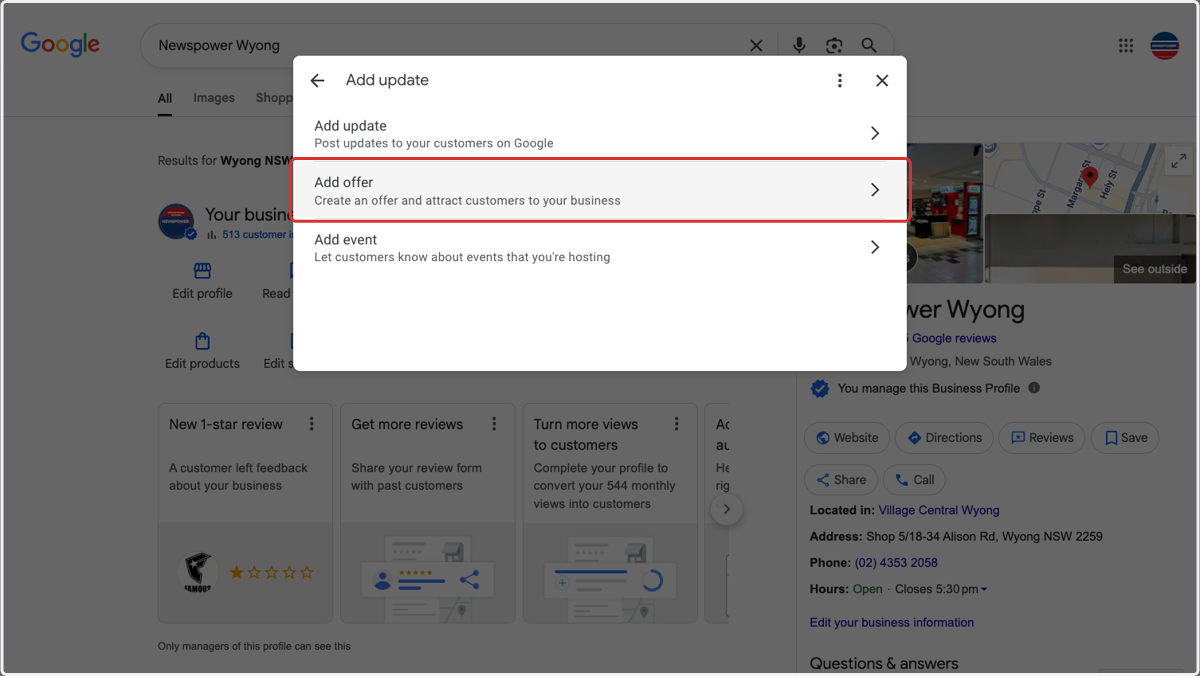
5. Click on Add offer
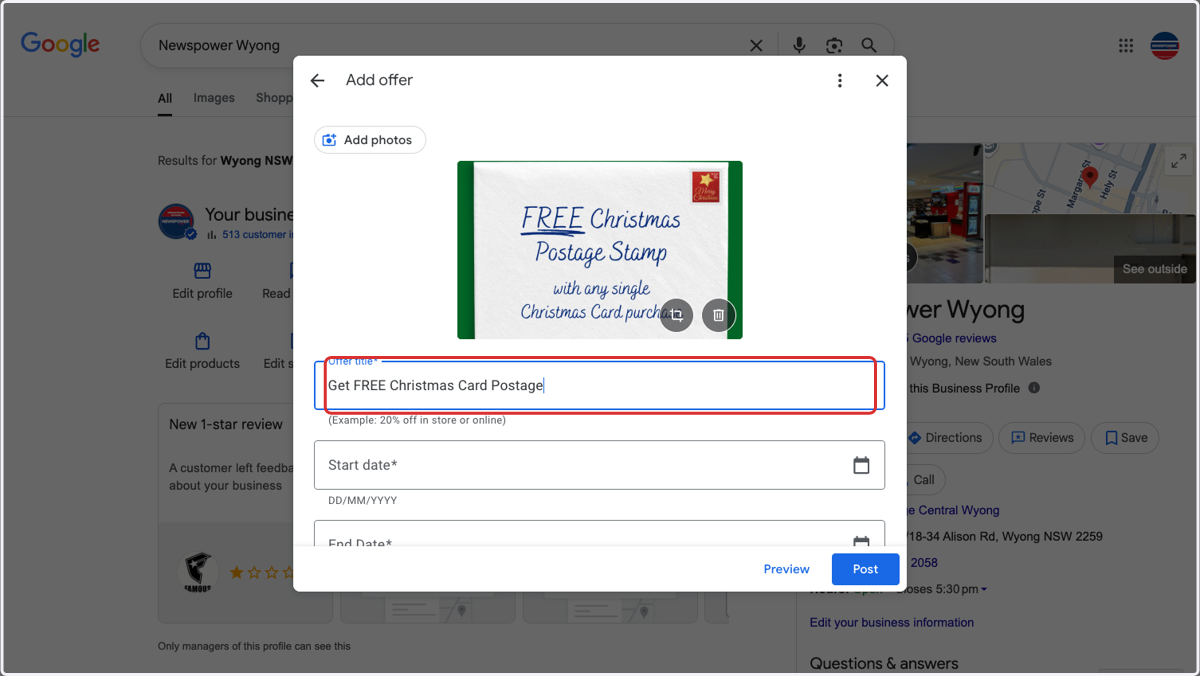
6. Add Offer title
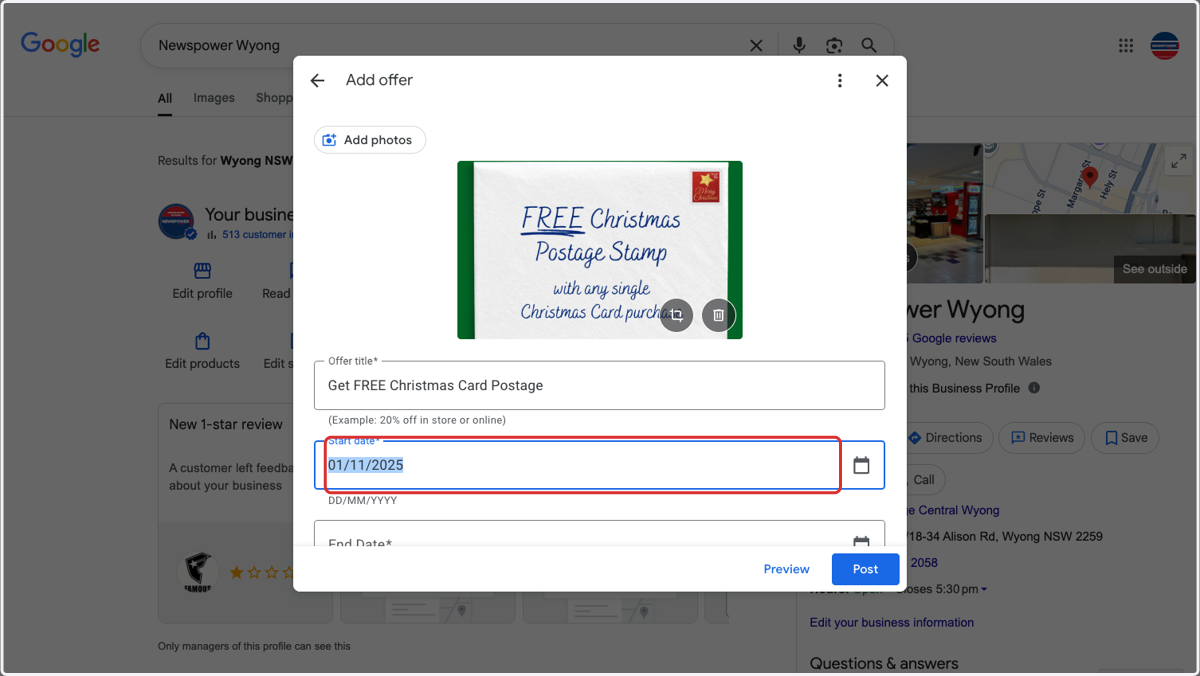
7. Add Start date
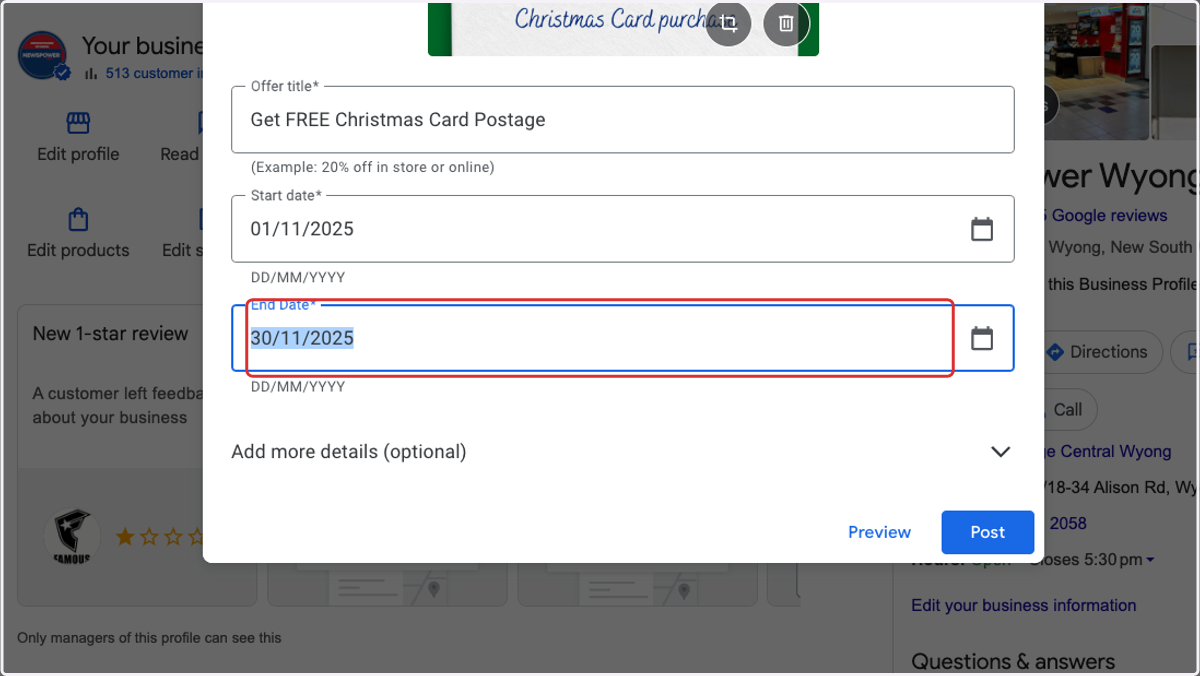
8. Add End Date
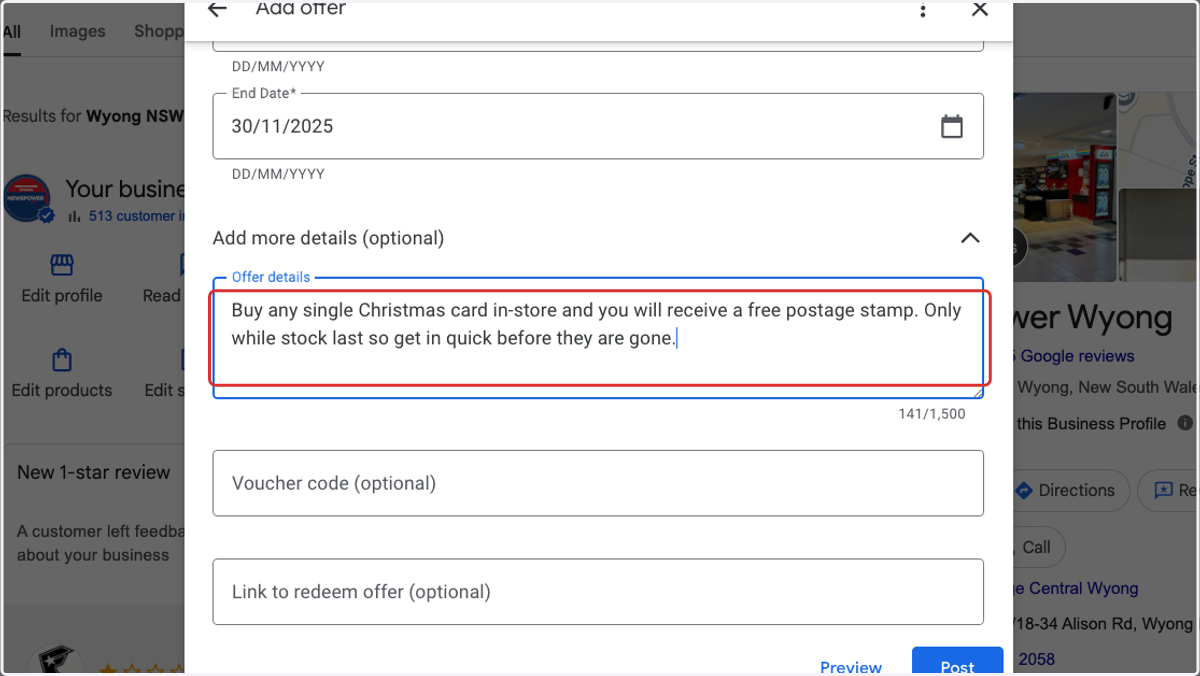
9. Add Offer details
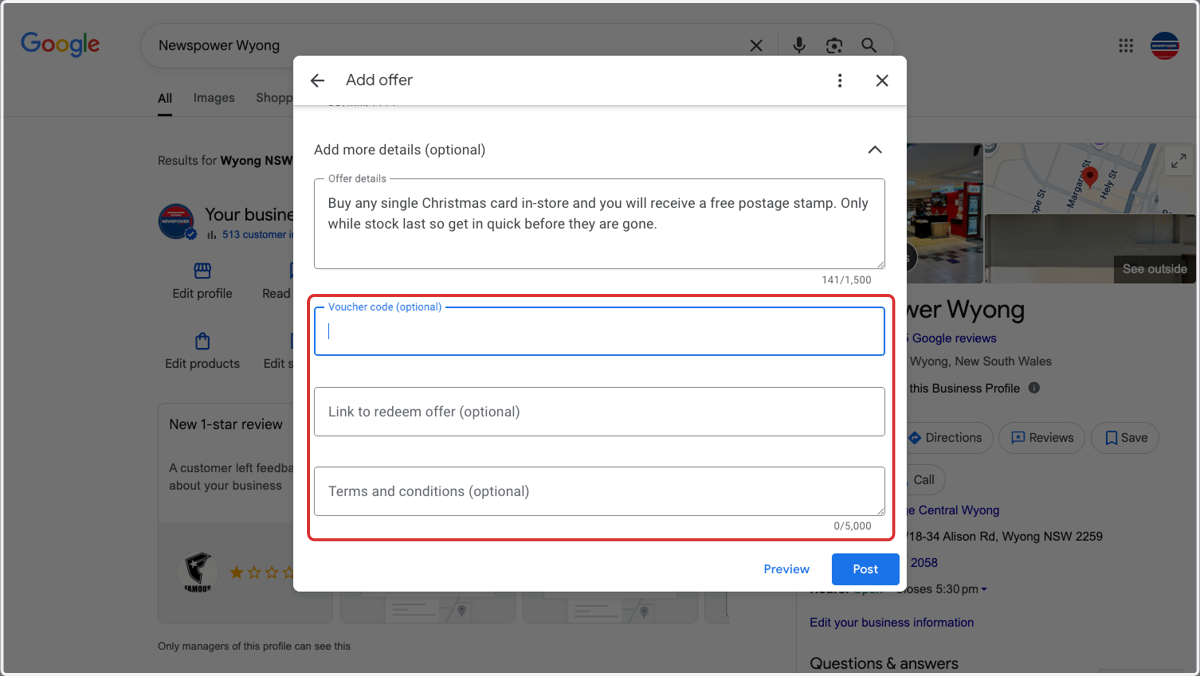
10. Optional - Add any additional details needed
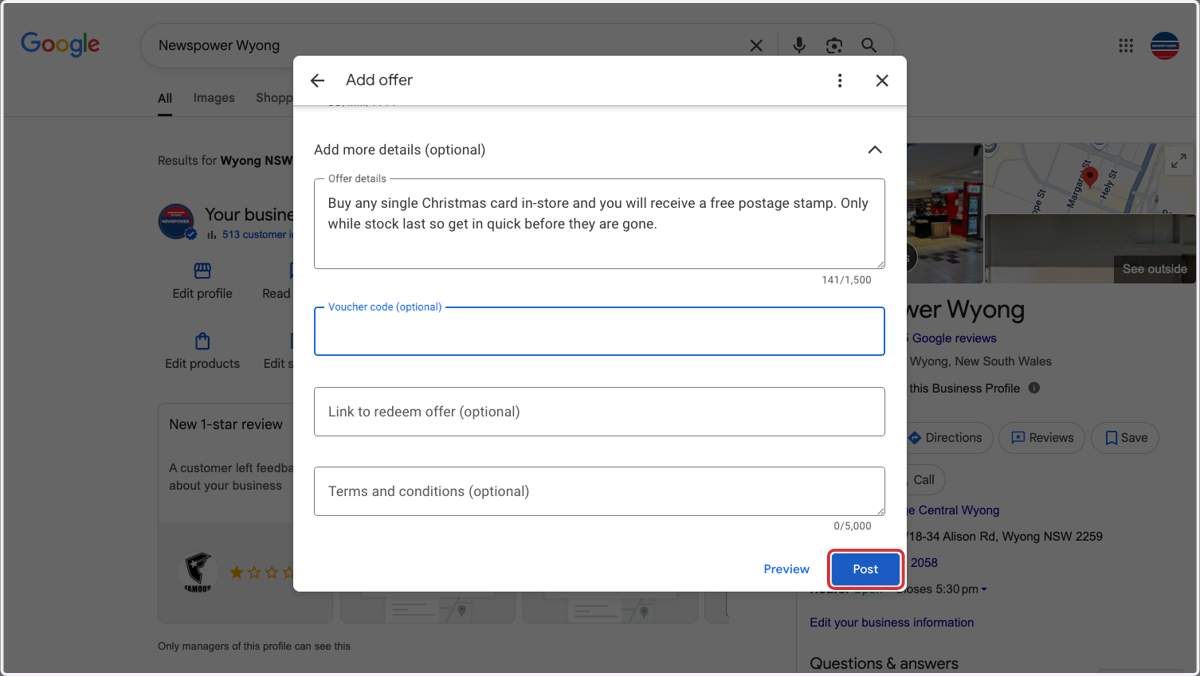
11. Click on Post
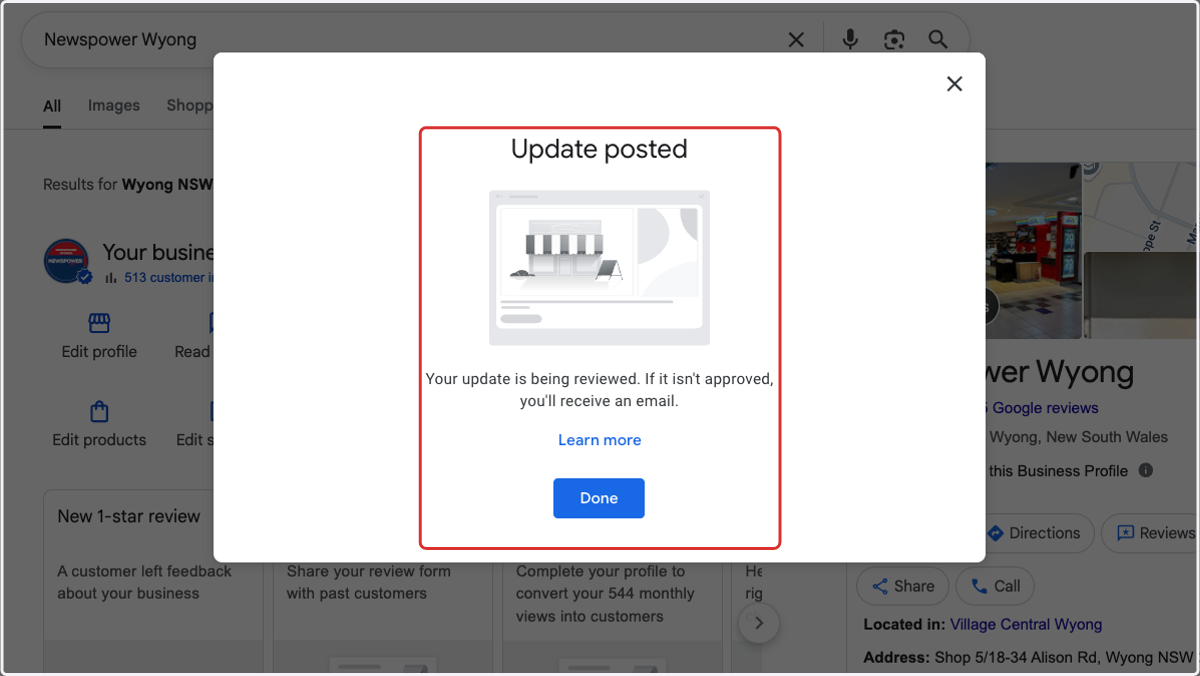
12. Your post is now added