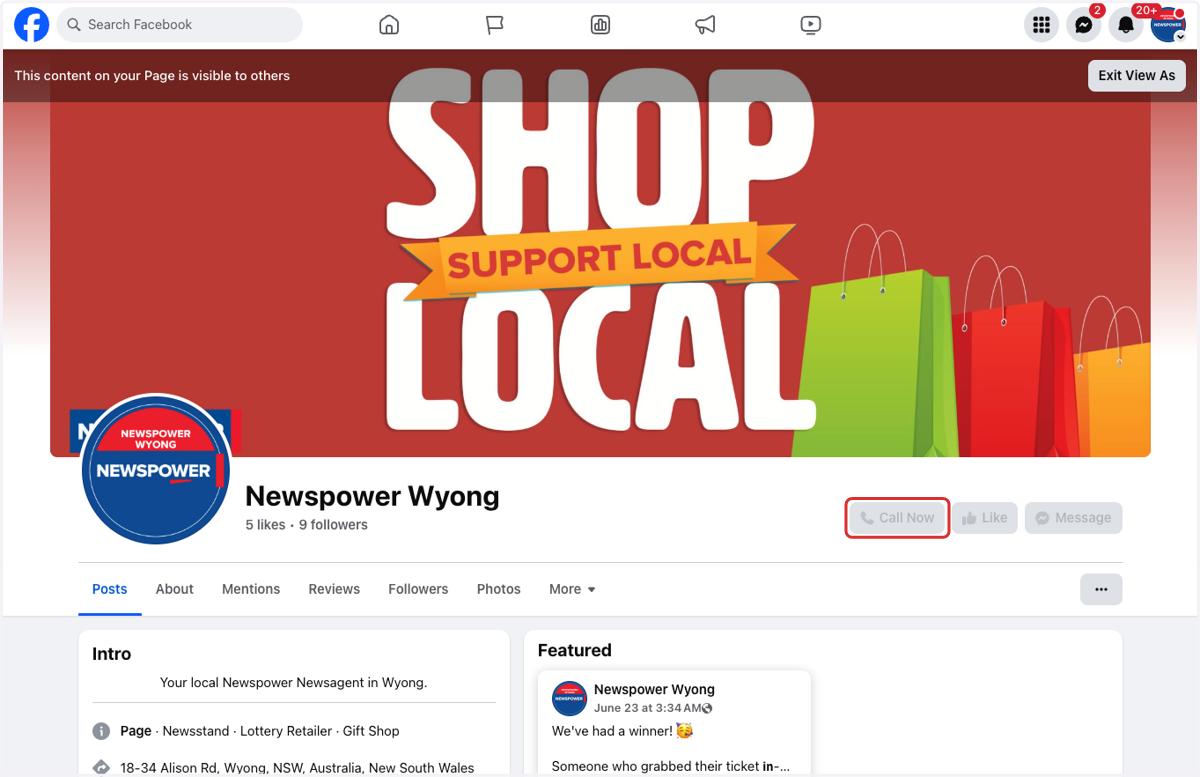
📲 How to Add a Call to Action (CTA) Button to Your Business Facebook Page
Adding a Call to Action (CTA) button to your Facebook Page makes it easier for customers to connect with your business in just one click. Whether you want people to send a message, call your store, or visit your website, a CTA button helps turn page visitors into real customers.
It sits right at the top of your page making it one of the first things people see when they visit.
This guide will show you how to add or update your CTA button to suit your business goals.
✅ Recommended CTA Options for Newsagents:
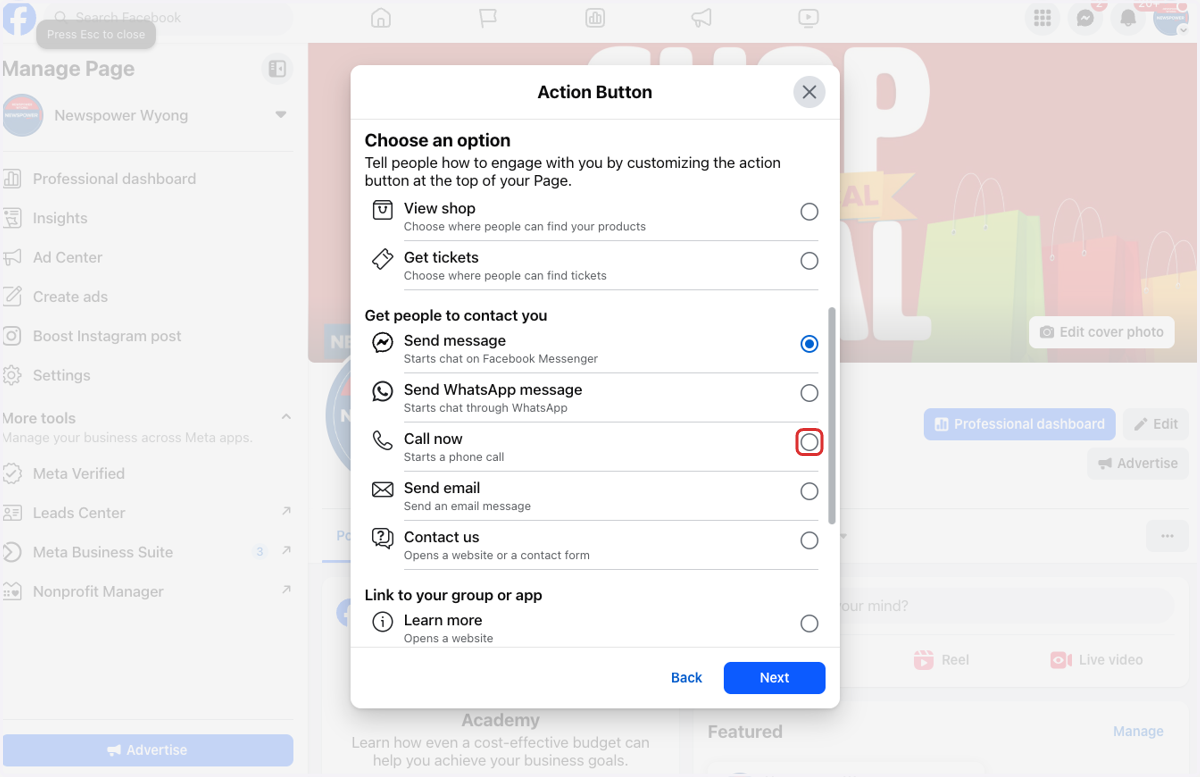
📩 Message
Encourages customers to contact you directly via Facebook Messenger. Great for answering quick questions, checking stock, or taking simple orders.📞 Call Now
Lets customers call your store with one tap — perfect for those on mobile who want immediate answers about products, Lotto, services, or delivery.🛒 Buy Now
Directs customers to your website if you sell products online. Great for promoting magazines, gifts, stationery, or seasonal items.
Choosing the right CTA helps drive more engagement and makes it easier for people to take action. Pick the one that suits how your customers prefer to connect.
Ready to set it up? Let’s go through the steps!
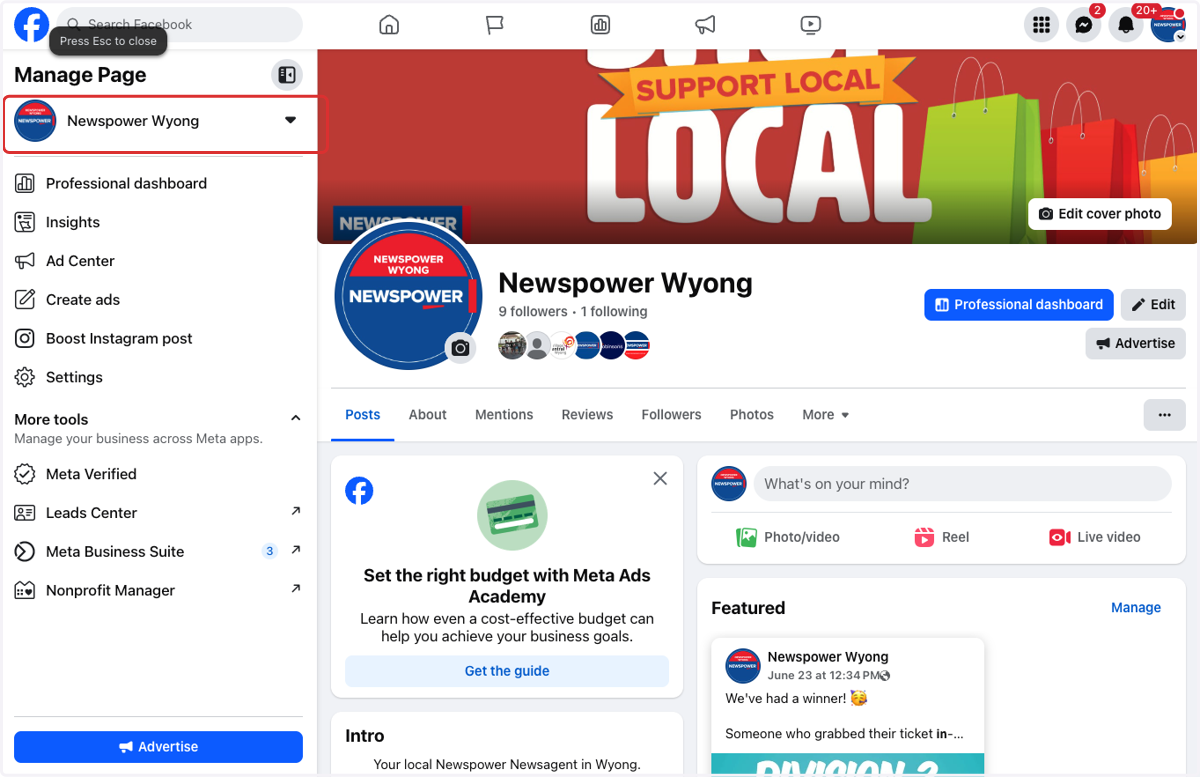
1. Go to your business page
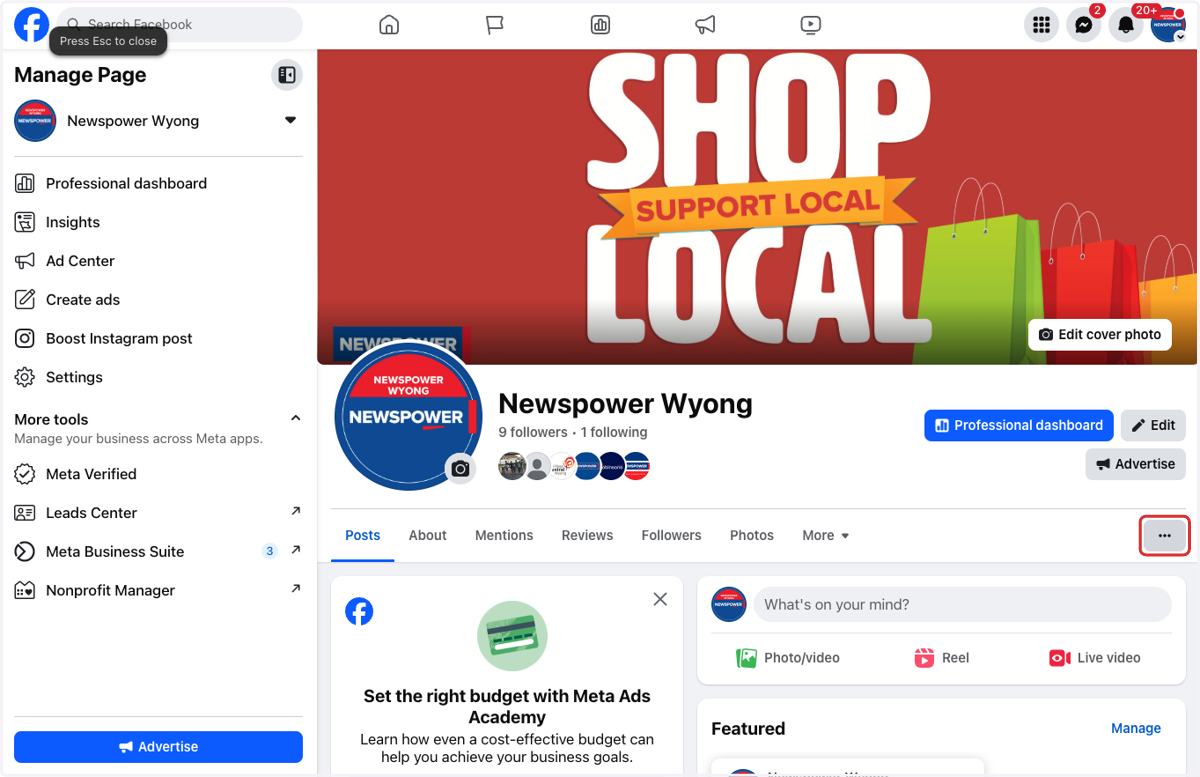
2. Click on the 3 dots under your banner
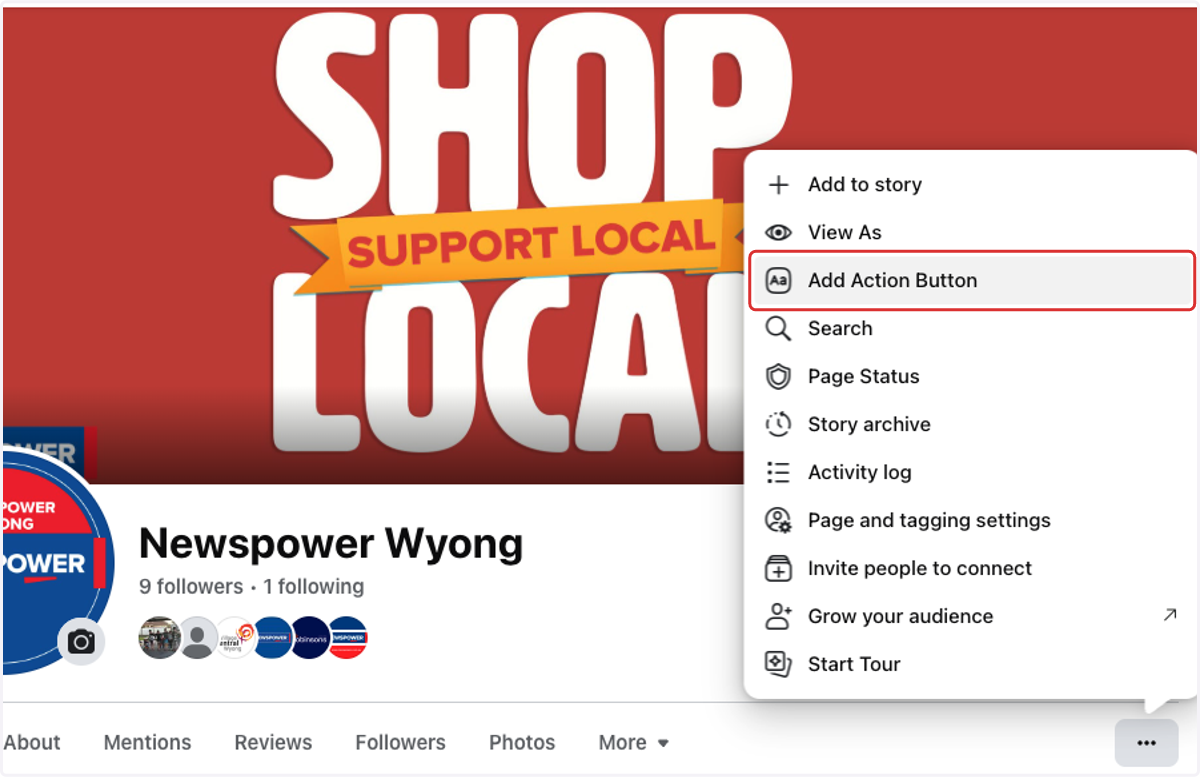
3. Click on Add Action Button
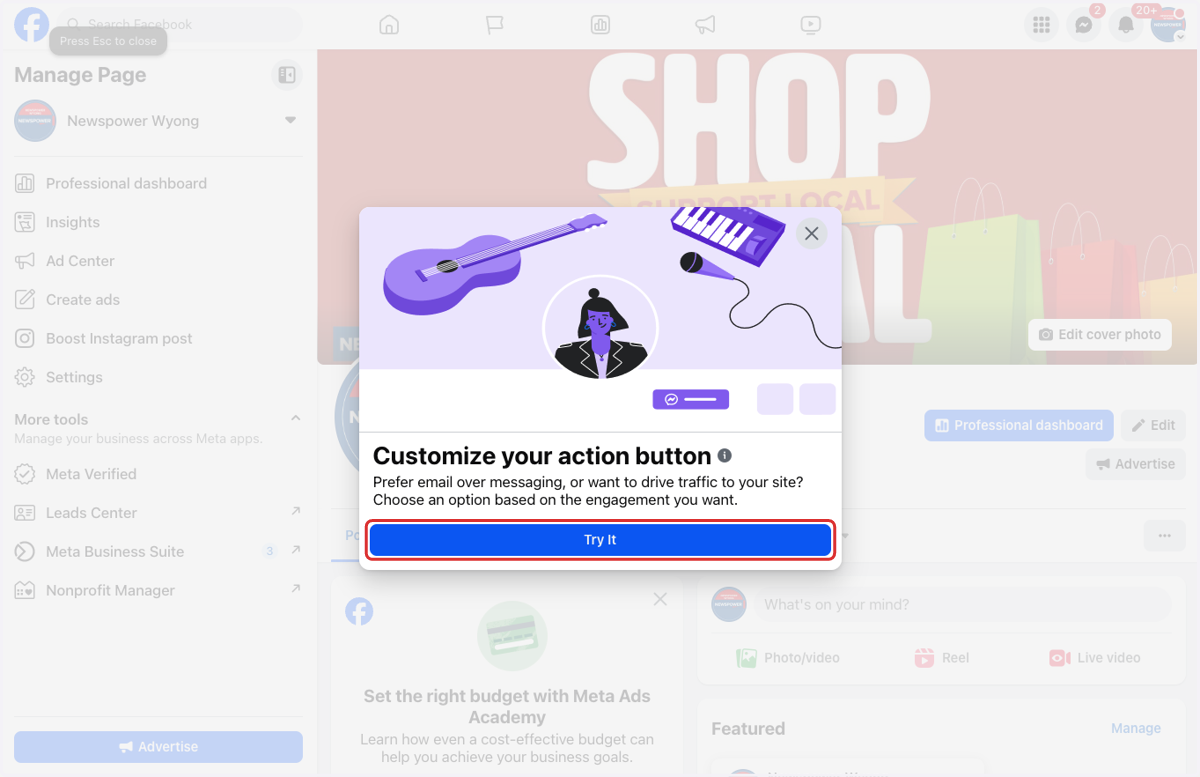
4. Click on Try It
5. Select the action you want customers to take
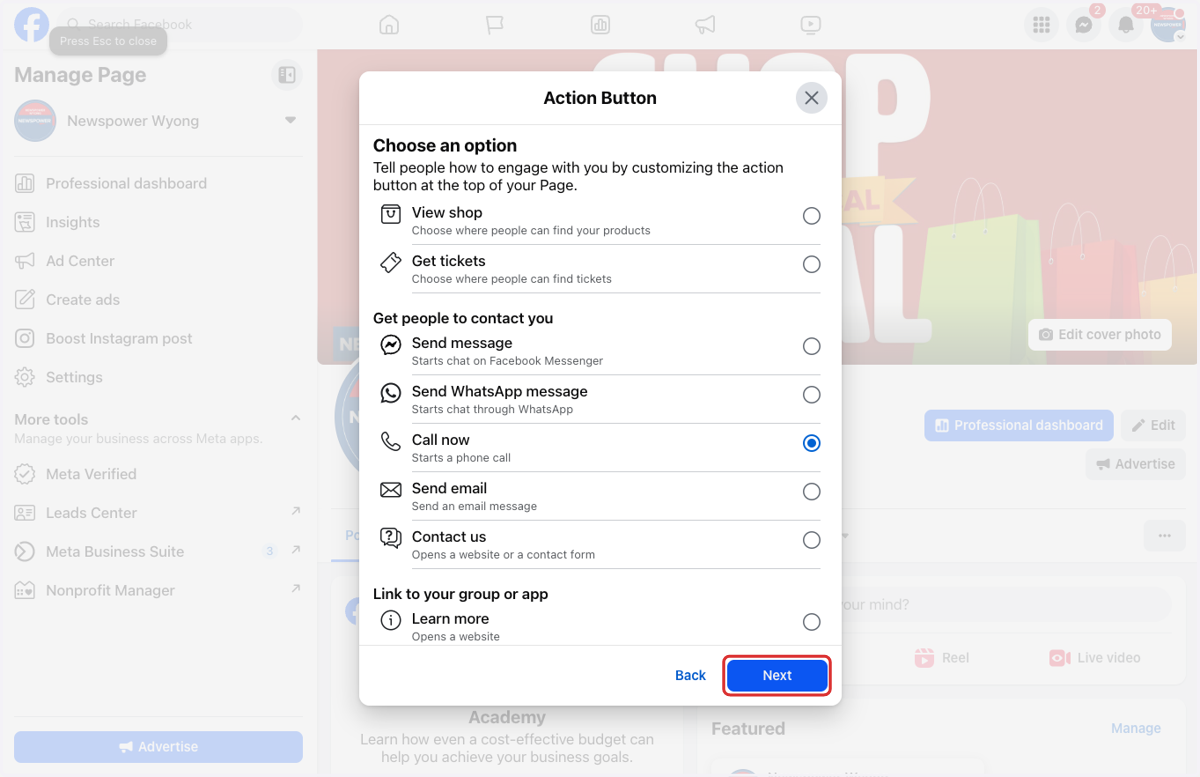
6. Click on Next
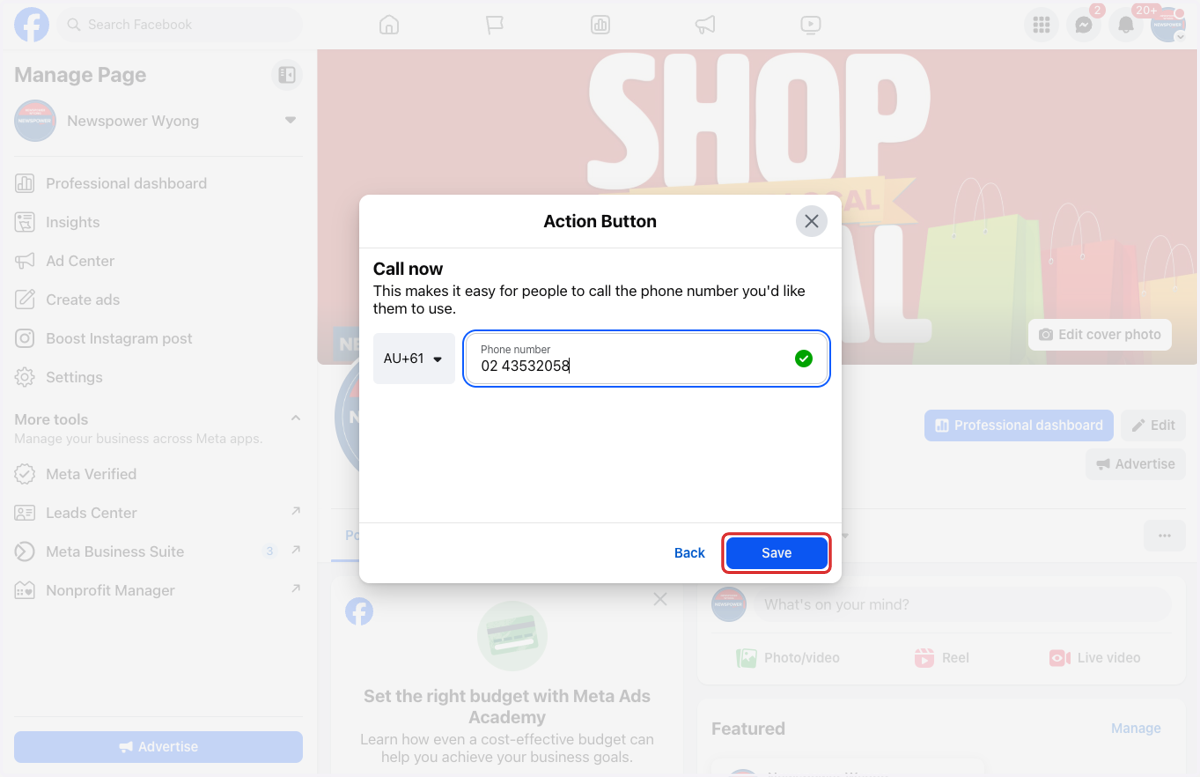
7. Enter the required details
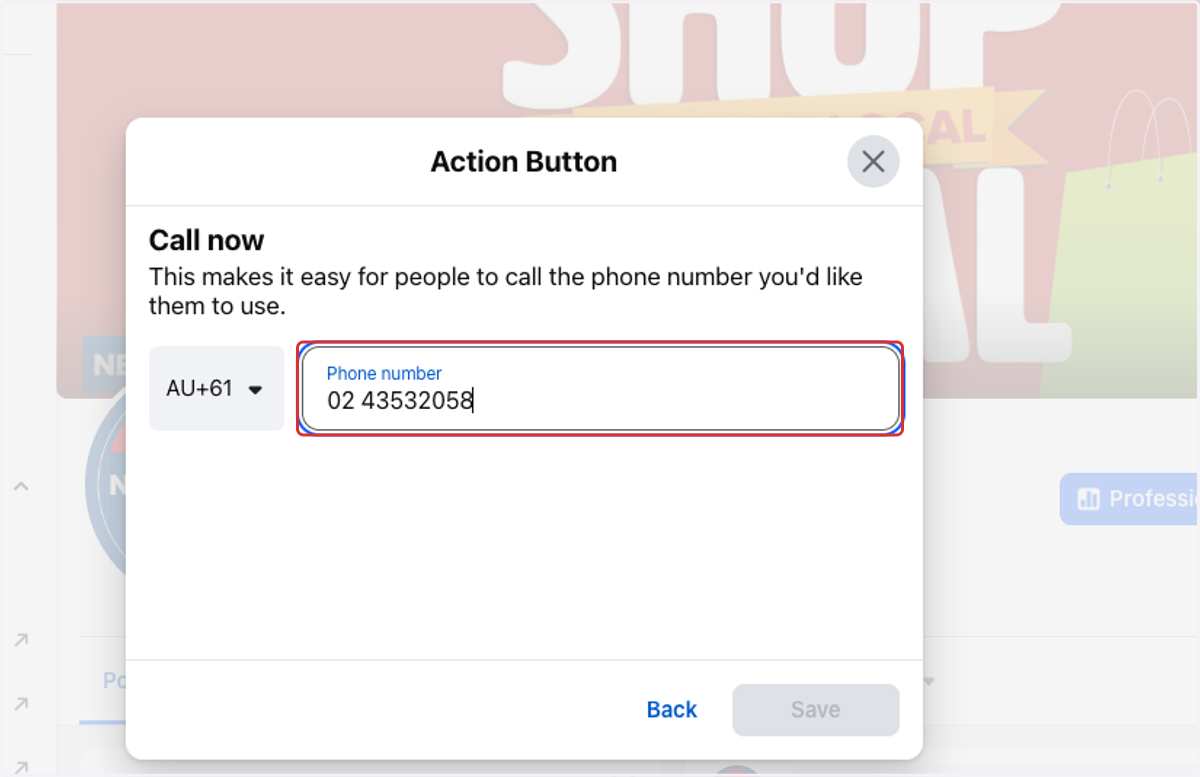
8. Click on Save
9. Your page is now updated with the action button