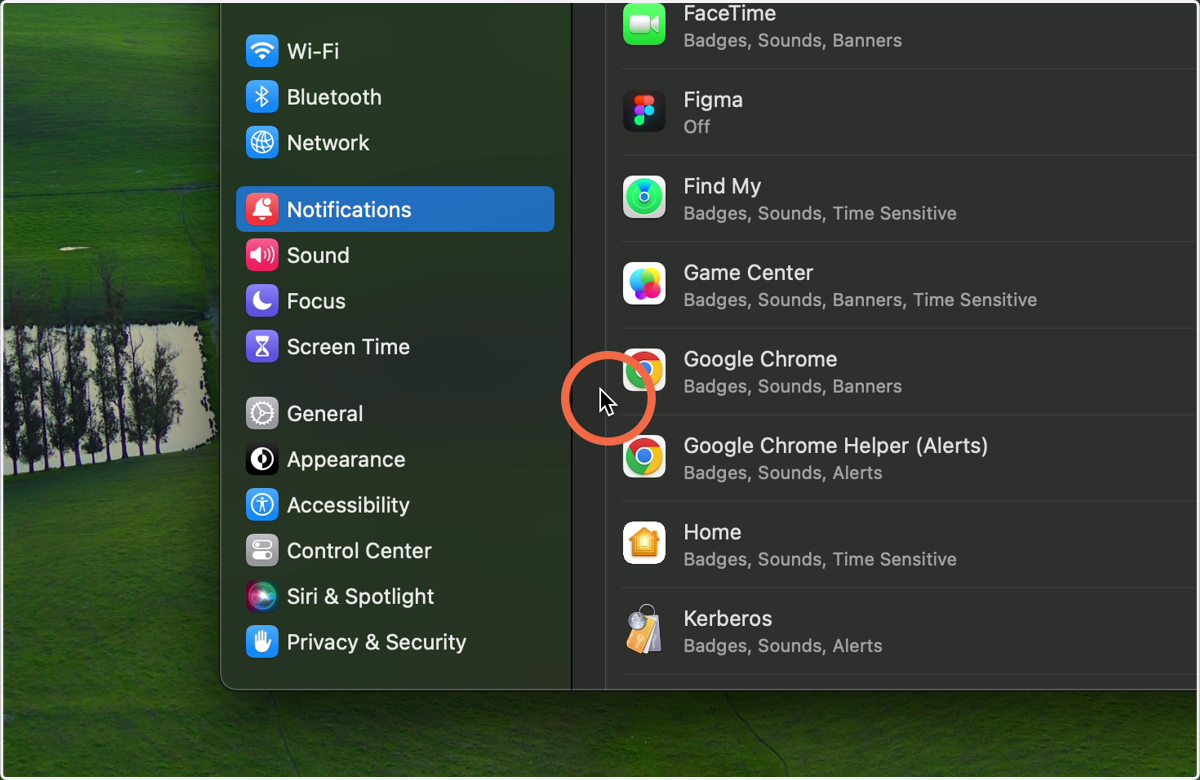
Enable Desktop Notifications on your computer (Apple)
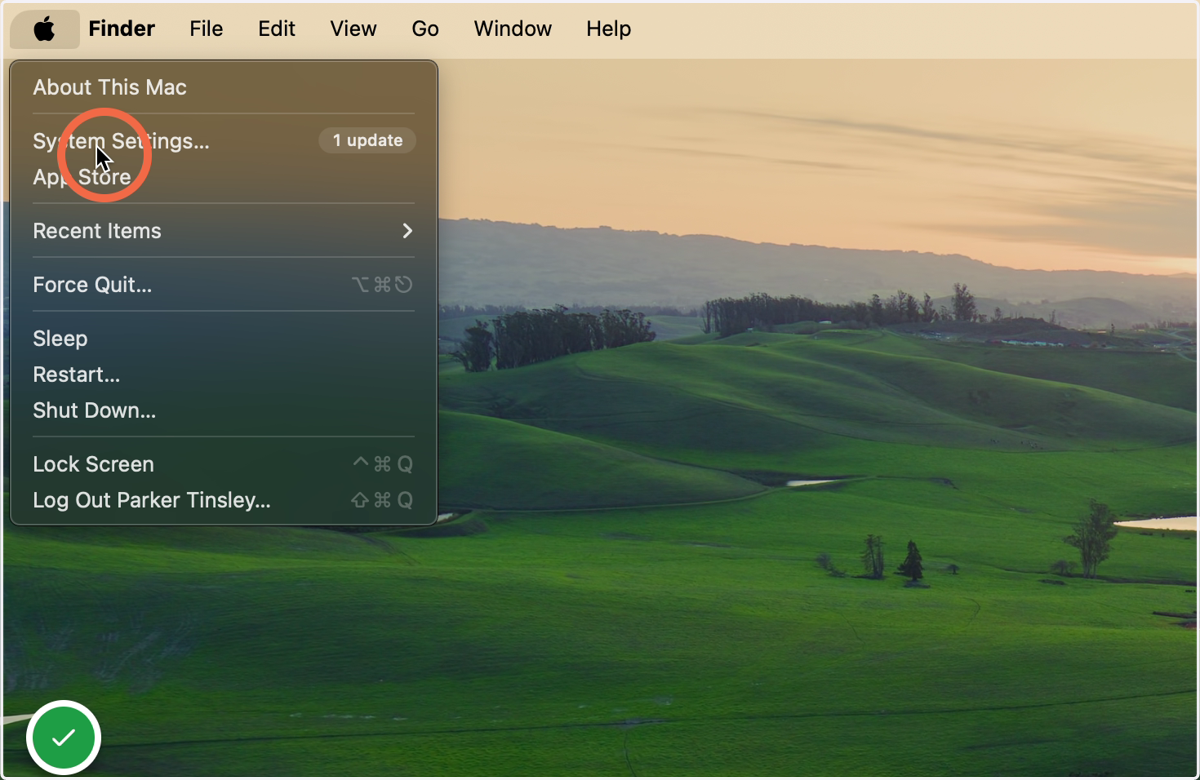
1. Go to system settings
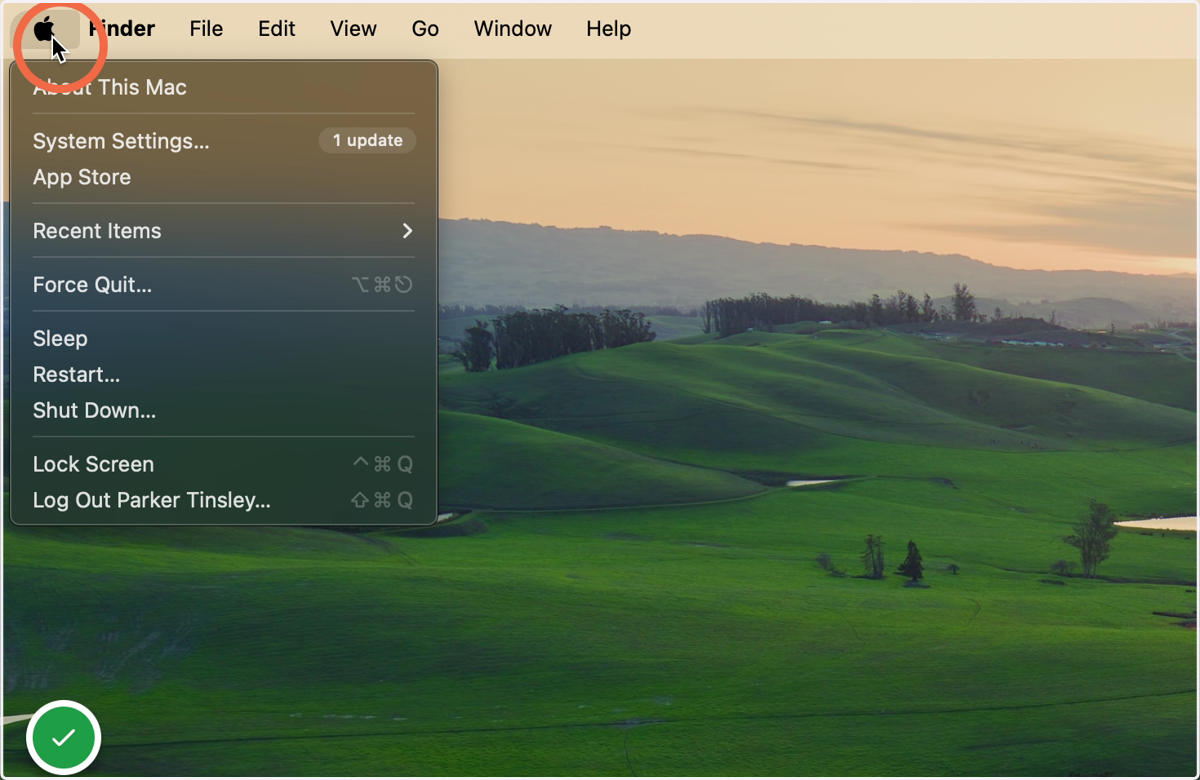
2. Click here
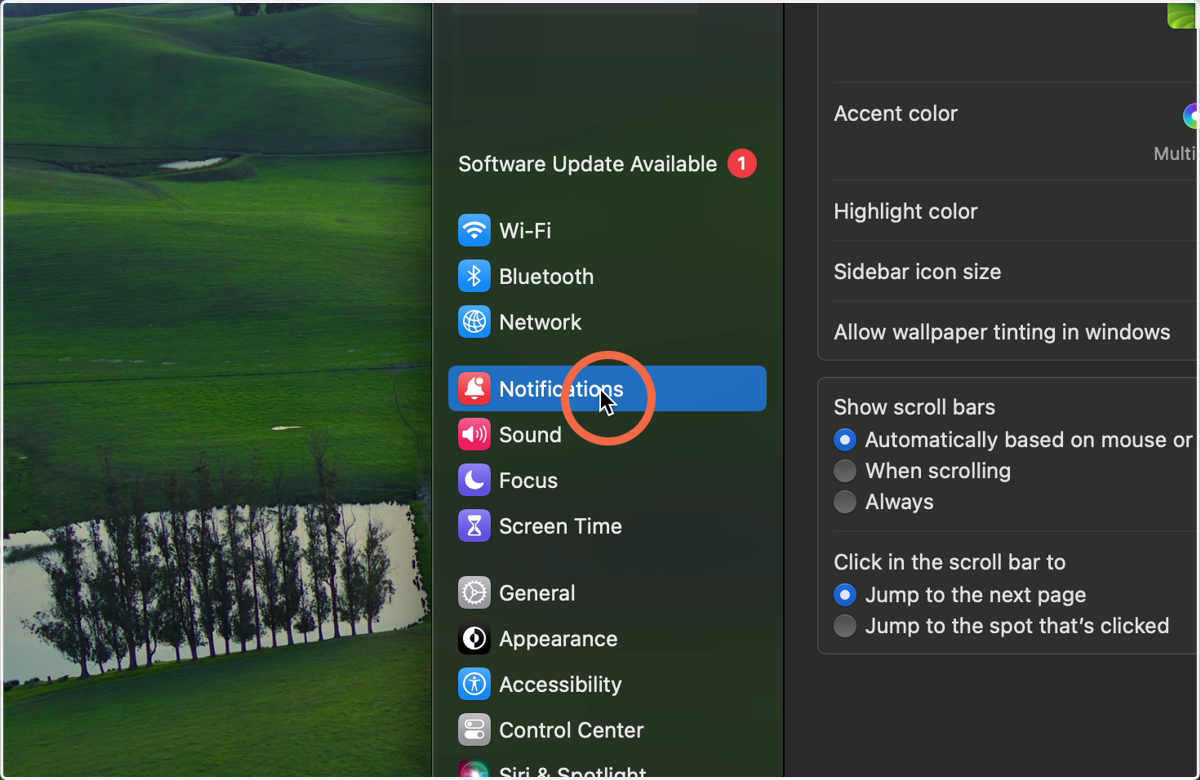
3. Click on Notifications
4. First, go to 'Google Chrome'
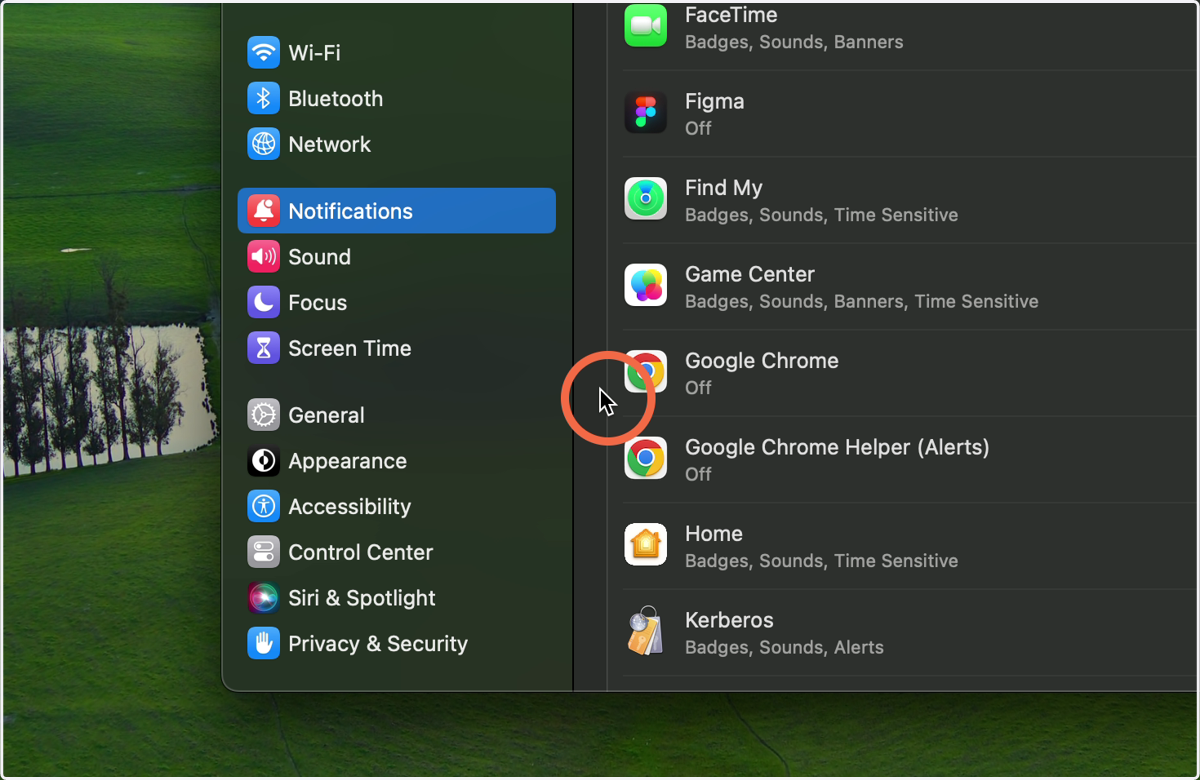
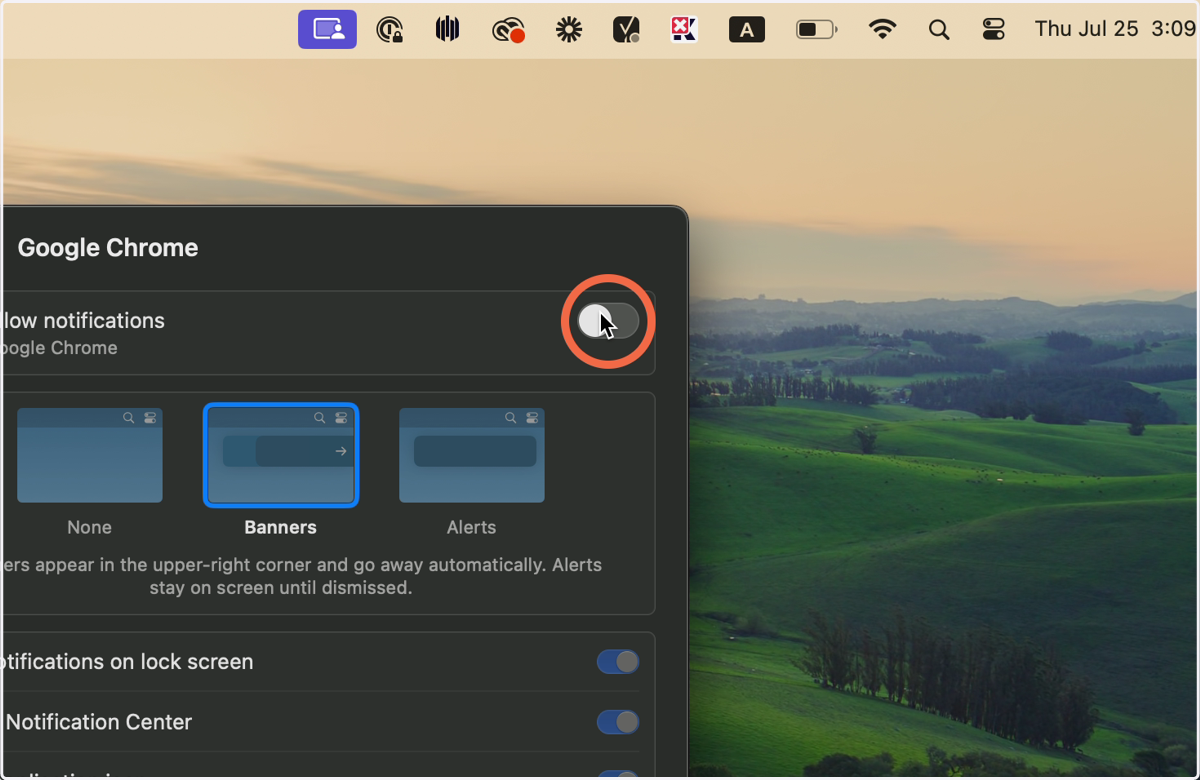
5. Toggle 'Allow notifications' to on
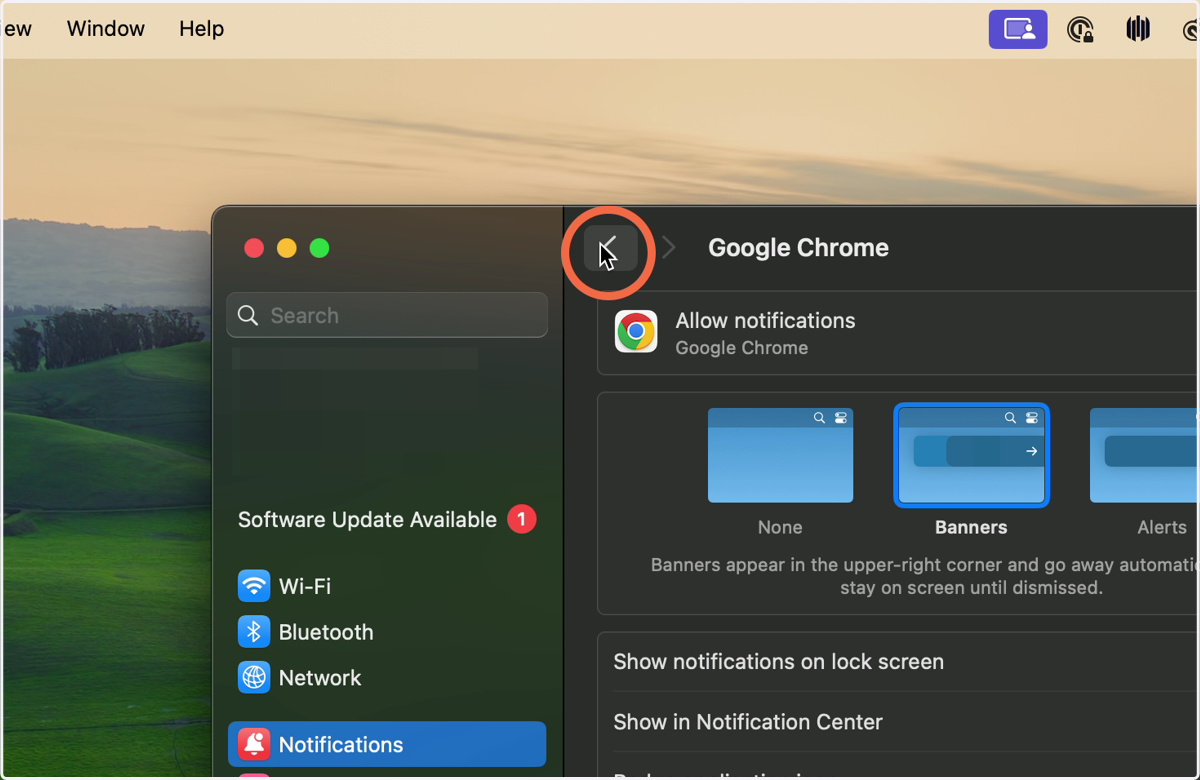
6. Click back out
7. Find 'Google Chrome Helper (Alerts)'
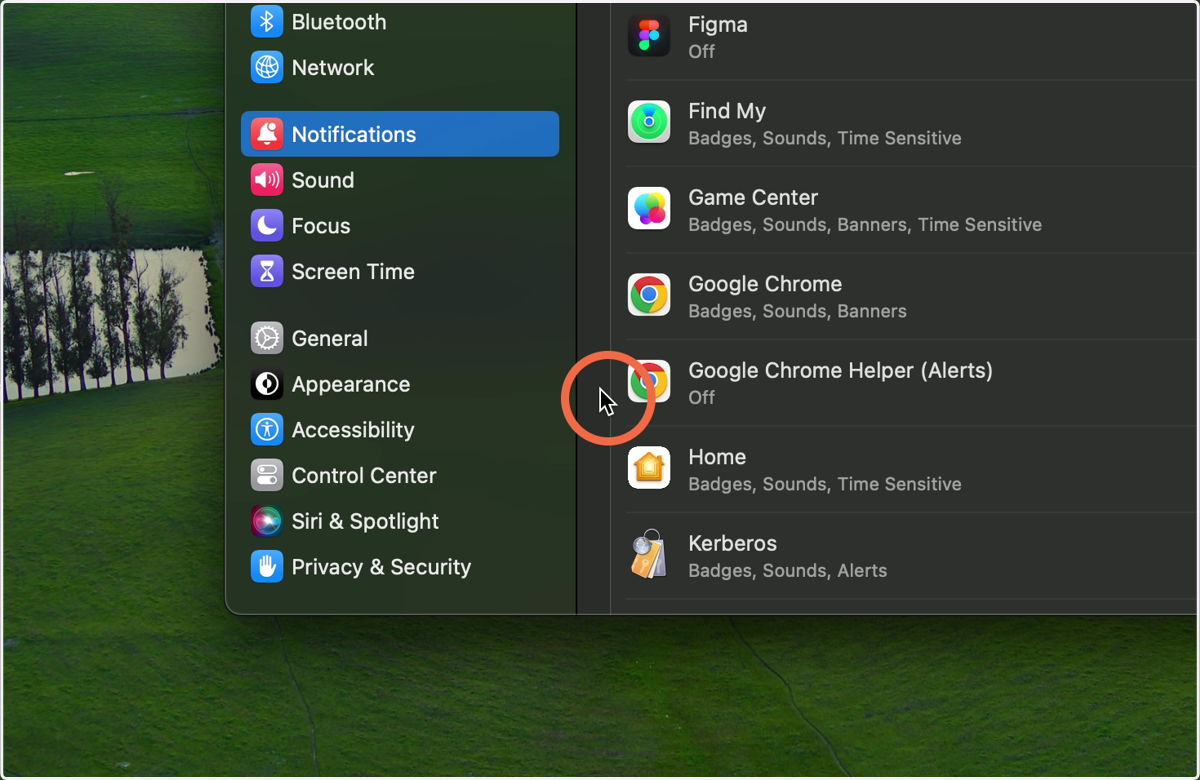
8. Toggle 'allow notifications' to be on. From here, you can also enable alerts with sounds.
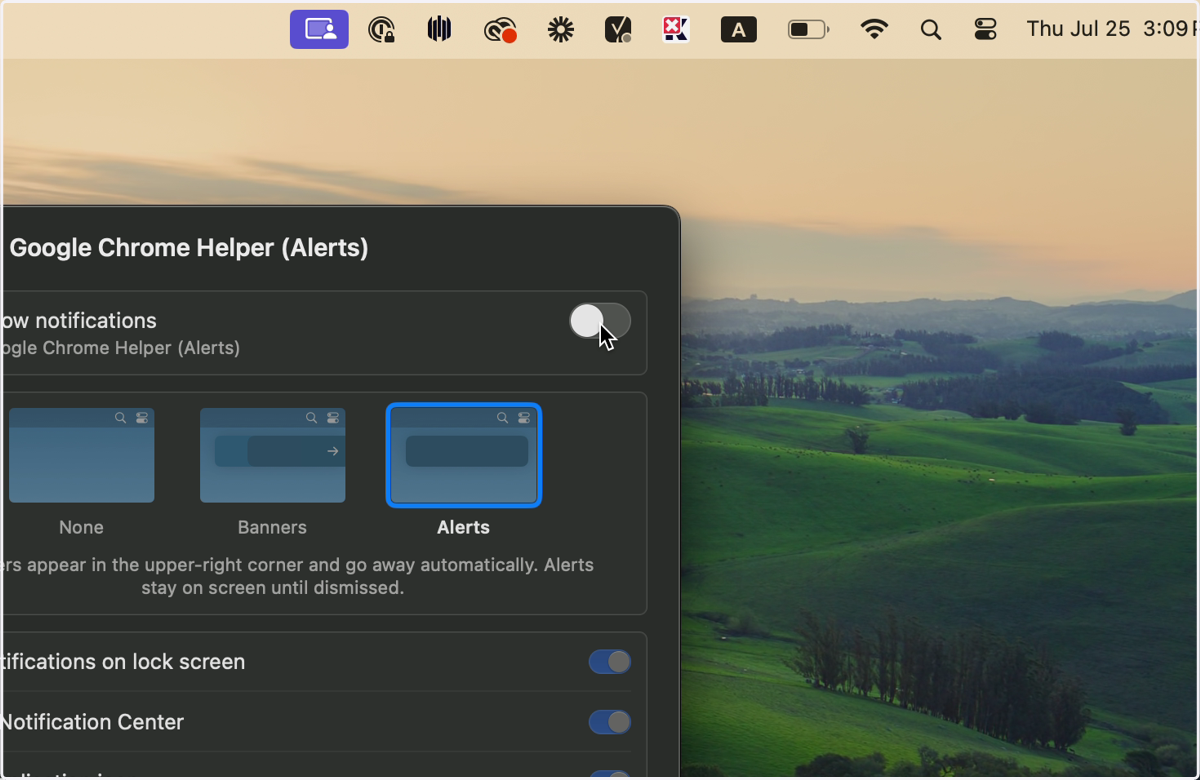
9. Click back out
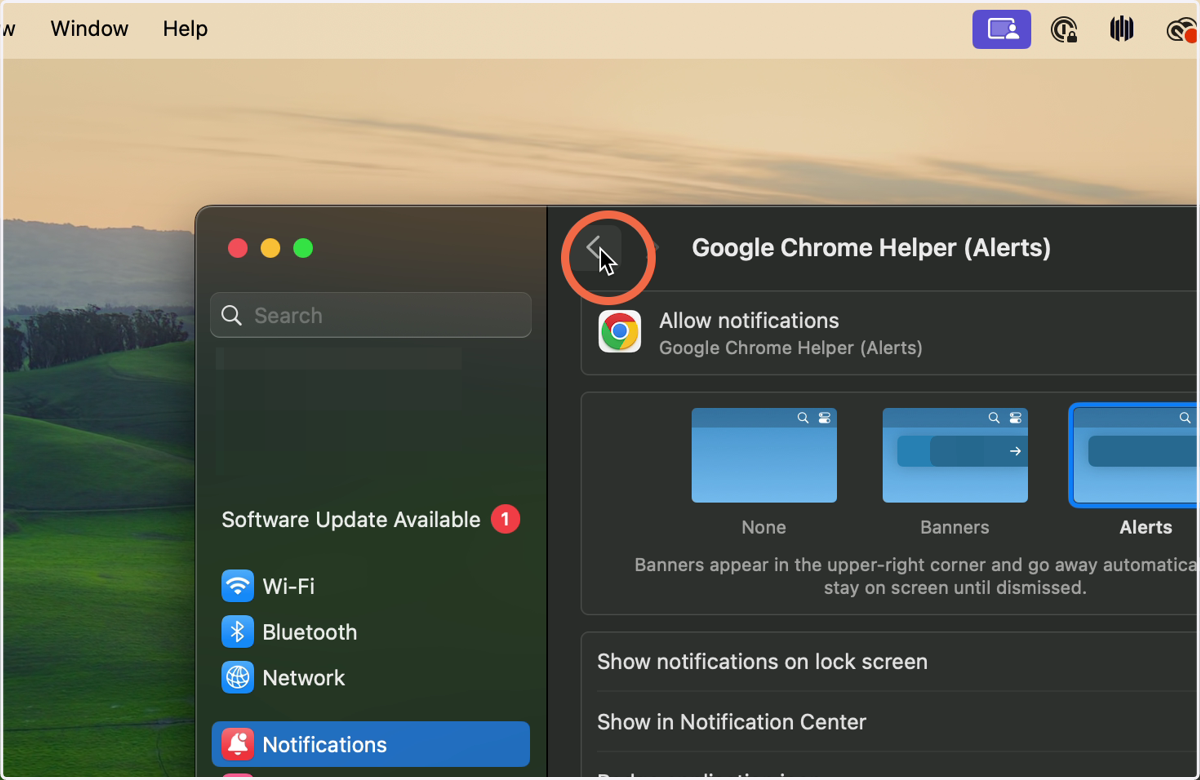
10. Ensure that notifications for both 'Google Chrome' and 'Google Chrome Helper (Alerts)' have been turned on.