Add shifts - Existing site
Machine Max
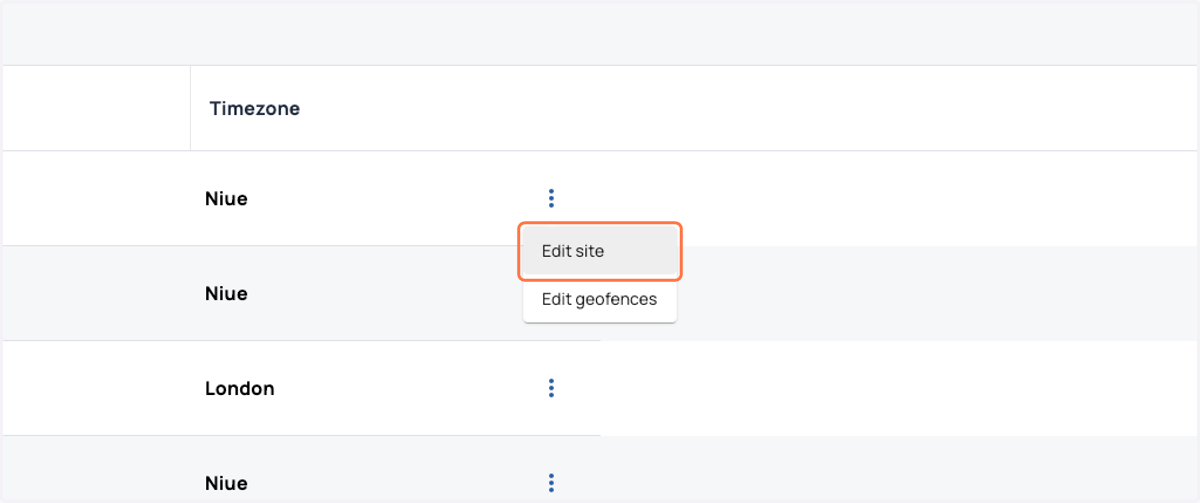
1. Choose the site to edit and click the 3 dots, then click 'edit'
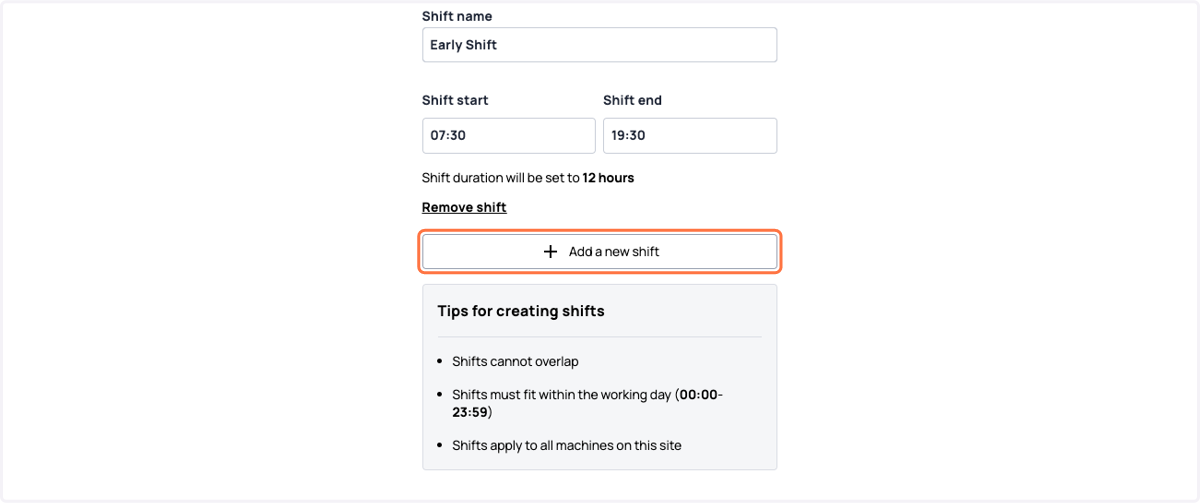
2. Add the information required to add a shift to the site. You can select the start and end time, and the days of the week this applies.

3. Once the first shift is created, you are then able to add another, and fill in the same required information. Once done you can press the complete button.