Creating a UTM Link for an Organic Instagram Post
In this training, we'll walk you through the steps to create a UTM link for an organic Instagram post or link using Repli’s UTM Builder. Follow this Tango to get started!
GA4 UTM Builder for Multifamily | Apartment Marketing Resources
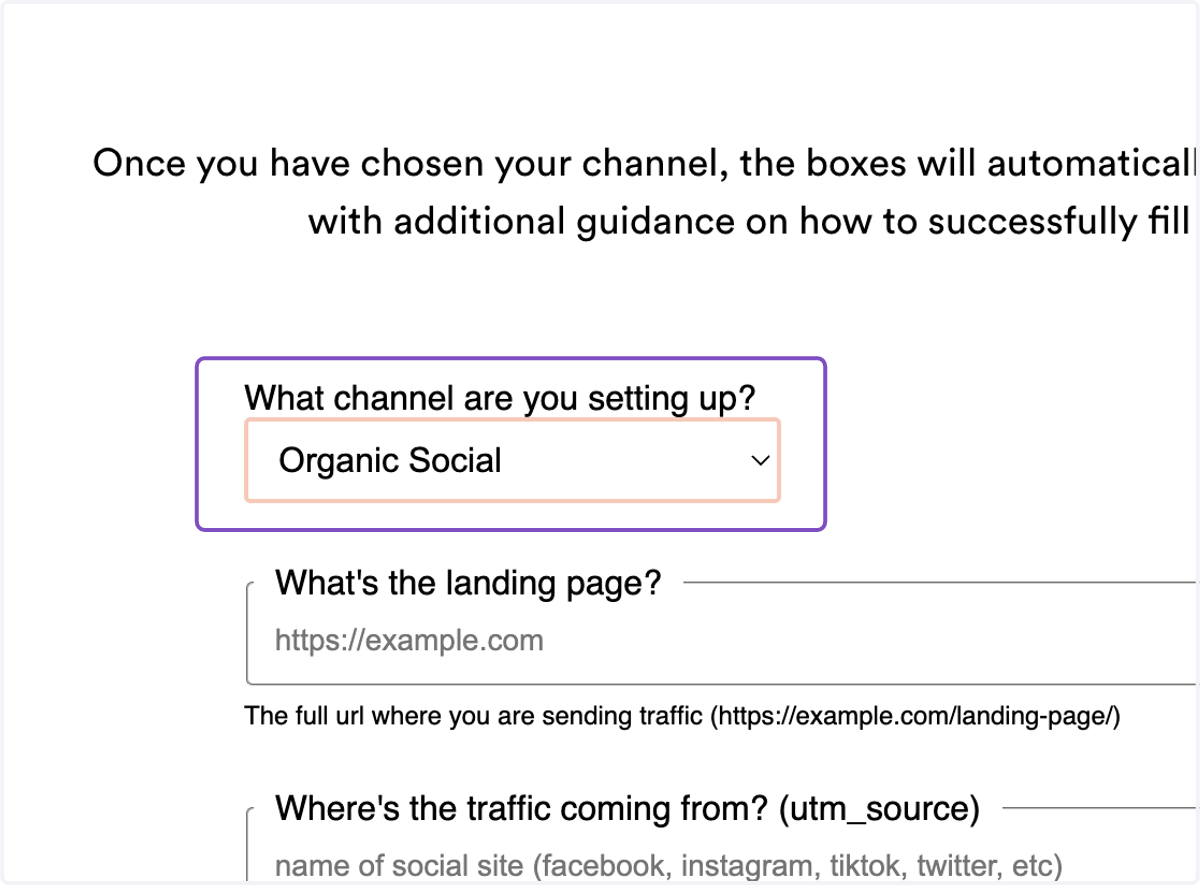
1. Utilize Repli's UTM Builder to build your UTM link. Since this link is for an organic Instagram post, select "Organic Social" as the channel to be set up.
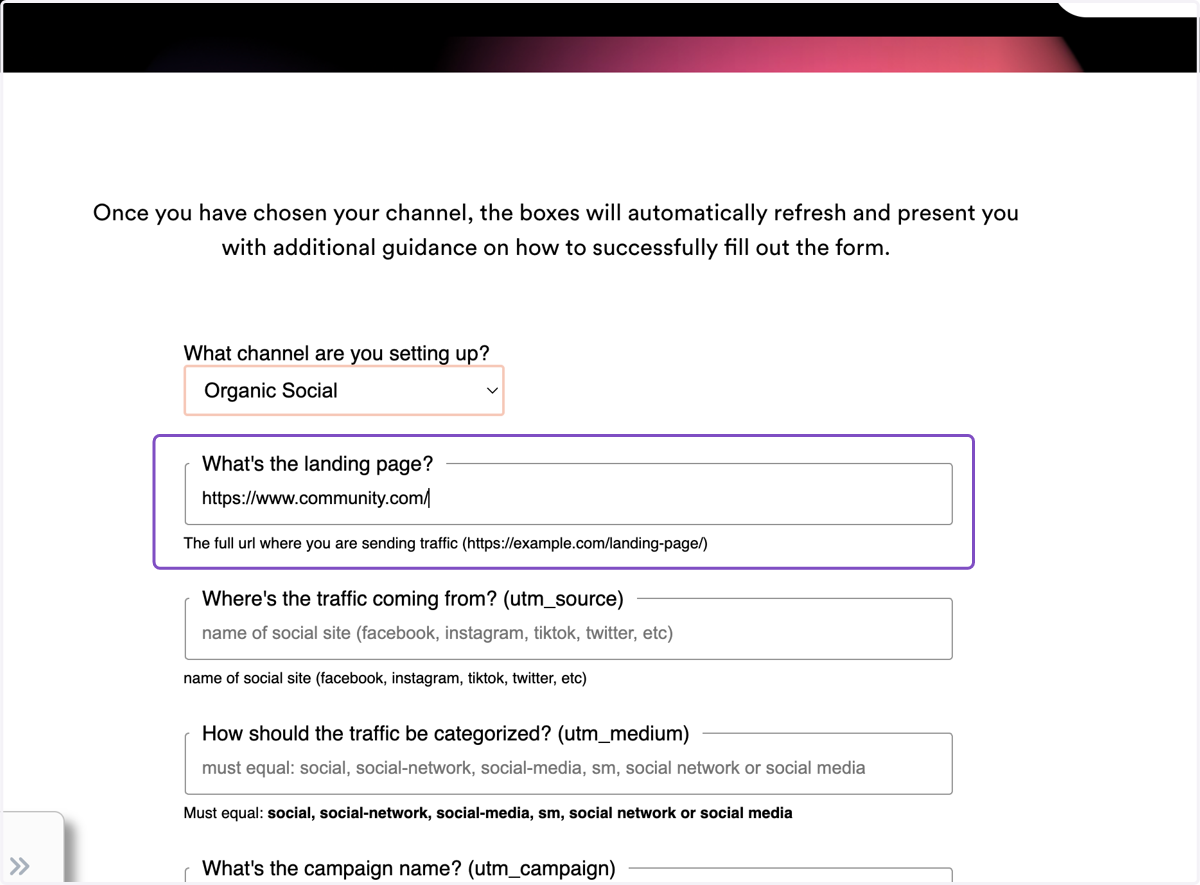
2. Type in the community's URL or another URL that you would like the Instagram post to lead to.
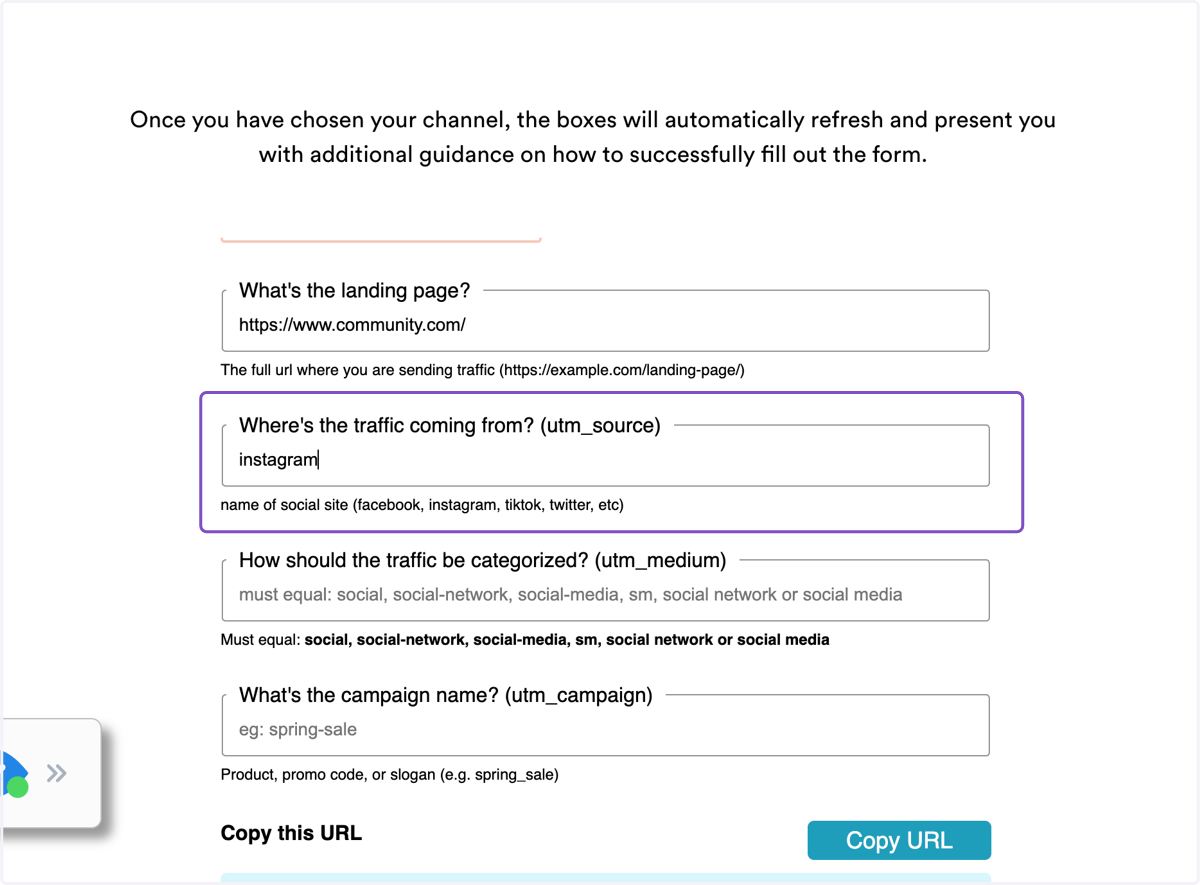
3. Under utm_source, type in "instagram" as the traffic source.
4. Under utm_medium, type in "social" as the traffic medium. This ensures that the UTM link correctly attributes traffic from Instagram as coming from a social network source. You can use several other variants here as well, such as social-network or social-media.
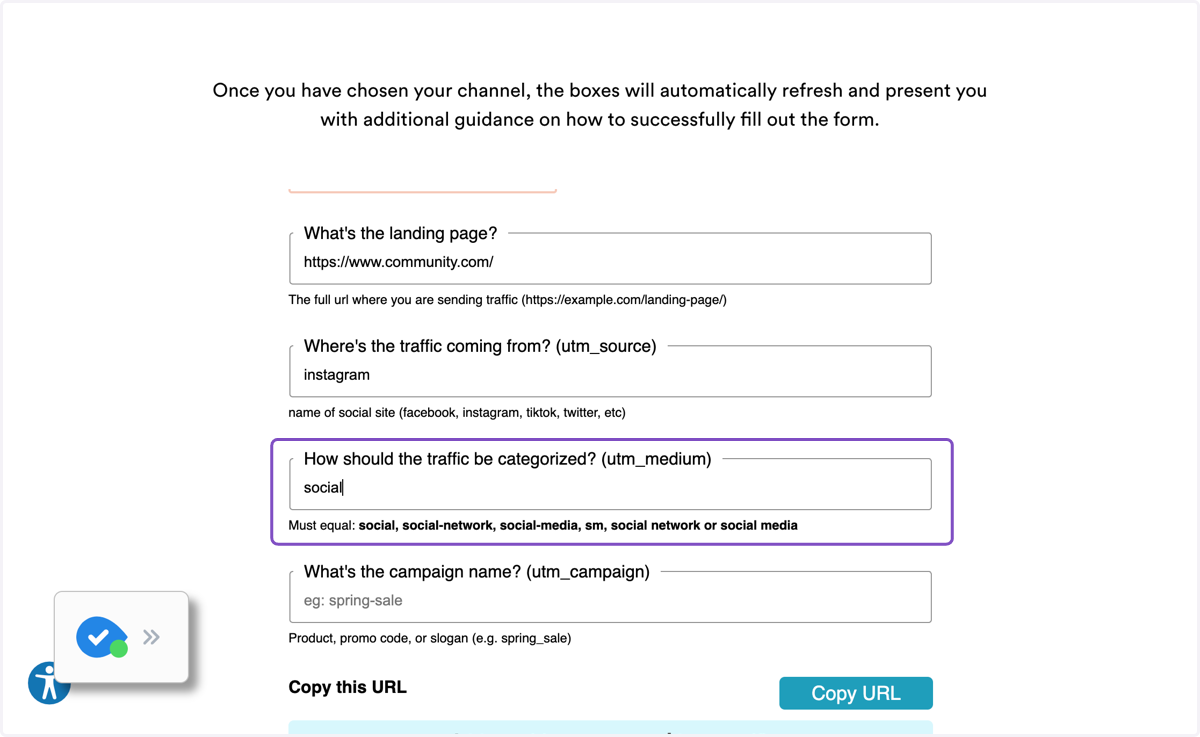
5. Under utm_campaign, type in what you would like to name your campaign in order to specify what link you are tracking. For example, you can track all social posts for the month, or a specific post (e.g. "november-boosted-post"). We've typed in "november" as an example.
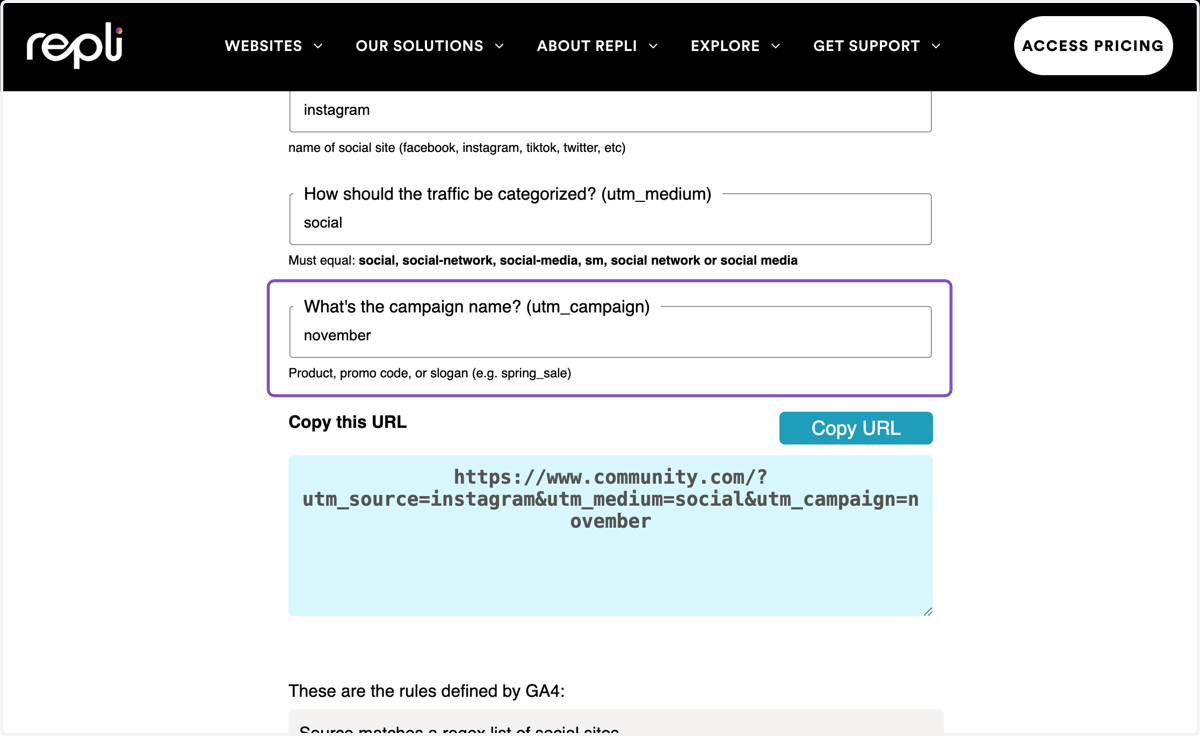
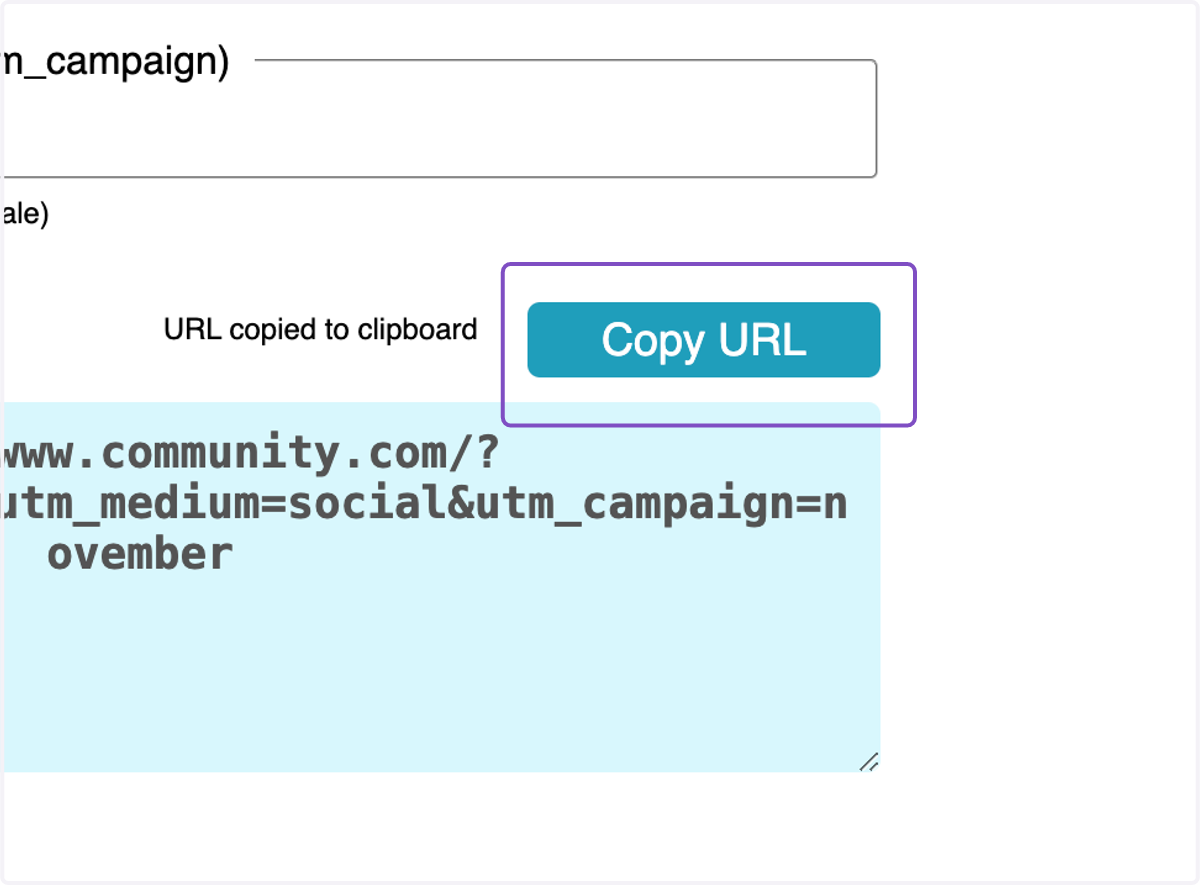
6. Once all the fields are filled out, your UTM link is ready. Click the blue “Copy URL” button to start using your link on Instagram!