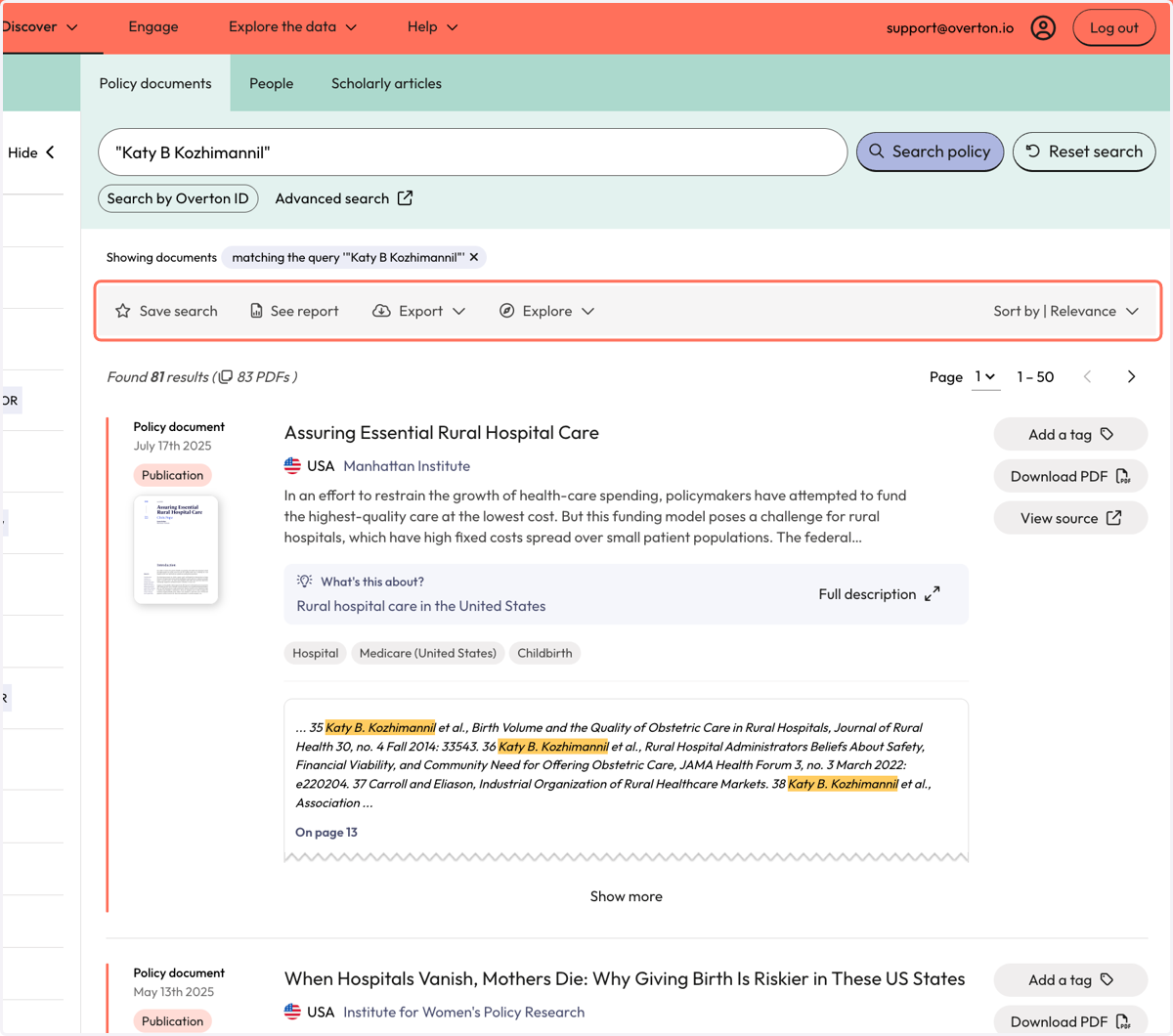
Search using your name to find mentions in full-text
Search from the Start page
1. Cick on 'Policy Documents'
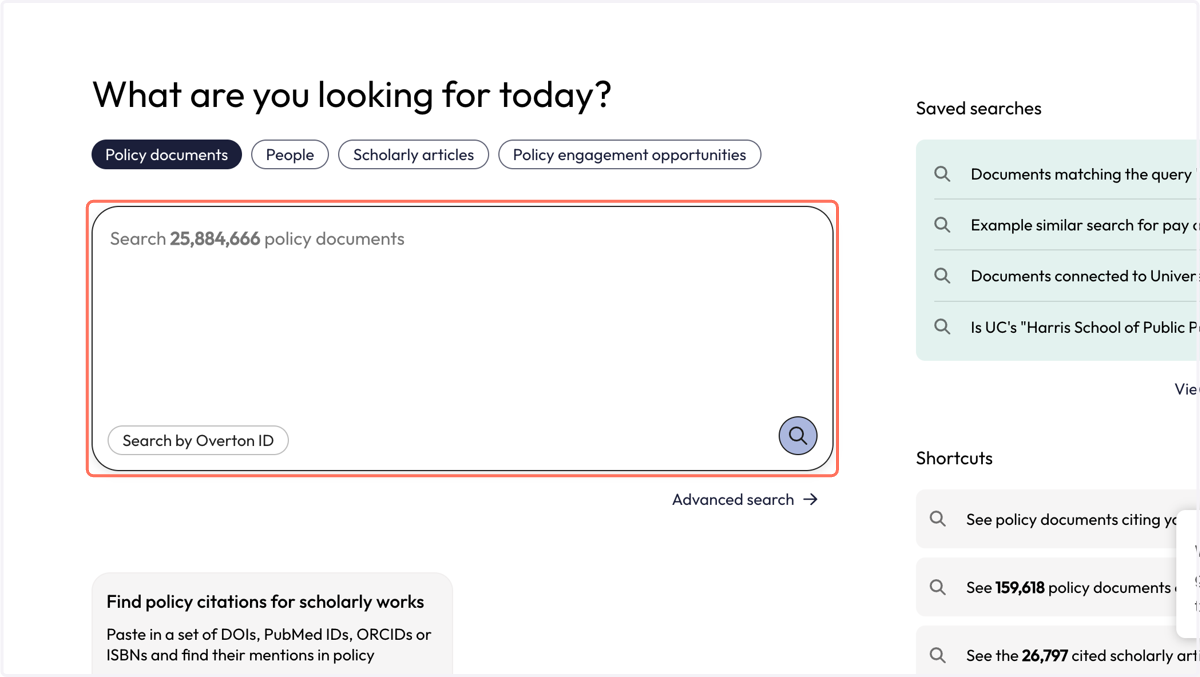
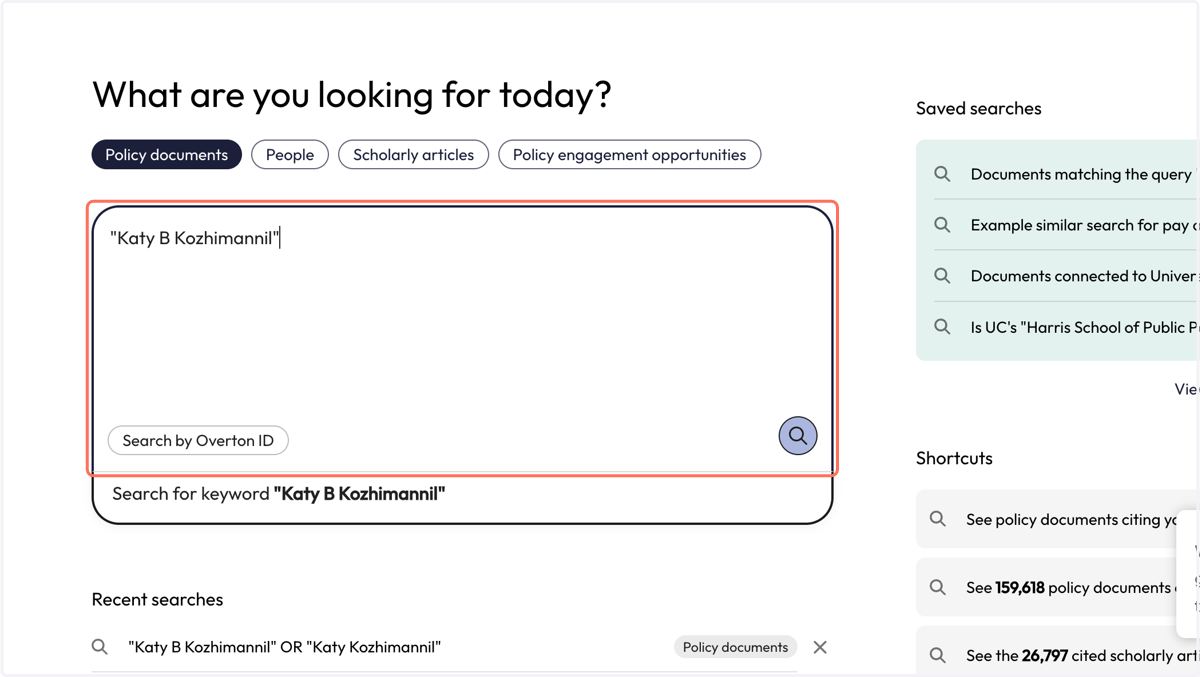
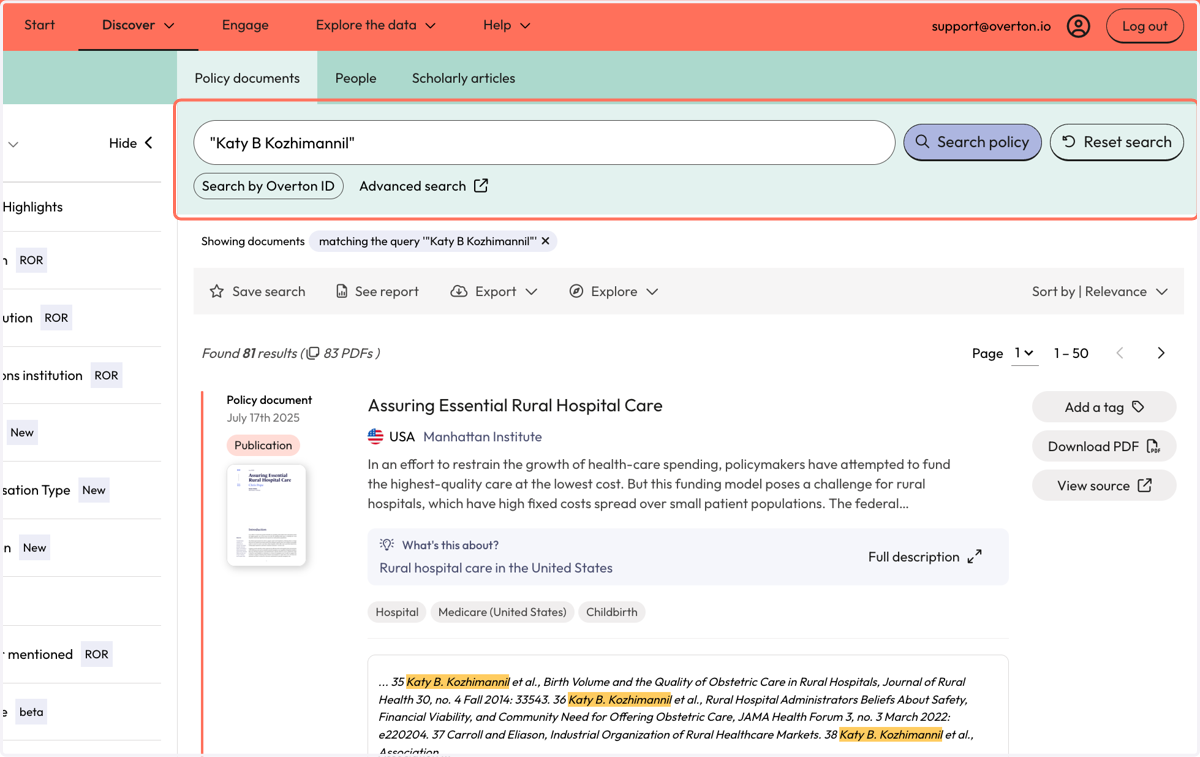
2. Type your name in quotation marks into the search box
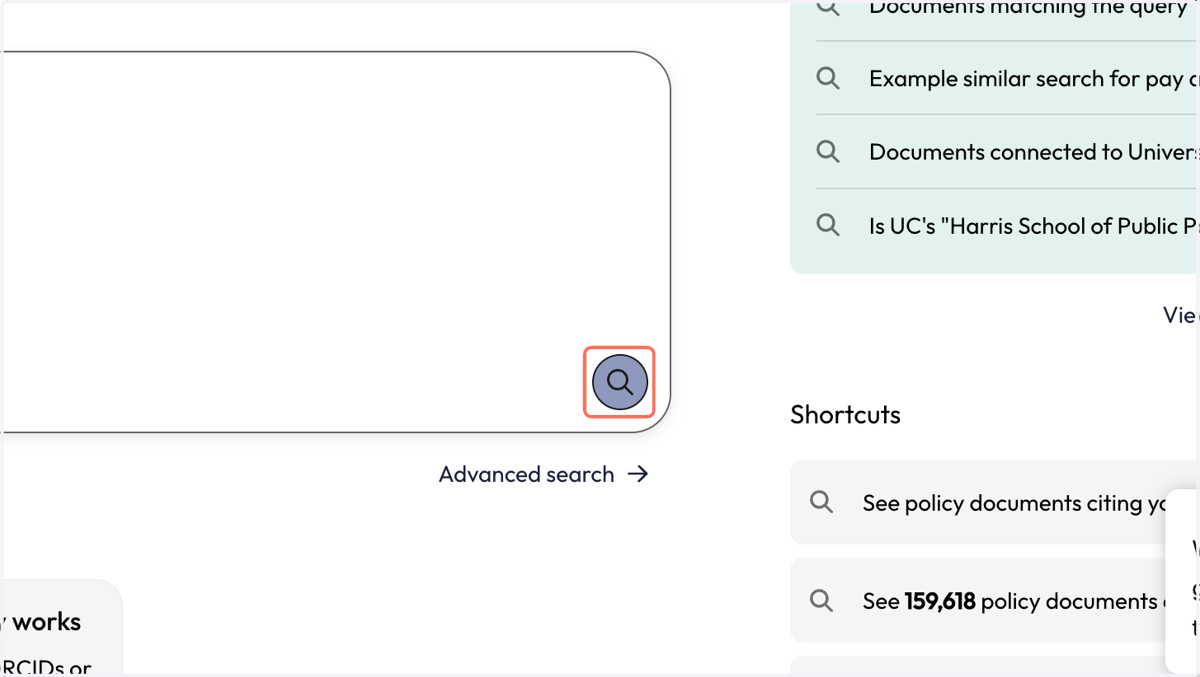
3. Click purple icon with magnifying glass to launch your 'Search'
4. You will be taken to the 'Policy Documents' page, where you can review results where you name was found in the full-text of policy documents.
The snippet will show you where your name was found in-text by the highlight. We provide the page number so you can investigate further for relevancy.
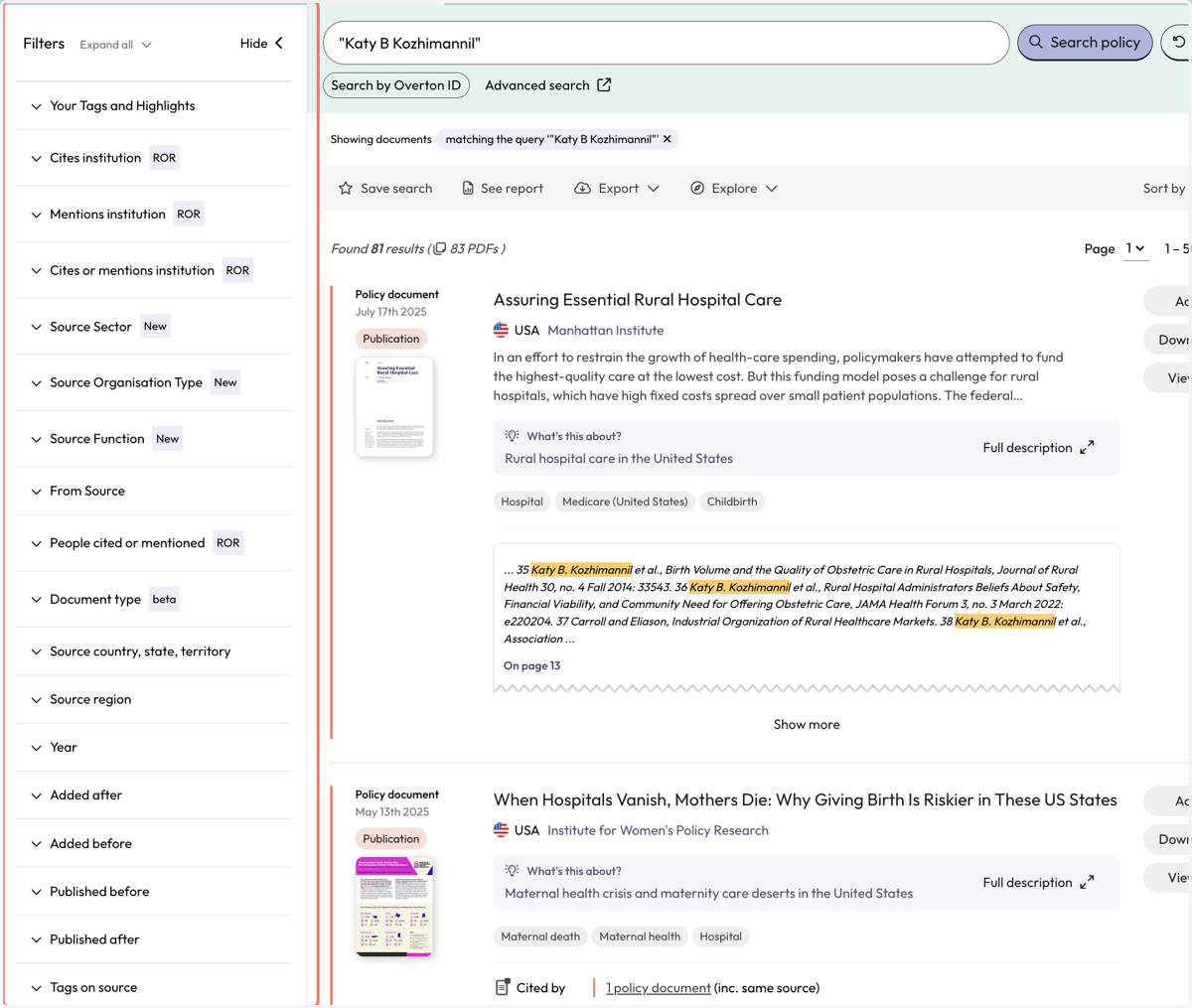
5. Use filters to narrow down results.
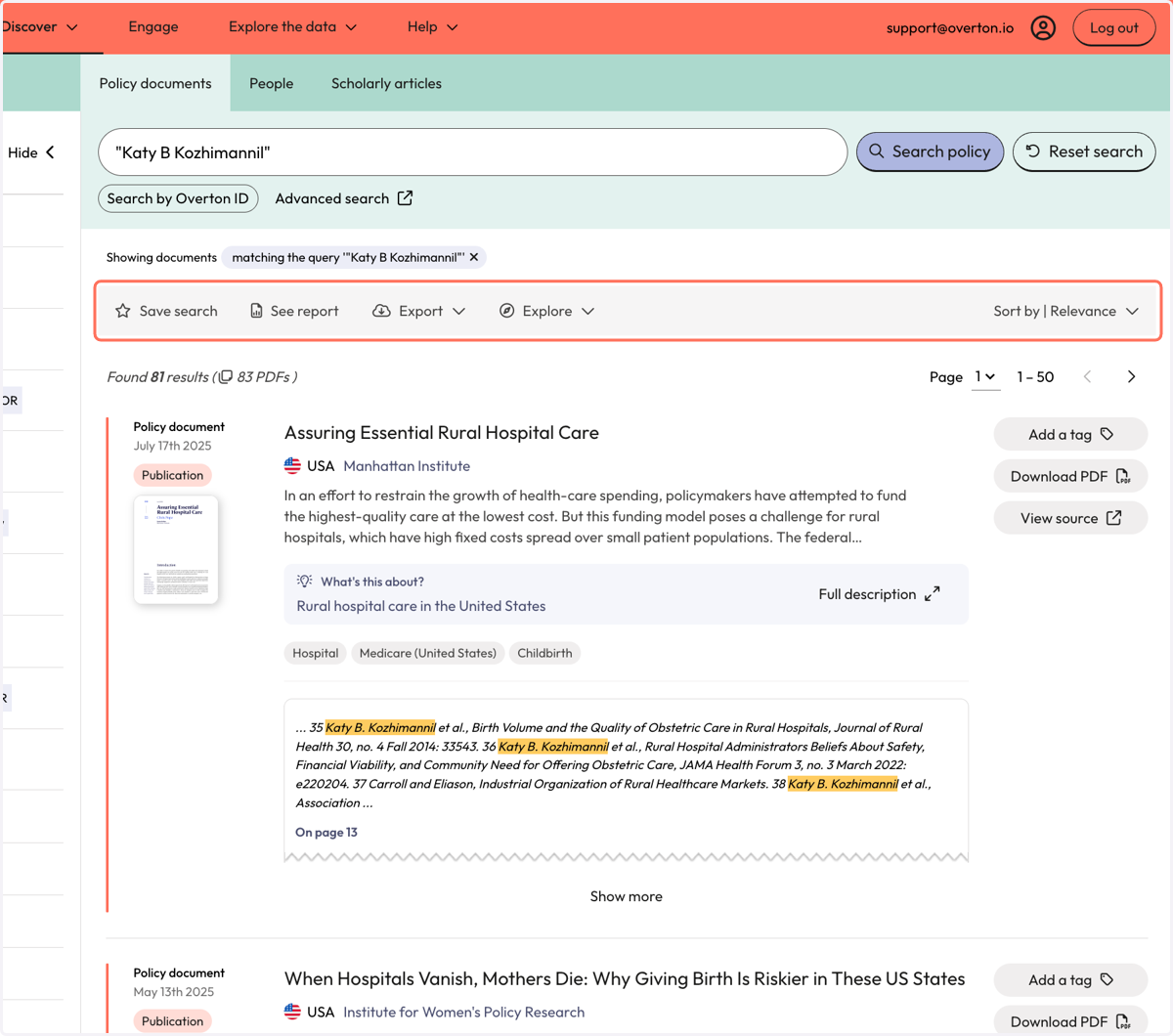
6. Use the grey action bar to save your search, generate a summary report or export your search results.
Search using Overton's Advanced Query Builder
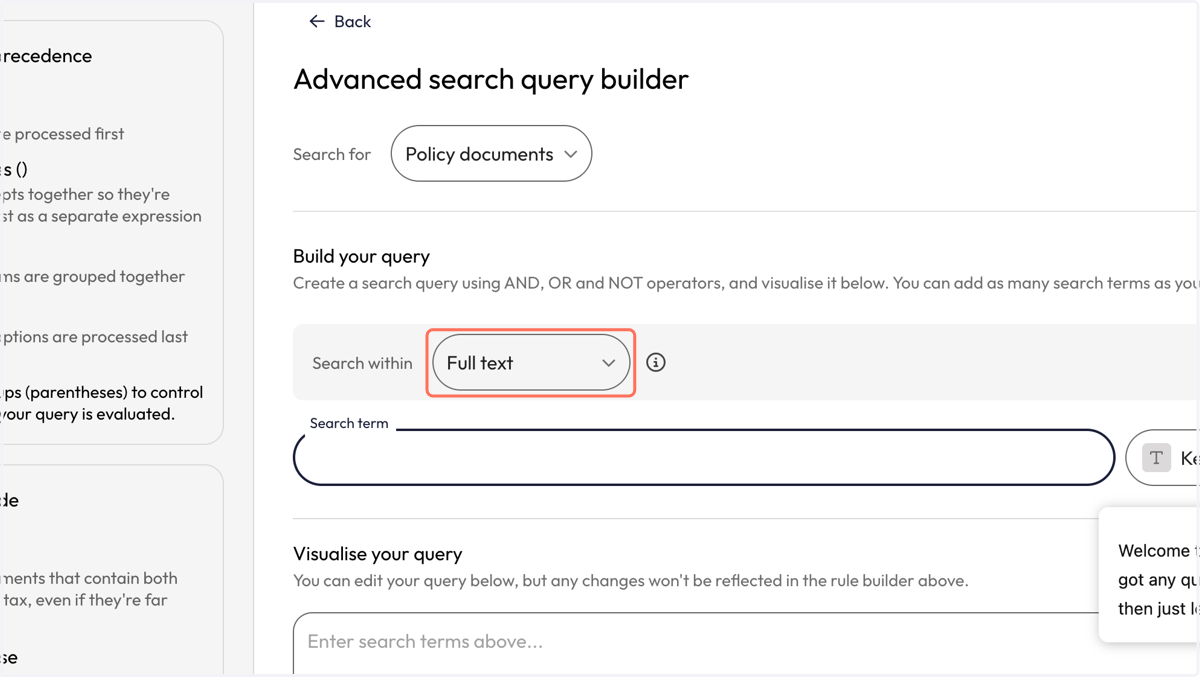
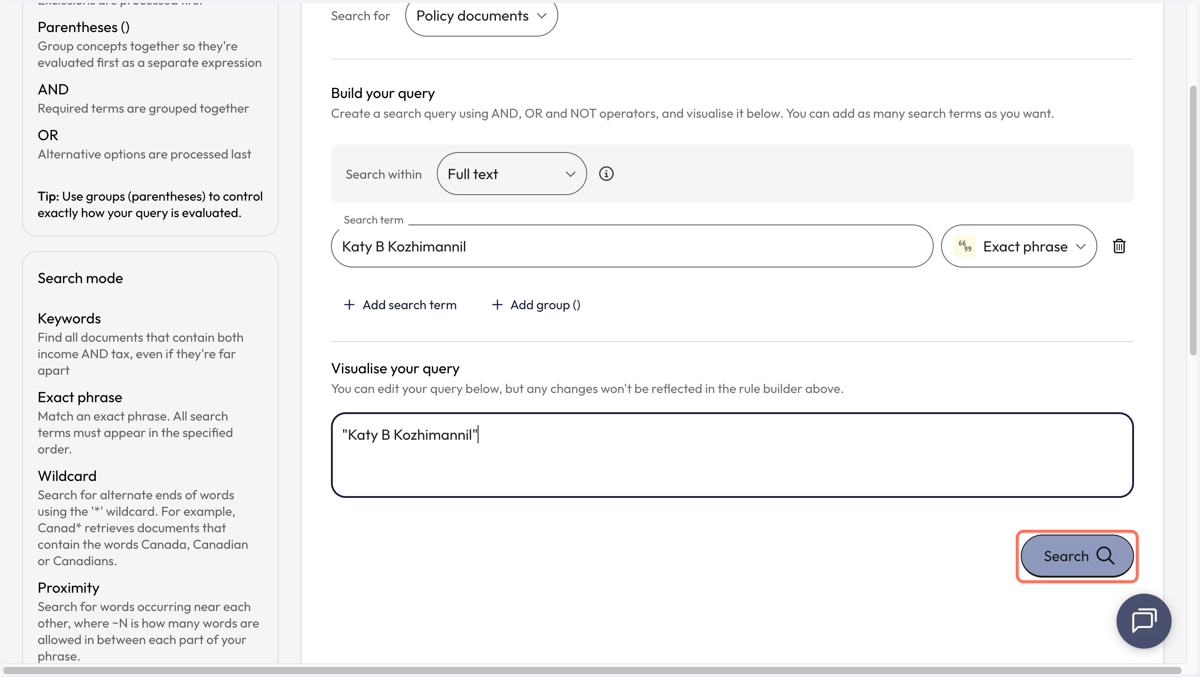
7. In the 'Advanced Query Builder' ensure that 'Policy Documents' is selected
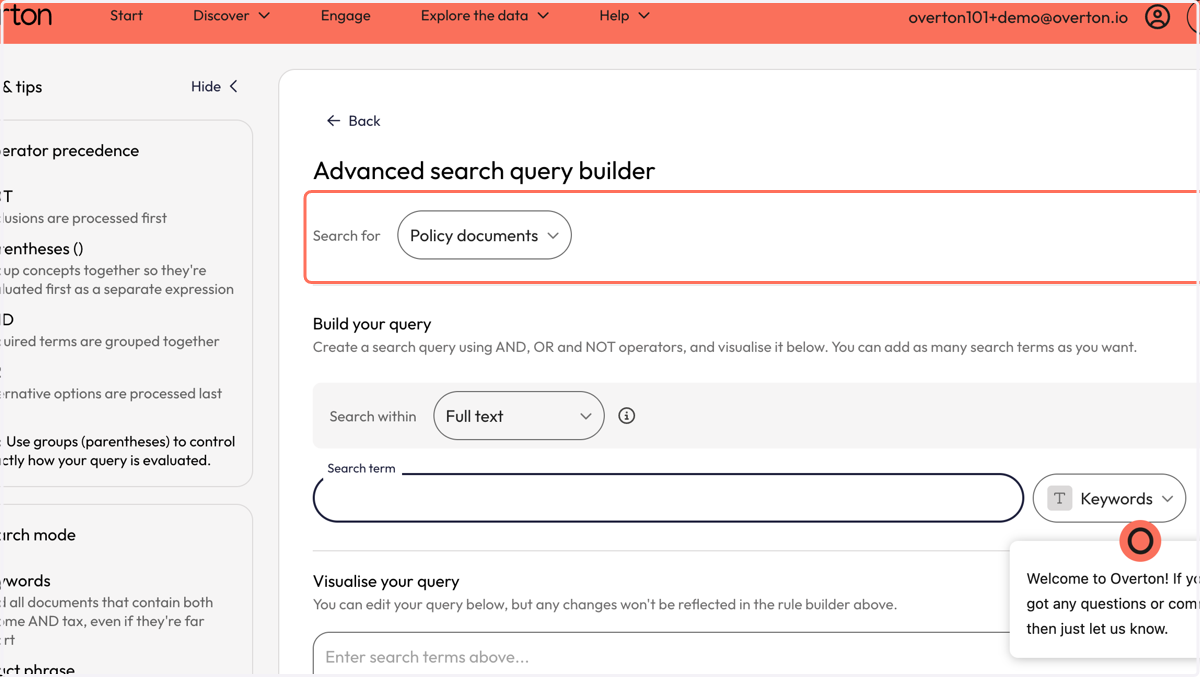
8. Ensure 'Full text' is selected in the 'Search within' menu
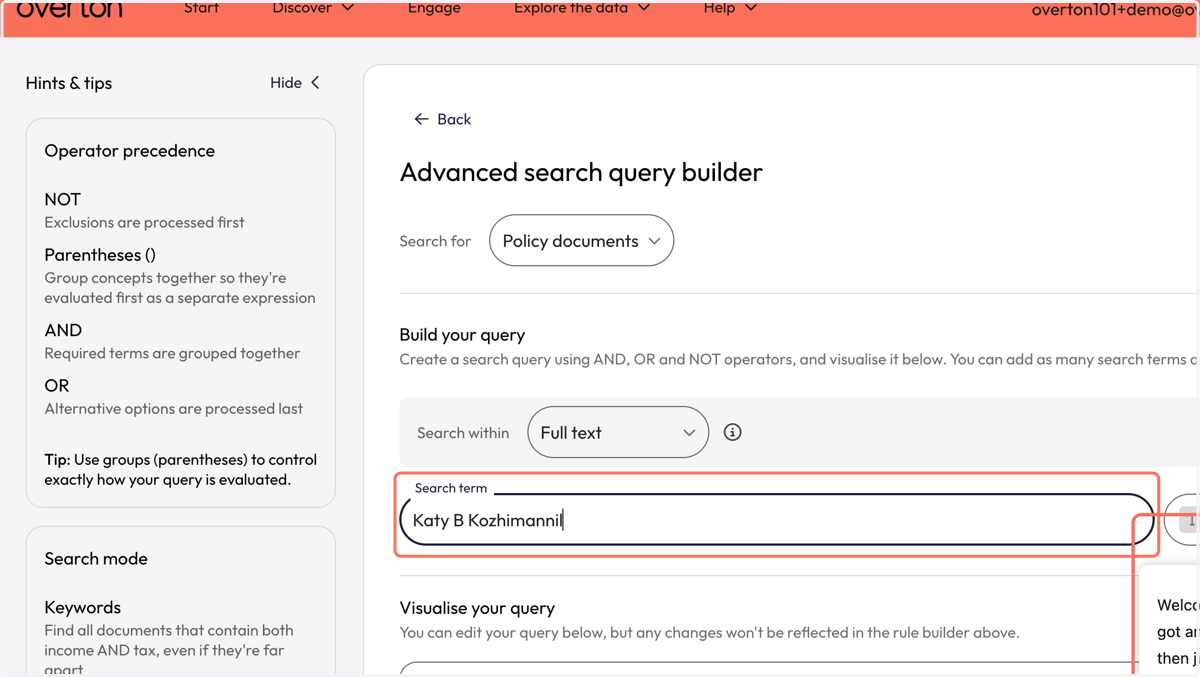
9. In the 'Search term' box, type your name
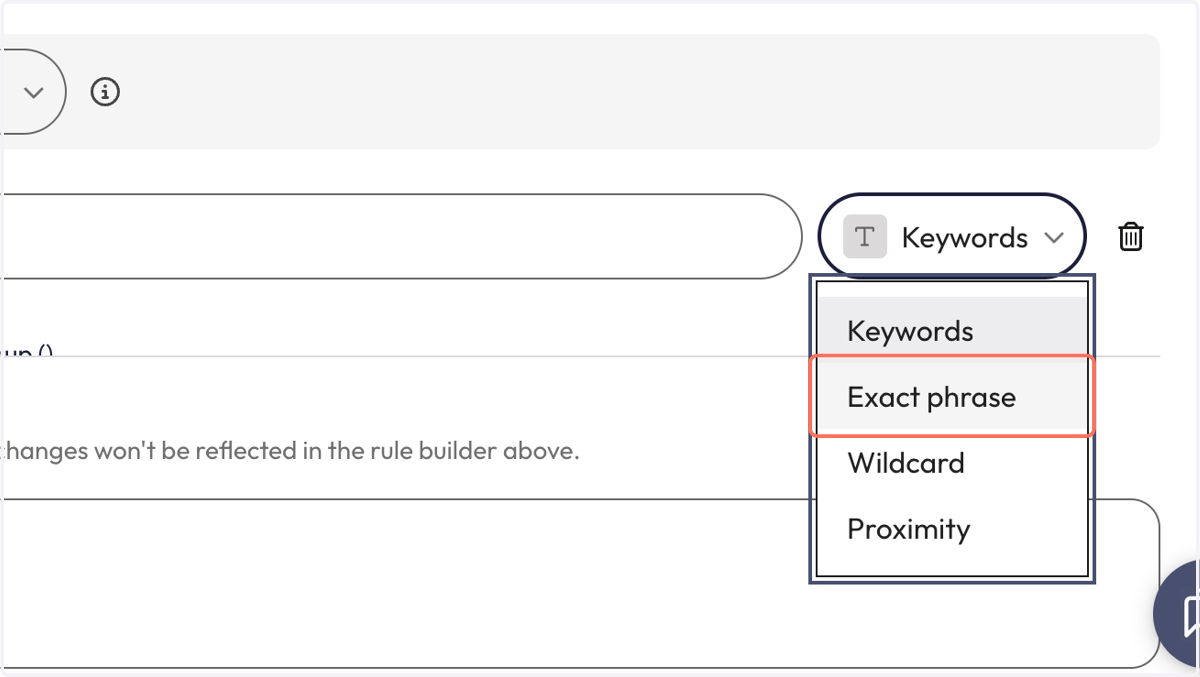
10. From the dropdown besides the search box, select 'Exact phrase'
11. See your query in the 'Visualise your query' box
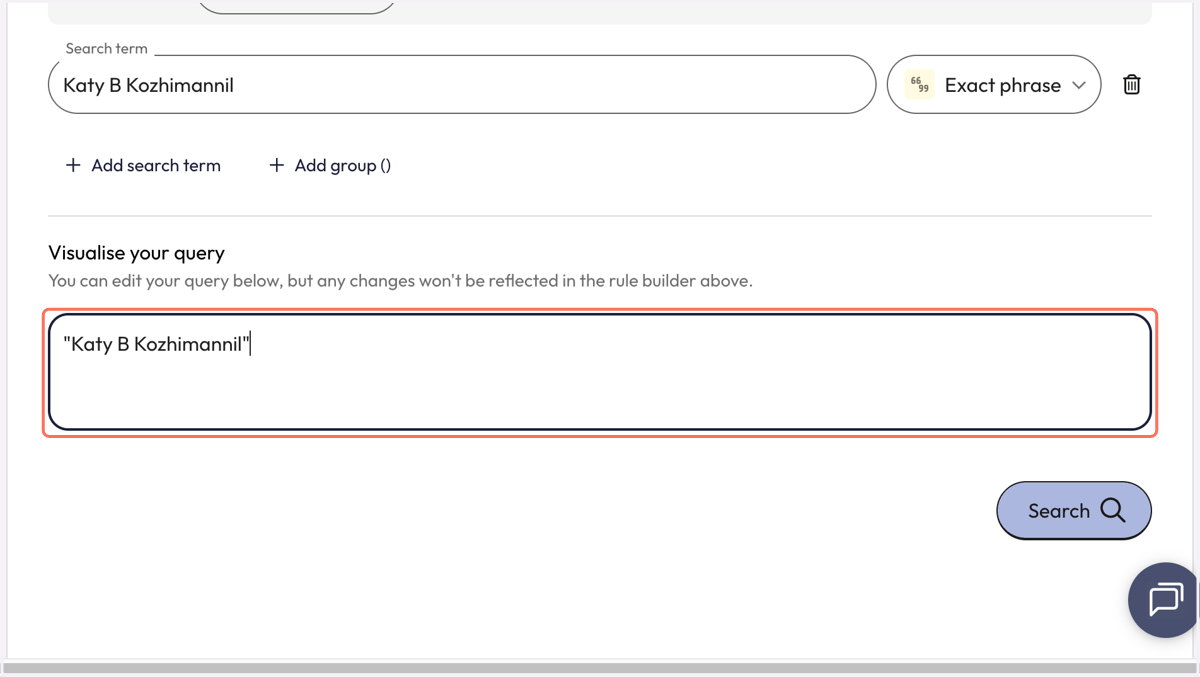
12. Click on 'Search'
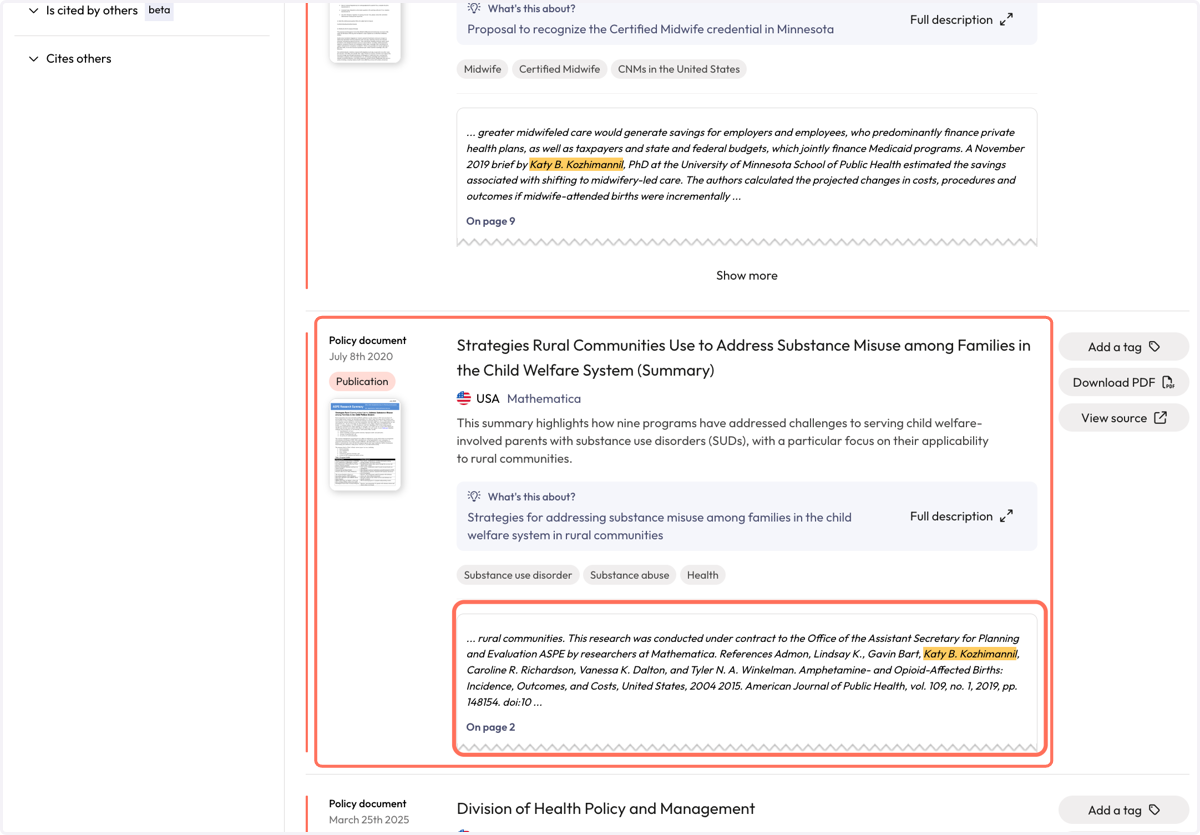
13. You will be taken to the 'Policy Documents' page, where you can review results where you name was found in the full-text of policy documents.
The snippet will show you where your name was found in-text by the highlight. We provide the page number so you can investigate further for relevancy.
14. Use filters to narrow down results.
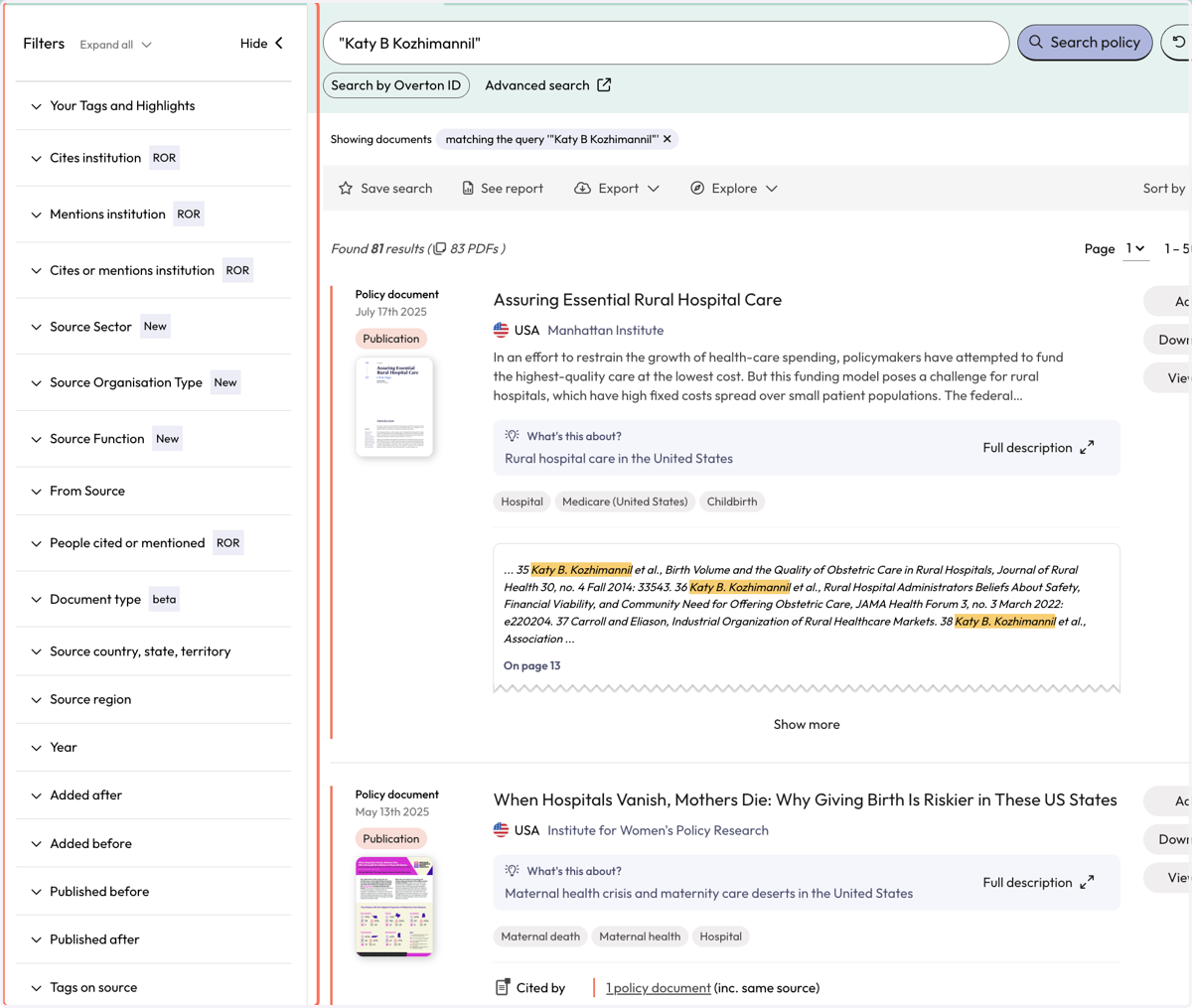
15. Use the grey action bar to save your search, generate a summary report or export your search results.