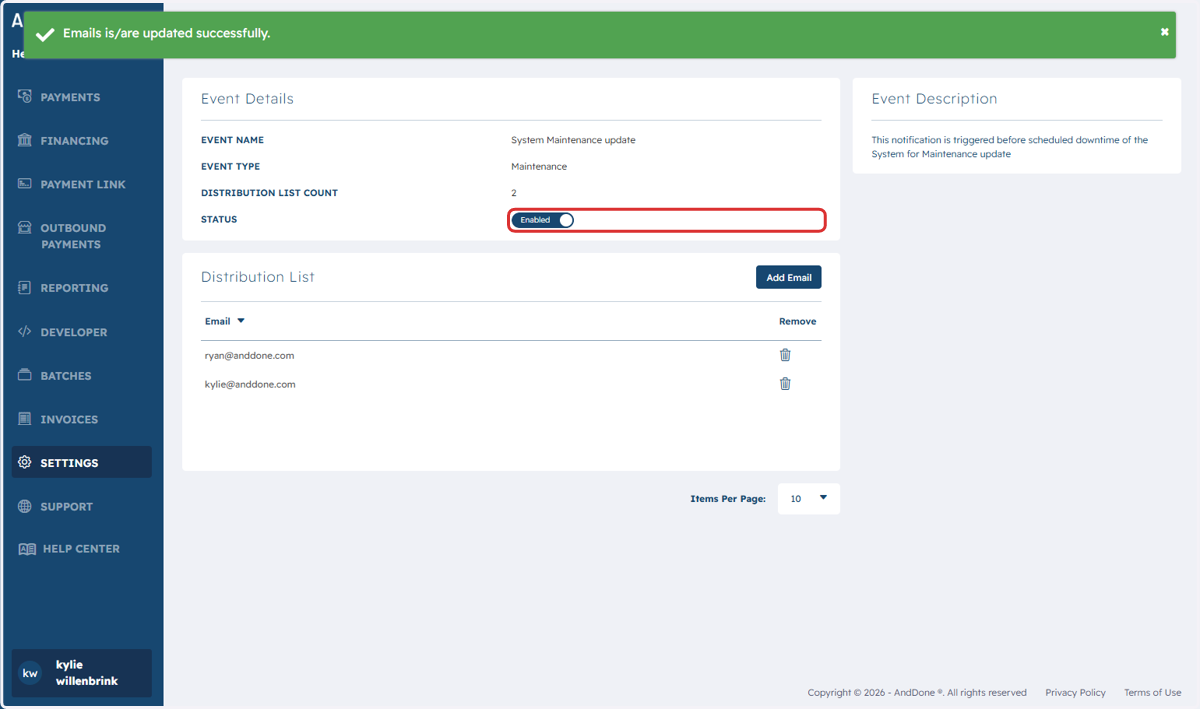
Add Maintenance Email in Merchant Portal
Merchant Portal
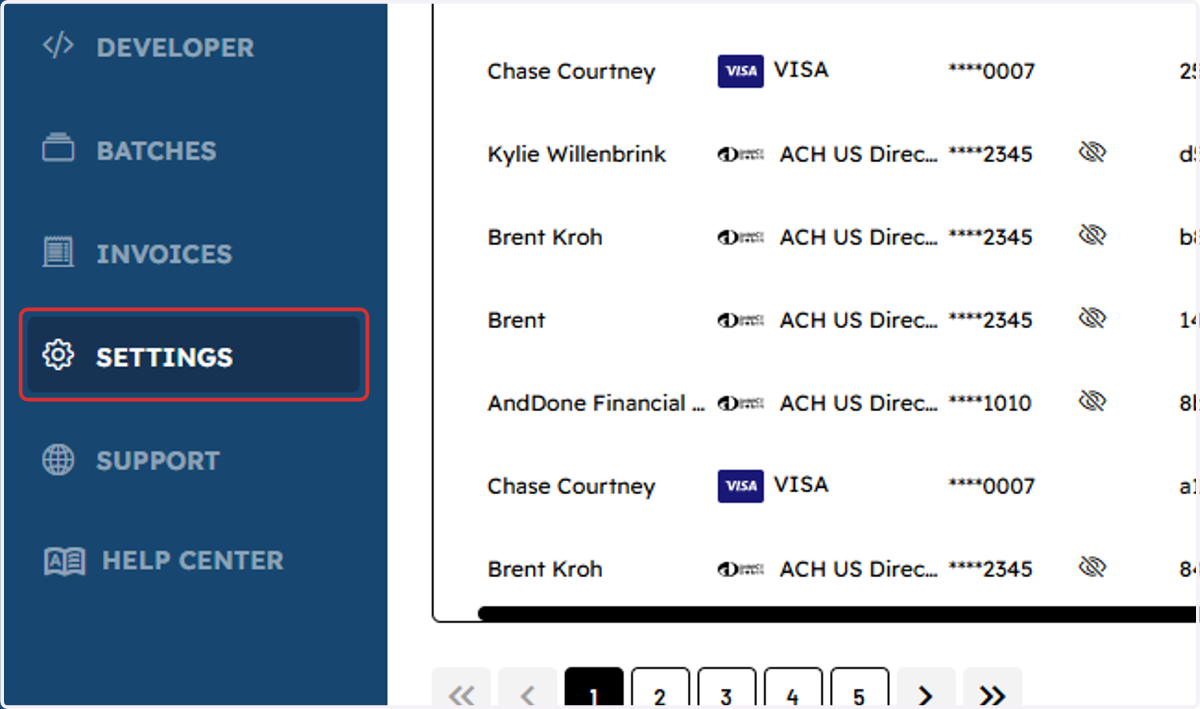
1. Click on Settings
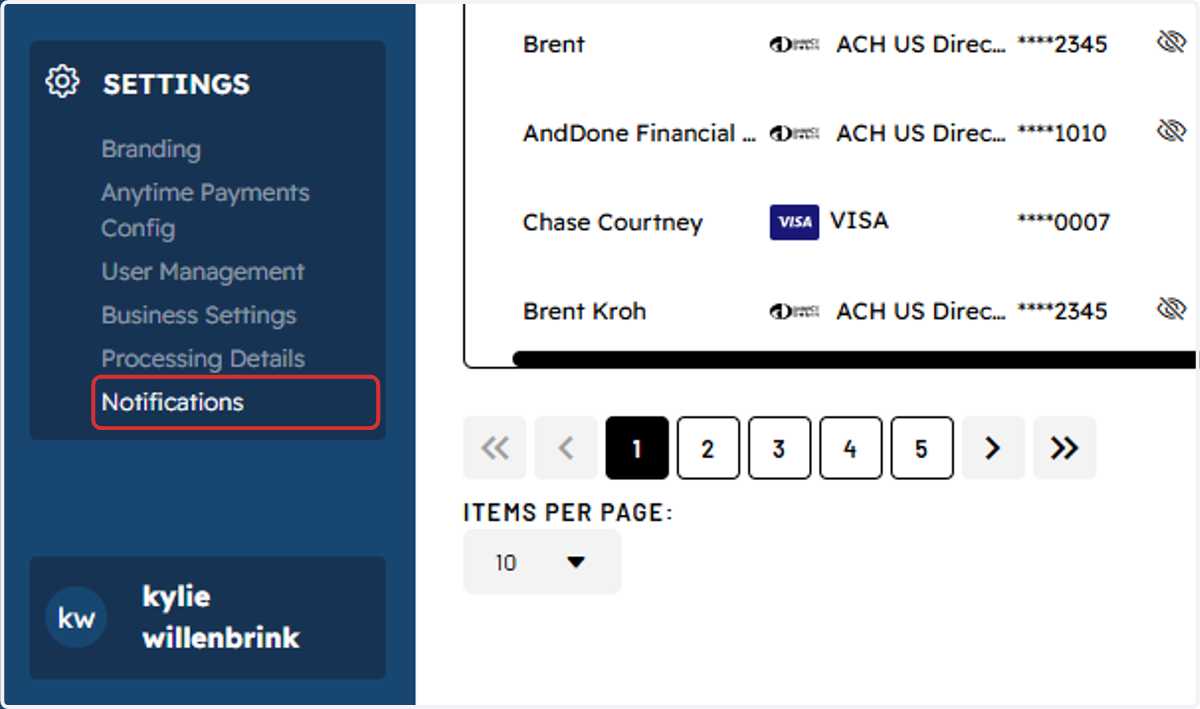
2. Click on Notifications
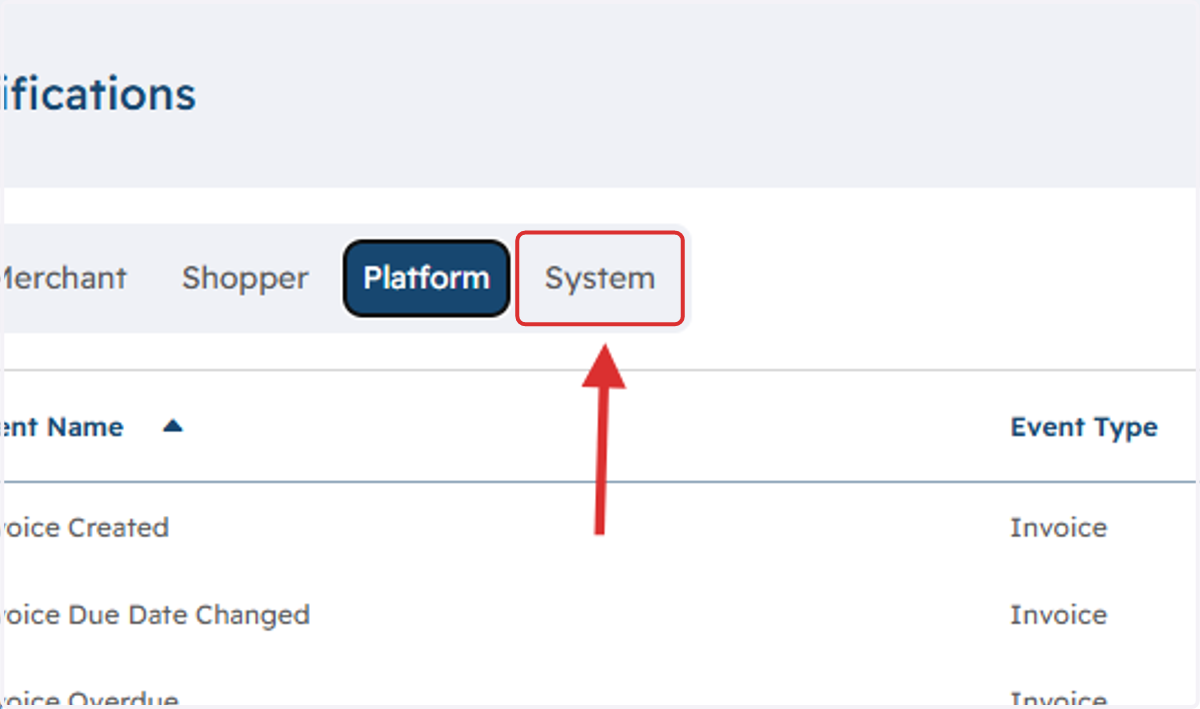
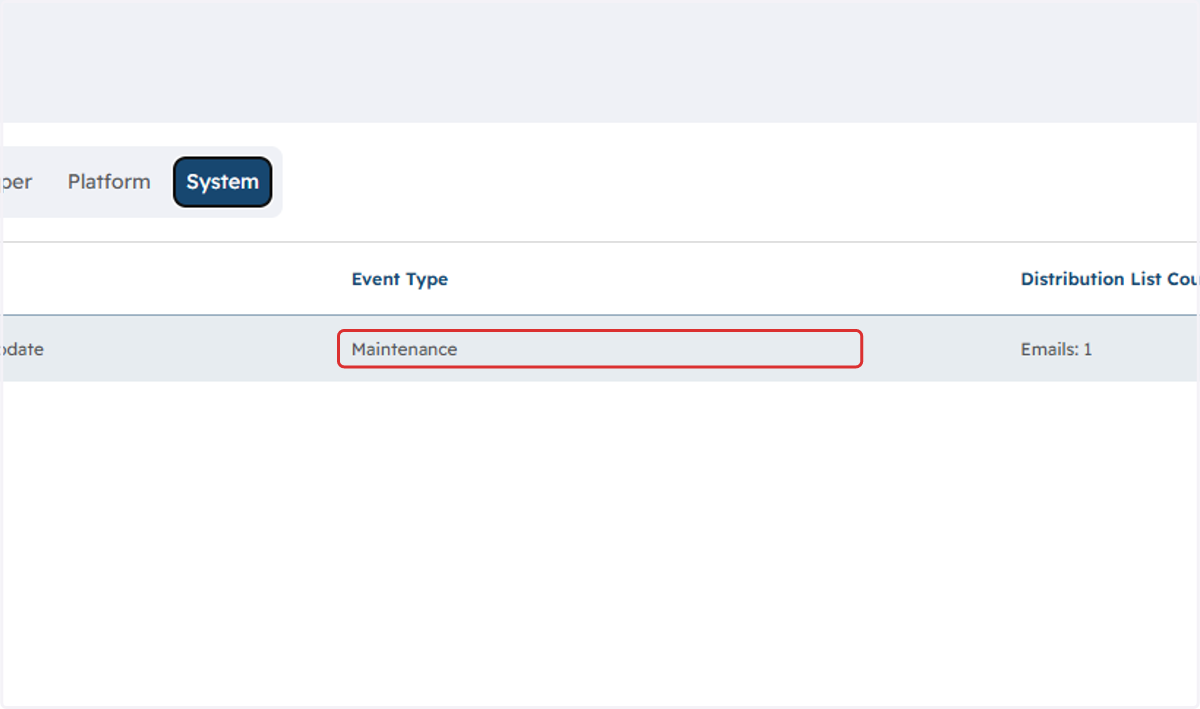
3. Click on System
4. Click on the event type
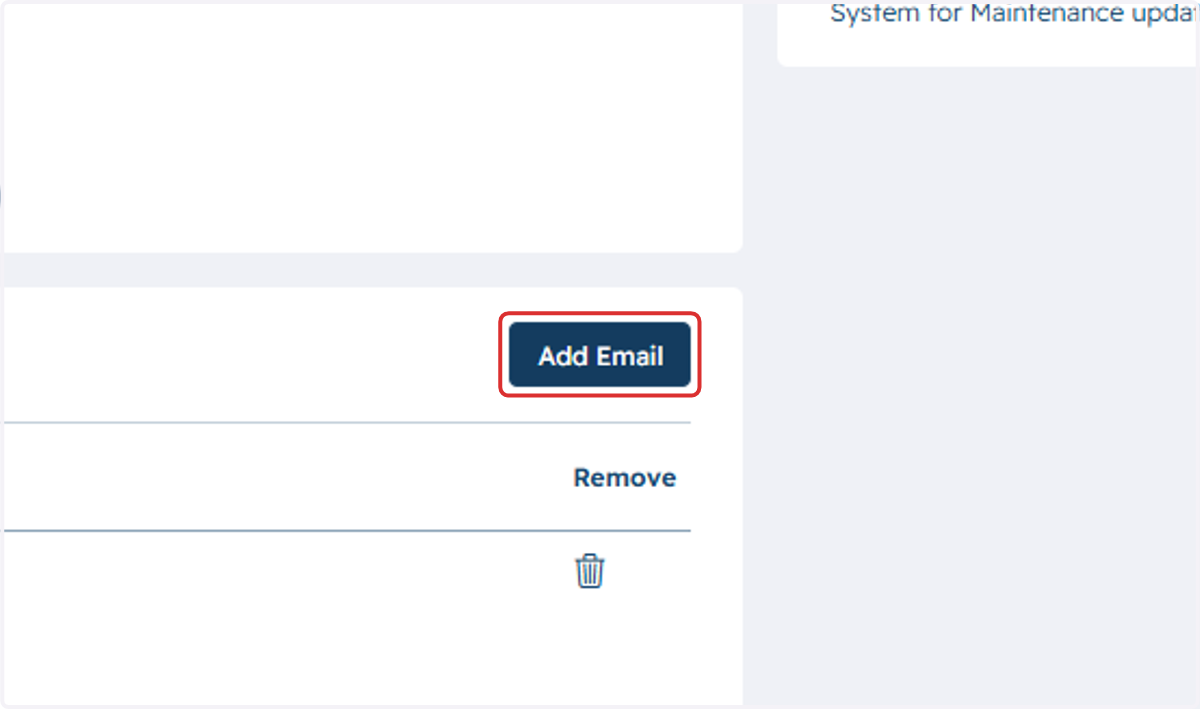
5. Click on Add Email
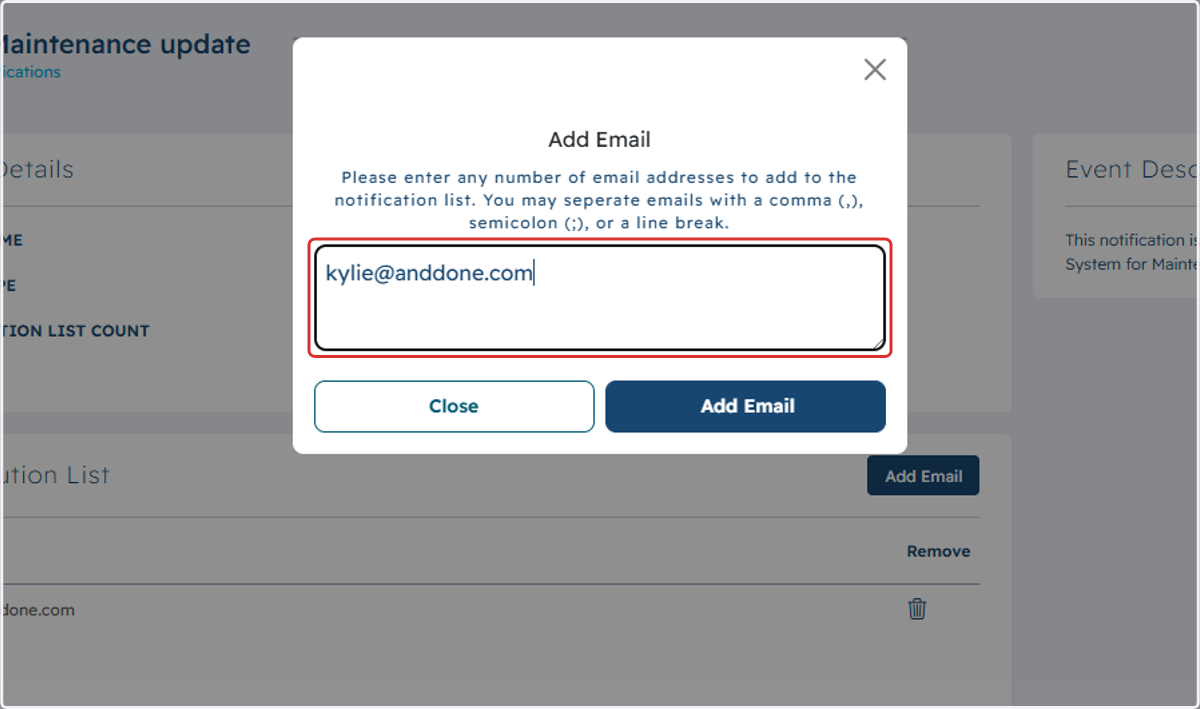
6. Type in your email address
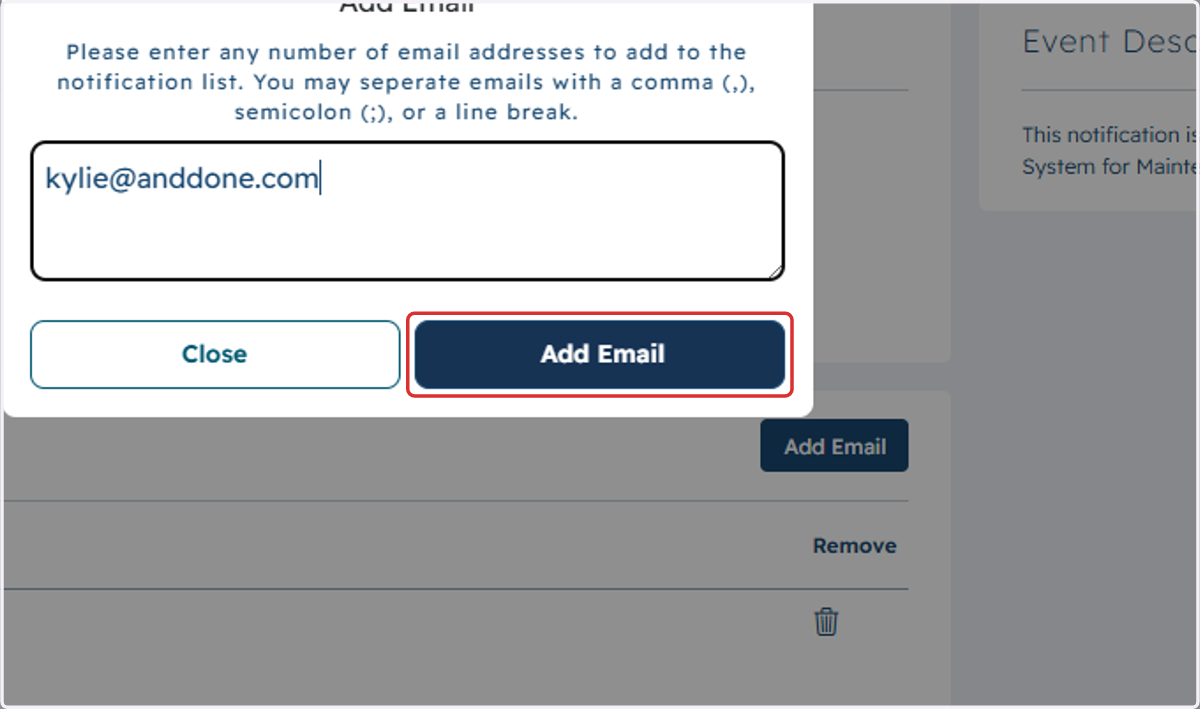
7. Click on Add Email
8. Make sure email status is marked as enabled.