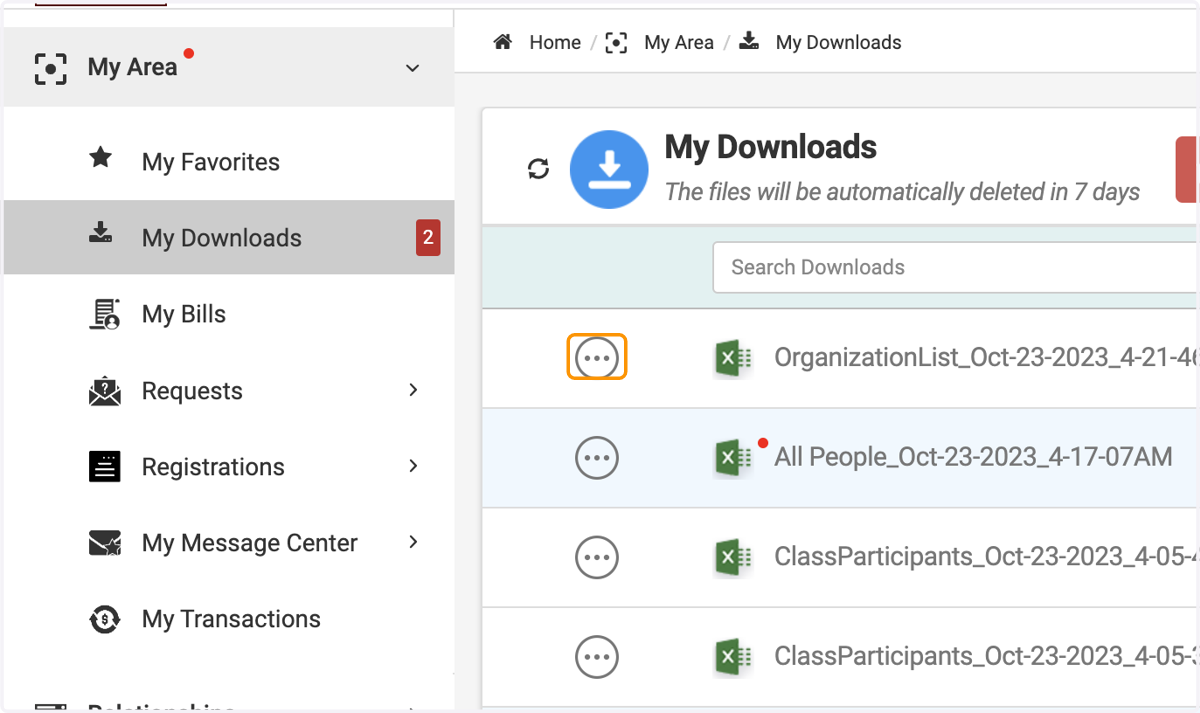
Exporting Organizations
XSBA Downloads: Powered by Engagifii
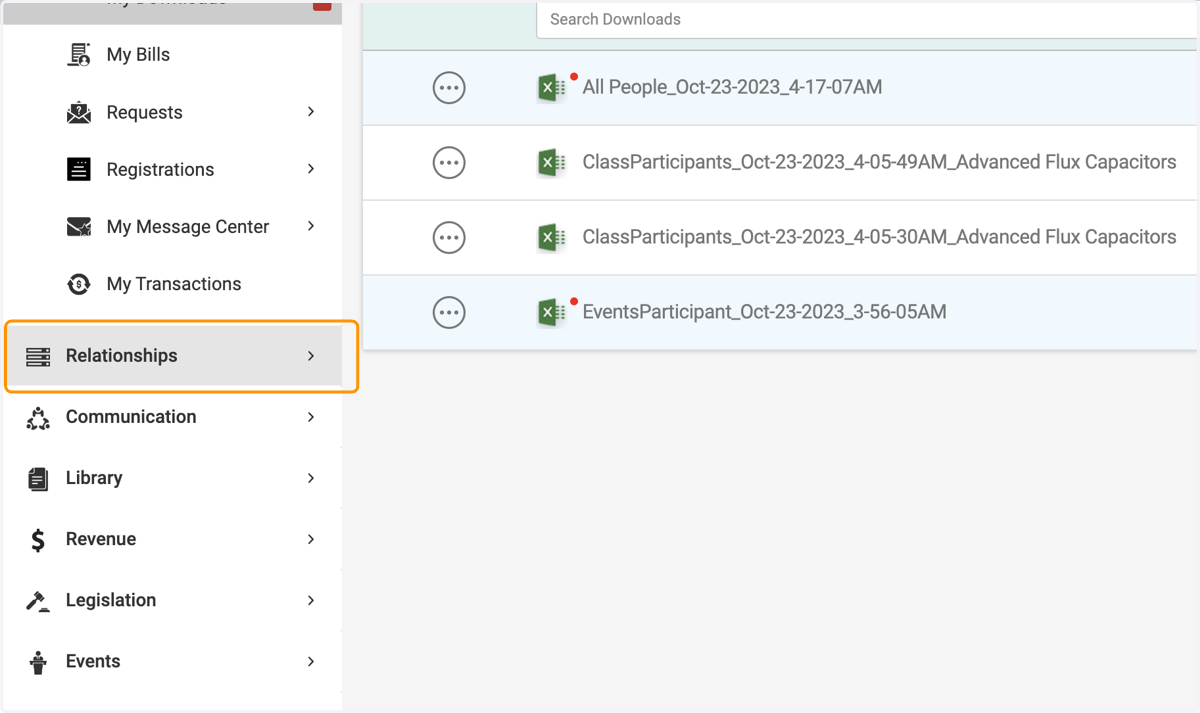
1. Click on Relationships
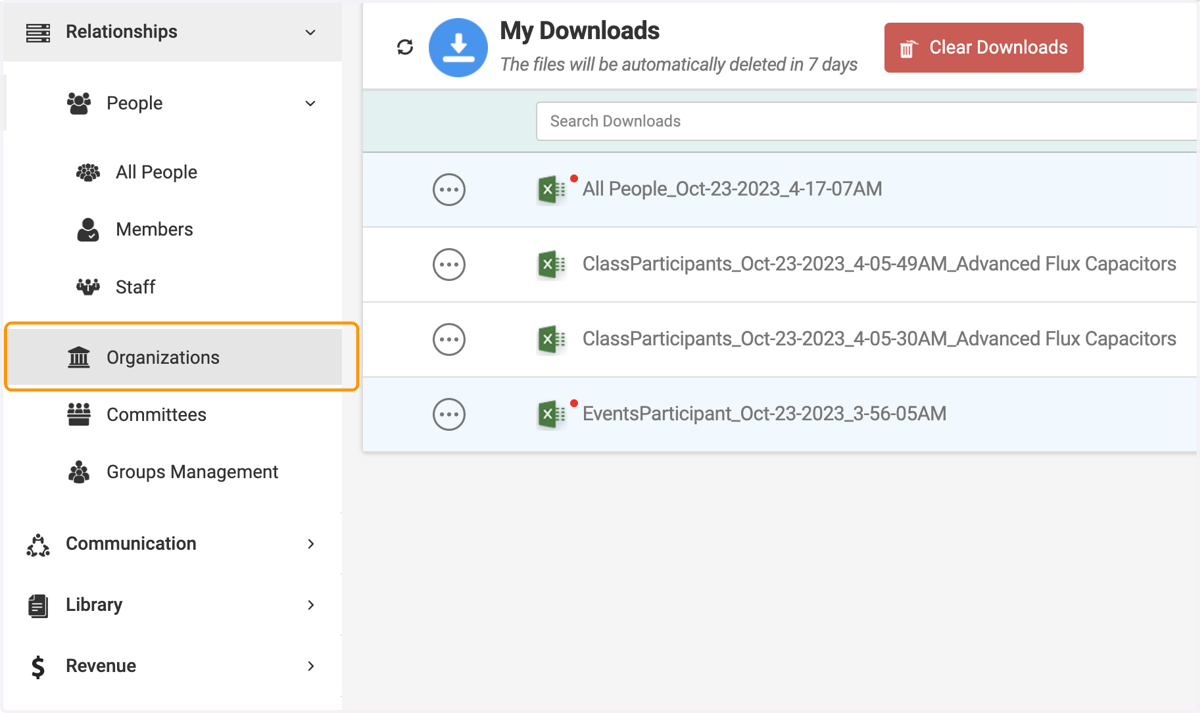
2. Click on Organizations
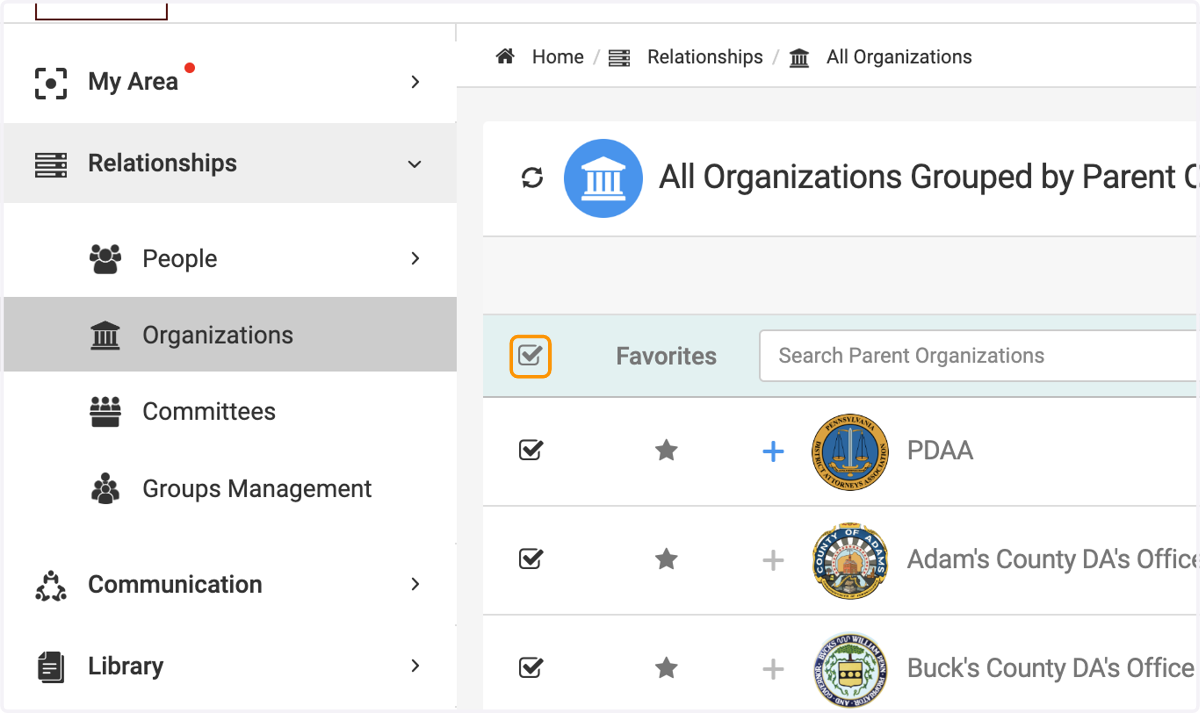
3. Check on the tick box to select all the organizations you wish to be in the report
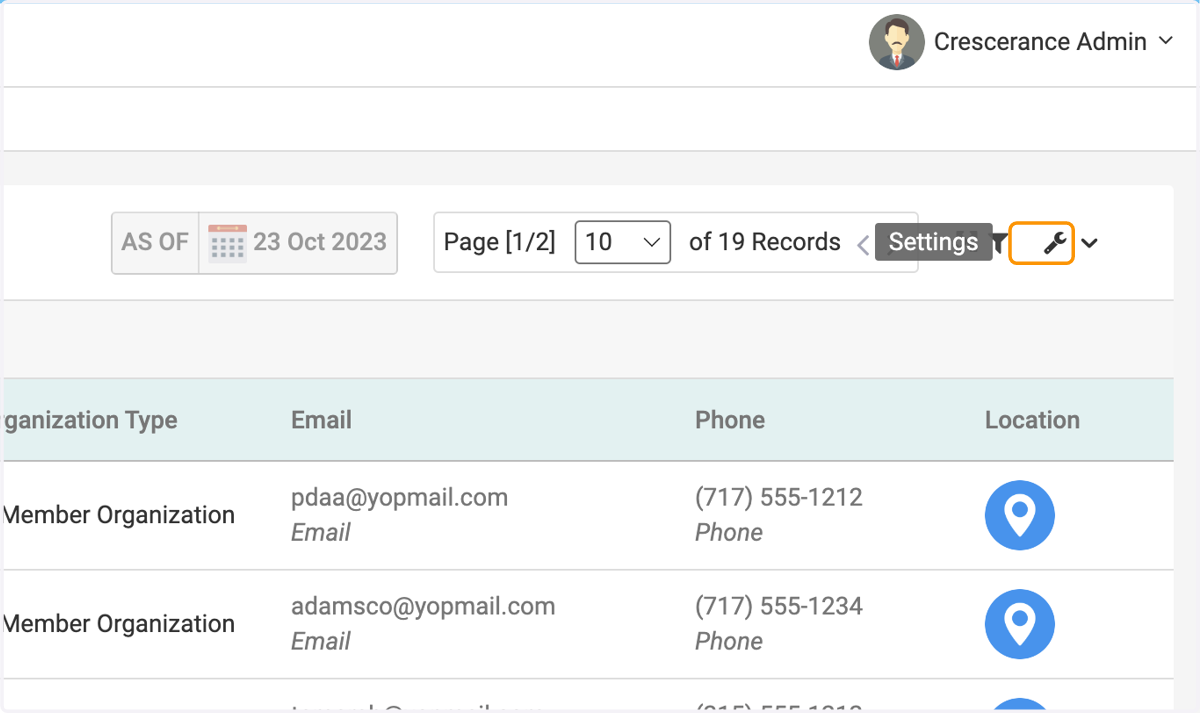
4. Click on Settings
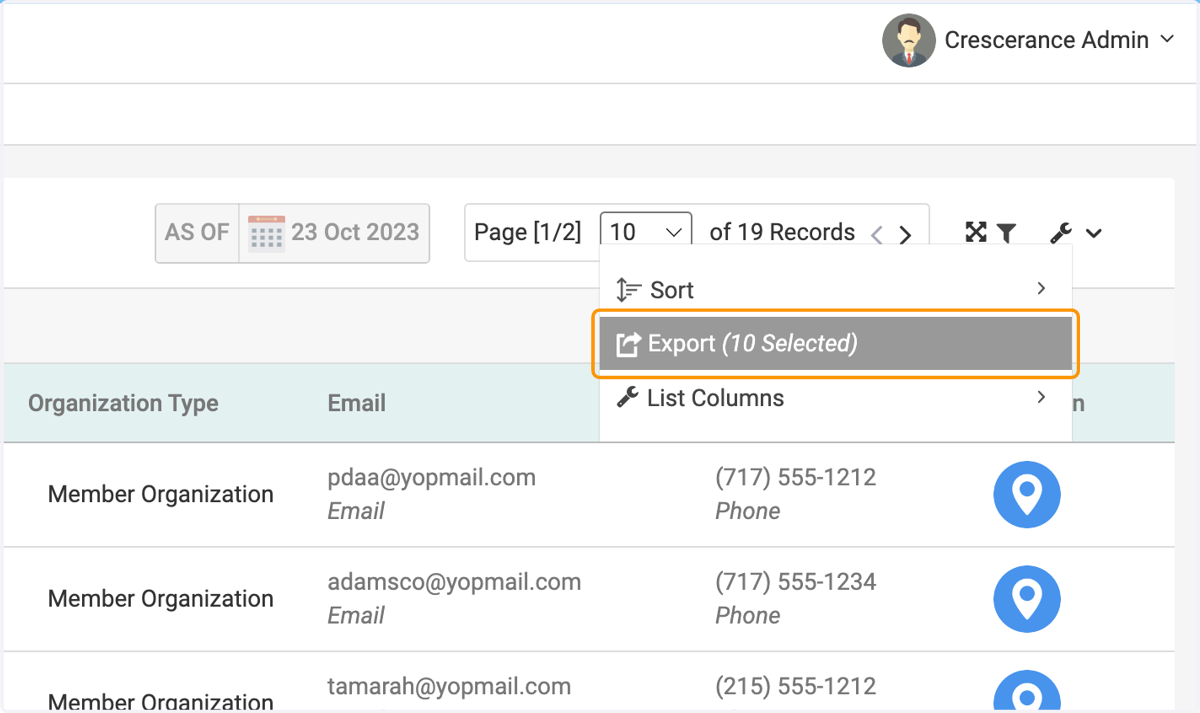
5. Click on Export
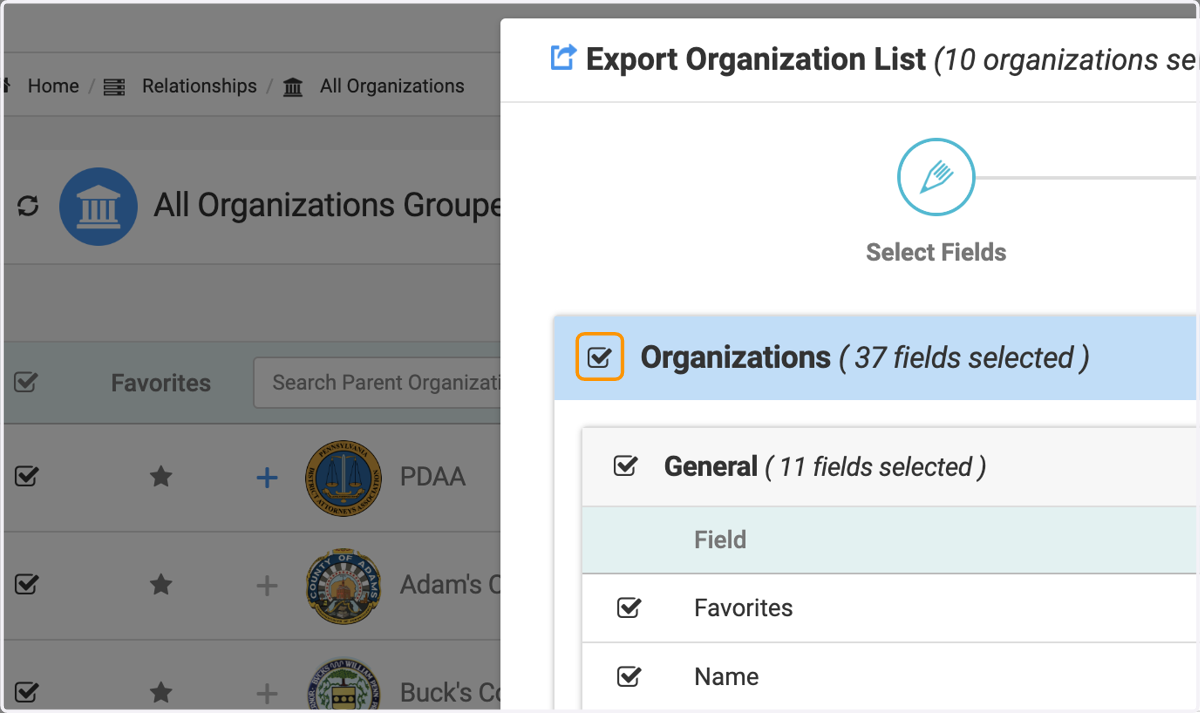
6. Check on the tick box to include all desired fields on the report
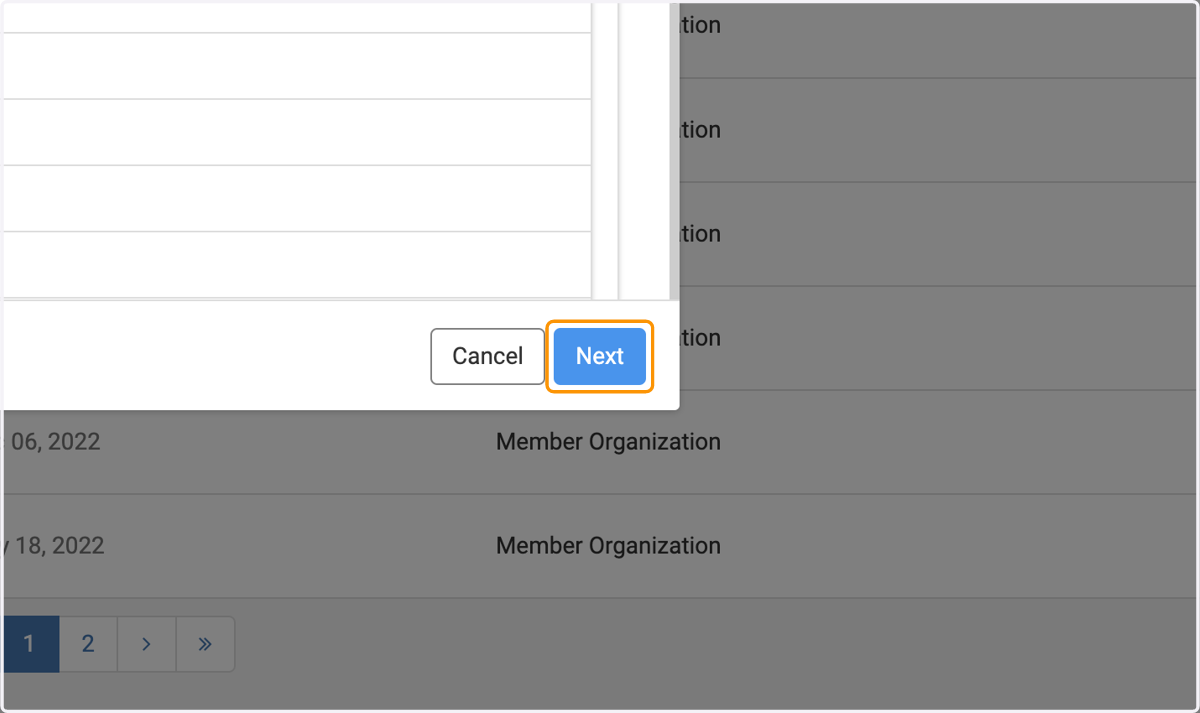
7. Click on Next
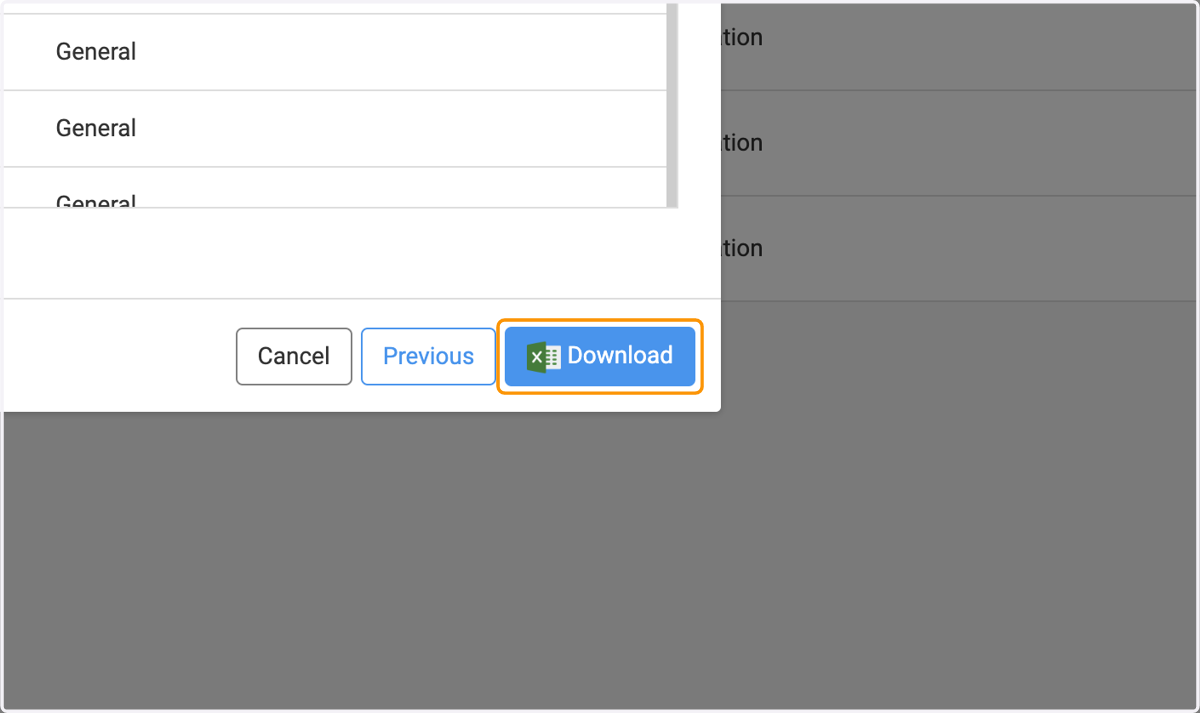
8. Click on Download
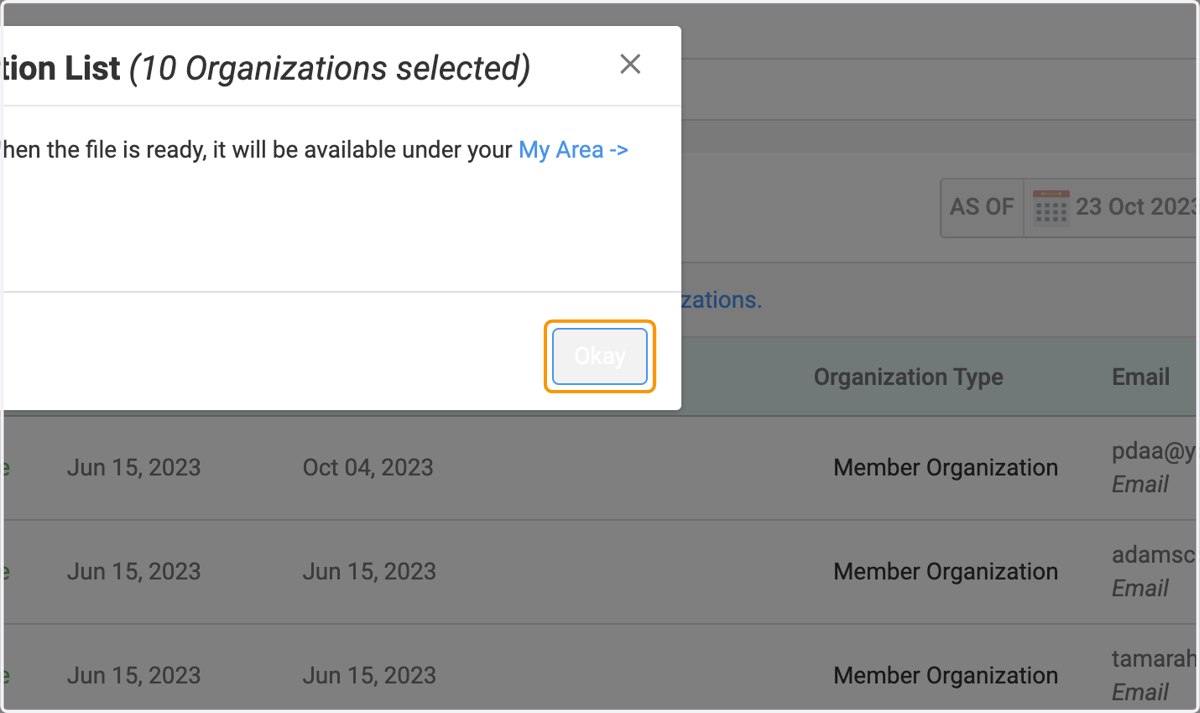
9. Click on Okay
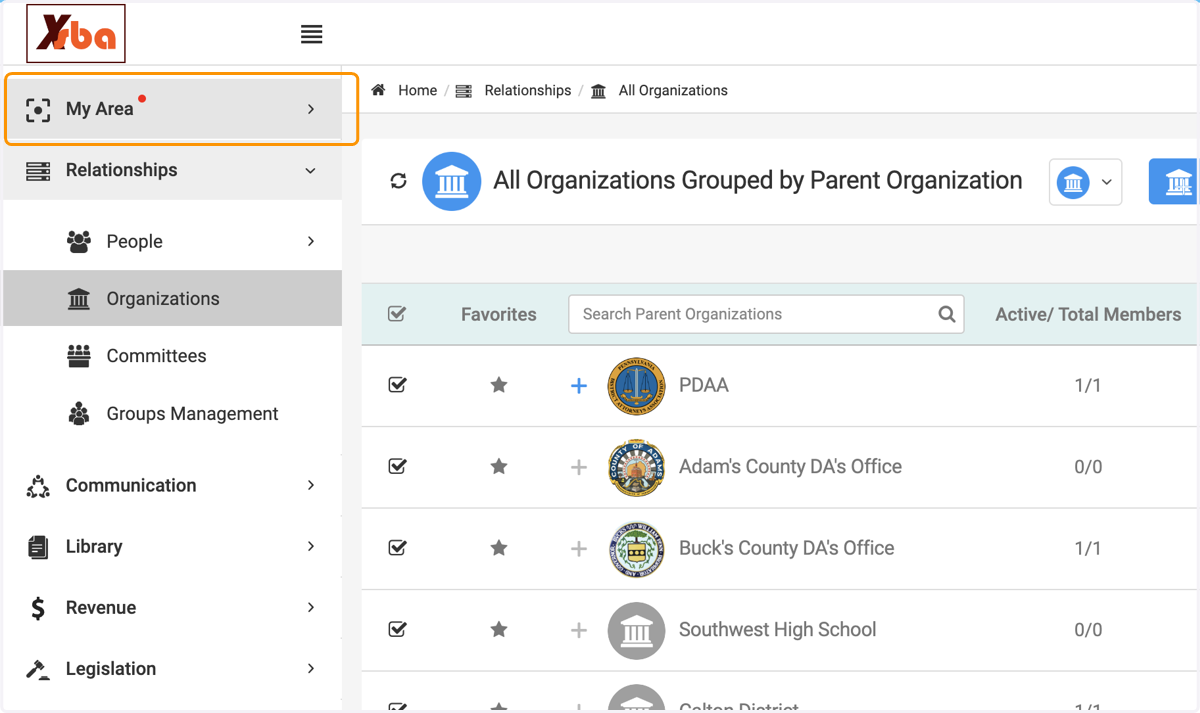
10. Click on My Area
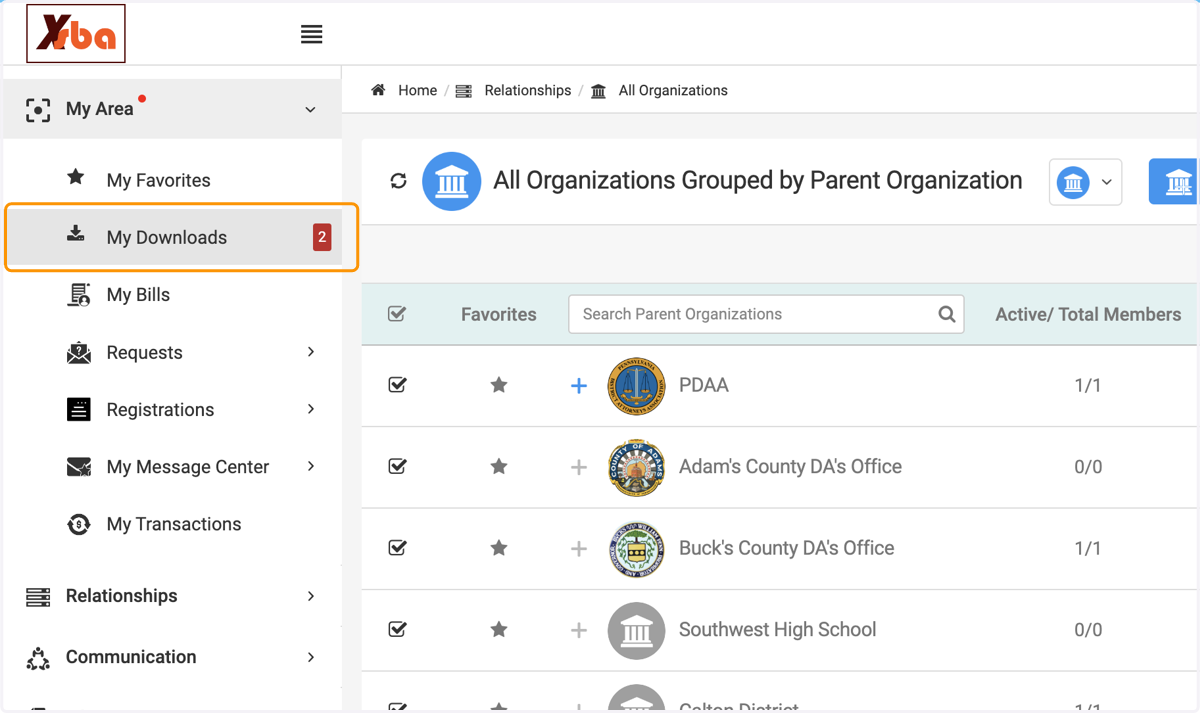
11. Click on My Downloads…
12. Click on the button incase you wish to cancel the export